Repository navigation
Releases
Releases · MaxiBono/MaXMB
MaXMB v1.1.4

Changes:
- Added an option of making Reactive Icon Styles react to backgrounds and overlays. Settings > Theme Settings > Icons > Reactive Icons over Background/Overlay. This new option could be very taxing on slower computers
- Added option of enabling Custom Themes/PS3 Themes/Icon Sets folders. Settings > Theme Settings > Text and Color > Theme Folders
- Added two options for Folder Colors. Settings > Theme Settings > Text and Color > Folder Color and Folder Color Pick
- Added a small animation to the game triangle menus and the settings choice menus
- Now the system properly boots in focus when having "Start at Windows Startup" turned on
- Now Media Players' Icons properly change their style based on Icon Style
- Now you can properly skip the Intro with a controller
- Adjusted animation when scrolling through Media Sections
- Reworked default background colors
- Reworked PS3 Theme folders scale so they fit better with Media thumbnails
- Fixed a memory leak caused by Icon shading
- Fixed a bug where sometimes the cursor would sometimes disappear in the Browser
- Fixed a bug where closing a game with Alt+F4 would also close the system
- Fixed a bug where changing the "Close System" key in "Change Keybinds" would immediately close the system
- Minor visual fixes
- Refactored xmb.js for better maintenance
- Updated README's Gallery Images
MaXMB v1.1.0
Changes:
- Added the original wave as a default style called "Original" to choose from. Thanks to an adapted version of (https://github.com/sagemono/moyou). Check the updated "Before You Begin" section on the Manual for instructions on how to add the necessary file
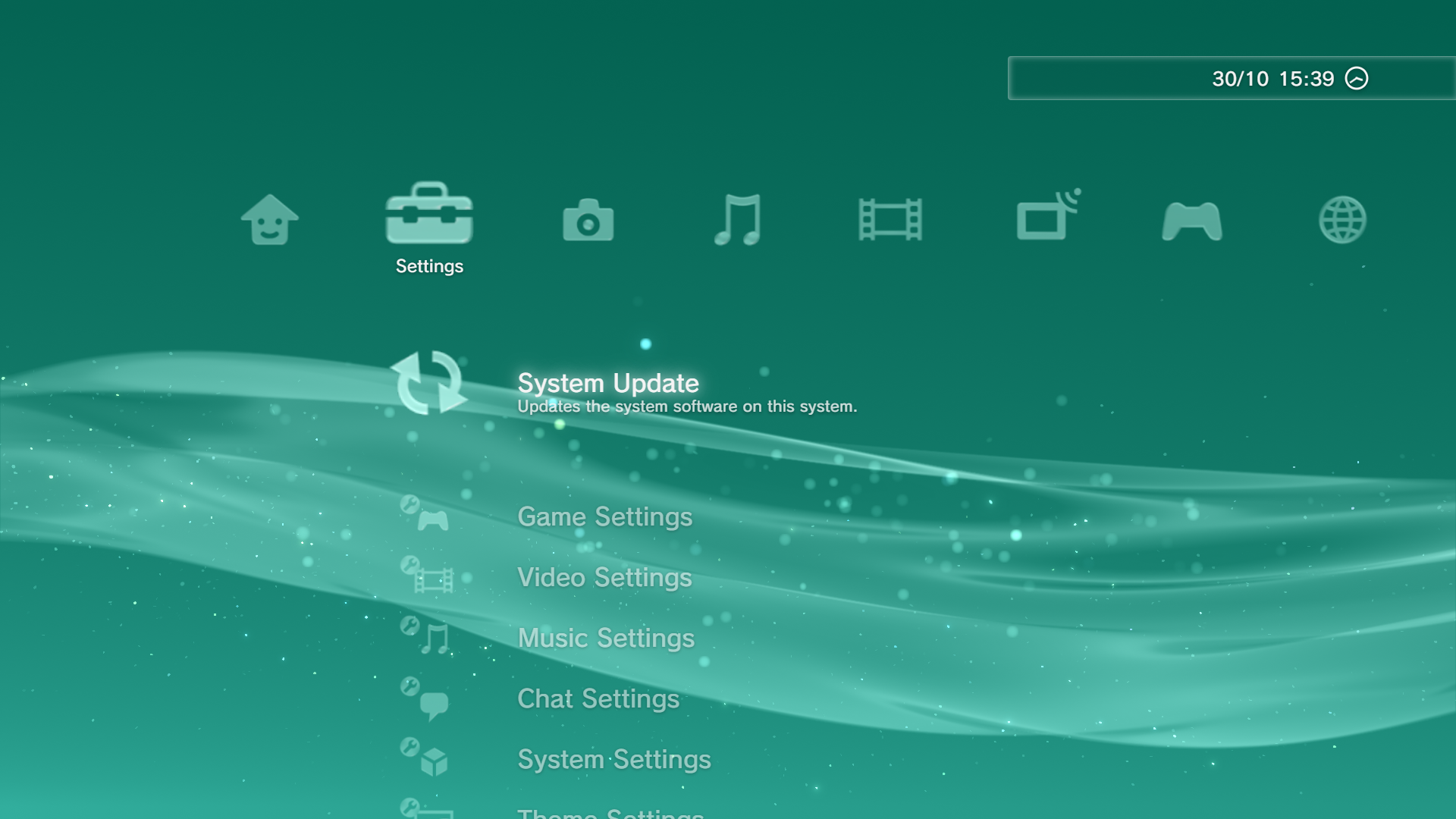
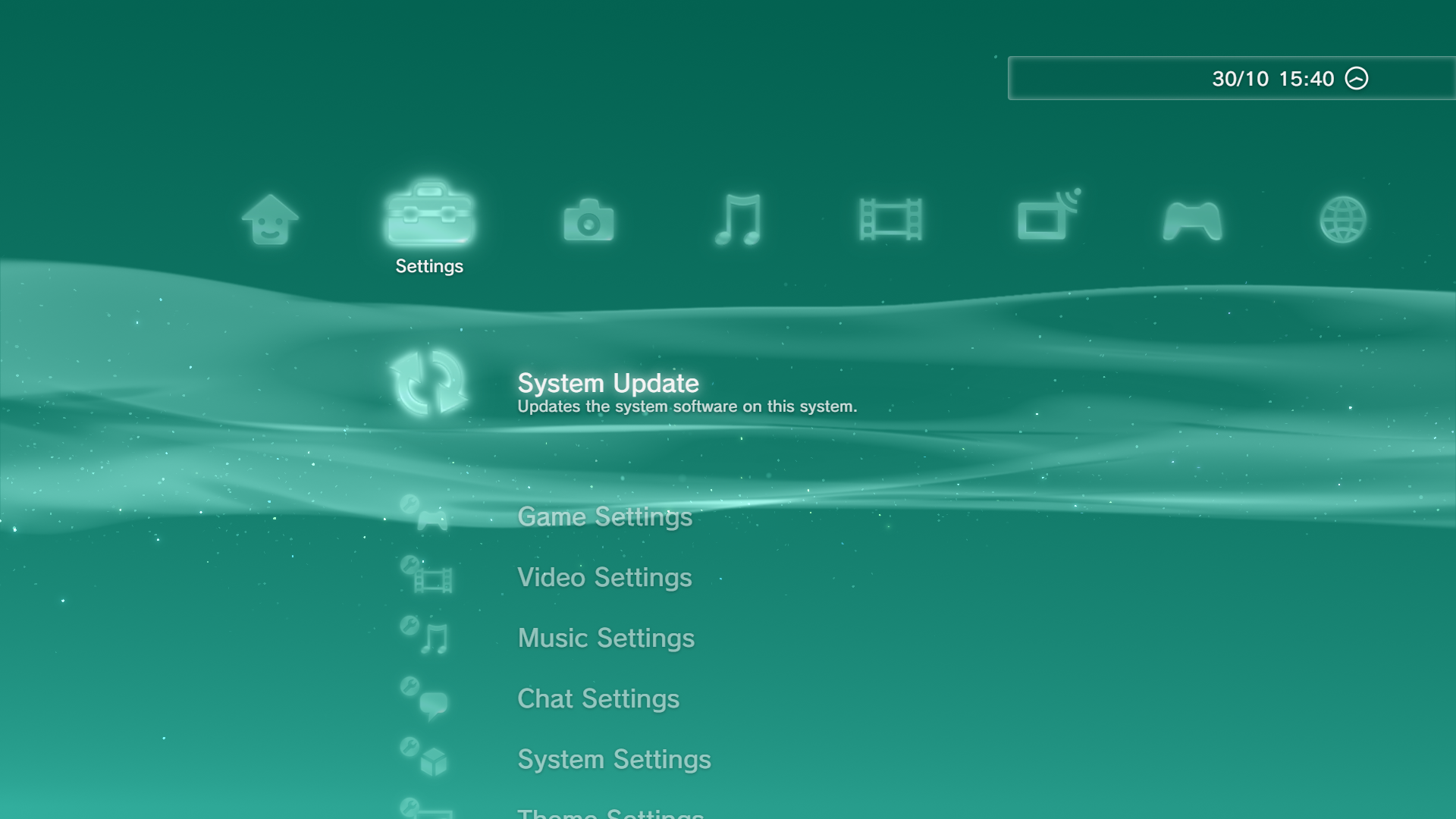
- New "Original (Reactive)" default icon style with refraction effects
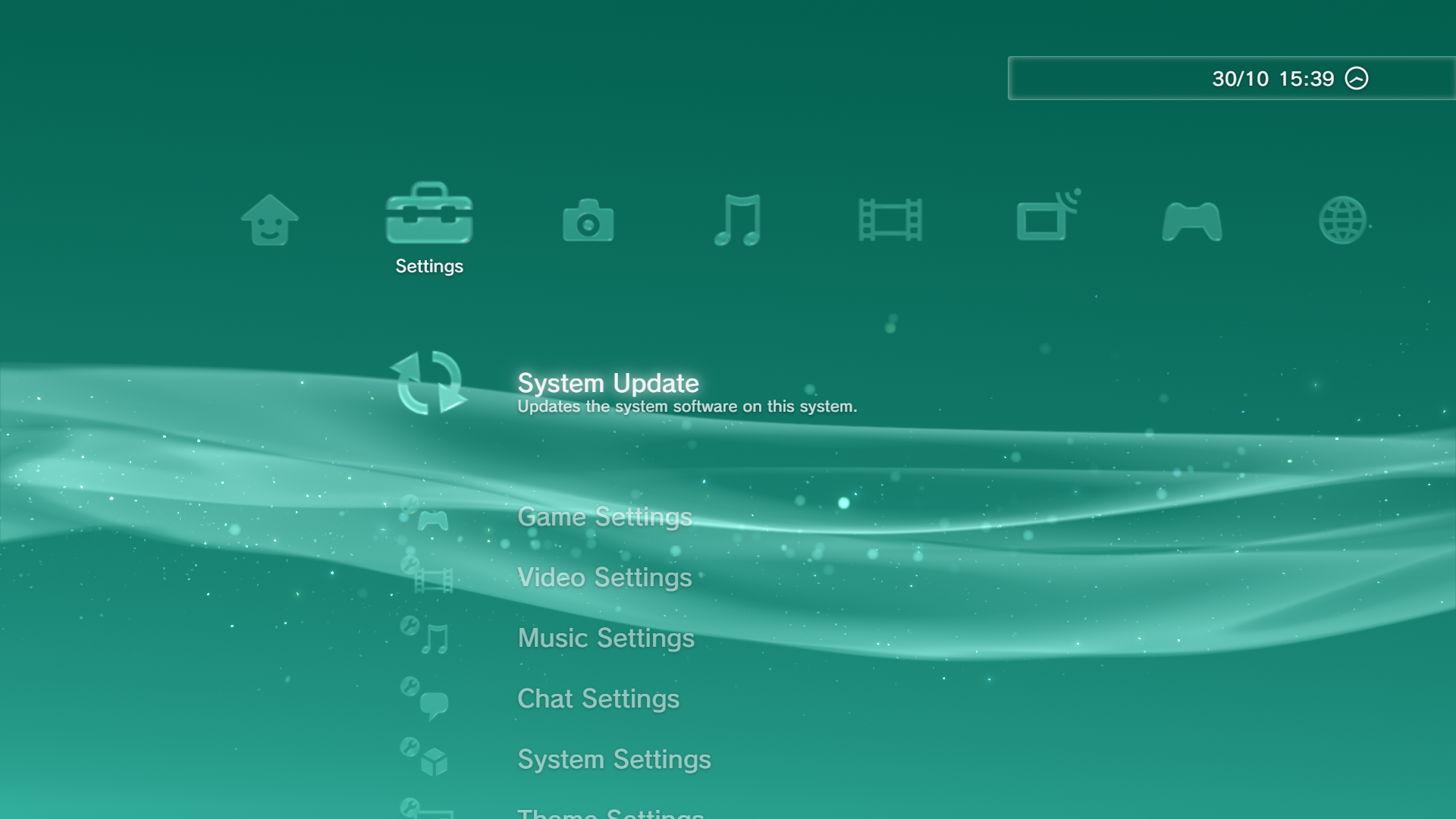
- Added new "Glow", "Glow (Pulsating)" and "Glass (Reactive)" icon styles
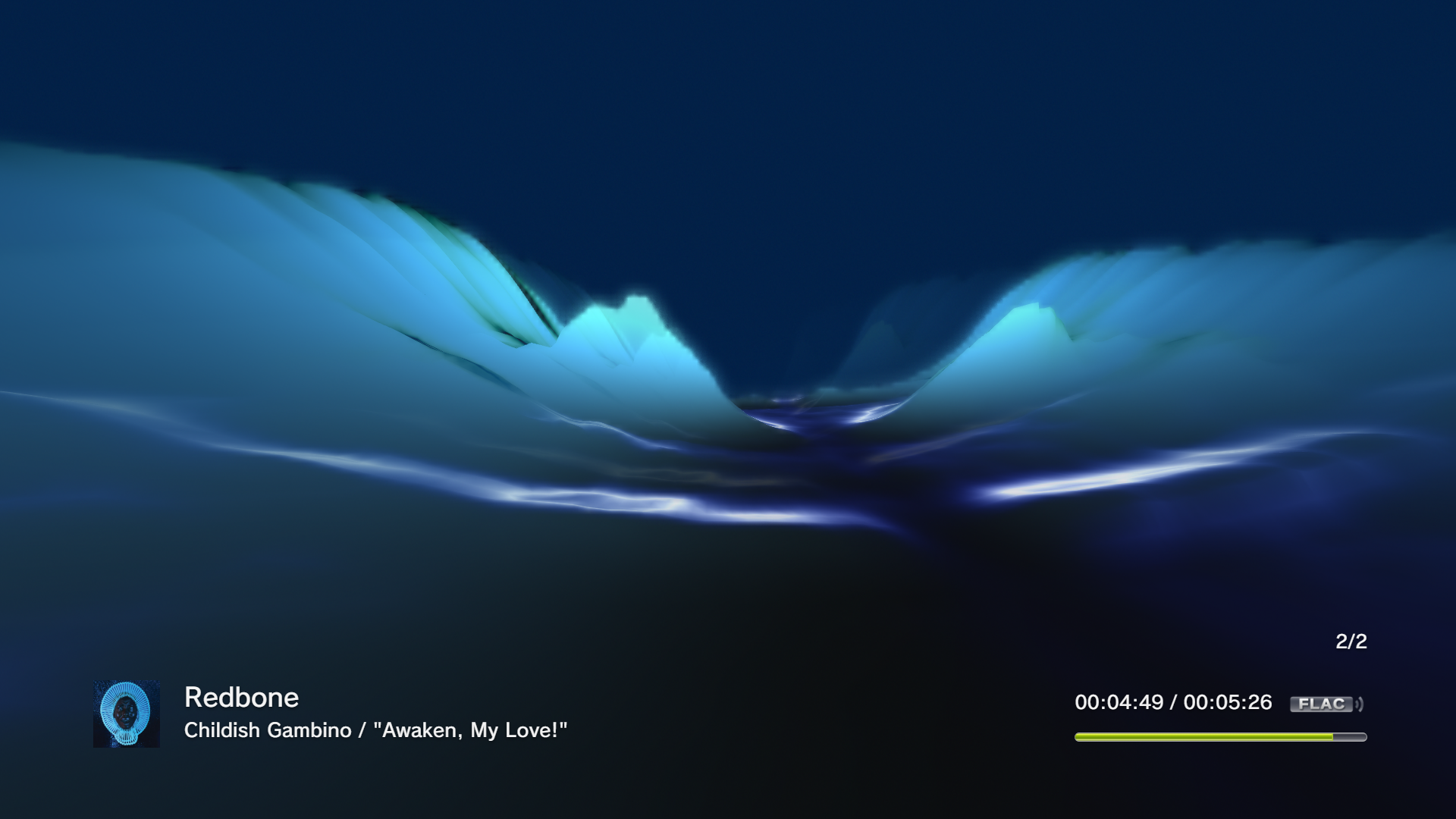
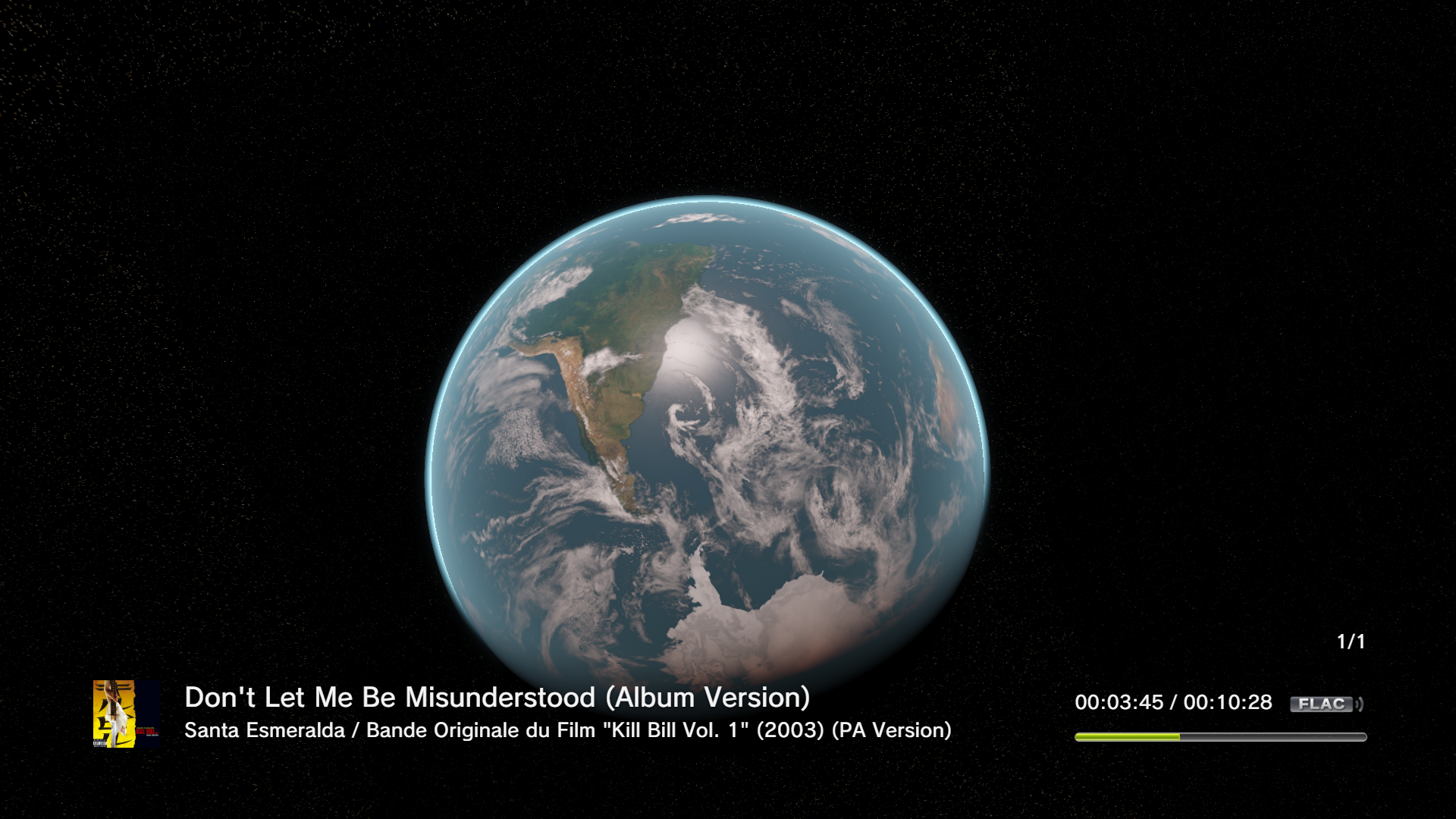
- Working Visualizers for the Music Player. Check the updated "Before You Begin" section on the Manual for instructions on how to add the necessary files
- Now PS3 Theme parts can be saved onto Custom Themes
- New "Vice" Icon Set included
- Added new program detection system for folders with multiple games/programs
- Added support for Steam and other game launcher's specific shortcuts
- Added choice for which kinds of files to read from user picked folders in Custom Sections
- The Browser now keeps LibreWolf's portable profile saved. You need to sign in from inside the MaXMB first for it to take effect
- Now fully colored Icon Sets can be saved inside a Theme without getting overridden with the Icon Color Pick option
- Added transition for menus in Settings
- Slightly reworked Intro
- Now media sections can be navigated quicker
- Some QoL improvements and small fixes
- Updated README and Manual
- Added changelog.txt for technical changes
The new "Original" Wave Style and the new "Original (Reactive)" and "Glass (Reactive)" Icon Styles might cause some performance issues on slower computers, in the case of this happening, try changing these styles.
"Original (Reactive)" Icon Style:
"Glass (Reactive)" Icon Style:
"Glow" Icon Style:
Music Player Visualizers: