Repository navigation
Releases
V8 FINAL BETA

Week 8 FINAL
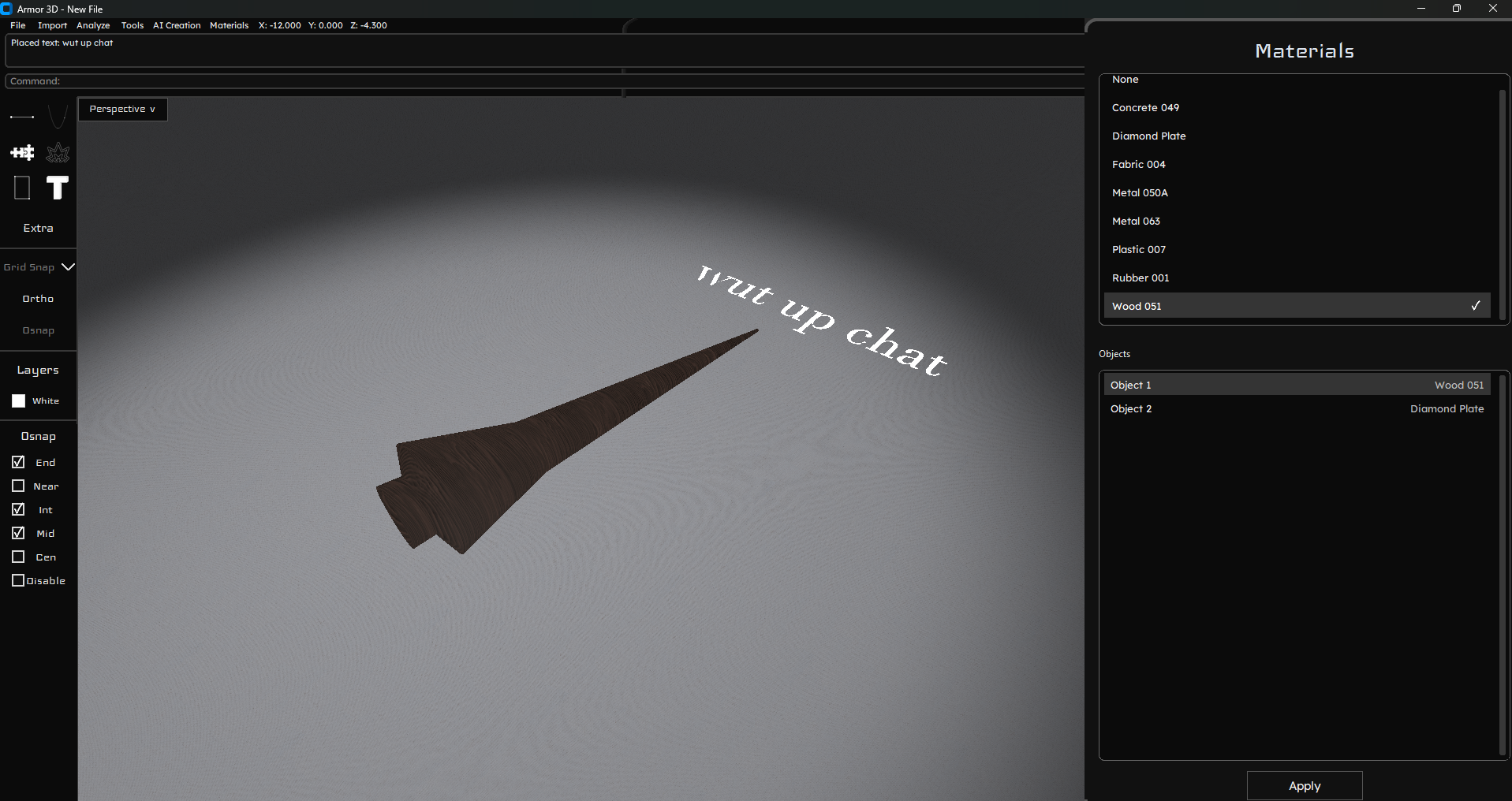
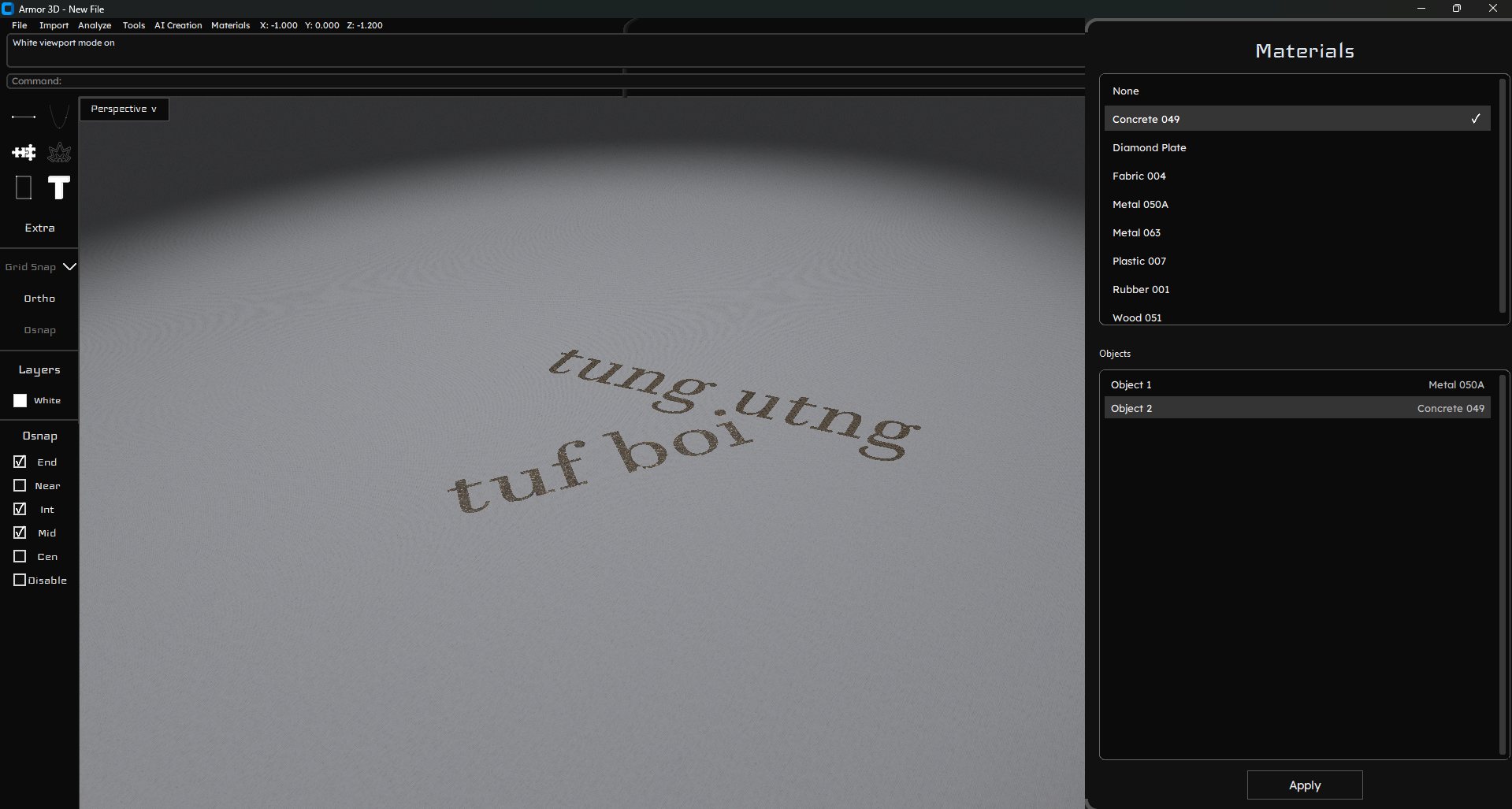
- added render mode
- improved text adding
- material selection
- added texture support for materials in the viewport's render mode
- viewport textured floor and scene lighting
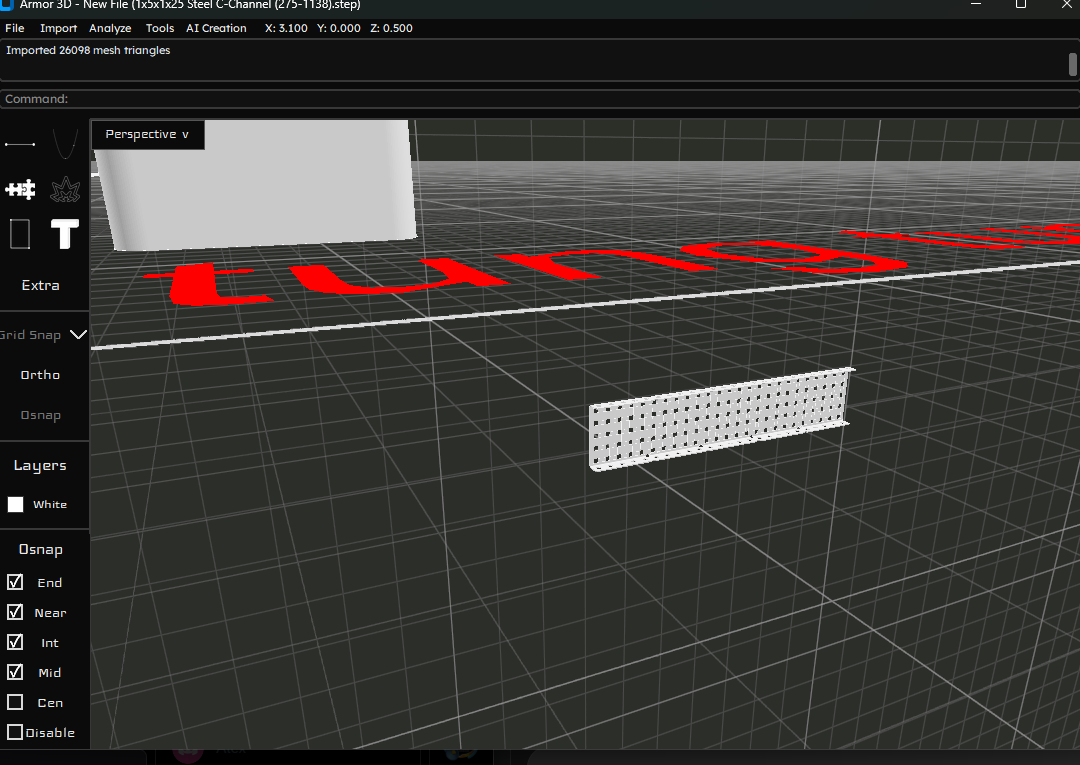
- improved 3d mesh importing support
v7
Week 7 Progress
- added fillet
- added model importing
- added connect (used for connecting to models)
- added arc
- widened AI capabilities
v6.0
Week 6 Progress
- added 3dm saving
- more AI capabilities
- new color theme
- front viewport
- gumball (beta needs fixes)
Additional smaller improvements and bug fixes are most likely documented in the commit history.
v5.0
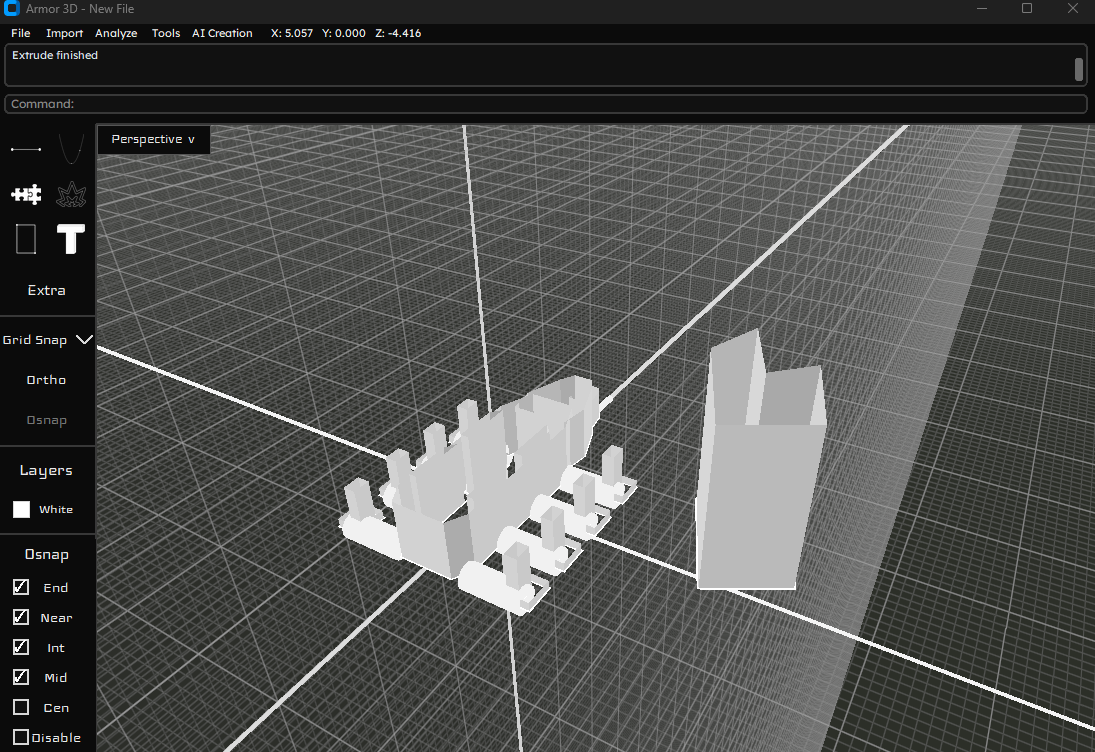
Week 5 Progress
- added extrude
- added AI creation ability
- added revolve
- added text
- improved hatch
- Additional smaller improvements and bug fixes are most likely documented in the commit history.
Armor 3D v4.1 release
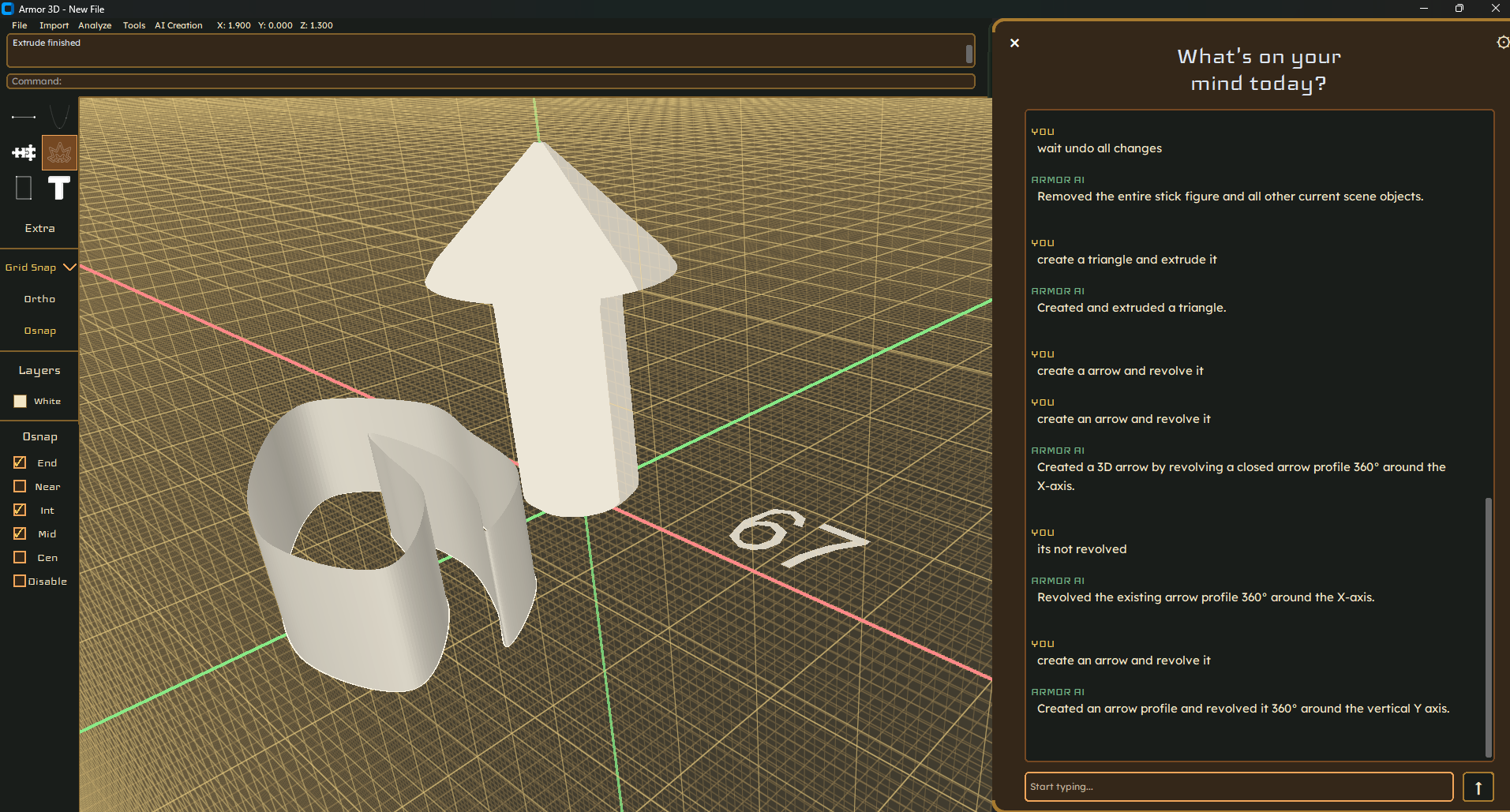
Week 4 Progress
- added and improved curve drawing
- added circle and rectangle drawing tools
- added radius and diameter input for circles
- added ortho mode
- added distance input feature
- added image importing
- added hatch
V3.1
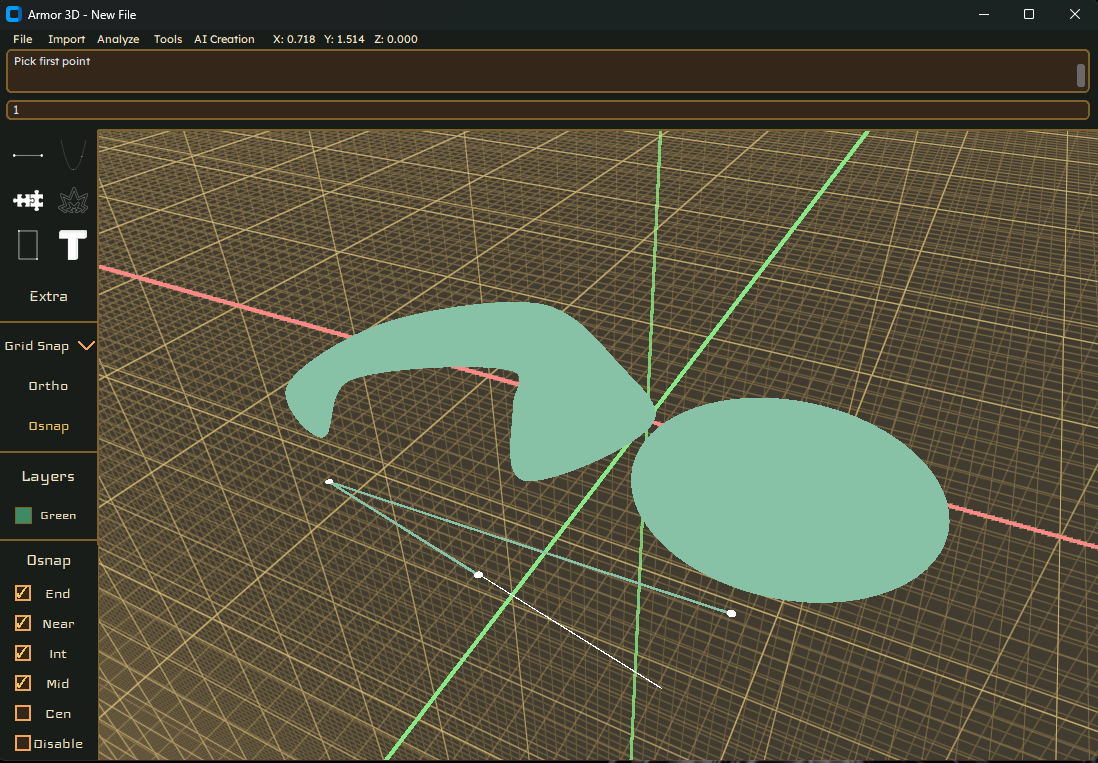
Armor 3D has been majorly worked on with major features added, and started AI integration.
This release includes features:
Added two-click circle creation using Rust geometry.
Added save and importing DXF drawings
Added mirroring, copying, selected-object duplication, and arrow-key movement.
Added undo and redo, including undoing the most recent segment while drawing a polyline.
Improved grid snapping with adjustable spacing and added a live coordinate readout.
Added DXF import and export, supporting LINE and LWPOLYLINE entities.
Added New and Save workflows, file names in the window title, and JSON-backed settings.
Improved coordinate awareness and response behavior in the AI sidebar.
Added text-rendering support and began work on curve drawing and a textured renderer.
V3 Full Release

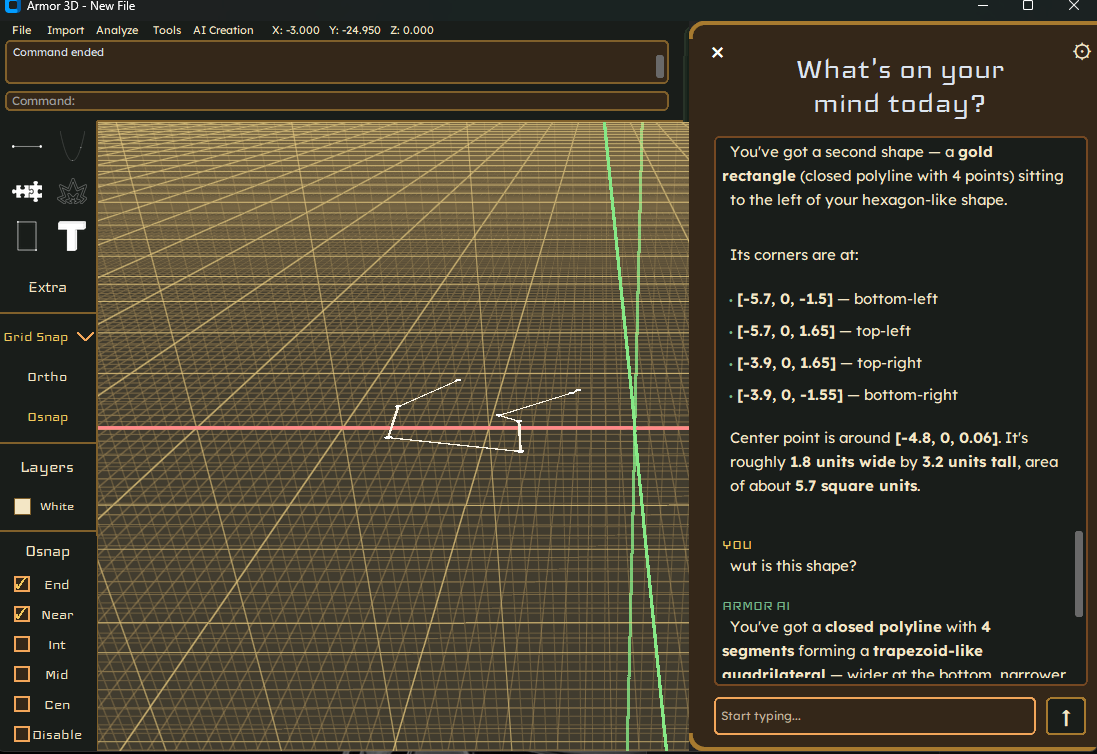
Armor 3D has been majorly worked on with major features added, and started AI integration.
This release includes features:
- Added two-click circle creation using Rust geometry.
- Added mirroring, selected-object duplication, and arrow-key movement.
- Added undo and redo, including undoing the most recent segment while drawing a polyline.
- Improved grid snapping with adjustable spacing and added a live coordinate readout.
- Added DXF import and export, supporting LINE and LWPOLYLINE entities.
- Added New and Save workflows, file names in the window title, and JSON-backed settings.
- Improved coordinate awareness and response behavior in the AI sidebar.
- Added text-rendering support and began work on curve drawing and a textured renderer.
V2 Full Release
Armor 3D has been majorly worked on with major features added, and started AI integration.
This release includes features:
AI chat - only a chatbot for now, with the ability to switch between models
Command line: type and press enter for commands
Polyline drawing - w/ osnap, delete, drag, and the ability to move
Save drawing PNG feature
Read README for controls
This release may have bugs we are unaware of, so expect incomplete tools and occasional issues.
To run, download the EXE, ignore the windows warning, and continue onto the app - have fun!
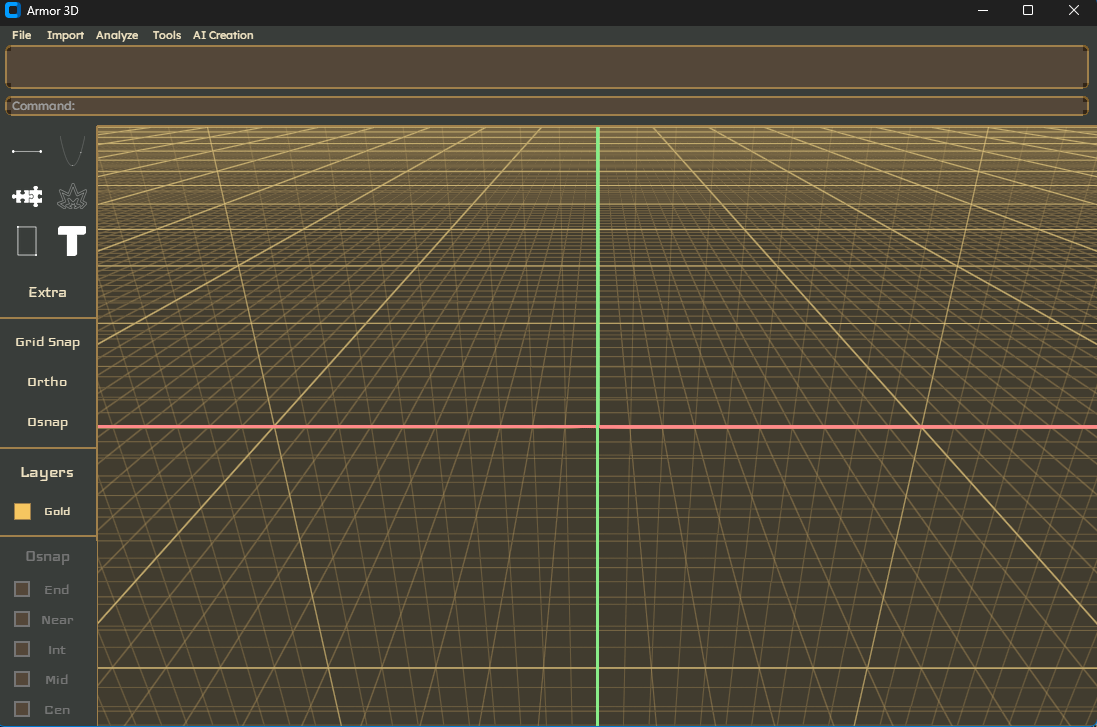
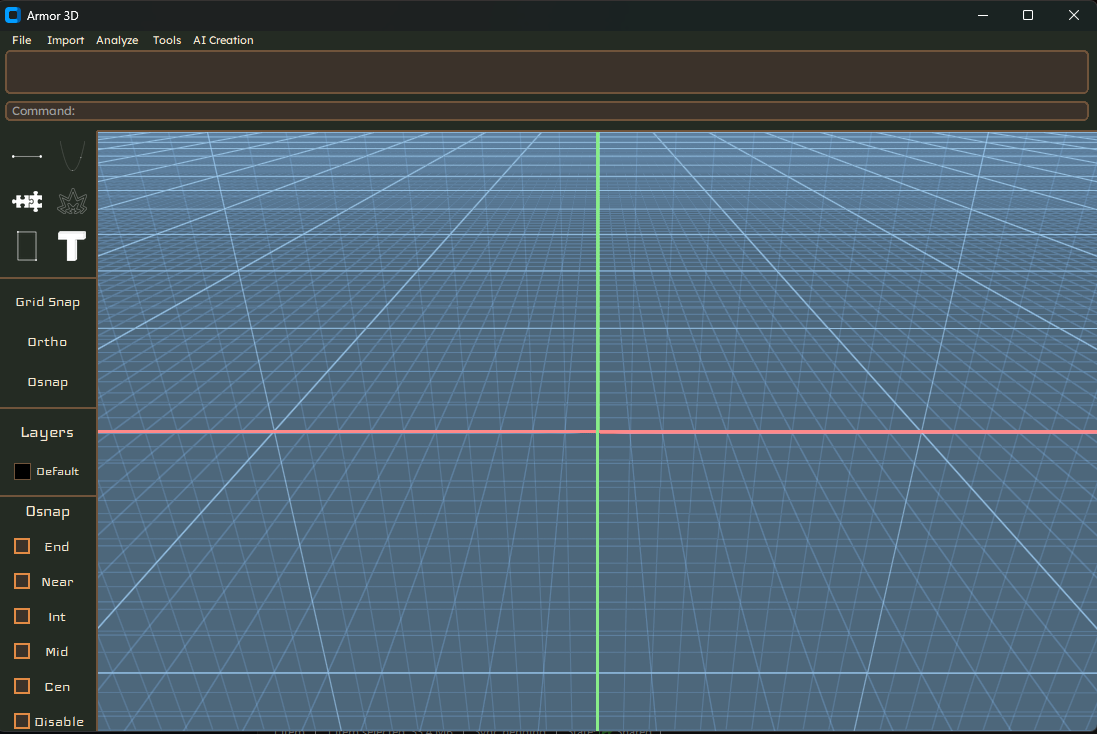
V1.0 - WEEK 1 RELEASE
This is our first Windows build of Armor3D, a proof of concept from our first week.
You can navigate the 3D grid and use a temporary drawing feature. Press 2 to switch to a top down 2D view. The UI also has a command box, toolbar, and harvest themed design for week one.
This is an early demo, not a finished CAD tool. Most toolbar buttons aren't functional yet. The only buttons that work right now are the AI Creation button (actual AI isn't implemented yet), the File button (the dropdown works, but buttons don't do anything), and the Analyze button (only the dropdown works; it doesn't do anything).
Download Armor3D.exe from this release to try it on Windows.