Repository navigation
UI Captures
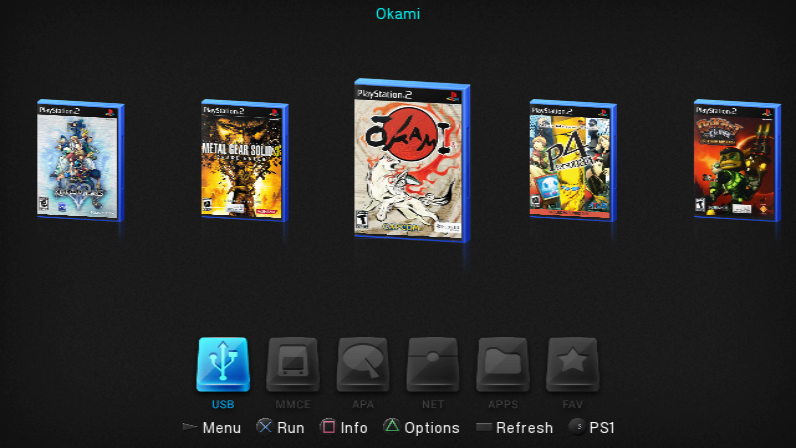
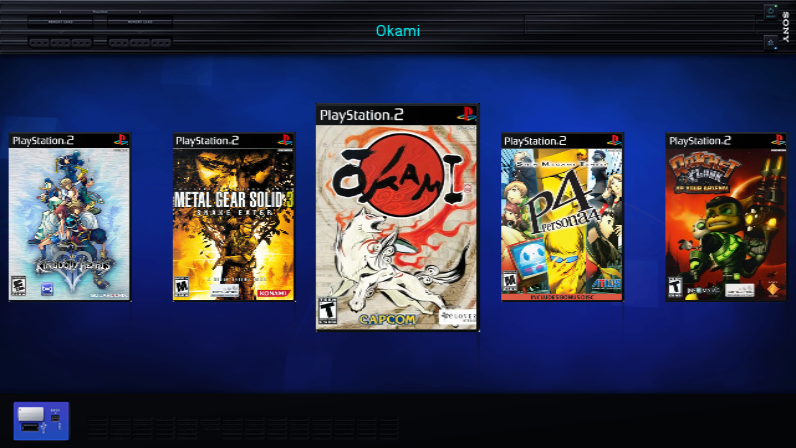
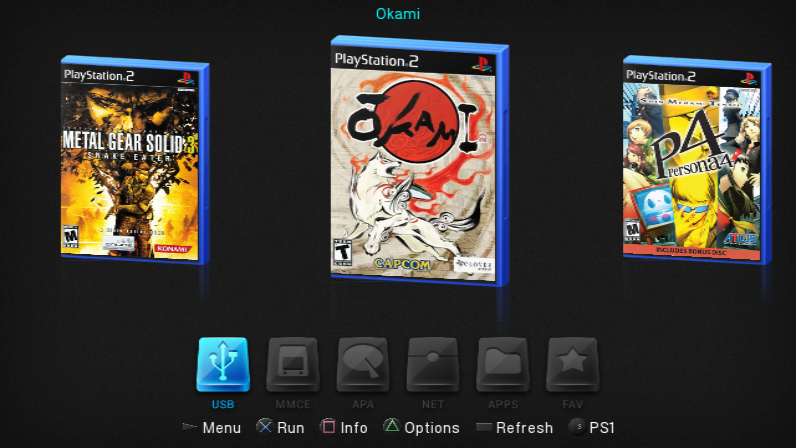
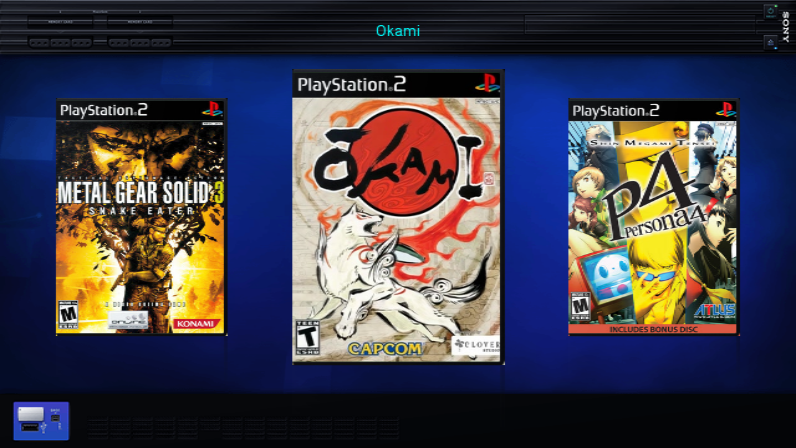
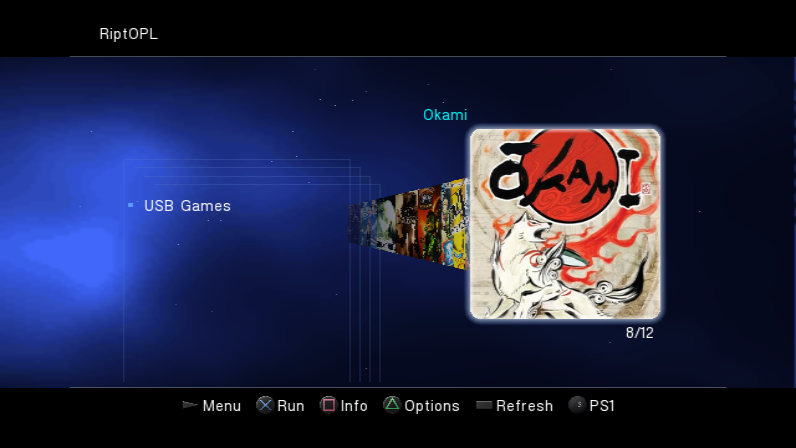
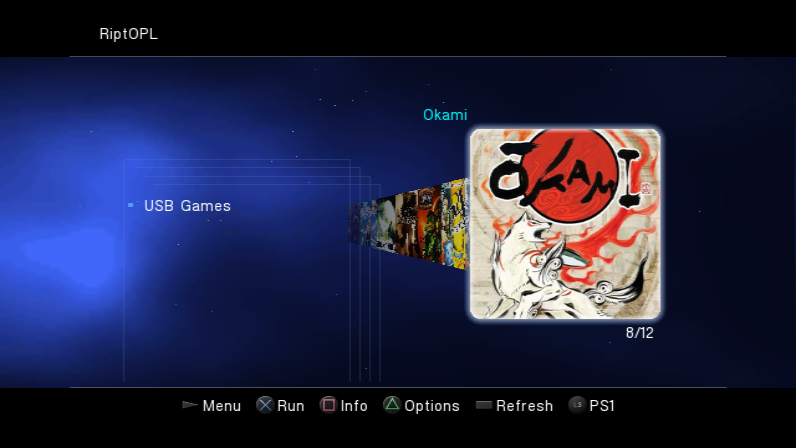
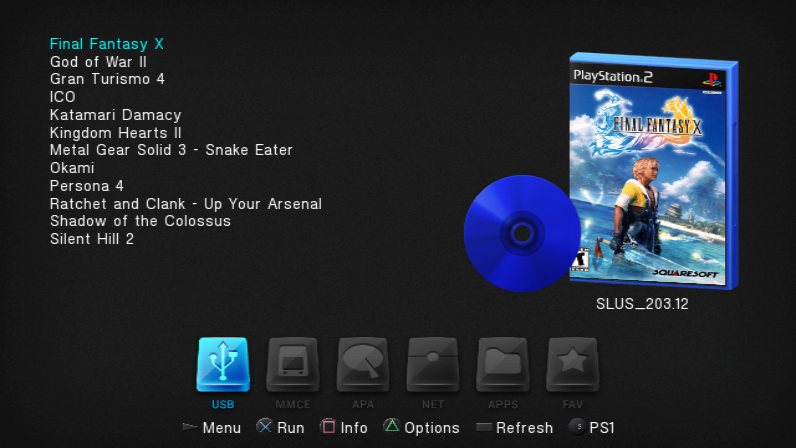
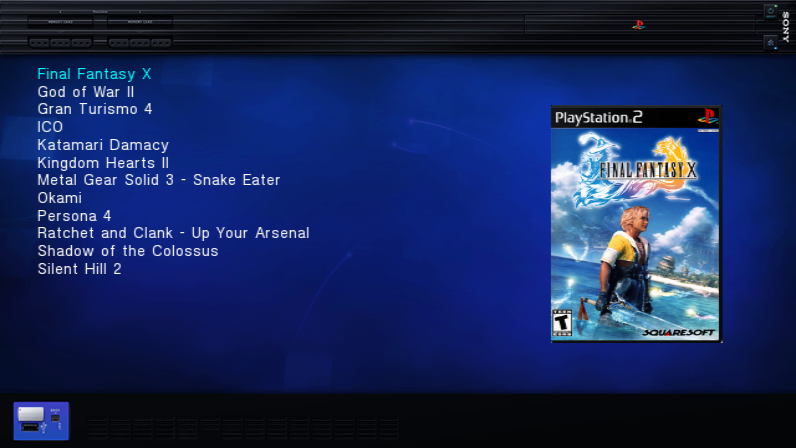
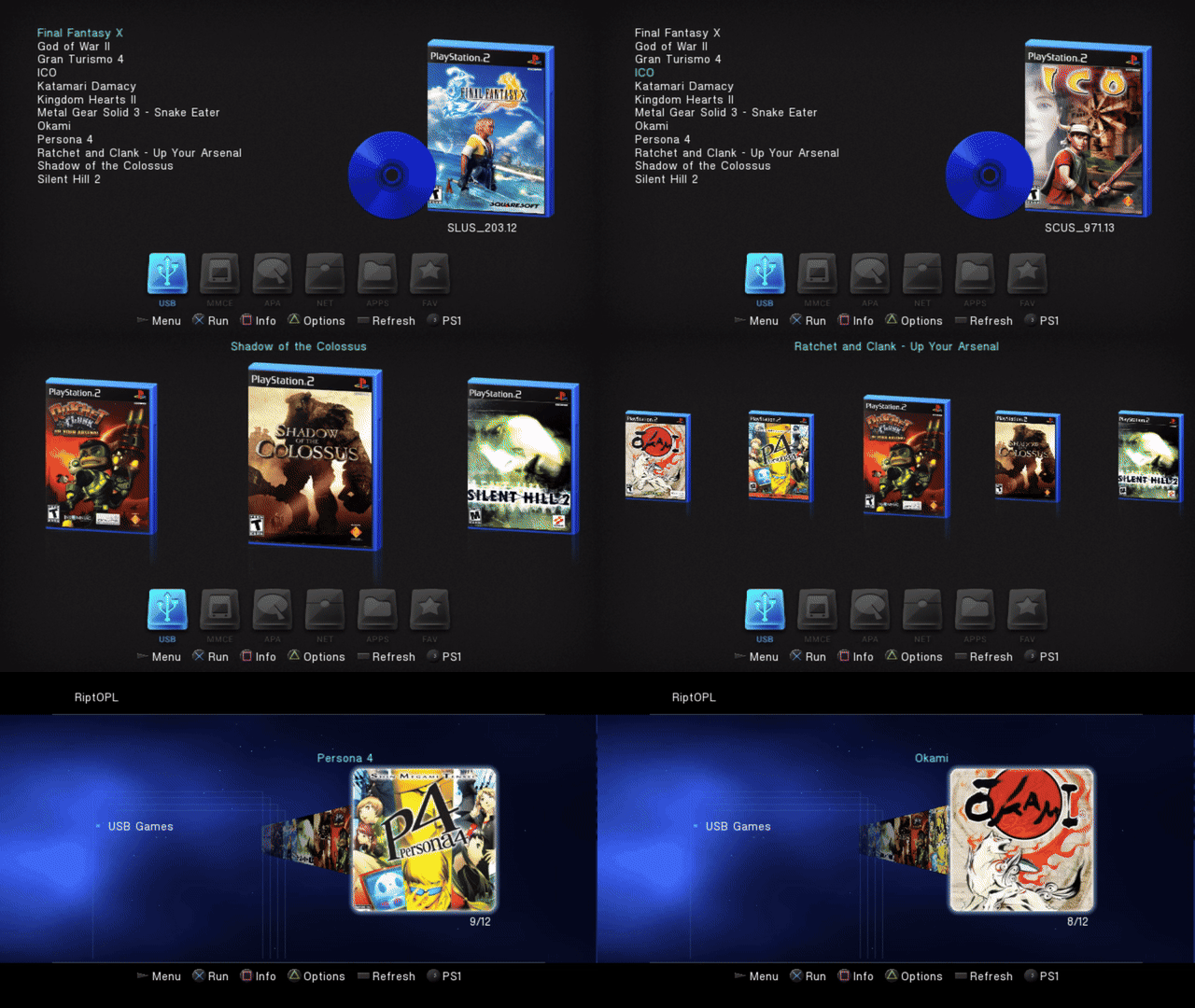
These screenshots and clips show the real RiptOPL menu running in RIPPCSX2. The collection covers library views, per-game controls and settings. Each pair shows the same screen in Korium and IncebtIon, captured from the same release source commit with the same sample library, artwork and configuration.
The showcase uses a virtual USB disk containing 12 non-bootable placeholder files. RiptOPL scans the files and renders the matching art through its normal UI. No games are distributed or launched in the published media.
| Korium | IncebtIon |
|---|---|
 |
 |
| Korium | IncebtIon |
|---|---|
 |
 |
| Korium | IncebtIon |
|---|---|
 |
 |
| Korium | IncebtIon |
|---|---|
 |
 |
Watch the 24-second library tour
| Korium | IncebtIon |
|---|---|
 |
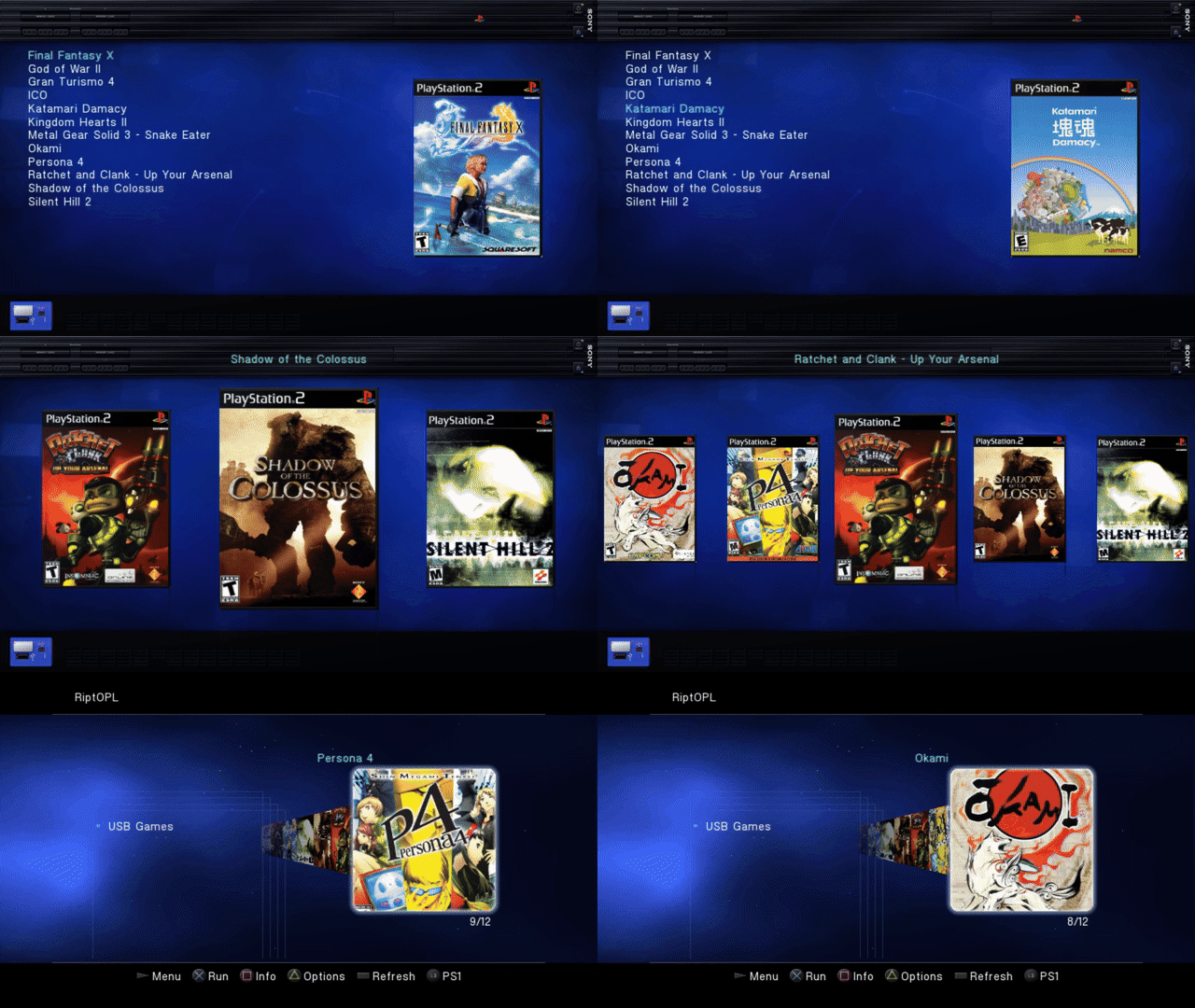 |
Korium MP4 / IncebtIon MP4. Four authentic browsing takes joined with straight cuts. PNGs preserve the complete 796 x 448 aspect-correct emulator output. The video is scaled to 960 x 540 at 20 fps; the GIF is 640 x 360 at 8 fps. The underlying interface is standard definition, not native HD.
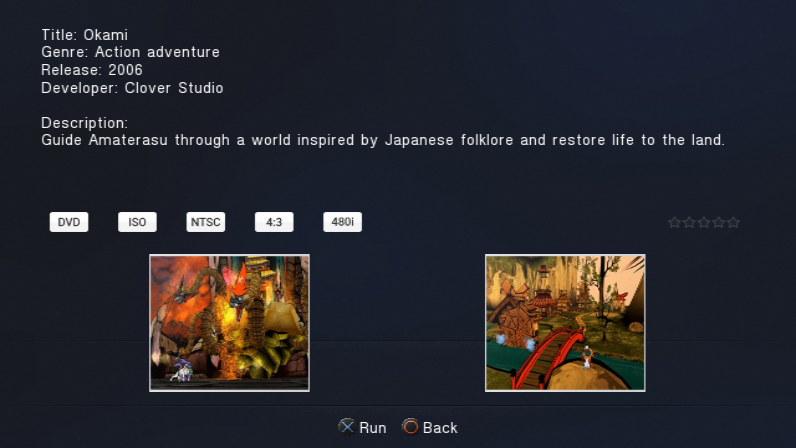
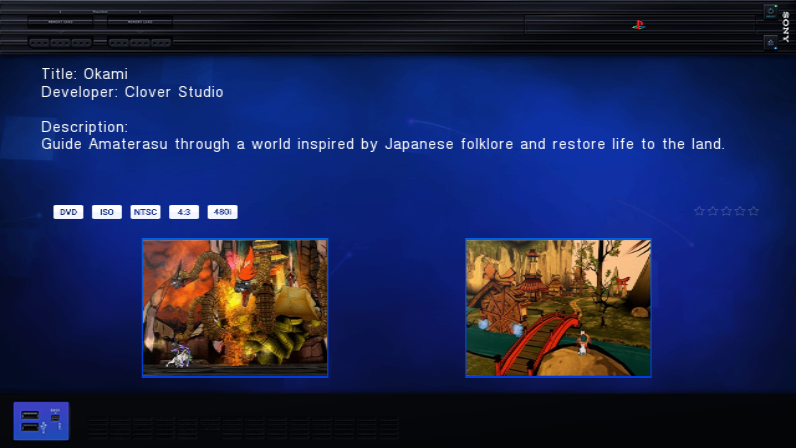
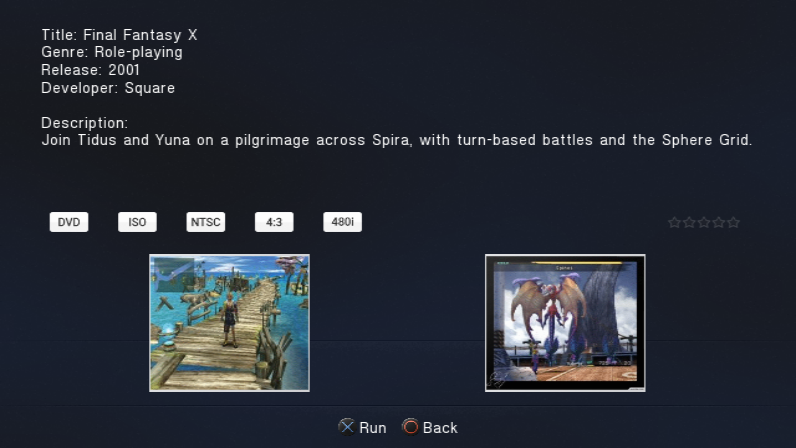
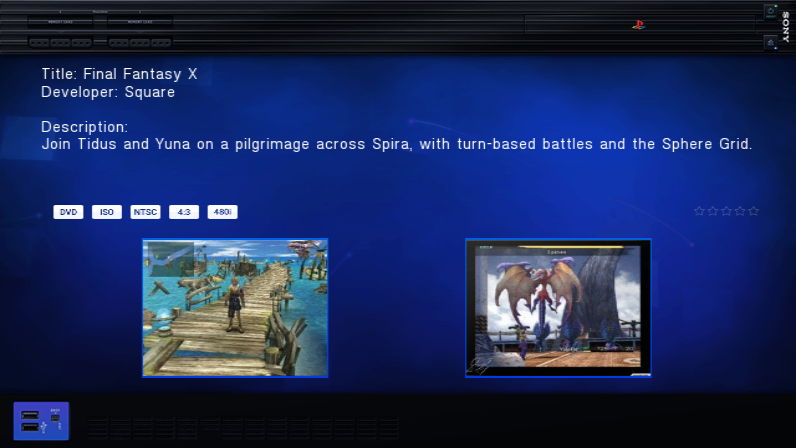
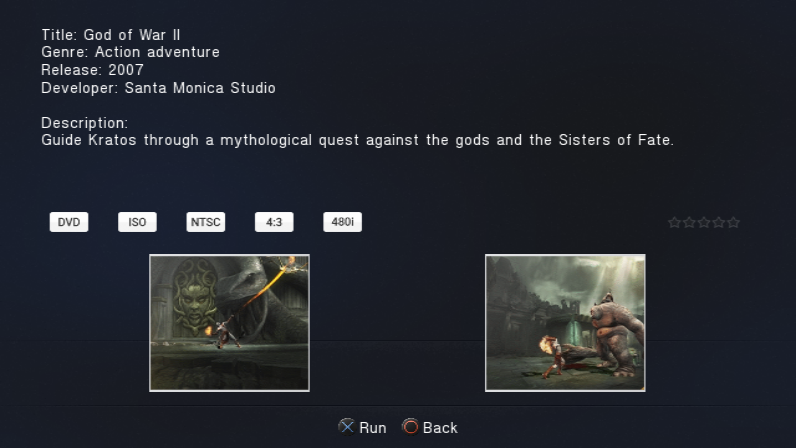
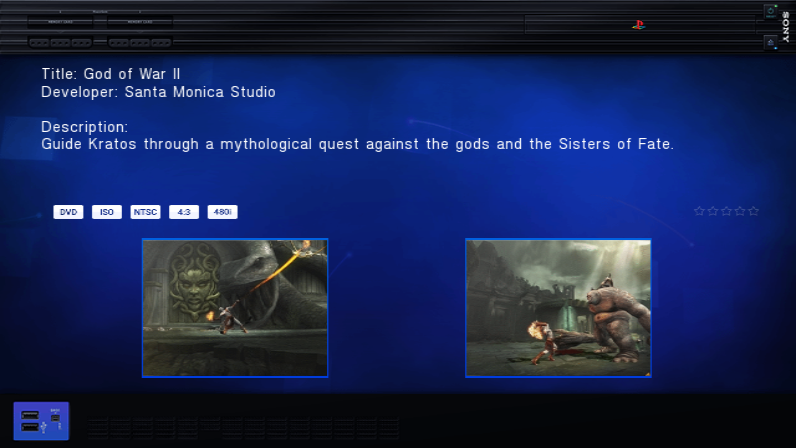
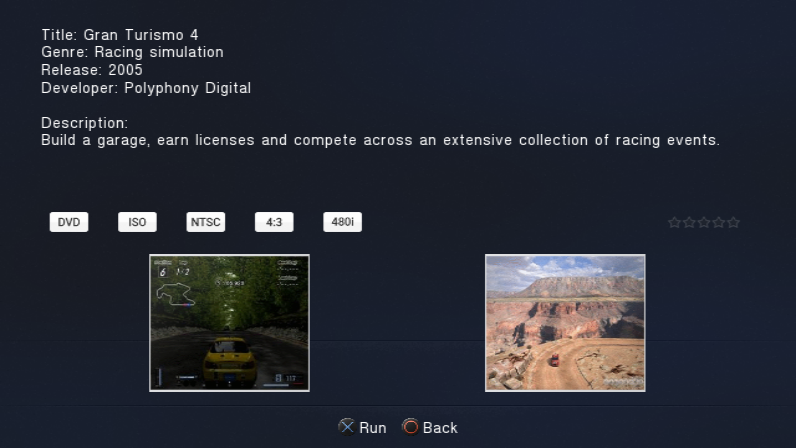
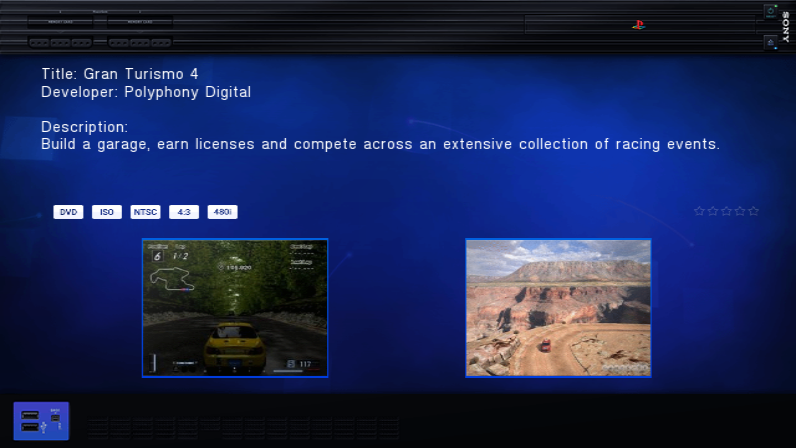
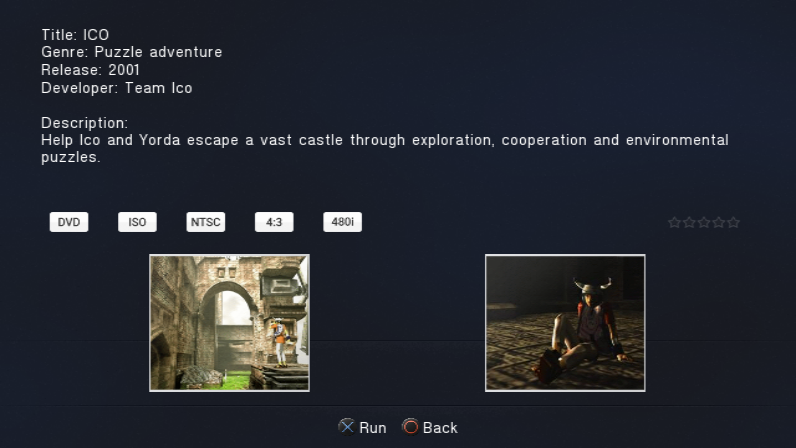
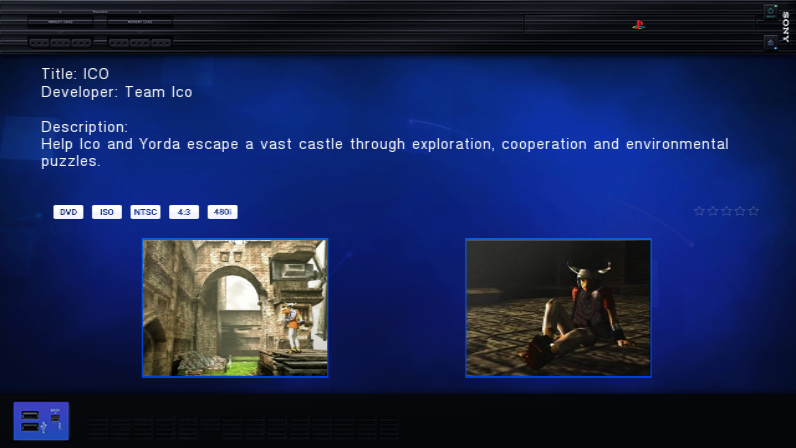
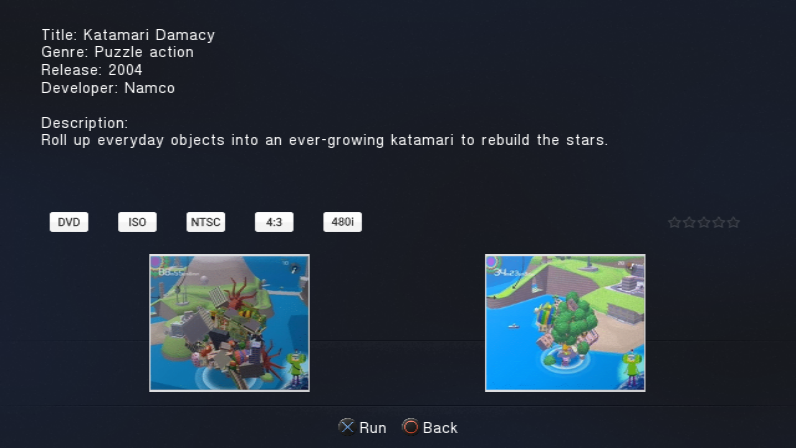
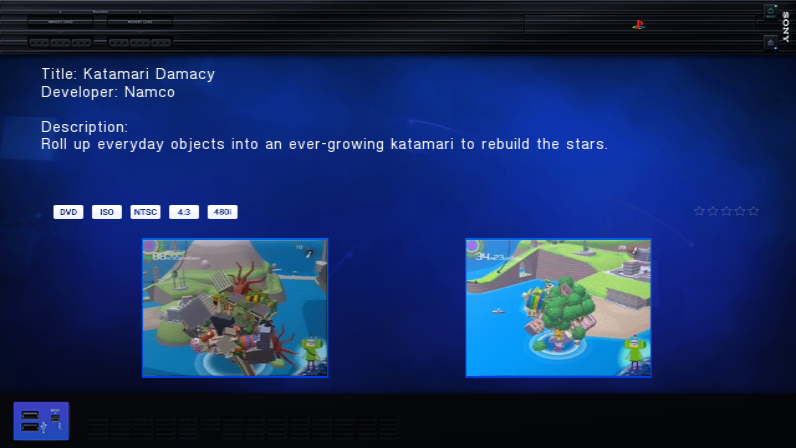
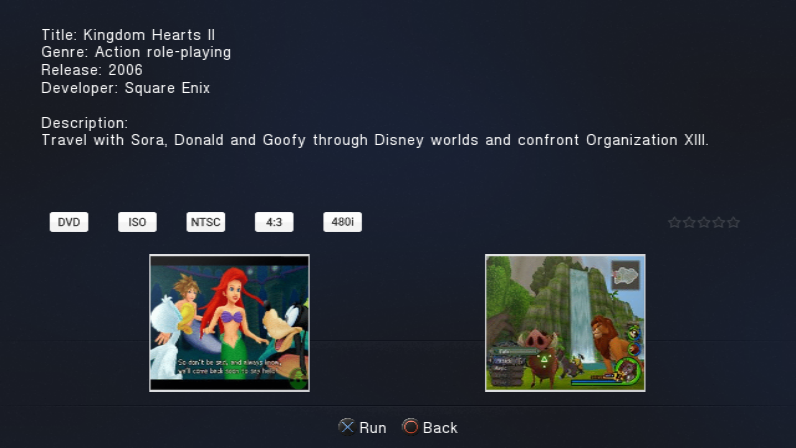
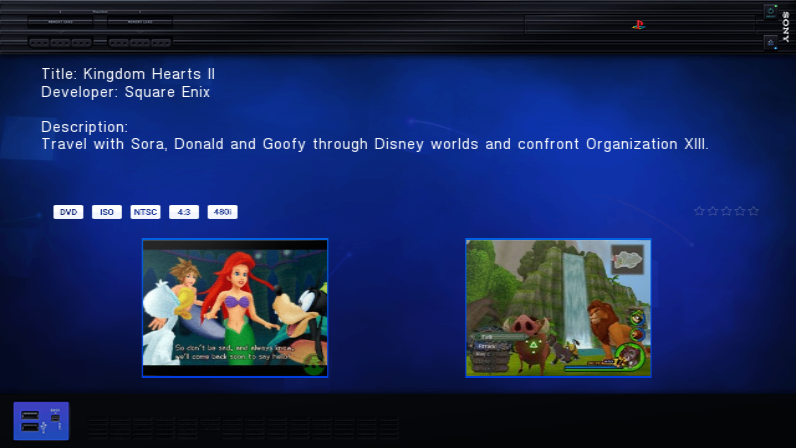
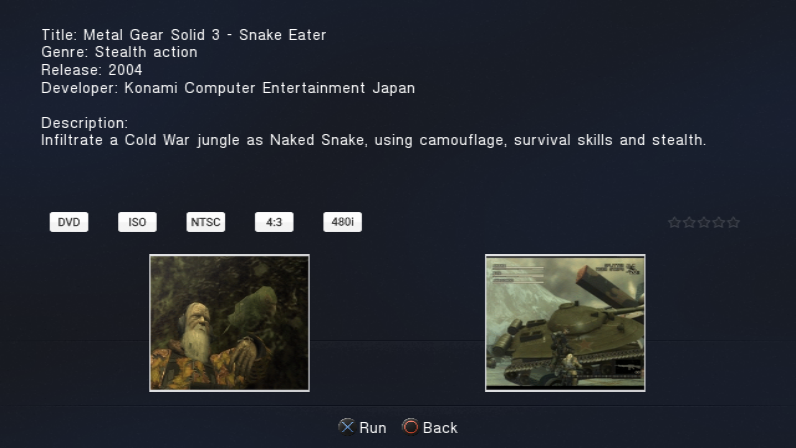
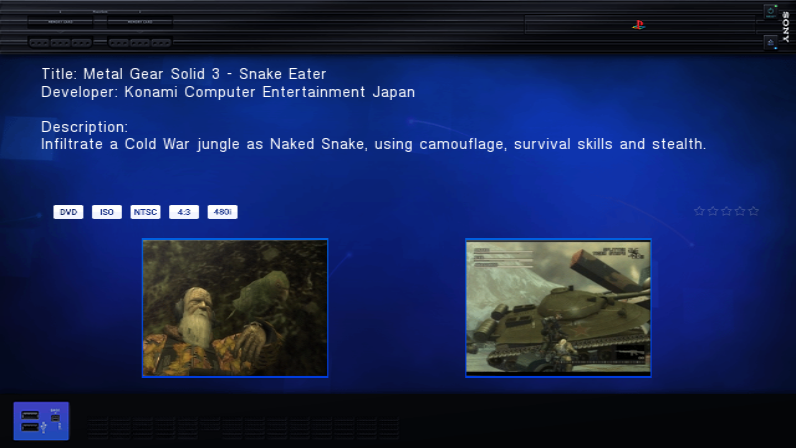
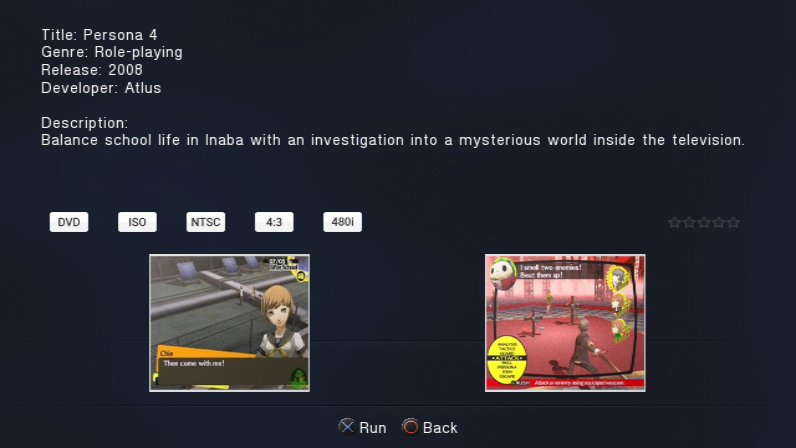
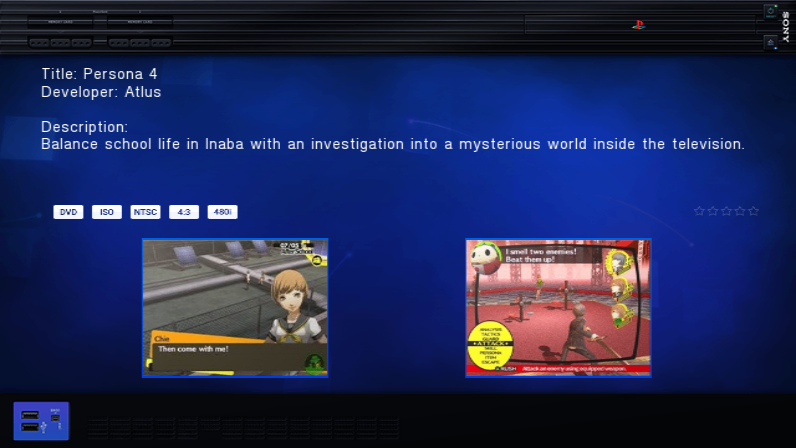
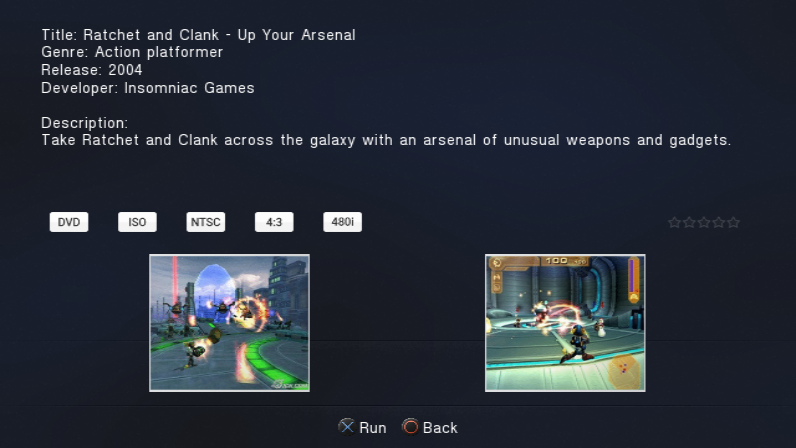
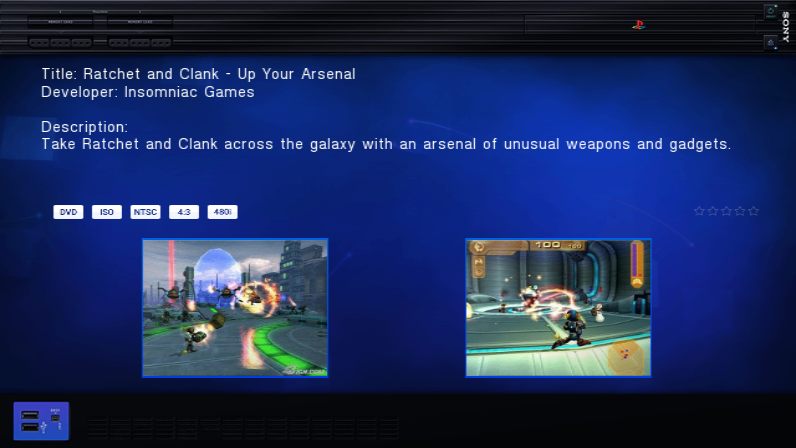
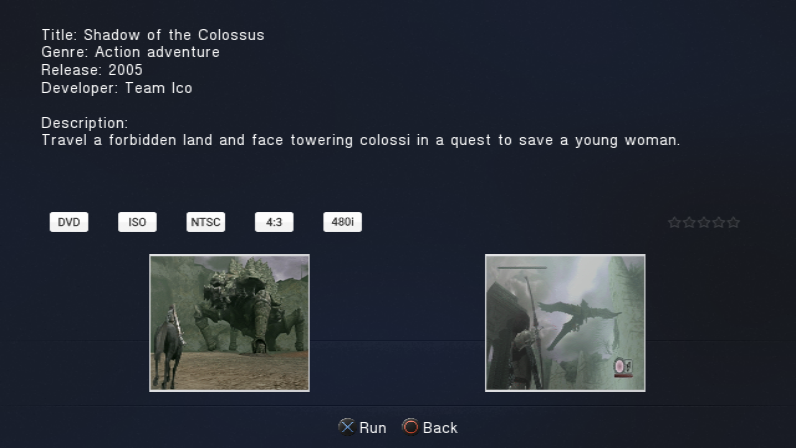
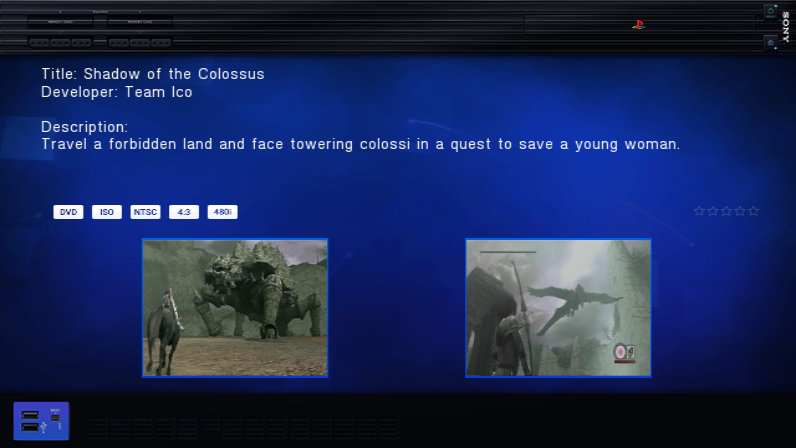
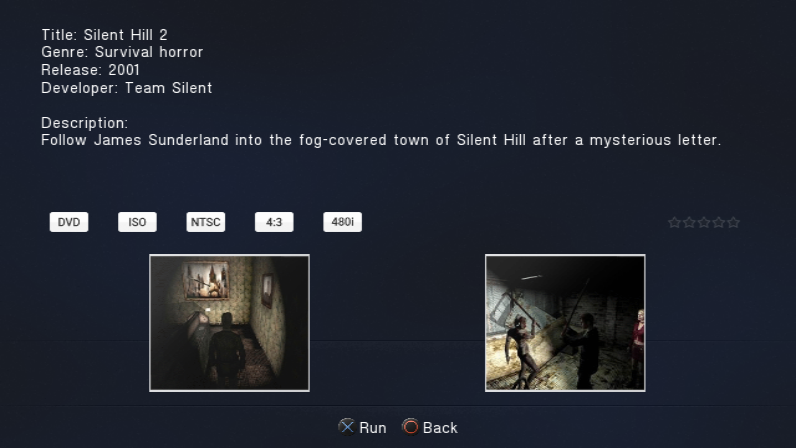
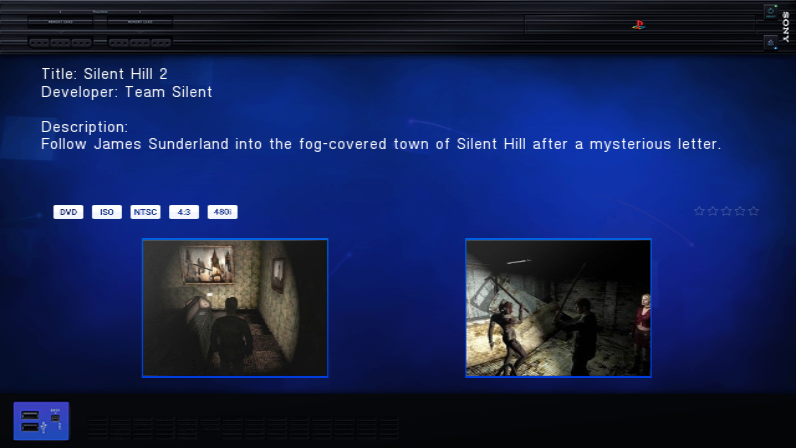
Each sample title has a completed Info page with title, genre, North American release year, developer, an original description, video badges and two matching screenshot-art panels. These are real loader captures. Screenshot artwork is pre-existing OPL artwork displayed inside RiptOPL; no game was launched to capture it.
| Korium | IncebtIon |
|---|---|
 |
 |
See all 12 completed Info pages
Final Fantasy X
| Korium | IncebtIon |
|---|---|
 |
 |
God of War II
| Korium | IncebtIon |
|---|---|
 |
 |
Gran Turismo 4
| Korium | IncebtIon |
|---|---|
 |
 |
ICO
| Korium | IncebtIon |
|---|---|
 |
 |
Katamari Damacy
| Korium | IncebtIon |
|---|---|
 |
 |
Kingdom Hearts II
| Korium | IncebtIon |
|---|---|
 |
 |
Metal Gear Solid 3 - Snake Eater
| Korium | IncebtIon |
|---|---|
 |
 |
Persona 4
| Korium | IncebtIon |
|---|---|
 |
 |
Ratchet and Clank - Up Your Arsenal
| Korium | IncebtIon |
|---|---|
 |
 |
Shadow of the Colossus
| Korium | IncebtIon |
|---|---|
 |
 |
Silent Hill 2
| Korium | IncebtIon |
|---|---|
 |
 |
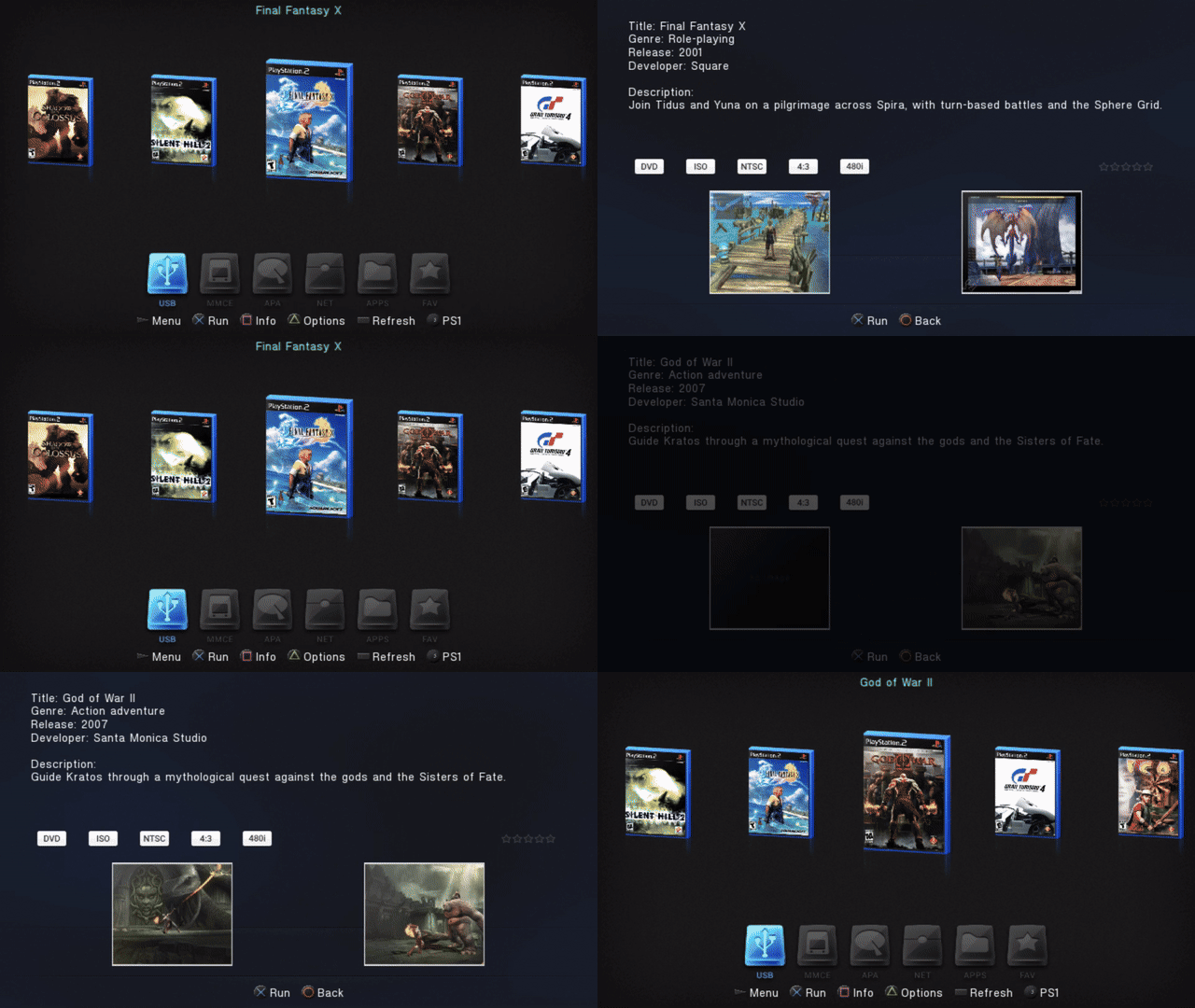
Watch Info navigation (20-second GIF)
| Korium | IncebtIon |
|---|---|
 |
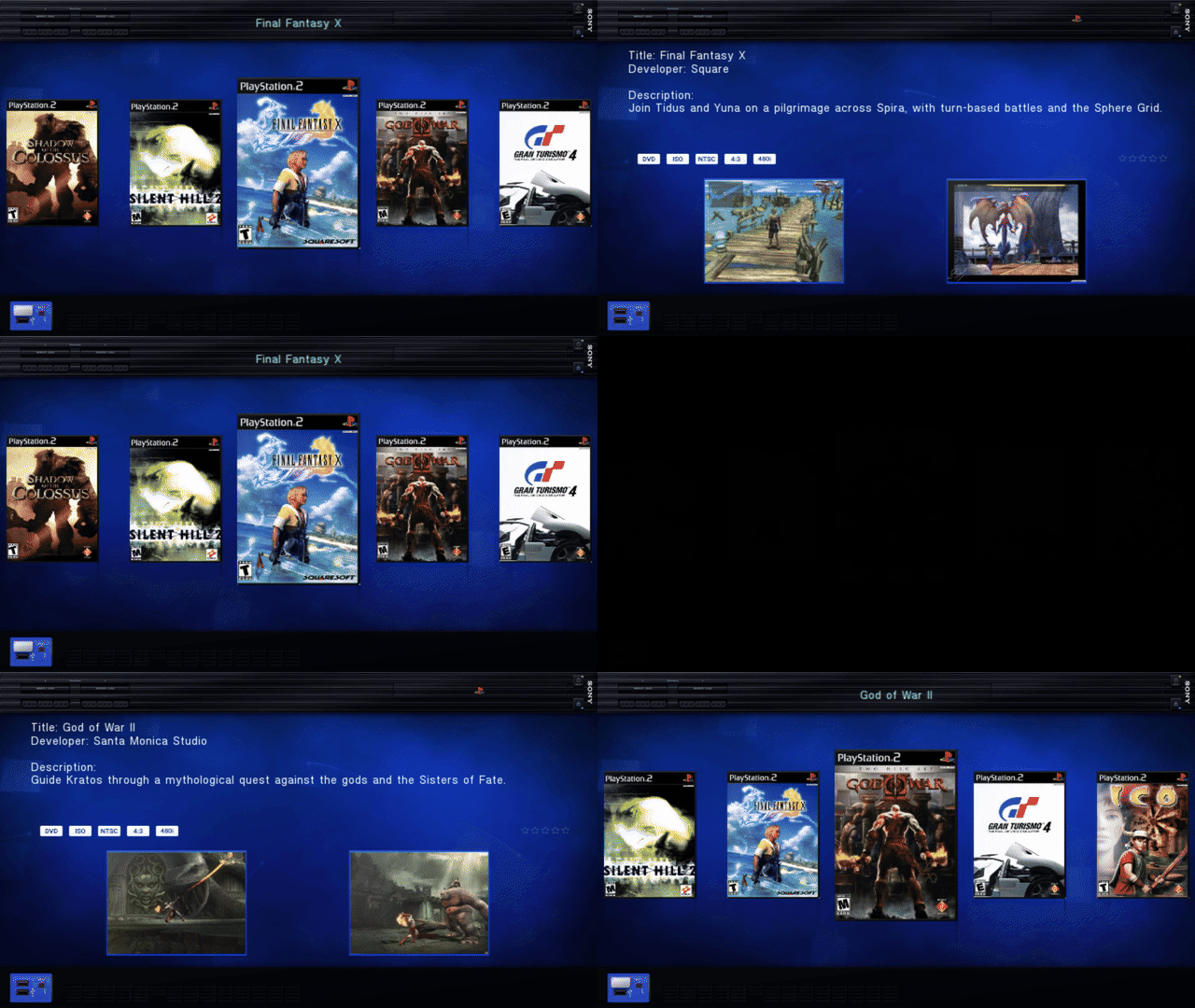 |
Korium 30-second MP4 / IncebtIon 30-second MP4 | Info capture and artwork manifest. Release years use the North American PS2 releases. The video badges describe the staged 4:3/480i metadata, not every mode a game supports. Unmeasured file sizes and unassigned review ratings are not fabricated.
| Korium | IncebtIon |
|---|---|
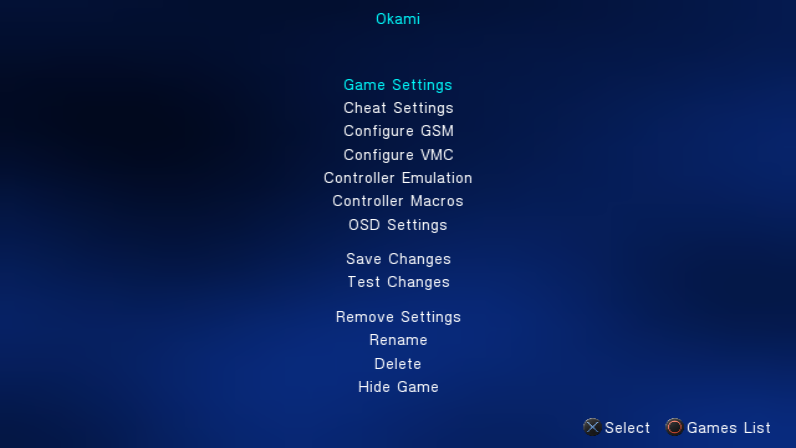 |
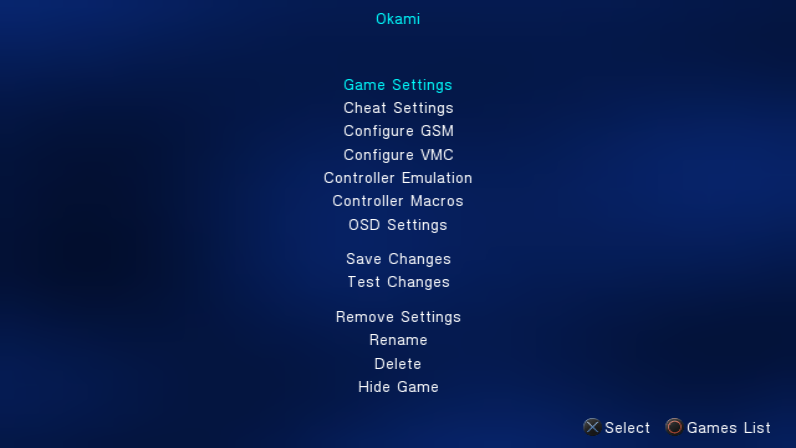 |
| Korium | IncebtIon |
|---|---|
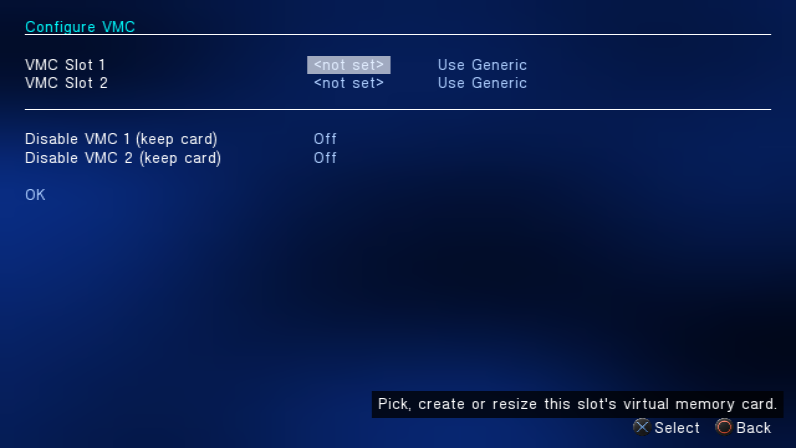 |
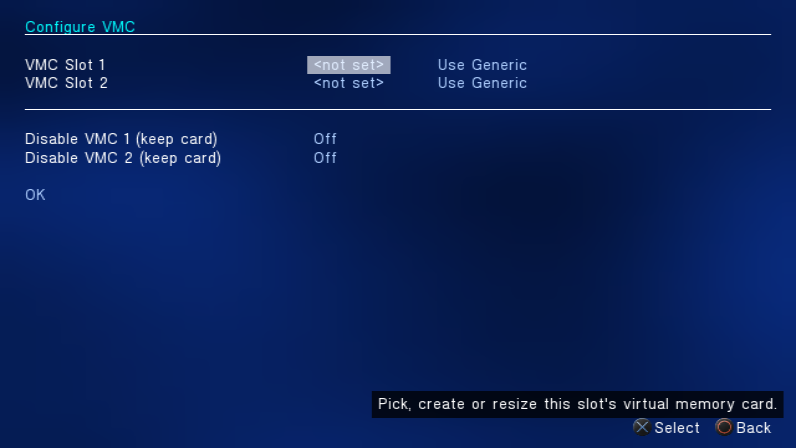 |
| Korium | IncebtIon |
|---|---|
 |
 |
| Korium | IncebtIon |
|---|---|
 |
 |
| Korium | IncebtIon |
|---|---|
 |
 |
| Korium | IncebtIon |
|---|---|
 |
 |
| Korium | IncebtIon |
|---|---|
 |
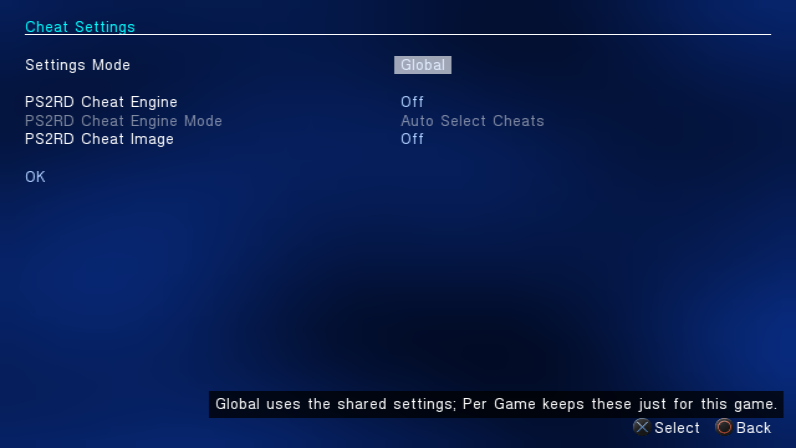 |
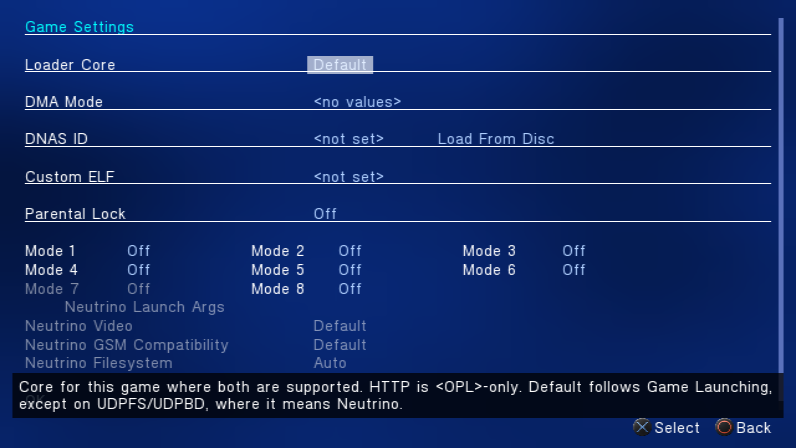
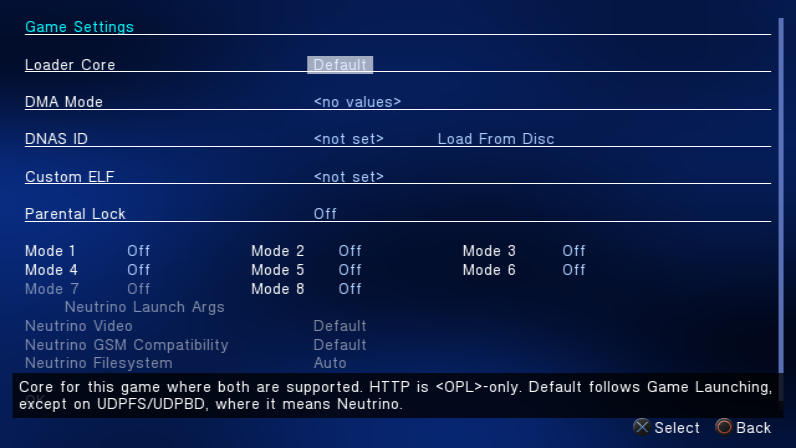
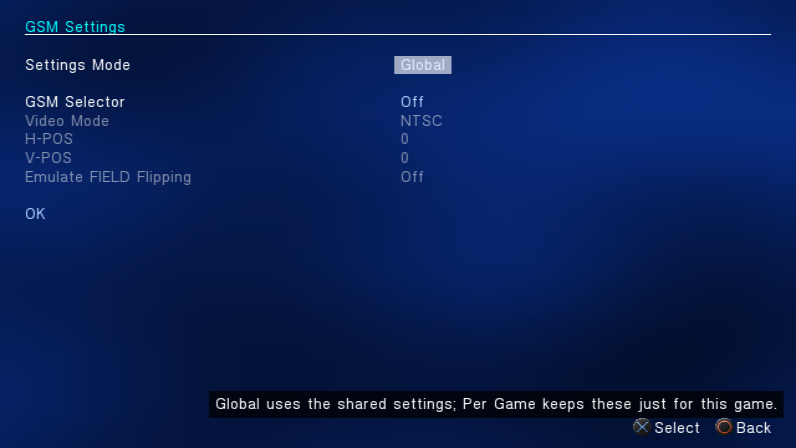
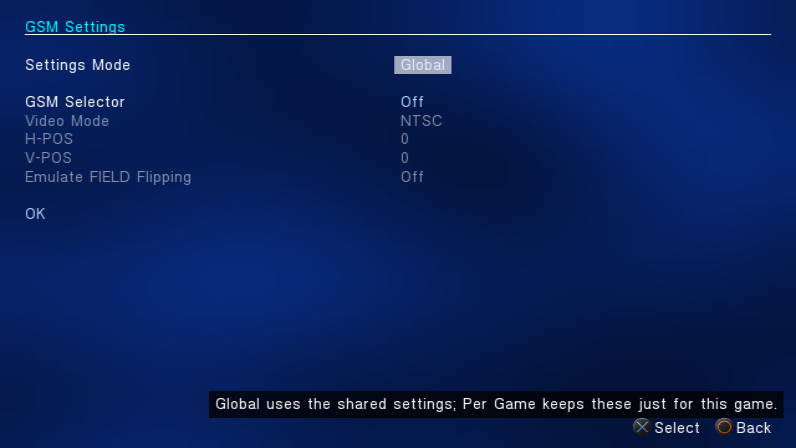
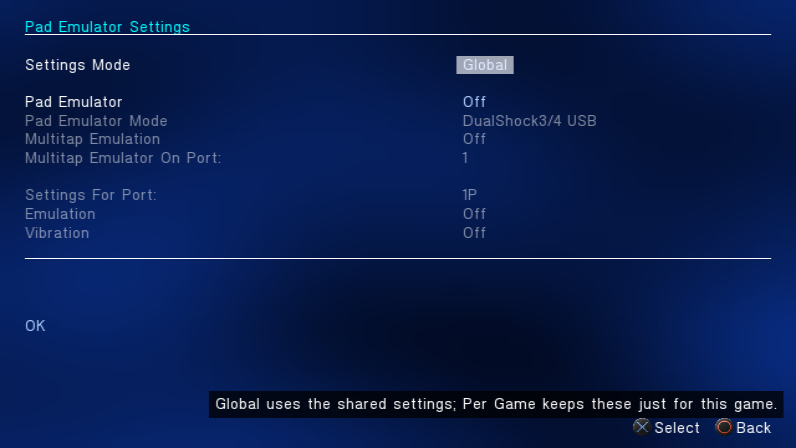
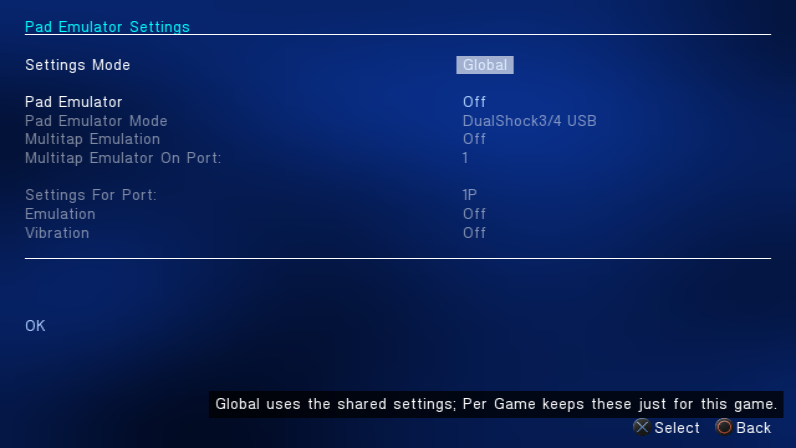
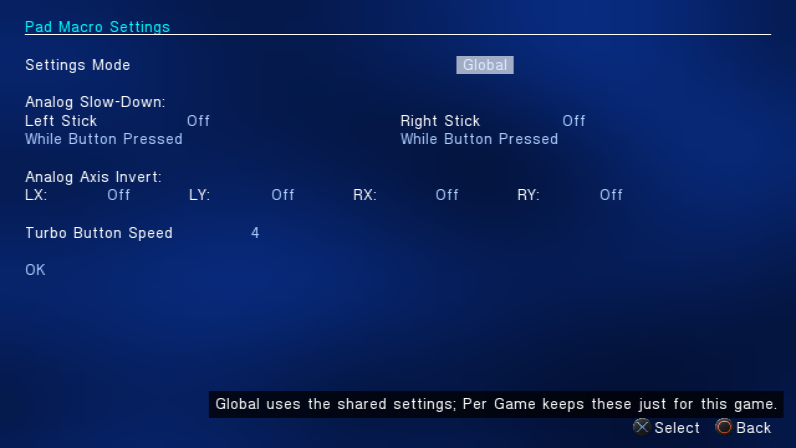
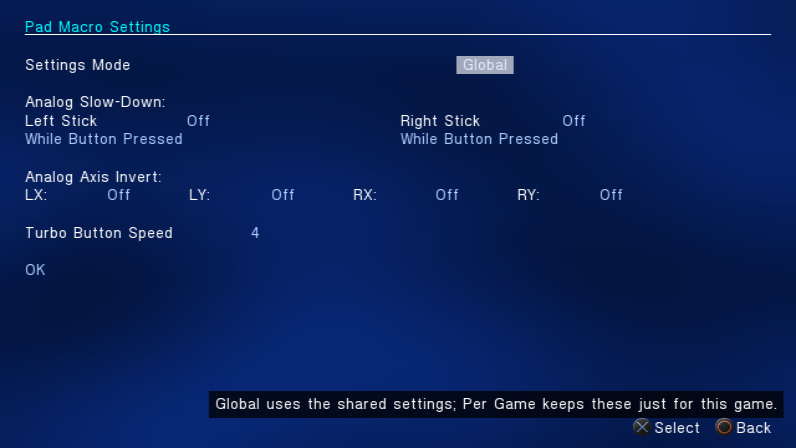
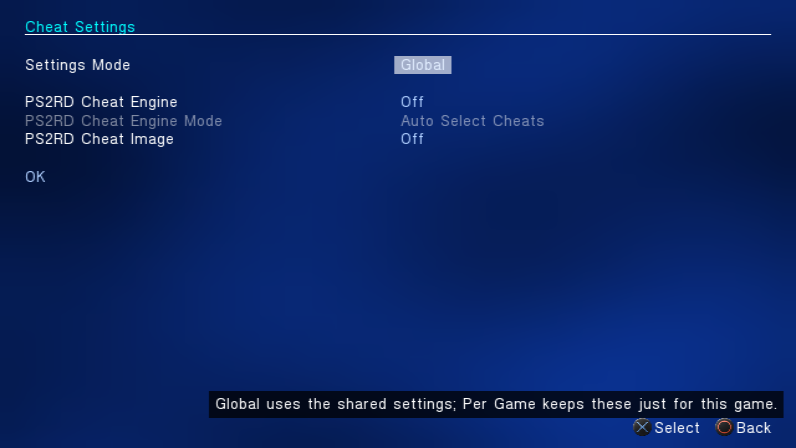
These settings are capture examples, not compatibility recommendations for these games.
Covers come from xlenore/ps2-covers, matched by serial against PCSX2's GameIndex. The original cover files remain in the local lab; 256-pixel-wide Lanczos textures retain more detail than the displayed SD covers need while keeping a complete sample collection loaded. Published PNGs are not retouched. Artwork belongs to its respective owners.
The showcase manifest records source cover URLs, hashes, build identity, sample titles and exact capture steps. The Info screenshots use matching assets from the OPL Manager artwork archive, pinned to a specific commit in the Info manifest. A grid take with a visible edge artifact is excluded; all 12 Info pages are complete and included.
| Korium | IncebtIon |
|---|---|
 |
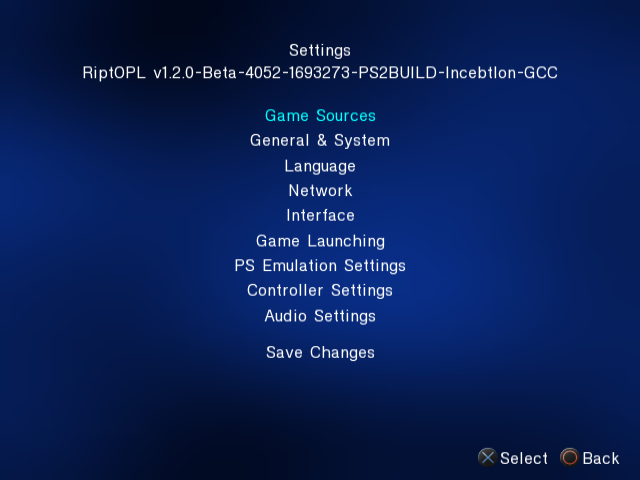 |
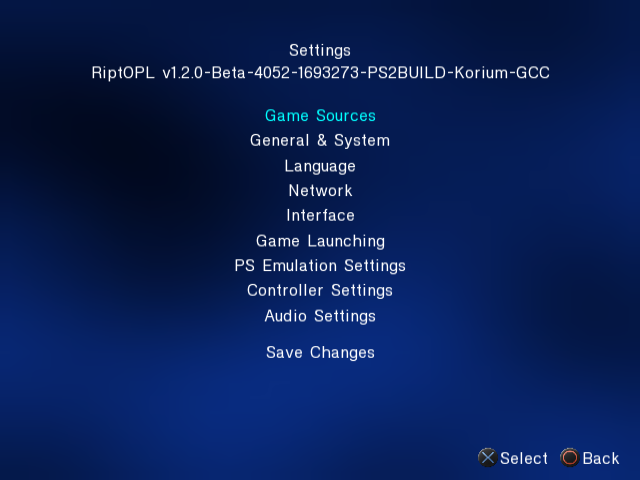
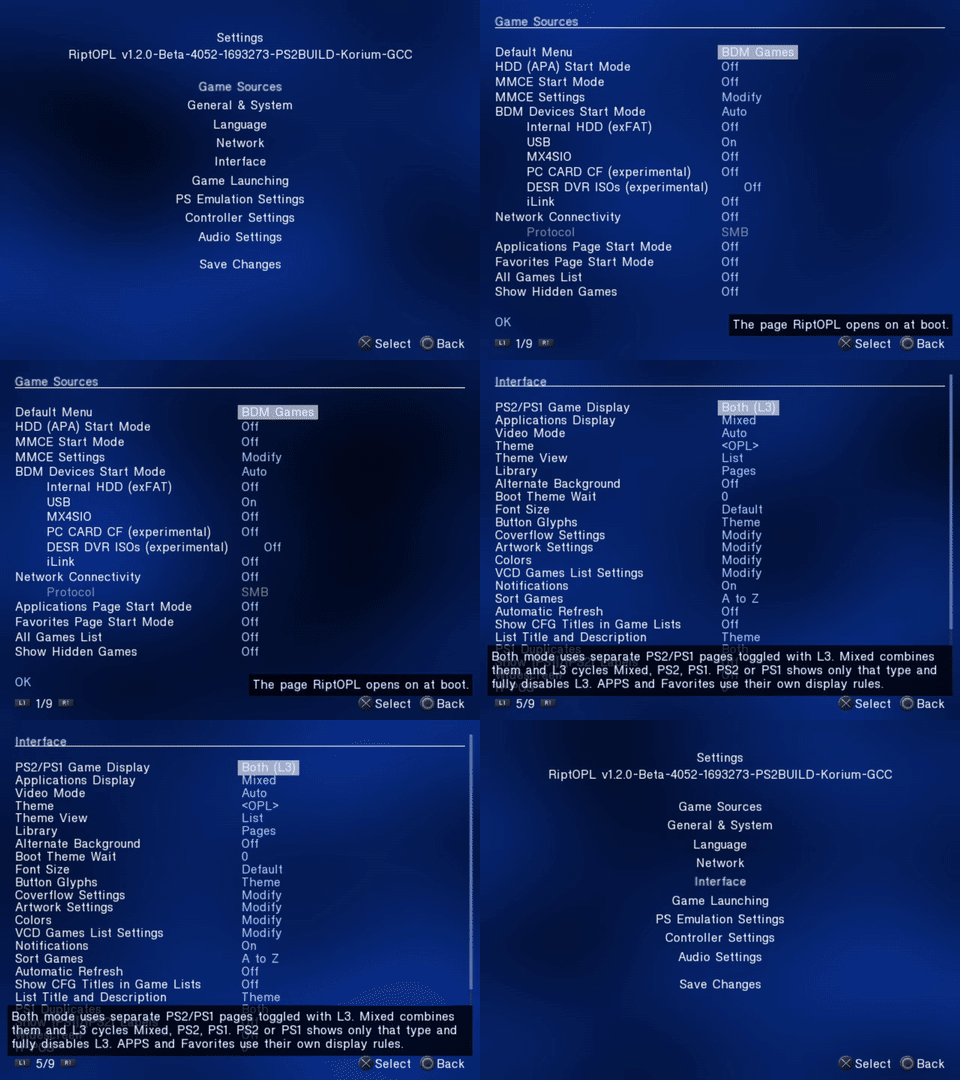
The category menu brings Game Sources, Network, Interface, Game Launching, PS Emulation Settings, Controller Settings and Audio Settings into one place.
| Korium | IncebtIon |
|---|---|
 |
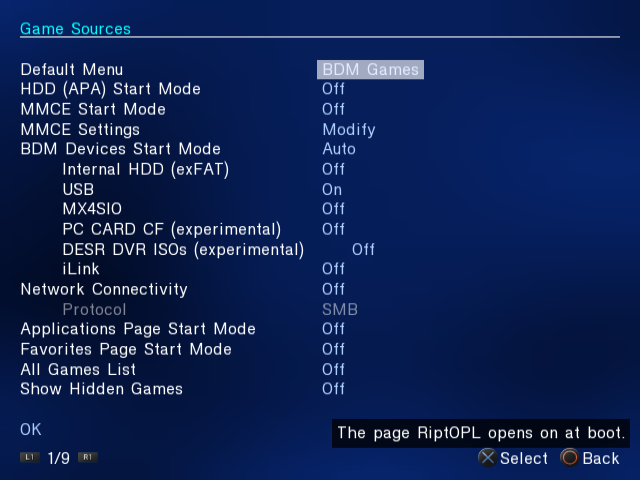 |
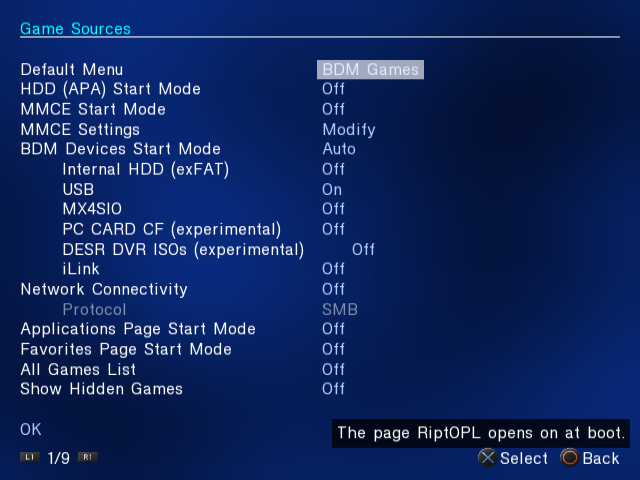
Configure which storage sources and library pages RiptOPL starts. The screenshot uses an isolated capture configuration with USB enabled and other sources mostly disabled; these values are examples, not recommended settings for every installation.
| Korium | IncebtIon |
|---|---|
 |
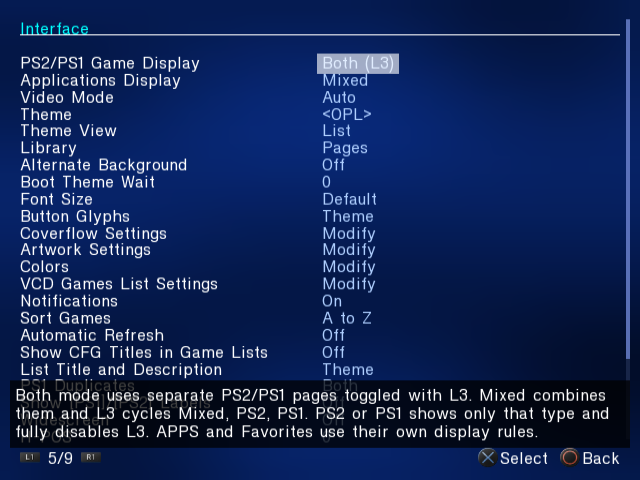 |
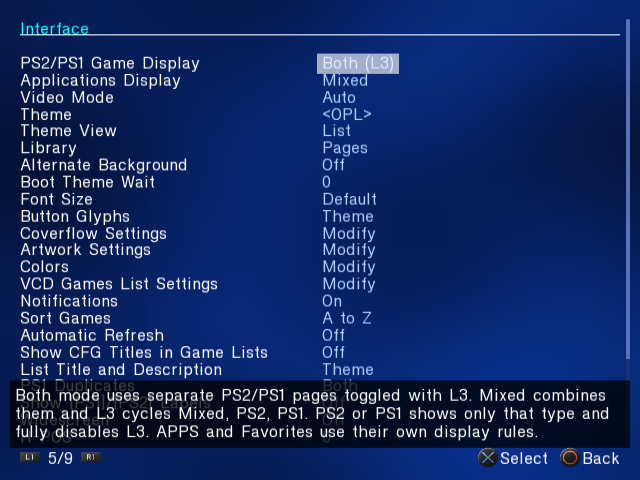
The Interface page groups display, theme, library and artwork controls. The on-screen help describes the selected option.
Watch Settings navigation
| Korium | IncebtIon |
|---|---|
 |
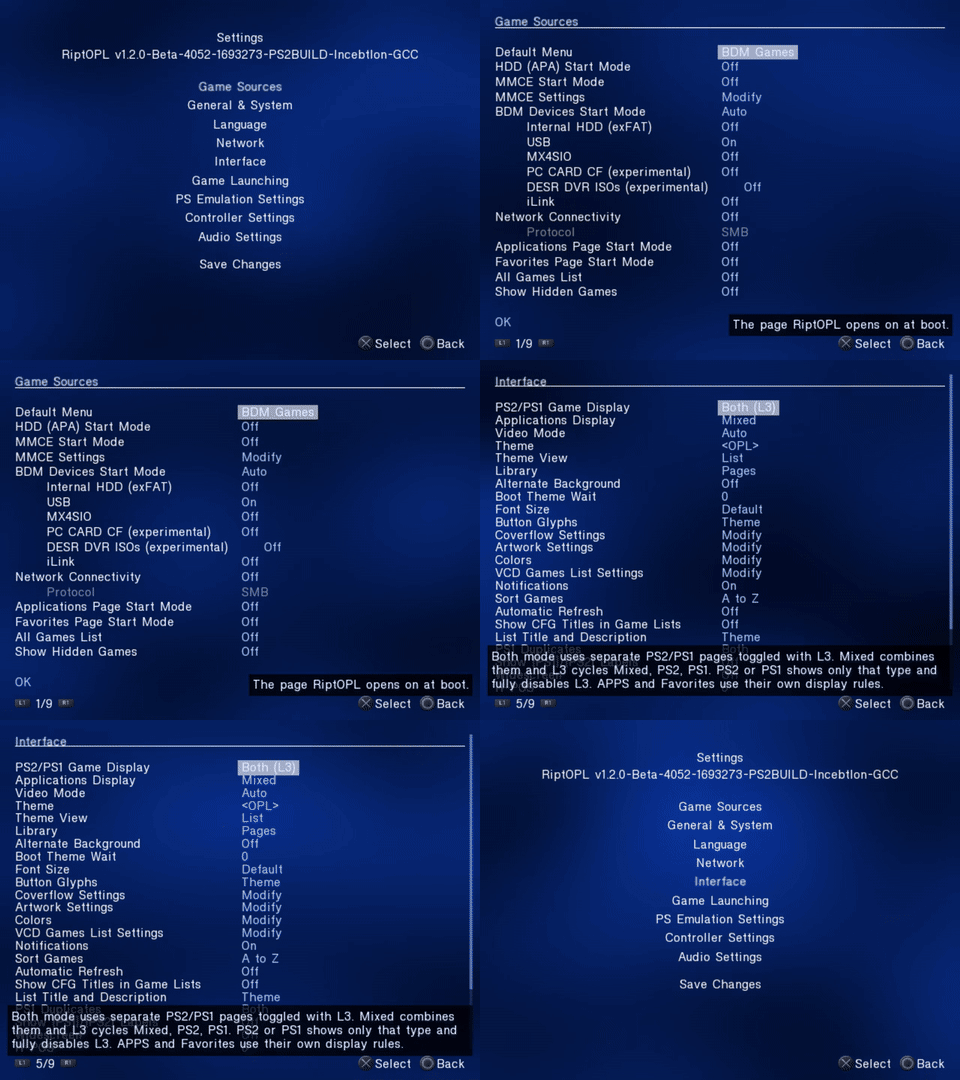 |
The Korium MP4 and IncebtIon MP4 show the same sequence at 640 x 480 and 20 frames per second. The GIF is 480 x 360 at five frames per second. The PNGs retain the unmodified 640 x 480 emulator frames.
-
Build: Korium and IncebtIon v1.2.0-Beta-4052, source
a64f1b92a632a0c00ffdb9f67cbbd047b49dbaf0. - Emulator: RIPPCSX2 2.9.96-rippcsx2.2.
- Display: Auto/NTSC; 16:9 library and per-game captures, 4:3 settings captures.
- Captured: November 3, 2026.
- Evidence: menu rendering and navigation in an emulator. These captures do not establish physical-console, storage-device or gameplay acceptance.
The Korium manifest and IncebtIon manifest record the ELF and emulator hashes, input sequence, media hashes and conversion settings. The media contains no BIOS, memory-card image, game image or account information.
- Prepare an isolated portable RIPPCSX2 lab with its own settings, card and output folders. Keep it separate from an everyday emulator installation.
- Put the edition's released
RIPTOPL.ELFin the lab's program directory. In that directory'ssettings_riptopl.cfg, usevmode=0andwide_screen=0for the 4:3 Settings captures; usevmode=0andwide_screen=1for the 16:9 library, Coverflow, PSBBN Flow, per-game and Info captures. These are lab settings, not recommended defaults. - Bind the pad keys expected by the RIPPS2 background driver.
The pinned driver hard-codes
$labtoB:\Emulation\PlayStation\PCSX2\ripps2-lab. Update$labin your copy to your isolated lab directory; the driver expectspcsx2-qt.exethere. Bind Screenshot to F8 and ToggleVideoCapture to F11. Capture the native emulator output: 640 x 480 for 4:3 Settings or 796 x 448 for 16:9 views. The Settings MP4 remains 640 x 480; the widescreen library and Info MP4s are scaled to 960 x 540 for delivery, not captured as native HD. - Run the sequence recorded in the manifest. Use Windows-native backslash paths for the ELF on Windows. F8 captures the emulator output directly; F11 records it.
- Inspect every screenshot and the full clip. Keep PNG frames unchanged; trim and
encode the clip for web delivery. Refresh media byte sizes and SHA-256 hashes
in each edition's capture manifest after every capture refresh, even when the build
is unchanged. Refresh
release,source_commitandelf_sha256when the RiptOPL build changes; independently refreshemulatorandemulator_sha256whenever the RIPPCSX2 binary changes. Do not assume a matching loader build means the emulator is unchanged. - Keep
docs/assets/ui/and the site'sassets/ui/copies identical. Update captions, then regenerate the site's search index. The wiki home and repository guide use the same captures through the wiki builder. Match each edition by filename; the Korium files retain their original URLs and IncebtIon lives inincebtion/.
The library, flow views, per-game settings and Info pages above use a repeatable sample library. Keep its placeholder status explicit when refreshing those sets.
Source: docs/UI-CAPTURES.md @ 48cfdfe1cda2.