Repository navigation
Releases
Releases · PRMotorWorks/Fenestra
Fenestra 1.1.1

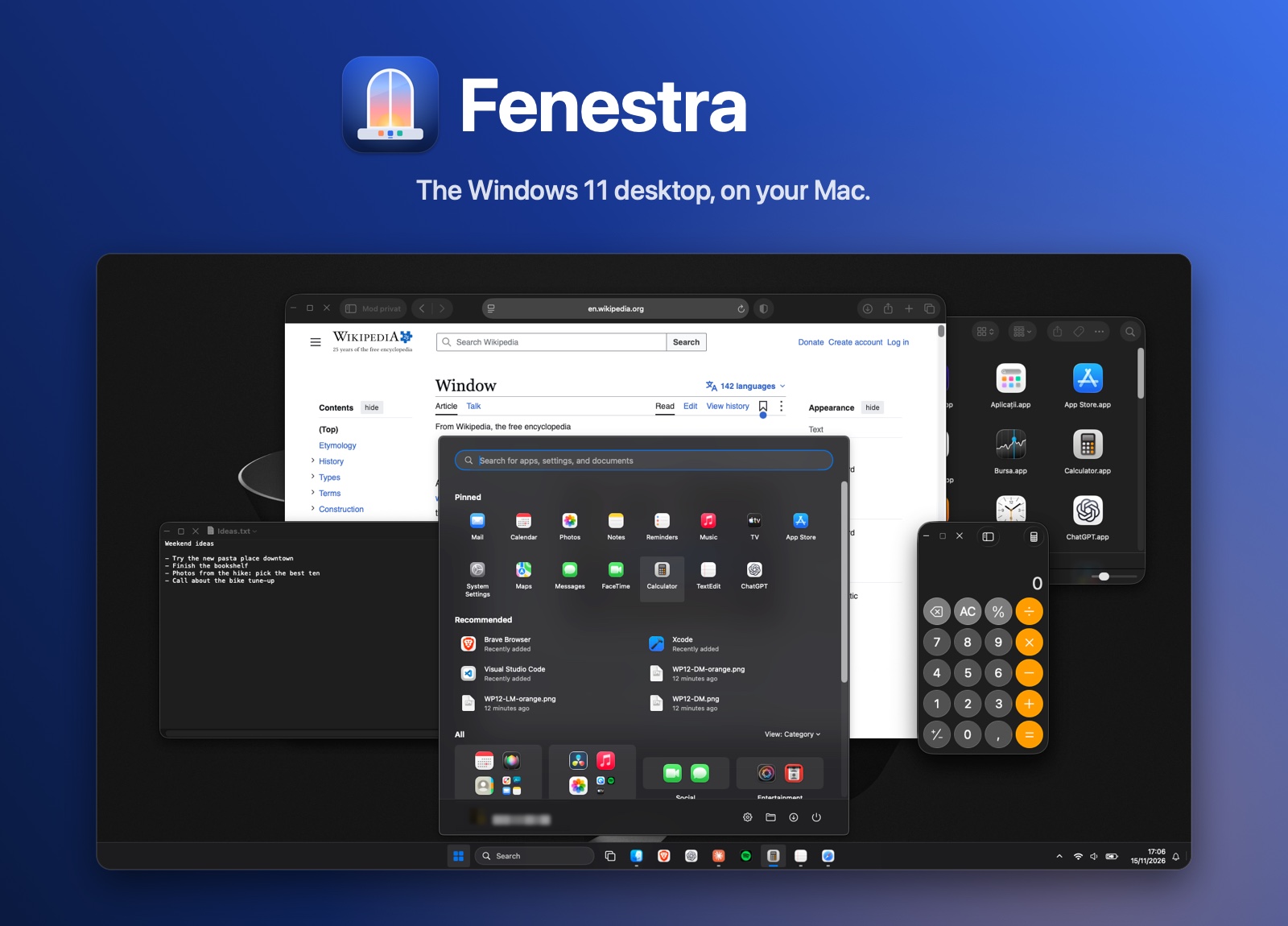
Download Fenestra.dmg, open it, and drag Fenestra onto Applications. Requires macOS Tahoe (26) or later, Apple silicon or Intel.
New in 1.1.1
A maintenance release with everything from 1.1, plus:
- Safer by default: the built-in test hooks used during development are now off unless a developer setting turns them on, so no other app can trigger them.
- Smaller download: debug symbols are stripped from the app (3.6 MB instead of 4.8 MB).
- Tidier code: an unused import and an unused variable are gone.
First launch
macOS says it can't verify Fenestra the first time. Click Done, then System Settings > Privacy & Security > Open Anyway. Full install guide
Updating from 1.0 or 1.1
Right-click the taskbar > Quit Fenestra and restore the Dock, drag the new Fenestra onto Applications and choose Replace, then open it. Your settings stay. macOS may ask you to click Open Anyway and to grant the permissions again, since this build isn't notarized yet.
SHA-256 of Fenestra.dmg: 76b8e01f36eeec80f7a57a0d75a06fb9578dc9e6d5d6e0afb0f3772be78fd939