Repository navigation

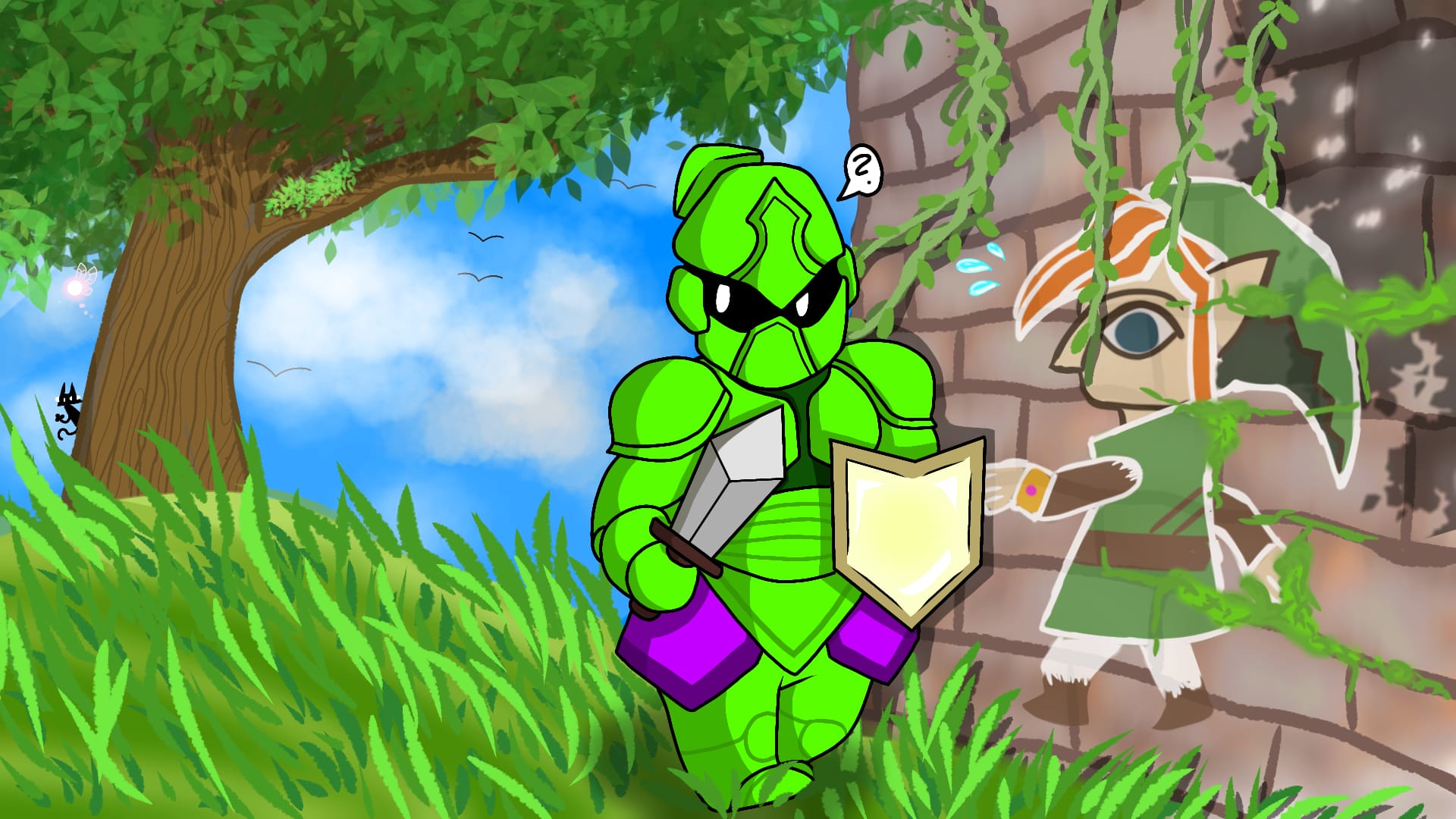
Launcher art by teethegrinder, made for World Across -- go and see the rest of their work.
New in 0.1.5:
- The launcher has its own picture, a commission by teethegrinder. The button in the bottom right corner names the artist and opens their page.
- Your card is kept beside the program: the card you choose is moved into a
cardfolder next toWorldAcross.exeor the AppImage, so tidying up Downloads cannot take it away. A card dropped into that folder is found by itself. - Fewer glitches in the frames between the game's own (Display and Uncapped frame rates): the grass and flowers no longer bend into odd shapes as they sway, text being typed no longer jumps or turns into other words, and walking out of an area no longer flashes wrong textures for a frame.
- The Frame generation setting is gone.
Known issues: this version still has minor graphical glitches, mostly with FSR 3 and the higher frame rates. Reports with a short recording are welcome.
Download
- Windows 10 or 11: unpack
World-Across-Windows.zipand startWorldAcross.exe. If Windows says it protected your PC: More info, then Run anyway. - Linux:
chmod +x World-Across-x86_64.AppImageand start it (glibc 2.34 or later).
The first time, choose your card -- a decrypted dump of a cartridge you own. The launcher makes the game from it on your machine, once, in a few minutes. It holds no part of the game itself, and what it makes from your card is yours alone: do not share it.
SHA-256:
d5f59a85cc9eb646b3168fb9ea970dee4a5daa139f57da7ed9642f9834740585  World-Across-x86_64.AppImage
9de92a9d42d03fc537682a1db6d0102cd153d737d78b1ac92e980b826c83ff58  World-Across-Windows.zip