Repository navigation
Releases
UFO 50 for Miyoo Mini v0.1.9

Adds the official UFO 50 cover to Onion's Ports list. The 240×360 PNG is about 52 KB and is included at Roms/PORTS/Imgs/UFO50.png in the install ZIP.
Already have the port? Download UFO50.png below and copy it to Roms/PORTS/Imgs/UFO50.png on your SD card. You can also install the full ZIP as usual.
The game runtime is byte-for-byte identical to v0.1.8. This release adds artwork and updates packaging and installation.
Cover artwork © Mossmouth, LLC, from the official Steam cover. Game files are not included. Matching source and checksums are attached.

UFO 50 for Miyoo Mini v0.1.8
Music now resumes after pausing. The runner keeps paused voices alive, reports their state correctly, and no longer restarts finished effects when resuming all sounds.
Onion Delivery's skid loop was checked through a collision-free drift, and Devilition's music continues after selecting and placing bombs. The earlier Party House and Overbold audio fixes are included.
The native SP checks used the normal Ports frontend with Hard CRT. The pause/resume replay held 30 FPS. Mixer tests, sanitizers and all 50 game startup/audio checks passed. Physical Mini gameplay and FPS still need a fresh measurement.
Merge the ZIP's Roms folder onto your Onion SD card. Keep your existing game files and saves. For a fresh install, put your own Windows game files in Roms/PORTS/Games/UFO50/gamefiles/, with data.win directly inside that folder.
Huge thanks to Butterscotch, whose runner makes this port possible. Game files are not included. Matching source and checksums are attached.
UFO 50 for Miyoo Mini v0.1.7
Fixes four bugs reported by players:
- Star Waspir's ship shadow now draws in its proper solid colour. Damage flashes using the same effect work too.
- Overbold's money-count sound stops when the payout finishes, without opening the pause menu.
- Seaside Drive’s stage-clear wipe no longer walks millions of off-screen rows.
- The library starts its extra music layers muted, as the game requests.
The Party House purchase fix from v0.1.6 is included.
Merge the ZIP's Roms folder onto your Onion SD card. Keep your existing game files and saves. Your own Windows game files belong in Roms/PORTS/Games/UFO50/gamefiles/, with data.win directly inside that folder.
UFO 50's picture is 16:9; the black bars on a 4:3 Mini screen are expected. This update keeps the game's geometry intact.
The audio and renderer fixes passed synthetic tests, sanitizers and a 50-game startup sweep. Overbold was also replayed through the SP Ports frontend with Hard CRT and speaker-sink audio capture. A native Seaside Drive wipe replay dropped from 836 ms to 12.3 ms for its worst draw window and held 30 FPS with Hard CRT. These device checks used the SP; physical Mini confirmation remains pending.
Huge thanks to the Butterscotch team, whose runner makes this port possible. Game files are not included. The matching AGPL source and checksums are attached.
v0.1.6
Party House music now keeps playing after purchases. The audio runtime gives each new sound a distinct handle, so commands for a finished effect cannot fade or stop a newer music track.
The fix includes a regression test and a repeatable two-purchase replay. Host and sanitizer checks, all 50 recorded game paths, and ARM32 mixer checks pass. The same purchases were checked through the SP Ports launcher with Hard CRT and recorded audio: the old runtime went silent, while the fix kept the shop music playing. Physical Mini testing of this update is still pending.
The install ZIP contains no game files or saves.
v0.1.5 — Overbold redraw fix
Overbold now redraws the first update immediately after a hit pause. This removes an extra skipped redraw; the game’s intentional hit pauses stay intact.
The runtime logs now separate maximum frame work, waits and requested game-speed changes. The source also includes an optional, isolated Mini FPS test entry for Golfaria, Vainger and Overbold with Hard CRT. That developer entry stays out of the normal install ZIP.
All 50 recorded paths keep identical game states, final images and offline audio counts. Native ARM32 compatibility checks pass with both library setups. A steady 30 FPS on the physical Mini remains unverified.
Download the install ZIP and merge its Roms folder into your SD card. Keep your saves and existing gamefiles folder. For a first install, copy the whole Windows game folder into Roms/PORTS/Games/UFO50/gamefiles/, including every audio group, textures, fonts and ext. Game files are not included. The matching source archive and SHA256SUMS are separate downloads.
v0.1.4
Rectangle collision checks now reject distant objects before calculating their exact bounds. Candidate order and precise masks are preserved, including during Destroy and Cleanup events.
Waldorf's Journey improved from 26.67 to 30.01 FPS in the SP test with Hard CRT. Mooncat, Golfaria, Onion Delivery, Vainger and Fist Hell also averaged about 30 FPS in their recorded windows, with no gaps over 50 ms. These are SP measurements; this build still needs measured Mini gameplay. Test notes.
All fifty recorded game paths preserve their complete states, images and offline mixer results. The download contains the port; you need your own Windows game files in Roms/PORTS/Games/UFO50/gamefiles/. The matching source archive and checksums are included below.
v0.1.3 — CPU optimizations
This update reduces CPU work in collision checks and palette sprite drawing.
- Large collision masks use their rectangular bounds for broad-phase checks.
- Byte-indexed sprites skip unnecessary bit unpacking.
- Linux logs now record peak memory and paging alongside frame timings.
The 50 recorded regression paths keep identical game states, images and audio counts. Benchmarks and their limits are in the development notes. The port targets 30 FPS; heavier scenes can still run slower.
Download ufo50-miyoo-mini-v0.1.3.zip and merge its Roms folder into your SD card. Keep your game files in Roms/PORTS/Games/UFO50/gamefiles/ and back up your saves before updating. Game files are not included. The matching source archive and checksums are attached.
Huge thanks to Butterscotch and cobaltgit's Onion branch for the runner.
v0.1.2 — CRT and runtime optimizations
CRT Effect works again. Open Pause → Settings → Video Settings → CRT Effect and choose Soft or Hard. Off keeps the normal picture.
- Added a native scanline and phosphor-mask filter, with ARMv7 NEON acceleration.
- Reduced allocations in small VM calls. Game logic and Draw events still run at the game's original rate.
- Added frame interval measurements to the performance log.
- Cleaned up the README and removed the anecdotal FPS claim.
Download ufo50-miyoo-mini-v0.1.2.zip and merge its Roms folder into the SD card. Keep your game files in Roms/PORTS/Games/UFO50/gamefiles/ and back up your saves before updating. The game files are not included.
The port targets 30 FPS; heavier games can run slower. The matching source archive and SHA256 checksums are attached.
Huge thanks to the Butterscotch team and cobaltgit's Onion branch. Their runner makes this port possible.
v0.1.1 — launch fixes
This update fixes asset lookup when the Windows texture folder is named Textures, and makes incomplete game-file copies fail with a useful error instead of continuing into a blank screen.
- Accepts capitalized asset folders and audio filenames without renaming files.
- Checks referenced textures and audio groups before startup. Copy every
audiogroup*.datfile alongsidedata.win. - Shows launch errors, selects Onion runtime libraries explicitly, and stops startup if no frame is displayed within 60 seconds. Gameplay has no time limit.
- Clarifies folder merging, log locations, and the reported 20–30 FPS Mini performance range.
Download the install ZIP, merge its Roms folder into the SD card, and run ~Import ports. Keep existing game files, saves and other ports. The separate source archive is for developers; game files are not included.
Verified with host checks, native Mini ARM32 tests, case-sensitive file fixtures, matching gameplay images/audio, and normal SP Ports regression runs. The community reporter confirms recovery after correcting the game-file copy. A steady 30 FPS across the collection is not verified.
Huge thanks to Butterscotch and cobaltgit's Onion branch.
UFO 50 for Miyoo Mini v0.1.0
First release of UFO 50 for Miyoo Mini and Mini Plus running Onion.
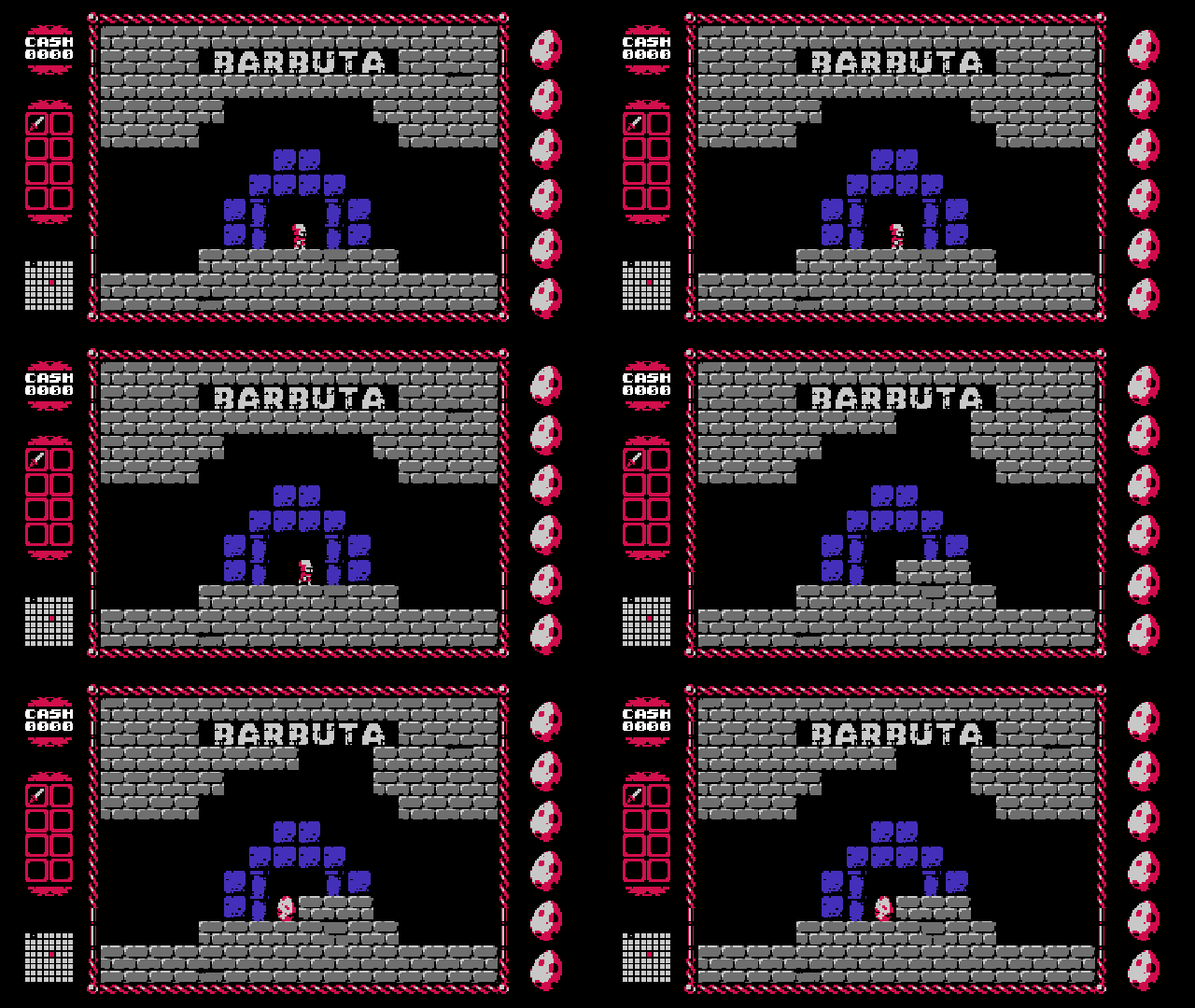
Huge thanks to Butterscotch
This port exists because of Butterscotch. Huge shout-out to its creators and contributors for the open-source GameMaker runner, and to cobaltgit's Onion branch for the starting point. They deserve the credit for the runner.
Install
- Enable Ports Collection in Onion's Package Manager.
- Extract
ufo50-miyoo-mini-v0.1.0.zipto the root of your SD card. - Copy your Windows UFO 50 game folder contents into
Roms/PORTS/Games/UFO50/gamefiles/.data.winmust be directly inside that folder, alongside the audio groups, textures, fonts andextfolders. The Windows executable is not needed. - Run ~Import ports, then open Action → UFO50.
Game files are not included. Back up your saves before updating. The game uses a 16:9 picture, so black bars on the Mini's 4:3 screen are normal. This is the first release; not every game and level has been fully tested.
The install ZIP contains only the Roms tree, including the native runtime, launcher, instructions and licenses. The matching source archive is a separate download; it is not needed on the SD card. SHA256SUMS covers both archives.
See the README for controls and save locations, and capture details for the gameplay preview's origin.