Repository navigation
clion_cpp
The following steps can be used to pull this application into CLion.
- Pull the content of this repository.
- Open the project folder.
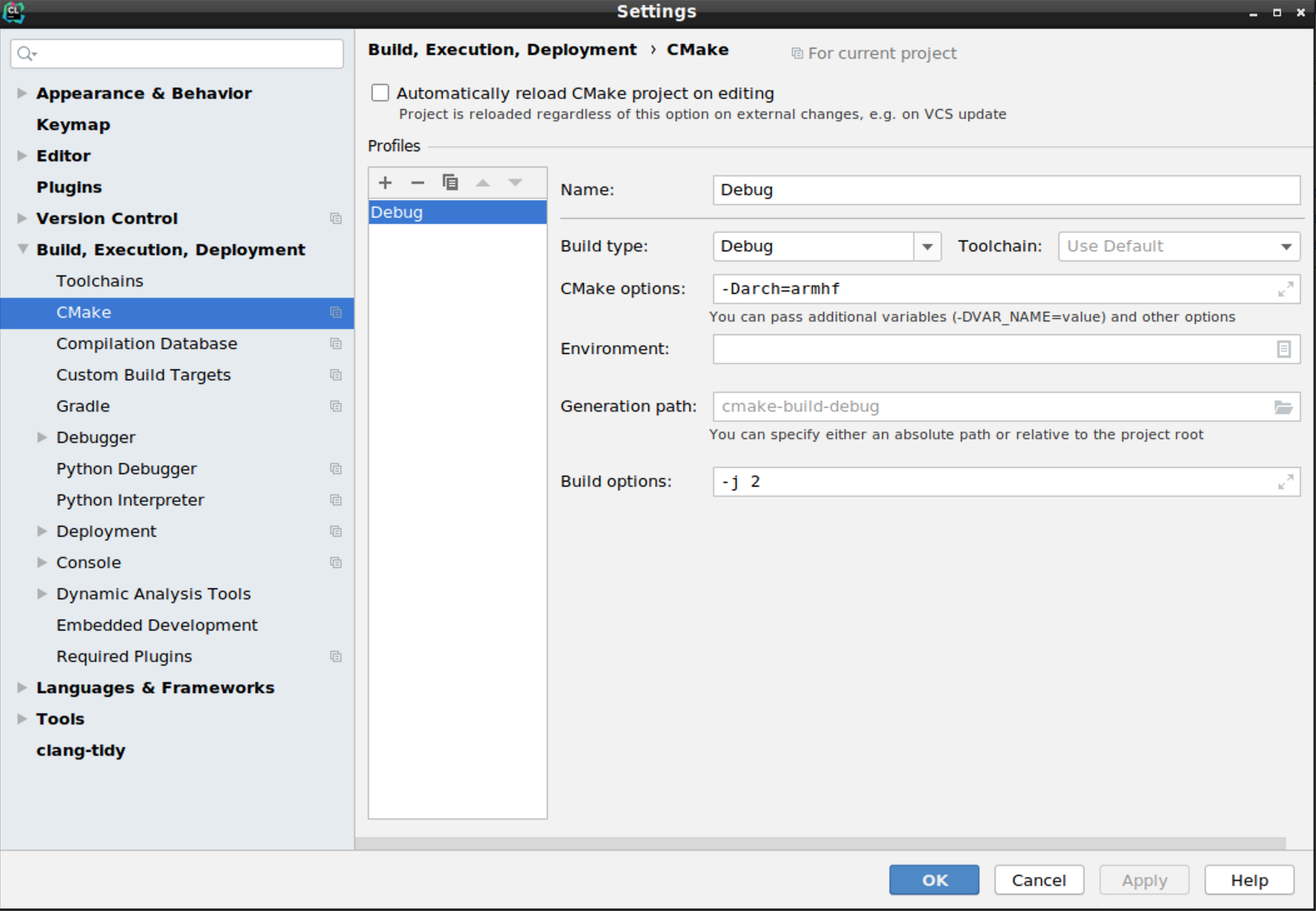
- Set the target architecture in: "File/Settings/Build/CMake/CMake options". The possible values are
-Darch=amd64or-Darch=armhf.
- Build the project: "Build/Build ALL"