Repository navigation

Offrecord is a private, on-device meeting recorder and AI note taker for macOS.
It records your calls and meetings, transcribes them on your Mac and turns them into summaries, decisions and to-dos. No account, no server, no bot joining your call.
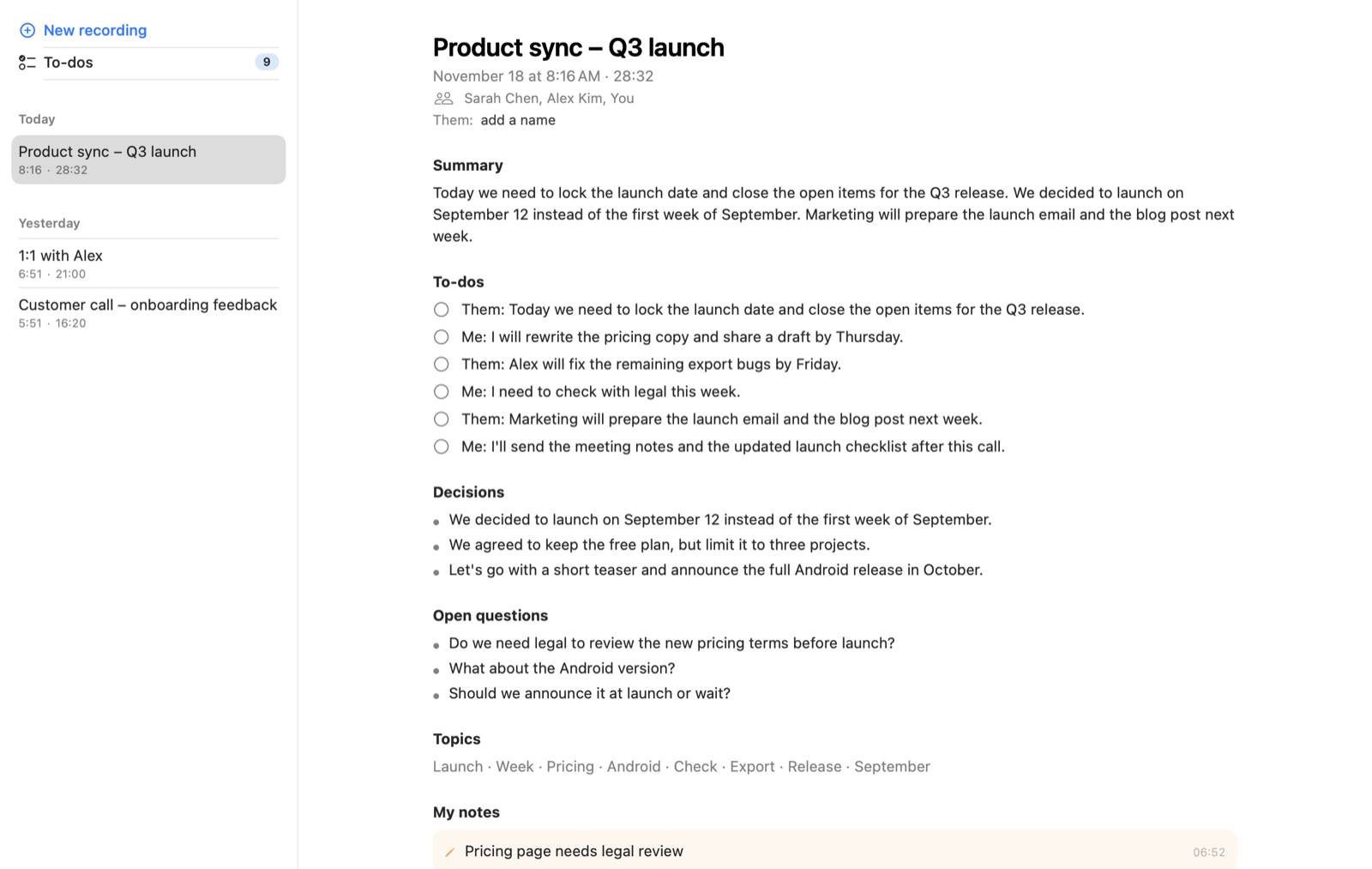
Highlights
- 🎙️ Record your microphone and the other side of any call (Zoom, Google Meet, Teams, Slack, WhatsApp, FaceTime) or an in-person conversation, with optional screen recording
- ✍️ Live on-device transcription with Me / Them speaker labels, in every language Apple's speech recognition supports
- 🧠 Automatic notes: summary, topics, decisions, action items and open questions (Apple Intelligence when available, local rules otherwise)
- ✅ To-do list across all meetings
- 📞 Call detection: offers to record when a call starts, stops when it ends
- 🛟 Crash-safe recording with automatic recovery
- 📄 Plain files:
audio.m4a,notes.md, JSON — in a folder you choose - 🌍 English and Turkish interface
Install
Requires macOS 26 (Tahoe) or later, an Apple silicon Mac and Xcode 26 or its Command Line Tools.
git clone https://github.com/RamazanBakir/offrecord.git
cd offrecord
git checkout v0.1.0
./scripts/install.sh
The script builds the app on your Mac, signs it with a local certificate (no Apple Developer account needed) and installs it to ~/Applications. Because you build it yourself, there is no Gatekeeper warning.
Known limitations
- No prebuilt download yet: the app is not notarized, so it is distributed as source.
- Notes written by the rule-based engine are simpler than Apple Intelligence notes.
- Recording laws differ by country: tell people when you record.
Full list of changes: CHANGELOG.md
Feedback, bug reports and translations are very welcome — open an issue.