Repository navigation
0.5.0

0.5.0
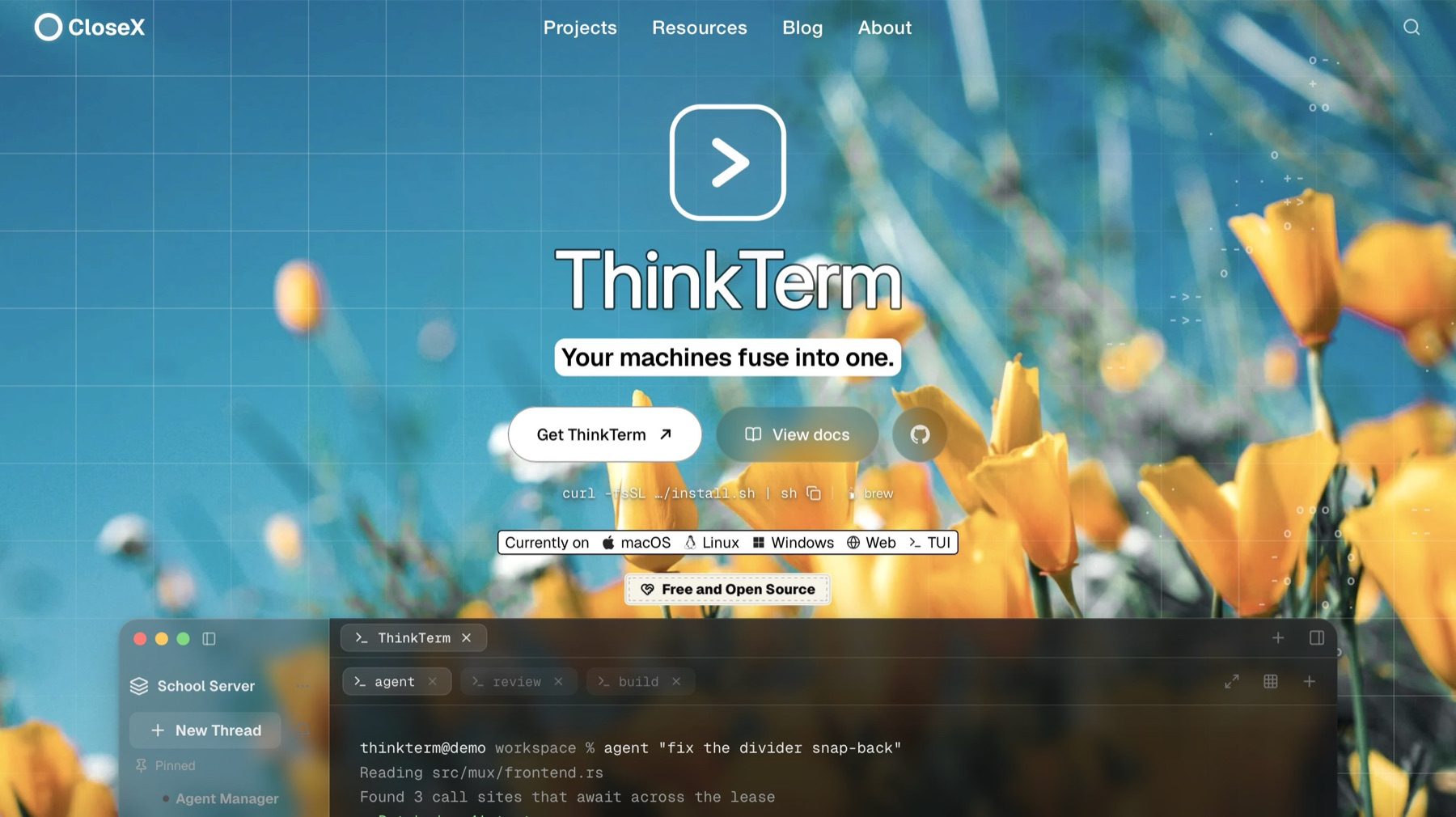
🍺 Homebrew (macOS):
brew install --cask roversx/tap/thinkterm
🌐 Website: closex.org/thinkterm
📚 Documentation: docs.closex.org/thinkterm
Upgrade note
If you use remote ThinkTerm servers, update them to 0.5.0 as well. This release changes the connection protocol, so 0.5.0 clients cannot attach to servers still running 0.4.9.
What's new
Settings › Agents & Status
- The Agents page is now Agents & Status, with a card for Dynamic Status.
- Show Dynamic Status turns off the bottom-right corner for agents, long commands and package managers. Updates and transfers still show there.
- Each tool with rules (apt, Homebrew and any of your own) has its own switch. Expand one to see what it reads, whether it is on your PATH and where its rules are. Other Tools opens the rules folder.
- Rule files you add, change or remove are picked up within a few seconds, by ThinkTerm and by your servers, without a restart.
- The Status Display card is gone. Its switches are still in the Status panel's menu.
Finished notices wait for you
- A finished notice no longer disappears after five seconds. It folds to its icon with a small green tick and its name, and stays until you look at that pane, click it or close it with ×.
- Hover it to see it in full. Once you have, it closes five seconds after the pointer leaves.
- This works the same for agents, long commands and finished transfers. A command that failed stays as it is until you see it.
Tab icons in colour
- Tab icons can now be drawn in their own colours. Homebrew is the first: a tab running
brewshows an amber mug on a grey disc, in the tab bar, the sidebar, Dynamic Status and the web client. The iOS app shows it in one colour.
Faster output
- Busy output reaches the screen sooner, most of all wide CJK text, plain ASCII and scrolling.
- Typing is no longer held up while another pane floods output.
Downloads
macOS
Apple silicon · Intel — or curl -fsSL https://raw.githubusercontent.com/RoversX/thinkterm/main/install.sh | sh, which picks the right one, verifies it and puts the command-line tools on PATH
Windows
Linux
Install script — curl -fsSL https://raw.githubusercontent.com/RoversX/thinkterm/main/install.sh | sh puts ThinkTerm under ~/.local without root and asks which variant you want; --desktop or --server (headless remote host, no GUI) skips the question
Desktop tarball: 64-bit · ARM64
Server tarball (gzip): 64-bit · ARM64
Server tarball (smaller xz download): 64-bit · ARM64
Server tarball for older glibc (xz): 64-bit · ARM64
Server tarball for older glibc (Ubuntu 20.04, Debian 11; OpenSSL built in): 64-bit · ARM64
AppImage — chmod +x and run it; nothing is installed
DEB (Debian / Ubuntu) — sudo apt install ./<file>.deb
DEB, server only (headless remote host, no GUI and no graphics libraries) — sudo apt install ./<file>.deb; replaces the desktop package if that is installed
RPM (Fedora / RHEL) — sudo dnf install ./<file>.rpm
RPM, server only (headless remote host, no GUI and no graphics libraries) — sudo dnf install ./<file>.rpm; replaces the desktop package if that is installed