Repository navigation
Getting Started
- Foundry → Add-on Modules → Install Module.
- Paste the manifest URL and install:
https://github.com/Rutz179/rutz-crit-cutin/releases/latest/download/module.json - In your world → Manage Modules → enable Rutz's Cinematic Stage.
Foundry VTT v13–v14, any game system. The interface follows Foundry's language (English or Korean).
| What | Where |
|---|---|
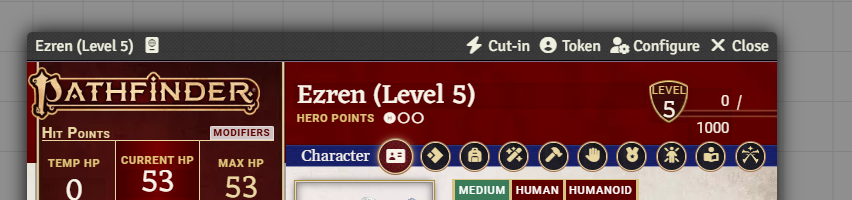
| A character's cut-in | Cut-in in the character sheet's header (on newer sheets: the header's ⋮ menu → Critical Cut-in) |
| A character's voice | Newer sheets: the header's ⋮ menu → Character voice. Also the Voice button in the cut-in editor |
| A landing page | The Title screen button in the Rutz toolkit toolbar (or the settings window → Landing Page → Design landing page) |
| Settings | Configure Settings → Rutz's Cinematic Stage |
The module's page in Configure Settings keeps the main switches and one button per topic — Configure Critical Cut-ins, Configure Character voices and Configure Landing Page. They open the settings window.
Next: Critical cut-ins