Repository navigation
Home

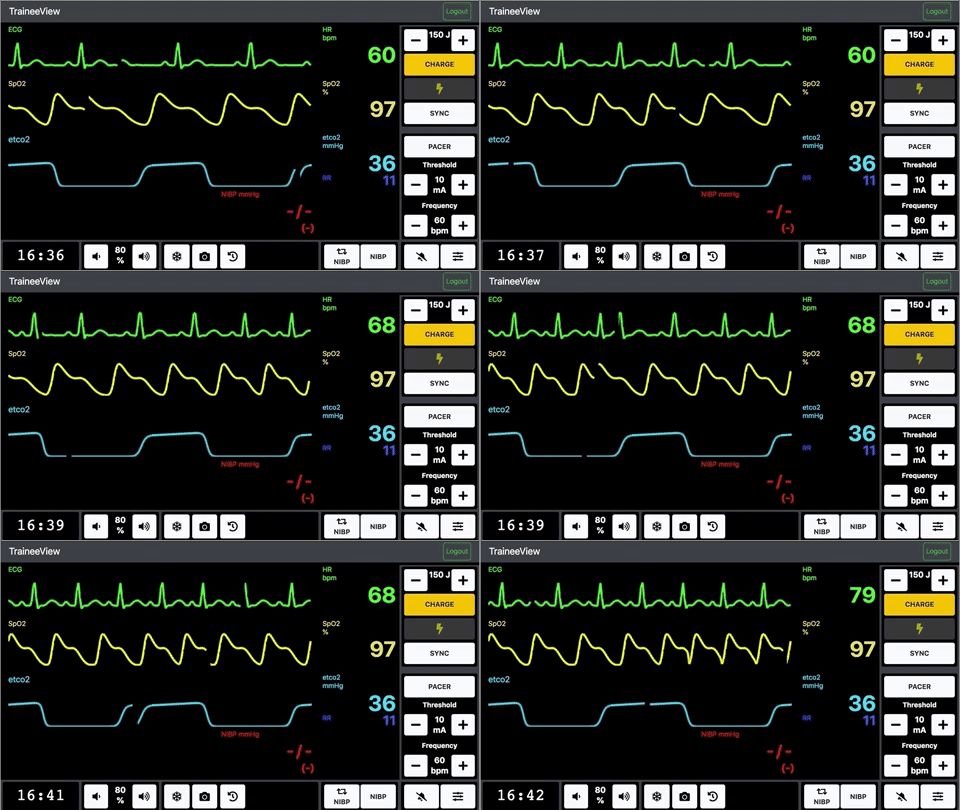
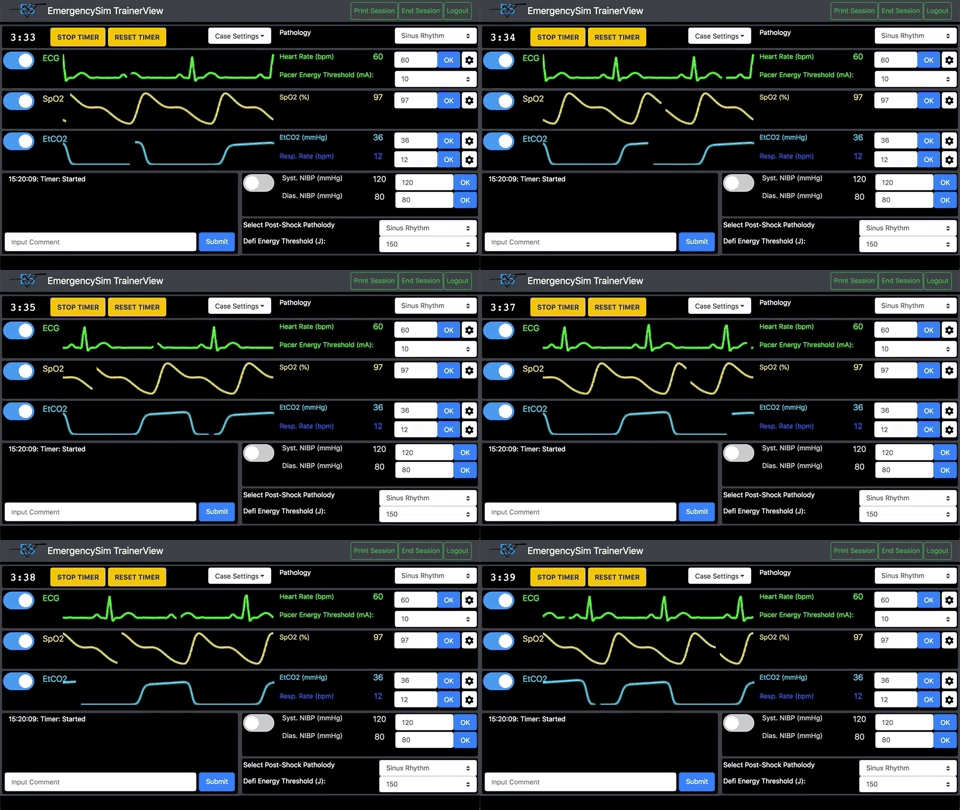
WebApp for Emergency Training Situations
| TraineeView | TrainerView |
|---|---|
 |
 |
- To use the Emergency Simulator, a device functioning as server and local area connection between devices is required. One possibility to build up such an environment is e.g. to use XAMPP in combination with a wlan hotspot.
- A modern internet browser is required. (Tests where performed with Chrome and Firefox.)
- When the codebase is downloaded, the initial name of the archive is
SIMLab-Emergency-Simulator-master.zip. It is recommended to rename the unzipped folder to esim. - When using XAMPP, the previously downloaded folder (now preferably named esim) needs to be placed in htdocs.
- If another name like my_name is chosen instead of esim, the web app can be accessed using
localhost/my_name/.
- If another name like my_name is chosen instead of esim, the web app can be accessed using
Developers:
- Christian Bauer
- Serena Glass
- Christine Geßner
- Chahinez Chaouchi
Project Lead:
-
Why are all the dependencies included in the project?
- The Emergency Simulator was ment be able to work without a stable internet connection. Therefore, with e.g. the use of a low cost wifi-hotspot, trainings with two connected devices can be perfomed.
Following projects were used in this work:
- Bootstrap v4.0.0
getbootstrap.com - JQuery v3.2.1
jquery.com - Popper
popper.js.org - html2canvas v1.0.0-alpha.12
html2canvas.hertzen.com - Ion.RangeSlider v2.2.0
github.com/IonDen/ion.rangeSlider - FPDF v1.81
fpdf.org - Font Awesome Free v5.4.1
fontawesome.com - Natural Docs v2.0
naturaldocs.org - ...further sources are named in each file.
- GPL v3 license
- Copyright (C) 2018 HAW-Hamburg.
Home | About | Detail | Setup | Documentation |