Repository navigation
v1.0.2

Install
Roll Requests is not in Foundry's module search. Copy this link:
https://github.com/Sephral/sephrals-roll-requests/releases/latest/download/module.json
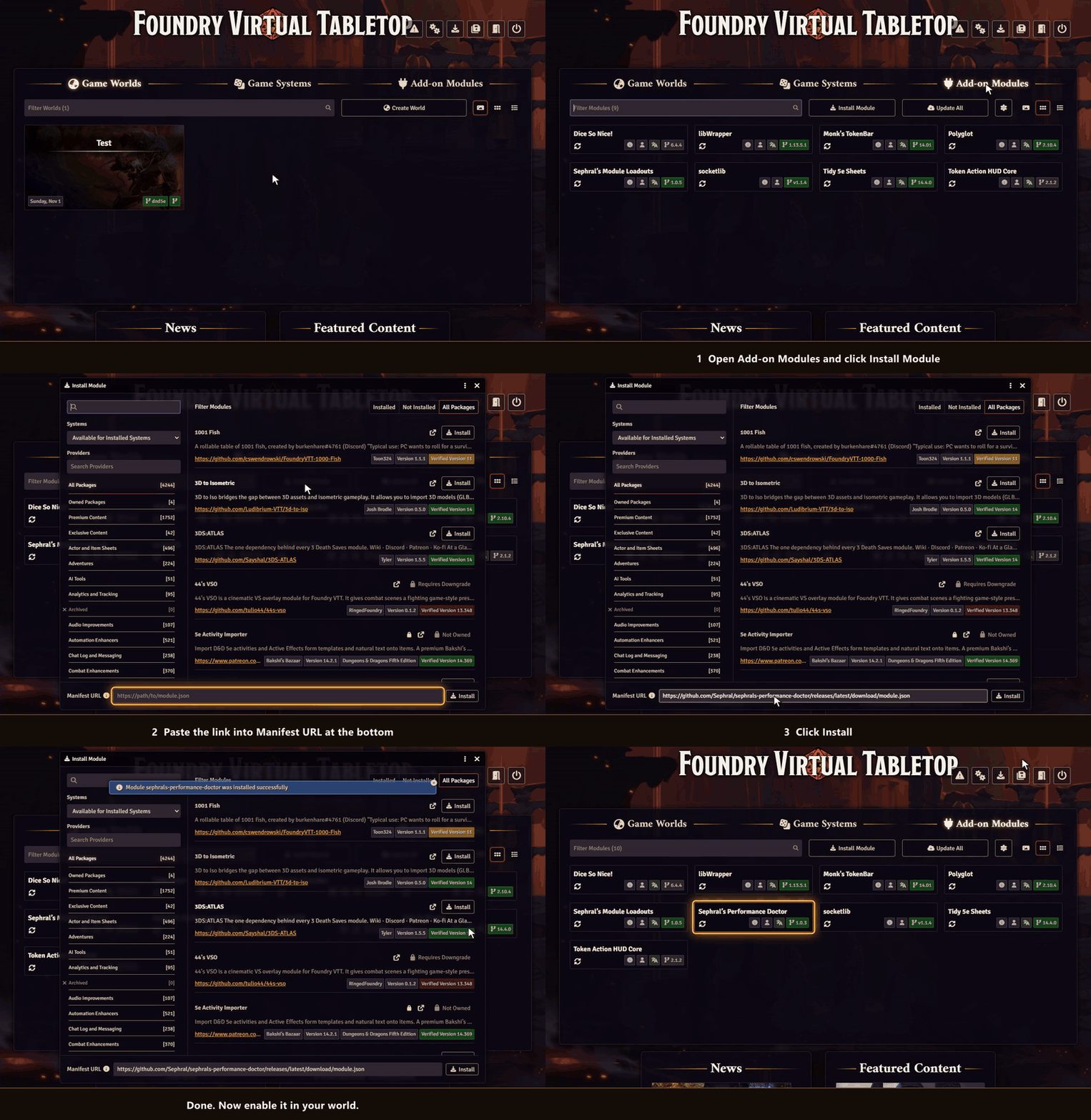
- In Foundry's setup screen open Add-on Modules and click Install Module.
- Paste the link into Manifest URL at the bottom of the window.
- Click Install, then enable the module in your world.
On The Forge open the Bazaar, click Install From Manifest and paste the link.
Full Changelog: v1.0.1...v1.0.2