Repository navigation
Animated Cards
Give the operator card a gif or animated webp and the art moves, the rest of the card stays put.
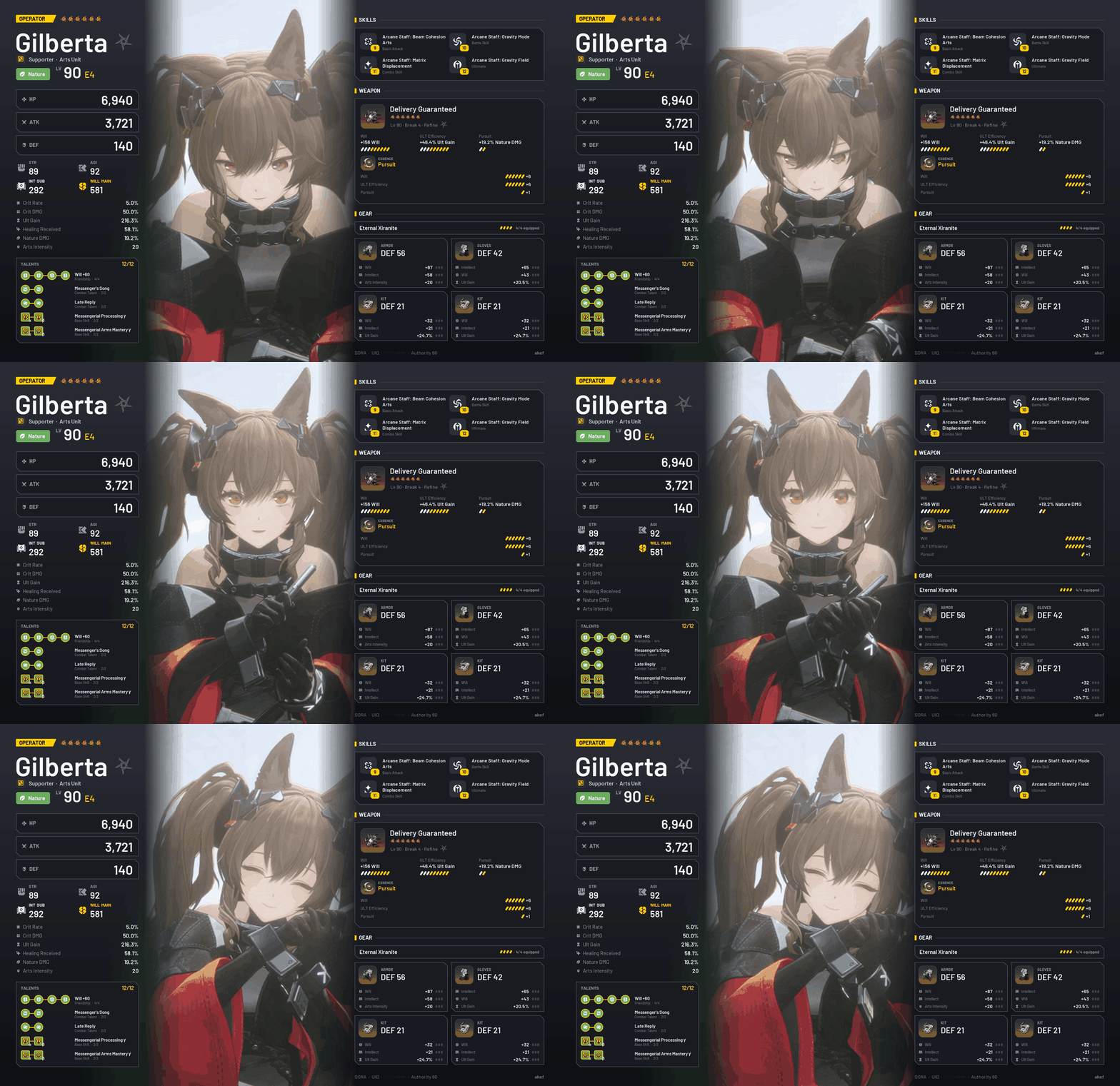
file = await cards.render_animated(build, Path("art.gif"), template=2)   # BytesIO named card.webp
file = await cards.render_animated(build, attachment_bytes, format="GIF")
WEBP is the default and usually a lot smaller than GIF for the same look.
-
fit="contain"(default) shows the whole gif with a blurred copy filling the rest -
fit="cover"fills the art area and crops -
fit="auto"covers if that cuts off less than 20%, otherwise contains -
focus=(x, y)picks whatcoverkeeps,(0.5, 0.2)keeps more of the top
Not sure? await cards.animation_info(gif) tells you the size, frame count, length and what auto would pick.
animated_card() draws once and gives you something you can edit before exporting. Edits don't redraw so
they're quick:
card = await cards.animated_card(build, Path("art.gif"), fit="auto")

await card.save("card.webp")
await card.trim(0.2, 1.4).speed(1.5).save("short.webp")
await card.bounce().save("bounce.gif")
await card.hold(0.8).loops(3).save("pause.webp")
card.still(0.5).save("thumb.png")Every 2nd frame is dropped by default (frame_step=1 keeps all of them). If you still need it smaller:
small = await card.fit_under(10)      # under 10 MB
print(small.settings)                 # what it had to change
It lowers webp quality first, then halves the frames, then shrinks the width. If it can't get there you get a
CardError, trim the clip or pass a lower min_width.
- takes a few seconds and isn't cached
- urls and text paths need
allow_remote/allow_local, same as Custom Art - huge animations (too many frames times pixels) are rejected