Repository navigation
Penguin Studio 0.6.1
Pre-release
Penguin Studio 0.6.1 — Linux development preview
Download the package matching your system from Assets below. All package builds
and their automated checks passed before publication. Full live-provider,
hardware and cross-desktop testing is still incomplete; see docs/VERIFICATION.md.
| Target | Download |
|---|---|
| Ubuntu 24.04 (amd64) | penguin-studio_0.6.1-1+ubuntu24.04_amd64.deb |
| Ubuntu 26.04 / 26.04.1 (amd64) | penguin-studio_0.6.1-1+ubuntu26.04_amd64.deb |
| Fedora 44 (x86_64) | penguin-studio-0.6.1-1.x86_64.rpm |
| AppImage (x86_64, glibc 2.39+) | penguin-studio-0.6.1-x86_64.AppImage |
| Arch Linux / AUR recipe (x86_64) | penguin-studio-0.6.1-aur.tar.gz |
| Flatpak (x86_64) | penguin-studio-0.6.1-x86_64.flatpak |
| Snap core24 (amd64) | penguin-studio_0.6.1_amd64.snap |
Ubuntu DEBs are release-specific; do not install the 24.04 package on 26.04.
The RPM targets Fedora 44. Flatpak requires the Freedesktop 25.08 runtime
from Flathub. Snap requires snapd and local installation with --dangerous;
it is a development build, not a Snap Store publication.
AppImage targets x86_64 hosts with glibc 2.39 or newer. Make it executable and
launch it; --appimage-extract-and-run avoids a FUSE dependency. The AUR archive
contains a checksum-pinned penguin-studio-bin recipe, not a claim of publication
on aur.archlinux.org. Extract it, review PKGBUILD, then run makepkg -si on Arch.
AppImage and Arch installations currently use manual/package-manager updates;
the in-app updater offers release links instead of replacing those installations.
Verify downloaded files with sha256sum --check SHA256SUMS after downloading
all listed files, or compare the entry for the package you downloaded.
build-manifest.json records the exact source commit and package hashes.
Source: a515b1acf85acb00a47399fac27731e6b51889de. Build and checks.
Cleaner edges with custom camera backgrounds
Custom background images now suppress low-confidence background spill while
preserving soft foreground edges and premultiplied colors. Background blur and
transparent removal are unchanged.
A real Elgato Facecam 4K test under Wayland exposed distracting background residue
with custom images. The corrected live result was accepted as significantly better
and usable during head/hand movement. Background blur already passed that live test.
Private camera frames are not included in this repository or release.
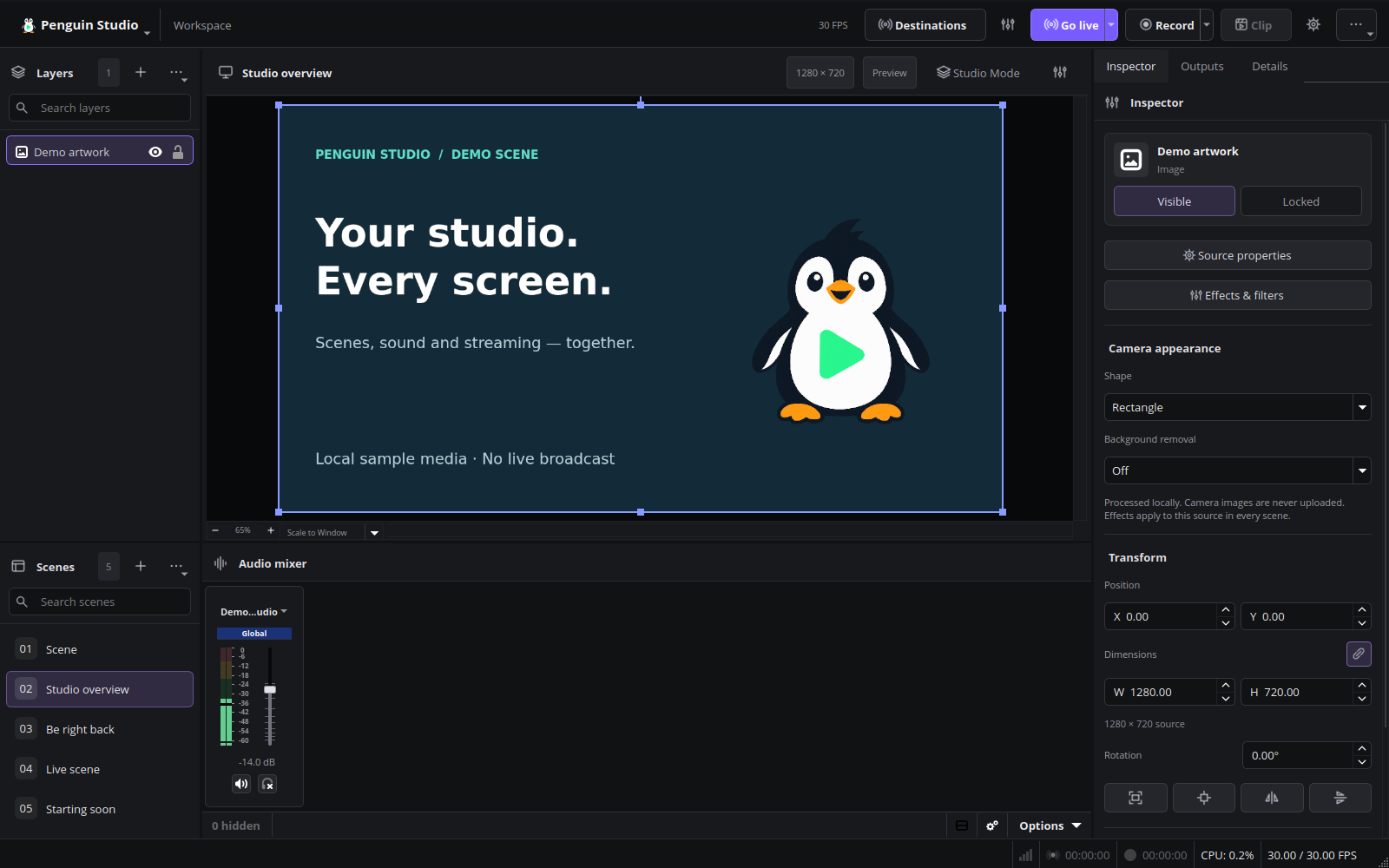
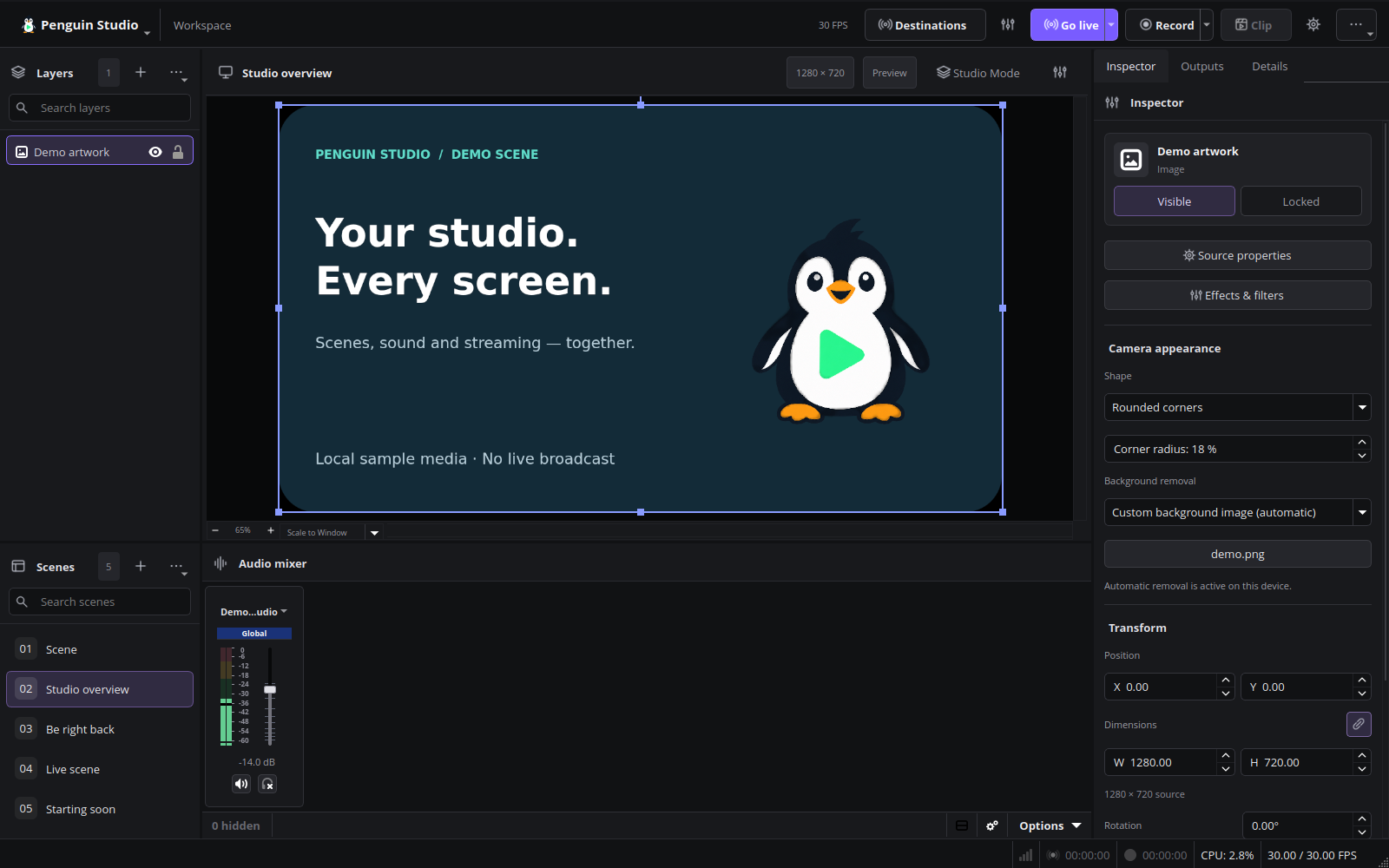
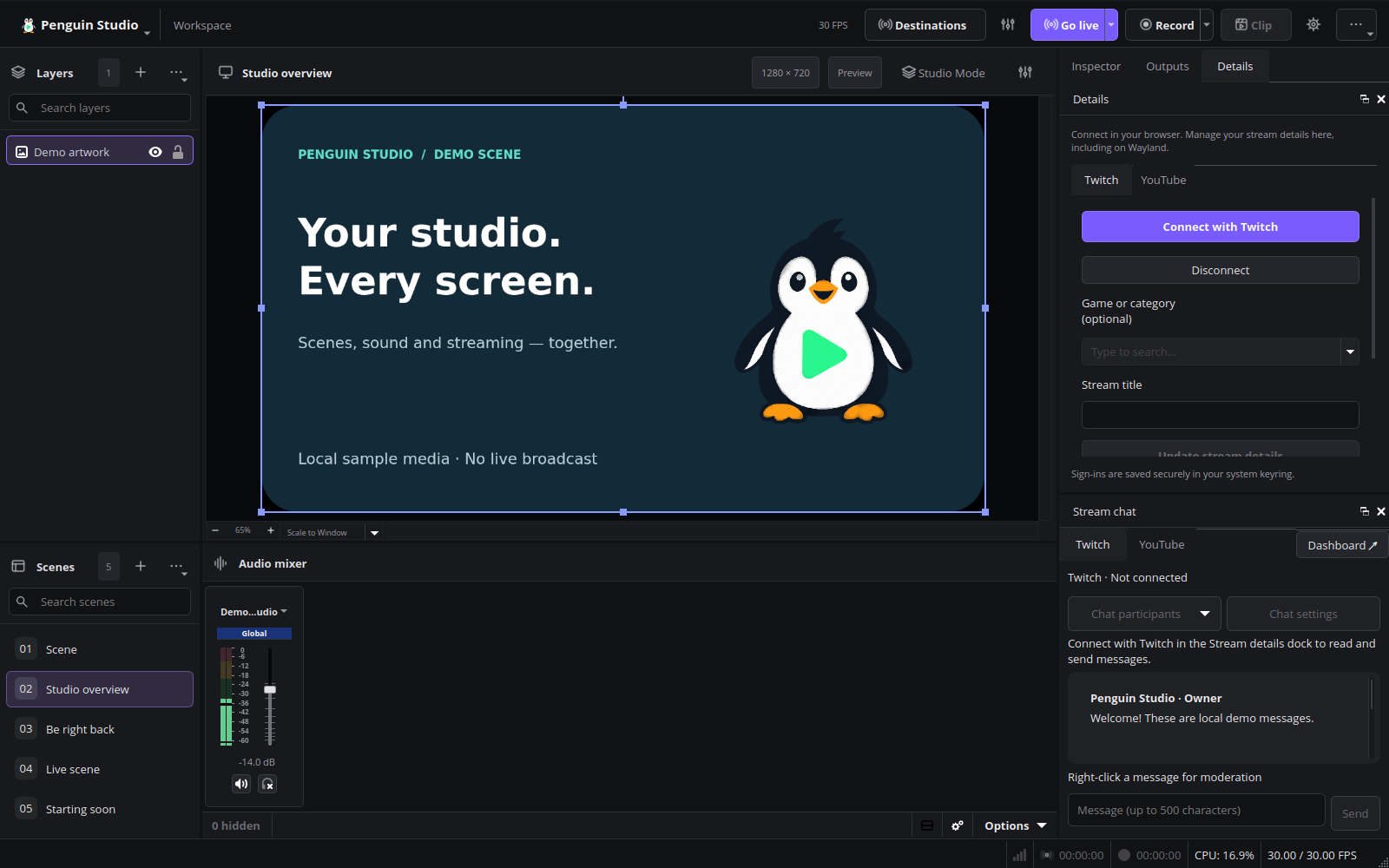
Current English interface
Penguin Studio 0.6.1, captured from the real application with local demo media.
Installed Ubuntu 26.04.1 verification
The published Ubuntu 26.04 package was checksum-verified and installed as 0.6.1-1+ubuntu26.04. Package-file verification passed. Native Wayland camera checks passed for background blur, custom images, rounded corners, alpha cleanup and undo/restore. Restarting the saved real Elgato Facecam scene restored the image and active matting. Both installed test sessions closed without warning/error diagnostics or reported memory leaks. The earlier live motion correction was accepted by the tester as significantly better and usable; private frames remain local.
Follow-up motion test — known limitation
A later real Elgato Facecam recording test found partially disappearing hands during fast movement with a custom background. The head remained intact. The installed build’s 70-second recording decoded correctly and the application closed cleanly, but the log reported one lagged render frame and one skipped encode frame. Isolated model/alpha experiments did not reliably solve the visual issue and were not shipped. Earlier accepted edge-cleanup feedback remains valid for that earlier test; this later motion check is not a visual-quality pass. Private recordings remain local.