Repository navigation
Releases: SigmaCodez/PenguinStudio
Release list
Penguin Studio 0.7.4

Penguin Studio 0.7.4 — Linux development preview
Download the package matching your system from Assets below. All package builds
and their automated checks passed before publication. Full live-provider,
hardware and cross-desktop testing is still incomplete; see verification.
| Target | Download |
|---|---|
| Ubuntu 26.04 / 26.04.1 (amd64) | penguin-studio_0.7.4-1+ubuntu26.04_amd64.deb |
| Fedora 44 (x86_64) | penguin-studio-0.7.4-1.x86_64.rpm |
| Arch Linux / AUR recipe (x86_64) | penguin-studio-0.7.4-aur.tar.gz |
| Flatpak (x86_64) | penguin-studio-0.7.4-x86_64.flatpak |
| Optional RX 9070 camera GPU runtime (Ubuntu 26.04) | penguin-studio-camera-amd-gfx1201_0.7.4-1+ubuntu26.04_amd64.deb |
| AppImage (x86_64, glibc 2.43+) | penguin-studio-0.7.4-x86_64.AppImage |
| Snap core26 (amd64) | penguin-studio_0.7.4_amd64.snap |
| Optional RX 9070 camera GPU runtime (Ubuntu 26.10) | penguin-studio-camera-amd-gfx1201_0.7.4-1+ubuntu26.10_amd64.deb |
| Ubuntu 26.10 (amd64) | penguin-studio_0.7.4-1+ubuntu26.10_amd64.deb |
Native Ubuntu DEBs target Ubuntu 26.04/26.04.1 and Ubuntu 26.10. Choose the package matching your Ubuntu version. Older hosts should use Flatpak or Snap.
The RPM targets Fedora 44. Flatpak requires the Freedesktop 26.08 runtime
from Flathub. Snap requires snapd and local installation with --dangerous;
it is a development build, not a Snap Store publication.
AppImage targets x86_64 hosts with glibc 2.43 or newer. Make it executable and
launch it; --appimage-extract-and-run avoids a FUSE dependency. The AUR archive
contains a checksum-pinned penguin-studio-bin recipe, not a claim of publication
on aur.archlinux.org. Extract it, review PKGBUILD, then run makepkg -si on Arch.
AppImage and Arch installations currently use manual/package-manager updates;
the in-app updater offers release links instead of replacing those installations.
Verify downloaded files with sha256sum --check SHA256SUMS after downloading
all listed files, or compare the entry for the package you downloaded.
build-manifest.json records the exact source commit and package hashes.
Source: bf957e1a9e722239bbf408083a4355b665ab055e. Build and checks.
Penguin Studio 0.7.4
This development release adds practical recording helpers while keeping the classic Penguin Studio workspace.
- Fix a black native Wayland preview when an embedded browser/chat recreates the window surface. The preview now restores its rendering surface after Qt replaces it.
- Add named chapter marks while recording to a compatible container, such as Hybrid MP4. Unsupported outputs show a clear explanation.
- Keep format-independent highlight notes with approximate video timestamps and export them as UTF-8 text. Pauses keep their video timestamp; separate recordings retain separate identities. Export notes before quitting: notes are held only for the current app session.
- Recording storage checks now follow custom FFmpeg file paths and require an existing writable directory. Replay readiness and an active privacy shield are made explicit in Stream check.
- Every normal Linux startup checks for updates in the background. Only a newer eligible release opens a notification; up-to-date and failed background checks remain silent. Update notifications wait until outputs and modal dialogs have finished. The manual update command remains available.
Validation and limits
The reviewed local changes passed 237 Wayland workspace checks, 35 loopback-stream/recording checks and 34 highlight-note/chapter checks. Completed recordings were decoded, chapter metadata inspected, and recording pause/restart and text export tested. Local installation checks passed. Final release-package results are recorded in the verification documentation.
Notes are not uploaded, included in diagnostics or embedded in the video. Timestamps are approximate; split files may reset counters. Chapter support depends on the output and editor. The file-dialog test recorded a Glycin sandbox diagnostic; no security setting was disabled to hide it. This release does not claim new real-account ban/timeout or all-device validation.
Linux downloads
Ubuntu 26.04/26.04.1 and 26.10 DEBs, Fedora 44 RPM, Flatpak, Snap core26, AppImage, the Arch recipe and optional AMD camera-runtime DEBs are built by GitHub Actions. AppImage requires glibc 2.43 or newer. The Arch archive is a downloadable recipe, not an AUR listing. Flatpak currently provides integrated API chat rather than the Qt WebEngine original chat view.
See Creator tools, installation and verification.
Current English interface
Penguin Studio 0.7.4, captured from the real application with local demo media.
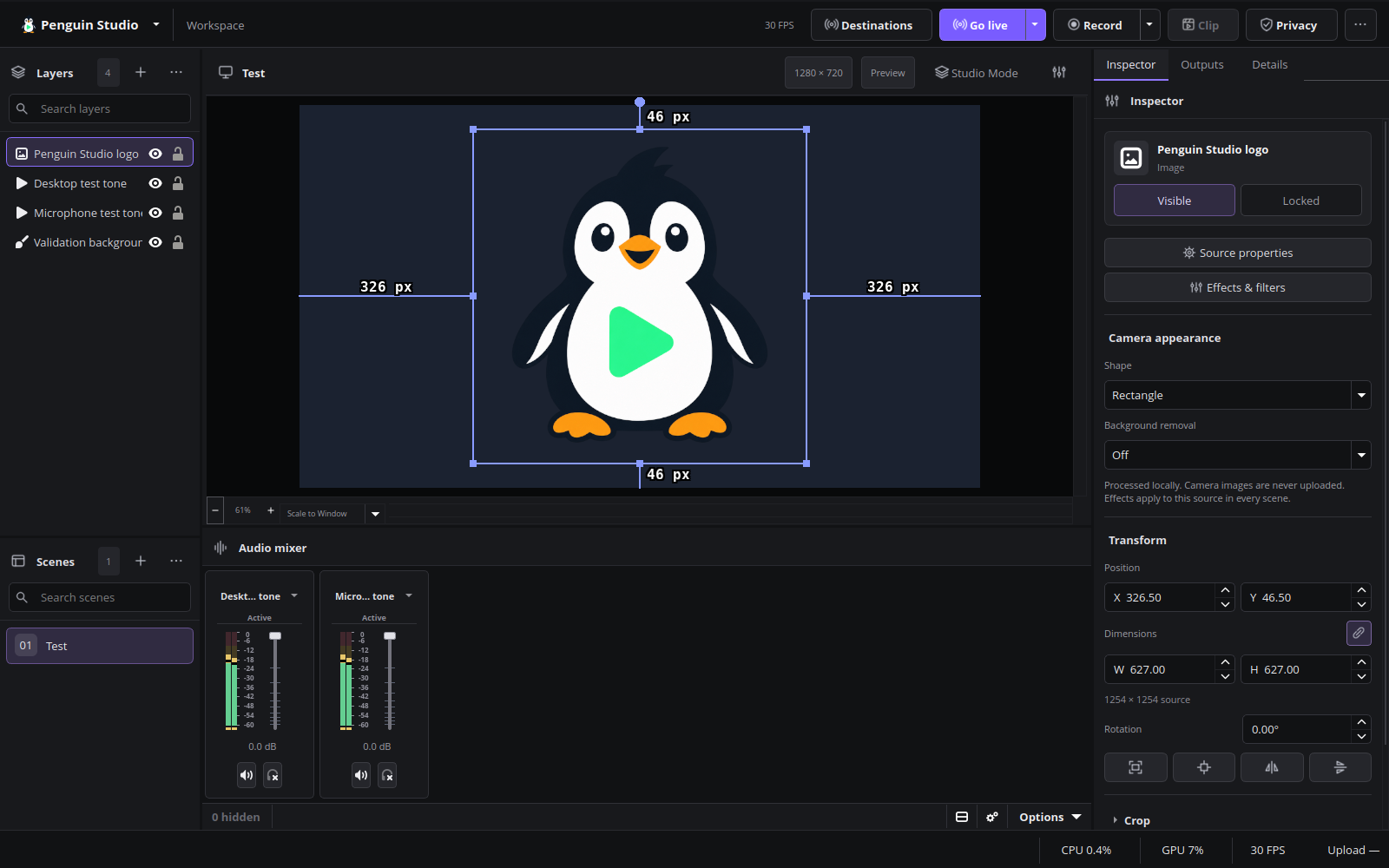
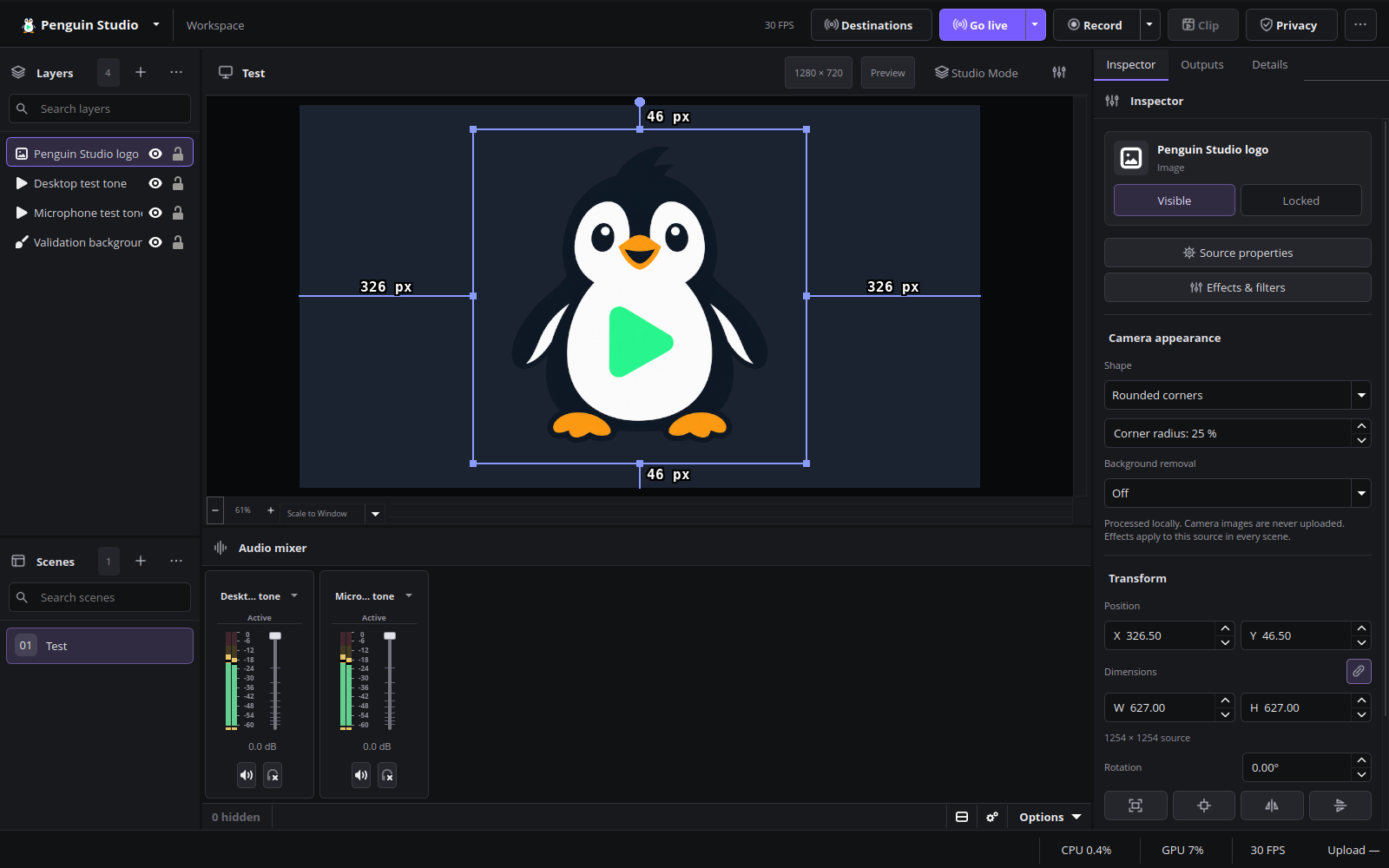
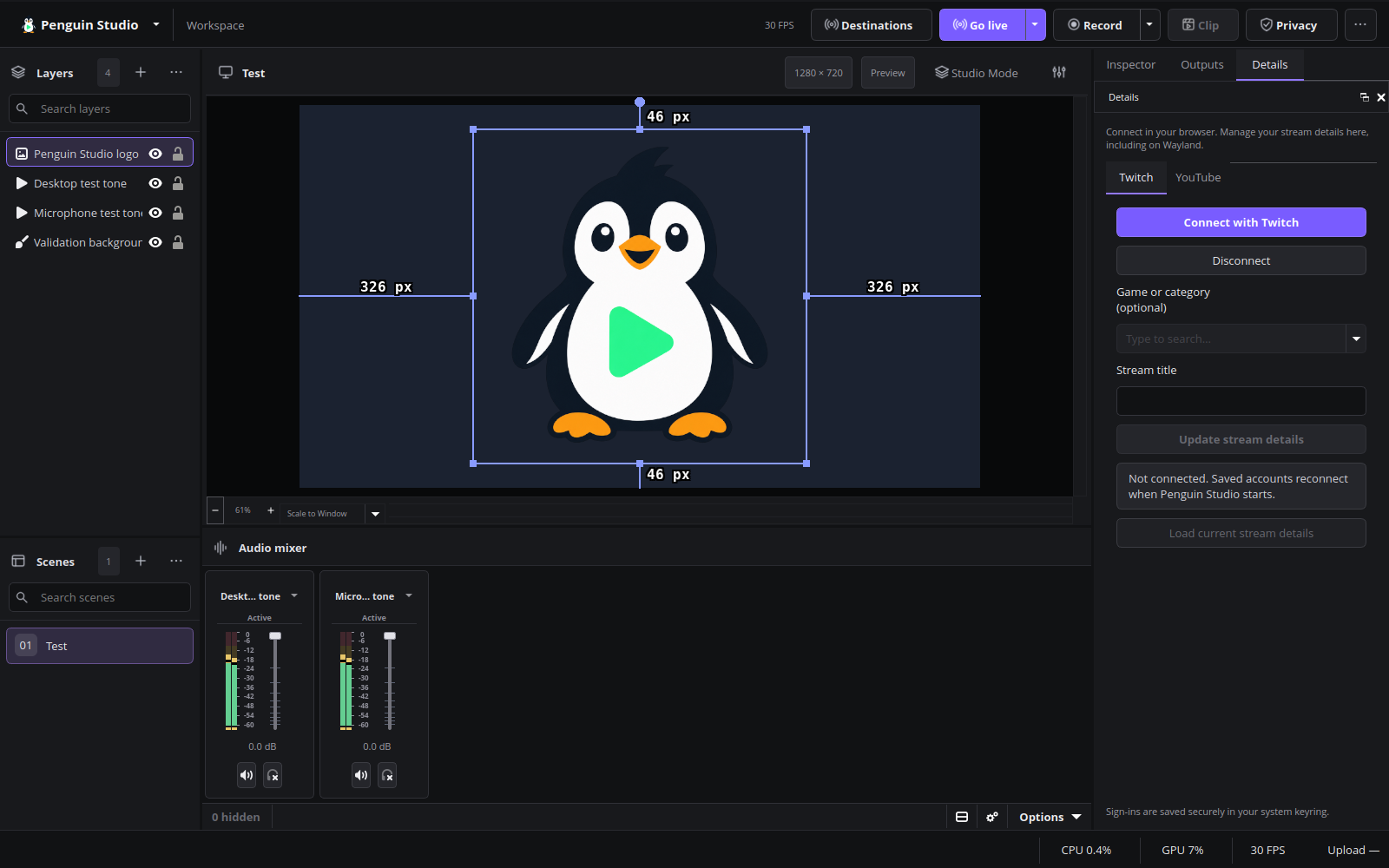
Final Ubuntu package verification
All nine downloaded packages match their published hashes and sizes. The exact Ubuntu 26.04 DEB passed 237 workspace checks, 35 recording/local-stream checks and eight preview/WebEngine lifecycle checks under Wayland. Recordings fully decoded and all three test sessions exited normally with zero OBS memory leaks. The user confirmed that the normal scene stays visible after opening embedded chat. Final package evidence.
Final system-wide Ubuntu installation was verified, including the AMD camera add-on. The installed application passed all 237 workspace checks under Wayland and exited normally with zero OBS memory leaks.
Penguin Studio 0.7.3
Penguin Studio 0.7.3 — Linux development preview
Download the package matching your system from Assets below. All package builds
and their automated checks passed before publication. Full live-provider,
hardware and cross-desktop testing is still incomplete; see the verification record.
| Target | Download |
|---|---|
| Ubuntu 26.04 / 26.04.1 (amd64) | penguin-studio_0.7.3-1+ubuntu26.04_amd64.deb |
| Fedora 44 (x86_64) | penguin-studio-0.7.3-1.x86_64.rpm |
| Arch Linux / AUR recipe (x86_64) | penguin-studio-0.7.3-aur.tar.gz |
| Flatpak (x86_64) | penguin-studio-0.7.3-x86_64.flatpak |
| Optional RX 9070 camera GPU runtime (Ubuntu 26.04) | penguin-studio-camera-amd-gfx1201_0.7.3-1+ubuntu26.04_amd64.deb |
| AppImage (x86_64, glibc 2.43+) | penguin-studio-0.7.3-x86_64.AppImage |
| Snap core26 (amd64) | penguin-studio_0.7.3_amd64.snap |
| Optional RX 9070 camera GPU runtime (Ubuntu 26.10) | penguin-studio-camera-amd-gfx1201_0.7.3-1+ubuntu26.10_amd64.deb |
| Ubuntu 26.10 (amd64) | penguin-studio_0.7.3-1+ubuntu26.10_amd64.deb |
Native Ubuntu DEBs target Ubuntu 26.04/26.04.1 and Ubuntu 26.10. Choose the package matching your Ubuntu version. Older hosts should use Flatpak or Snap.
The RPM targets Fedora 44. Flatpak requires the Freedesktop 26.08 runtime
from Flathub. Snap requires snapd and local installation with --dangerous;
it is a development build, not a Snap Store publication.
AppImage targets x86_64 hosts with glibc 2.43 or newer. Make it executable and
launch it; --appimage-extract-and-run avoids a FUSE dependency. The AUR archive
contains a checksum-pinned penguin-studio-bin recipe, not a claim of publication
on aur.archlinux.org. Extract it, review PKGBUILD, then run makepkg -si on Arch.
AppImage and Arch installations currently use manual/package-manager updates;
the in-app updater offers release links instead of replacing those installations.
Verify downloaded files with sha256sum --check SHA256SUMS after downloading
all listed files, or compare the entry for the package you downloaded.
build-manifest.json records the exact source commit and package hashes.
Source: f39e1093d164e72bb6ab6598816a8153be9f5f18. Build and checks.
Penguin Studio 0.7.3
This development release improves platform chat and stream metadata while retaining the classic Penguin Studio workspace.
- Original Twitch and YouTube chat views in packages with Qt WebEngine; integrated API chat remains available. Flatpak currently uses integrated chat.
- Automatic stream-detail loading with protection for unsaved edits.
- YouTube broadcast selection is remembered, shows the video ID, prefers ongoing broadcasts when no selection can be restored, and drives both chat views consistently.
- Explicit guidance when Google website sign-in opens the external browser; integrated YouTube chat uses the existing account connection.
- Moderation validates actions and targets, updates confirmed Twitch deletions immediately, preserves state on failed unbans and explains quota, permission and conflict errors.
- Redundant settings, details and dashboard shortcuts removed without removing access to the underlying features.
Validation
Local Wayland testing passed 237 workspace checks, chat/account-flow regressions, recording and loopback streaming tests, and clean shutdown. Integrated YouTube sending and individual-message deletion were confirmed against the browser. Timeout/ban/unban behavior was tested with simulated responses only; no real test accounts were available. Google embedded website sign-in and arbitrary account eligibility are not guaranteed.
Linux downloads
Ubuntu 26.04/26.04.1 and 26.10 DEBs, Fedora 44 RPM, Flatpak, Snap core26, AppImage, Arch/AUR recipe and optional AMD camera runtime DEBs are built by GitHub Actions. Use the package for your distribution. AppImage requires glibc 2.43 or newer. The Arch recipe is downloadable; no AUR listing is published.
The optional AMD runtime enables tested GPU matting on the RX 9070 XT; unsupported combinations retain CPU fallback. Stop recordings and streams before updating. Website chat may require a separate sign-in. See chat behavior and limits and installation.
Final Ubuntu package validation
The downloaded Ubuntu 26.04 release package passed 237 native Wayland workspace checks and 31 recording/loopback-stream checks. Recording and local-stream media decoded fully; privacy audio/video behavior and measured upload reporting passed. Both runs exited normally with zero reported OBS memory leaks. System-wide installation of Penguin Studio and the existing AMD add-on was verified; the installed app also passed all 237 Wayland workspace checks and clean shutdown. The embedded-chat tabs, lazy loading and pause/resume behavior also passed in the tested application build. Signed-out platform pages can emit their own web diagnostics.
Live YouTube sending and individual-message deletion were confirmed during local review. Real timeouts, bans and unbans remain untested because no separate test accounts were available. Google website sign-in does not establish an embedded session through the external browser; integrated YouTube chat uses the API connection.
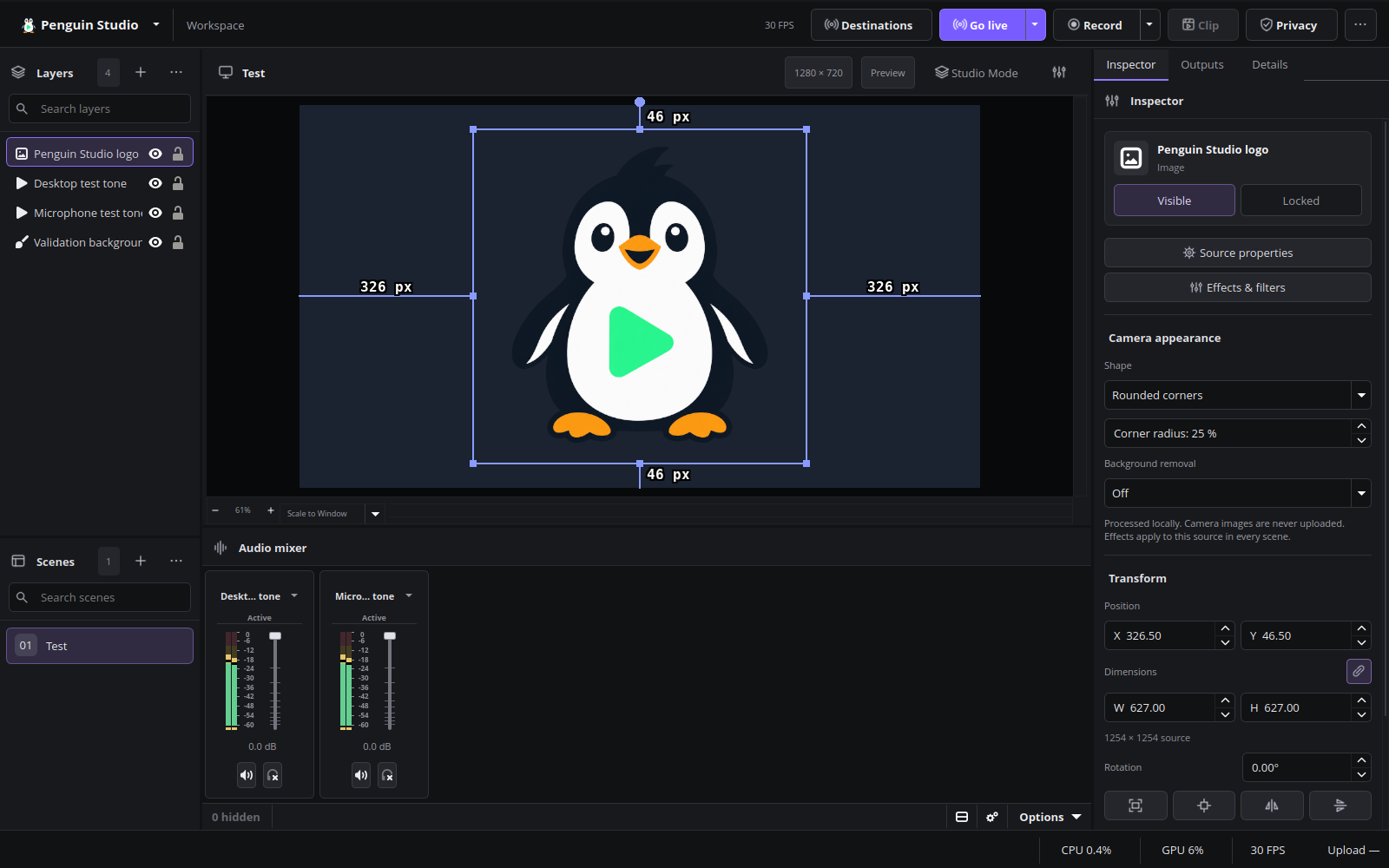
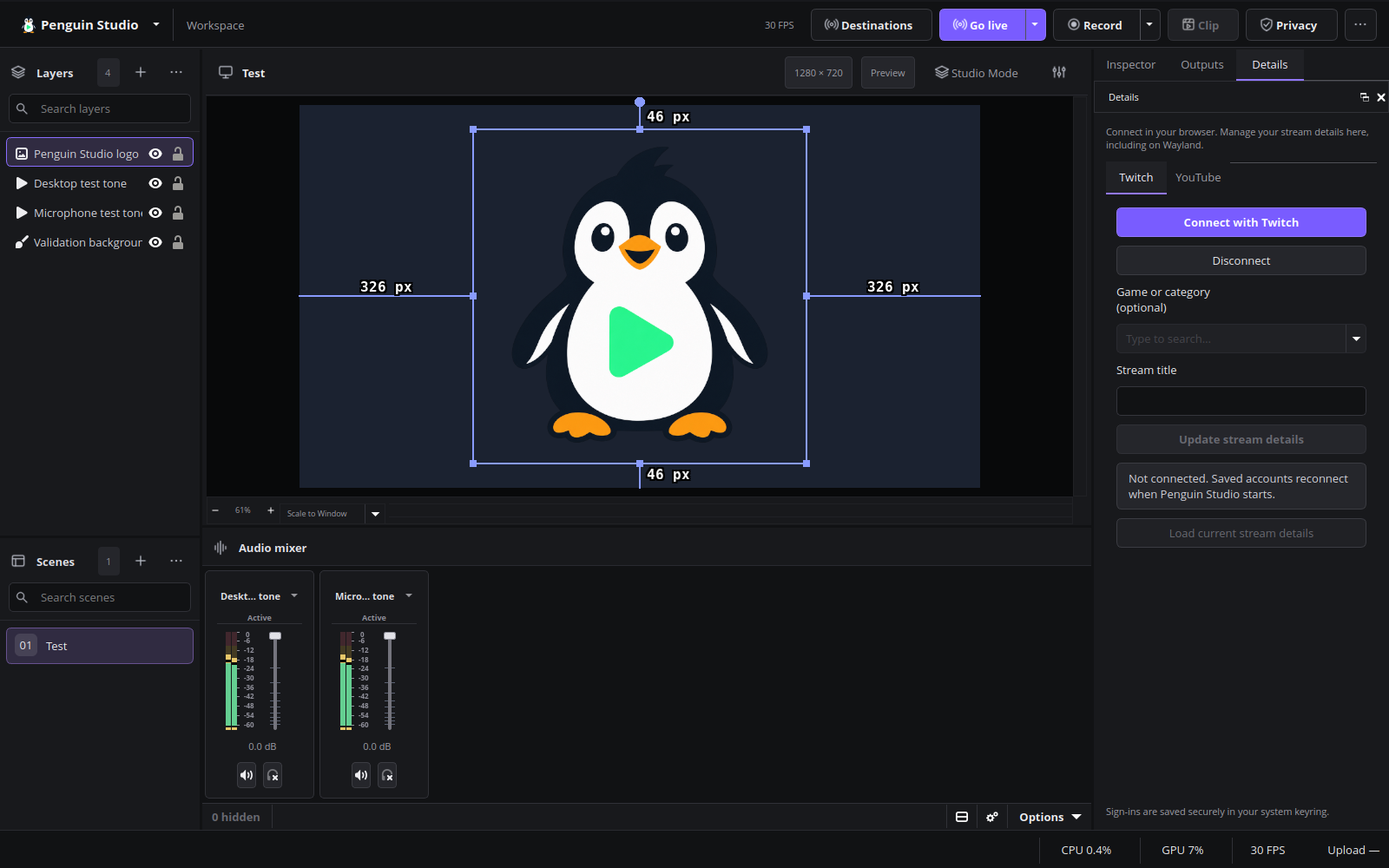
Current English interface
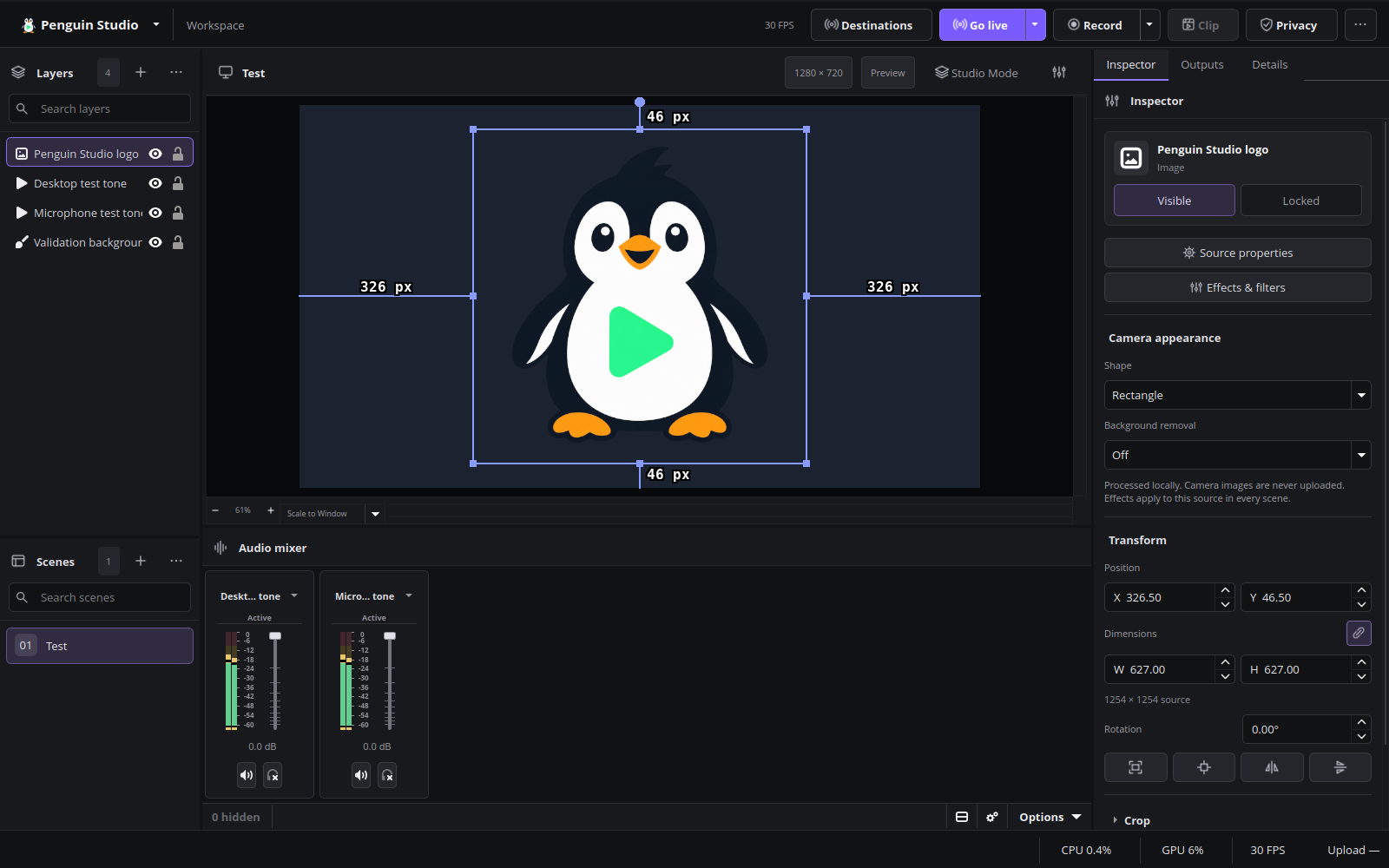
Penguin Studio 0.7.3, captured from the real application with local demo media.
Penguin Studio 0.7.2
Penguin Studio 0.7.2 — Linux development preview
Download the package matching your system from Assets below. All package builds
and their automated checks passed before publication. Full live-provider,
hardware and cross-desktop testing is still incomplete; see verification scope.
| Target | Download |
|---|---|
| Ubuntu 26.04 / 26.04.1 (amd64) | penguin-studio_0.7.2-1+ubuntu26.04_amd64.deb |
| Fedora 44 (x86_64) | penguin-studio-0.7.2-1.x86_64.rpm |
| Arch Linux / AUR recipe (x86_64) | penguin-studio-0.7.2-aur.tar.gz |
| Flatpak (x86_64) | penguin-studio-0.7.2-x86_64.flatpak |
| Optional RX 9070 camera GPU runtime (Ubuntu 26.04) | penguin-studio-camera-amd-gfx1201_0.7.2-1+ubuntu26.04_amd64.deb |
| AppImage (x86_64, glibc 2.43+) | penguin-studio-0.7.2-x86_64.AppImage |
| Snap core26 (amd64) | penguin-studio_0.7.2_amd64.snap |
| Optional RX 9070 camera GPU runtime (Ubuntu 26.10) | penguin-studio-camera-amd-gfx1201_0.7.2-1+ubuntu26.10_amd64.deb |
| Ubuntu 26.10 (amd64) | penguin-studio_0.7.2-1+ubuntu26.10_amd64.deb |
Native Ubuntu DEBs target Ubuntu 26.04/26.04.1 and Ubuntu 26.10. Choose the package matching your Ubuntu version. Older hosts should use Flatpak or Snap.
The RPM targets Fedora 44. Flatpak requires the Freedesktop 26.08 runtime
from Flathub. Snap requires snapd and local installation with --dangerous;
it is a development build, not a Snap Store publication.
AppImage targets x86_64 hosts with glibc 2.43 or newer. Make it executable and
launch it; --appimage-extract-and-run avoids a FUSE dependency. The AUR archive
contains a checksum-pinned penguin-studio-bin recipe, not a claim of publication
on aur.archlinux.org. Extract it, review PKGBUILD, then run makepkg -si on Arch.
AppImage and Arch installations currently use manual/package-manager updates;
the in-app updater offers release links instead of replacing those installations.
Verify downloaded files with sha256sum --check SHA256SUMS after downloading
all listed files, or compare the entry for the package you downloaded.
build-manifest.json records the exact source commit and package hashes.
Source: d3fc7ff8186331318f6f25020f9c8729ebd8ccb7. Build and checks.
Penguin Studio 0.7.2
Creator tools, measured upload bitrate, the classic workspace, smoother camera processing and Ubuntu 26.10 packages.
What changed
- Creator tools: an advisory stream check for program sources, storage, stream configuration and audio routing; separate explanations for rendering, encoding, network and output errors.
- Recording helpers: live recording state, approximate video duration and written-data counters; container resilience advice and a manually copied diagnostic snapshot that excludes account details, paths and credentials.
- Upload bitrate: a bottom-right measured total for the primary stream and Penguin multistream destinations. Sampling uses per-output byte counters and elapsed time; the monitor sleeps when no streams are active or starting.
- Audio assistant: measure voice levels locally, review a suggested fader level, optionally add noise suppression, and apply compression/limiting without duplicating existing filters. Undo preserves later manual volume changes. No audio is uploaded.
- Privacy: a persistent top-bar control masks the program picture and silences source audio while outputs continue. Scene/transition changes and newly created regular audio sources remain covered. The local editing preview can remain visible; independently implemented third-party outputs are outside its scope.
- Retain the classic Penguin Studio workspace, native menus, settings and charcoal theme. Privacy shares the production controls' layout and icon system, while Creator tools uses consistent cards, compact actions and status badges. The experimental Qt Quick navigation is not shipped.
- A compact status bar groups recording, CPU, supported GPU utilization and frame-rate information. Unavailable GPU counters display a dash.
- Manual update checks in Settings, automatic checks at startup, and native Ubuntu 26.10 update selection.
- Asynchronous camera inference/model preparation, bounded processing, paired color/mask frames, CPU fallback, cached blur rendering and Rust preprocessing reduce avoidable rendering work.
- Native Ubuntu 26.10 DEB and matching optional AMD camera runtime, alongside Ubuntu 26.04 packages.
Validation and limits
Local checks covered the installed Ubuntu 26.04 build under Wayland: 210 existing workspace assertions, 31 Creator tools/upload integration assertions, simultaneous loopback streaming and recording, CPU/GPU camera recordings, full recording decode, privacy across scene and transition changes, audio undo, restart cleanup and clean shutdown. No frame-loss events were reported in those recordings. GPU processing used the RX 9070 XT runtime without CPU fallback. Audio guard and error-classification checks passed memory and undefined-behavior sanitizers.
The creator tests used synthetic pictures and tones. Stream preflight does not validate provider authorization or upload bandwidth; real microphone tuning and physical keyboard interaction still need user review. Privacy cannot recall already transmitted or buffered frames. Hardware and provider behavior varies; these checks do not guarantee zero frame loss in every workload.
See Creator tools, Creator tools validation, upload validation, model-start improvements and blur-cache measurements.
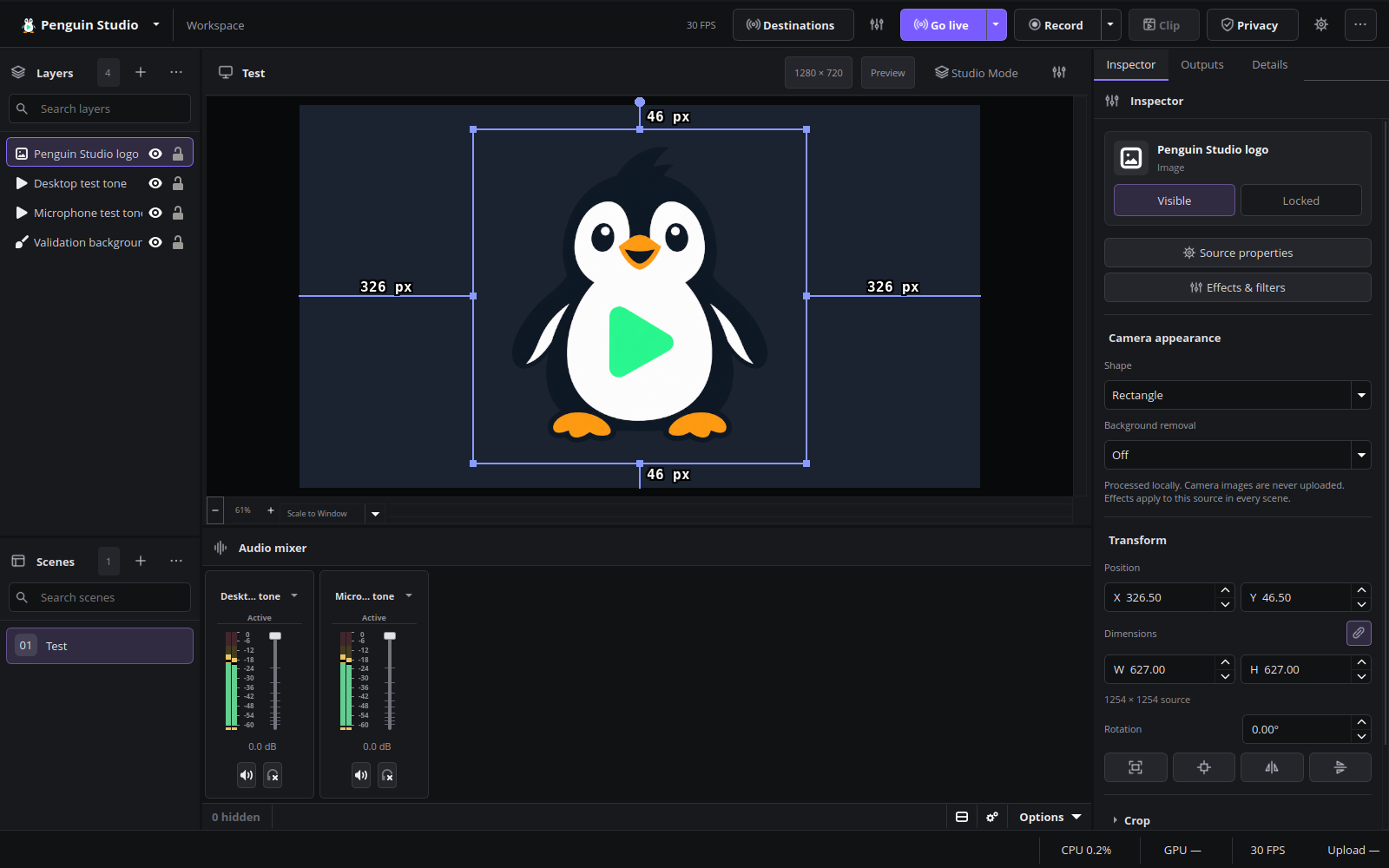
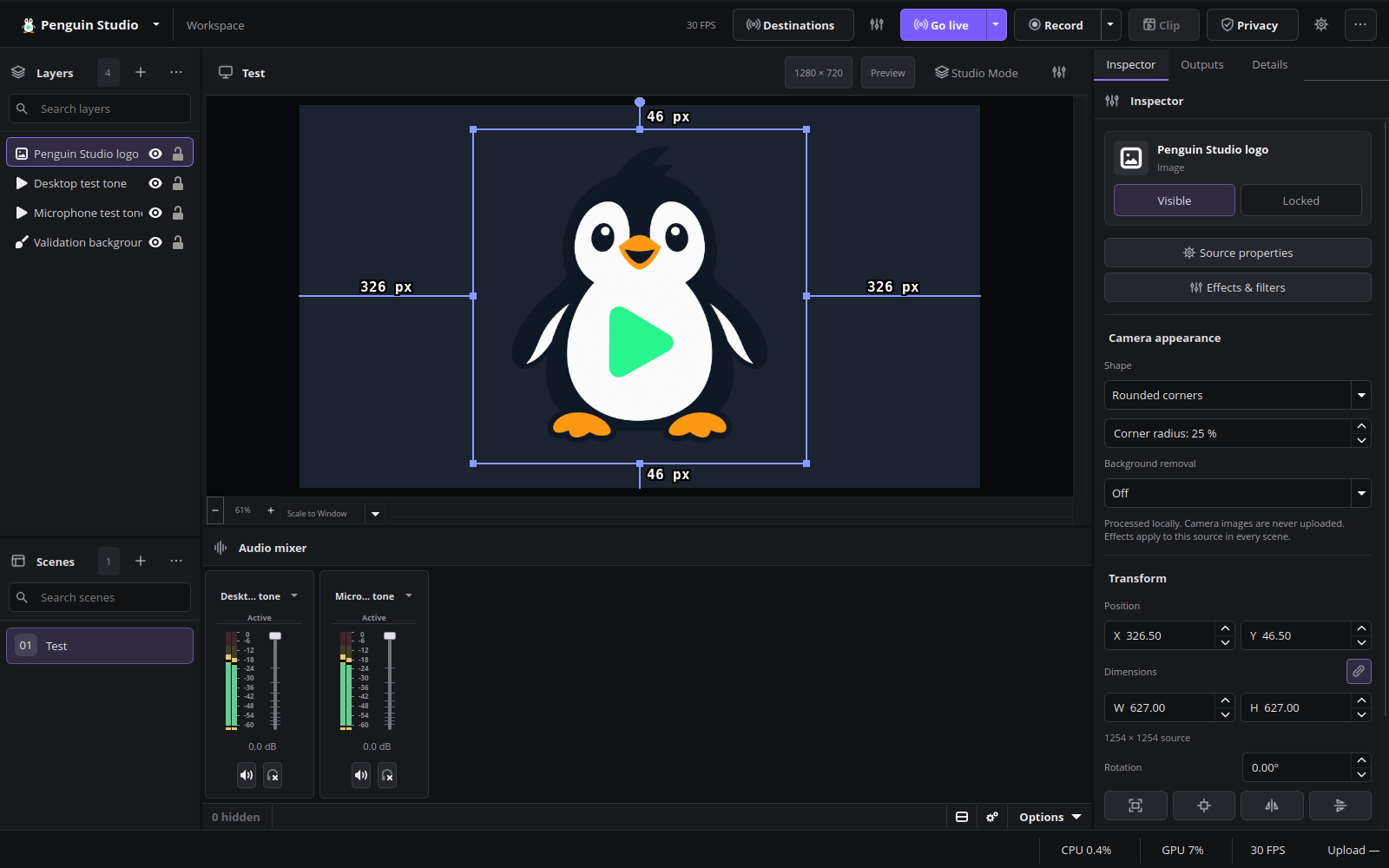
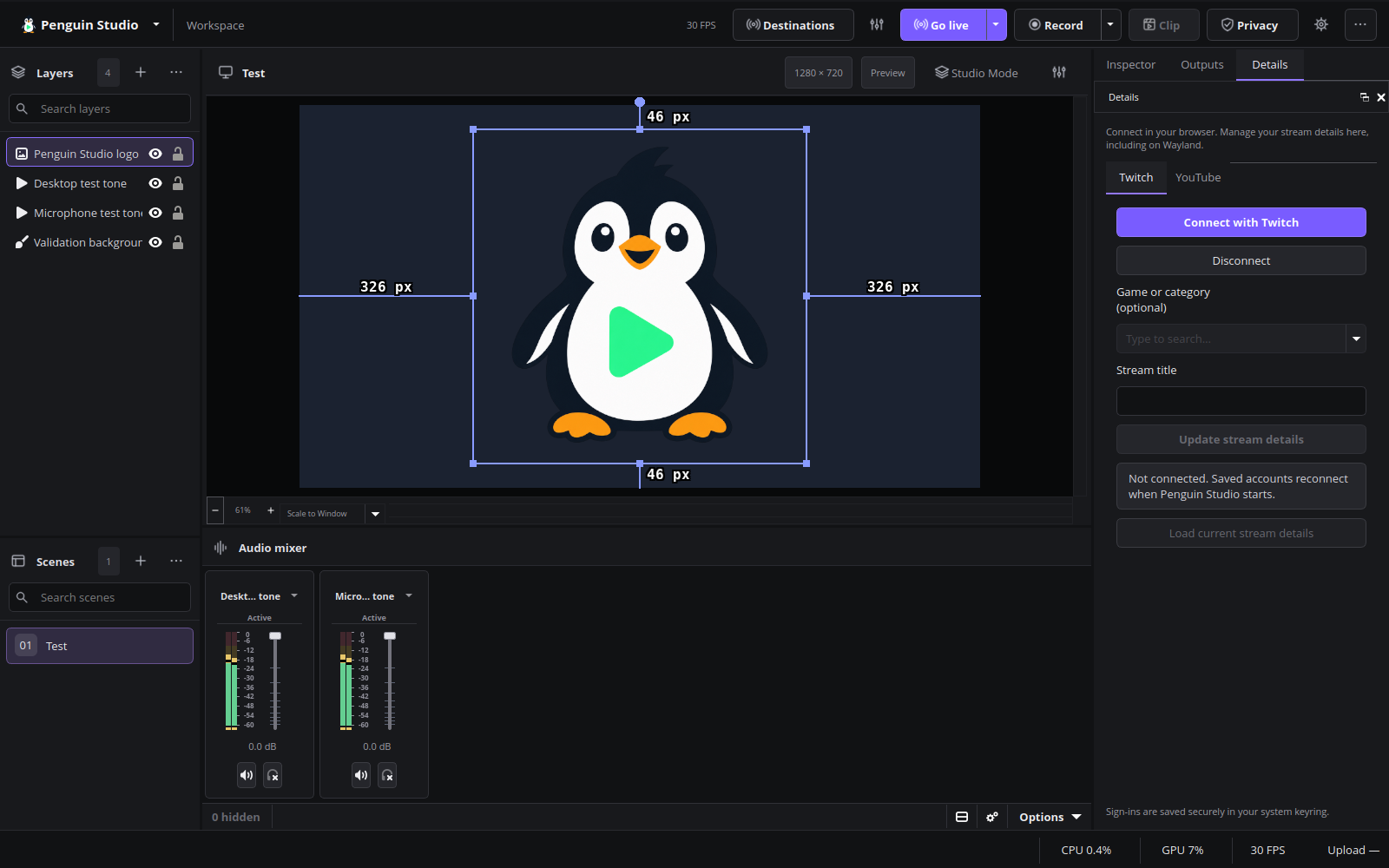
Current English interface
Penguin Studio 0.7.2, captured from the real application with local demo media.
Final release-package verification
All nine Linux package artifacts passed the release workflow. The exact Ubuntu 26.04 release DEB was additionally tested under native Wayland on Ubuntu 26.04.1: 31 Creator tools/upload assertions, simultaneous loopback streaming and recording, picture/audio privacy checks, full decoding of both outputs, and clean shutdown passed. No frame-loss events or warning/error messages were reported in this synthetic-media test. Published checksums and the source commit were verified against the tested DEB and matching AMD runtime. This does not replace live-provider or wider hardware testing.
Penguin Studio 0.7.1
Penguin Studio 0.7.1 — Linux development preview
Download the package matching your system from Assets below. All package builds
and their automated checks passed before publication. Full live-provider,
hardware and cross-desktop testing is still incomplete; see docs/VERIFICATION.md.
| Target | Download |
|---|---|
| Ubuntu 26.04 / 26.04.1 (amd64) | penguin-studio_0.7.1-1+ubuntu26.04_amd64.deb |
| Fedora 44 (x86_64) | penguin-studio-0.7.1-1.x86_64.rpm |
| Arch Linux / AUR recipe (x86_64) | penguin-studio-0.7.1-aur.tar.gz |
| Flatpak (x86_64) | penguin-studio-0.7.1-x86_64.flatpak |
| Optional RX 9070 camera GPU runtime (Ubuntu 26.04) | penguin-studio-camera-amd-gfx1201_0.7.1-1+ubuntu26.04_amd64.deb |
| AppImage (x86_64, glibc 2.43+) | penguin-studio-0.7.1-x86_64.AppImage |
| Snap core26 (amd64) | penguin-studio_0.7.1_amd64.snap |
The native Ubuntu DEB targets Ubuntu 26.04/26.04.1. Older hosts should use Flatpak or Snap.
The RPM targets Fedora 44. Flatpak requires the Freedesktop 26.08 runtime
from Flathub. Snap requires snapd and local installation with --dangerous;
it is a development build, not a Snap Store publication.
AppImage targets x86_64 hosts with glibc 2.43 or newer. Make it executable and
launch it; --appimage-extract-and-run avoids a FUSE dependency. The AUR archive
contains a checksum-pinned penguin-studio-bin recipe, not a claim of publication
on aur.archlinux.org. Extract it, review PKGBUILD, then run makepkg -si on Arch.
AppImage and Arch installations currently use manual/package-manager updates;
the in-app updater offers release links instead of replacing those installations.
Verify downloaded files with sha256sum --check SHA256SUMS after downloading
all listed files, or compare the entry for the package you downloaded.
build-manifest.json records the exact source commit and package hashes.
Source: 416b2e99d8d2b23fa0069be927b1b66d71812347. Build and checks.
Consistent controls and spacing
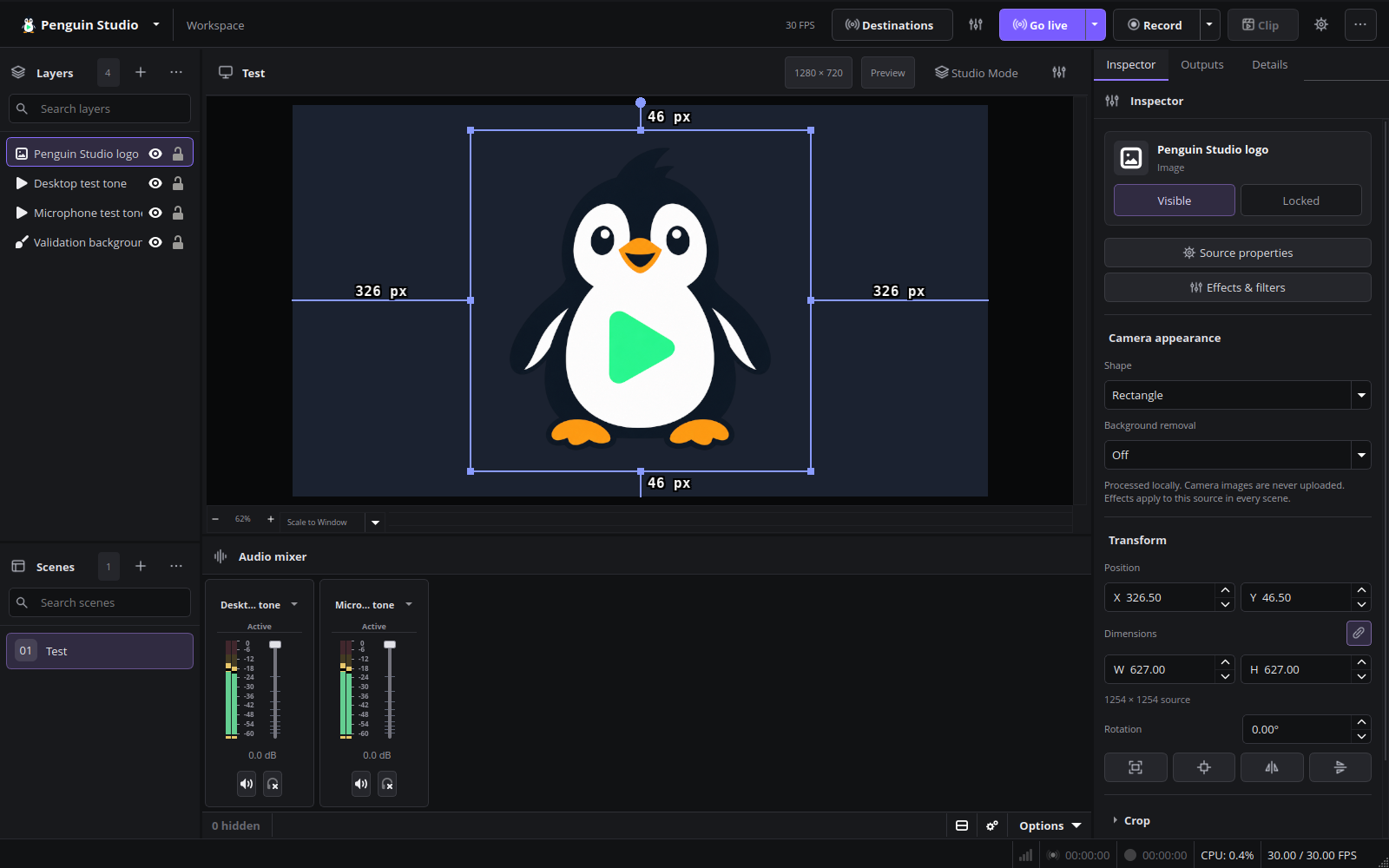
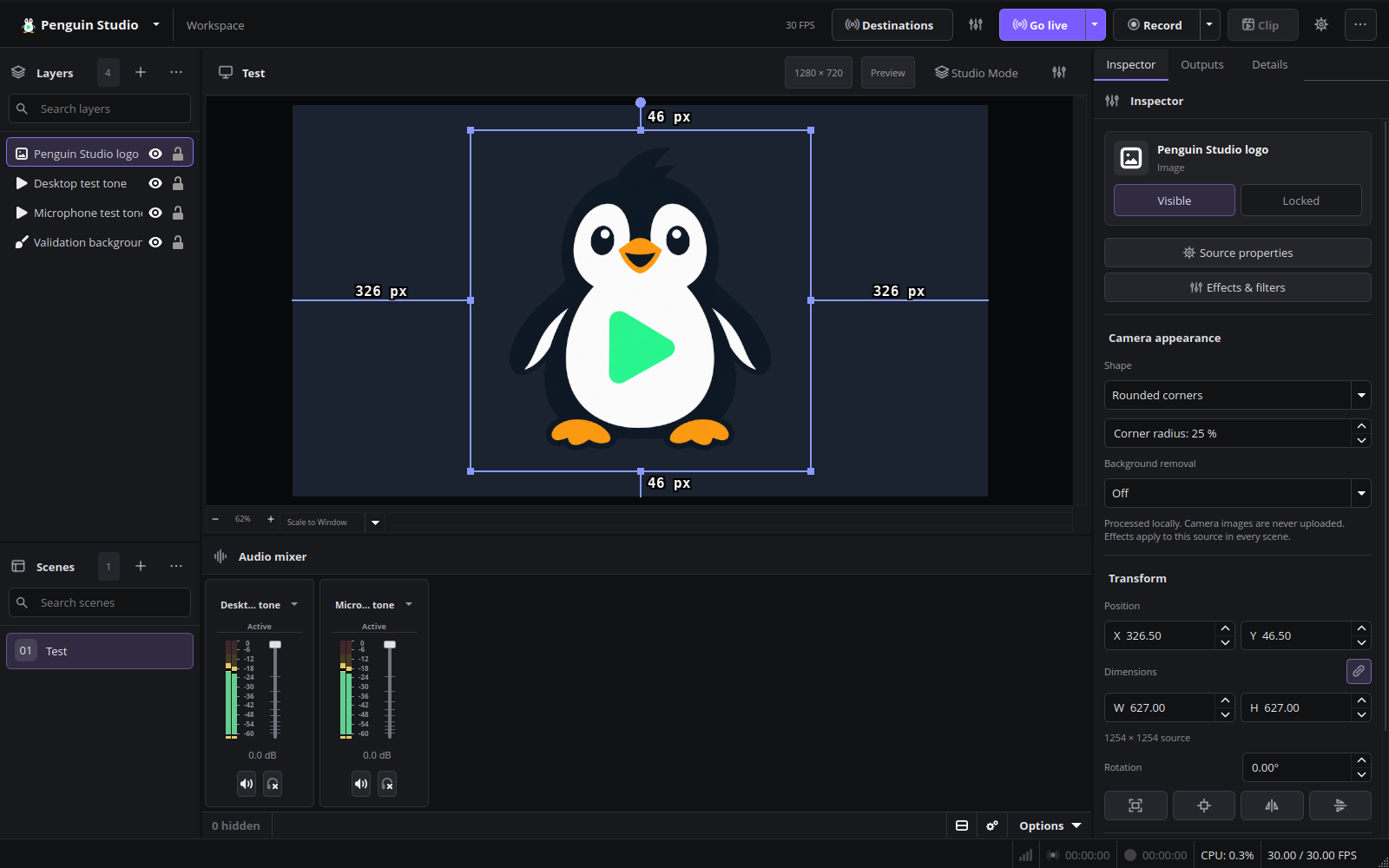
Penguin Studio 0.7.1 harmonizes control heights, padding, corner radii and selected states across the production toolbar, Inspector, settings, source dialogs and native chat. Split-menu actions reserve a separate, centered arrow area, keeping their labels clear. Icon-only actions use balanced square hit areas and the application-menu arrow is vertically centered.
Buttons use symmetric padding and centered captions. Form controls can grow with larger text; tabs use a consistent underline and retain a visible keyboard-focus state. Chat uses the shared theme instead of overriding input and button sizes locally. Stream-detail labels remain readable in narrow docks.
Long camera-background options no longer force the Inspector wider than its viewport, and the Processing label hides with its control when automatic processing is inactive. Recording, camera processing and platform authentication behavior are unchanged.
All seven Linux package targets passed their candidate workflow. Native Wayland tests passed 242 workspace checks in both Ubuntu and Flatpak, 18 Ubuntu dialog captures at enlarged text, camera pixel/Inspector checks, native chat layout checks and startup/shutdown scenarios. The Ubuntu GPU recording fully decoded with no reported render-lag or encoder-skip events. See the validation record for scope and known environment diagnostics.
The README includes automatic release and Linux-build badges plus accurate C/C++, Qt Widgets, Linux and GPL-2.0-or-later badges. Current English previews were captured from the real 0.7.1 package using synthetic media and visually reviewed. Author and license notices are preserved.
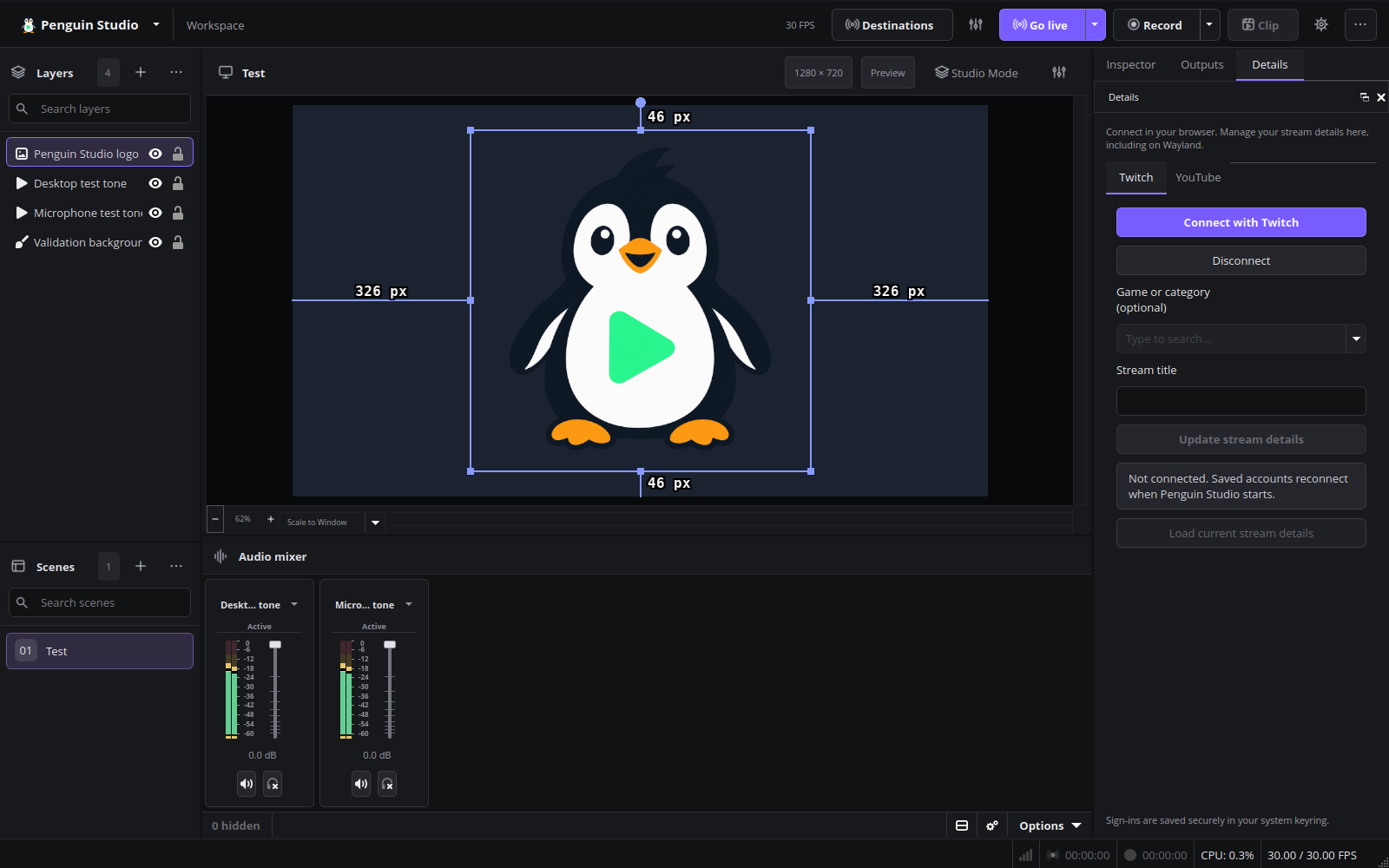
Current English interface
Penguin Studio 0.7.1, captured from the real application with local demo media.
Final Ubuntu package verification
The published Ubuntu 26.04 package passed 242 workspace checks under native Wayland, a fully decoded H.264/AAC recording and the camera pixel/Inspector suite for shapes, removal, blur, custom backgrounds and undo/restore. Startup and shutdown logs contained no warnings/errors and zero reported OBS memory leaks. Both native package hashes match the published manifest. The install simulation upgrades only Penguin Studio and its existing AMD camera add-on.
Installed Ubuntu verification
Penguin Studio and its existing AMD camera add-on were successfully upgraded to 0.7.1-1+ubuntu26.04 on the local Ubuntu system; installed package integrity checks passed. The installed application passed all 242 workspace checks under native Wayland and fully decoded H.264/AAC test recordings. A separate 30.633-second synthetic camera recording used the AMD GPU without CPU fallback, with no reported render-lag or encoder-skip events. Both runs started and exited without warnings/errors and reported zero OBS memory leaks. These checks used isolated profiles and synthetic media; they did not repeat live provider sign-in or physical Facecam movement tests.
Penguin Studio 0.7.0
Penguin Studio 0.7.0 — Linux development preview
Download the package matching your system from Assets below. All package builds
and their automated checks passed before publication. Full live-provider,
hardware and cross-desktop testing is still incomplete; see docs/VERIFICATION.md.
| Target | Download |
|---|---|
| Ubuntu 26.04 / 26.04.1 (amd64) | penguin-studio_0.7.0-1+ubuntu26.04_amd64.deb |
| Fedora 44 (x86_64) | penguin-studio-0.7.0-1.x86_64.rpm |
| Arch Linux / AUR recipe (x86_64) | penguin-studio-0.7.0-aur.tar.gz |
| Flatpak (x86_64) | penguin-studio-0.7.0-x86_64.flatpak |
| Optional RX 9070 camera GPU runtime (Ubuntu 26.04) | penguin-studio-camera-amd-gfx1201_0.7.0-1+ubuntu26.04_amd64.deb |
| AppImage (x86_64, glibc 2.43+) | penguin-studio-0.7.0-x86_64.AppImage |
| Snap core26 (amd64) | penguin-studio_0.7.0_amd64.snap |
The native Ubuntu DEB targets Ubuntu 26.04/26.04.1. Older hosts should use Flatpak or Snap.
The RPM targets Fedora 44. Flatpak requires the Freedesktop 26.08 runtime
from Flathub. Snap requires snapd and local installation with --dangerous;
it is a development build, not a Snap Store publication.
AppImage targets x86_64 hosts with glibc 2.43 or newer. Make it executable and
launch it; --appimage-extract-and-run avoids a FUSE dependency. The AUR archive
contains a checksum-pinned penguin-studio-bin recipe, not a claim of publication
on aur.archlinux.org. Extract it, review PKGBUILD, then run makepkg -si on Arch.
AppImage and Arch installations currently use manual/package-manager updates;
the in-app updater offers release links instead of replacing those installations.
Verify downloaded files with sha256sum --check SHA256SUMS after downloading
all listed files, or compare the entry for the package you downloaded.
build-manifest.json records the exact source commit and package hashes.
Source: e7d7f58e75bcc72670d2a334d47be8db8650c059. Build and checks.
OBS 33 foundation
Penguin Studio integrates OBS Studio 33.0.0 while retaining its workspace, native Twitch/YouTube docks, camera effects, GPU/CPU processing and Penguin-only window title. The engine update brings upstream improvements to source snapping, numeric controls, plugin loading and recording. Penguin Studio keeps its independent repository history; original authors and licenses remain credited.
Camera image loading now uses the OBS 33 API while preserving transparent-image compositing. Scripting shutdown no longer queries a destroyed frontend. Core modules and private camera resources use the new installation layout. A compatible existing AMD runtime remains usable during a main-package-only update; the matching new add-on is also available.
Linux compatibility
Native DEBs target Ubuntu 26.04/26.04.1 with FFmpeg 8 and Qt 6.10. The native Ubuntu 24.04 package is discontinued for this engine version. AppImage requires glibc 2.43 or newer. Fedora RPM targets Fedora 44. Flatpak uses Freedesktop 26.08 and Snap uses core26; older hosts need a compatible sandbox runtime. The Arch archive is a downloadable recipe, not an AUR publication.
Qt's new Wayland platform plugin and separately packaged SVG plugins are included in the appropriate package definitions. Third-party plugins must support the OBS 33 ABI and their package's libraries. See the plugin guide before migrating external plugins.
Validation
Native Ubuntu Wayland checks cover the workspace, camera controls and pixels, GPU/CPU recording, saved scene migration, ten startup/shutdown scenarios, the updater dialog, offline browser rendering and simultaneous local landscape/portrait output with reconnect. AppImage and Flatpak also passed graphical and camera checks. Test media and profiles were separate from the native personal profile, and the current English previews use only synthetic media.
All seven candidate package targets and their automated checks passed. The packaged AMD migration and missing-runtime CPU fallback also passed 30-second recording/decode and clean-shutdown checks. See the integration record for exact source versions, evidence and remaining limits. Live-provider authorization, new Facecam movement acceptance and every third-party plugin are not established by these tests. The host's existing RADV browser diagnostic and absent-AJA-device notices in Flatpak remain documented.
Current English interface
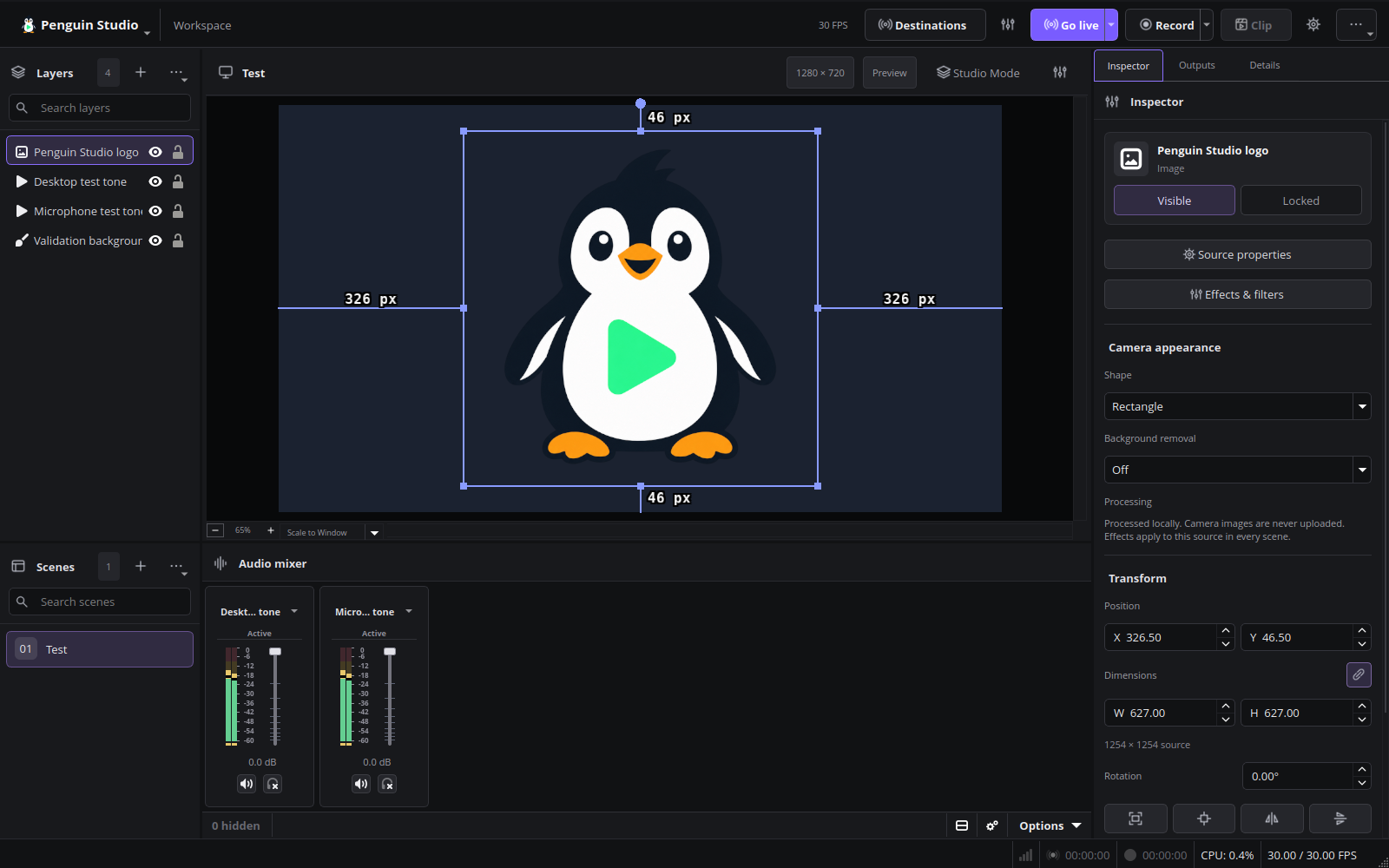
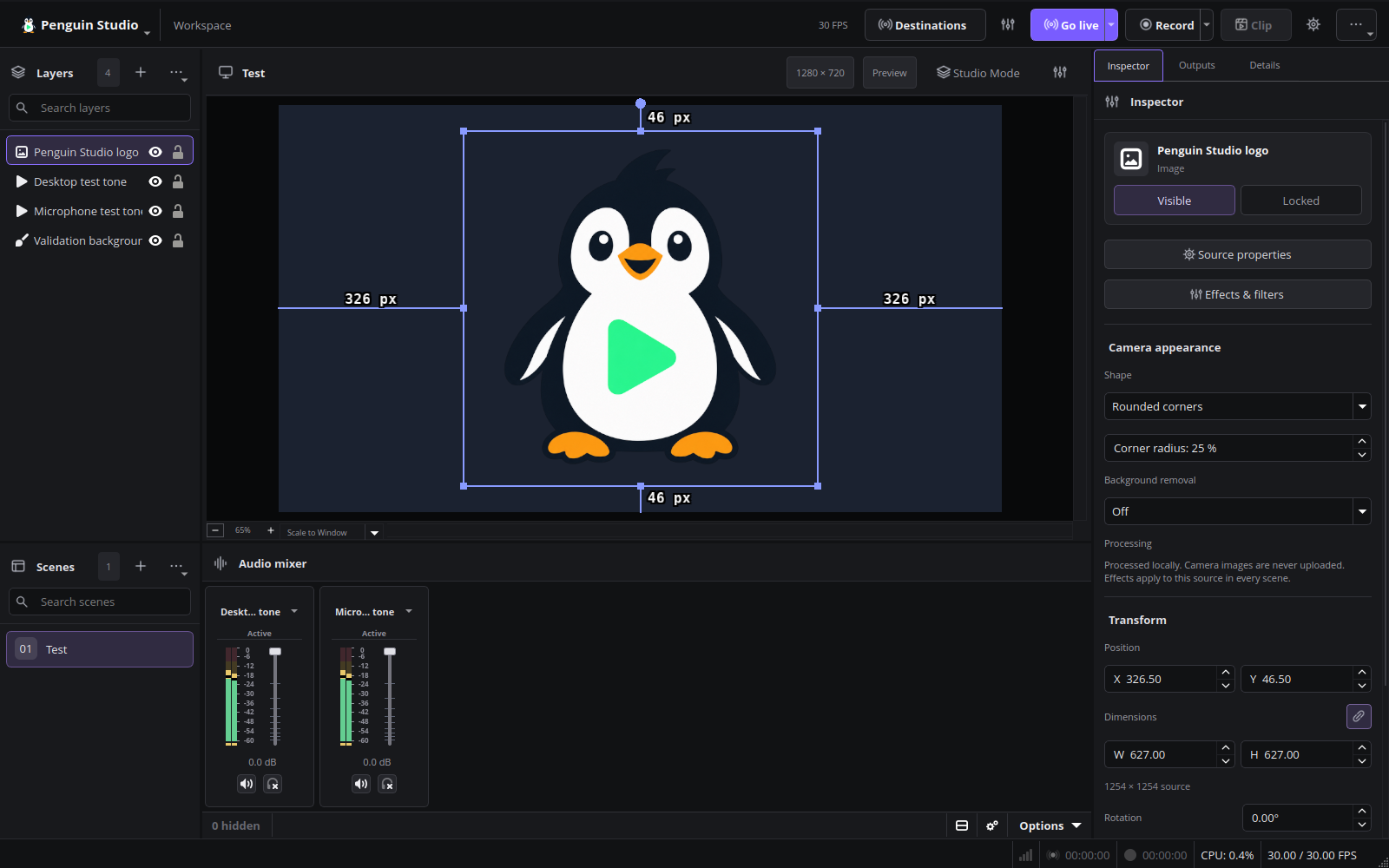
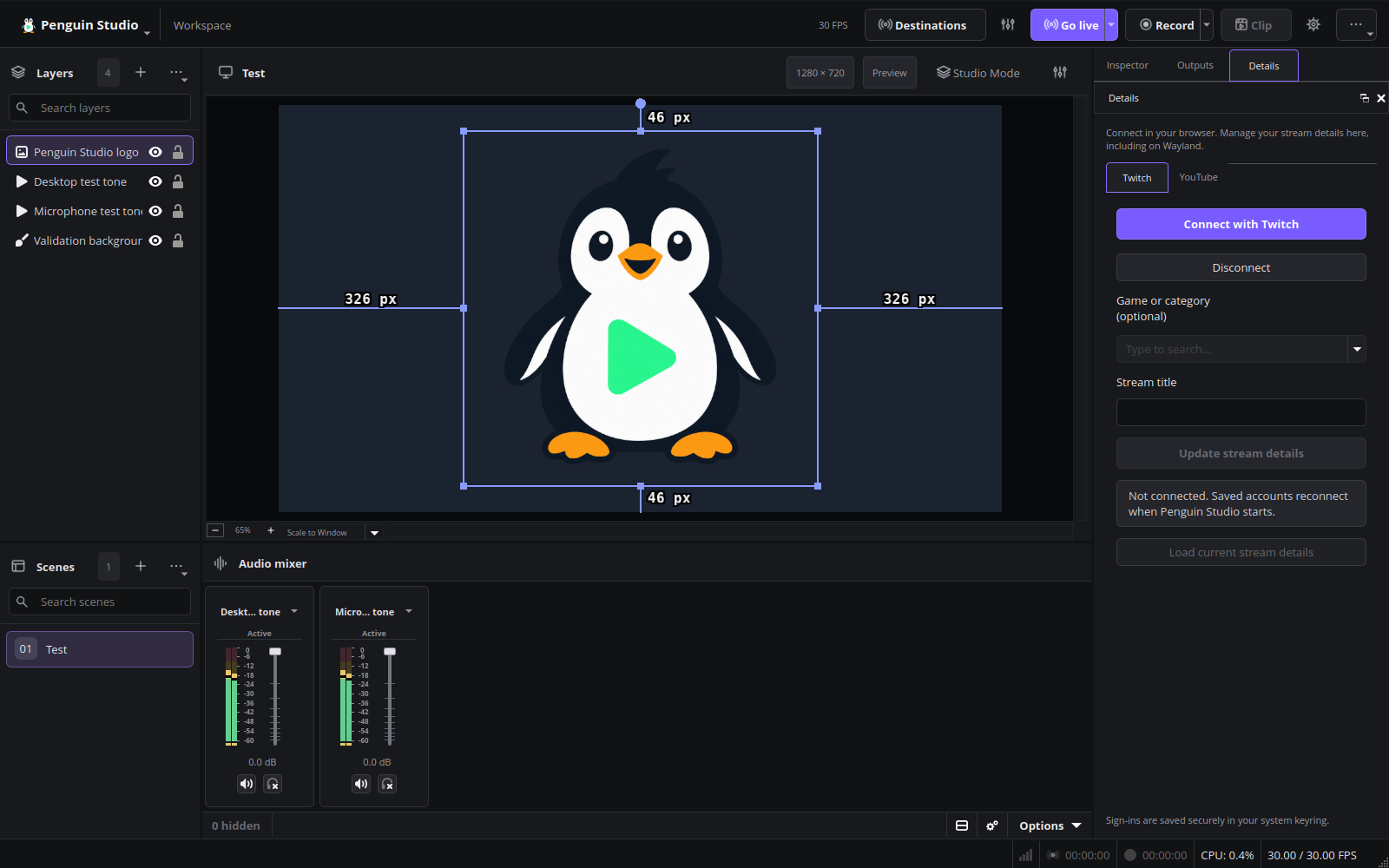
Penguin Studio 0.7.0, captured from the real application with local demo media.
Final Ubuntu Wayland verification
The published Ubuntu DEB and AMD add-on were verified against the release SHA-256 manifest. The exact packages passed camera pixel/Inspector checks, 210 workspace assertions, a fully decoded H.264/AAC recording, and all ten startup/shutdown scenarios without warning/error diagnostics, late frontend callbacks, Qt focus diagnostics or reported OBS leaks. A separate 30.100-second synthetic RX 9070 XT recording used GPU processing without CPU fallback: 900 decoded video frames, 1,405 audio frames, and no reported rendering/encoding losses. This does not replace live Facecam movement or provider-account acceptance.
Installed Ubuntu verification
The published main package and AMD add-on were installed on Ubuntu 26.04.1 and their installed files verified. Native Wayland camera pixel/Inspector checks passed. A separate synthetic GPU recording fully decoded (29.966 seconds, 899 video / 1,403 audio frames; 900 OBS output frames), with GPU active, no CPU fallback and no reported rendering/encoding losses. All ten startup/shutdown scenarios passed without warnings/errors, Qt focus diagnostics, late frontend unregisters or reported OBS leaks. Tests used isolated profiles; no new live Facecam movement or account authorization was performed.
Penguin Studio 0.6.4
Penguin Studio 0.6.4 — Linux development preview
Download the package matching your system from Assets below. All package builds
and their automated checks passed before publication. Full live-provider,
hardware and cross-desktop testing is still incomplete; see docs/VERIFICATION.md.
| Target | Download |
|---|---|
| Ubuntu 24.04 (amd64) | penguin-studio_0.6.4-1+ubuntu24.04_amd64.deb |
| Ubuntu 26.04 / 26.04.1 (amd64) | penguin-studio_0.6.4-1+ubuntu26.04_amd64.deb |
| Fedora 44 (x86_64) | penguin-studio-0.6.4-1.x86_64.rpm |
| AppImage (x86_64, glibc 2.39+) | penguin-studio-0.6.4-x86_64.AppImage |
| Arch Linux / AUR recipe (x86_64) | penguin-studio-0.6.4-aur.tar.gz |
| Flatpak (x86_64) | penguin-studio-0.6.4-x86_64.flatpak |
| Snap core24 (amd64) | penguin-studio_0.6.4_amd64.snap |
| Optional RX 9070 camera GPU runtime (Ubuntu 26.04) | penguin-studio-camera-amd-gfx1201_0.6.4-1+ubuntu26.04_amd64.deb |
Ubuntu DEBs are release-specific; do not install the 24.04 package on 26.04.
The RPM targets Fedora 44. Flatpak requires the Freedesktop 25.08 runtime
from Flathub. Snap requires snapd and local installation with --dangerous;
it is a development build, not a Snap Store publication.
AppImage targets x86_64 hosts with glibc 2.39 or newer. Make it executable and
launch it; --appimage-extract-and-run avoids a FUSE dependency. The AUR archive
contains a checksum-pinned penguin-studio-bin recipe, not a claim of publication
on aur.archlinux.org. Extract it, review PKGBUILD, then run makepkg -si on Arch.
AppImage and Arch installations currently use manual/package-manager updates;
the in-app updater offers release links instead of replacing those installations.
Verify downloaded files with sha256sum --check SHA256SUMS after downloading
all listed files, or compare the entry for the package you downloaded.
build-manifest.json records the exact source commit and package hashes.
Source: daf336508ad5bcc68db37154372377674bfc89ec. Build and checks.
Penguin Studio window title
The main window title and startup banner now show Penguin Studio and its own version, without the inherited OBS version suffix. Profile and scene-collection names remain visible. Author credits, license notices and the About dialog attribution are preserved.
Camera processing, saved streaming accounts, encoders and the updater are unchanged from 0.6.3. The known sporadic Qt Wayland focus warning when opening the updater remains documented; this title-only update does not claim to resolve it.
Linux downloads
Ubuntu 24.04/26.04 DEBs, Fedora RPM, Flatpak, Snap, AppImage, the downloadable Arch recipe and the optional Ubuntu 26.04 RX 9070 camera runtime are built together. Verify downloads with SHA256SUMS. Penguin Studio remains a development preview.
Validation
All eight candidate package builds passed in GitHub Actions. The Ubuntu 26.04 package was opened with isolated English profiles on native Wayland and XWayland. Both reported Penguin Studio 0.6.4 - Profile: Untitled - Scenes: Untitled, exited normally without warning/error log entries and reported zero memory leaks. GPU background processing was active in the final preview capture. All three current previews are verified captures of this package using synthetic media.
The broader recording, account-restoration and GPU validation remains documented against 0.6.3; this release changes the title and startup banner only. An initial preview fixture had a read-only relocated GPU cache and fell back to CPU. Making that test cache writable restored GPU operation without a product code change.
Current English interface
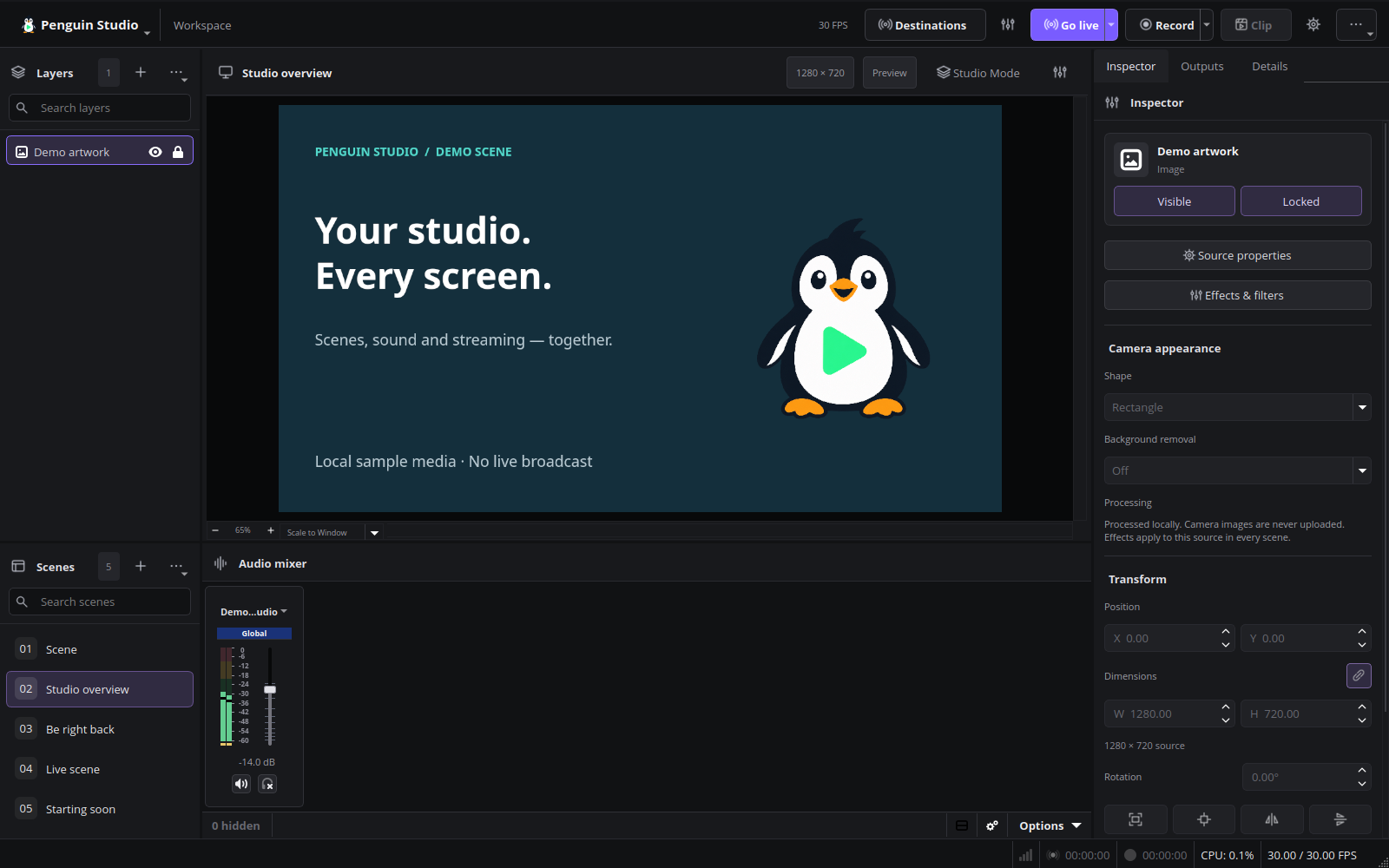
Penguin Studio 0.6.4, captured from the real application with local demo media.
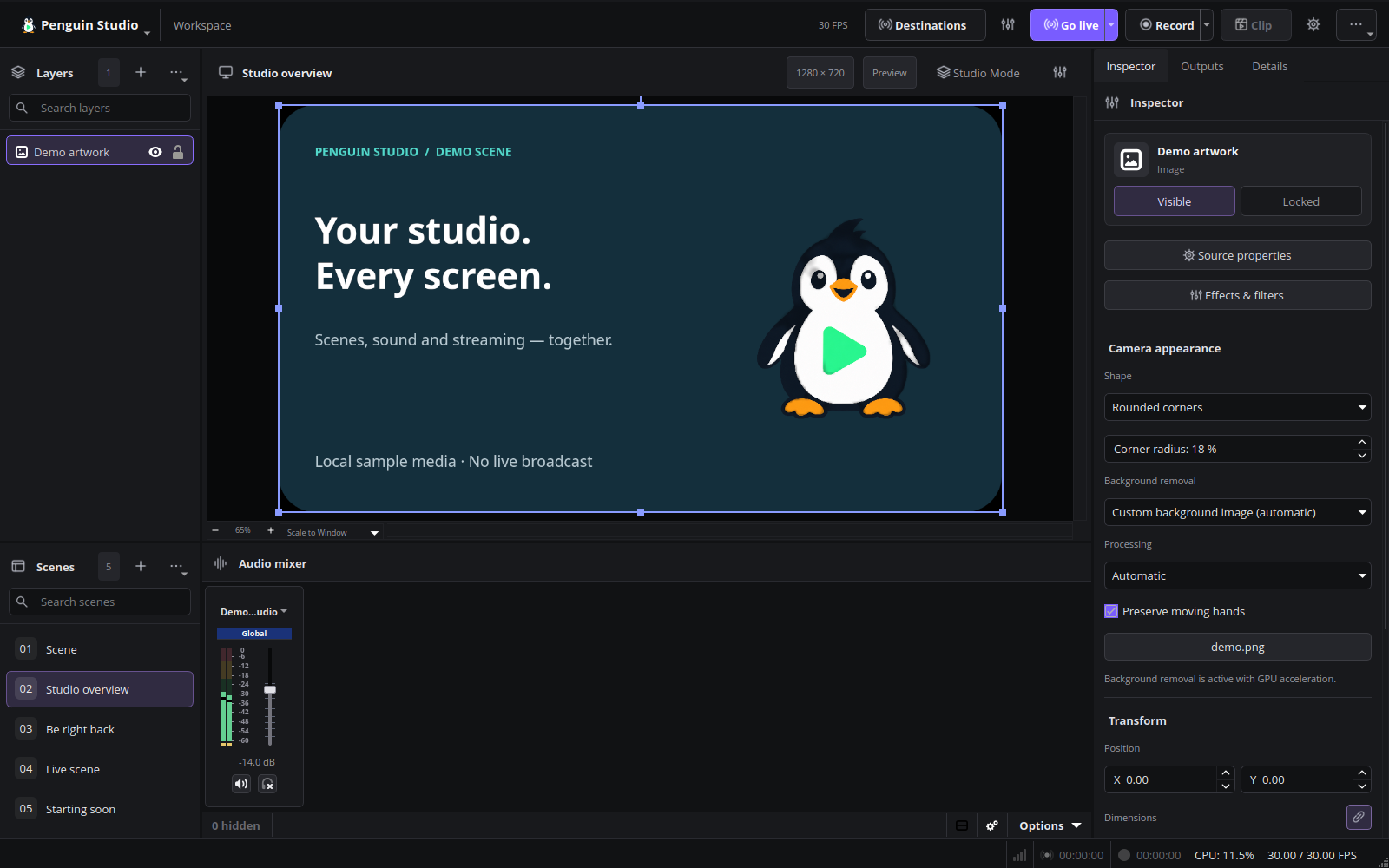
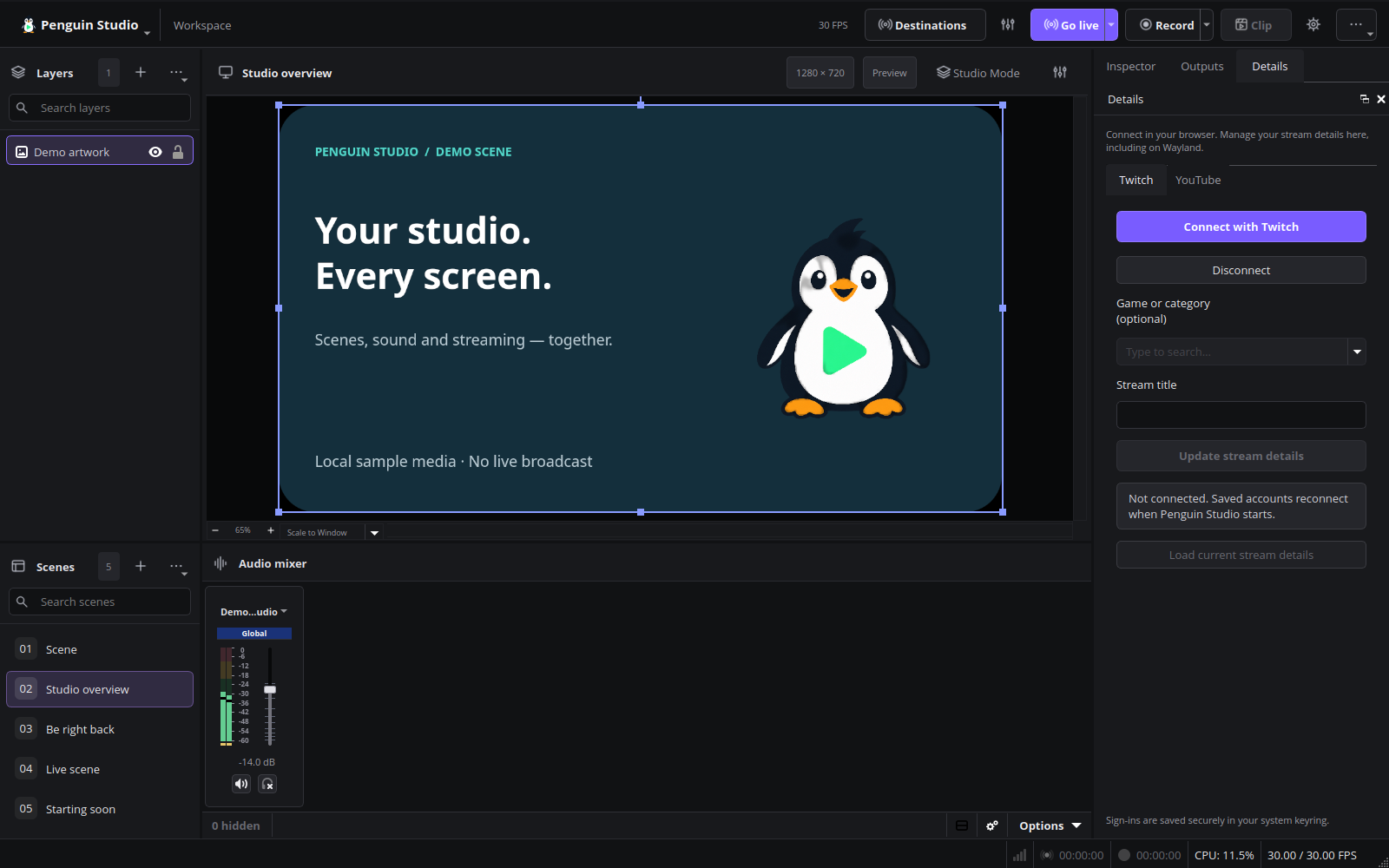
Final release checks
All eight final Linux package jobs and publication passed in Actions run 40211359245. Published asset sizes and SHA-256 digests match the source manifest. Both Ubuntu 26.04 files were downloaded and independently hash-verified. The local package-manager simulation upgrades Penguin Studio and the existing AMD camera runtime only, with no added or removed packages.
Installed Ubuntu 26.04 validation
Penguin Studio and the optional AMD camera runtime are installed as 0.6.4-1+ubuntu26.04; package-file verification passed. An isolated English-profile test of the installed application on native Wayland reported Penguin Studio 0.6.4 - Profile: Untitled - Scenes: Untitled, activated GPU background processing and exited normally with no warning/error log entries and zero reported memory leaks. This was a synthetic-media startup/title/effects/shutdown check, not a new live-camera or streaming-account test. The previously documented sporadic updater-opening focus warning remains outside this test.
Penguin Studio 0.6.3
Penguin Studio 0.6.3 — Linux development preview
Download the package matching your system from Assets below. All package builds
and their automated checks passed before publication. Full live-provider,
hardware and cross-desktop testing is still incomplete; see docs/VERIFICATION.md.
| Target | Download |
|---|---|
| Ubuntu 24.04 (amd64) | penguin-studio_0.6.3-1+ubuntu24.04_amd64.deb |
| Ubuntu 26.04 / 26.04.1 (amd64) | penguin-studio_0.6.3-1+ubuntu26.04_amd64.deb |
| Fedora 44 (x86_64) | penguin-studio-0.6.3-1.x86_64.rpm |
| AppImage (x86_64, glibc 2.39+) | penguin-studio-0.6.3-x86_64.AppImage |
| Arch Linux / AUR recipe (x86_64) | penguin-studio-0.6.3-aur.tar.gz |
| Flatpak (x86_64) | penguin-studio-0.6.3-x86_64.flatpak |
| Snap core24 (amd64) | penguin-studio_0.6.3_amd64.snap |
| Optional RX 9070 camera GPU runtime (Ubuntu 26.04) | penguin-studio-camera-amd-gfx1201_0.6.3-1+ubuntu26.04_amd64.deb |
Ubuntu DEBs are release-specific; do not install the 24.04 package on 26.04.
The RPM targets Fedora 44. Flatpak requires the Freedesktop 25.08 runtime
from Flathub. Snap requires snapd and local installation with --dangerous;
it is a development build, not a Snap Store publication.
AppImage targets x86_64 hosts with glibc 2.39 or newer. Make it executable and
launch it; --appimage-extract-and-run avoids a FUSE dependency. The AUR archive
contains a checksum-pinned penguin-studio-bin recipe, not a claim of publication
on aur.archlinux.org. Extract it, review PKGBUILD, then run makepkg -si on Arch.
AppImage and Arch installations currently use manual/package-manager updates;
the in-app updater offers release links instead of replacing those installations.
Verify downloaded files with sha256sum --check SHA256SUMS after downloading
all listed files, or compare the entry for the package you downloaded.
build-manifest.json records the exact source commit and package hashes.
Source: cafca81e4f751945ac50b96188de7b3727b1962a. Build and checks.
Security and reliability maintenance
Penguin Studio 0.6.3 hardens media and RTMP packet parsing, bounds nested AMF decoding, and updates the embedded browser to OBS Browser 2.27.4 with CEF 7871. It includes upstream corrections for audio/video task deadlocks, ALSA device shutdown and duplicate PipeWire captures in Studio Mode. Author and license notices are preserved.
Camera GPU processing
Automatic/GPU/CPU preferences keep camera effects available with automatic CPU
fallback. GPU initialization runs in an isolated helper so slow compilation or a
driver failure cannot block initialization of the main window. Primary RVM runs
on the GPU; hand preservation remains on CPU after direct mask comparisons found
incorrect contours from the current AMD hand-model graph. The confirmed RX 9070
XT Facecam movement test under Wayland completed 1,504 recording frames without
reported rendering/encoding losses, with a fully readable file and clean exit.
This is measured evidence for that configuration, not a zero-loss guarantee.
An optional Ubuntu 26.04 gfx1201 runtime add-on accompanies the regular downloads.
It does not replace system drivers. Other packages retain CPU fallback; see the
package guide for scope and installation.
Validation
All eight Linux download artifacts passed candidate build 40201246032. The Ubuntu 26.04 package passed native Wayland camera/Inspector checks, 211 workspace checks, nine shutdown scenarios, local horizontal/vertical RTMP tests, saved Twitch/YouTube sessions and category searches, and the GitHub update check. The package's 1,498-frame GPU reference recording kept GPU processing active, reported no rendering/encoding losses, decoded fully and exited cleanly. A separate 1,501-frame CPU reference recording also decoded without reported frame-loss events. Current English previews use this real package with synthetic local media.
The short workspace smoke recording reported two render-lag frames; zero-loss performance is not universal. A sporadic Qt Wayland text-input focus warning was observed when opening the updater, including a restart test. Delayed opening and the dedicated focus/close scenario passed, but this warning is not considered fully resolved; release queries and normal shutdown still succeeded. Full provider broadcasts and all hardware/distribution combinations remain outside this test scope. Private webcam recordings and account data are not published. No claim of complete security or perfect segmentation is made.
Linux downloads
Choose the DEB matching Ubuntu 24.04 or 26.04, Fedora RPM, Flatpak, Snap, AppImage or Arch recipe. Verify downloads against SHA256SUMS. Ubuntu 26.04.1 uses the Ubuntu 26.04 DEB. The Arch recipe is downloadable; a public AUR listing is not provided. Penguin Studio remains a development preview.
Current English interface
Penguin Studio 0.6.3, captured from the real application with local demo media.
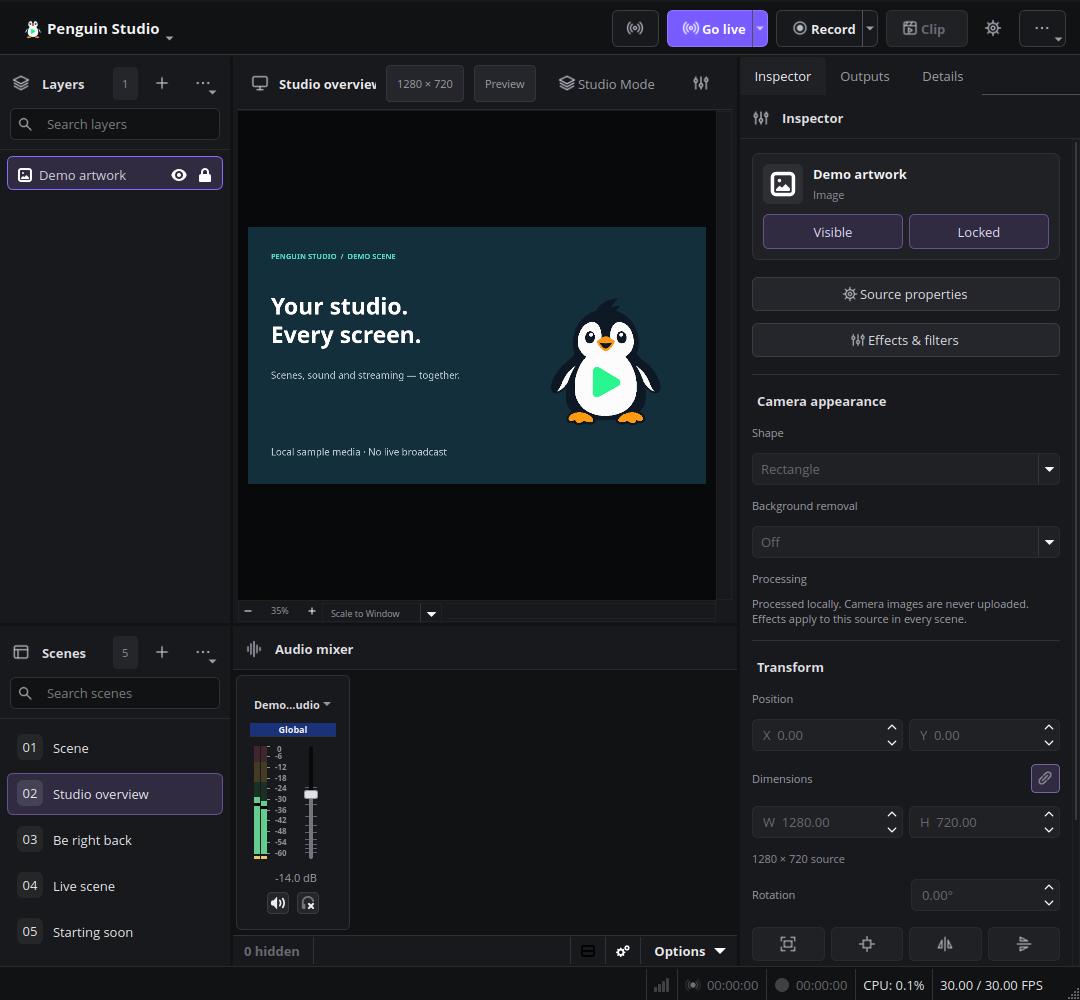
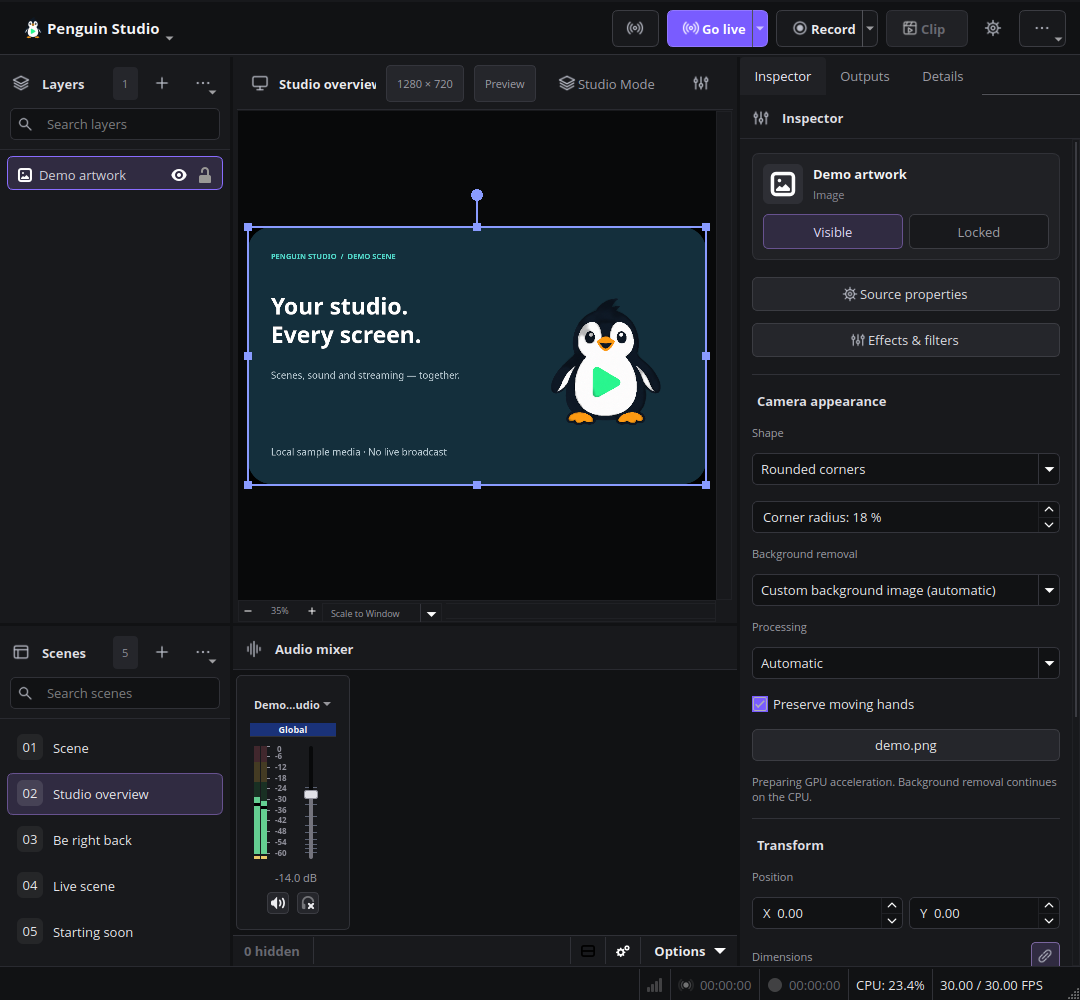
Installed Ubuntu verification — 2026-10-25
The published Ubuntu 26.04 main package and optional gfx1201 runtime were verified against SHA256SUMS and installed on Ubuntu 26.04.1. Installed-file verification passed. A native Wayland reference recording with Automatic processing selected the RX 9070 XT, produced 1,513 frames without reported render/encoding losses, decoded fully and exited normally with no warning/error diagnostics or reported memory leaks. An earlier attempt correctly fell back to CPU when the temporary filesystem quota prevented GPU compilation; moving private test artifacts to SSD resolved that environmental failure. The known sporadic updater-opening Qt focus warning remains documented above.
Penguin Studio 0.6.2
Penguin Studio 0.6.2 — Linux development preview
Download the package matching your system from Assets below. All package builds
and their automated checks passed before publication. Full live-provider,
hardware and cross-desktop testing is still incomplete; see docs/VERIFICATION.md.
| Target | Download |
|---|---|
| Ubuntu 24.04 (amd64) | penguin-studio_0.6.2-1+ubuntu24.04_amd64.deb |
| Ubuntu 26.04 / 26.04.1 (amd64) | penguin-studio_0.6.2-1+ubuntu26.04_amd64.deb |
| Fedora 44 (x86_64) | penguin-studio-0.6.2-1.x86_64.rpm |
| AppImage (x86_64, glibc 2.39+) | penguin-studio-0.6.2-x86_64.AppImage |
| Arch Linux / AUR recipe (x86_64) | penguin-studio-0.6.2-aur.tar.gz |
| Flatpak (x86_64) | penguin-studio-0.6.2-x86_64.flatpak |
| Snap core24 (amd64) | penguin-studio_0.6.2_amd64.snap |
Ubuntu DEBs are release-specific; do not install the 24.04 package on 26.04.
The RPM targets Fedora 44. Flatpak requires the Freedesktop 25.08 runtime
from Flathub. Snap requires snapd and local installation with --dangerous;
it is a development build, not a Snap Store publication.
AppImage targets x86_64 hosts with glibc 2.39 or newer. Make it executable and
launch it; --appimage-extract-and-run avoids a FUSE dependency. The AUR archive
contains a checksum-pinned penguin-studio-bin recipe, not a claim of publication
on aur.archlinux.org. Extract it, review PKGBUILD, then run makepkg -si on Arch.
AppImage and Arch installations currently use manual/package-manager updates;
the in-app updater offers release links instead of replacing those installations.
Verify downloaded files with sha256sum --check SHA256SUMS after downloading
all listed files, or compare the entry for the package you downloaded.
build-manifest.json records the exact source commit and package hashes.
Source: 7ef39b2befb4fe4205c0df135d79ce4426089c3d. Build and checks.
Optional moving-hand preservation
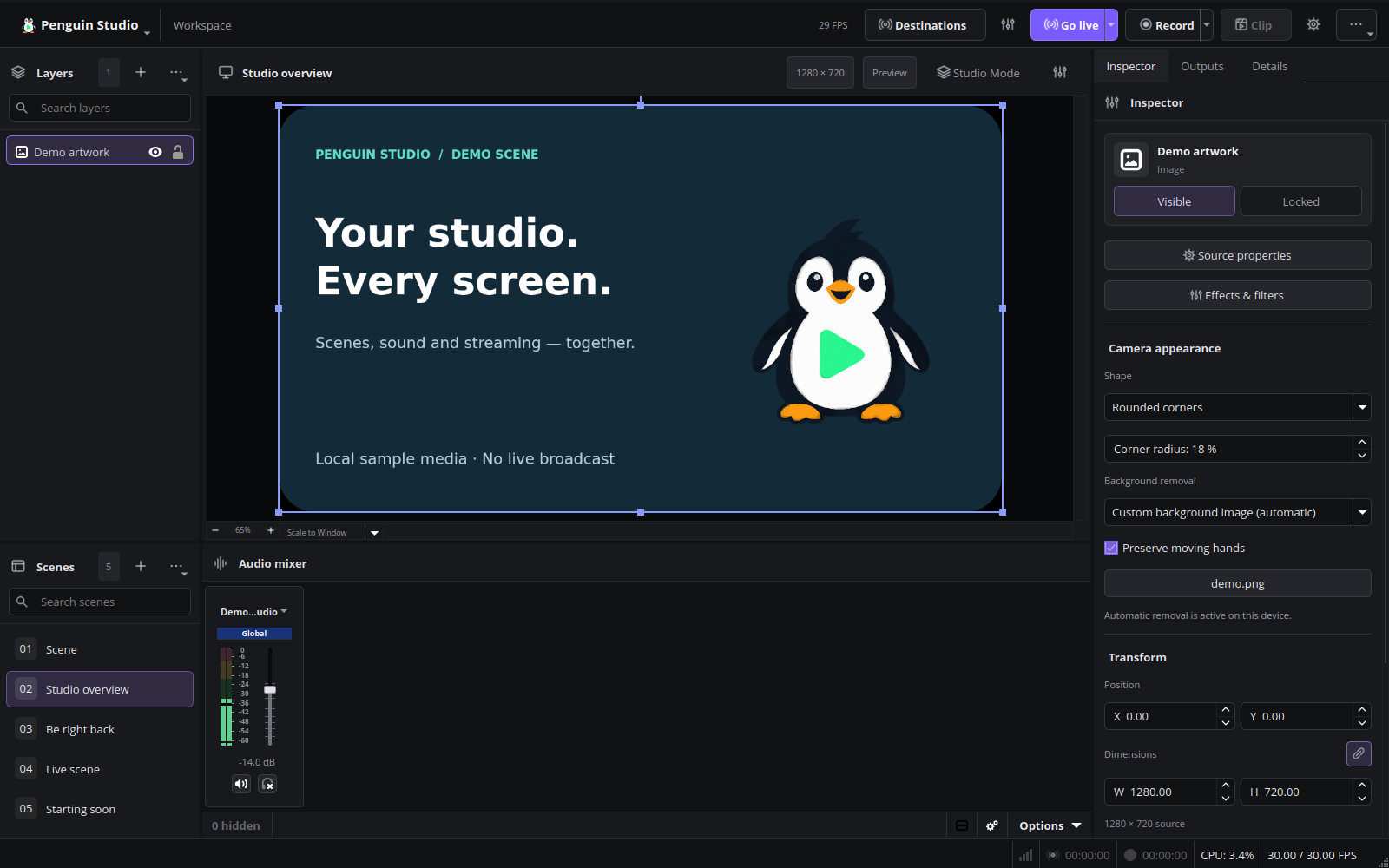
Penguin Studio 0.6.2 adds Preserve moving hands to the camera inspector for automatic background removal, background blur and custom background images. It combines RVM with a local body-skin model and waits for both results from the same frame. Rounded corners and other camera shapes remain available. The option is off by default, is saved with the source and participates in undo/redo. English and all seven Penguin UI translations include the new control.
Validation and known limits
In the pre-release prototype’s real Elgato Facecam 4K movement test under Wayland, both hands remained identifiable and the tester confirmed fluid motion. The complete recording decoded successfully and the app closed without warning/error diagnostics or reported memory leaks. The 70-second motion run nevertheless logged one render-lag frame and one encoder-skipped frame. A subsequent control reported zero, but sampled frames contained no person; it does not establish zero-loss motion performance. Fast edges can remain soft, and the model can retain unwanted skin-like regions. The option needs additional CPU capacity; test recording statistics before broadcasting and disable it if performance worsens.
The Ubuntu 26.04 candidate package passed native Wayland camera GUI checks, including the new checkbox and restored settings. A 40.021-second replay of the private movement reference decoded fully with no reported frame-loss events and clean shutdown. This is a replay result, not a new zero-loss live-camera claim. See package validation.
Private camera footage is not distributed. See the camera guide for usage and the test evidence for the measured counters.
Linux downloads
Choose the DEB matching Ubuntu 24.04 or 26.04, Fedora RPM, Flatpak, Snap, AppImage or Arch recipe. Verify downloads against SHA256SUMS. The Arch recipe is downloadable; no public AUR account/listing is required or claimed. Ubuntu 26.04.1 uses the Ubuntu 26.04 DEB. Penguin Studio remains a development preview.
Final package and installation verification
The published Ubuntu 26.04 package (0.6.2-1+ubuntu26.04) was installed successfully on Ubuntu 26.04.1, updating only Penguin Studio. Installed-file verification and the full native Wayland camera GUI suite passed, including the actual hand-preservation checkbox, saved settings, shapes, blur and custom backgrounds. Startup and normal shutdown produced no warning/error diagnostics or reported memory leaks. All seven downloadable package assets were checked against the release manifest, sizes and GitHub upload digests.
The final-package 40.021-second private Facecam motion replay fully decoded and retained both moving hands in the inspected sample, but recorded one render-lag frame and one encoder-skipped frame, with zero output-drop events. This differs from the earlier zero-event candidate replay; neither result guarantees lossless live performance. Preserve moving hands is optional and off by default, and soft edges/additional CPU load remain possible. No private footage is published.
Ubuntu 26.04 package SHA-256: 882a821b5f55a0db2f1fdfa8dd646f1bd21307e2ce7c1c723514f411484cf1f9.
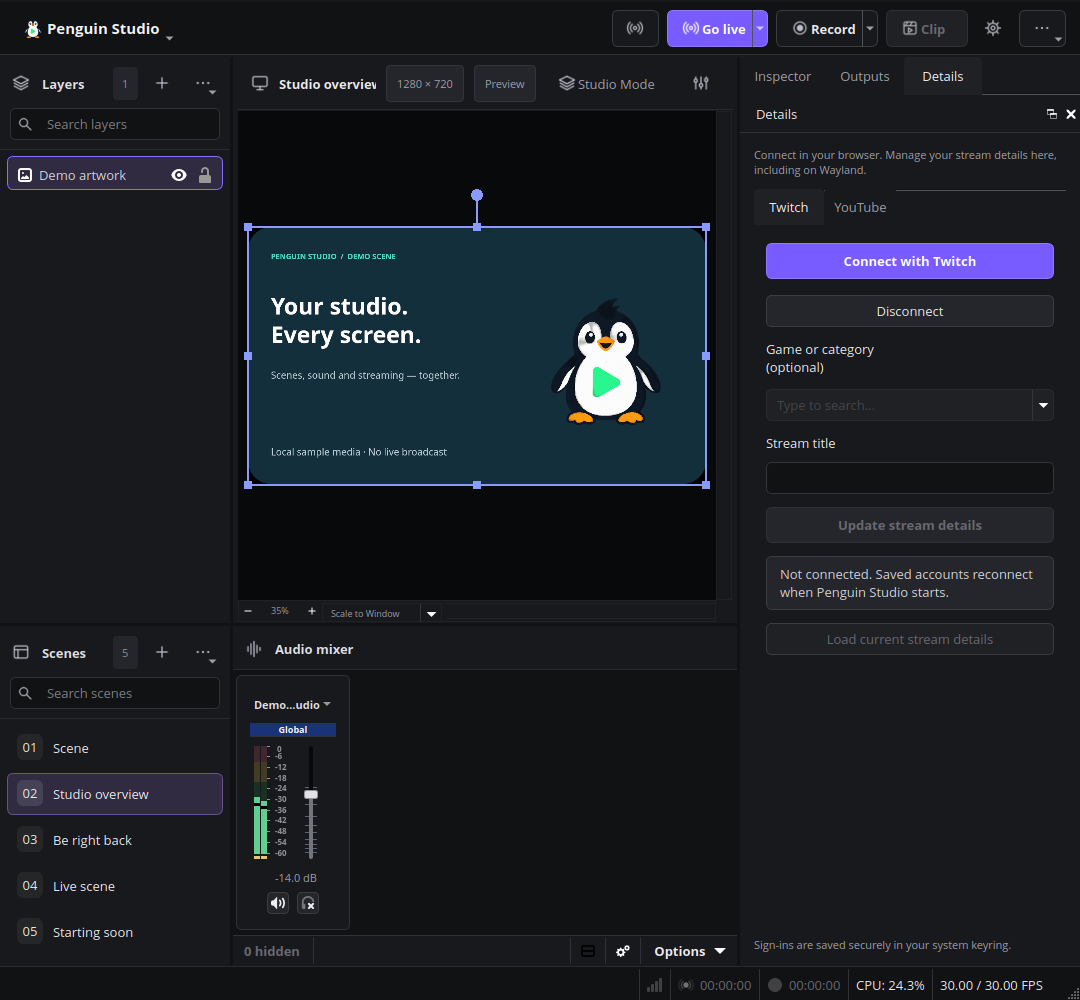
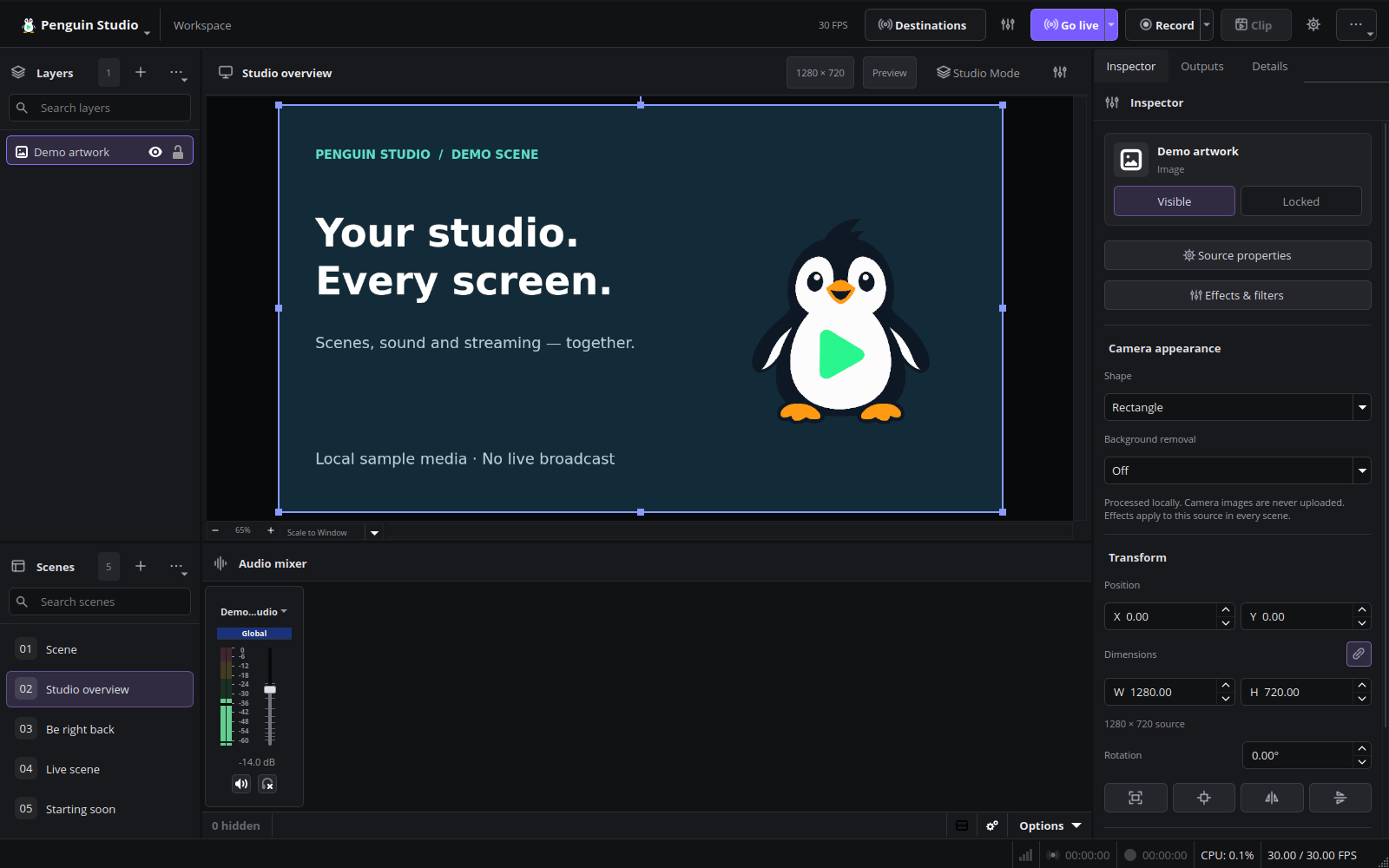
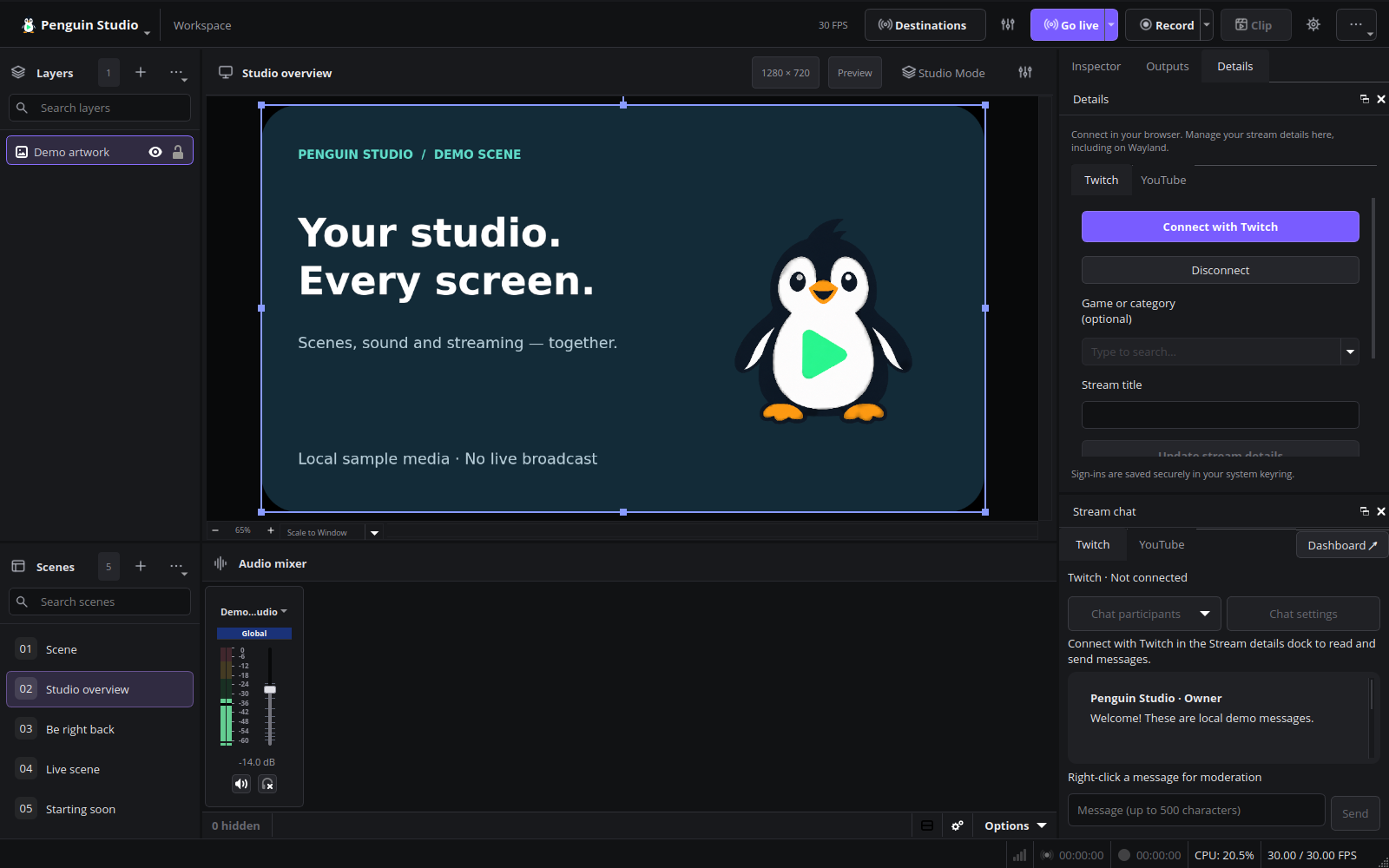
Current English interface
Penguin Studio 0.6.2, captured from the real application with local demo media.
Penguin Studio 0.6.1
Penguin Studio 0.6.1 — Linux development preview
Download the package matching your system from Assets below. All package builds
and their automated checks passed before publication. Full live-provider,
hardware and cross-desktop testing is still incomplete; see docs/VERIFICATION.md.
| Target | Download |
|---|---|
| Ubuntu 24.04 (amd64) | penguin-studio_0.6.1-1+ubuntu24.04_amd64.deb |
| Ubuntu 26.04 / 26.04.1 (amd64) | penguin-studio_0.6.1-1+ubuntu26.04_amd64.deb |
| Fedora 44 (x86_64) | penguin-studio-0.6.1-1.x86_64.rpm |
| AppImage (x86_64, glibc 2.39+) | penguin-studio-0.6.1-x86_64.AppImage |
| Arch Linux / AUR recipe (x86_64) | penguin-studio-0.6.1-aur.tar.gz |
| Flatpak (x86_64) | penguin-studio-0.6.1-x86_64.flatpak |
| Snap core24 (amd64) | penguin-studio_0.6.1_amd64.snap |
Ubuntu DEBs are release-specific; do not install the 24.04 package on 26.04.
The RPM targets Fedora 44. Flatpak requires the Freedesktop 25.08 runtime
from Flathub. Snap requires snapd and local installation with --dangerous;
it is a development build, not a Snap Store publication.
AppImage targets x86_64 hosts with glibc 2.39 or newer. Make it executable and
launch it; --appimage-extract-and-run avoids a FUSE dependency. The AUR archive
contains a checksum-pinned penguin-studio-bin recipe, not a claim of publication
on aur.archlinux.org. Extract it, review PKGBUILD, then run makepkg -si on Arch.
AppImage and Arch installations currently use manual/package-manager updates;
the in-app updater offers release links instead of replacing those installations.
Verify downloaded files with sha256sum --check SHA256SUMS after downloading
all listed files, or compare the entry for the package you downloaded.
build-manifest.json records the exact source commit and package hashes.
Source: a515b1acf85acb00a47399fac27731e6b51889de. Build and checks.
Cleaner edges with custom camera backgrounds
Custom background images now suppress low-confidence background spill while
preserving soft foreground edges and premultiplied colors. Background blur and
transparent removal are unchanged.
A real Elgato Facecam 4K test under Wayland exposed distracting background residue
with custom images. The corrected live result was accepted as significantly better
and usable during head/hand movement. Background blur already passed that live test.
Private camera frames are not included in this repository or release.
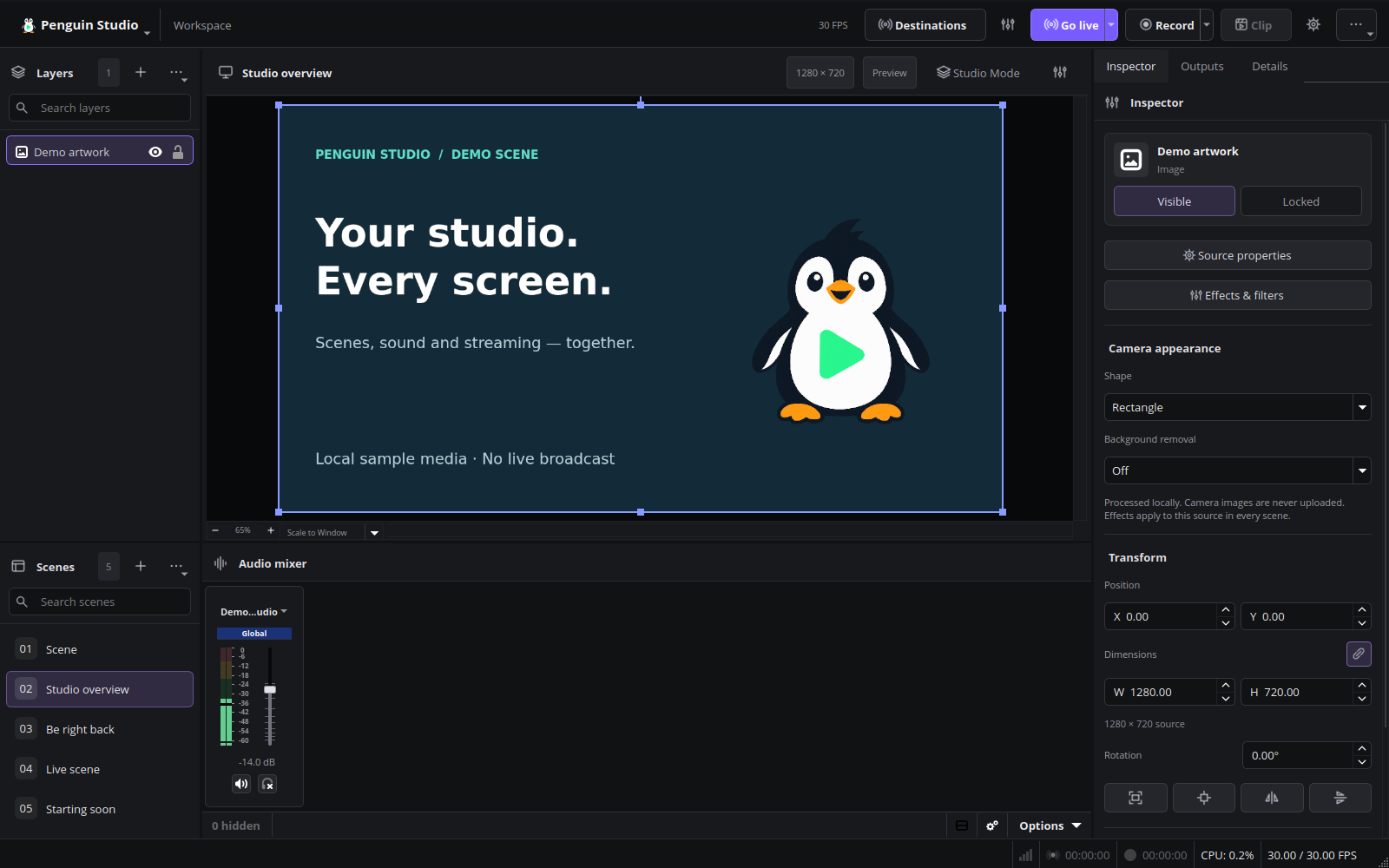
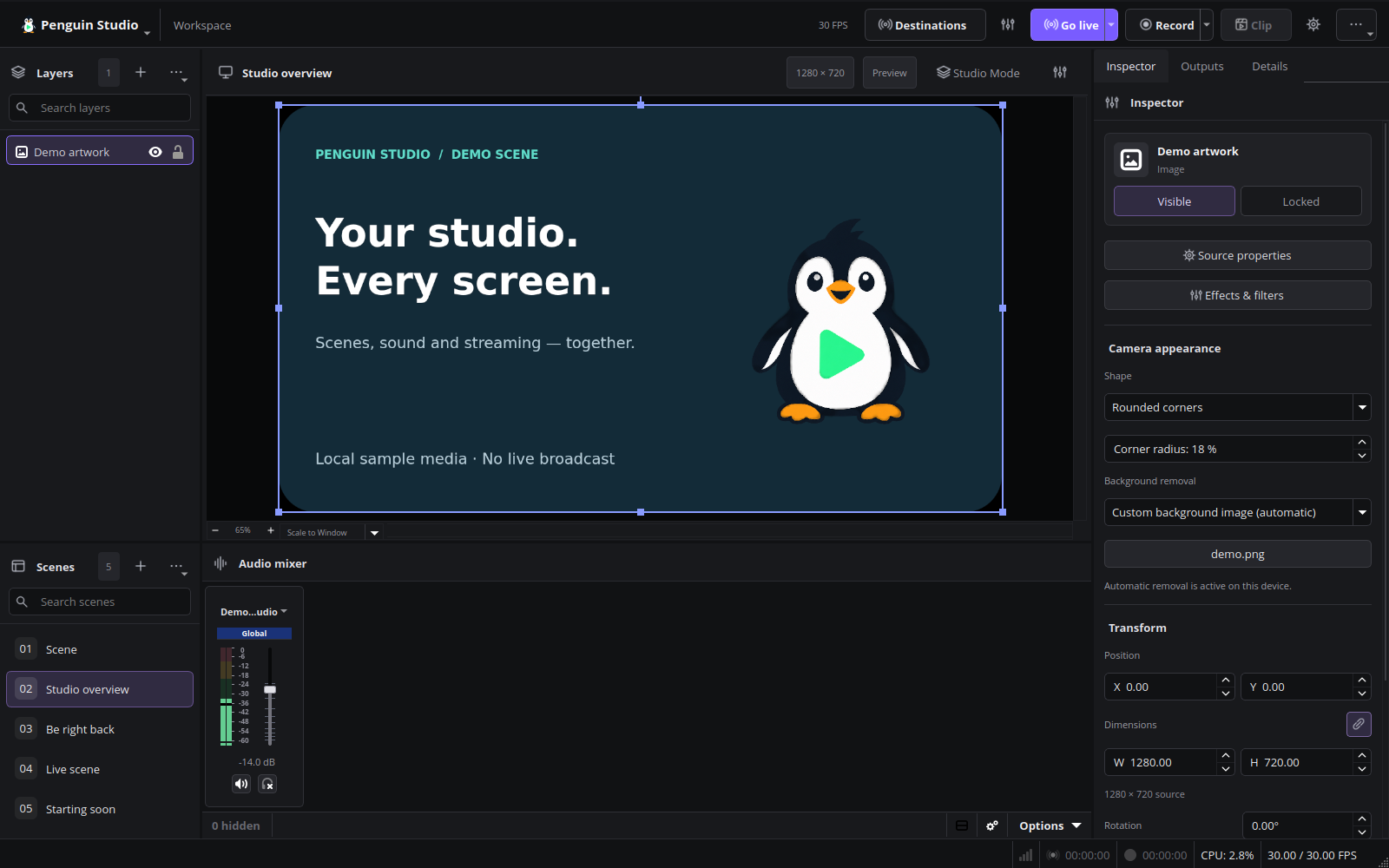
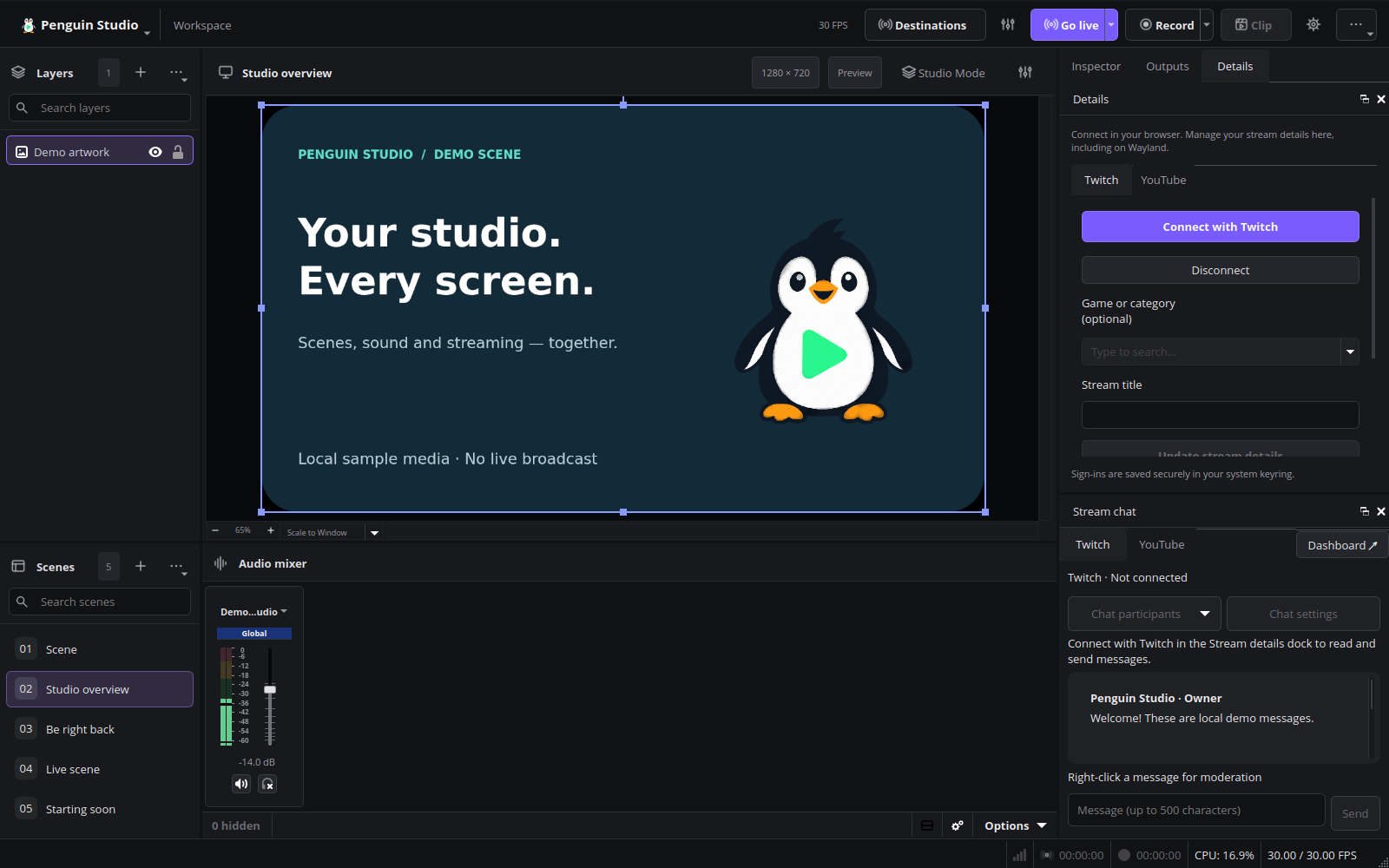
Current English interface
Penguin Studio 0.6.1, captured from the real application with local demo media.
Installed Ubuntu 26.04.1 verification
The published Ubuntu 26.04 package was checksum-verified and installed as 0.6.1-1+ubuntu26.04. Package-file verification passed. Native Wayland camera checks passed for background blur, custom images, rounded corners, alpha cleanup and undo/restore. Restarting the saved real Elgato Facecam scene restored the image and active matting. Both installed test sessions closed without warning/error diagnostics or reported memory leaks. The earlier live motion correction was accepted by the tester as significantly better and usable; private frames remain local.
Follow-up motion test — known limitation
A later real Elgato Facecam recording test found partially disappearing hands during fast movement with a custom background. The head remained intact. The installed build’s 70-second recording decoded correctly and the application closed cleanly, but the log reported one lagged render frame and one skipped encode frame. Isolated model/alpha experiments did not reliably solve the visual issue and were not shipped. Earlier accepted edge-cleanup feedback remains valid for that earlier test; this later motion check is not a visual-quality pass. Private recordings remain local.
Penguin Studio 0.6.0
Penguin Studio 0.6.0 — Linux development preview
Download the package matching your system from Assets below. All package builds
and their automated checks passed before publication. Full live-provider,
hardware and cross-desktop testing is still incomplete; see docs/VERIFICATION.md.
| Target | Download |
|---|---|
| Ubuntu 24.04 (amd64) | penguin-studio_0.6.0-1+ubuntu24.04_amd64.deb |
| Ubuntu 26.04 / 26.04.1 (amd64) | penguin-studio_0.6.0-1+ubuntu26.04_amd64.deb |
| Fedora 44 (x86_64) | penguin-studio-0.6.0-1.x86_64.rpm |
| AppImage (x86_64, glibc 2.39+) | penguin-studio-0.6.0-x86_64.AppImage |
| Arch Linux / AUR recipe (x86_64) | penguin-studio-0.6.0-aur.tar.gz |
| Flatpak (x86_64) | penguin-studio-0.6.0-x86_64.flatpak |
| Snap core24 (amd64) | penguin-studio_0.6.0_amd64.snap |
Ubuntu DEBs are release-specific; do not install the 24.04 package on 26.04.
The RPM targets Fedora 44. Flatpak requires the Freedesktop 25.08 runtime
from Flathub. Snap requires snapd and local installation with --dangerous;
it is a development build, not a Snap Store publication.
AppImage targets x86_64 hosts with glibc 2.39 or newer. Make it executable and
launch it; --appimage-extract-and-run avoids a FUSE dependency. The AUR archive
contains a checksum-pinned penguin-studio-bin recipe, not a claim of publication
on aur.archlinux.org. Extract it, review PKGBUILD, then run makepkg -si on Arch.
AppImage and Arch installations currently use manual/package-manager updates;
the in-app updater offers release links instead of replacing those installations.
Verify downloaded files with sha256sum --check SHA256SUMS after downloading
all listed files, or compare the entry for the package you downloaded.
build-manifest.json records the exact source commit and package hashes.
Source: 73bd5d5b406c8b987b224b59c37db4f27406f834. Build and checks.
Native chat and camera backgrounds
- Redesigned Twitch and YouTube chat tabs with message cards, role labels and a compact message composer.
- Twitch message deletion, ten-minute timeouts, bans/unbans, chat modes, searchable connected participants and recent chatters.
- YouTube active-broadcast chat, message deletion, timeouts/bans and recent chatters. Bans created in the current session can be removed there.
- Separate live viewer counts where supplied by the platform. Participant lists do not identify all viewers.
- Camera background blur with adjustable strength and custom background images, combined with camera shapes and rounded corners.
- Existing local RVM segmentation, system-keychain sign-in and camera undo/redo are retained.
Reconnect Twitch once to grant the new moderation permissions. YouTube requires
an active broadcast with chat. Native chat does not duplicate every website
feature: the Dashboard button opens the official platform tools for unsupported
features. YouTube polling respects the server interval with a ten-second minimum;
viewer counts update once a minute. Custom background files must remain at their
selected paths.
Automated fixtures exercise moderation requests and responses without sending
messages or moderating real viewers. Camera tests cover blur, image compositing,
rounded corners and restoration. Live moderation against real viewers is not
part of the automated test suite.
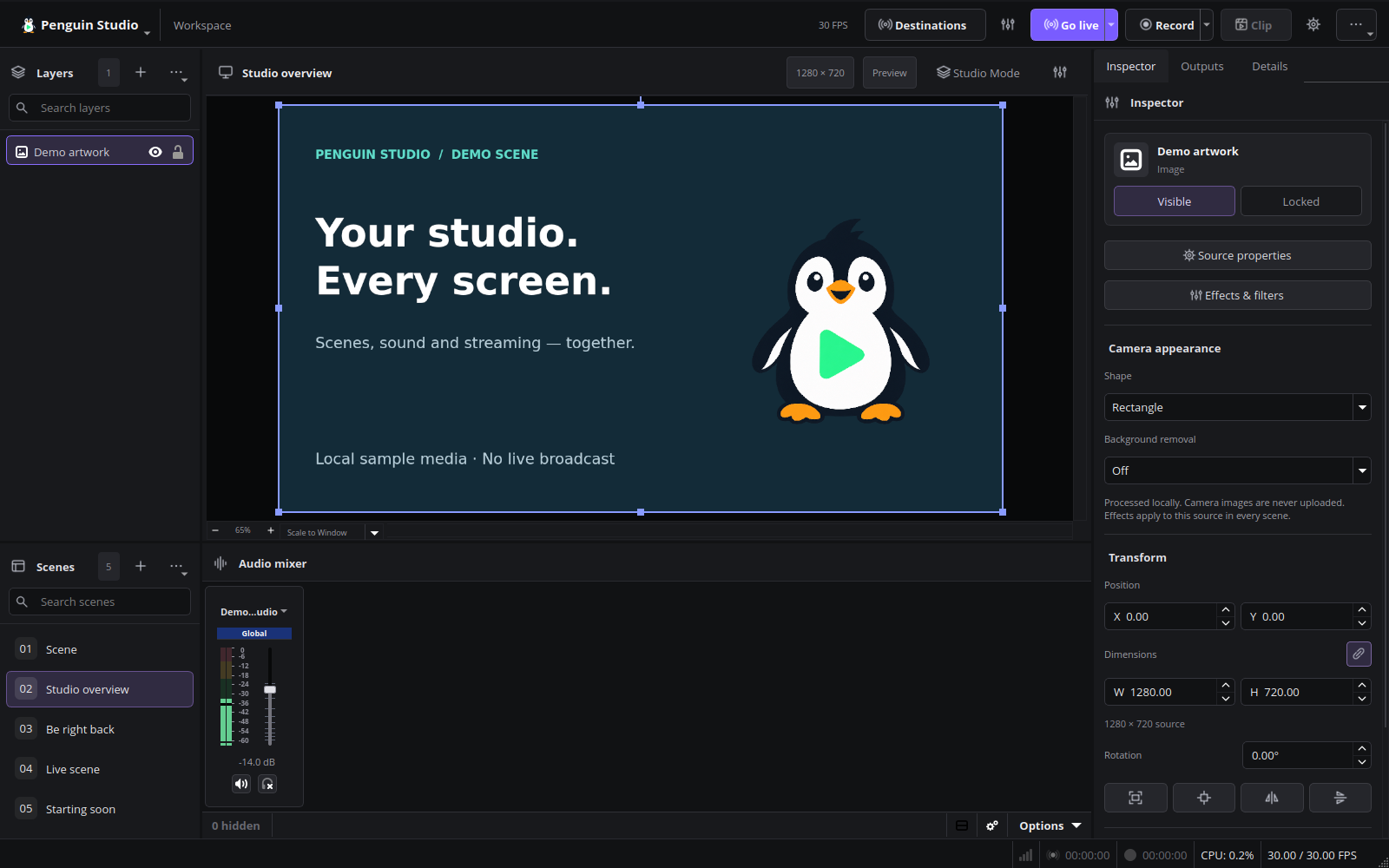
Current English interface
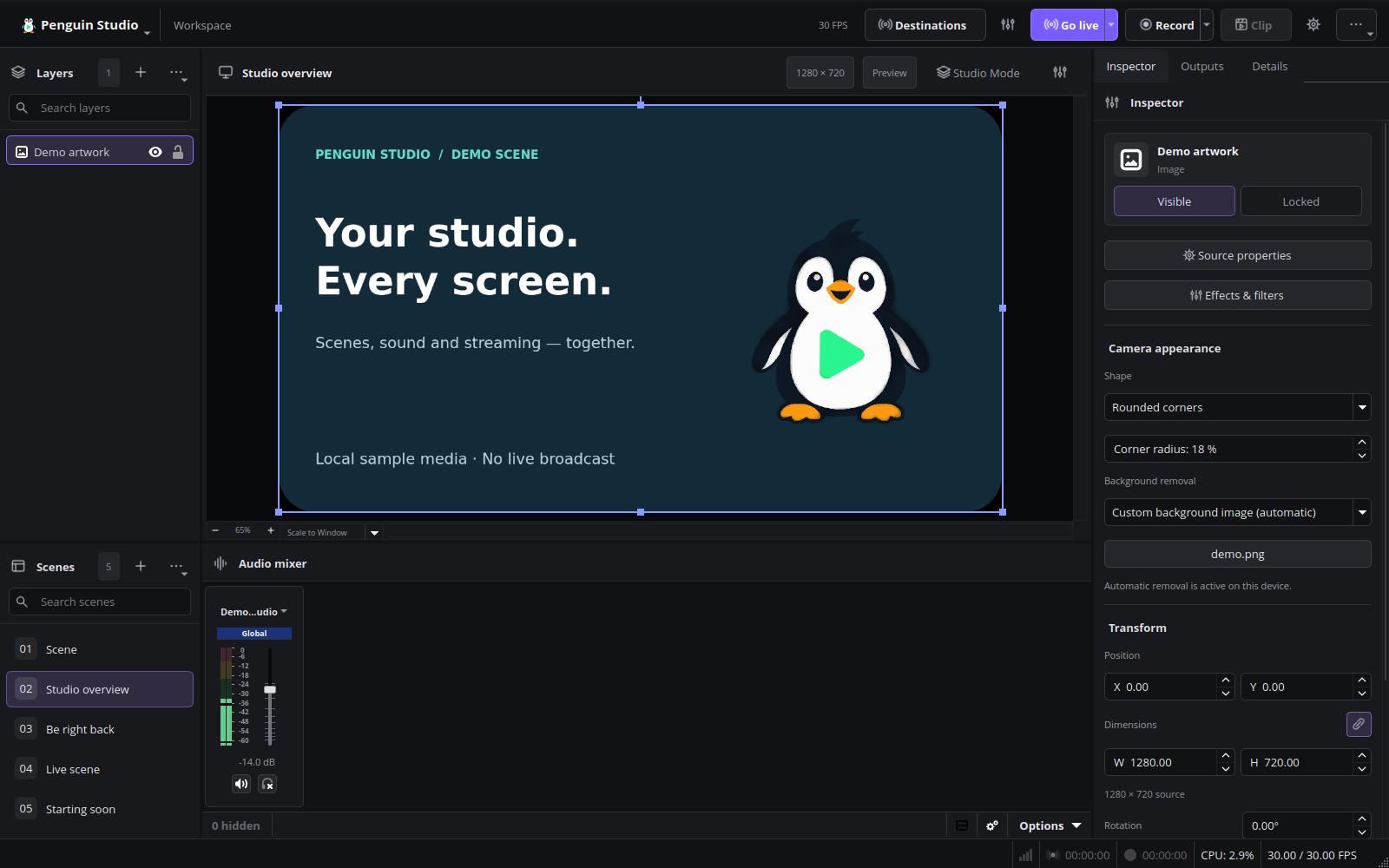
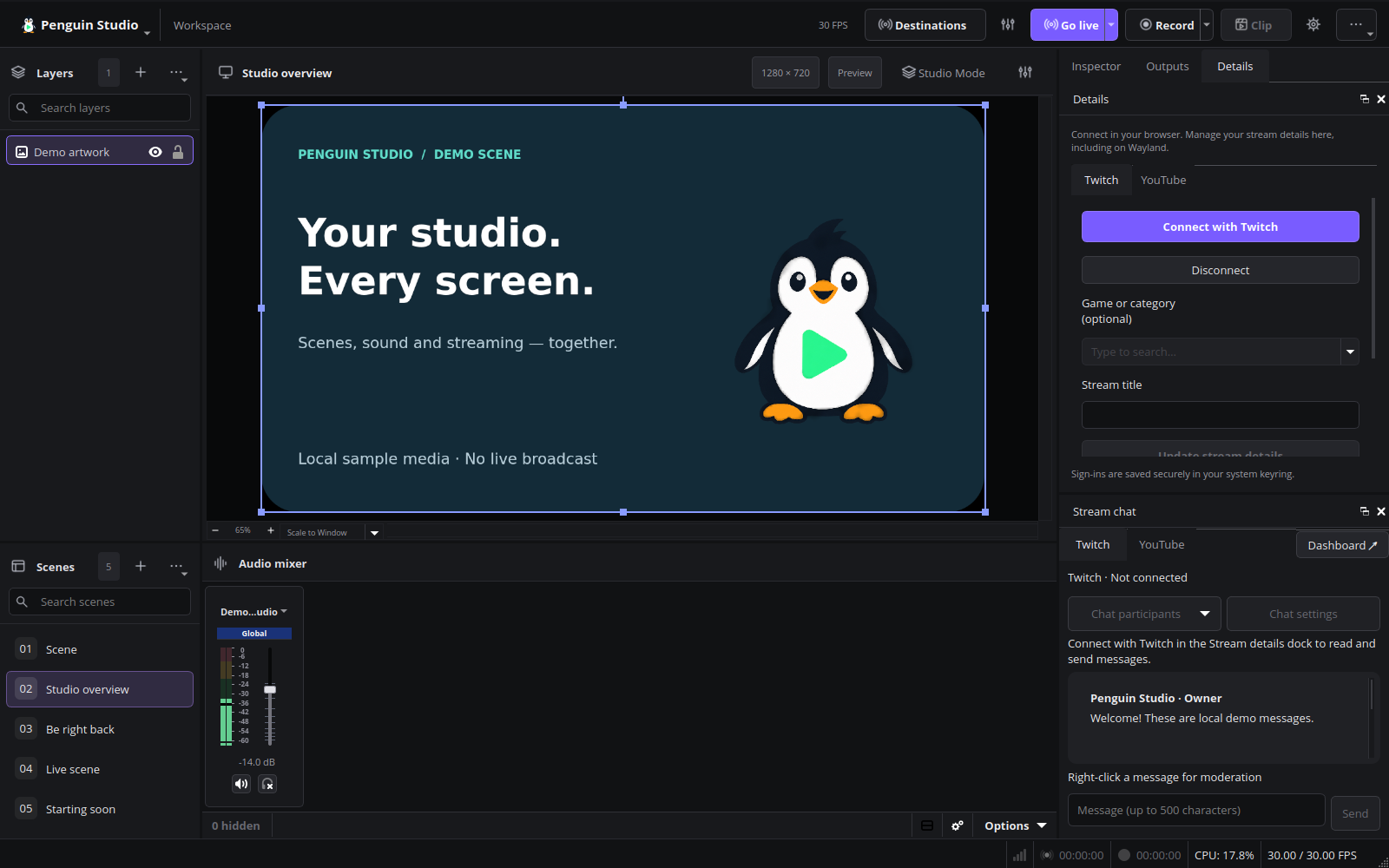
Penguin Studio 0.6.0, captured from the real application with local demo media.
Installed Ubuntu verification
The published Ubuntu 26.04 package was installed on Ubuntu 26.04.1 and its checksum
and installed files verified. Native Wayland tests passed for all camera background
controls, blur, custom images, rounded corners, undo/restore, both chat tabs and
normal shutdown. A 20.033-second synthetic H.264/AAC recording fully decoded with
zero reported dropped frames. No warning/error diagnostics or memory leaks were
reported in these runs. Live moderation was tested with API fixtures, not real viewers.