Repository navigation
Penguin Studio 0.7.0
Pre-release
Penguin Studio 0.7.0 — Linux development preview
Download the package matching your system from Assets below. All package builds
and their automated checks passed before publication. Full live-provider,
hardware and cross-desktop testing is still incomplete; see docs/VERIFICATION.md.
| Target | Download |
|---|---|
| Ubuntu 26.04 / 26.04.1 (amd64) | penguin-studio_0.7.0-1+ubuntu26.04_amd64.deb |
| Fedora 44 (x86_64) | penguin-studio-0.7.0-1.x86_64.rpm |
| Arch Linux / AUR recipe (x86_64) | penguin-studio-0.7.0-aur.tar.gz |
| Flatpak (x86_64) | penguin-studio-0.7.0-x86_64.flatpak |
| Optional RX 9070 camera GPU runtime (Ubuntu 26.04) | penguin-studio-camera-amd-gfx1201_0.7.0-1+ubuntu26.04_amd64.deb |
| AppImage (x86_64, glibc 2.43+) | penguin-studio-0.7.0-x86_64.AppImage |
| Snap core26 (amd64) | penguin-studio_0.7.0_amd64.snap |
The native Ubuntu DEB targets Ubuntu 26.04/26.04.1. Older hosts should use Flatpak or Snap.
The RPM targets Fedora 44. Flatpak requires the Freedesktop 26.08 runtime
from Flathub. Snap requires snapd and local installation with --dangerous;
it is a development build, not a Snap Store publication.
AppImage targets x86_64 hosts with glibc 2.43 or newer. Make it executable and
launch it; --appimage-extract-and-run avoids a FUSE dependency. The AUR archive
contains a checksum-pinned penguin-studio-bin recipe, not a claim of publication
on aur.archlinux.org. Extract it, review PKGBUILD, then run makepkg -si on Arch.
AppImage and Arch installations currently use manual/package-manager updates;
the in-app updater offers release links instead of replacing those installations.
Verify downloaded files with sha256sum --check SHA256SUMS after downloading
all listed files, or compare the entry for the package you downloaded.
build-manifest.json records the exact source commit and package hashes.
Source: e7d7f58e75bcc72670d2a334d47be8db8650c059. Build and checks.
OBS 33 foundation
Penguin Studio integrates OBS Studio 33.0.0 while retaining its workspace, native Twitch/YouTube docks, camera effects, GPU/CPU processing and Penguin-only window title. The engine update brings upstream improvements to source snapping, numeric controls, plugin loading and recording. Penguin Studio keeps its independent repository history; original authors and licenses remain credited.
Camera image loading now uses the OBS 33 API while preserving transparent-image compositing. Scripting shutdown no longer queries a destroyed frontend. Core modules and private camera resources use the new installation layout. A compatible existing AMD runtime remains usable during a main-package-only update; the matching new add-on is also available.
Linux compatibility
Native DEBs target Ubuntu 26.04/26.04.1 with FFmpeg 8 and Qt 6.10. The native Ubuntu 24.04 package is discontinued for this engine version. AppImage requires glibc 2.43 or newer. Fedora RPM targets Fedora 44. Flatpak uses Freedesktop 26.08 and Snap uses core26; older hosts need a compatible sandbox runtime. The Arch archive is a downloadable recipe, not an AUR publication.
Qt's new Wayland platform plugin and separately packaged SVG plugins are included in the appropriate package definitions. Third-party plugins must support the OBS 33 ABI and their package's libraries. See the plugin guide before migrating external plugins.
Validation
Native Ubuntu Wayland checks cover the workspace, camera controls and pixels, GPU/CPU recording, saved scene migration, ten startup/shutdown scenarios, the updater dialog, offline browser rendering and simultaneous local landscape/portrait output with reconnect. AppImage and Flatpak also passed graphical and camera checks. Test media and profiles were separate from the native personal profile, and the current English previews use only synthetic media.
All seven candidate package targets and their automated checks passed. The packaged AMD migration and missing-runtime CPU fallback also passed 30-second recording/decode and clean-shutdown checks. See the integration record for exact source versions, evidence and remaining limits. Live-provider authorization, new Facecam movement acceptance and every third-party plugin are not established by these tests. The host's existing RADV browser diagnostic and absent-AJA-device notices in Flatpak remain documented.
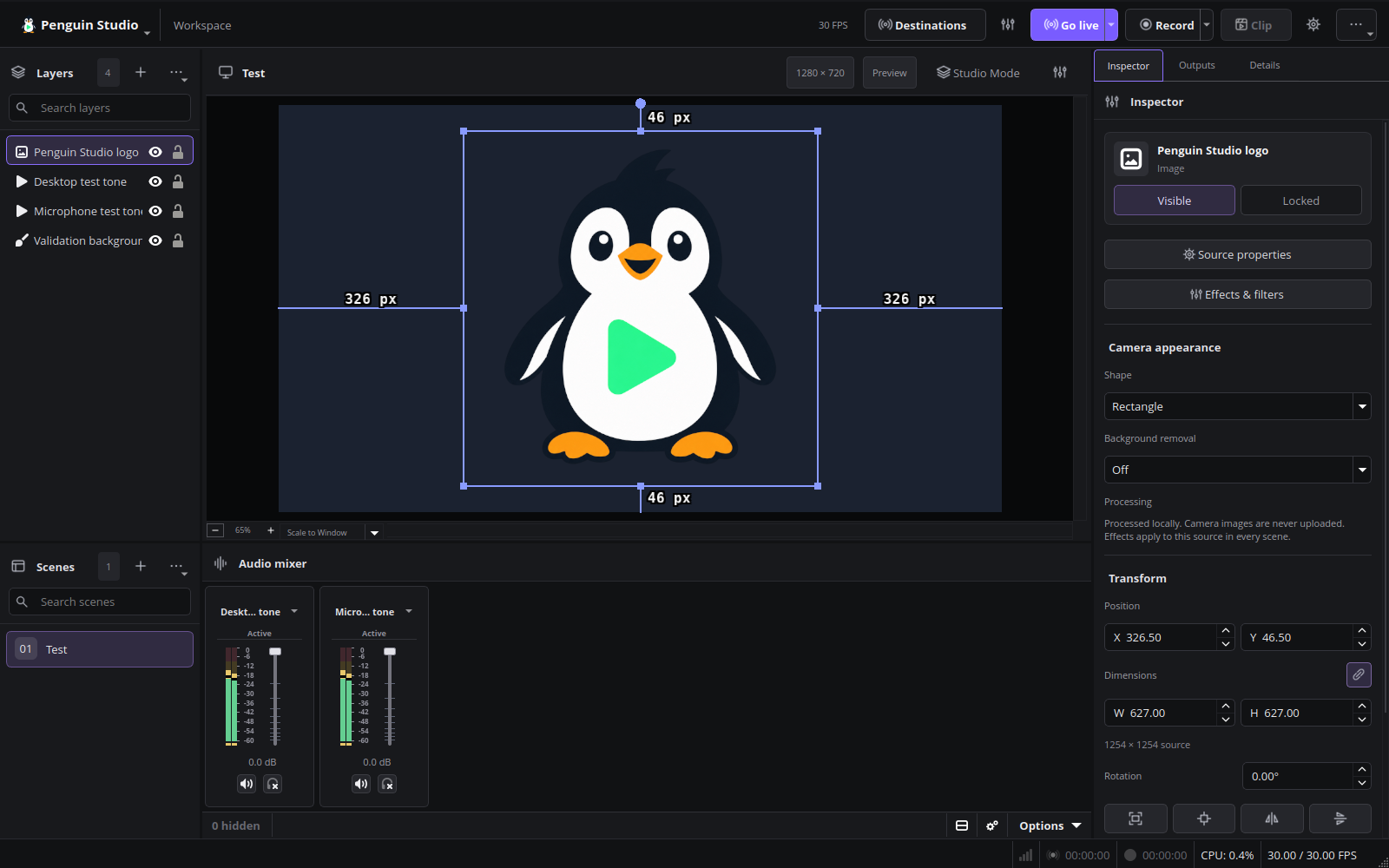
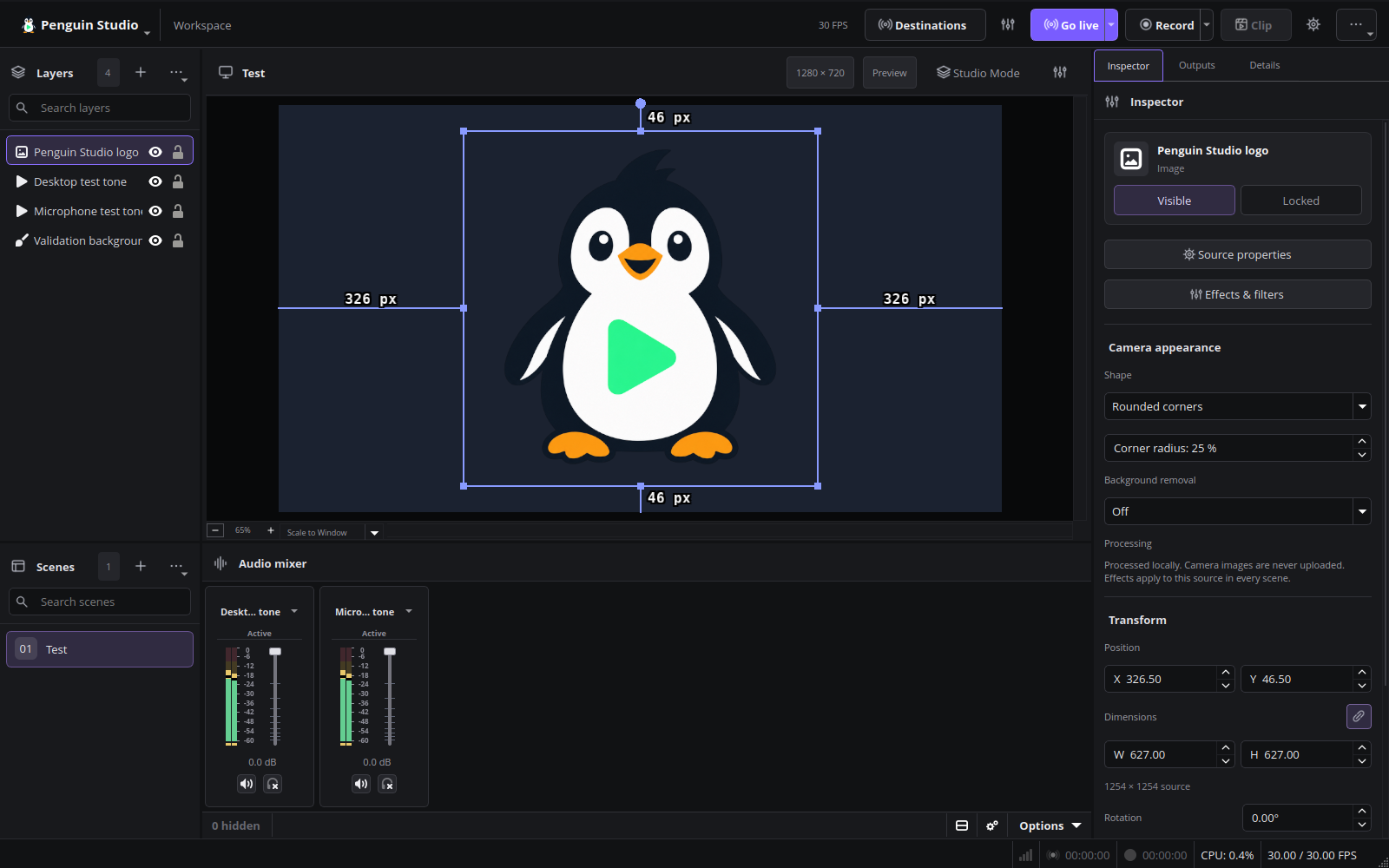
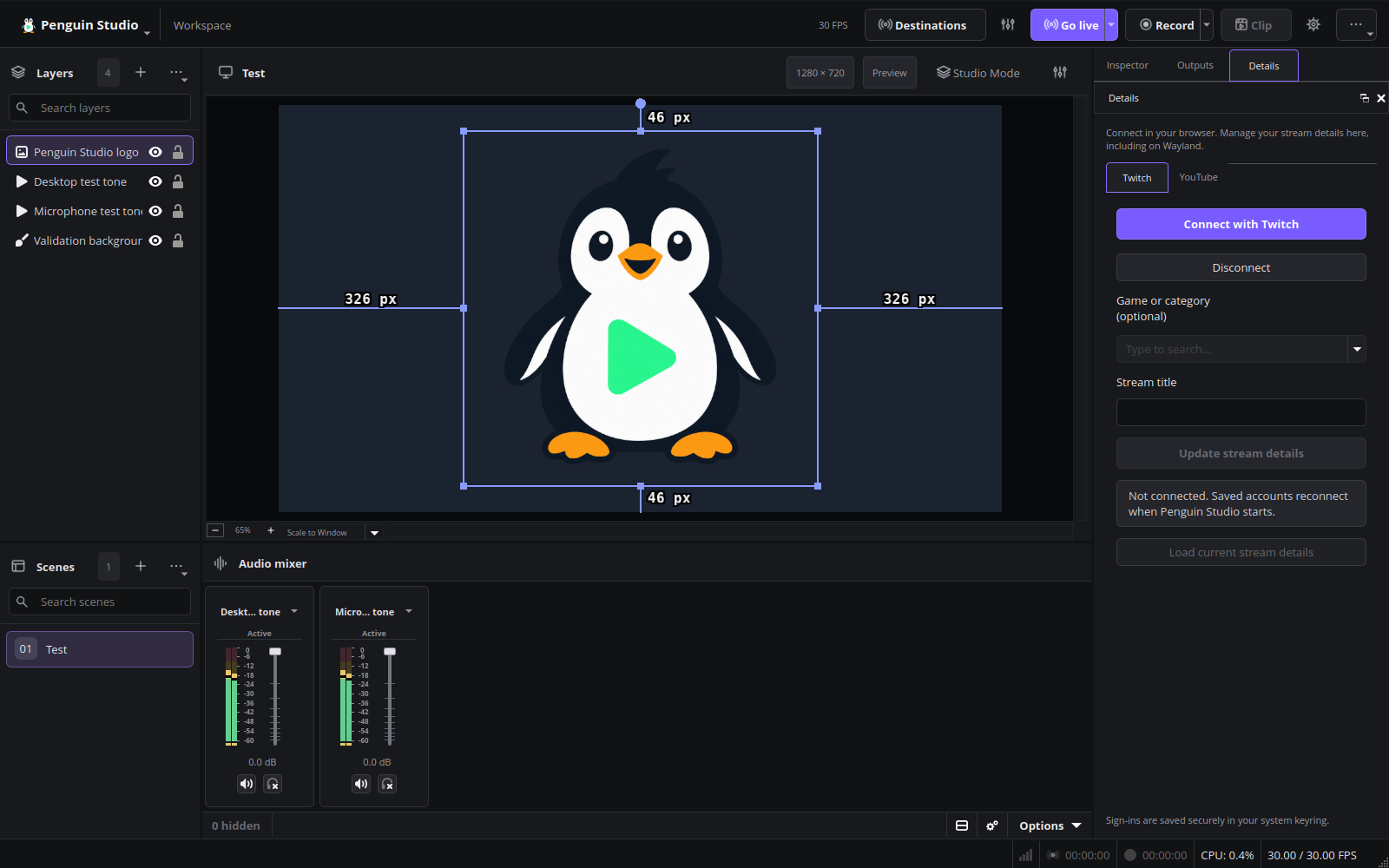
Current English interface
Penguin Studio 0.7.0, captured from the real application with local demo media.
Final Ubuntu Wayland verification
The published Ubuntu DEB and AMD add-on were verified against the release SHA-256 manifest. The exact packages passed camera pixel/Inspector checks, 210 workspace assertions, a fully decoded H.264/AAC recording, and all ten startup/shutdown scenarios without warning/error diagnostics, late frontend callbacks, Qt focus diagnostics or reported OBS leaks. A separate 30.100-second synthetic RX 9070 XT recording used GPU processing without CPU fallback: 900 decoded video frames, 1,405 audio frames, and no reported rendering/encoding losses. This does not replace live Facecam movement or provider-account acceptance.
Installed Ubuntu verification
The published main package and AMD add-on were installed on Ubuntu 26.04.1 and their installed files verified. Native Wayland camera pixel/Inspector checks passed. A separate synthetic GPU recording fully decoded (29.966 seconds, 899 video / 1,403 audio frames; 900 OBS output frames), with GPU active, no CPU fallback and no reported rendering/encoding losses. All ten startup/shutdown scenarios passed without warnings/errors, Qt focus diagnostics, late frontend unregisters or reported OBS leaks. Tests used isolated profiles; no new live Facecam movement or account authorization was performed.