Repository navigation
Penguin Studio 0.7.1
Pre-release
Penguin Studio 0.7.1 — Linux development preview
Download the package matching your system from Assets below. All package builds
and their automated checks passed before publication. Full live-provider,
hardware and cross-desktop testing is still incomplete; see docs/VERIFICATION.md.
| Target | Download |
|---|---|
| Ubuntu 26.04 / 26.04.1 (amd64) | penguin-studio_0.7.1-1+ubuntu26.04_amd64.deb |
| Fedora 44 (x86_64) | penguin-studio-0.7.1-1.x86_64.rpm |
| Arch Linux / AUR recipe (x86_64) | penguin-studio-0.7.1-aur.tar.gz |
| Flatpak (x86_64) | penguin-studio-0.7.1-x86_64.flatpak |
| Optional RX 9070 camera GPU runtime (Ubuntu 26.04) | penguin-studio-camera-amd-gfx1201_0.7.1-1+ubuntu26.04_amd64.deb |
| AppImage (x86_64, glibc 2.43+) | penguin-studio-0.7.1-x86_64.AppImage |
| Snap core26 (amd64) | penguin-studio_0.7.1_amd64.snap |
The native Ubuntu DEB targets Ubuntu 26.04/26.04.1. Older hosts should use Flatpak or Snap.
The RPM targets Fedora 44. Flatpak requires the Freedesktop 26.08 runtime
from Flathub. Snap requires snapd and local installation with --dangerous;
it is a development build, not a Snap Store publication.
AppImage targets x86_64 hosts with glibc 2.43 or newer. Make it executable and
launch it; --appimage-extract-and-run avoids a FUSE dependency. The AUR archive
contains a checksum-pinned penguin-studio-bin recipe, not a claim of publication
on aur.archlinux.org. Extract it, review PKGBUILD, then run makepkg -si on Arch.
AppImage and Arch installations currently use manual/package-manager updates;
the in-app updater offers release links instead of replacing those installations.
Verify downloaded files with sha256sum --check SHA256SUMS after downloading
all listed files, or compare the entry for the package you downloaded.
build-manifest.json records the exact source commit and package hashes.
Source: 416b2e99d8d2b23fa0069be927b1b66d71812347. Build and checks.
Consistent controls and spacing
Penguin Studio 0.7.1 harmonizes control heights, padding, corner radii and selected states across the production toolbar, Inspector, settings, source dialogs and native chat. Split-menu actions reserve a separate, centered arrow area, keeping their labels clear. Icon-only actions use balanced square hit areas and the application-menu arrow is vertically centered.
Buttons use symmetric padding and centered captions. Form controls can grow with larger text; tabs use a consistent underline and retain a visible keyboard-focus state. Chat uses the shared theme instead of overriding input and button sizes locally. Stream-detail labels remain readable in narrow docks.
Long camera-background options no longer force the Inspector wider than its viewport, and the Processing label hides with its control when automatic processing is inactive. Recording, camera processing and platform authentication behavior are unchanged.
All seven Linux package targets passed their candidate workflow. Native Wayland tests passed 242 workspace checks in both Ubuntu and Flatpak, 18 Ubuntu dialog captures at enlarged text, camera pixel/Inspector checks, native chat layout checks and startup/shutdown scenarios. The Ubuntu GPU recording fully decoded with no reported render-lag or encoder-skip events. See the validation record for scope and known environment diagnostics.
The README includes automatic release and Linux-build badges plus accurate C/C++, Qt Widgets, Linux and GPL-2.0-or-later badges. Current English previews were captured from the real 0.7.1 package using synthetic media and visually reviewed. Author and license notices are preserved.
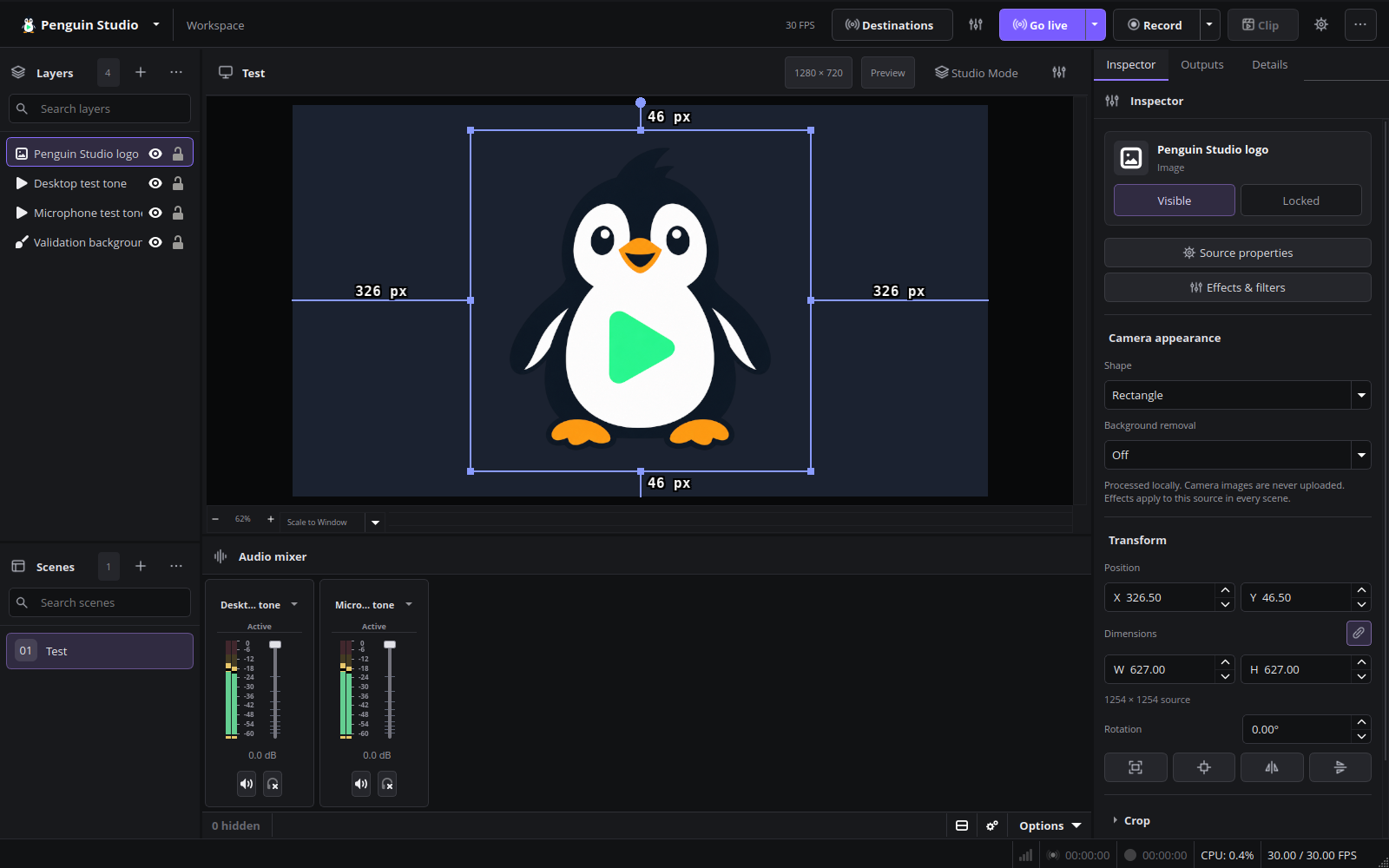
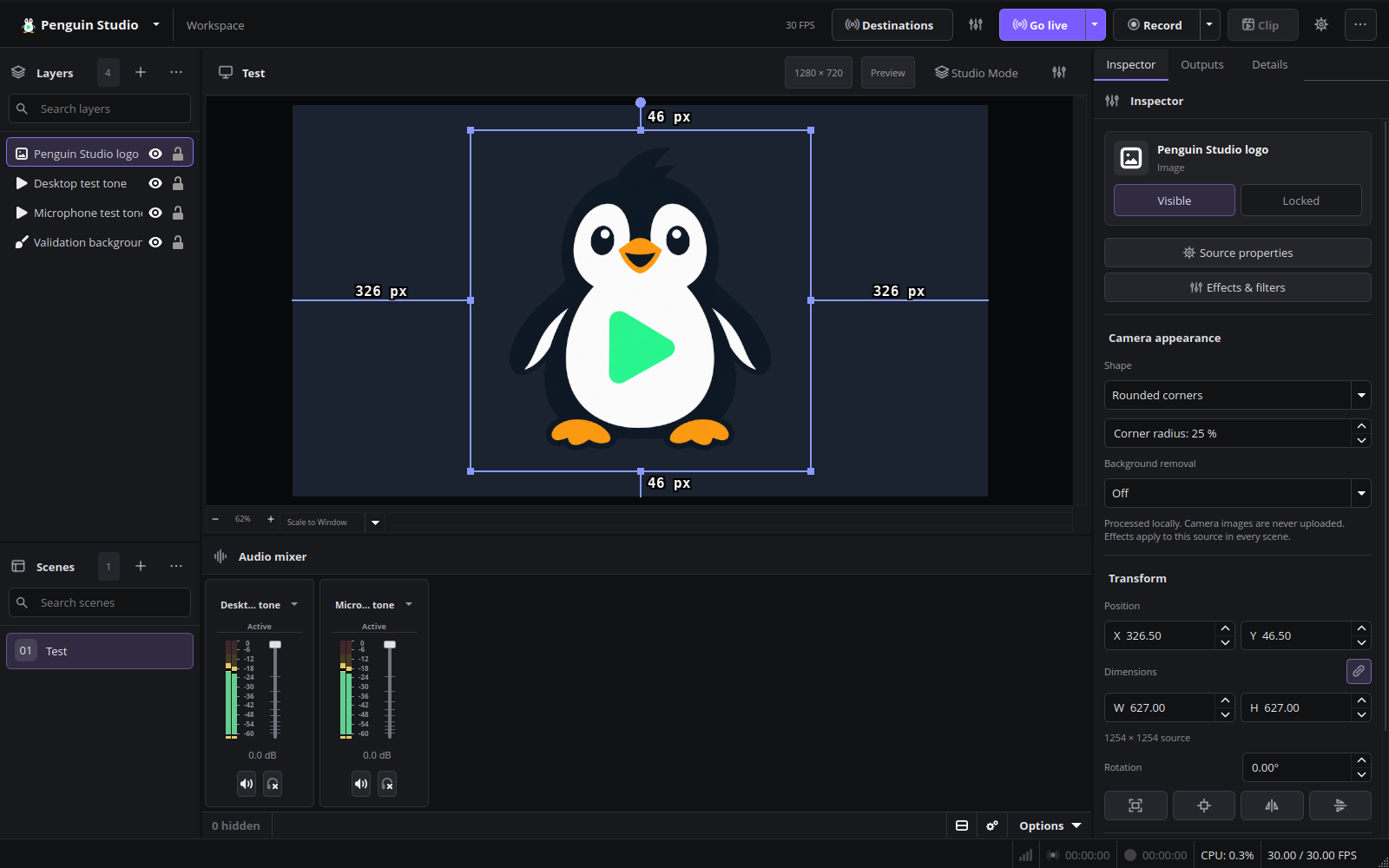
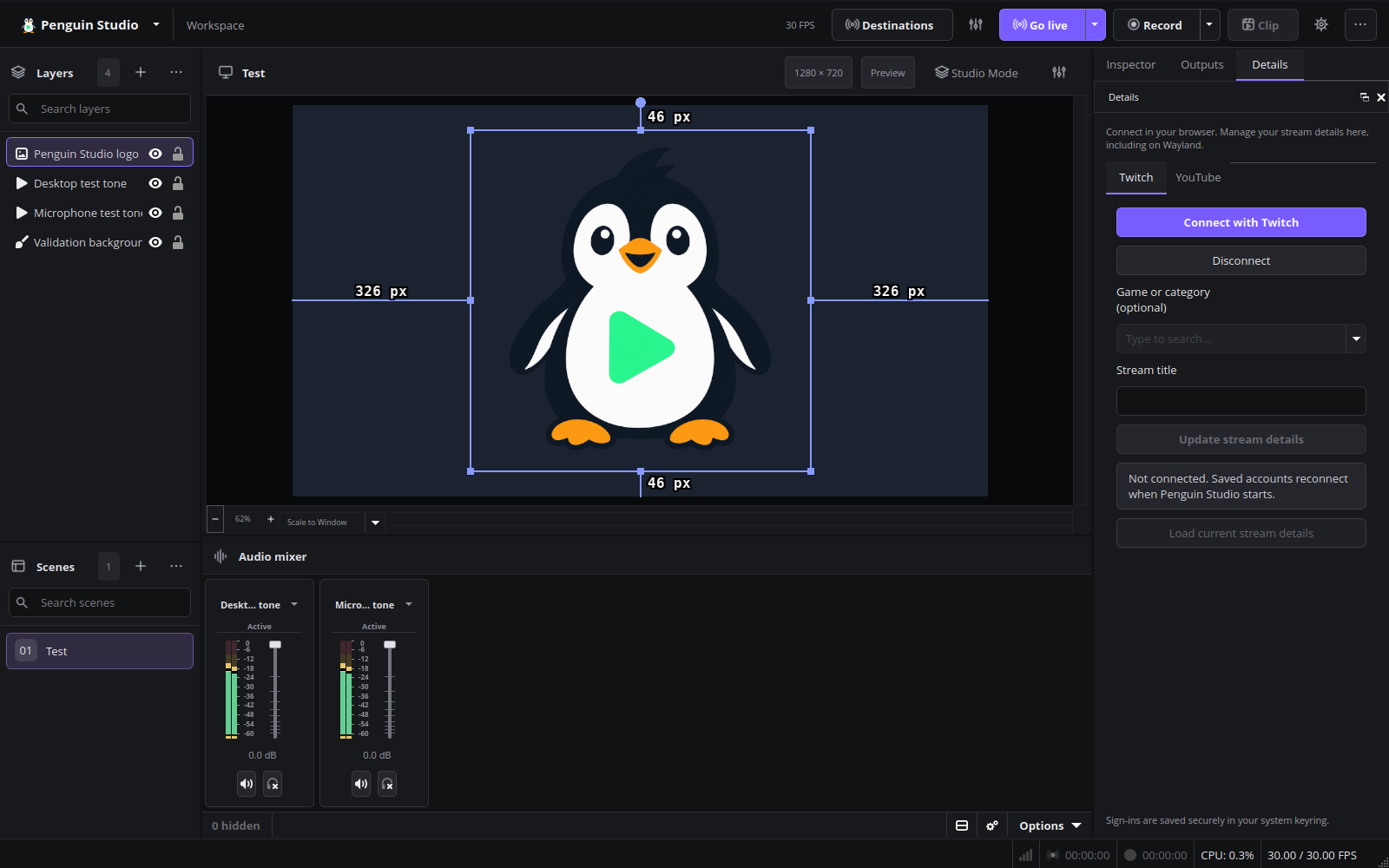
Current English interface
Penguin Studio 0.7.1, captured from the real application with local demo media.
Final Ubuntu package verification
The published Ubuntu 26.04 package passed 242 workspace checks under native Wayland, a fully decoded H.264/AAC recording and the camera pixel/Inspector suite for shapes, removal, blur, custom backgrounds and undo/restore. Startup and shutdown logs contained no warnings/errors and zero reported OBS memory leaks. Both native package hashes match the published manifest. The install simulation upgrades only Penguin Studio and its existing AMD camera add-on.
Installed Ubuntu verification
Penguin Studio and its existing AMD camera add-on were successfully upgraded to 0.7.1-1+ubuntu26.04 on the local Ubuntu system; installed package integrity checks passed. The installed application passed all 242 workspace checks under native Wayland and fully decoded H.264/AAC test recordings. A separate 30.633-second synthetic camera recording used the AMD GPU without CPU fallback, with no reported render-lag or encoder-skip events. Both runs started and exited without warnings/errors and reported zero OBS memory leaks. These checks used isolated profiles and synthetic media; they did not repeat live provider sign-in or physical Facecam movement tests.