Repository navigation
Penguin Studio 0.7.2
Pre-release
Penguin Studio 0.7.2 — Linux development preview
Download the package matching your system from Assets below. All package builds
and their automated checks passed before publication. Full live-provider,
hardware and cross-desktop testing is still incomplete; see verification scope.
| Target | Download |
|---|---|
| Ubuntu 26.04 / 26.04.1 (amd64) | penguin-studio_0.7.2-1+ubuntu26.04_amd64.deb |
| Fedora 44 (x86_64) | penguin-studio-0.7.2-1.x86_64.rpm |
| Arch Linux / AUR recipe (x86_64) | penguin-studio-0.7.2-aur.tar.gz |
| Flatpak (x86_64) | penguin-studio-0.7.2-x86_64.flatpak |
| Optional RX 9070 camera GPU runtime (Ubuntu 26.04) | penguin-studio-camera-amd-gfx1201_0.7.2-1+ubuntu26.04_amd64.deb |
| AppImage (x86_64, glibc 2.43+) | penguin-studio-0.7.2-x86_64.AppImage |
| Snap core26 (amd64) | penguin-studio_0.7.2_amd64.snap |
| Optional RX 9070 camera GPU runtime (Ubuntu 26.10) | penguin-studio-camera-amd-gfx1201_0.7.2-1+ubuntu26.10_amd64.deb |
| Ubuntu 26.10 (amd64) | penguin-studio_0.7.2-1+ubuntu26.10_amd64.deb |
Native Ubuntu DEBs target Ubuntu 26.04/26.04.1 and Ubuntu 26.10. Choose the package matching your Ubuntu version. Older hosts should use Flatpak or Snap.
The RPM targets Fedora 44. Flatpak requires the Freedesktop 26.08 runtime
from Flathub. Snap requires snapd and local installation with --dangerous;
it is a development build, not a Snap Store publication.
AppImage targets x86_64 hosts with glibc 2.43 or newer. Make it executable and
launch it; --appimage-extract-and-run avoids a FUSE dependency. The AUR archive
contains a checksum-pinned penguin-studio-bin recipe, not a claim of publication
on aur.archlinux.org. Extract it, review PKGBUILD, then run makepkg -si on Arch.
AppImage and Arch installations currently use manual/package-manager updates;
the in-app updater offers release links instead of replacing those installations.
Verify downloaded files with sha256sum --check SHA256SUMS after downloading
all listed files, or compare the entry for the package you downloaded.
build-manifest.json records the exact source commit and package hashes.
Source: d3fc7ff8186331318f6f25020f9c8729ebd8ccb7. Build and checks.
Penguin Studio 0.7.2
Creator tools, measured upload bitrate, the classic workspace, smoother camera processing and Ubuntu 26.10 packages.
What changed
- Creator tools: an advisory stream check for program sources, storage, stream configuration and audio routing; separate explanations for rendering, encoding, network and output errors.
- Recording helpers: live recording state, approximate video duration and written-data counters; container resilience advice and a manually copied diagnostic snapshot that excludes account details, paths and credentials.
- Upload bitrate: a bottom-right measured total for the primary stream and Penguin multistream destinations. Sampling uses per-output byte counters and elapsed time; the monitor sleeps when no streams are active or starting.
- Audio assistant: measure voice levels locally, review a suggested fader level, optionally add noise suppression, and apply compression/limiting without duplicating existing filters. Undo preserves later manual volume changes. No audio is uploaded.
- Privacy: a persistent top-bar control masks the program picture and silences source audio while outputs continue. Scene/transition changes and newly created regular audio sources remain covered. The local editing preview can remain visible; independently implemented third-party outputs are outside its scope.
- Retain the classic Penguin Studio workspace, native menus, settings and charcoal theme. Privacy shares the production controls' layout and icon system, while Creator tools uses consistent cards, compact actions and status badges. The experimental Qt Quick navigation is not shipped.
- A compact status bar groups recording, CPU, supported GPU utilization and frame-rate information. Unavailable GPU counters display a dash.
- Manual update checks in Settings, automatic checks at startup, and native Ubuntu 26.10 update selection.
- Asynchronous camera inference/model preparation, bounded processing, paired color/mask frames, CPU fallback, cached blur rendering and Rust preprocessing reduce avoidable rendering work.
- Native Ubuntu 26.10 DEB and matching optional AMD camera runtime, alongside Ubuntu 26.04 packages.
Validation and limits
Local checks covered the installed Ubuntu 26.04 build under Wayland: 210 existing workspace assertions, 31 Creator tools/upload integration assertions, simultaneous loopback streaming and recording, CPU/GPU camera recordings, full recording decode, privacy across scene and transition changes, audio undo, restart cleanup and clean shutdown. No frame-loss events were reported in those recordings. GPU processing used the RX 9070 XT runtime without CPU fallback. Audio guard and error-classification checks passed memory and undefined-behavior sanitizers.
The creator tests used synthetic pictures and tones. Stream preflight does not validate provider authorization or upload bandwidth; real microphone tuning and physical keyboard interaction still need user review. Privacy cannot recall already transmitted or buffered frames. Hardware and provider behavior varies; these checks do not guarantee zero frame loss in every workload.
See Creator tools, Creator tools validation, upload validation, model-start improvements and blur-cache measurements.
Current English interface
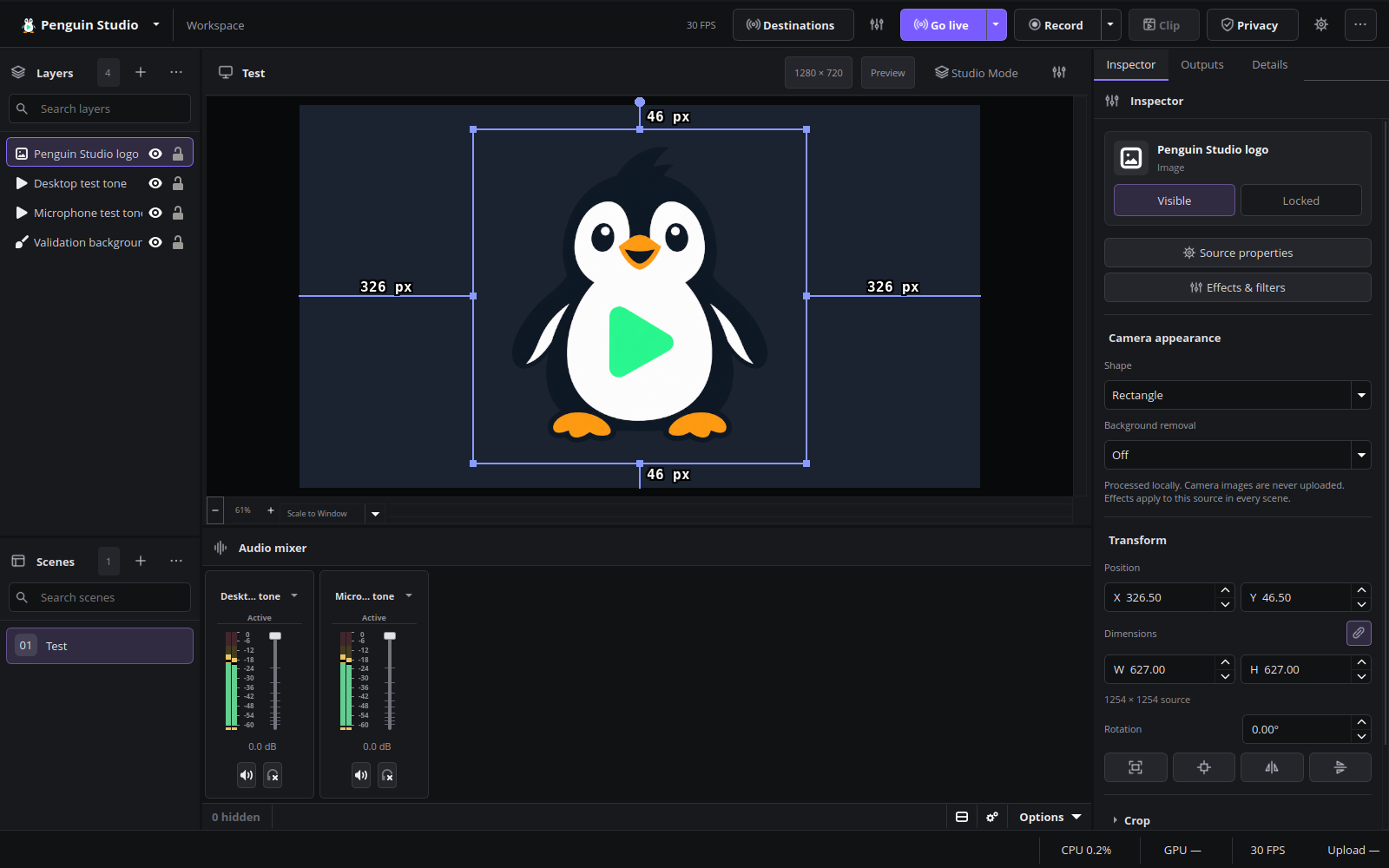
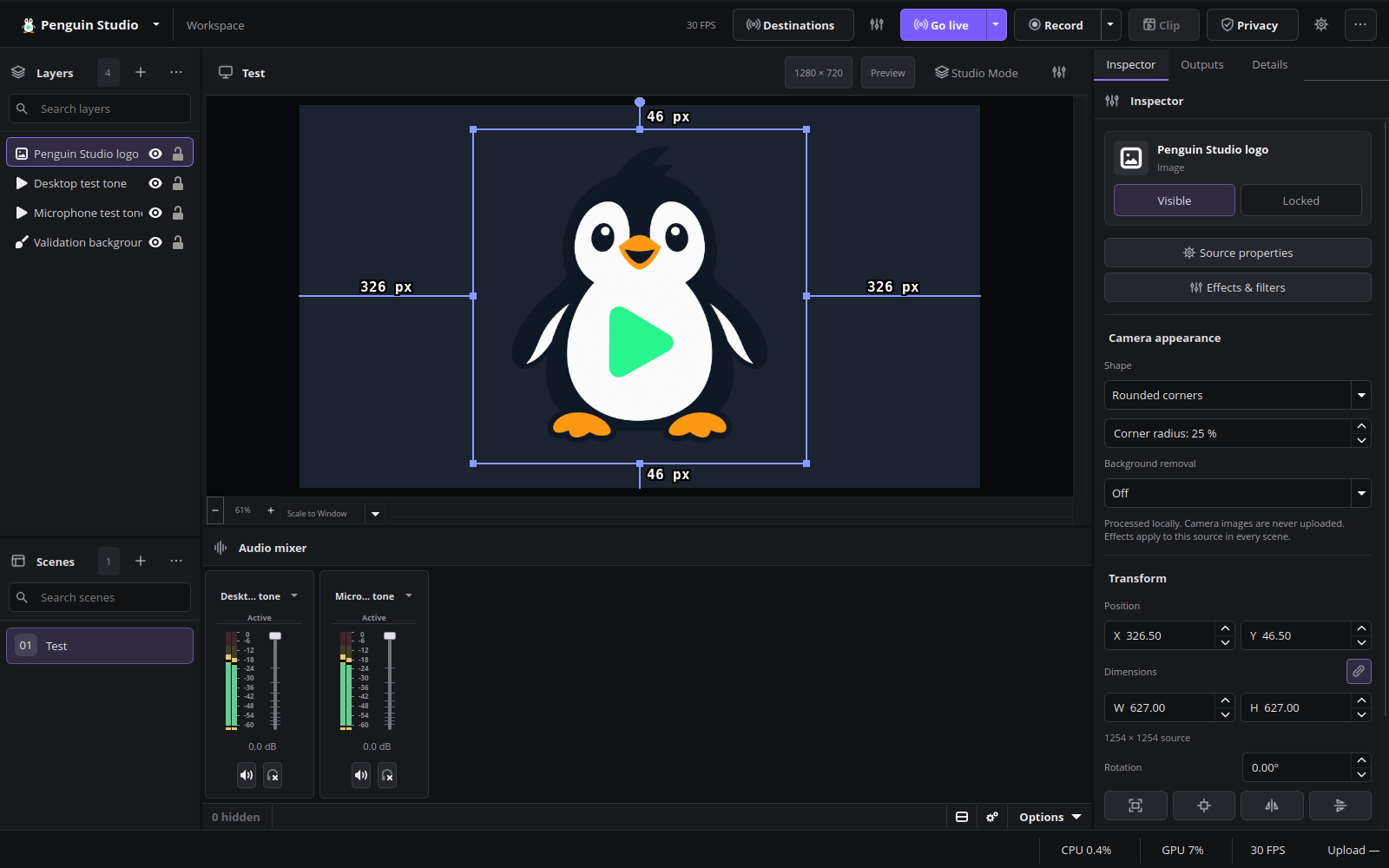
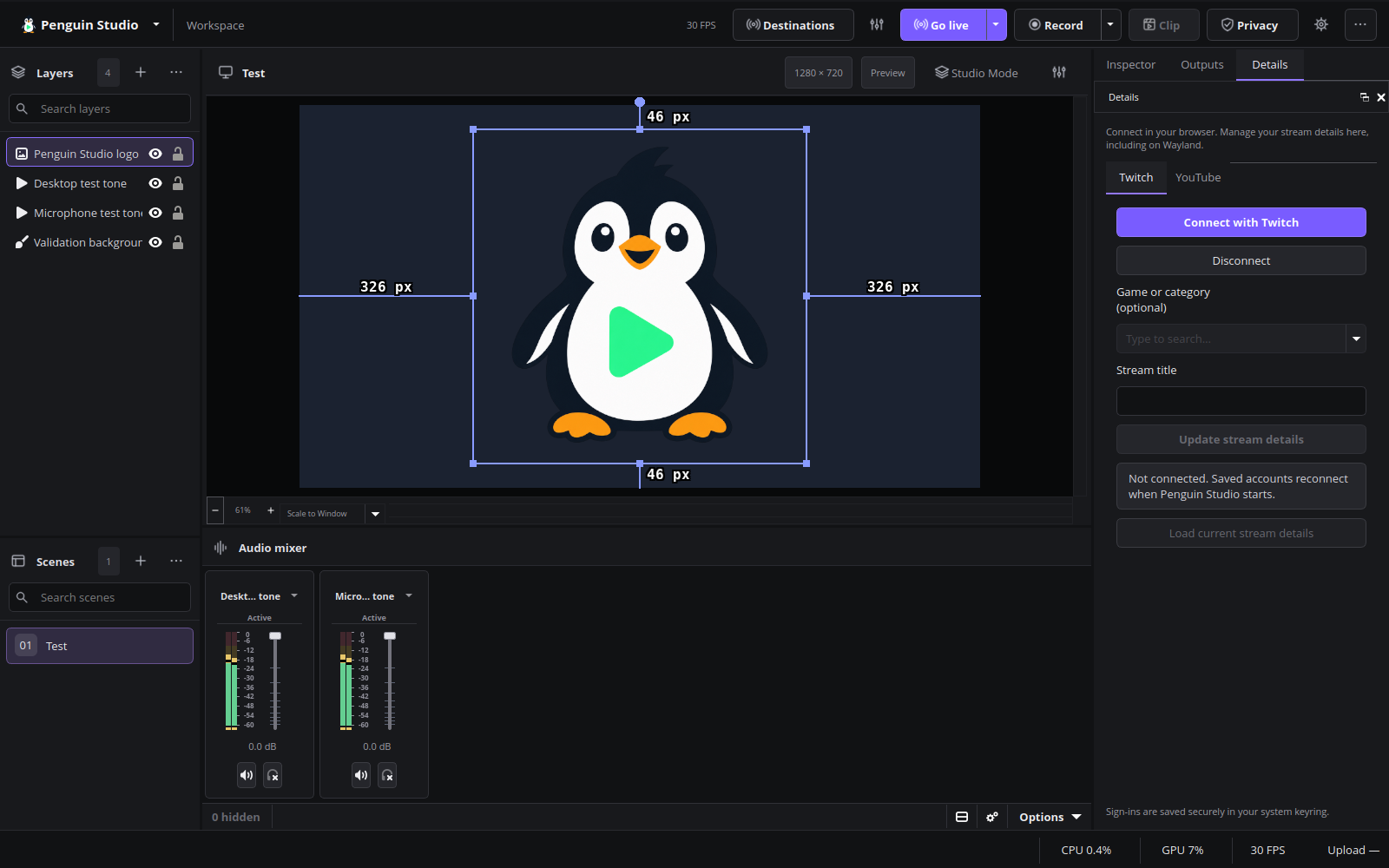
Penguin Studio 0.7.2, captured from the real application with local demo media.
Final release-package verification
All nine Linux package artifacts passed the release workflow. The exact Ubuntu 26.04 release DEB was additionally tested under native Wayland on Ubuntu 26.04.1: 31 Creator tools/upload assertions, simultaneous loopback streaming and recording, picture/audio privacy checks, full decoding of both outputs, and clean shutdown passed. No frame-loss events or warning/error messages were reported in this synthetic-media test. Published checksums and the source commit were verified against the tested DEB and matching AMD runtime. This does not replace live-provider or wider hardware testing.