Repository navigation
Ghostcontrol Toolbox 2.2.2 (beta)
Pre-release
Pre-release


Download & install
| File | What it is |
|---|---|
| Ghostcontrol-Toolbox-2.2.2-beta-PPSA62838.zip (39M) | The native Ghostcontrol Toolbox home-screen app (PPSA62838). Extract the PPSA62838/ folder to /data/homebrew/ on the console. |
| GhosttoothAPI.elf | Controller companion service. Send it to the ELF loader on port 9021. (Also bundled inside the app assets.) |
| SHA256SUMS.txt | Checksums for the two files above. |
Install (two pieces — no ShellUI injection):
- Copy the
PPSA62838/folder from the ZIP to/data/homebrew/(FTP / USB / your homebrew installer), then refresh the home screen. - On a jailbroken console, send
GhosttoothAPI.elfto the ELF loader on port 9021. - Open Ghostcontrol Toolbox from the home screen → Service → Start service.
- Plug in your controller and assign the virtual DualSense when the PS5 asks.
Full guide: Getting Started
sha256  zip  100cba8823577785ab84b8f9af76faa0f32e48962d7a72ec2b4df4b761f3c4f7
sha256  elf  ef653ea1295da5212ce7952a43030ef0e72cbeb66faa7317929fe6da1cfc4213
Beta software for jailbroken PS5 consoles. Use at your own risk.
Support / Donations
 Discord discord.com/invite/kcgQPxhde |
 Bitcoin bc1qa9zfgnccajsw8vg7k287qz5a7apf8pefj5jjx5 |
 Patreon patreon.com/c/u4772250 |
Donation links
- Discord: https://discord.com/invite/kcgQPxhde
- Bitcoin (wallet):
bc1qa9zfgnccajsw8vg7k287qz5a7apf8pefj5jjx5 - Patreon: https://www.patreon.com/c/u4772250
App screenshots
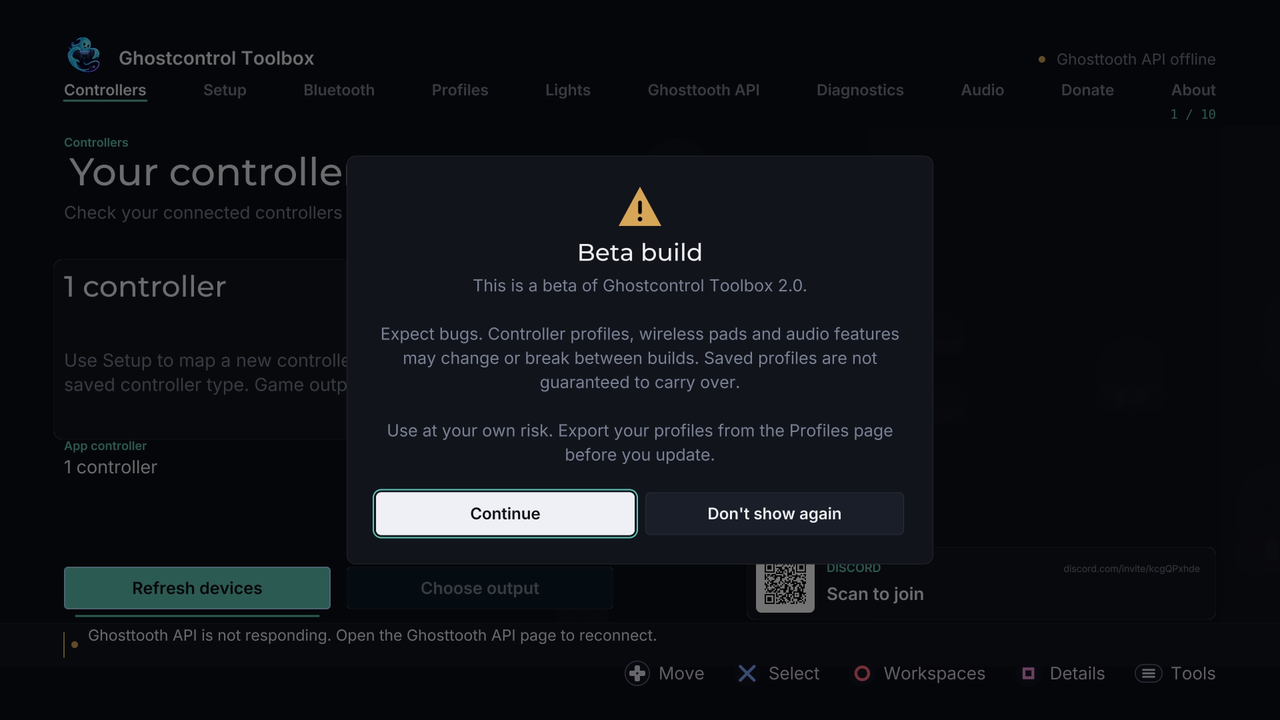
Beta launch notice
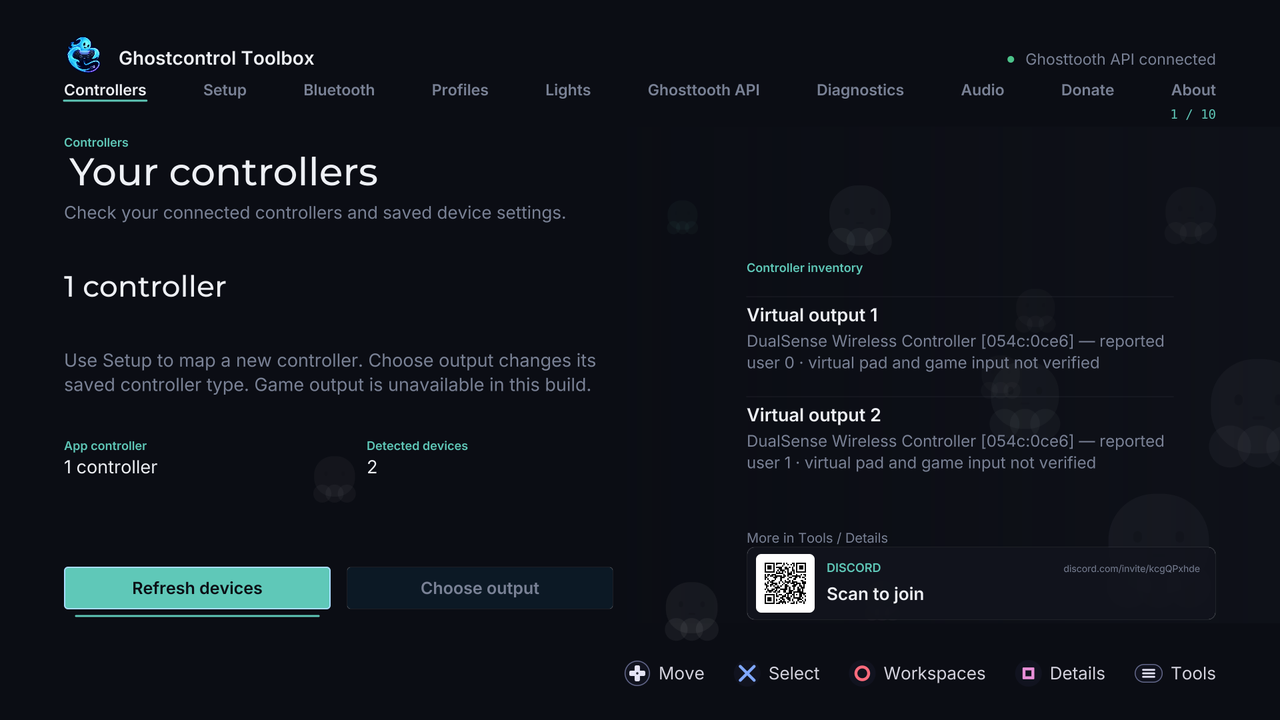 Controllers |
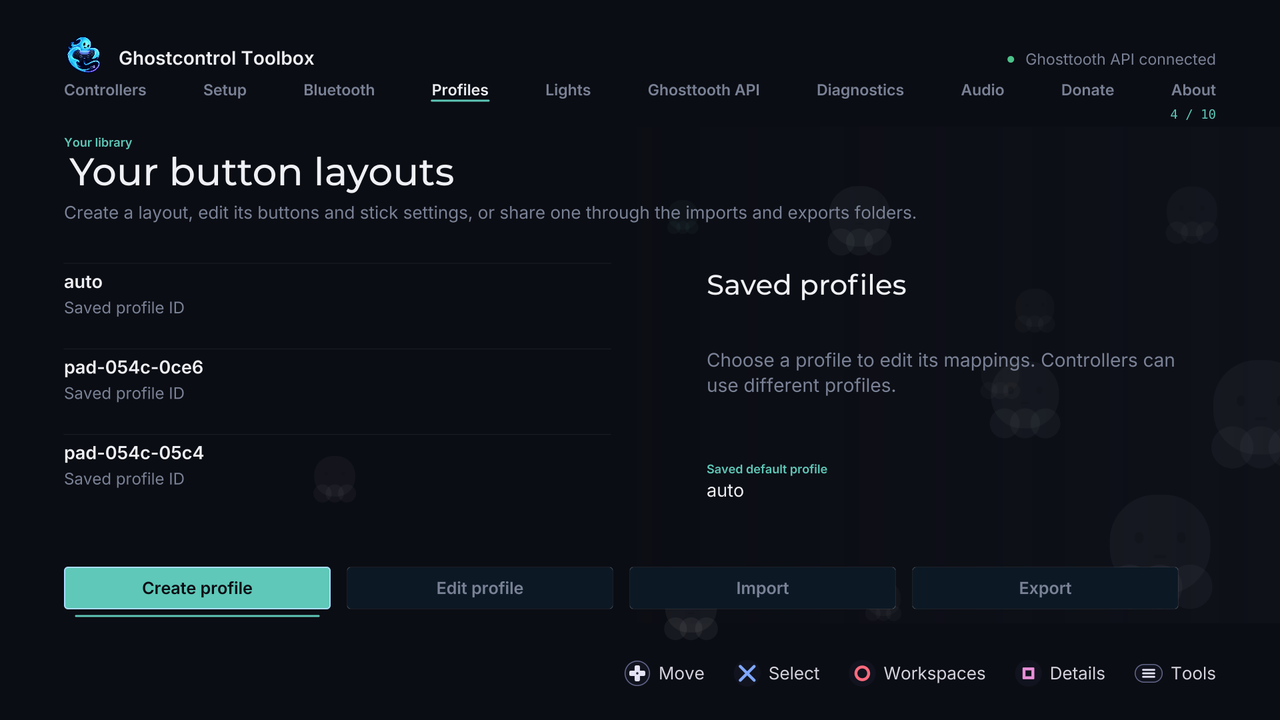 Profiles |
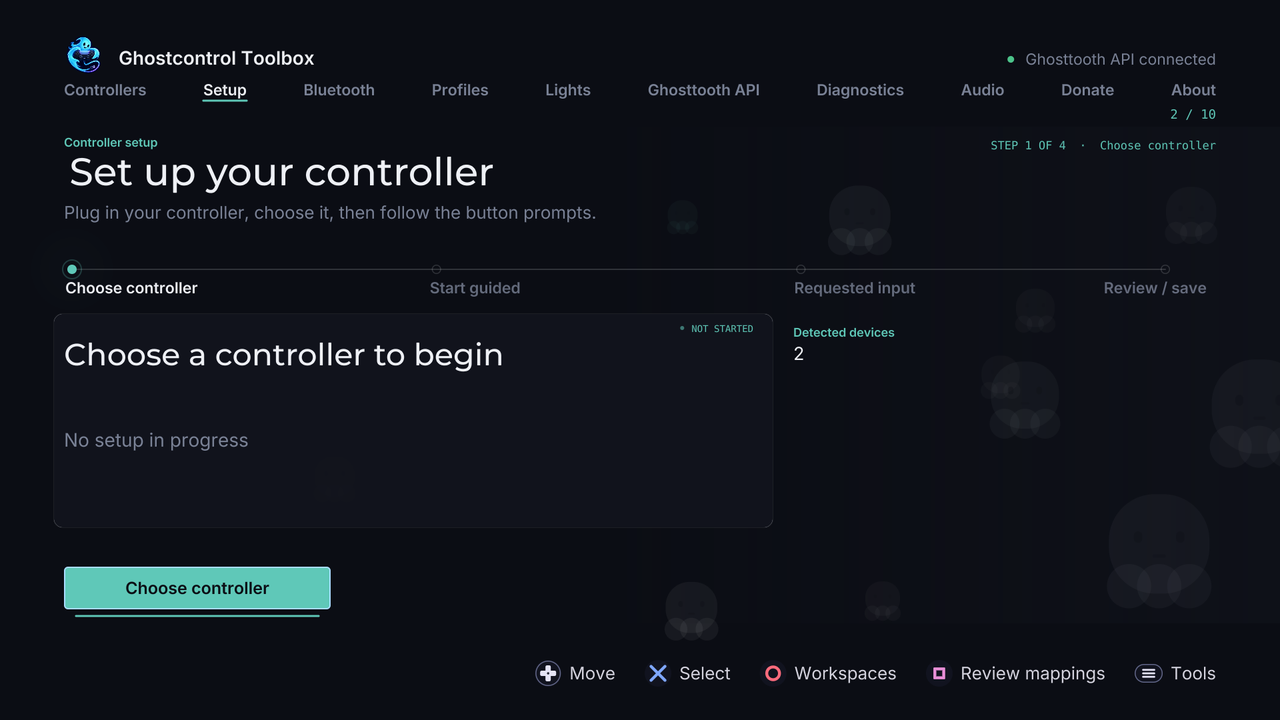 Guided setup |
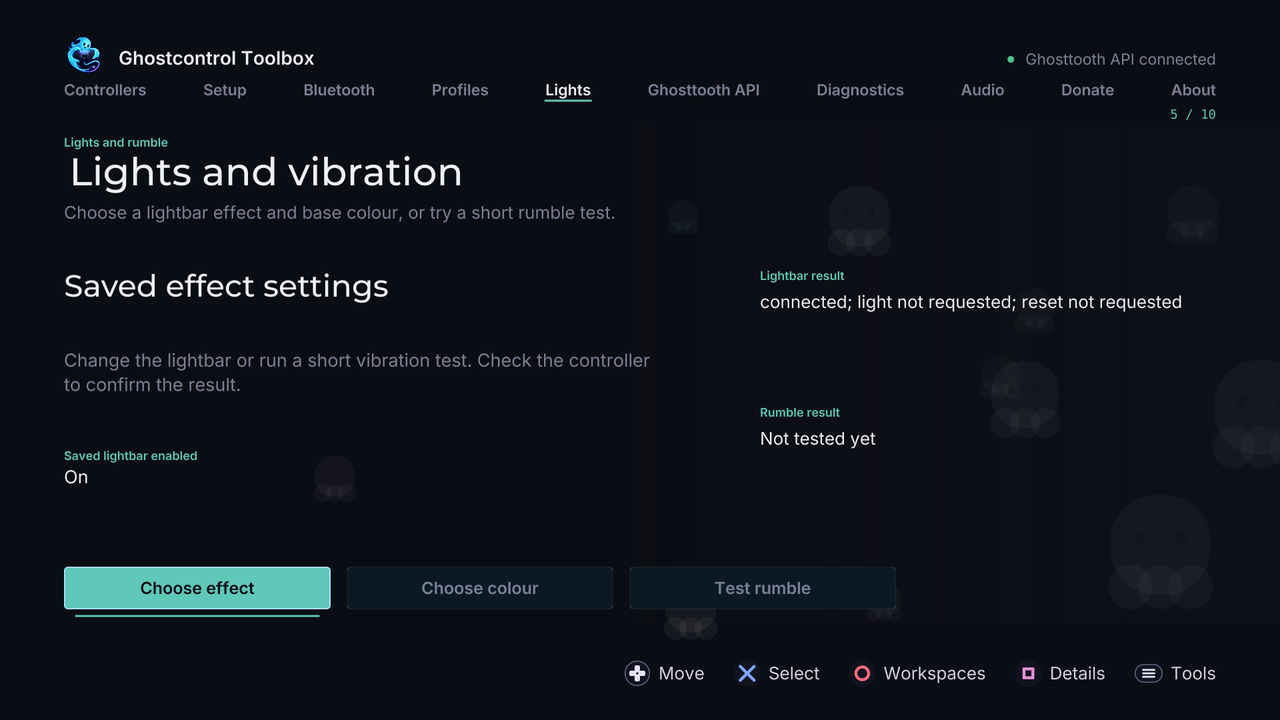 Lights & rumble |
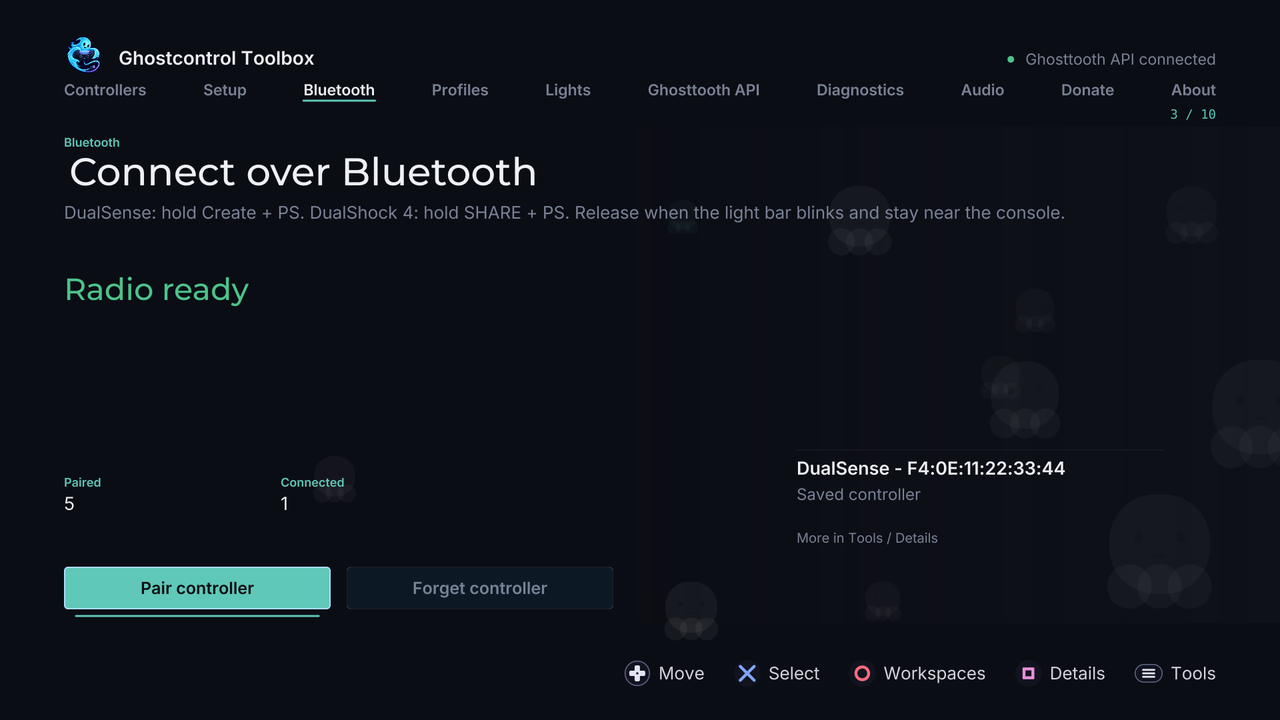 Bluetooth |
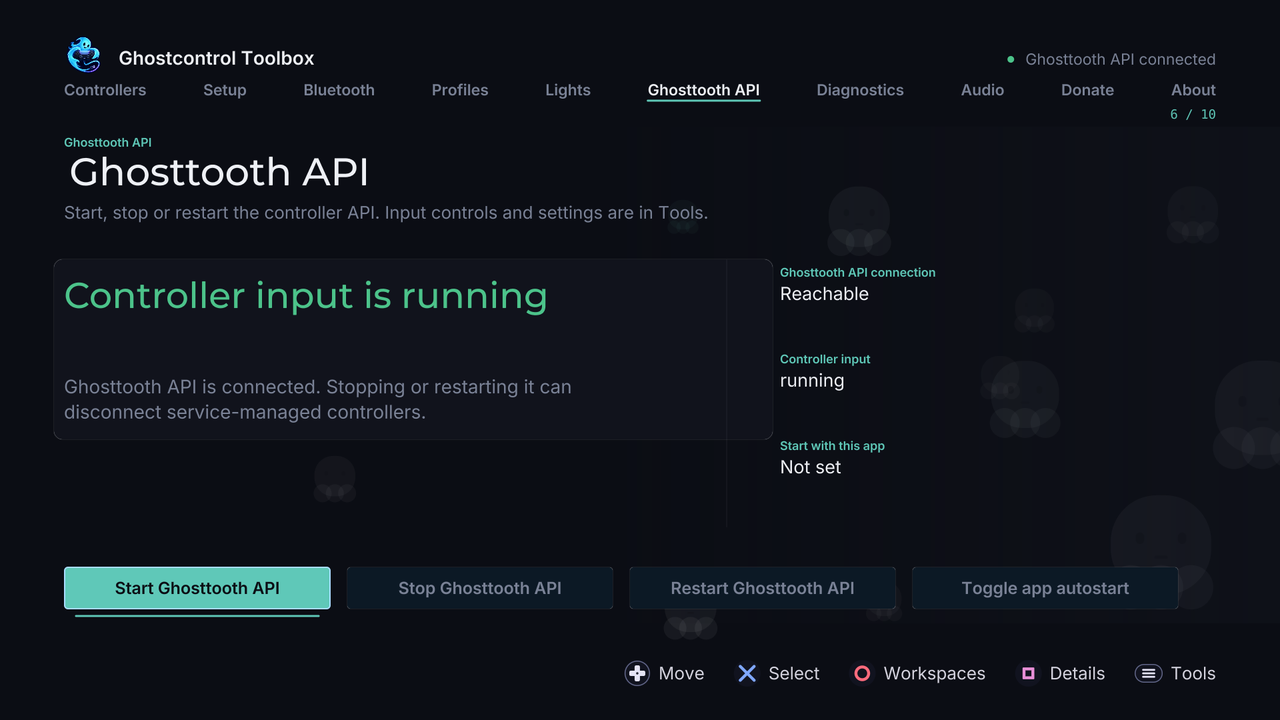 Service |
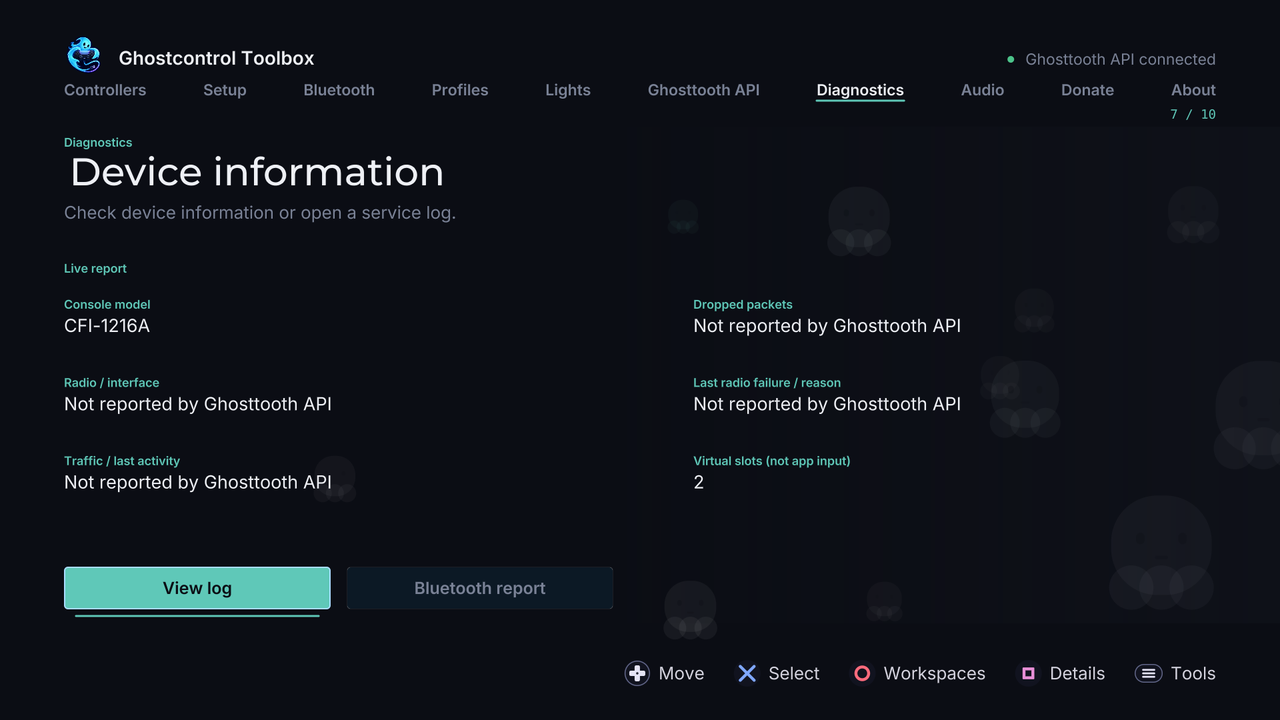 Diagnostics |
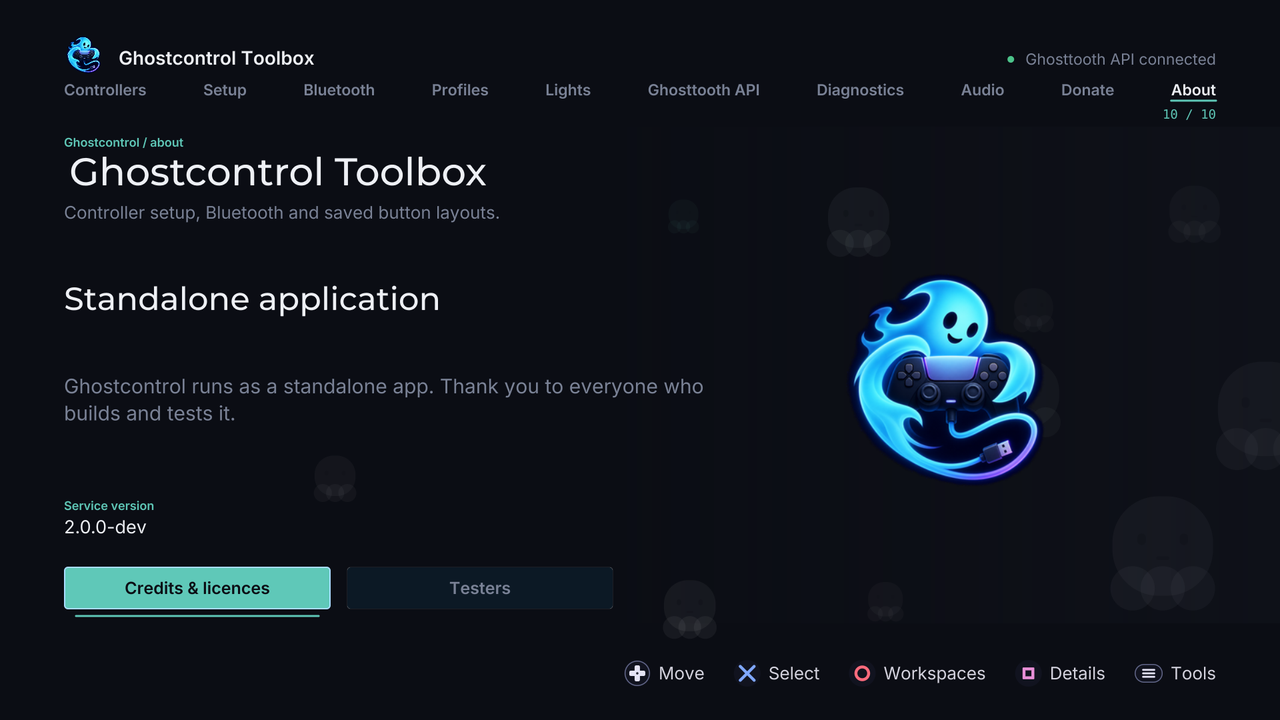 About |
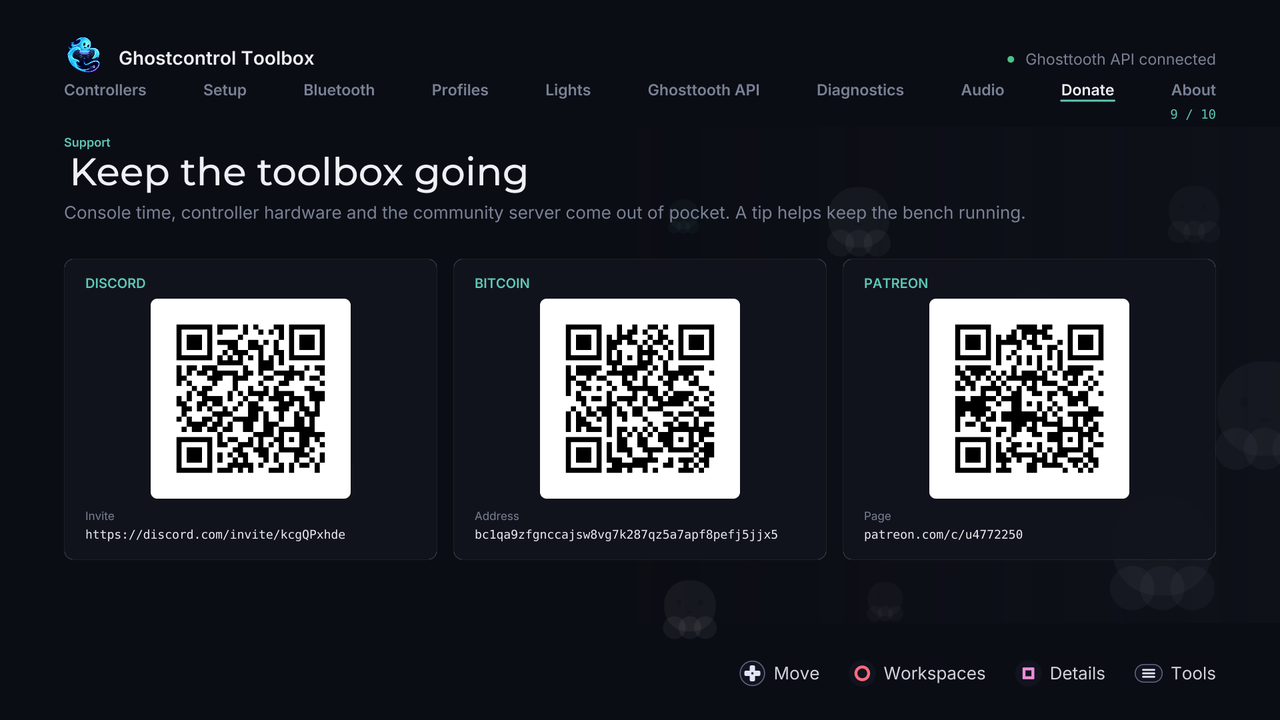 Donate |