Repository navigation
Nothing Translucent Icons v0.5

🎉What's New in v0.5
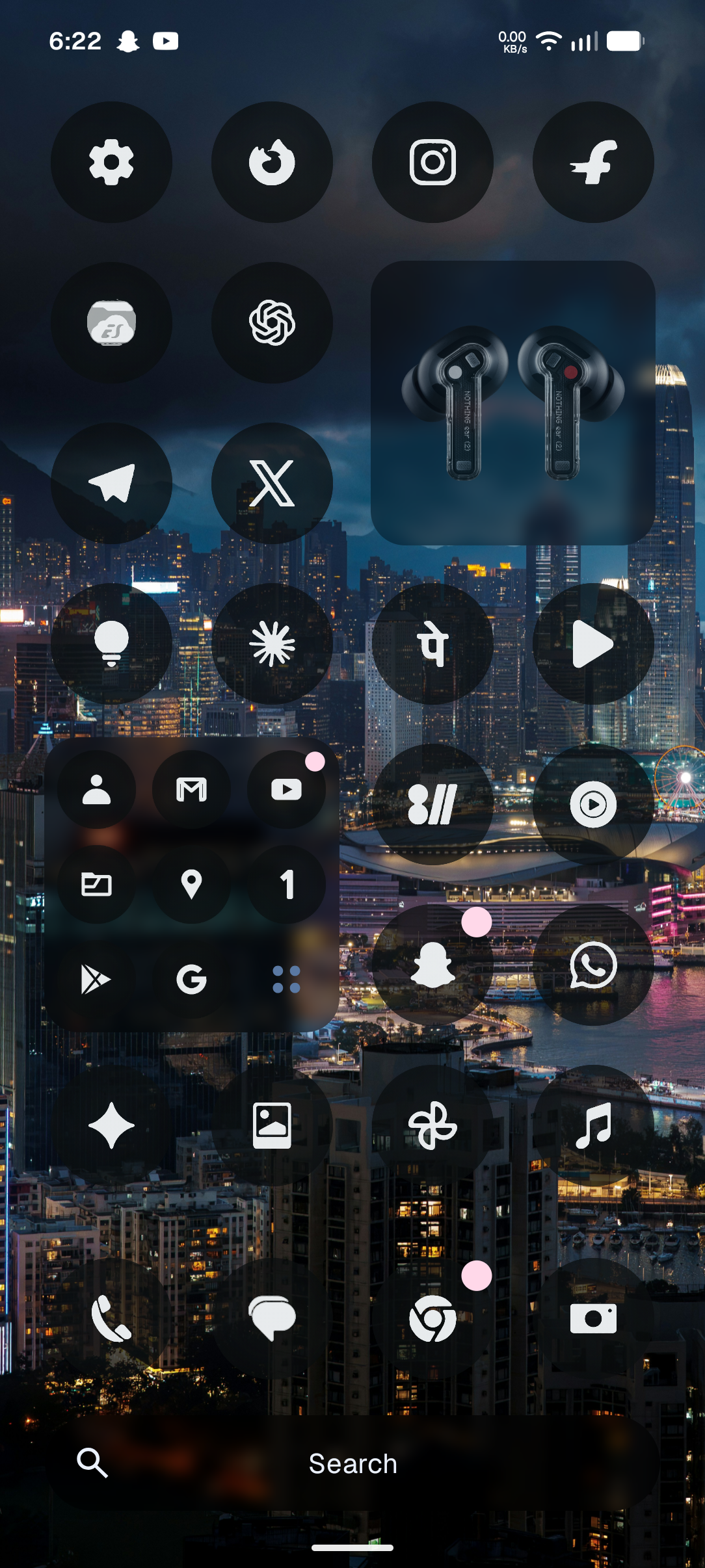
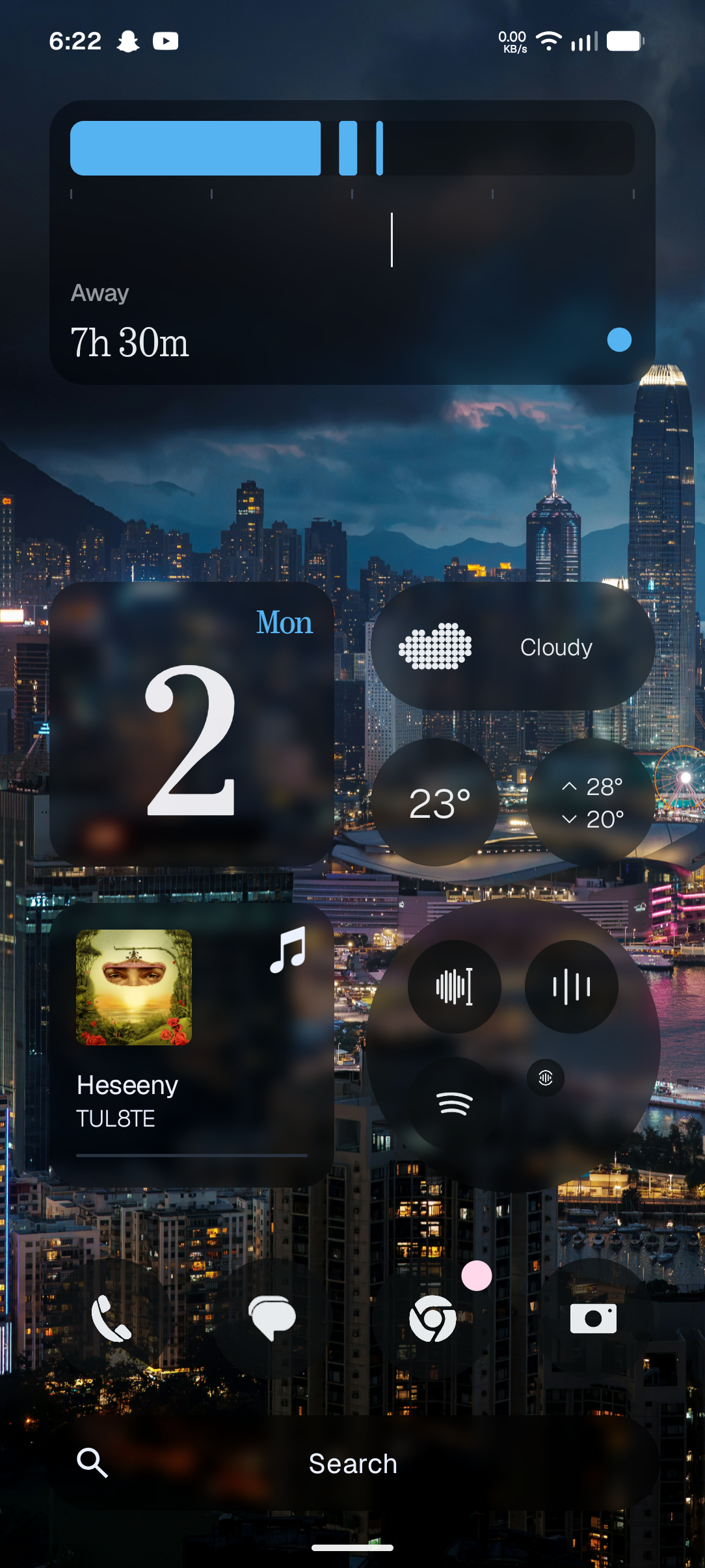
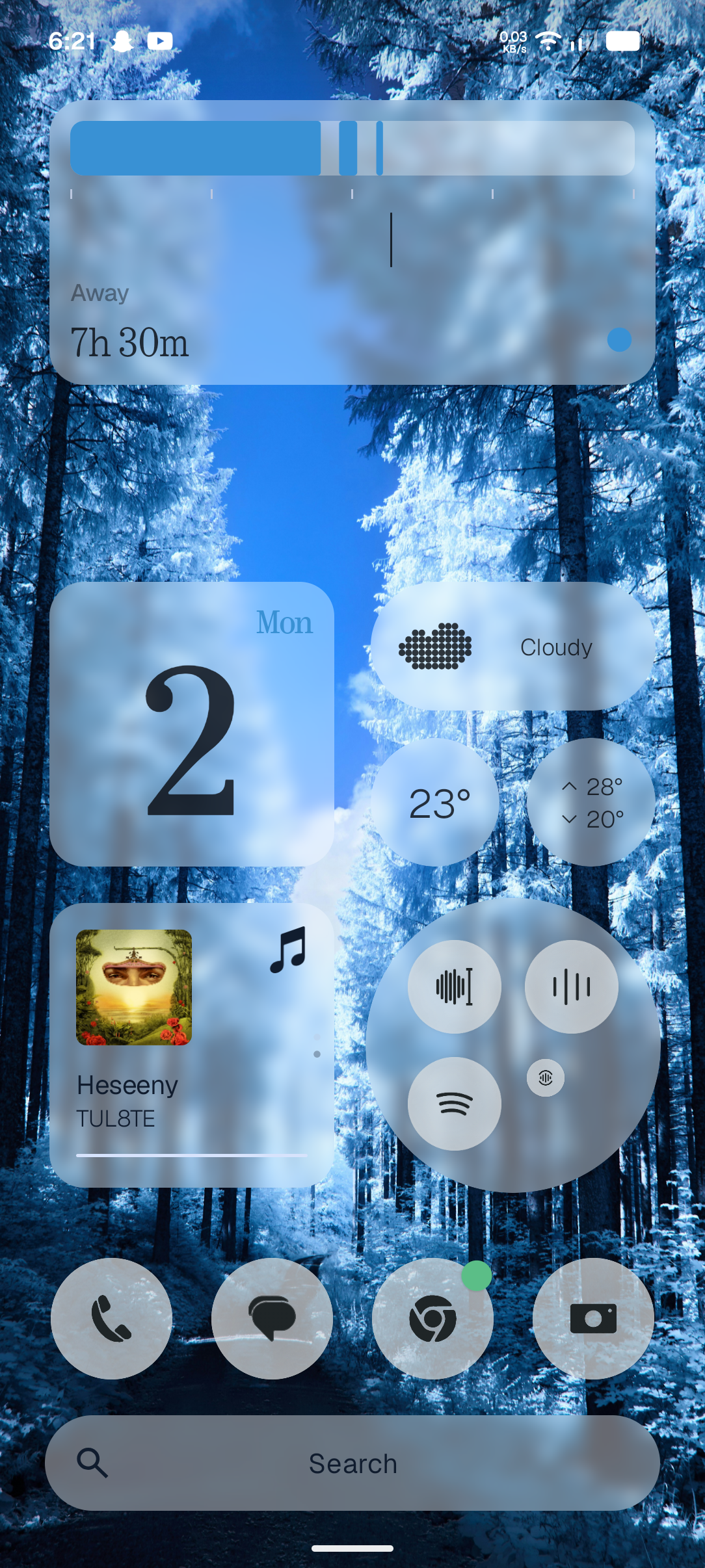
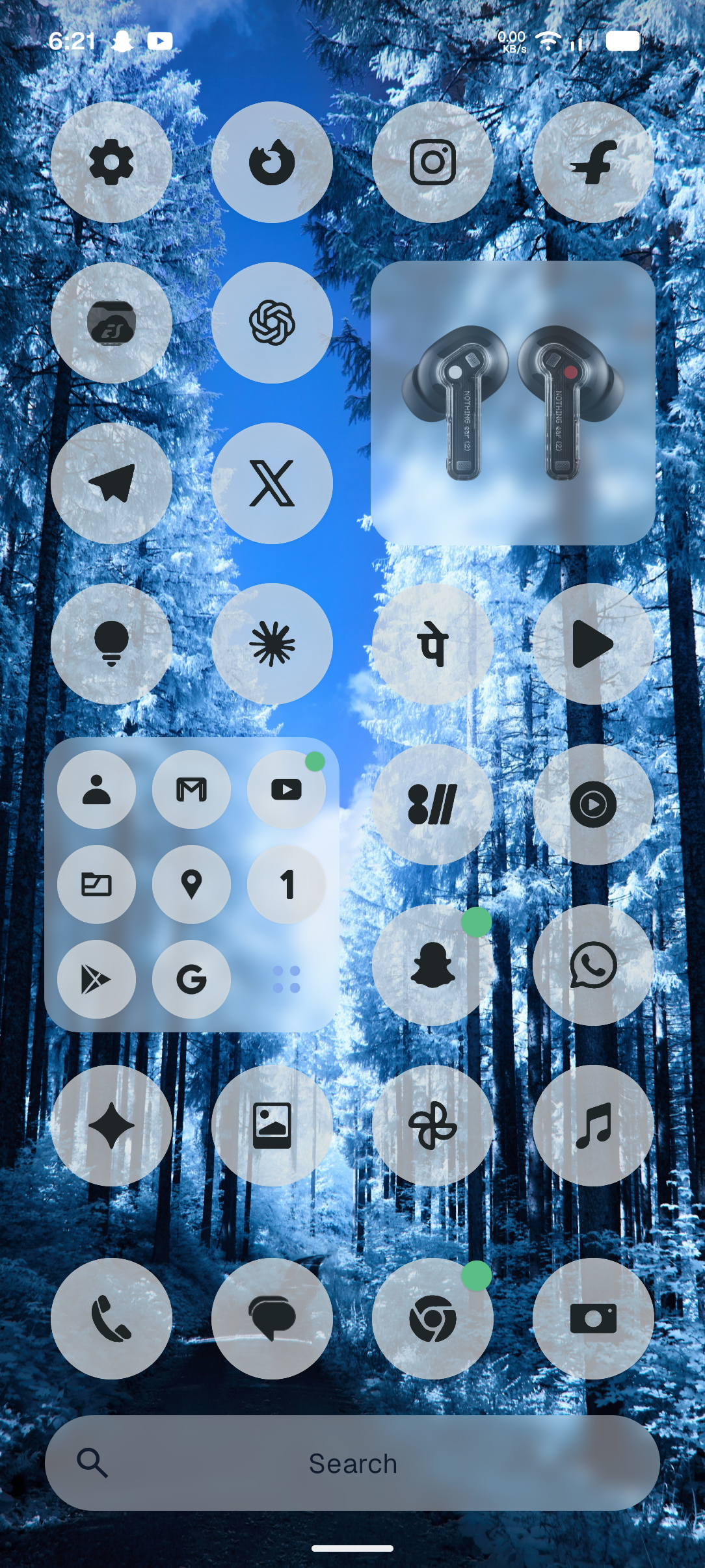
🤯Massive 10,500+ App Coverage (23,600+ Total Mappings)
-
Full Database Integration: Added 10,379 official monochrome brand vector glyphs, taking the pack from 153 to 10,532 unique icons and 23,622 verified ComponentInfo mappings.
-
Near 100% Everyday App Coverage: Themed almost all global and Indian banking apps, UPI/wallets, food delivery, shopping, games, OTT streaming, and utility apps out of the box.
-
Universal OEM System App Support: Added complete system app mappings for Samsung One UI, Xiaomi HyperOS/MIUI, OnePlus OxygenOS, Realme UI, Oppo ColorOS, Vivo/iQOO, Motorola, and Pixel launchers.
😎Authentic Brand Vectors & Preserved Nothing OS Identity
-
Upgraded Core Brand Silhouettes: Replaced 84 everyday brand icons—including Airtel, Aadhaar, Google Pay, Canara ai1, Swiggy, Zomato, Blinkit, Amazon, Prime Video, Bajaj Finserv, Rapido, Paytm, CRED, BHIM UPI, Ola, Meesho, Nykaa, Zerodha Kite, Upstox, OneCard, Jupiter, and AJIO—with authentic brand vector outlines.
-
Preserved Nothing OS Ecosystem Icons: Retained all custom Nothing OS glyphs intact, including Nothing X, Glyph Composer, Essential Apps, Weather, Recorder, Gallery, Camera, and Phone.
🪟Untouched Translucent Frosted Glass Engine
-
Retained Pure Liquid Frosted Glass: Kept the exact calibrated colour-neutral multi-scale Gaussian frosted glass plates across Dark Mode and Light Mode with full live wallpaper transparency and zero artificial tints.
-
Cleaned Resource Architecture: Optimized vector layer-lists and shared glass plates, maintaining a fast and smooth launcher experience.
✍️Installation Tip
- If your launcher has already cached old icons, clear Nothing Launcher cache or toggle between the default Nothing icon pack and Nothing Translucent Icons to refresh all newly added icons immediately.
🦾Recommended:
- Clear data+cache of old version
- uninstall old version
- Install new version
(For best results)
🐛🥲Bugs and its fixes:
- Changing wallpaper or changing dark mode to light mode or vice versa sometimes does not updates icons
Quick fix-- change icon pack to default nothing icon pack then Switch back to Translucent icon pack
IT WILL GET FIXED 😁👍