Repository navigation
Releases
Releases · ToknShield/ToknShield-beta
ToknShield beta 0.23.22 · extension 0.29.14.50

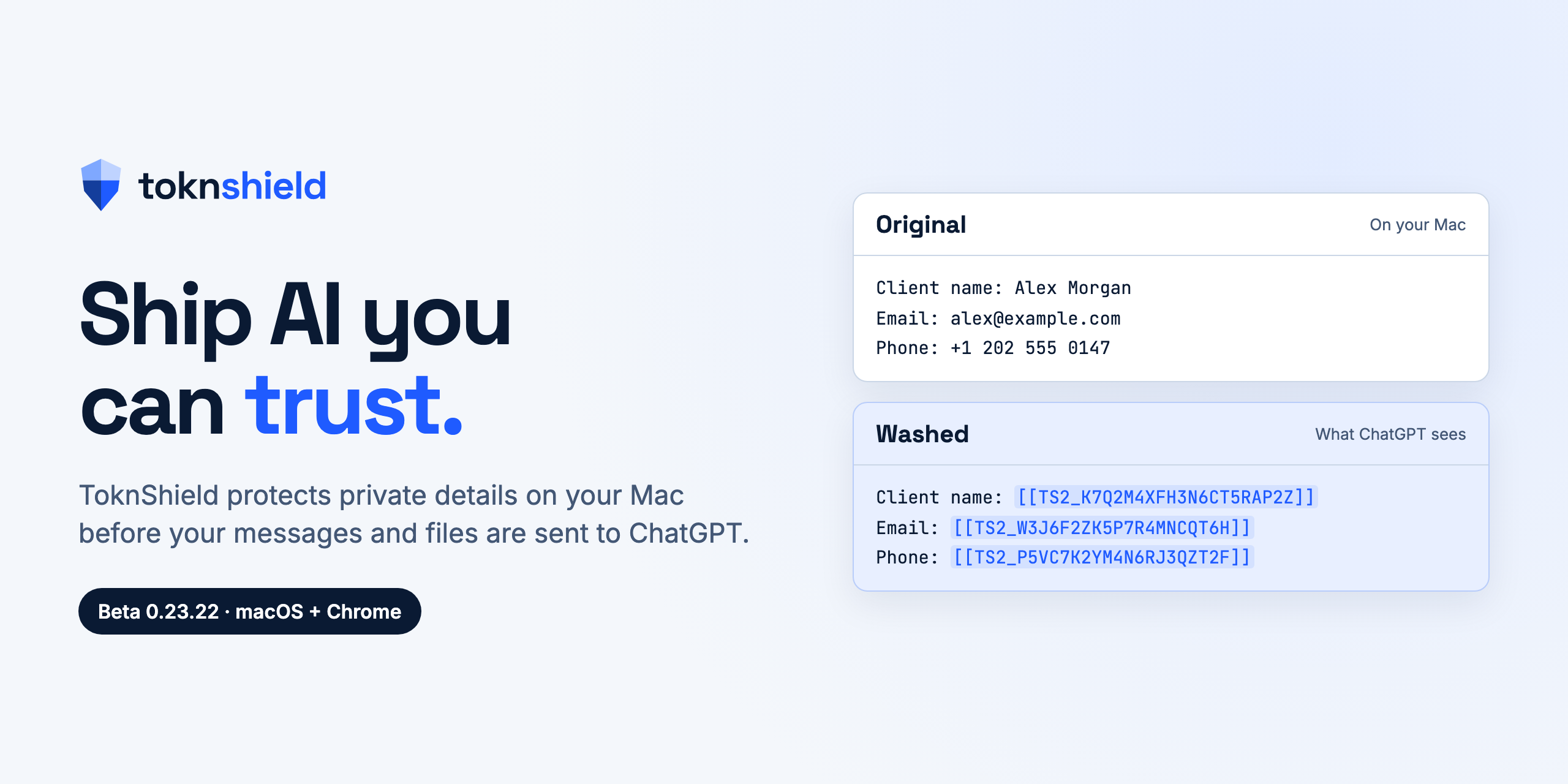
Welcome to the ToknShield beta. Thanks for helping test it. See how it works →
ToknShield runs on your Mac and replaces private details with safe placeholders before your messages and files are sent to ChatGPT. When you attach a supported file through ToknShield, the original stays on your Mac and ChatGPT receives only the protected copy.
For this beta: use made-up or non-sensitive files, and don't select private files from Drive or ChatGPT Library. ChatGPT fetches those itself, so ToknShield can't protect them.
What's new (20 Nov 2026)
- Chrome extension 0.29.14.50: first names that are also place names, such as Jordan, Georgia, Sydney or Victoria, are now masked together with the surname. Before, a sentence like "remind Jordan Lee" could send "Jordan" to ChatGPT.
- Already installed? Download the new extension zip below, replace your ToknShield Chrome Extension folder, and click reload at
chrome://extensions. The Mac app doesn't change.
Get started
- Download both files under Assets below:
- ToknShield-0.23.22-beta.pkg: the Mac app. It's signed by Portfolioapp Pty Ltd and checked by Apple.
- ToknShield-Chrome-Extension-0.29.14.50.zip: the Chrome extension.
- Follow the install guide. It takes about five minutes.
In this version
- Messages: names, emails, phone numbers, addresses and account details are protected before sending.
- Documents: Word documents and PDFs, typed or scanned, are protected on your Mac before they're attached.
- Restore: you can see the original details in ToknShield's own view, on your Mac only.
- Safety blocks: connected apps, web search and unprotected uploads are blocked while protection is on.
- Off switch: turning protection Off returns ChatGPT to normal.
Before release, this version was tested on a clean Mac (install, update and removal) and live in ChatGPT.
Good to know
- Use ChatGPT in English.
- Chrome may show a notice about developer-mode extensions. That's expected until ToknShield is on the Chrome Web Store.
Feedback
Email tom@capinora.com about bugs, confusing moments or ideas. Please don't send real personal or client information.
File checksums (SHA-256)
2f1689540ad070f4b37403ea14a732d653bec09e8a62d48b1cbcb9c19e6b8f2b  ToknShield-0.23.22-beta.pkg
81be66b37e3915739dd11777d4958c10338011e43b9c5f9f32f5dc9843ee38d3  ToknShield-Chrome-Extension-0.29.14.50.zip