Repository navigation
Releases
Godot 4 Vita v0.3

Note
This release focuses on memory, storage I/O and the native GXM renderer, brings the PS Vita export to Linux and macOS, and adds an optional, experimental on-console shader compiler.
Special thanks to Jeeve Javari for the GXM 3D investigation and fixes ported into this release.
Highlights
- Editors for Windows, Linux and macOS. Portable editors for Windows x64, Linux x86_64 and universal macOS (Intel + Apple Silicon), all with the built-in PS Vita export platform and the v0.3 runtime template.
Warning
The macOS build still needs validation: it is built by GitHub Actions and has not been run on a real Mac yet, so problems may occur. The Linux build is built on Ubuntu 22.04 and exports a test VPK in CI, but has not been tried on other distributions. Please report anything you find in the issues.
- PCK prefetch. With CapUnlocker installed, a worker on the fourth CPU core reads ahead sequential
game.pckreads (up to three 128 KiB blocks). On hardware, reading a 1.5 MiB file from the PCK went from about 470 ms to about 265 ms (44% faster). It is on by default under Performance > PCK Prefetch; without CapUnlocker the game runs normally without it. - Lower memory use. Textures are uploaded to the GPU when they load and the RGBA8 copy in RAM is freed; images stay readable through GPU readback (
Texture2D.get_image()). The GXM 3D mesh arena moved from user memory to CDRAM, which keeps about 24 MiB of user memory free in 3D scenes. - Godot 3 audio layout by default.
audio/vita/output_mode="godot3"keeps the BGM port at the project mix rate with a dedicated mixer thread. - Simpler data folder. With Separate Folder on, the export produces the VPK and one
<folder>/withgame.pckandlogs/; copy that whole folder toux0:data/. All five startup and runtime logs go toux0:data/<folder>/logs/, and a missing external PCK is reported instead of starting an empty project. - GXM 3D fixes. Sprite3D, AnimatedSprite3D and Label3D updates are written at draw time after the previous frame finishes, surfaces on the CPU fallback path join the sorted transparent pass, and custom AABBs reset correctly.
- Faster 2D canvas. Texture lookups are cached across draws: in the mixed-texture benchmark, canvas CPU time dropped from 5.5–6.5 ms to 3.1–4.0 ms per frame. The project's startup V-Sync mode is honoured.
Experimental shader compiler
A new export option, Rendering > Shader Compiler (disabled / safe / experimental), compiles translated CanvasItem shaders on the console with vitaShaRK and your own ur0:data/libshacccg.suprx, which is never bundled in the VPK.
Warning
Simple Cg programs compile on hardware, but translated CanvasItem shaders do not compile yet. The option is off by default; keep it on disabled for releases.
Self test
Godot4Vita-v0.3-SelfTest.vpk runs every v0.3 device test by itself in about 6 minutes: the 2D/3D renderer benchmark, the GXM 3D feature scene, and the v0.3 showcase with a PCK prefetch comparison and the audio loop. At the end it shows a summary, writes selftest_report.txt to ux0:data/g4v03selftest/logs/ and quits. START skips a stage. The source is in platform/vita/tests/v0_3_selftest.
Installation
- Download the editor for your system, extract the whole folder and keep
vita/next to the executable (on macOS, insideGodot4Vita.app). - Open a project, add the PS Vita preset in Project > Export and click Preparar configurações para PS Vita.
- Export the
.vpk, install it with VitaShell and copy the generated data folder toux0:data/.
Requirements on the Vita: HENkaku/Ensō and kubridge. CapUnlocker is optional unless the preset requires it; it enables the fourth CPU core and the PCK prefetch.
A reference export (Exemplo.vpk, its ux0:data/exemplovita folder and the source project) is in examples/vita_export.
Upgrading from v0.2
- Re-export your projects with the v0.3 editor so they use the new template.
- Games with a forked loader (their own
gxm_bridge.c/default_dynlib.c) must add thevita_gxm_texture_readback_supportedandvita_gxm_texture_readimports, or they abort at boot. - With Separate Folder on, copy the new
<folder>/(withgame.pckandlogs/) toux0:data/. The v0.2 layout (<folder>/game_data/) is still read.
LiveArea images
Important
Custom LiveArea images must be 8-bit indexed PNG (PNG-8, palette), not RGB/RGBA PNG, and must follow the format of the default files in vita/defaults/:
| File | Size |
|---|---|
icon0.png (Icon) |
128 × 128 |
bg0.png (Background) |
840 × 500 |
startup.png (Startup) |
280 × 158 |
The exporter rejects images in any other format or size. Leave the fields empty to use the bundled Godot Vita images.
Known limitations
- GXM 3D is still experimental. Many animated Sprite3D, or Label3D whose text changes every frame, are expensive on the CPU: 24 live Label3D took about 120 ms per frame in the self test.
- Sprite3D/Label3D billboard modes and
uv1_scaleare not supported in GXM 3D. - CanvasItem shaders and materials are not rendered (unsupported materials fall back to unshaded drawing) unless the experimental compiler handles them.
- Trophies are packaged but not unlocked at run time yet.
Downloads
- Godot4Vita-v0.3-Windows-x64.zip - portable integrated Windows editor.
- Godot4Vita-v0.3-Linux-x86_64.zip - portable Linux editor (built on Ubuntu 22.04).
- Godot4Vita-v0.3-macOS-universal.zip - portable macOS editor, Intel + Apple Silicon (not validated on a real Mac yet).
- Godot4Vita-v0.3-Template.zip - Vita export template.
- Godot4Vita-v0.3-Showcase.vpk - v0.3 showcase (PCK streaming, audio, 2D/3D).
- Godot4Vita-v0.3-SelfTest.vpk - automatic device test.
- runtime-validation.json - machine-readable runtime validation report.
SHA-256
- Windows editor:
0e27403355fbfeaa365686ae2707f5375cb82f567a67756facddc6ffb8b64247 - Linux editor:
c414964643de8c5380b19909bca36ae270408e5147544b6881f99453a6404cd6 - macOS editor:
3765d61fb96479b8b82473217d84bdbc95bef43b94971e87b3eaa21a31cc52cf - Export template:
3305a82e83504b153847270d50bc2bbc7569f40bfe19c946ea5552a6965e4e62 - Showcase VPK:
6dd114b68ee45fad0f61b8a196633572ad1e60f1a7140cd9b0941e4b9dfe986f - Self test VPK:
b2d0bd910788cf84ca6675803067b10989a656ec99578b9cc61175d4db8b6736
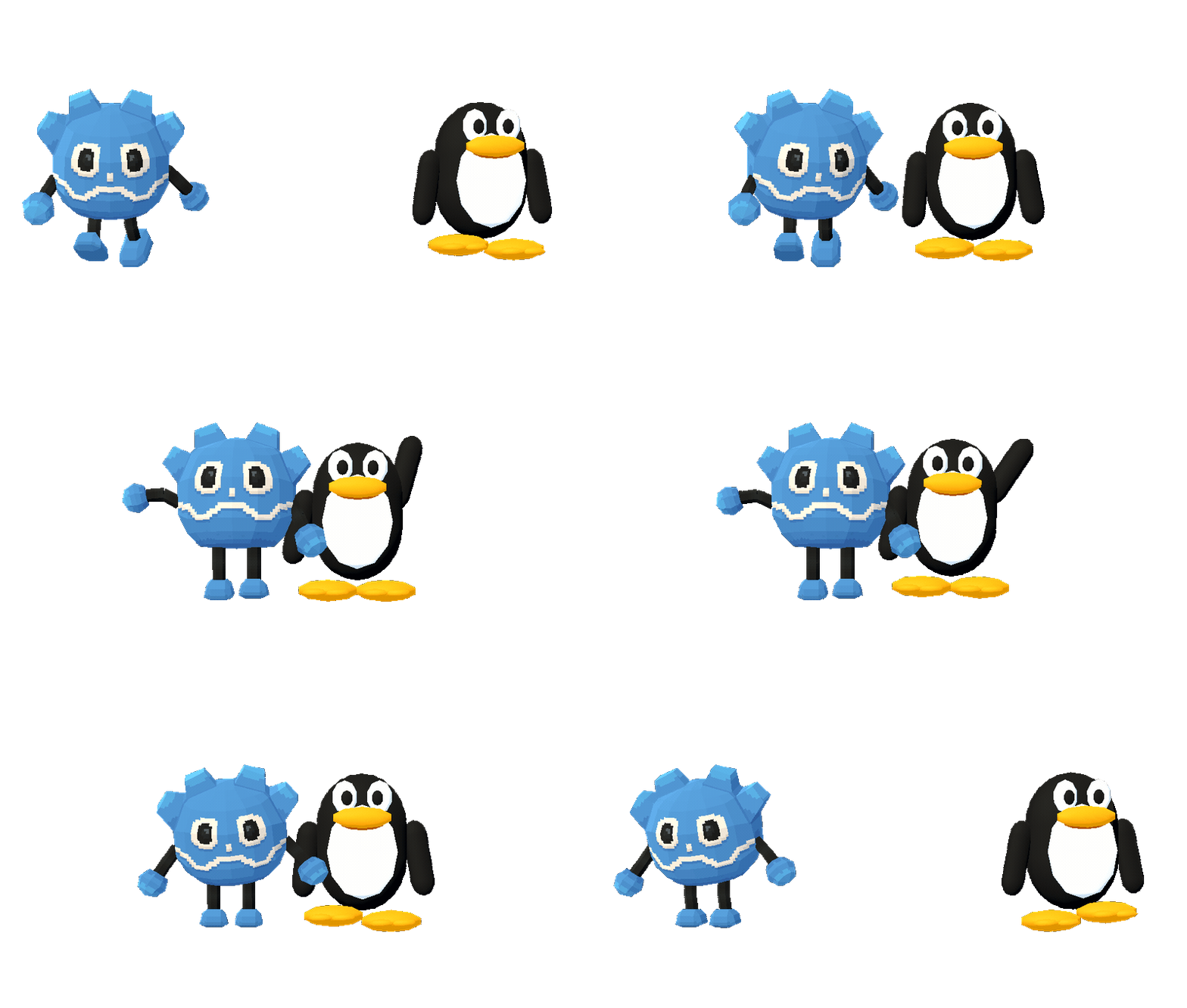
Special thanks to potato_dude_100 for creating the Godot Pixel Plush 3D model used in this project.
The original Godot logo is credited to Andrea Calabró and licensed under CC BY 4.0.
Godot 4 Vita v0.2
Note
This release integrates and validates the GXM renderer improvements from pull requests #1 and #2, and expands the Vita showcase into an interactive 2D/3D demonstration.
Special thanks to Jeeve Javari for the contributions and for the latest project, Lantern Crossing Vita, now featured in the Showcase!
Highlights
- Sprite3D, AnimatedSprite3D, and Label3D now update mesh regions in already allocated buffers, preventing invisible or frozen sprites and arena leaks.
- Custom AABB support in mesh storage.
- Vertex colors are applied as per-surface tint/modulate.
- Transparent surfaces render in a separate back-to-front pass with depth testing and no depth writes.
- Optional tilt-shift effect through
rendering/vita/tilt_shift. - Safe retry and scene discard handling for intermittent
sceGxmBeginScene()failures. - Full-screen 960×544 clips are removed to avoid unnecessary stencil work.
- Vita exports now generate
game_data/game.pckby default. Loose files remain available through Data > Package Format > Game Data (loose files).
Interactive showcase
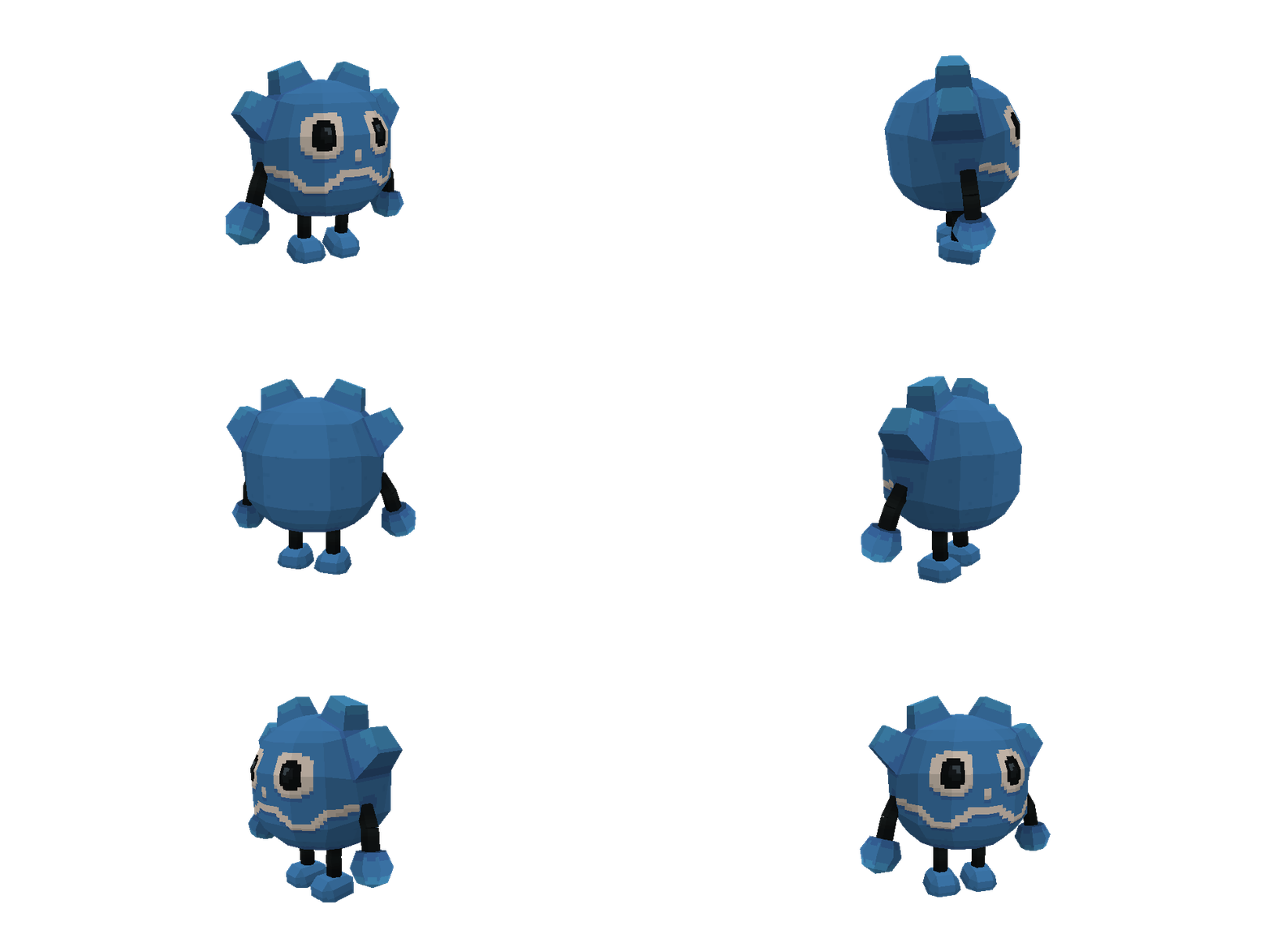
The showcase now includes the rigged Pixel Plush character and its idle, running, jumping, falling, and rolling animations.

Controls:
- Select / Start: switch between 2D and 3D scenes.
- Left / Right Stick: move / orbit camera.
- X / Circle: jump / roll.
- L / R: zoom in / out.
- Square: toggle tilt-shift.
- Triangle: pause / resume AnimatedSprite3D.
The 2D scene includes layered lighting, stars, mountains, terrain, NinePatch, Polygon2D, Line2D, transparency, and shadowed text. The 3D scene remains bright and includes moving lights, transparent sprites, primitives, camera control, and the playable character.
Editor and icons
- Updated the PS Vita platform icon in Godot's Export window for a cleaner, more consistent look.

Installation
- Download
Godot4Vita-v0.2-Windows-x64.zip, extract the whole folder and keepvita/next toGodot4Vita.exe. - Open a project, add the PS Vita preset in Project > Export and click Preparar configurações para PS Vita.
- Export the
.vpk, install it with VitaShell and copy the generated data folder toux0:data/.
Requirements on the Vita: HENkaku/Ensō and kubridge. CapUnlocker is optional unless the preset requires it.
A reference export (Exemplo.vpk, its ux0:data/exemplovita folder and the source project) is in examples/vita_export.
LiveArea images
Important
Custom LiveArea images must be 8-bit indexed PNG (PNG-8, palette), not RGB/RGBA PNG, and must follow the format of the default files in vita/defaults/:
| File | Size |
|---|---|
icon0.png (Icon) |
128 × 128 |
bg0.png (Background) |
840 × 500 |
startup.png (Startup) |
280 × 158 |
The exporter rejects images in any other format or size. Leave the fields empty to use the bundled Godot Vita images.
Downloads
- Godot4Vita-v0.2-Windows-x64.zip - portable integrated Windows editor.
- Godot4Vita-v0.2-Template.zip - Vita export template.
- Godot4Vita-v0.2-Showcase.vpk - interactive 2D/3D showcase.
- runtime-validation.json - machine-readable runtime validation report.
SHA-256
- Windows editor:
8500526b4353afedcd2d672b20057b50273c845ba01b4009bfd3ae1201361dba - Export template:
b84dc10a2e4133d87cdb17f5f636aa8a2b59ca79666f343c63eeaf973f6901ef - Showcase VPK:
9875529d18c9a82a7d7801b748e6cb4a1660fe7b84ec53b4279eb49df692faa2
Special thanks to potato_dude_100 for creating the Godot Pixel Plush 3D model used in this project.
The original Godot logo is credited to Andrea Calabró and licensed under CC BY 4.0.
Godot 4 Vita v0.1

Warning
Preview release. Godot 4 Vita is an experimental, unofficial port. The runtime is pinned to Godot 4.8-dev7, and every game must be tested on a real PS Vita. This release does not include any commercial game data.
Godot 4 Vita v0.1
The first packaged release of the Windows editor with built-in PS Vita export.
Highlights
- PS Vita export built into the editor (
Godot4Vita.exe): no addon, Python, WSL or VitaSDK needed. Preset validation, VPK/PARAM.SFO/LiveArea generation, separateux0:datafolder, CapUnlocker modes and RGBA4444/RGBA8888 GPU textures. - LiveArea
template.xmlselection with previews of every layout. - PS Vita trophies (in development): editor panel, Steam achievement import, PNG-8 icons and TRP v2 packaged into the VPK. Runtime unlocking is not implemented yet.
- Native GXM 2D renderer: NinePatch, polygons, primitives, SubViewport render targets, draw batching and CPU/GPU frame overlap. Validated with Dodge the Creeps, Ambidextro, Deltarune Lightners Live Plus and Tenebrarium.
- Experimental GXM 3D renderer (used by the Overburden port): static and skinned meshes, vertex lighting, camera LOD and triangle budget.
- Faster loading:
game.pcksupport, a native loading animation decoded by two threads, and the project boot splash drawn while scenes load. - Audio: Godot 3-style output layout by default (
audio/vita/output_mode="godot3"). - Front touch screen input.
Installation
- Download
Godot4Vita-v0.1-Windows-x64.zip, extract the whole folder and keepvita/next toGodot4Vita.exe. - Open a project, add the PS Vita preset in Project > Export and click Preparar configurações para PS Vita.
- Export the
.vpk, install it with VitaShell and copy the generated data folder toux0:data/.
Requirements on the Vita: HENkaku/Ensō and kubridge. CapUnlocker is optional unless the preset requires it.
A reference export (Exemplo.vpk, its ux0:data/exemplovita folder and the source project) is in examples/vita_export.
LiveArea images
Important
Custom LiveArea images must be 8-bit indexed PNG (PNG-8, palette), not RGB/RGBA PNG, and must follow the format of the default files in vita/defaults/:
| File | Size |
|---|---|
icon0.png (Icon) |
128 × 128 |
bg0.png (Background) |
840 × 500 |
startup.png (Startup) |
280 × 158 |
The exporter rejects images in any other format or size. Leave the fields empty to use the bundled Godot Vita images.
Testing / bug reports
Logs are written to ux0:data/<folder>/logs/. Please open an issue with the logs, the exported preset and the scene that fails.
SHA-256 (Godot4Vita-v0.1-Windows-x64.zip): c3c4b3783667be75505ba8259511c5f2bf8ba099e70e77e56d1c8da56db26082