Repository navigation
Prism 1.8.2.1

Prism 1.8.2.1: lighter on your battery, and a round of fixes
No new settings change anything until you turn them on, and nothing you've set changes on the update.
Faster and lighter
- Background work keeps to a budget (#373). Song scans, video sync and Sing getting songs ready slow down when nobody needs them, and stop a minute after you pause and leave. On a Galaxy A16, leaving Prism paused right after starting a new album went from about 115% of a processor core in the first minute to 14%, and the first minute of a new album with the screen off from about 145% to between 60% and 90%.
- Scans make far less work for your phone's memory, with the same results, and with the screen off Prism scans only the next song.
- Videos are measured ahead only if you watch them. The first video after 14 days without one starts at the song's own time, which can be off by the video's intro; after that they're lined up ahead again.
- The player opens more smoothly (#354, #343). Its cover and background are ready before it opens, and it slides without a fade on top. On a Galaxy A16 the worst frame went from about 60 to about 50 ms.
- Frosted glass costs less, and Quick picks come sooner (#371).
Playing a song with nothing else to do uses the same as before: that's mostly decoding the audio.
New
- Speed dial: your plays first (#372), in Customize Home. Off by default.
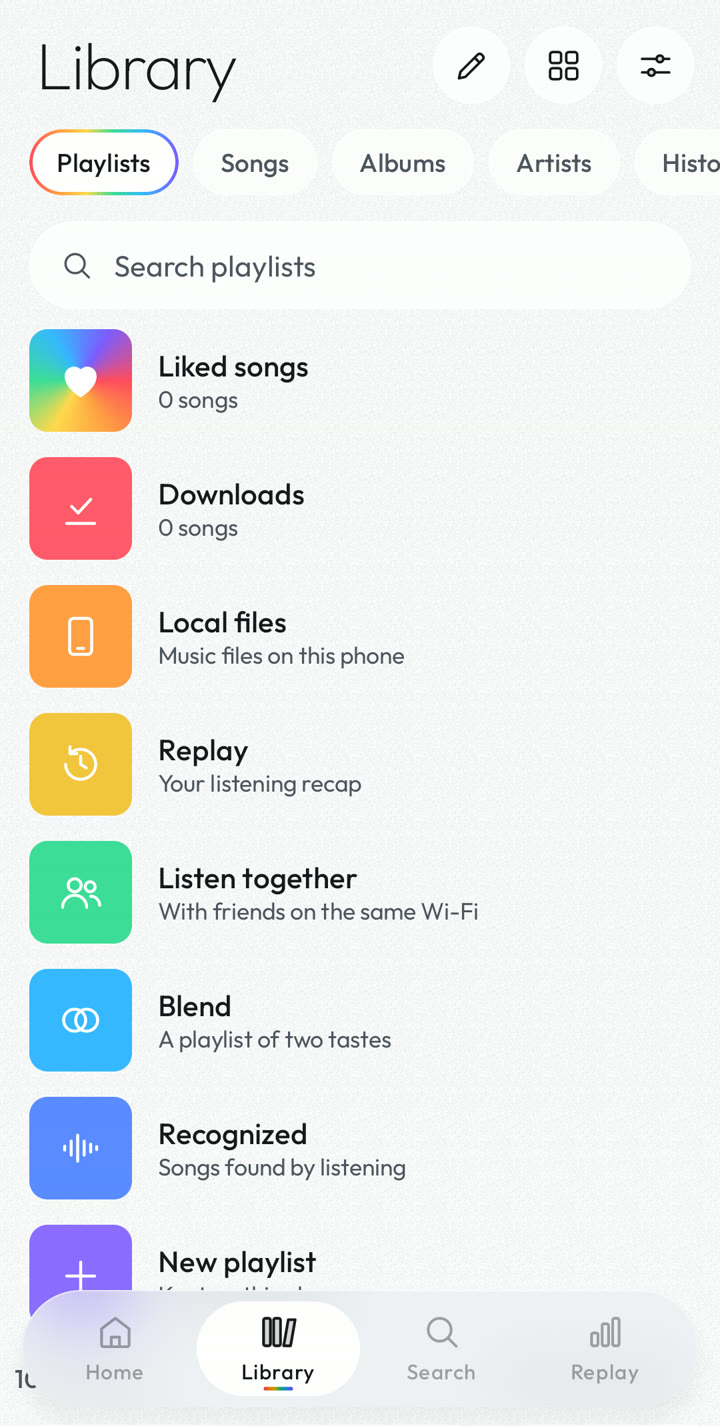
- New folder in Library, before anything's in it.
- Search in Library (#357) once a tab has 8 or more entries. Playlists finds the ones inside folders too.
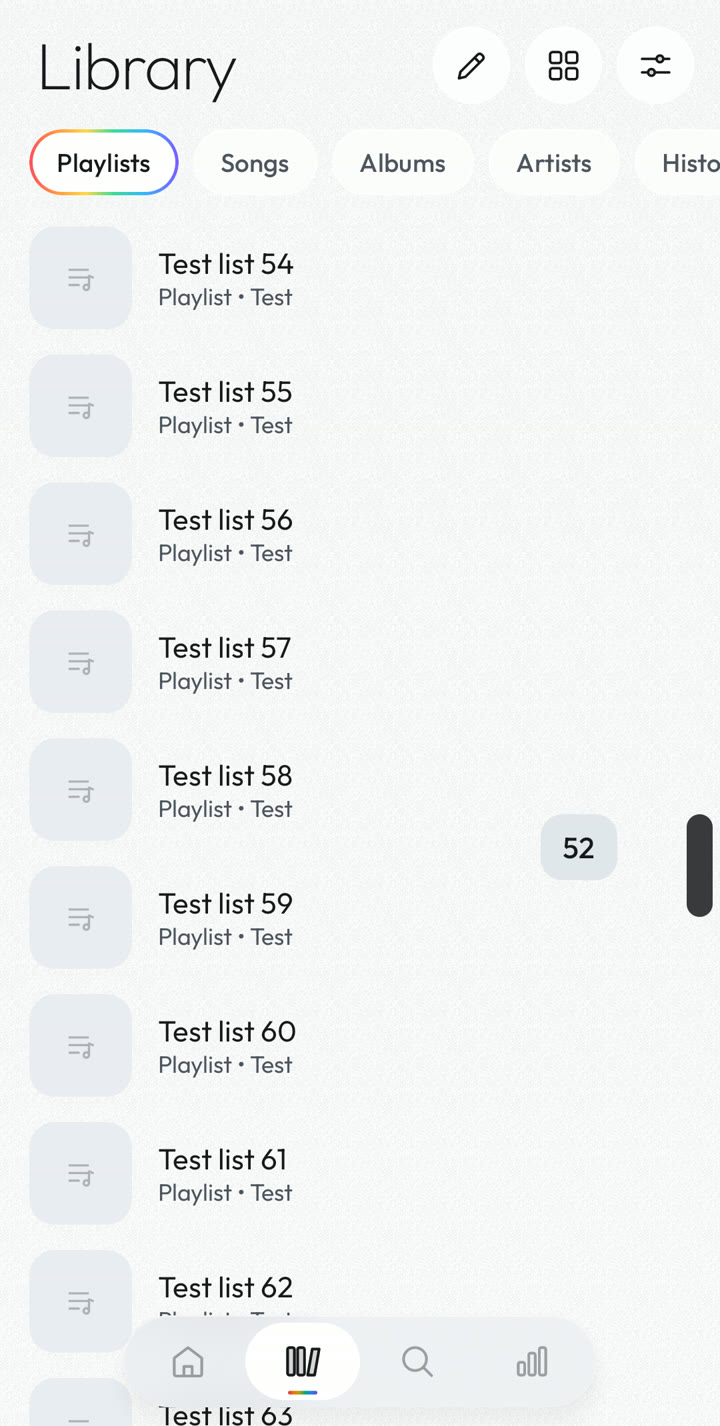
- A scrollbar you can hold on Library's long lists and Search's results (#376).
- Translations in Immersive mode (#358).
Fixes
- Quick picks: pulling down now really gives you other songs, and the section stays on screen while they load (#371).
- Premium quality: music videos looked up in the background could stop Prism asking for 256 kbps for an hour. They don't count now, the pause is shorter and ends when you change networks or sign-ins, and every way your account can ask is tried until one has it. Settings says so when YouTube isn't sending your account 256 kbps, or no longer takes your sign-in (#373).
- Your own photo as a background works in every language (#378). In German, Italian, Russian, Polish, Swedish, Hungarian, Malay and Filipino it showed Ambient instead, black with Pure black on. Photos you already picked come back by themselves, in your saved Looks too.
- Google Takeout's history is recognized in any language (#375).
- Japanese kanji no longer turn into Chinese pinyin in romanized lyrics (#370).
- Replay's summary card no longer cuts its title off ("TODA" for Today).
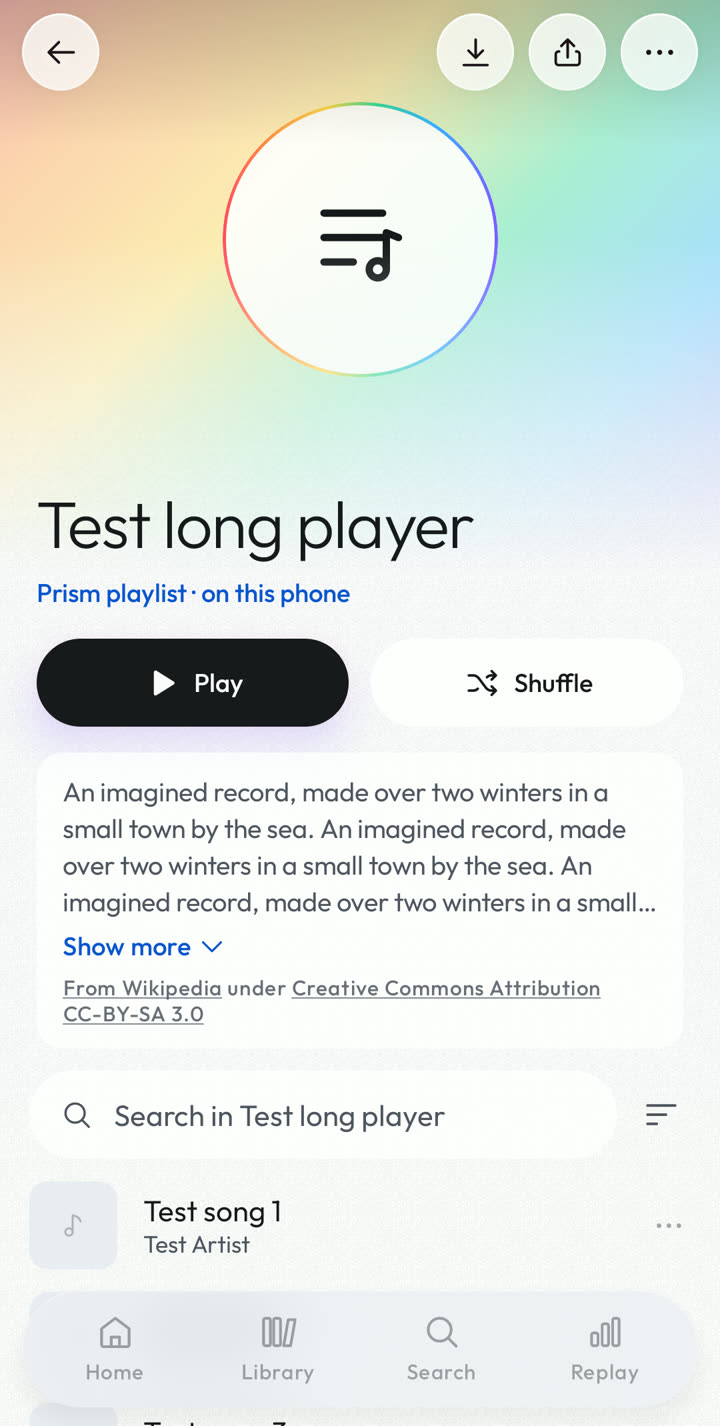
- An album's description is easier to read, in its own box under Play and Shuffle, with Show more and tappable links.
- The queue: Play next on a song already in it moves it up instead of adding a copy, songs are listed in the order they really play, and a change just before a crossfade no longer sends it to the wrong song (#368).
- The current lyric sits midway between its neighbors when you move it away from the progress bar (#361).
- Translated Prism: Replay no longer lists unknown songs as a genre, unknown albums sort last in Local files, and excluded artists get round pictures.
- Playback diagnostics say more, to help with reports I couldn't reproduce (#364, #372, #373, #377). They never include your sign-in's secrets.
Full list in the changelog.
⬇ Download Prism.apk · Already on Prism? Tap the update banner on Home.
Android Auto features, including car lyrics, are for passengers and for use while parked only. Do not read lyrics while driving. Keep your eyes on the road and follow local laws.