Repository navigation
Path Planning
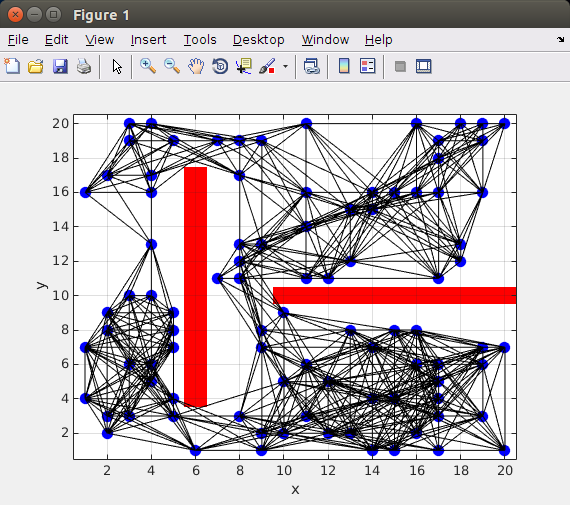
This is the synthesis of all the project. Our goal was to make the robot solve a maze and draw the correct path to the end. In other to do this, is necessary to calibrate very well the robot to move precisely from one point to the other. After this we need define the start and end position. Then, the path can be calculated using some algorithm. For this project we implemented two of them: D* and Probalistic Roadmap (PRM).
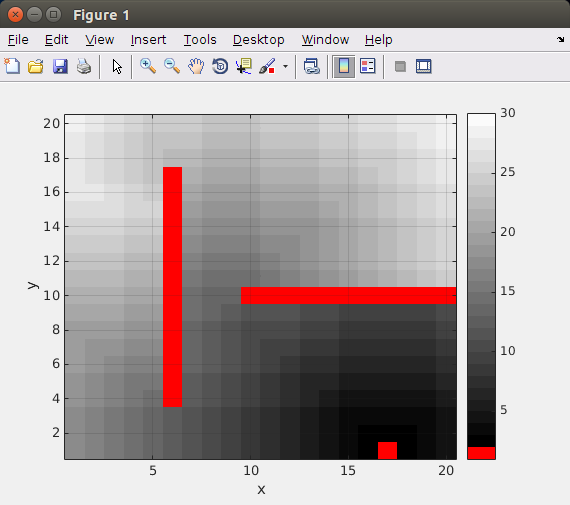
lick in New at the block map. This will open a editor where you can draw the maze map. When you finish press Enter and close the editor window.
Check if the Map was created by clicking in the View Button.
Click the button with the desired algorithm name. The computer will automatic calculate the path. This will take some time according with the map complexity. When it finish the map view with the path will open.
Clicking in the button Run Path. The GUI will open a new window showing the top view of the robot actuator moving trough the map. This new window will automatic close when the path is finished.