Repository navigation
Writing Words
Once the Inverse and Direct Kinematics are full determined is possible to more precise tasks such as make the robot to write something. For this project we used the Pen/mouse draw input template for MATLAB to generate each capital letter. All the files generated are available for this project here.
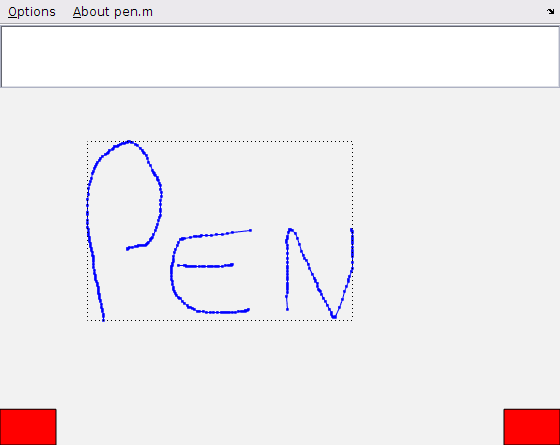
Save the .mat file inside the folder letters with the name given by "letter"+ "letter that you draw" + ".mat". Ex: the letter A curve is stored in the file letterA.mat
Write the letter or a word with the letter in the input box and clicking in write.