Repository navigation
Goodboy v0.43.0

Pick an element on the page for your agent, keep all five tools in the dock at once, and let a paired phone decide, start and merge with the rights you give it.
New
Pick an element and add it to your message
Select an element in the Browser address row, or press ⌘⇧C, then click the element you mean. A note asks what should change, and Add to message puts the element's file line and its picture into the draft for the agent you name. Shift-click adds up to four.
Page errors in their own tab
A red count shows in the Browser address row only while the page has an error. A click opens an Errors tab that groups the same error once, with its count, its first and last time and its stack. Send one group or all of them to an agent.
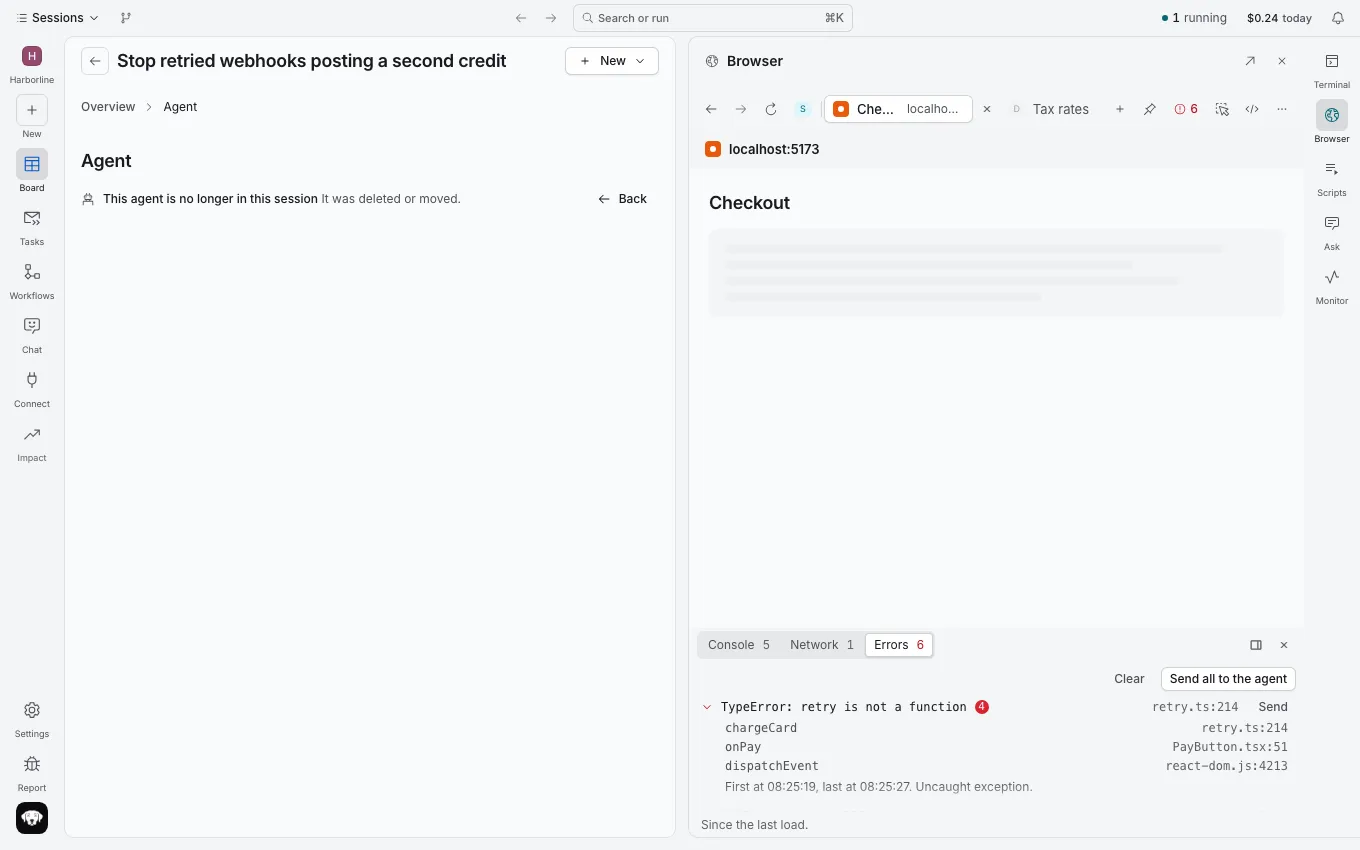
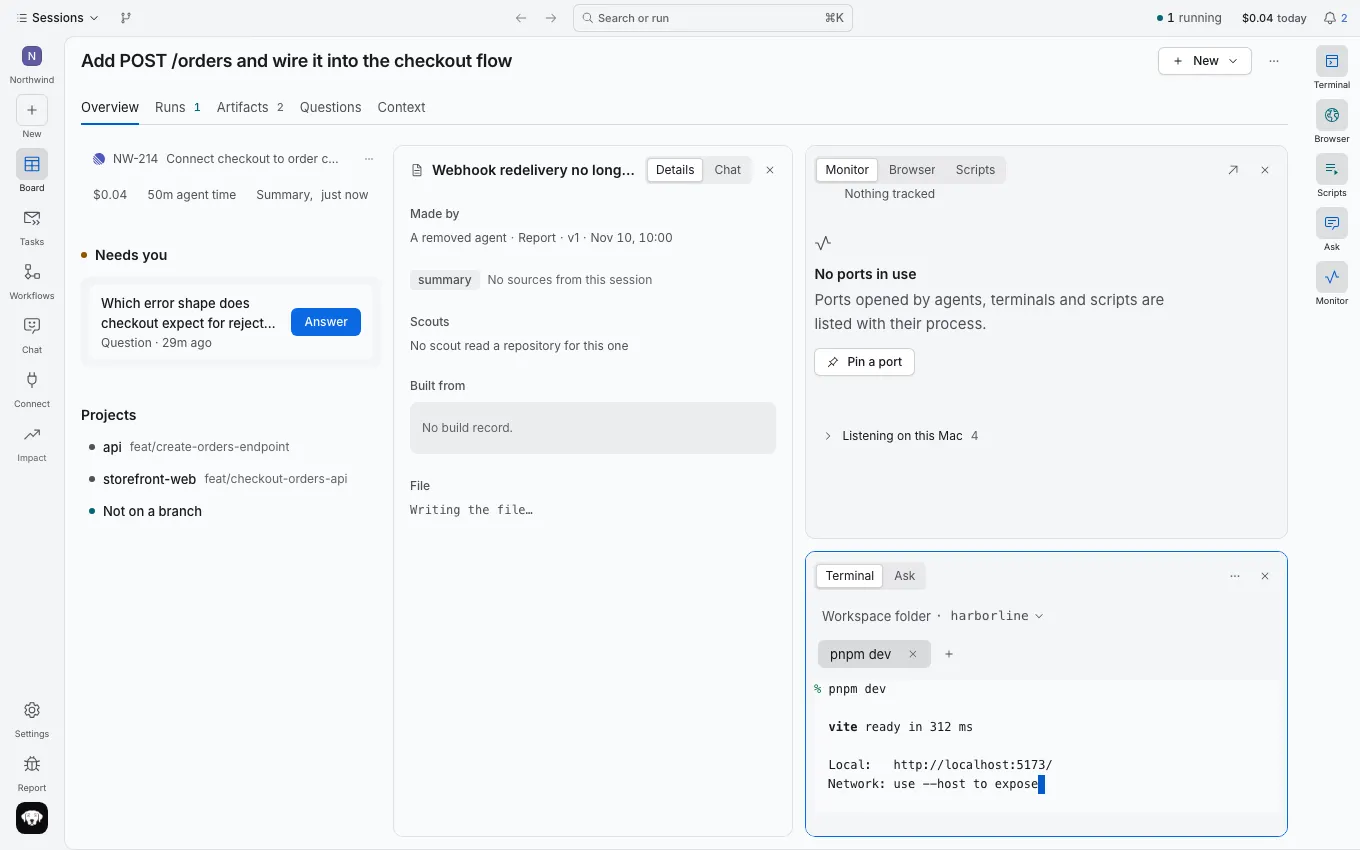
Scripts and Ask dock like every tool
Scripts and Ask open as cells of the dock beside Terminal, Browser and Monitor. They fold, stack and drag by their head like the others, and the dock holds four columns of two, so all five tools can be open at once. Every panel opens with the same head.
Going back to 0.42.1 shows the default dock layout.
Phones with their own rights
A paired phone can answer questions, approve plans, answer permission asks, raise limits, and stop or continue a run. With the right switched on it can also start a session and merge a pull request or a list of them in order. Settings, iPhone sets the networks and the rights of each phone.
Going back to 0.42.1 shows no paired phones, so pair them again.
Improved
The dock folds a tool instead of squeezing it
Open more tools than fit and the one you used least folds into a tab of its neighbor. A toast says what folded and offers Undo, and a wider window brings the columns back. On a very narrow window one tool lies over the agent.
Fixed
- Monitor keeps its columns apart in a narrow panel and keeps its last data when a scan fails.
- Long branch names in the Scripts groups cut in the middle, so two branches with the same start read differently.