Repository navigation
Rip it: RIPPS2 v1.2.4 beta (build 124)

Rip it: RIPPS2 v1.2.4 beta (build 124)
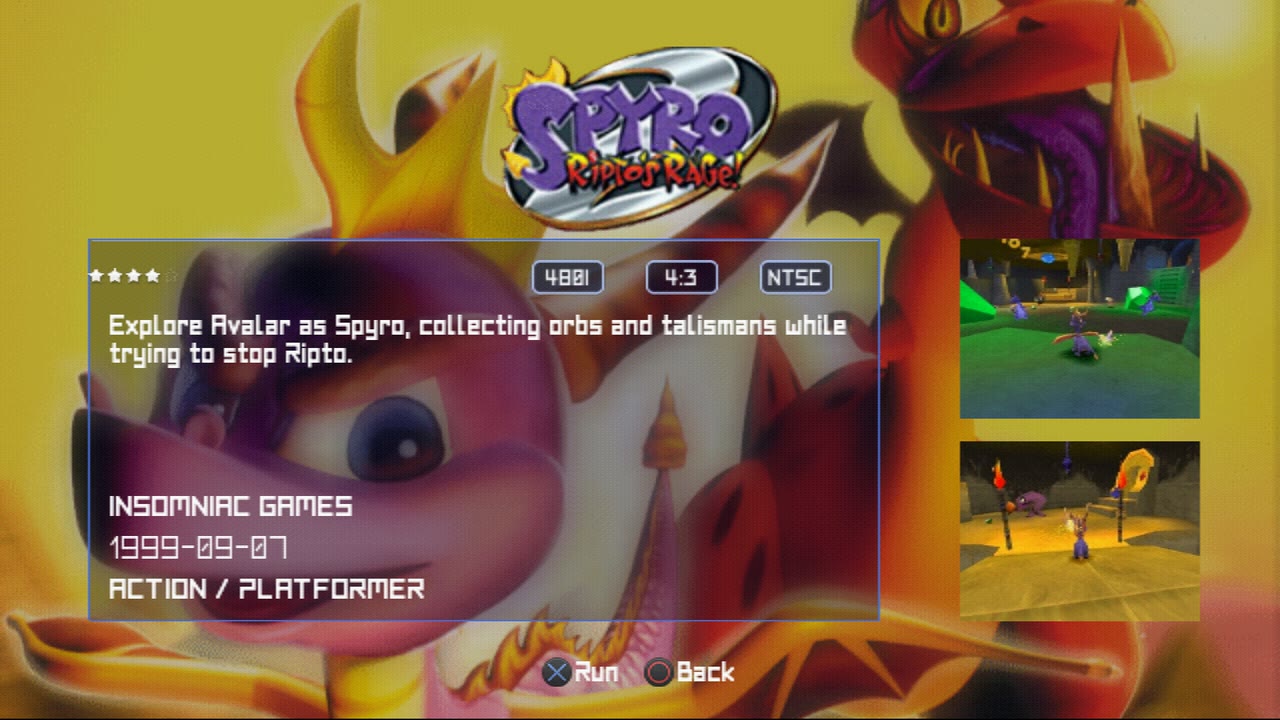
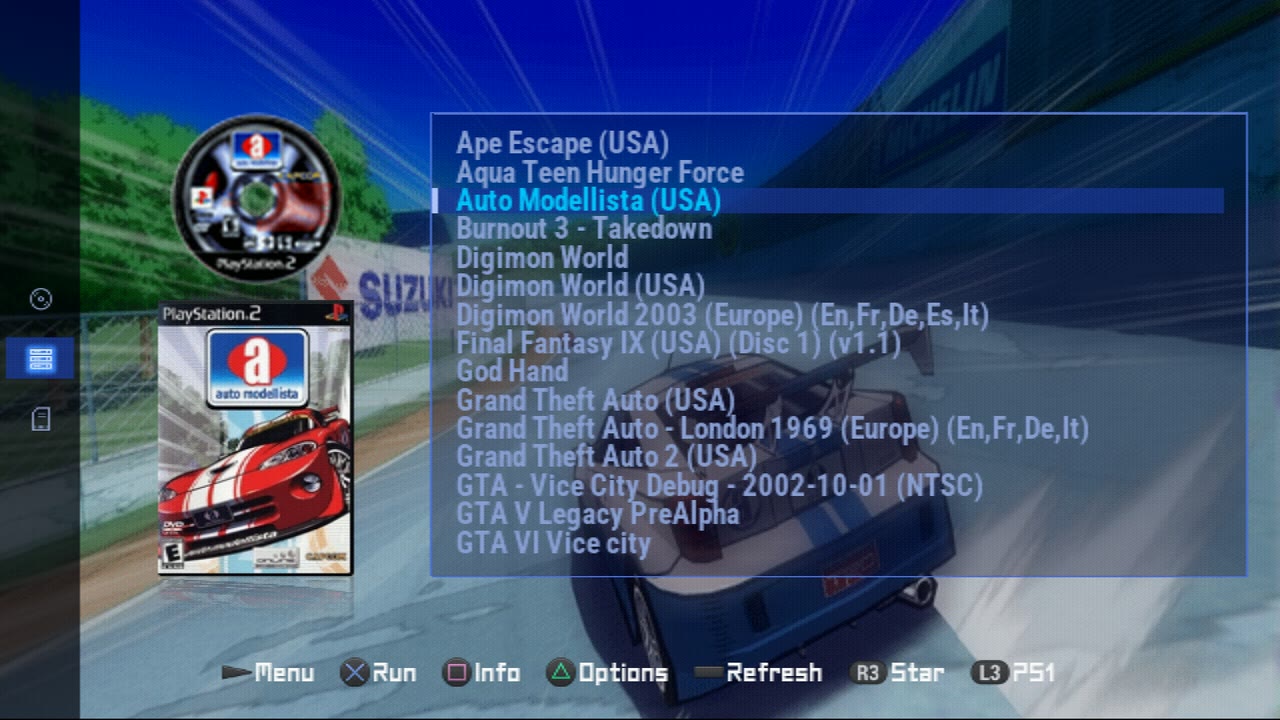
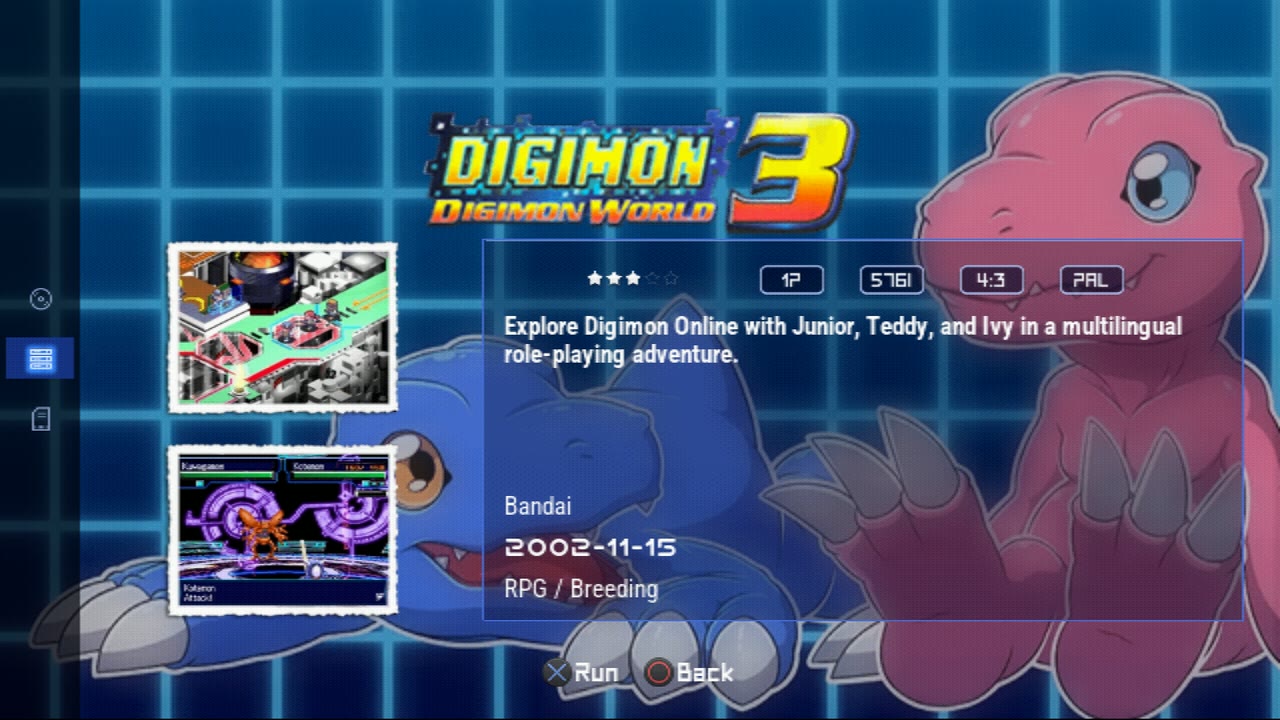
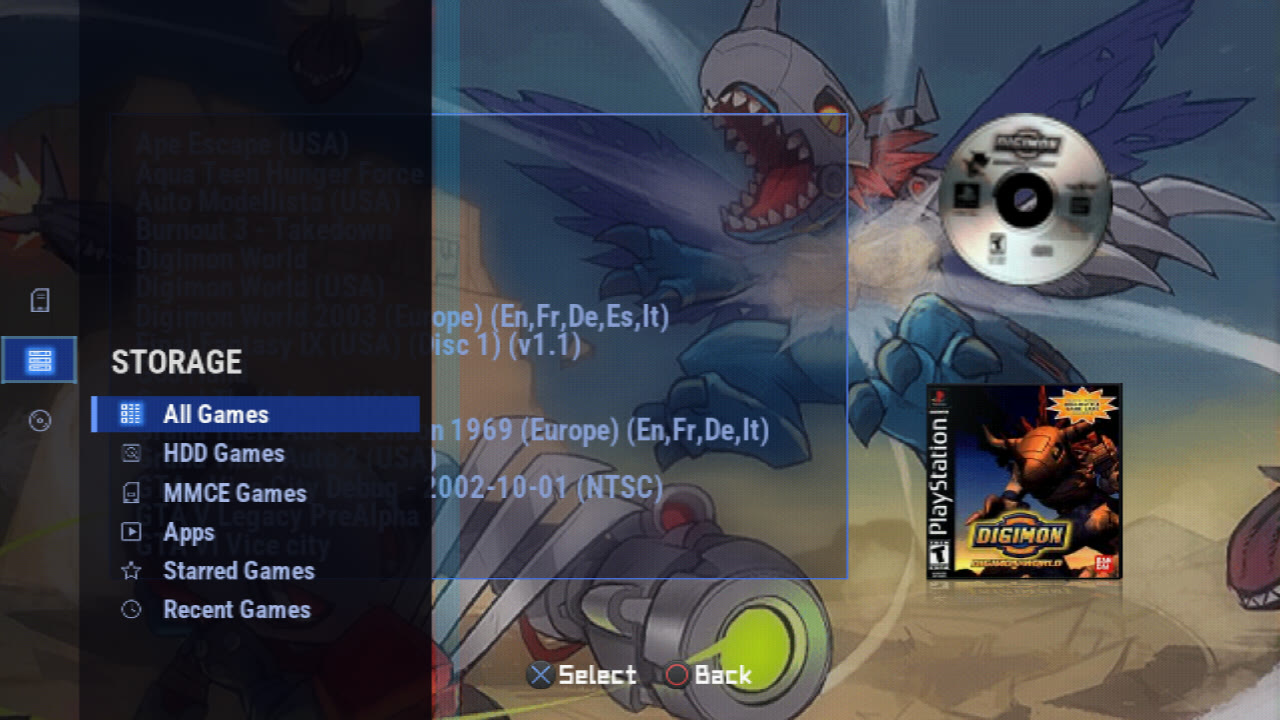
Download RIPPS2.elf (one file, 2,714 KB) and put it in place of your old one. Your settings stay where they were. RIPPS2-languages.zip puts RIPPS2 in your language (33 of them). The theme pack is edition 122: Adapt and Adapt Rx zoom the game's disc in as it launches.
v1.2.4 carries three builds since v1.2.1: 122 (the launch disc), 123 (merging .tar art packs) and 124 (the picture's position for each video mode).
Merge one .tar into another (build 123)
- Pack the HDD's art and the MMCE's art apart, then merge one
.tarinto the other instead of moving thousands of small files. Later, pack only the new games' art and merge that small.tarinto the master. - From Settings > Game Sources > Cache > ART Pack (MERGE a .tar into the pack), from Memory Files on a
.tar(MERGE A .TAR INTO THIS), and right after a pack is built. - The panel counts the pictures and how many have the same name in both (the merged-in one wins). The kept
.taris written again beside itself and swapped in only when it is whole, so a stop or a full drive leaves it as it was. Then RIPPS2 asks whether to delete the merged-in.tar, naming which file is deleted and which is kept.
The launch disc (build 122)
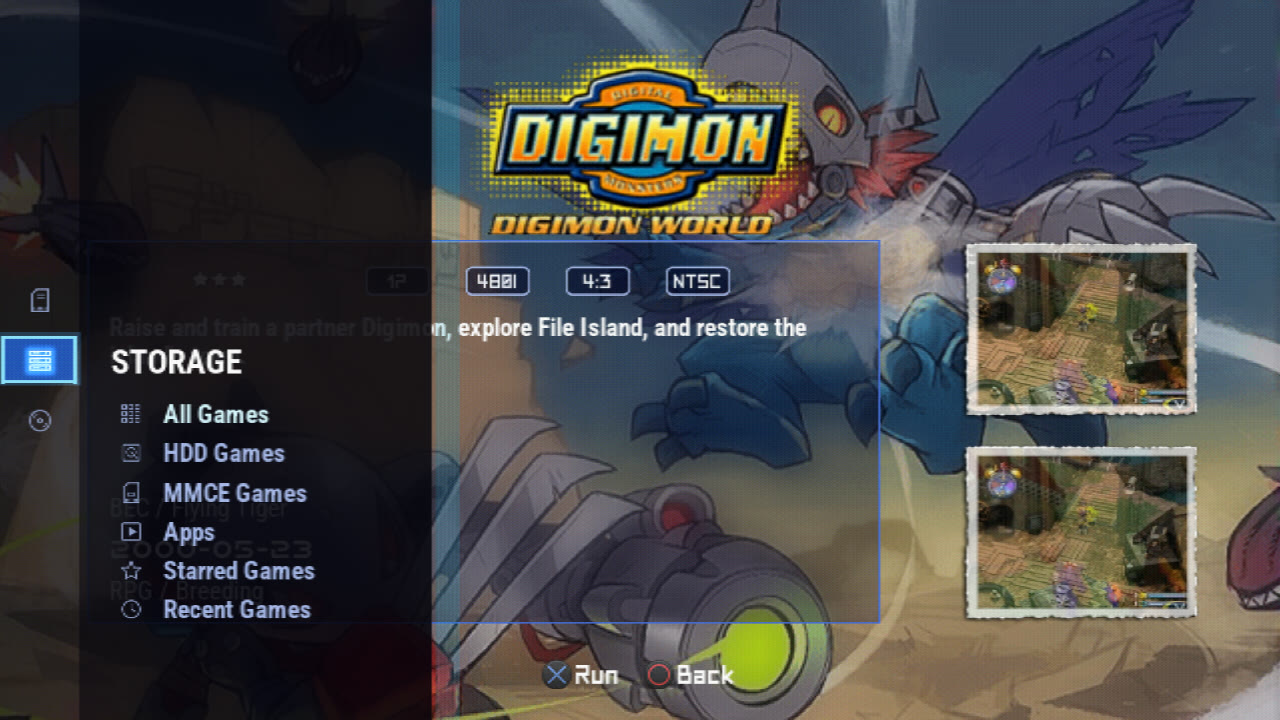
- Zoom, new: the disc arrives as Pop In's does, then grows smoothly to read clearly and stays until the game takes the screen. RIPFLOW's, and Adapt's from theme edition 122.
- The default theme and RIPGRID spin the disc in. A theme that does not say (any theme made before) pops it in, so everyone sees it; Flow and Grid > Launch Disc always wins and has Off.
The picture's position for each video mode (build 124)
- Settings > Interface > Screen keeps H-POS, V-POS and Overscan for each Video Mode, so 1080i and 480i each keep their own centring. A mode never set starts from the shared position, so nothing moves on update.
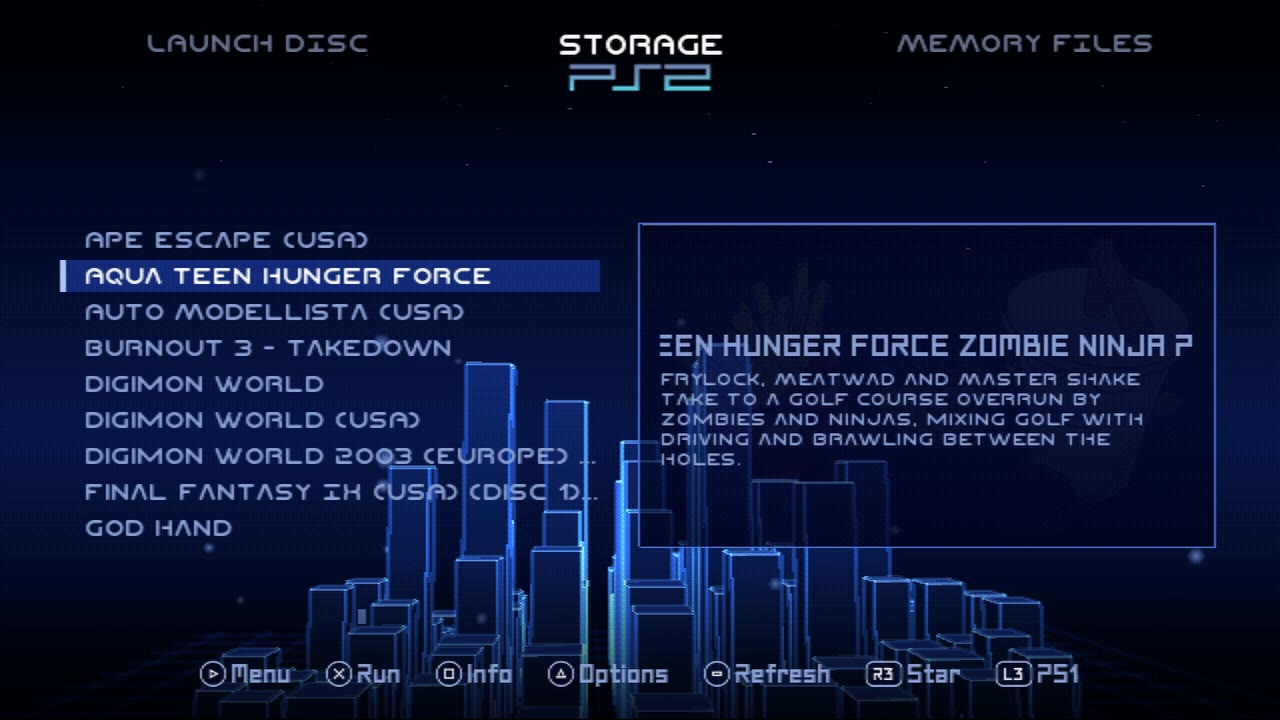
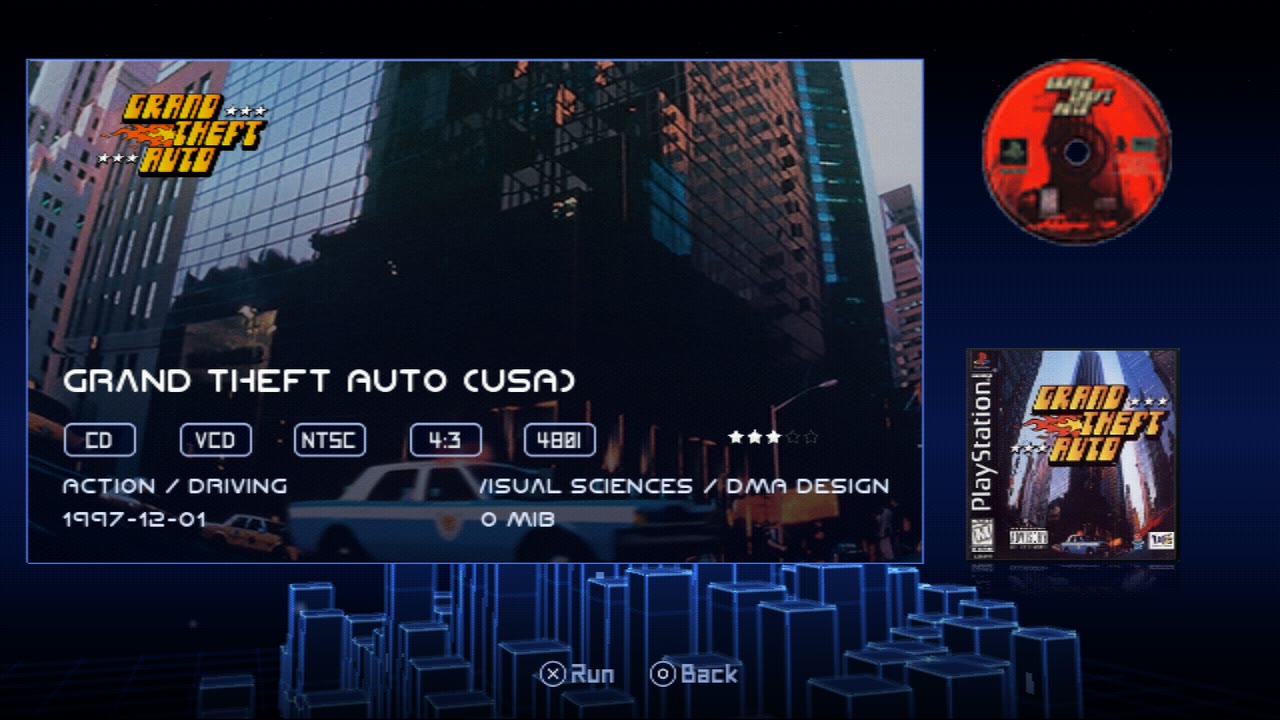
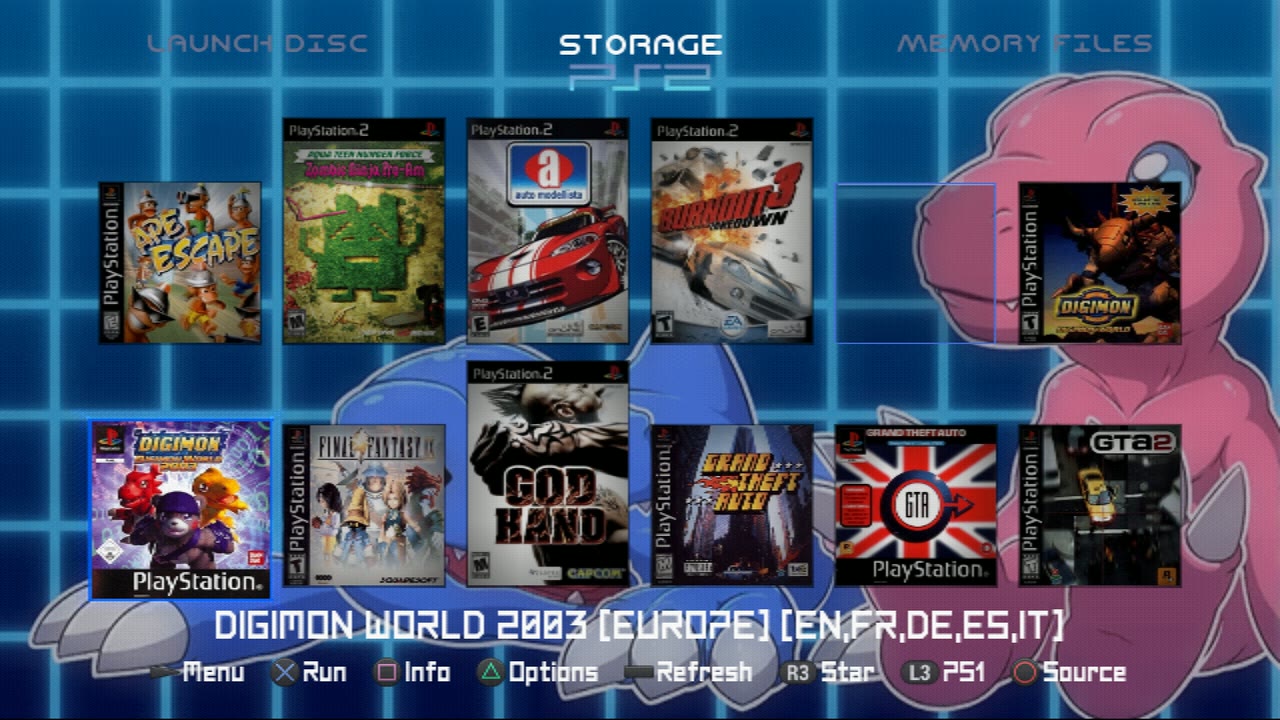
Thanks
Thanks to ripto, nuno6573, zackcage6, eliminator1403, FifthFox, Mr.sus.60, lukeatmynose and ahavasi for the reports that got us here, to DarkNerdShawny for opening issues on GitHub, and to everyone testing RIPPS2 on Discord and opening issues on GitHub: be like them. An issue is the best way to get RIPPS2 updated: open one. Special thanks to all the YouTube love as well: glad to help however you reach me.
The full list is in the changelog.