Repository navigation
Releases
v0.6.5 — User images & presented-file actions / 用户图片与交付图片操作

dsh-image-preview v0.6.5
A pure client-side image preview plugin for dsh 0.2.x.
Added
- Takes over
conversation.chat.user.images: images you send now open the plugin lightbox directly. - Takes over images in
presentdelivery cards: clicking the whole card opens the plugin lightbox; non-image cards such as STL / Markdown keep the official sidebar preview. - New
⋯menu in the lightbox toolbar: open with the default app, choose an associated app, open in the sidebar, or reveal in the file manager. - Real screenshots in both English and Chinese under
docs/screens/.
Image surfaces covered
read_imagetool-row thumbnails- User-sent images (
conversation.chat.user.images) - Assistant image blocks (
conversation.chat.message.images) - Markdown images in the final answer
- Images in
presentdelivery cards
Install
dsh plugin --profile desktop add 'github:algerkong/dsh-image-preview'Or install algerkong/dsh-image-preview from the dsh Plugins page and enable the bundle.
Screenshots
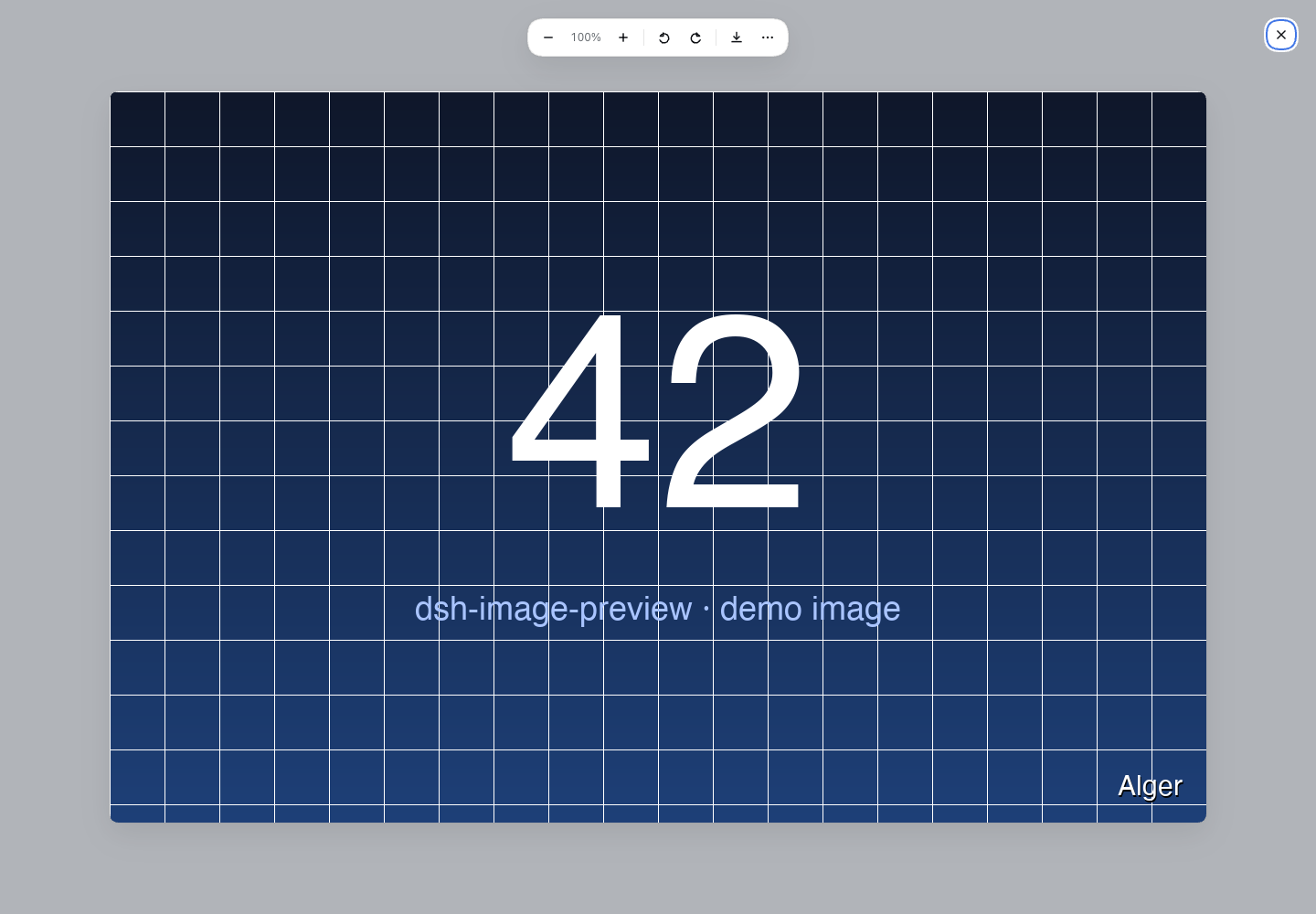
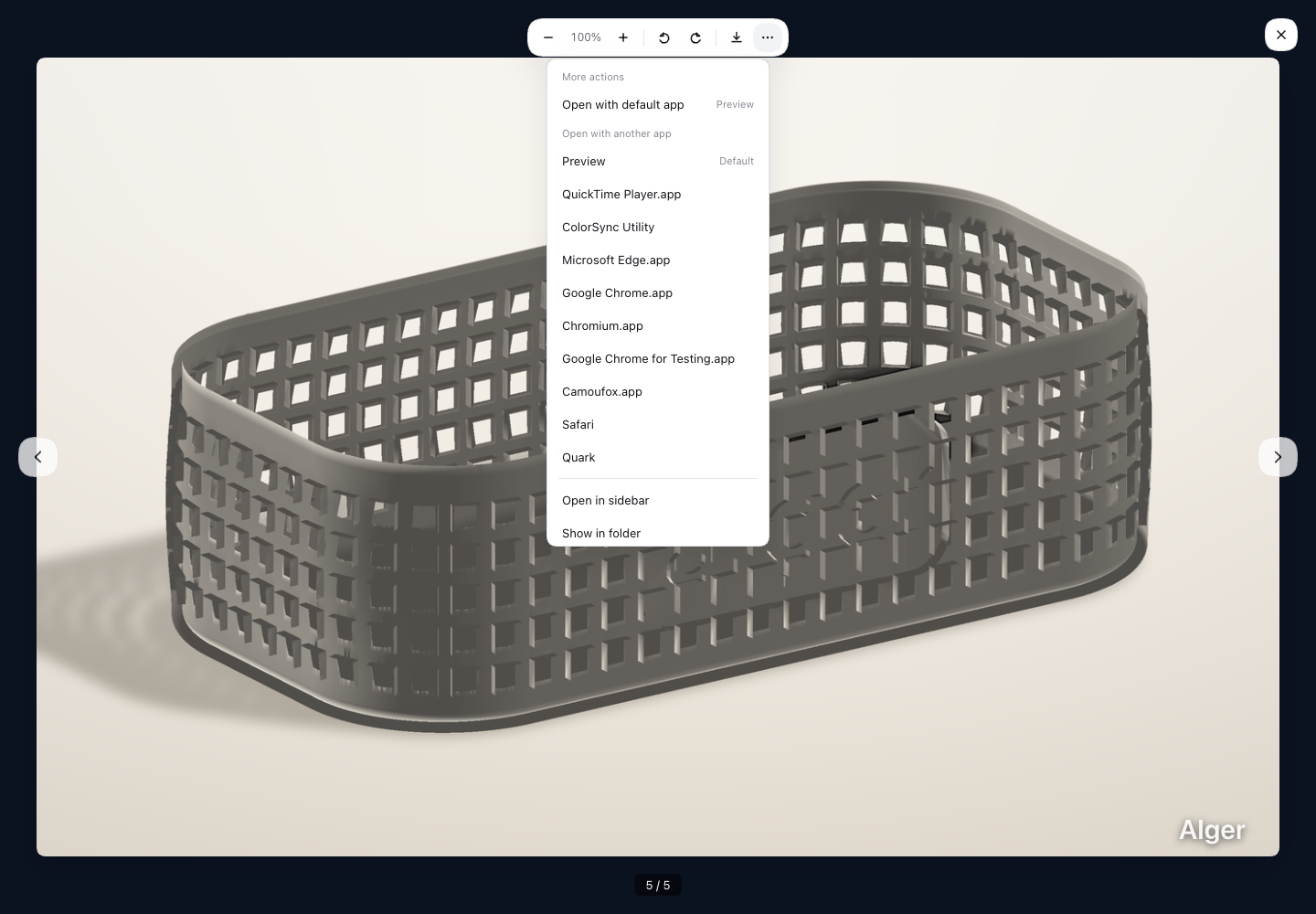
Full changelog: v0.5.0...v0.6.5
dsh-image-preview v0.6.5
适用于 dsh 0.2.x 的纯客户端图片预览插件。
新增
- 接管
conversation.chat.user.images:用户自己发送的图片点击后直接打开插件 Lightbox。 - 接管
present交付卡片中的图片:整卡点击直接打开插件 Lightbox;STL / Markdown 等非图片卡片仍使用官方侧栏预览。 - Lightbox 工具条新增
⋯菜单:用默认应用打开、用关联应用打开、在侧栏打开、在文件夹中显示。 - 中文 / 英文两套真实截图,放在
docs/screens/。
覆盖的图片入口
read_image工具行缩略图- 用户发送的图片(
conversation.chat.user.images) - 助手最终输出 image block(
conversation.chat.message.images) - 最终回答里的 Markdown 图片
present交付卡片里的图片
安装
dsh plugin --profile desktop add 'github:algerkong/dsh-image-preview'或在 dsh 的插件页安装 algerkong/dsh-image-preview 并启用 bundle。
截图
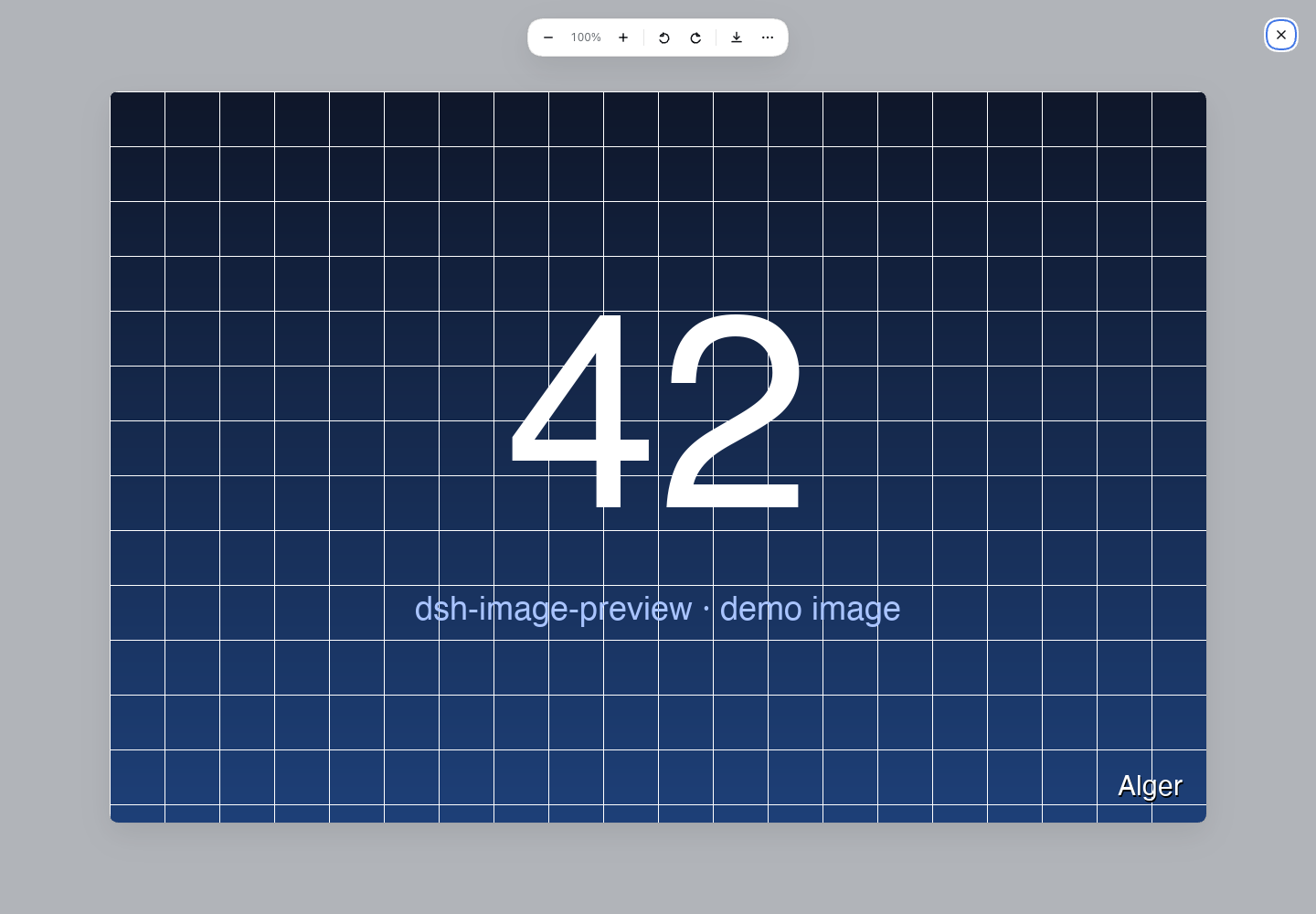
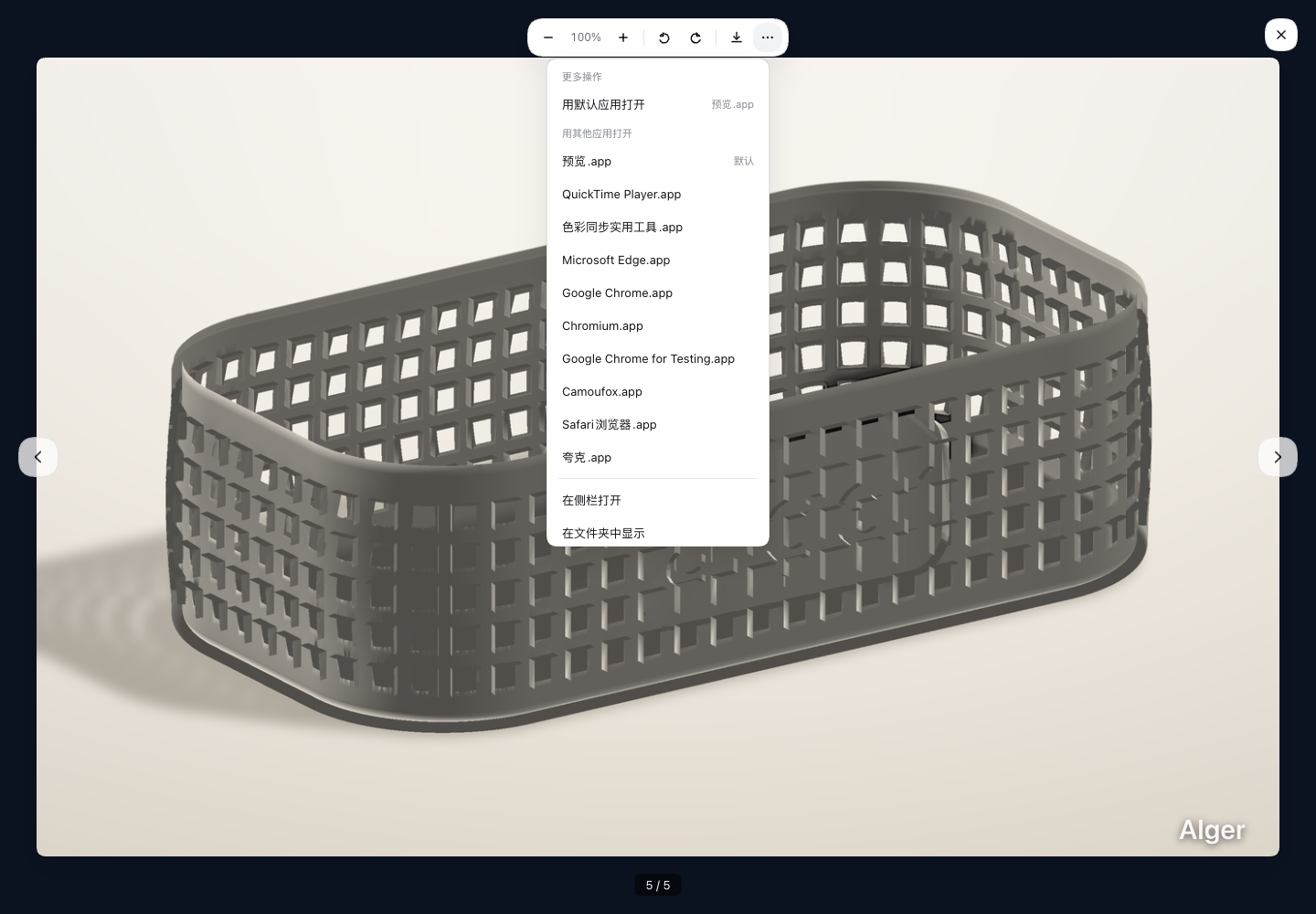
完整变更: v0.5.0...v0.6.5
v0.5.0 — 缩放/旋转/下载 + 修复接管失效
⚠️ 重要修复:插件此前在 dsh 0.1.5-rc.2 上完全失效
dsh 现已自带 read_image 的 toolview,而 tool.call.toolview 是 keyed slot,其 registry 对「同 key 同 priority」会直接抛错:
keyed slot "tool.call.toolview" already has an entry for key "read_image"
at priority 0 — register at a different priority to shadow it (lowest renders)
插件此前用的正是默认 priority,导致 apply() 阶段即抛异常,一行都渲染不出来(浏览器控制台可复现)。现改为 priority: -1 注册以 shadow 官方行。
同时图片加载不再自写 /api/session.attachment RPC,改用 slot owner 注入的官方会话鉴权加载器 loadImage。
🐛 修复:旋转第四下「反转一整圈」
setRotation 里的 % 360 把 270° 折叠成 0°,而 CSS transition 对 rotate() 是按数值插值 —— 270→0 会倒着扫 270°,看起来就是反转一整圈。现改为角度持续累加(rotate(360deg) 与 0deg 视觉相同、数值连续),复位也改用最短路径(步长 ≤180°)。
✨ 新功能
- 缩放:工具条
+/−,支持滚轮;缩放范围 25%–800% - 旋转:左转 / 右转按钮(90° 步进)
- 拖动平移:放大后可拖拽查看细节
- 下载原图:按附件原始文件名保存(兼容
blob:URL) - 快捷键:
+-缩放、0复位、,.旋转、←→切换图片、Esc关闭 - 切图自动复位视图
🔧 其他
- 图片注册表按
sessionId分桶,同时打开多个会话不再互相串图导航 - 标题 / 查看按钮改用真实存在的 locale key(
tool.title.readImage/row.inspect) verify.mjs重写为三层校验(自注册契约 / keyed slot 接管契约 / 真实渲染),并新增旋转回归守卫
📦 安装
dsh plugin --profile web add 'github:algerkong/dsh-image-preview'然后重启 dsh web 并刷新页面。
完整变更:2dcc8c8...v0.5.0
v0.3.1
dsh-image-preview v0.3.1
English
Image preview plugin for the DSH (DeepSeek Harness) web session interface. When the agent runs read_image, results render as small thumbnails by default — click to open a full-size lightbox with ← → cross-row navigation across all images in the conversation.
Features
- Thumbnail by default —
read_imageresults render as rounded ~240px thumbnails; multi-image results show a grid with index badges - Full-size lightbox — click any thumbnail to inspect the original; dismiss with
Esc/ backdrop / close button; focus restored on close - Cross-row navigation — all loaded images are registered globally; ← → buttons and keyboard arrows navigate across all tool rows (e.g.
3 / 4) - Multi-image gallery — single
read_imagereturning multiple images shows a grid; lightbox navigates within the set - All formats — PNG, JPG, GIF (animated), SVG, WebP, BMP, ICO, TIFF — any browser-supported format
- Built-in pipeline — image bytes loaded via
session.authorizationRPC, same path as dsh's ownresolveImage - Theme aware — all colors use dsh theme tokens (
--dsw-*), follows light/dark automatically
Install
dsh plugin --profile web add github:algerkong/dsh-image-previewScreenshots


中文
DSH(DeepSeek Harness)会话区图片预览插件。模型执行 read_image 时结果默认以小图缩略展示,点击打开大图 Lightbox,支持 ← → 跨工具行切换对话中所有图片。
功能
- 默认缩略图 —
read_image结果以 ~240px 圆角缩略图展示;多图结果以网格 + 序号角标展示 - 大图 Lightbox — 点击缩略图查看原图,
Esc/ 点遮罩 / 关闭按钮关闭,焦点自动还原 - 跨行导航 — 所有已加载图片注册到全局注册表,← → 按钮和键盘左右箭头可在不同工具行的图片间切换(如
3 / 4) - 多图网格 — 单次
read_image返回多张图片时以网格展示,Lightbox 内前后切换 - 全格式兼容 — PNG / JPG / GIF(动画)/ SVG / WebP / BMP / ICO / TIFF,浏览器原生支持的格式均可
- 复用自带通路 — 图片字节经
session.authorizationRPC 加载,与 dsh 自带resolveImage同一条通路 - 主题自适应 — 引用 dsh 主题 token(
--dsw-*),随明暗主题自动切换
安装
dsh plugin --profile web add github:algerkong/dsh-image-preview截图
MIT License
v0.3.0
v0.3.0 — 跨工具行全局图片导航
新功能
- 全局图片注册表:所有
read_image加载成功的图片自动注册到全局 registry,按对话时间排序 - 跨行左右切换:Lightbox 中 ← → 按钮 / 键盘左右箭头可在对话中所有已加载图片间切换(不限于同一工具行)
- 单行多图、多行单图、混合场景统一处理
- 组件卸载时自动反注册,无内存泄漏
安装
dsh plugin --profile web add github:algerkong/dsh-image-previewMIT License
v0.2.0
v0.2.0 — 多图预览 + 全格式图片支持
新功能
- 多图预览:
read_image结果若包含多张图片,缩略图以网格展示(160px flex 行 + 序号角标),点击任意缩略图打开大图,支持前后导航 - 全格式兼容:PNG / JPG / GIF(动画)/ SVG / WebP / BMP / ICO / TIFF — 所有浏览器原生支持的格式均可正常缩略图 + 大图预览
改进
imageAttachmentOf→imageAttachmentsOf:收集工具结果中所有{type:"image"}块,不再只取第一个- Lightbox 支持键盘左右箭头切换图片 + 底部计数器(
1 / N) - 多图时 header 汇总行显示图片数量
- SVG 缩略图正确约束尺寸,GIF 动画在缩略图中正常播放
安装
dsh plugin --profile web add github:algerkong/dsh-image-previewMIT License
v0.1.0
dsh-image-preview v0.1.0
dsh 会话区 read_image 图片预览插件:默认小图缩略,点击以自带 ImageLightbox 样式全屏查看原图。
功能
- 默认小图:
read_image结果以约 240px 圆角缩略图展示,不再显示原始 JSON - 点击看大图:
Esc/ 点遮罩 / 关闭按钮均可关闭,关闭后焦点还原 - 复用自带图片通路:经宿主
session.attachmentRPC 授权加载,与resolveImage同一条通路 - 状态完整:运行中 / 失败(可重试)/ 加载中
- 主题自适应:引用 dsh 主题 token(
--dsw-*),随明暗主题自动切换
安装
dsh plugin --profile web add github:algerkong/dsh-image-preview
文档
MIT License