Repository navigation
Material Painter 0.1.2: now on Linux


Material Painter is free and open source. If it saves you time, a donation on Ko-fi keeps development going.
Now on Linux
New in 0.1.2: a native Linux build, a Posterize node in the Material Designer, and the app icon on the window and taskbar.
What Material Painter is
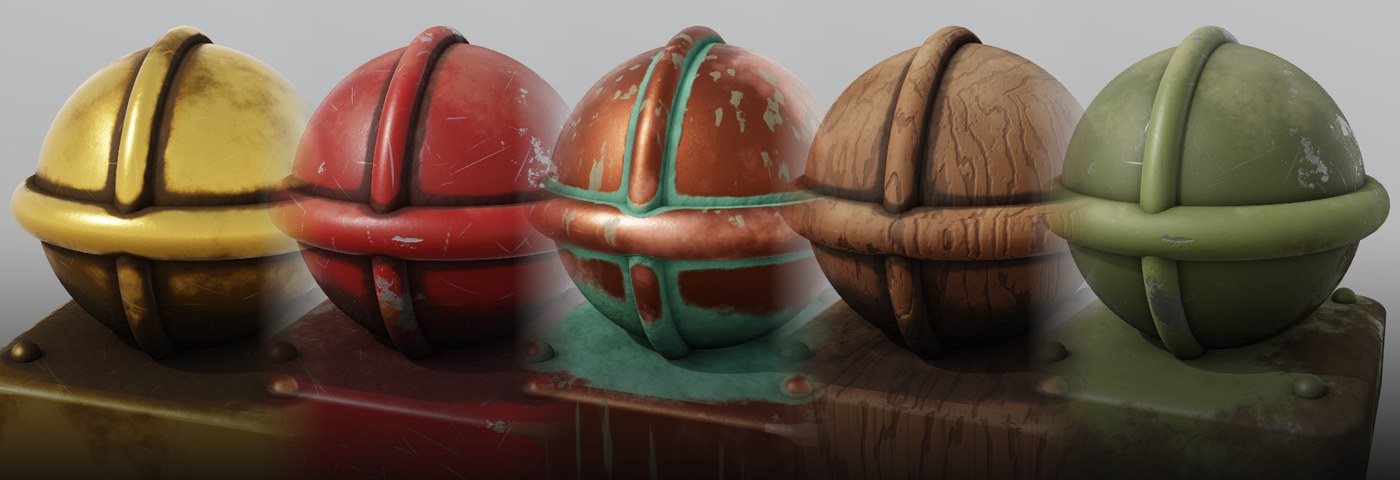
A fast, lightweight PBR texture painter: paint materials onto 3D models with layers, smart materials and masks, bake mesh maps, build materials in a node graph and write your own node shaders.
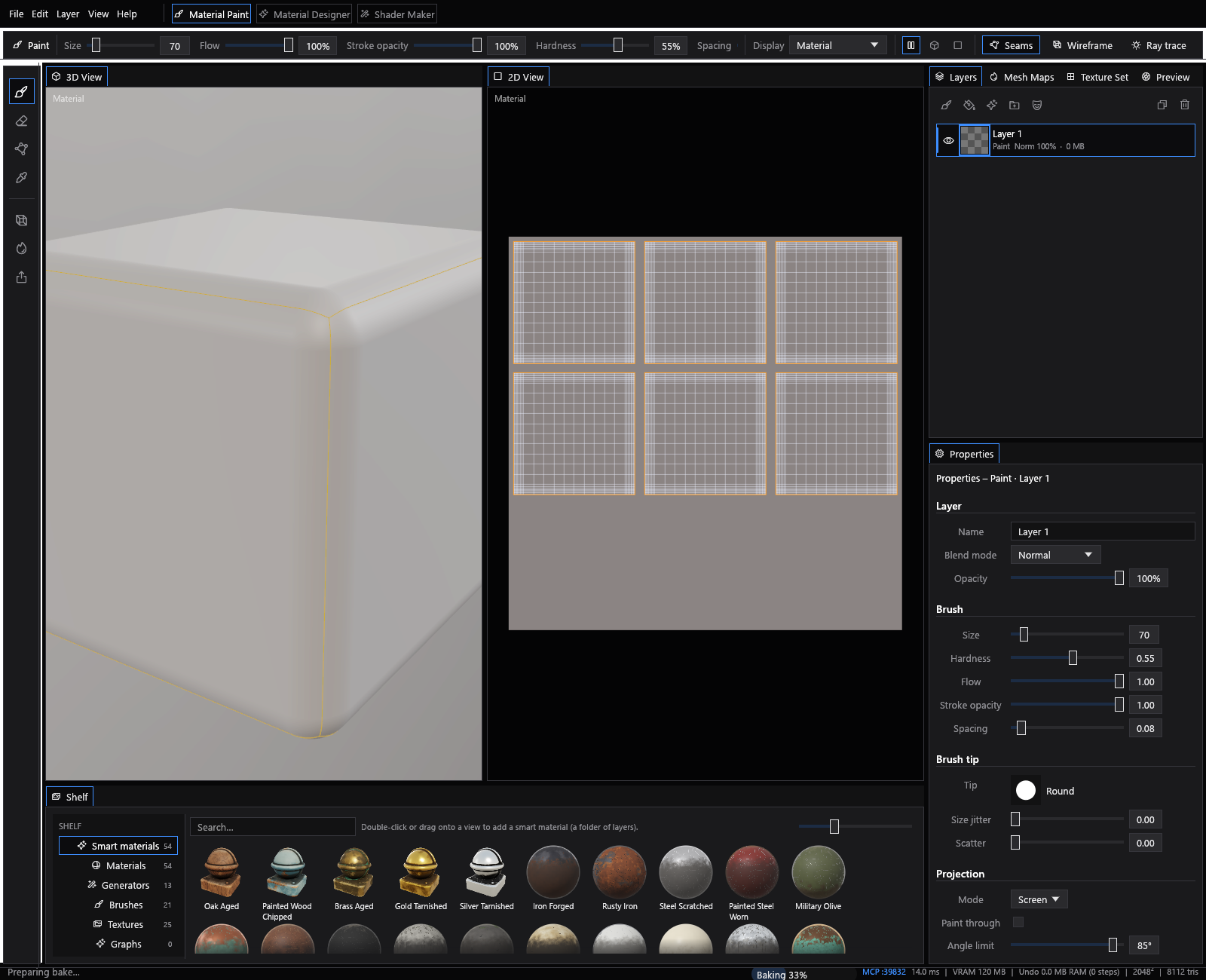
- Material Paint: paint, fill and folder layers; brushes with pen pressure, symmetry and screen, surface or UV projection; dozens of smart materials and smart masks.
- Mesh map baking: AO, curvature, cavity, thickness, normals and height from a high poly, ID maps, with cages and match-by-name. Bakes are cached, so reopening a mesh is instant.
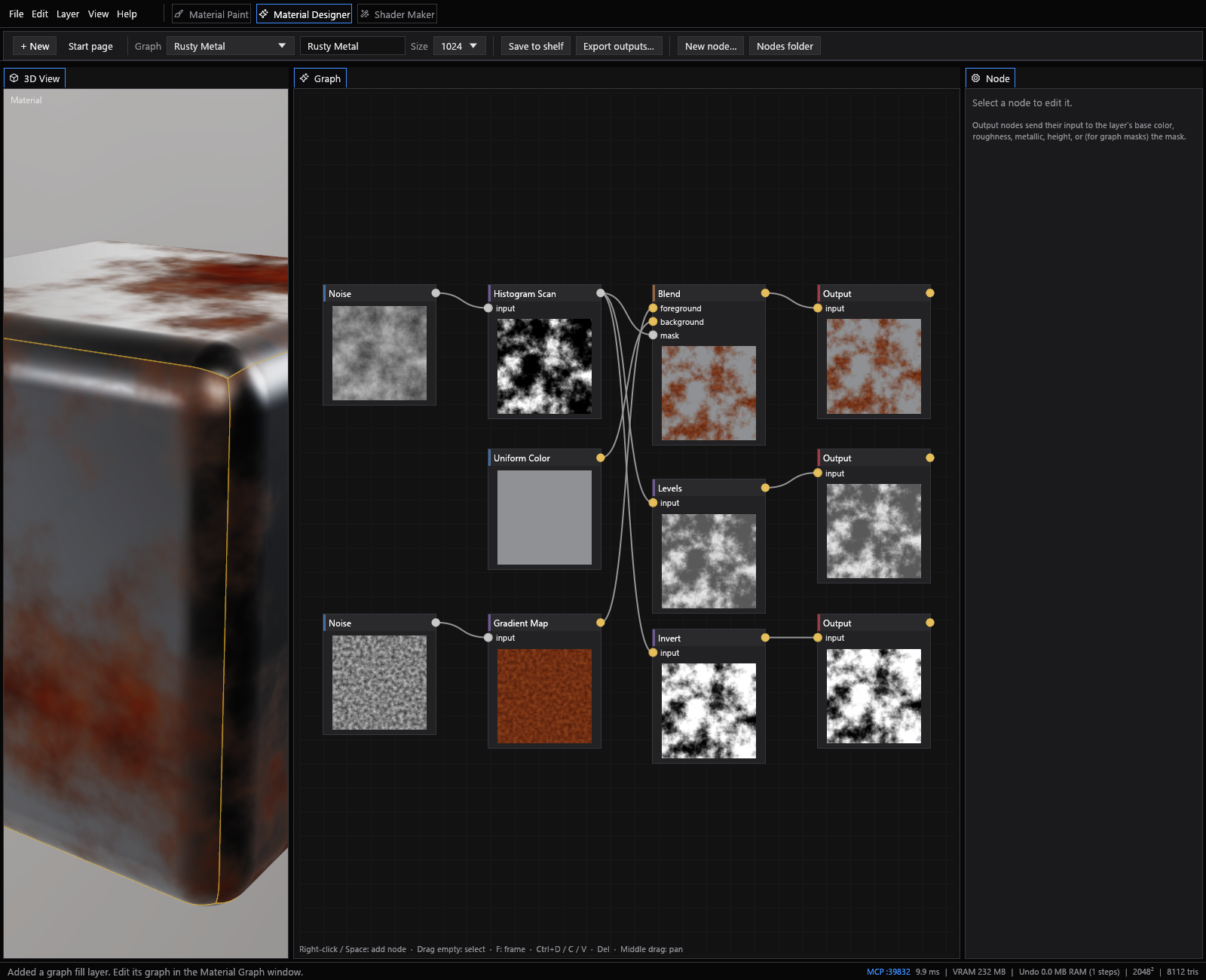
- Material Designer: a node graph of tileable textures that drives fill layers and masks.
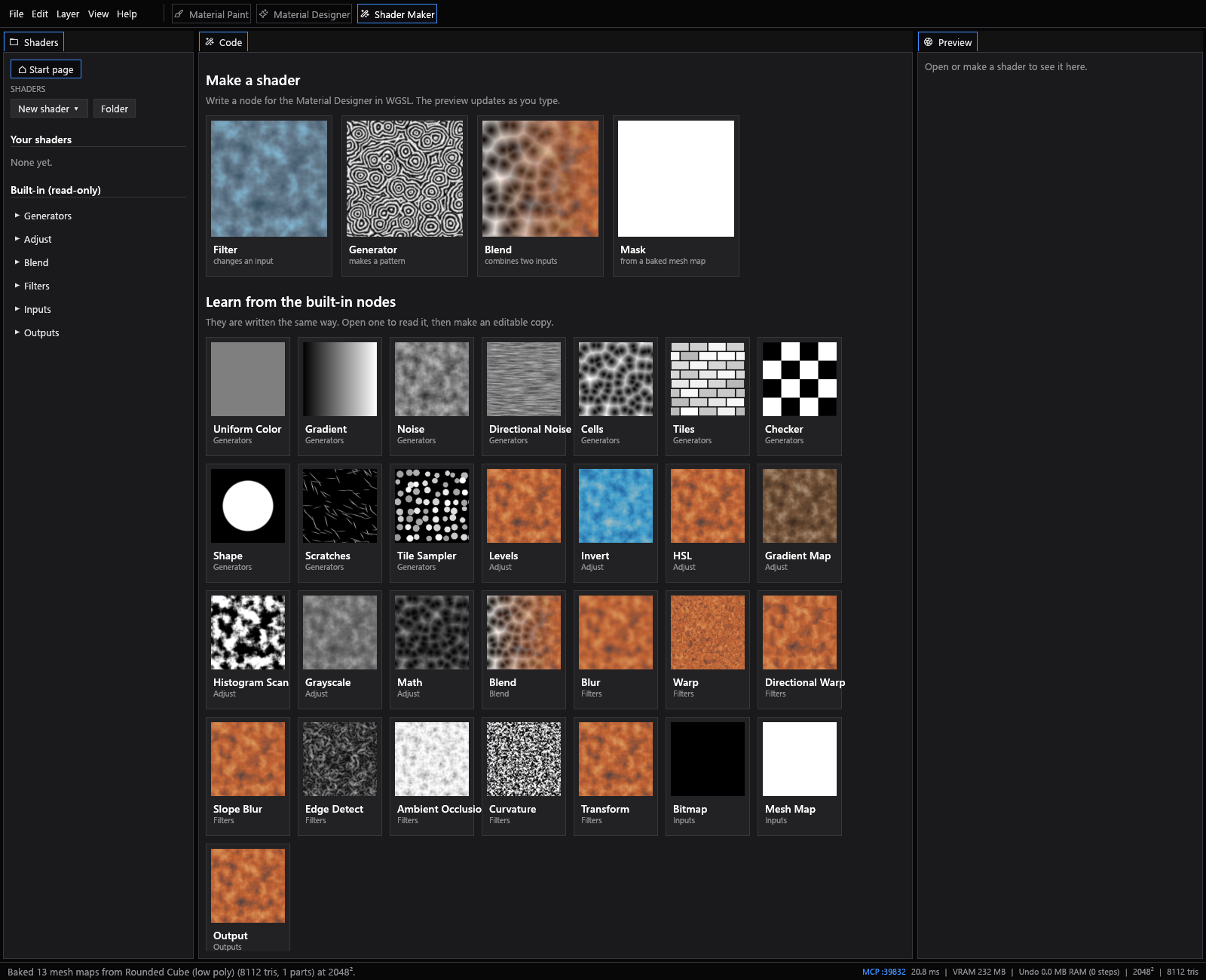
- Shader Maker: write custom nodes in WGSL with a live preview.
- Export presets for Unreal, Unity, Godot, glTF, Roblox and Blender.
| Material Paint | Material Designer |
|---|---|
 |
 |
Download
Windows
MaterialPainter-0.1.2-setup.exe: installer with Start menu shortcut and uninstaller.MaterialPainter-0.1.2-windows-x64.zip: portable; unpack anywhere and runMaterialPainter.exe.
The Windows builds are not code-signed yet, so SmartScreen may warn on first launch: choose More info → Run anyway.
Linux (x64, glibc 2.35+: Ubuntu 22.04, Fedora 36, Debian 12 and later)
MaterialPainter-0.1.2-linux-x64.tar.gz: unpack, run./material-painter, and optionally./install.shto add it to your app menu.
Needs a GPU with DirectX 12 (Windows) or Vulkan support.
Early access: expect rough edges. Questions and bug reports are welcome on Discord or as GitHub issues.