Repository navigation

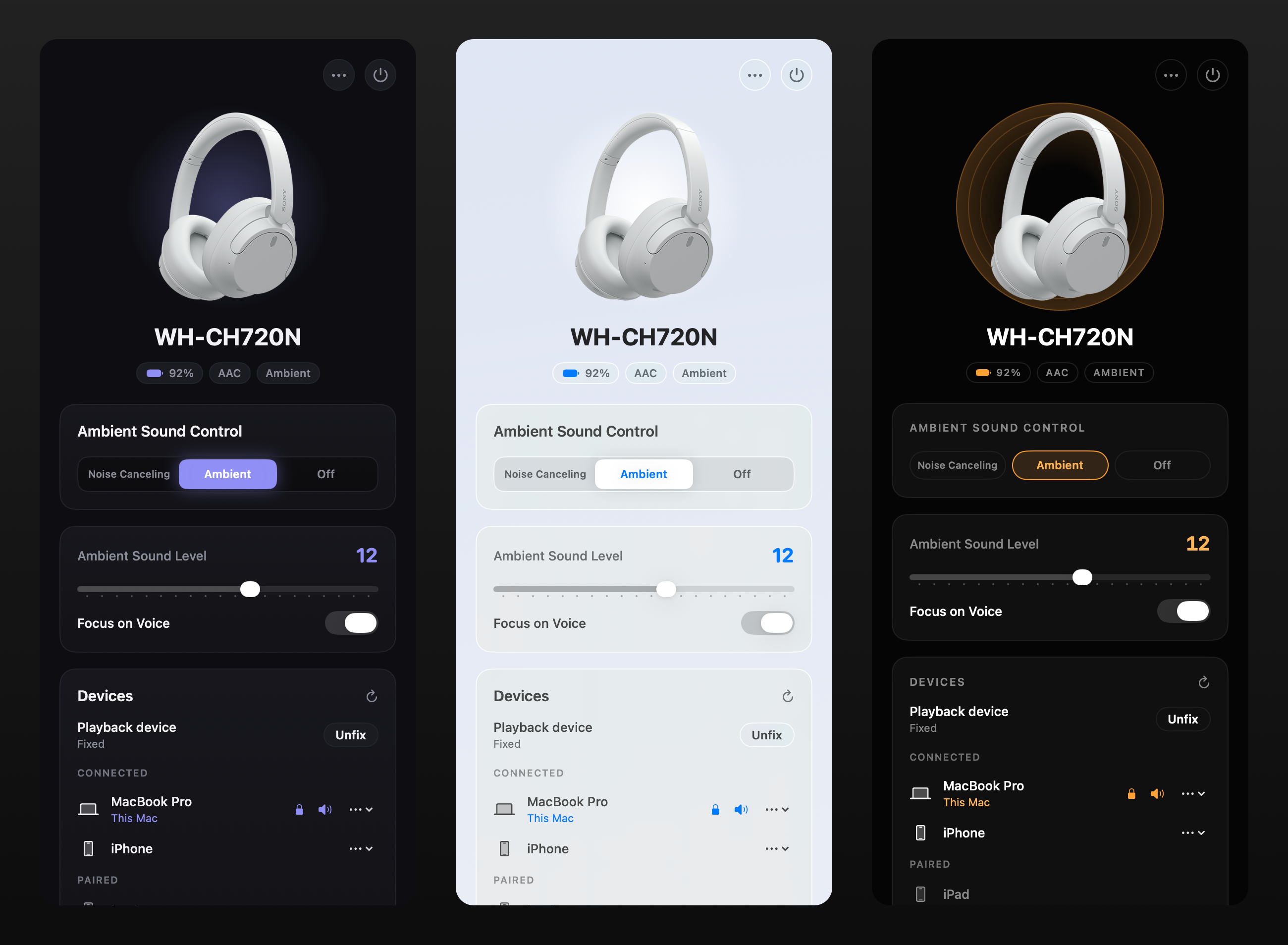
What's new
- A new look with three themes: Refined Dark, Native Glass (follows light/dark) and Sony Signature. Pick one under ⋯ → Appearance.
- Menu-bar quick controls: click the menu-bar icon for noise cancelling / ambient / off, the ambient level, Focus on Voice, the EQ preset, battery and playback pinning, without opening the window. Right-click still opens the menu.
- Multipoint (#28, thanks @fredybp): see the devices connected to your headset, switch playback between them, pin playback to this Mac, and turn "Connect to 2 devices" on or off.
- Bigger, resizable window: it opens taller, remembers its size, and splits into two columns when you make it wide.
- WH-1000XM6:
- Noise Cancelling / Ambient no longer snap back to Off (#11).
- The 10-band equalizer now works.
- The byte layouts come from the sony-device-center contributors.
- WH-1000XM4: first-class support with a hardened protocol parser and test suites (#7, thanks @SubliminalCoding). Speak-to-Chat can be kept off on connect.
- Earbuds: per-earbud and case battery, with no stall while both buds are docked (#6, thanks @zezic).
- Stability (#6, thanks @zezic):
- Fixed a crash when the link drops mid-command.
- Settings no longer snap back after a brief Bluetooth glitch.
- Sony ULT WEAR connects without the picker (#26, thanks @catcam).
- Universal binary: runs natively on Apple Silicon and Intel.
Install
brew install --cask amitrajput-dev/tap/sonybridge
Already installed? Run brew upgrade --cask sonybridge, or download SonyBridge-macOS.zip below and move SonyBridge into Applications.
Requires macOS 12 or later. The app is ad-hoc signed, not notarized: Homebrew clears the quarantine flag for you. A manual download needs right-click → Open the first time.
Windows/Linux fixes from @ssuyash3000 (#18–#22) are on main. The next Windows build will include them.
Contributors


zezic, catcam, and 3 other contributors