Repository navigation
Releases
Leaf 0.3.7 testing release

Leaf 0.3.7: Jellyfin libraries and progress reporting
- Connect to your Jellyfin server, browse comic libraries and download issues for offline reading. Local unencrypted HTTP requires explicit opt-in.
- Import existing server progress and report reading progress back while reading linked downloads. Remote progress remains enabled. Reporting is best effort: offline failures are not durably retried, and existing downloads do not automatically reconcile changes from other clients.
- Larger touch targets and accessibility labels in Jellyfin controls.
- Exclude the disabled panel-detection model/runtime; retain whole-page reading, local SMB imports and portable backups. Play-flavor external tipping is hidden.
Testing release and known limits
This is a testing release, not a claim of production-store approval. Pending writes at disconnect, reread/reset behavior and cross-client progress conflicts still need hardening. Opening the first page can reset the server's read status; reaching the last page marks an issue read. Test with that behavior in mind.
Downloads
Release APKs are signed with Leaf's existing upload key. The AAB is upload-key-signed for Google Play testing. Google Play uses a separate app-signing certificate: a GitHub APK may not install over a Play-installed copy. Do not uninstall a working app just to bypass a signature mismatch; keep your reading data and use the matching update channel.
- Full APK: CBZ, supported CBR, PDF, SMB and Jellyfin.
- F-Droid-flavor APK: excludes the full flavor's RAR dependency. This GitHub file is not a build published by F-Droid.
- AAB: Google Play upload artifact, not directly installable.
- R8 mappings and SHA256SUMS: developer diagnostics and integrity checks.
No iOS app is published by this Android tag. iOS technical handoff.
Leaf 0.3.6

A fresh look and a playful way back
Leaf 0.3.6 gives you more ways to make your library feel like yours.
- Choose your appearance. Use Light or Dark mode, or let Leaf follow your device. AMOLED Black is still available for dark mode.
- Pick your app icon. Choose the light or dark Leaf illustration independently of the app theme. Supported Android launchers can also use the themed icon.
- Flick a comic away. Swipe downward and release to return to your library. A quick flick carries the comic off in your swipe's direction; a short, slower swipe springs back. Pinch zoom and page scrolling keep their usual gestures.
- Enjoy cleaner cover stacks. Series and lists have softer shadows and no black cover outlines. Back covers are gently dimmed, then brighten as you pull the front issue away.
- Find your lists in All. Reading lists now appear alongside comics and series, including empty lists. Search for a list by its name.
Downloads
These Android release files are unsigned and need signing before installation or store upload. No signing key is configured for this repository's release builds.
- The full APK includes ZIP, RAR, PDF, and SMB support.
- The F-Droid APK is the F-Droid flavor, without the full flavor's 7-Zip dependency.
- The AAB is an Android App Bundle for preparing a store submission.
- The mapping files are for developers investigating release-build errors.
This release publishes Android artifacts. The matching iOS interaction and appearance work is documented in the iOS handoff.
v0.3.5
What's Changed
- feat: progress durability and versioned backup & restore (Brief 2) by @bclark in #14
- feat(ios): reader comfort fit mode, two-page spreads, and progress durability by @bclark in #15
- feat(ios): implement series stacks, reading lists, and library filtering (Phase 2) by @bclark in #16
- feat(ios): implement cross-platform versioned backup and restore (Phase 3) by @bclark in #17
- fix(ios): overhaul reader page turning and remove panel-by-panel mode by @bclark in #18
- feat(android): library stacking, series detail experience, and metadata backfill by @bclark in #20
- Phase 4 iOS: Skeuomorphic 3D Page Flip and Curl Turn by @bclark in #19
- feat(android): reading lists & storyline arcs experience by @bclark in #21
Full Changelog: v0.3.4...v0.3.5
Contributors

Assets 7
v0.3.4
What's New in Leaf v0.3.4 🍃
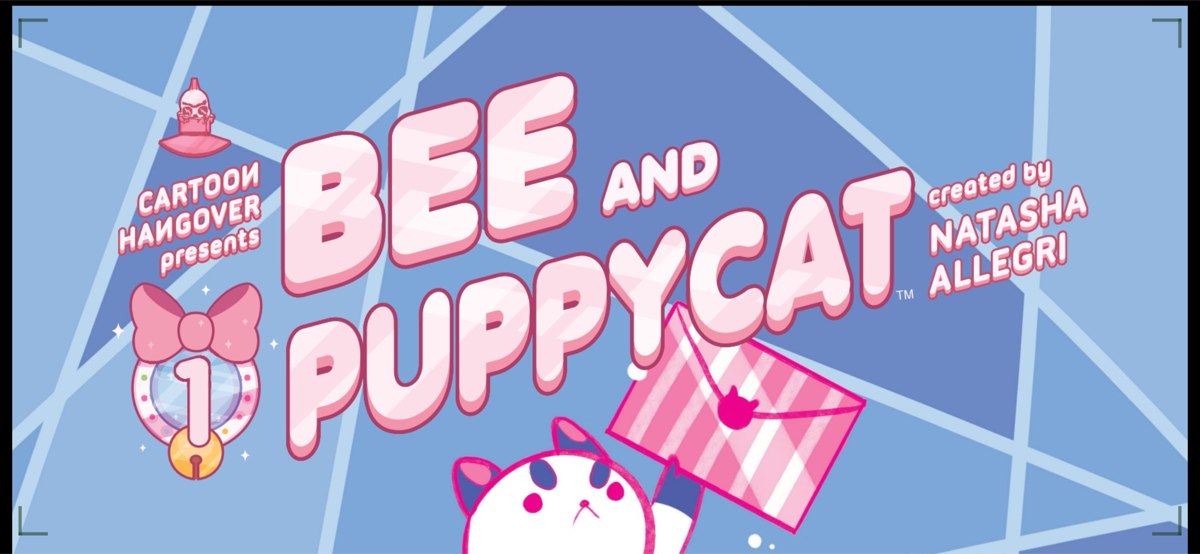
- Physical Two-Page Spread Turning: Realistic sheet curling around the center binding with dual-faced pages and responsive spread pairing.
- Orientation Reading Layouts: Independent portrait and landscape reading preferences that persist across books.
- Responsive Reader Chrome: Compact reader header layout and adaptive controls for smaller phones in portrait.
- Library Refinements: Redesigned badges, borderless reading list stacks, and cleaner series covers.
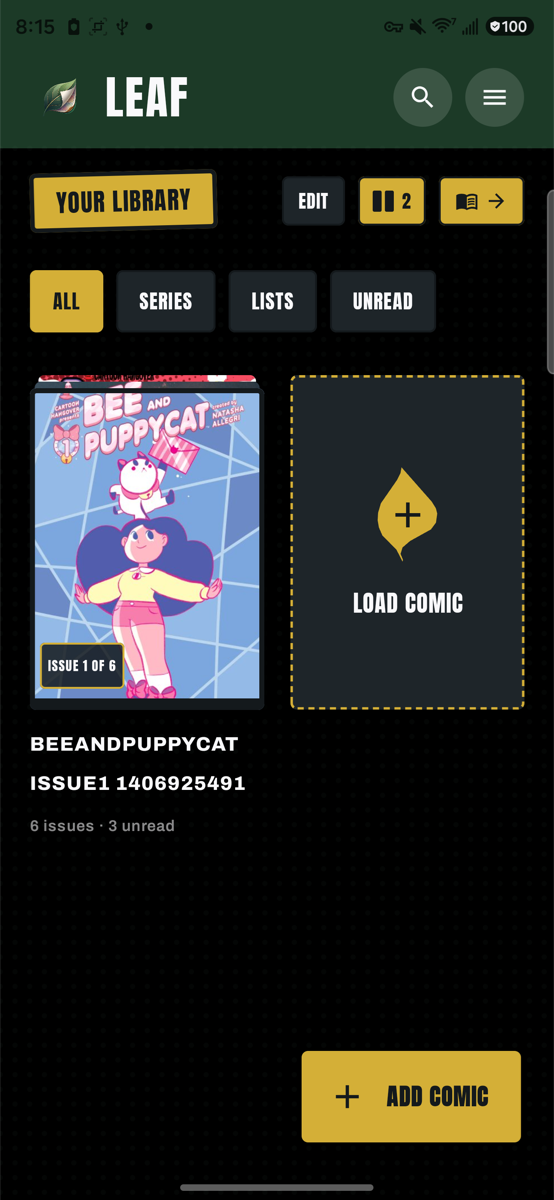
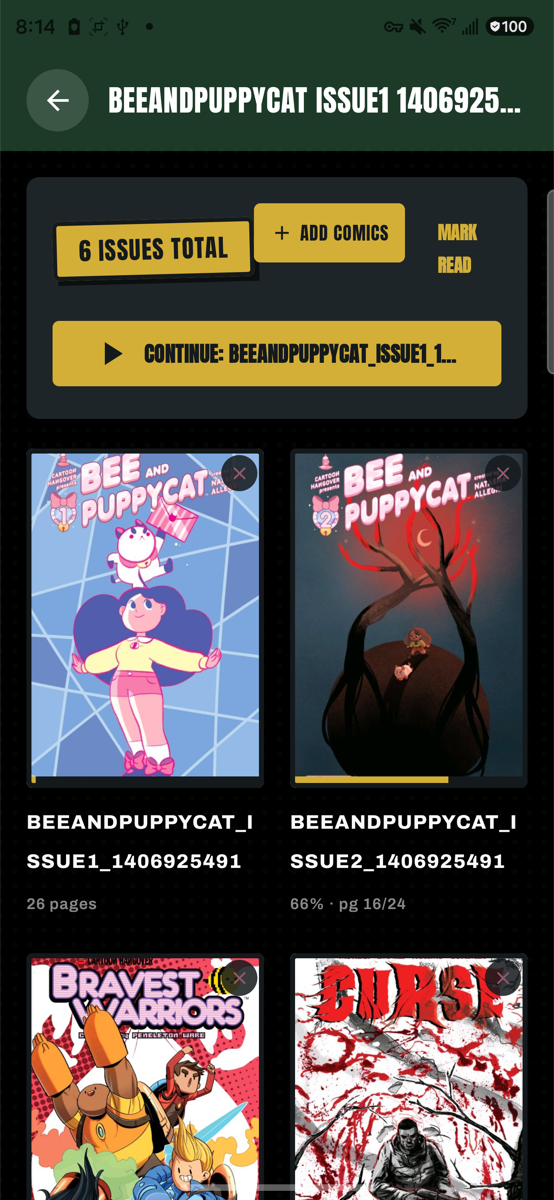
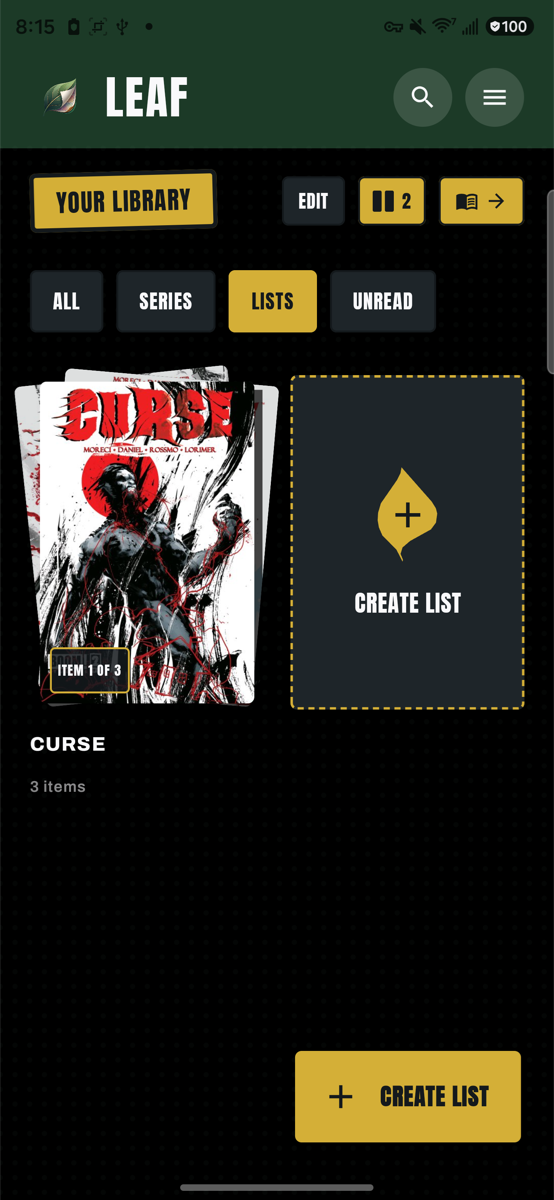
Direct Download & Sideloading
👉 leaf-v0.3.4.apk (Signed for direct sideloading and update)
Full Changelog: v0.3.3...v0.3.4
v0.3.3
What's Changed
- feat(smb): throughput optimization, file size indicators, progress percentage, and cancel button by @bclark in #12
- feat(library): Add comic stacking, series detail view, and reading lists by @bclark in #13
Full Changelog: v0.3.2...v0.3.3
Contributors
Assets 7
Leaf v0.3.2
What's New in Leaf v0.3.2 🍃
• Panel Detection & Pipeline Improvements:
• Hybrid gutter refinement and edge snapping in shared KMP (GutterRefiner.kt) with multi-channel gutter detection and boundary adjustment.
• Preserved intact wide panels: wide/full-width panels are no longer forcibly bisected into multiple cuts, keeping full-width artwork, dialogue, and character shots unified.
• Seamless In-Reader Mode Toggle:
• Quick-toggle reading mode pill in the reader bottom scrubber to switch on the fly between PAGE FLIP (3D Curl) and PANEL BY PANEL without leaving your comic.
• Clean Reader Chrome:
• Streamlined top navigation bar by removing the redundant expansion button in favor of natural double-tap zoom gestures.
• Optimized Release: Minified, resource-shrunk via R8, and signed for direct sideloading.
Leaf v0.3.1
What's New in Leaf v0.3.1 🍃
- Segmented Reading Mode Selector: Easily toggle between Continuous Vertical Scroll (webtoon/manga) and 3D Page Curl with an elegant segmented control in Settings.
- Adaptive App Icon: Adaptive launcher icon featuring the transparent Leaf asset on solid white background with standard safe zone padding, plus legacy fallback mipmaps.
- Library & Comic Card Polish:
PageCoinreading progress updated to a crisp dog-eared bookmark badge with clean, horizontal typography.- "Load Comic" library tile updated with an upright gold leaf emblem.
- Optimized Release: Minified, resource-shrunk via R8, and signed for direct sideloading.
Leaf v0.3.0
What's New in Leaf v0.3.0 🍃
- Rebrand to Leaf: New transparent leaf app icon, clean Anton wordmark, and comprehensive rebranding.
- Brand Color Palette: Forest Green primary (
#1C3A27), Sage secondary (#4A7C59), Accent Gold highlights (#D4AF37), Deep Ink dark background (#14191C), Deep Ink Surface cards/bars (#1E2529), and Paper White typography (#F9F9FB). - 3D Page Curl: Realistic interactive 3D page curl animation with authentic paper lighting and backside mesh unrolling.
- Library Grid Density: Switch between 2, 3, 4, or 5 columns on phones and foldables with persisted density preferences.
- Library Search: Instant title search with animated search bar and clear action.
- Multi-Select Import: Select one, multiple, or all comic files at once from SMB network shares and device folders.
- Immersive Reader: Chrome defaults hidden when opening a comic for instant full-screen reading; tap to toggle controls.
- Optimized Release: Minified and resource-shrunk via R8 with signing configured for direct sideloading.