Repository navigation
Releases: benjaminbrtrd/Cubby
Release list
Cubby v2026.11.0-alpha.1

Cubby v2026.11.0-alpha.1
The very first build of Cubby, the lightweight Minecraft launcher.
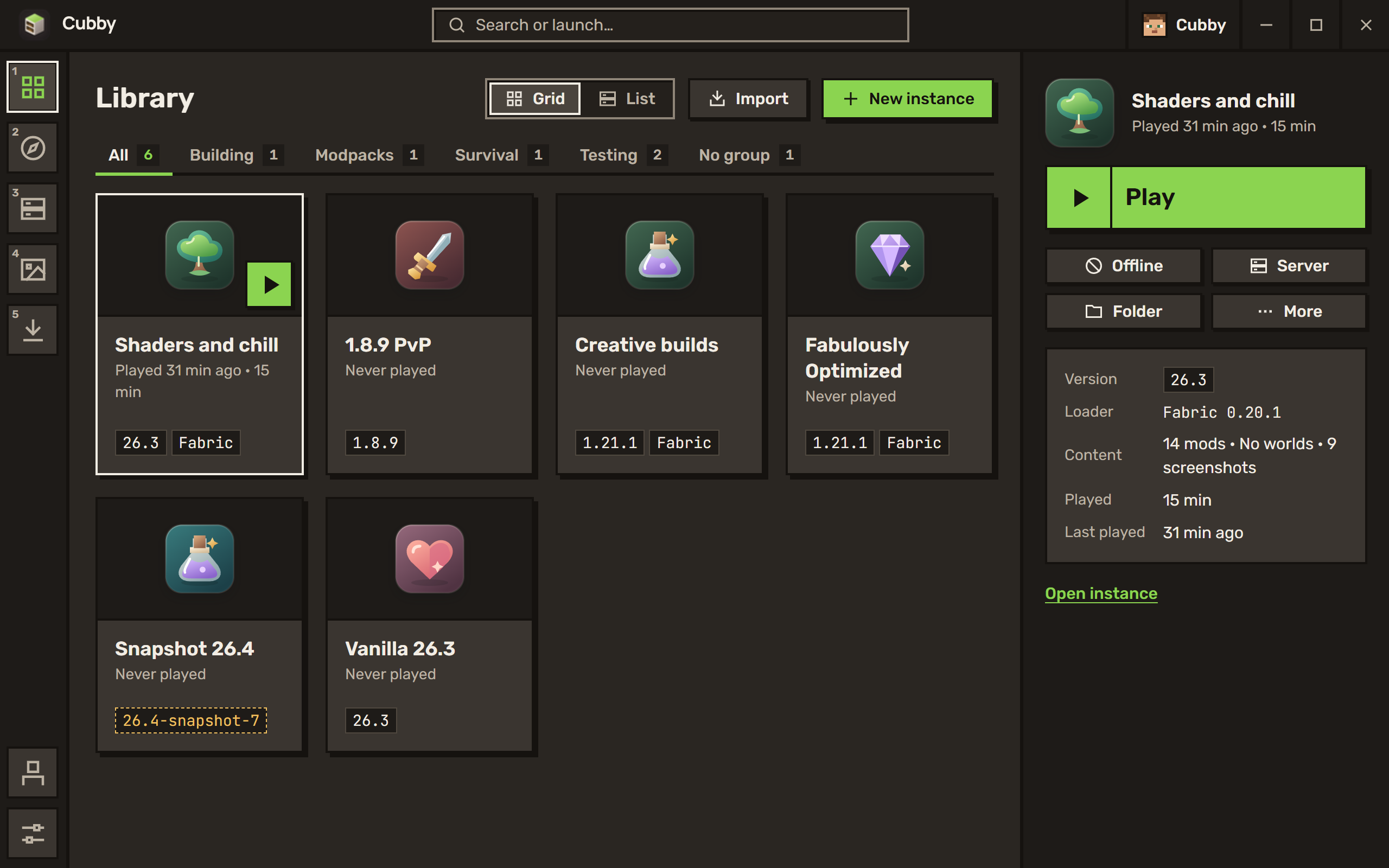
This is an early test build. Most things work, some don't yet, and your feedback shapes what comes next. If something breaks, open an issue with the crash report from the app.
✨ What's inside
Your worlds, each in its own instance. Any release, snapshot or old version, on Fabric, Quilt, Forge or NeoForge. Pick an emblem and a colour so you spot it at a glance.
Mods without the guesswork. Search Modrinth and CurseForge from inside the launcher. Cubby only shows what works with your instance, adds what a mod needs, and finds updates for the rest.
Modpacks from everywhere. Modrinth, CurseForge, FTB, ATLauncher and Technic, or a .mrpack or .zip you already have.
Crashes that make sense. When the game stops, Cubby reads the log, tells you what went wrong in plain words, and offers a fix.
And the little things. World backups, Prism Launcher import, your screenshots from every instance, the live game log while you play.
⚠️ Good to know
- Microsoft sign-in isn't available yet. It's waiting for Mojang to approve the app. Until then, Cubby can only start the Minecraft demo.
- Windows may warn you about the installer. It isn't signed yet. Click More info, then Run anyway.
- Windows 10 and 11 only for now. macOS and Linux are on the list.
📦 Install
Download Cubby_2026.11.0-alpha.1_x64-setup.exe below, run it, and you're set. About 11 MB.
Not an official Minecraft product. Not approved by or associated with Mojang or Microsoft. Cubby is free software under the GPL-3.0.