Repository navigation
Releases
Inkstone 0.25 — Brush Import, New Look & Renamed Library

Inkstone 0.25 — Brush Import, New Look & Renamed Library
Inkstone can now import .brush and .brushset files, the interface has its own darker look with a teal accent, and the brush library has new names.
Brush import
- Brush Library → + → Import .brush / .brushset adds the brushes to a category named after the set.
- Imported brushes paint with their own tip shape and grain, on both the GPU and the CPU, and also work as eraser and smudge.
- Grain can stay fixed to the canvas or roll along the stroke, so pattern brushes follow the direction you draw.
- Random rotation, size, opacity and scatter, speed → opacity, minimum size and opacity under light pressure, and colour mixing are read from the file.
- Brushes that name an image built into another app get Inkstone's own soft round, hard round, grunge or charcoal image instead.
- Brush Studio has new sliders for imported brushes: Spacing, Rotation, Follow stroke, Random rotation, Random size, Random opacity, Scatter, Speed → Opacity, Grain scale and Grain follows stroke.
- The importer reads the brush settings that have been worked out so far. Size and grain scale are approximations; some brushes need resizing after import.
New look
- Darker greys throughout, with a teal accent in place of blue on selected tools, buttons and lists. The accent keeps white text readable in both themes.
- New Paint Mixing (palette and brush) and Smudge (hand) icons, matched in size and weight to the other tools.
- Gallery is now Home.
Renamed brushes and features
- Brush categories: Pencils, Pens, Lines, Paints, Expressive, Lettering, Airbrush, Texture, Shapes, Charcoal, Nature, Spray, Surfaces, Retro, Glow, Grit, Botanical and Watercolour.
- All 58 built-in brushes have new names, for example Ink Pen, Drafting Pen, Dry Nib, Cloud Soft and Blend Medium.
- ColorDrop is now Drop Fill.
- Your chosen brushes, recent brushes and custom brushes carry over to the new names automatically.
Fixes
- Four Android tests were outdated or flaky and now pass: two expected the old save format and autosave delay, one used a different Robolectric graphics mode, and one opened the Layers panel before it had drawn.
Download inkstone-0.25-debug.apk and install it over the existing preview, or update from the Google Play closed test. Preview package art.inkstone.preview, Play package art.inkstone, version code 38, Android 8.0+, ARM64 and x86-64.
Inkstone 0.24 — Big Brushes, More Layers & Adjustment Layers
Inkstone 0.24 — Big Brushes, More Layers & Adjustment Layers
Large, fast strokes stay responsive, and a canvas can now hold many more layers. Adjustment layers are easier to add and recognise.
Performance
- Brush dabs that cross the canvas edge stay on the GPU. Before, the first dab touching the edge moved the rest of the stroke to the CPU. A 400 px stroke along the edge took about half the time in testing.
- A new stroke no longer re-uploads the whole layer to the GPU. On a 2800 × 2000 canvas that was 22 MB at the start of every stroke.
- When you paint under other layers, painting and compositing share one GPU round trip per frame instead of two. Frame time roughly halved in testing.
Layers and memory
- The layer memory limit follows the device's RAM: about 12% of total memory, between 256 MB and 1.5 GB. It was a fixed 256 MB, which allowed only about 10–12 painted 2000 × 3000 layers. A device with 8 GB holds about 40 such layers.
- Documents save to and open from files directly. Large artwork no longer passes through the Java heap, and a document can be larger than the old 128 MB limit. A save writes a temporary file first and then replaces the old one, so a failed save keeps the previous version.
Adjustment layers
- Choosing an adjustment from the Layers panel always adds a new layer, named Adjustment Layer 1, 2, 3 and so on.
- An adjustment layer shows ◐ in its thumbnail and its type next to the name.
- It changes every layer below it. With Clipping Mask on, it changes only the layer directly below.
- Layer Options has a slider for an adjustment layer's strength.
Fixes
- Clipped layers show their arrow again. The arrow is now drawn by the app, because the "↳" character was missing from some device fonts.
- The canvas no longer shows a faint grid of lines between display tiles at some zoom levels.
- The Tutorials icon on the gallery page is readable in the light theme.
Download inkstone-0.24-debug.apk and install it over the existing preview. Package art.inkstone.preview, version code 37, Android 8.0+, ARM64 and x86-64. The existing signing certificate is retained.
The performance and memory changes were tested on a Xiaomi Pad 7 in preview builds. Inkstone remains in early development. Experimental Vector and the existing export limits still apply. License terms are unchanged.
Verification: 164 Rust tests passed, including the physical-GPU tests. 156 of 159 Android tests passed. The three failures (two StudioTest and one LayerQueueTest) predate this release. APK signature, package and version, native libraries and 16 KB alignment were checked.
Inkstone 0.23 — Faster Drawing, Paint Mixing & Time-lapse
Inkstone 0.23 — Faster Drawing, Paint Mixing & Time-lapse
Drawing stays smooth on large, many-layer canvases. Paint Mixing, tutorials and time-lapse recording arrive from the local preview builds.
Performance
- The canvas is shown as 256 × 256 tiles. Each frame re-uploads only the tiles a stroke touched, not the whole artwork. On a 3000 × 2000 canvas that was about 24 MB per frame.
- Paint Mixing brushes of 32 px and larger now paint on the GPU, including wet contact mixing and the wet edge. Before, mixing switched every dab to the CPU.
- Old undo steps are compressed on a background thread. Before, once history passed its 96 MB memory budget, each stroke end waited 80–160 ms while an older step was written to disk. Undo still uses a step while it is being saved.
- Layers are stored as copy-on-write tiles. Stroke undo shares the pre-stroke pixels instead of copying the full layer.
- A tile cache reuses the flattened layers below the active layer.
- Document saving streams compressed data instead of holding the whole encoded file in memory.
Painting
- Paint Mixing: the brush picks up paint already on the layer and refills gradually with the selected colour on clear areas. Wetness controls how long pigment is carried, Colour pickup how strongly the brush loads, and Mix strength the visible effect. Wet contact keeps local colour variation across the brush tip.
- Inkflow stroke engine: smoother curves through gentle turns, sharp corners kept, speed-aware stabilisation, and better pressure response at stroke start.
- New and refined brush textures, including Soft Wash and Linen.
- A raster layer directly above a group can clip to that group's combined contents.
- Clipped layers show a connecting arrow. Alpha Lock appears next to the layer name.
Tutorials and time-lapse
- 19 tutorial steps demonstrate the real editor in both light and dark themes, without changing your artwork.
- Time-lapse recording captures intermediate stroke frames at up to 12 fps and exports H.264 MP4.
Download inkstone-0.23-debug.apk and install it over the existing preview. Package art.inkstone.preview, version code 36, Android 8.0+, ARM64 and x86-64. The existing signing certificate is retained.
Tested on a Xiaomi Pad 7 before publication. Inkstone remains in early development. Experimental Vector and the existing resource and export limits still apply. License terms are unchanged.
Verification: 143 Rust tests and 17 physical-GPU tests passed. 156 of 158 Android tests passed; the two StudioTest failures (save-format and autosave-timing expectations) predate this release. APK signature, package and version, native libraries and 16 KB alignment checked.
Inkstone 0.22 — Group Movement & Editor Controls
Inkstone 0.22 — Group Movement & Editor Controls
Move a group's artwork directly on the canvas instead of entering numeric offsets. Group appearance controls update the artwork live while keeping the Layers panel visible.
- Tap the group name or arrow to expand/collapse; the Layers list preserves its scroll position.
- Group options use a custom popup. Blend & opacity opens immediately to its left, below the toolbar, with Back and live changes.
- Choose Move group contents. In Raster, drag the preview, then Done to apply or Cancel to restore. Done creates one Undo entry and moves nested descendants, masks and off-canvas ink. In Vector, each completed drag is one edit; use Undo to restore and Done moving group to exit.
- Recent colour swatches now use contiguous square cells matching the palette.
- Hold a reference image to sample colour with the same coloured/white ring feedback as the drawing canvas. Pan and pinch remain available.
- Symmetry and Drawing Guide use custom controls with Back navigation.
Download inkstone-0.22-debug.apk and install over the existing preview. Package art.inkstone.preview, version code 35, Android 8.0+, ARM64 and x86-64; the existing signing certificate is retained.
The user tested the local build containing these changes and approved publication. The final versioned APK is rebuilt and checked separately. Inkstone remains in early development; experimental Vector and existing resource/export limits still apply. License terms are unchanged.
Verification: 137 Android tests passed; lint 0 errors, 132 warnings. APK signature, package/version, native libraries and 16 KB alignment checked.
Inkstone 0.21 — Layer Groups & Reliability Fixes
Inkstone 0.21 — Layer Groups, Off-canvas Drawing & Reliability
Inkstone remains an early-development drawing app. This release includes the local changes since 0.20 and the fixes confirmed in the bug-hunt report.
Layer organization
- Create several independent folders from Layers → Group. The custom Inkstone panel replaces the native name dialog. New folders default to Top level; Location explicitly chooses a parent.
- Select and hold a group header to drag the complete folder. Nest Raster groups up to 32 levels, with an additional 20 dp indent at each level. New children expand their parents so they remain visible.
- Empty folders retain their position through move, save/load and Undo/Redo. Drop over the indented last row to place a layer at the bottom inside its folder; drag toward the left edge to leave the folder.
- Parent visibility, locking, blend mode and opacity apply through the hierarchy. Delayed layer refreshes no longer replace a group-name form.
Drawing and transforms
- QuickShape better distinguishes triangles, rectangles, circles and ellipses, including rotated and unevenly sampled outlines.
- Raster strokes can continue beyond the paper, displayed partially transparent over the workspace. Exterior ink remains attached to its layer through native saving, Undo/Redo, whole-layer transforms, group offsets and Canvas Flip.
- Exterior previews transfer only changed tiles through the binary render-patch path during drawing. PNG/JPEG/PSD output remains cropped to the paper.
- Transform preview retains nested group appearance. Unsupported transforms outside storage bounds now report an error instead of silently deleting the artwork.
Confirmed bug fixes
See the report for all 16 findings and regression evidence. Fixes protect paste/group identifiers, clipboard contents, merge appearance and tile limits, extreme-aspect-ratio imports, native import resource budgets, oversized empty-layer metadata, recent-brush identity and asynchronous panel updates. A merge across a group boundary is rejected until the layers are placed in the same folder.
Install and compatibility
Download inkstone-0.21-debug.apk from the 0.21 release. Package art.inkstone.preview, version code 34; ARM64 and x86-64 are included. The previous preview signing certificate is retained, allowing installation over earlier official previews without clearing local artwork.
Native projects using nested folders or exterior ink require this newer app. Format versions 1–4 still load; nested hierarchy/position metadata uses format 5. Export editable .inkstone backups before uninstalling or clearing app data. The source-available license and commercial-artwork permission are unchanged.
Current limits
The exterior area extends at most 2048 pixels beyond the artboard, with 256 exterior tiles per layer and 1024 per document. Resource limits include a 16-megapixel artboard, the existing 256 MiB decoded layer-data budget, a 4096-layer metadata safety ceiling, 512 folders and bounded undo storage. Large documents may reach their memory budget much earlier. Whole-layer transforms include exterior ink; explicit selections still cover artboard pixels. Nested folders are available in Raster; experimental Vector folders and gallery stacks remain one level. Group appearance is baked where required during PSD export. Paint Mixing remains an approximation.
Local verification: 103 Rust tests, 12 physical Metal GPU tests on the Mac, and 132 Android framework/JNI tests passed. Lint had 0 errors and 127 warnings. APK native libraries, license assets, signature and 16 KB alignment were verified. Xiaomi/Samsung physical stylus behavior, Android Vulkan, thermals and animation pacing still need device testing.
Inkstone 0.20 — Paint Mixing & Canvas Atlas
Inkstone 0.20 is an early-development Android drawing release, with a native Kotlin interface and a custom Rust drawing engine.
New and improved
- Paint Mixing: dedicated palette/swirl button beside Brush, with strength, pickup and wetness controls.
- Brush workflow: Inkstone-styled library management and sliders. Multicolor stays inside Brush; seven redundant Rainbow presets removed.
- Canvas Atlas: pick a color from another visible artwork without switching the active document.
- Layer movement: drop animations begin at the last released position, both horizontally and vertically.
- Color workflow: direct hold-to-pick and persistent Recent colours.
- Layout: better large-font Gallery, Save and background controls, plus a stylus-hover Gallery glow and interrupted-panel animation fix.
Download
Install inkstone-0.20-debug.apk over an earlier official preview to retain local artwork. Android 8.0+, ARM64 and x86-64. The package and signing certificate are unchanged. Export .inkstone backups before uninstalling or clearing app data. The SHA256 file lets you verify the APK download.
Validation and limits
122 Android framework/JNI tests and 77 Rust tests passed locally. APK signature, both native ABIs, JNI exports and 16 KB ELF alignment verified. Physical Android input, animation pacing and Vulkan performance still need device testing.
Paint Mixing is experimental and uses an approximate active-layer RYB model, not fluid or thick-paint simulation. Atlas samples saved previews, so tiny details may give approximate colors. Vector mode remains experimental.
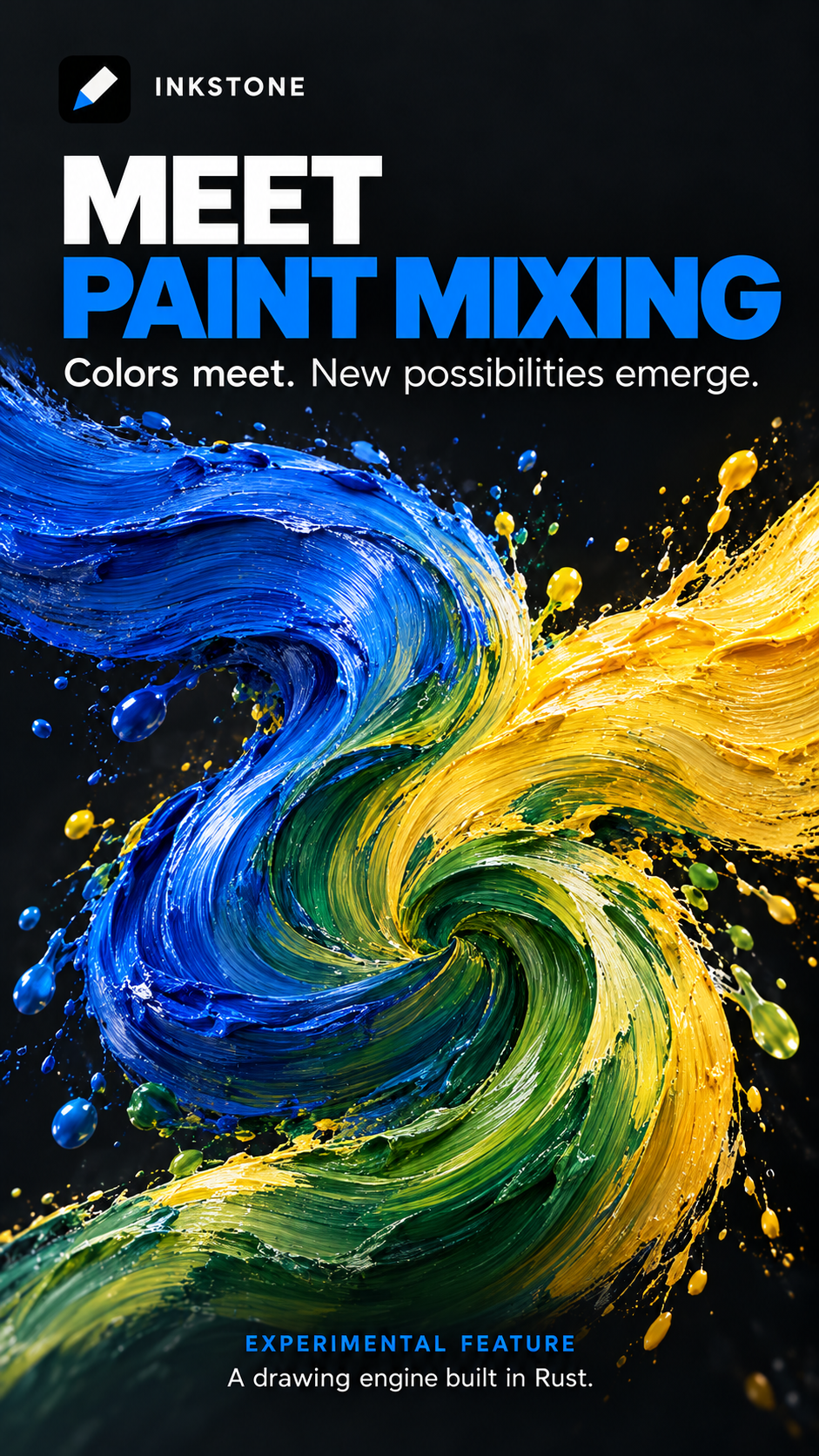
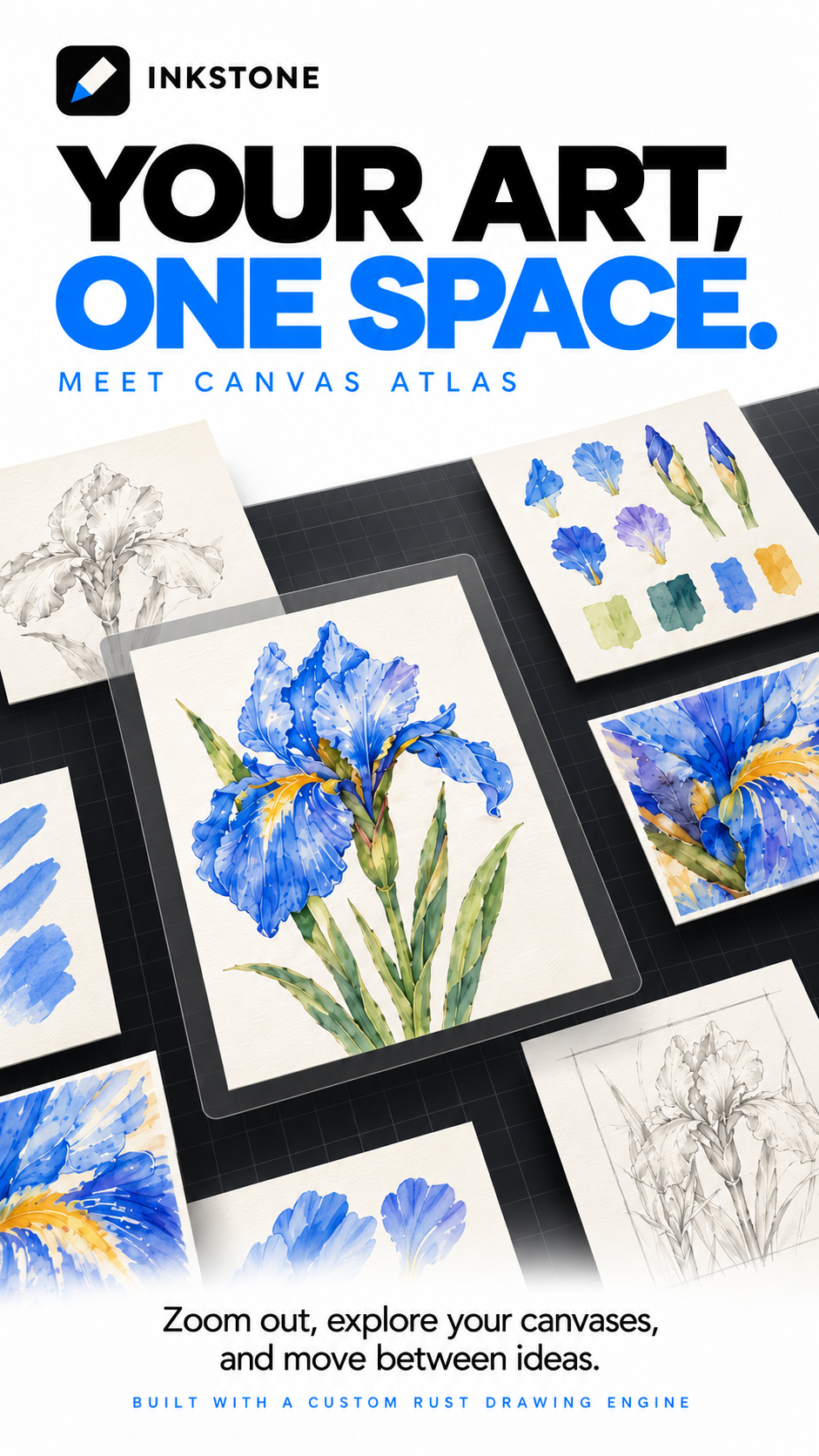
New promotional artwork
The following are promotional illustrations, not app screenshots. The dramatic paint textures are illustrative rather than a simulation of the current mixer.
Inkstone 0.1.9-preview12 — Background & Light Mode Fixes
This development preview fixes Background colour selection and light-interface consistency. Vector mode remains experimental.
Background colour
Layers → Background colour now opens a shared editor-owned picker in Raster and Vector, with White, Warm paper, Black, Current colour, transparency, color disc and hex input. Presets apply immediately; disc/hex choices use Apply color. Selecting a color restores background visibility after transparency was enabled. Rapid choices retain the last color. Brush ink is unchanged, and background changes support Undo.
Light interface
Actions → Prefs → Light interface now applies shared colors to the toolbar/history, rail, panels, settings, brush previews, multicolor controls, sliders, gallery, Atlas and custom canvas page. Vector inherits the saved theme. Orientation changes retain the palette, and actual artwork colors are preserved.
Install and checks
Download inkstone-0.1.9-preview12-debug.apk. Android 8.0+, ARM64/x86-64. Same preview package/signing certificate: install over an existing preview to retain local artwork. Export .inkstone backups before uninstalling or clearing app data.
113 Android framework/JNI tests passed; build/lint passed with zero errors and 117 warnings. Framework screenshots were inspected. The native engine is unchanged from preview11. Physical Android testing remains pending for stylus behavior, animation pacing and Vulkan performance.
The SHA256 file verifies the download. See docs/LOCAL_PREVIEW_019_12.md for instructions and limits. Canvas Atlas, Multicolor and personal brush libraries remain included; promotional images are available in the repository README and inkstone-promotion-raster.zip. The updated cover highlights Inkstone’s own Rust drawing engine without a version label.
Inkstone 0.1.9-preview11 — Multicolor & Canvas Atlas
Inkstone is an early-development drawing app for Android tablets and pressure-sensitive pens. Vector mode remains experimental.
New in this preview
- Integrated Multicolor panel: rounded dark cards, circular editable swatches, 13 visual brush-tip choices, saved palette selection and expandable color-cycle controls. No platform dialog/dropdowns in this panel. Changes persist immediately.
- Canvas Atlas: pinch out into the same workspace to browse and arrange nearby artworks. Tap to activate drawing in place; inactive artworks use cached previews. Camera position is retained when switching documents.
- Group appearance: blend mode and opacity in Raster/Vector folders, with native save/Undo support. PSD bakes folders with nondefault appearance into one raster layer; keep
.inkstonefor editable members. - Personal brush library: create presets/categories and manage saved brushes. Includes 57 built-in procedural presets and Along/Across/Bristle multicolor layouts.
- Panel sizing: each panel keeps its intended width when switching between Layers and the brush library.
Try Multicolor
Paint Brush Library → + → Brush Studio → Multicolor settings. Tap a color to edit it; scroll the tip row for more brushes. Expand Adjust color cycle to change arrangement and length (20–20,000 canvas pixels). Brush Studio can save the current profile as a reusable preset.
Install and validation
Download inkstone-0.1.9-preview11-debug.apk. Android 8.0+, ARM64/x86-64. Uses the same preview package and signer; install over your current preview to retain local artwork. Export editable .inkstone backups before uninstalling or clearing app data.
108 Android framework/JNI tests, 75 Rust tests and 12 desktop Metal GPU checks passed. Android build/lint passed with zero errors and 113 warnings. These checks do not replace device testing: Android pen behavior, animation pacing, latency and Vulkan performance remain unverified. Wet mixing is an approximation, not a physical pigment simulation. Atlas layout, gallery metadata and personal brush libraries remain device-local.
The SHA256 text file lets you verify the APK download. See the README and docs/LOCAL_PREVIEW_019_11.md for instructions and limitations.
The README includes four Raster-layout promotional illustrations. The updated version-free cover highlights Inkstone’s own drawing engine built in Rust. inkstone-promotion-raster.zip contains the current 1920×1080 PNG files. These are illustrative visuals; the APK above is preview11.
GitHub build and test workflow for the application code passed: https://github.com/bramastahartono20/inkstone/actions/runs/40510645789 . The final follow-up commit only adds README text and promotional images.
Inkstone 0.1.9-preview7 — Gallery, Layer Groups & Drawing Tools
Inkstone is an independent Android drawing app in early development. This preview includes the locally tested changes since preview3.
- Indented layer groups in Raster and Vector, with animated placement, pulsing insertion lines, and drag across a folder boundary to leave it.
- Gallery sorting, tags/filtering, named stacks with artwork counts, and direct artwork drag-and-drop between stacks with eased transitions.
- Persistent Recent brushes, stable brush-category scrolling, and speed-sensitive constant-width Fade refinements including a softer slow-start lead-in.
- Smooth 3×3 Warp, descriptive Undo/Redo feedback, perspective/isometric guide overlays, and basic Raster Liquify.
- Contribution guidance and a permission checklist; existing contributor and third-party credit are retained.
Install the APK over the previous Inkstone preview to retain local artwork. Android 8.0+; ARM64 and x86-64. The signing certificate is unchanged. SHA256.txt verifies the APK download.
Local validation: 95 Android tests, 67 Rust tests, successful build/lint with zero errors. The unchanged native engine previously passed ten physical Metal GPU checks. Physical Android stylus/Vulkan, animation pacing and large-radius Liquify performance still need device testing.
Known limits: one-level groups/stacks; local gallery metadata is separate from exports; guides are overlays; Liquify edits raster pixels rather than editable Vector geometry. See docs/LOCAL_PREVIEW_019_7.md for access and details.
Software is source-available under the repository license; commercial artwork remains permitted under ADDITIONAL_PERMISSIONS.md. This release does not assert new commercial rights from existing contributors.
Inkstone 0.1.9-preview3 — Early Development
Inkstone 0.1.9-preview3 is an early-development Android tablet drawing preview.
This release combines the current drawing updates with PR #1 by @andikasujanadi, including local fixes for brush persistence, keyboard shortcut recording and panel compatibility.
Changes:
- Independent Paint, Smudge and Eraser profiles retained across sessions, including flow, pressure and Fade settings.
- Configurable keyboard and stylus-button actions, quick pinch-to-fit, and improved panel navigation.
- Automatic/additive/subtractive/feathered/saved Raster selections and clipboard actions.
- Freeform, Uniform, Distort and fixed-grid Warp transforms, snapping and interpolation options.
- Compact bottom toolbar with six expandable groups and horizontal scrolling.
- Live Vector color-wheel/hex updates and drag-fill fix, pending physical device retest.
Known issues recorded for later work:
- Recent currently shows only one brush.
- Fade Brush still needs correction based on device feedback.
- Selecting a lower brush category can replay scrolling from the top.
- Layer folders/groups are not implemented.
79 Android framework tests passed; build, APK signature, native packaging and license assets verified locally. Physical Android stylus/keyboard/Vulkan behavior still needs device testing. Native code is unchanged from the preview2 engine validated with 59 Rust and eight physical Metal GPU tests.
Android 8.0+, ARM64 and x86-64. Package: art.inkstone.preview. Install over your existing preview; export editable .inkstone backups before uninstalling or clearing app data.
APK SHA-256: 2d60f9b7bebec6b6b1303b1ccc591fd6f23792066bf2d185f2c9f787db5b8489
