Repository navigation
Alien Forma 0.6.8 — desktop preview
Pre-release
Alien Forma 0.6.8 — desktop preview
Model a part, explore its appearance, and prepare technical views in the same local workspace. This preview brings the recent modeling, drawing, packaging and MCP improvements together.
Explore the actual application, views and examples · Open the native A3 drawing PDF
In this preview
- Technical sheets with orthographic and isometric views, sections, explicit dimensions, balloons and bills of materials. Check the final sheet before fabrication or publication.
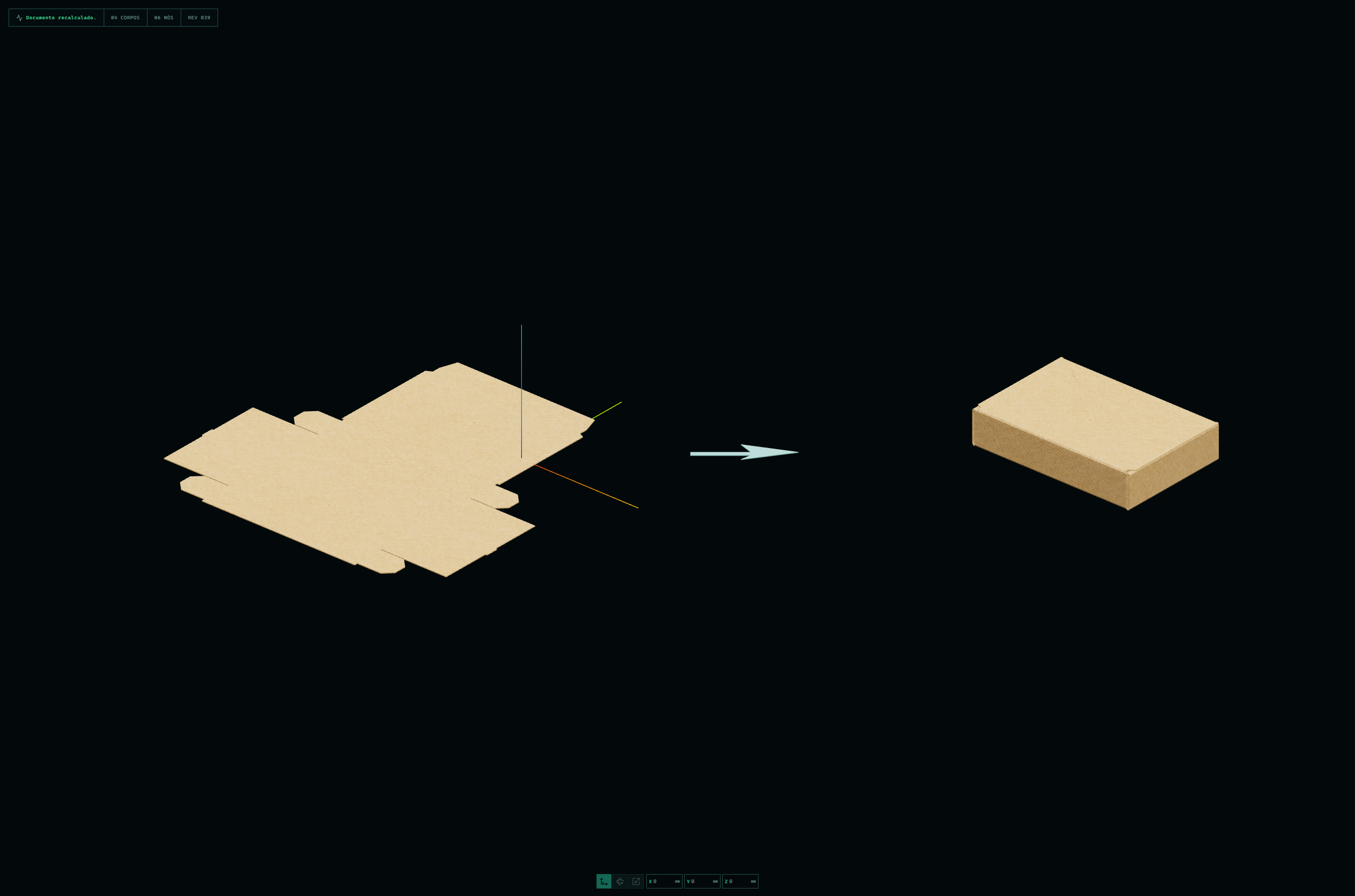
- Foldable 3D boxes, rigid 3D boxes with a separate lid, and foldable laser templates. The default printed box now has a hinged lid, 0.45 mm panels and 0.25 mm folds. Open and assembled poses are digital previews; material durability and physical fit still require testing.
- Image-derived details and multicolor examples, plus surface painting and textures. Manual paint strokes now remain committed when the mouse is released; Undo/Redo and save/reopen were checked.
- Native MCP tools for compatible clients, with visible activity, project-state checks, captures and geometry inspection. The integration is not exclusive to one AI model.
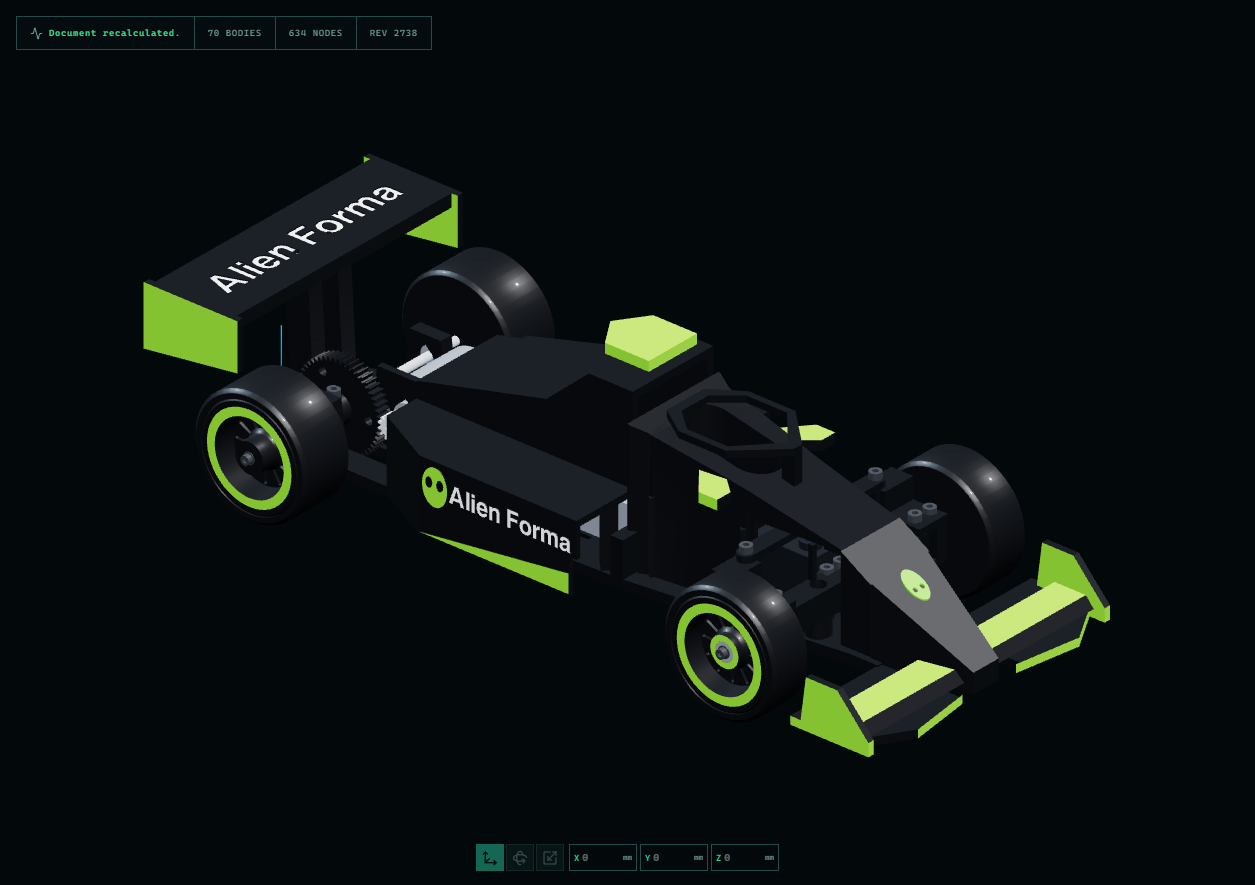
The F1 study used for the launch has 70 bodies and 634 history nodes. Its views and A3 general-arrangement sheet come from the actual application. It is a CAD example, not a physically validated RC-car kit or a performance benchmark. The keychain and packaging studies demonstrate additional workflows.
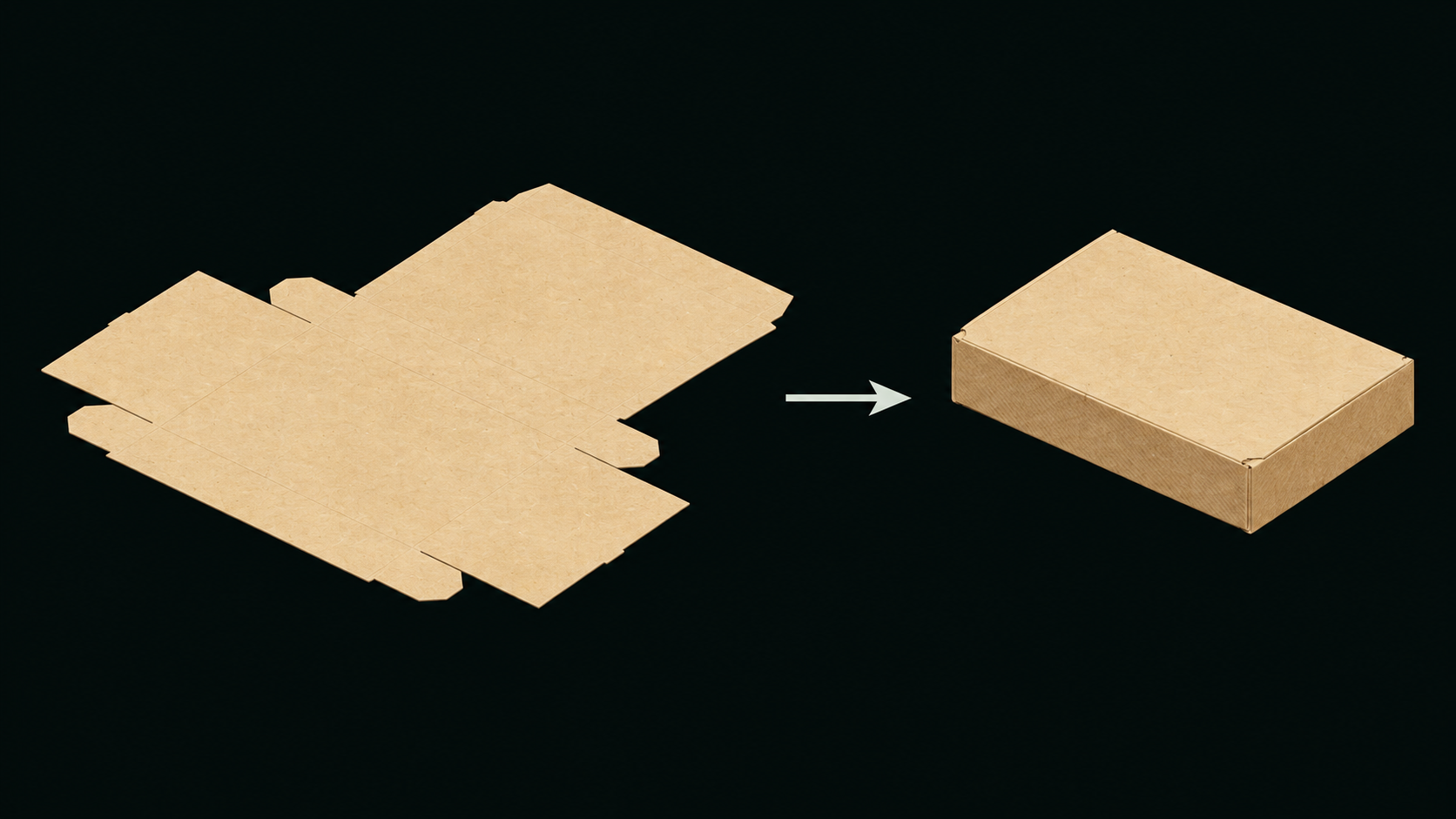
Kraft packaging: AI-finished presentation based on a real native CAD capture. Original Alien Forma viewport. Digital preview; verify materials and fabrication settings.
Downloads
- Windows x64 portable:
Forma-windows-x64-portable.exe. Node.js is not required. Close the application before replacing it and preserve your existing adjacentForma-datafolder. - Command line / MCP:
Forma-cli.tgz, for Node.js 22.12 or newer. Install the downloaded file withnpm install -g ./Forma-cli.tgz, or use the versioned command in the installation guide. The short npm registry package is not published. - Compare each download with
SHA256SUMS.txt. Terms and third-party notices accompany the packages.
The Microsoft Store is a separate channel. Its update follows Microsoft's review; a GitHub release does not update an installed Store package. Compare the versions shown in the channel guide.
Store update, 4 November 2026: Microsoft has published version 0.6.8.0. Install from Microsoft Store. New GitHub previews may arrive before later Store updates complete review.
Validation and limits
Windows qualification includes the final portable and CLI, persistence, native hardware and pattern tools, rectangle sweep, packaging poses and exports, paint confirmation, and the complete F1 project. The published CLI was also downloaded and checked on Windows, including all 134 installed files, MCP SVG extrusion, 3MF/PNG in the separate output directory, and exact save/reopen.
Checks passed on Linux x64, macOS Intel and macOS Apple Silicon using Node.js 22.12.0 and an isolated browser MCP session. Each runner downloaded the exact CLI hash, verified 134 installed files and the command shim, started the compiled application, performed SVG extrusion, exported 3MF and PNG to a separate output directory, confirmed exact save/reopen, and closed its processes. This qualifies those basic CLI/browser flows; it is not a native Electron build for Mac/Linux or certification of every CAD tool.
This is a preview, not a stable release or a guarantee for every model, tool, printer, material or laser. The portable is unsigned and Windows may show an unknown-publisher warning. Technical exports currently retain some Portuguese labels even when the interface is English. No universal startup time, recalculation time or p99 latency is claimed.
Use, credits and support
Free for personal, non-commercial use. Contribute US$1 to support Alien Forma. Commercial-use conditions are in LICENSE.txt; everyone receives the same CAD tools.
Developed by CongestedAI with help from AI tools and open-source libraries. Third-party components retain their own licenses and credits; the complete notices accompany the downloads. The original application source and internal development material remain private. GitHub's automatic source archives contain this public repository's documentation and distribution checks.