Repository navigation
Getting Started First Chat
Send your first turn in Kanna.
After installing Kanna, run kanna from any project directory. The web UI opens at http://localhost:3210.
Kanna auto-discovers projects from your Claude and Codex local history. Your current working directory is added as a new project on first launch.
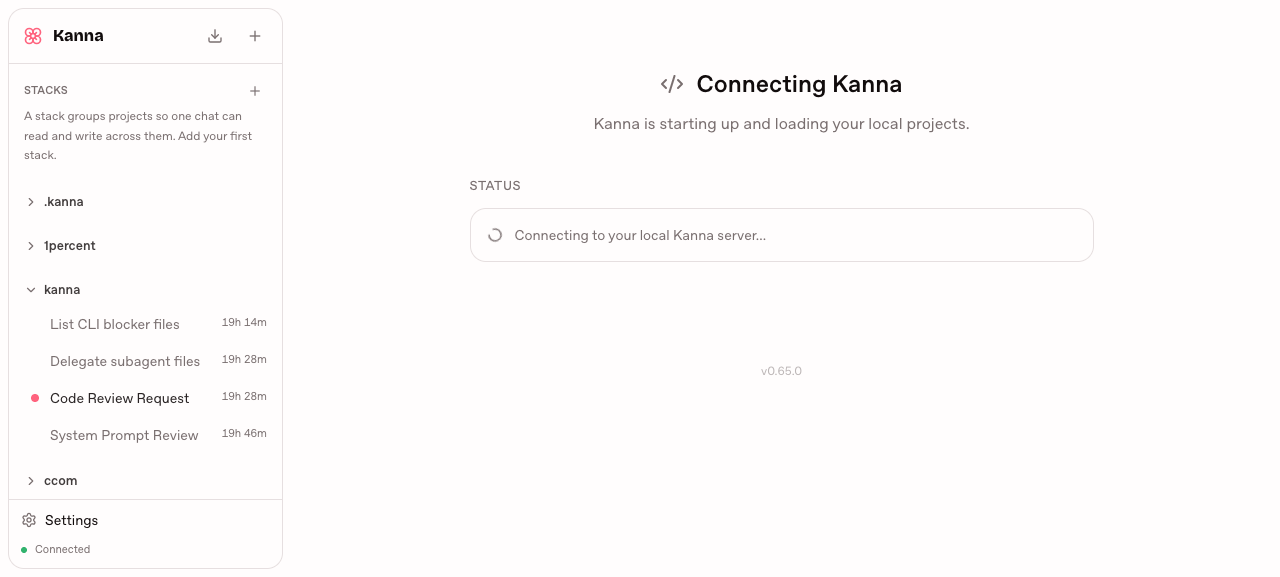
Click New Chat under your project. The composer accepts plain text, slash commands (/), and file/subagent mentions (@).
If you open a new chat and leave it without typing anything, Kanna deletes it a few seconds later, so empty chats don't pile up in the sidebar. A chat with an unsent draft is kept.
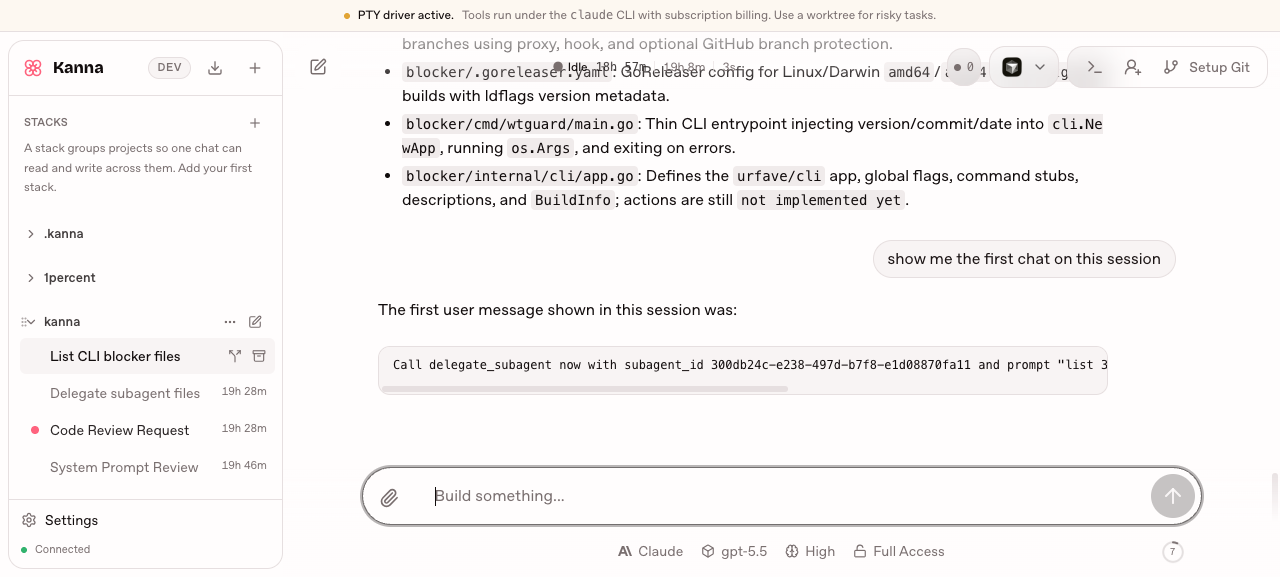
Type a prompt and press Enter. The agent runs in the background; tool calls render inline in the transcript.
Next: add a Claude OAuth token so Kanna runs on your Claude plan.
From there, two things are worth knowing early:
- Boards — starting work on a card gives the agent its own branch and worktree, so it cannot wreck your checkout.
-
Slash commands —
/clear,/compactand/cronare handled by Kanna itself.