Repository navigation
EN 03 diagnostics
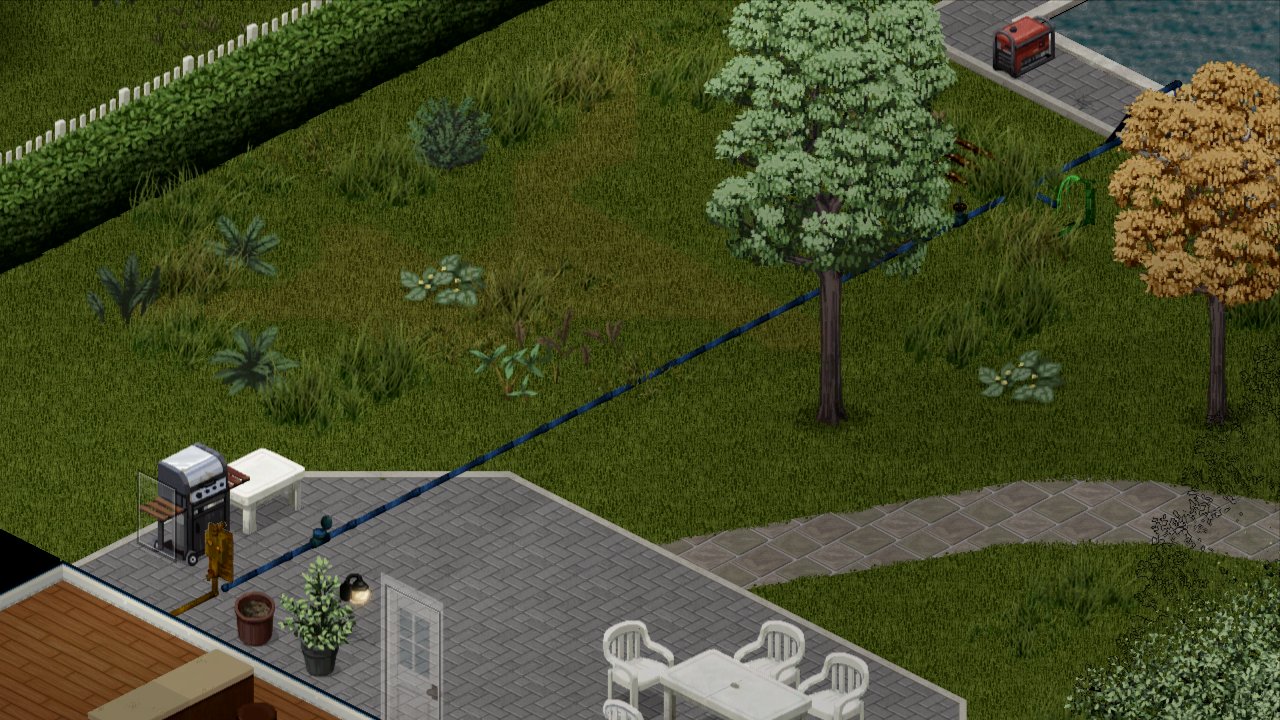
Right-click any part of a network (pipe, pump, inlet, sprinkler, fill fitting): Show the Water Network. The whole network is highlighted until you choose Hide the Water Network:
| Colour | Meaning |
|---|---|
| green | outlets that get water |
| red | outlets without enough pressure |
| amber | outlets that refuse unfiltered water (a house inlet without a working filter) |
| grey | closed, or no water in the pipes |
| blue | pipes and pumps |
The fixtures of the house in the area of each house inlet of the network (sinks, showers, bathtubs, toilets, washing machines) are highlighted too:
| Colour | Fixture |
|---|---|
| green | connected to the house inlet, with water |
| red | connected to the house inlet, but dry |
| amber | not plumbed (use a pipe wrench on it) |
| grey | fed by something else (a Live Wire pump) |
The tooltip of Hide the Water Network counts the outlets and the fixtures in each state.
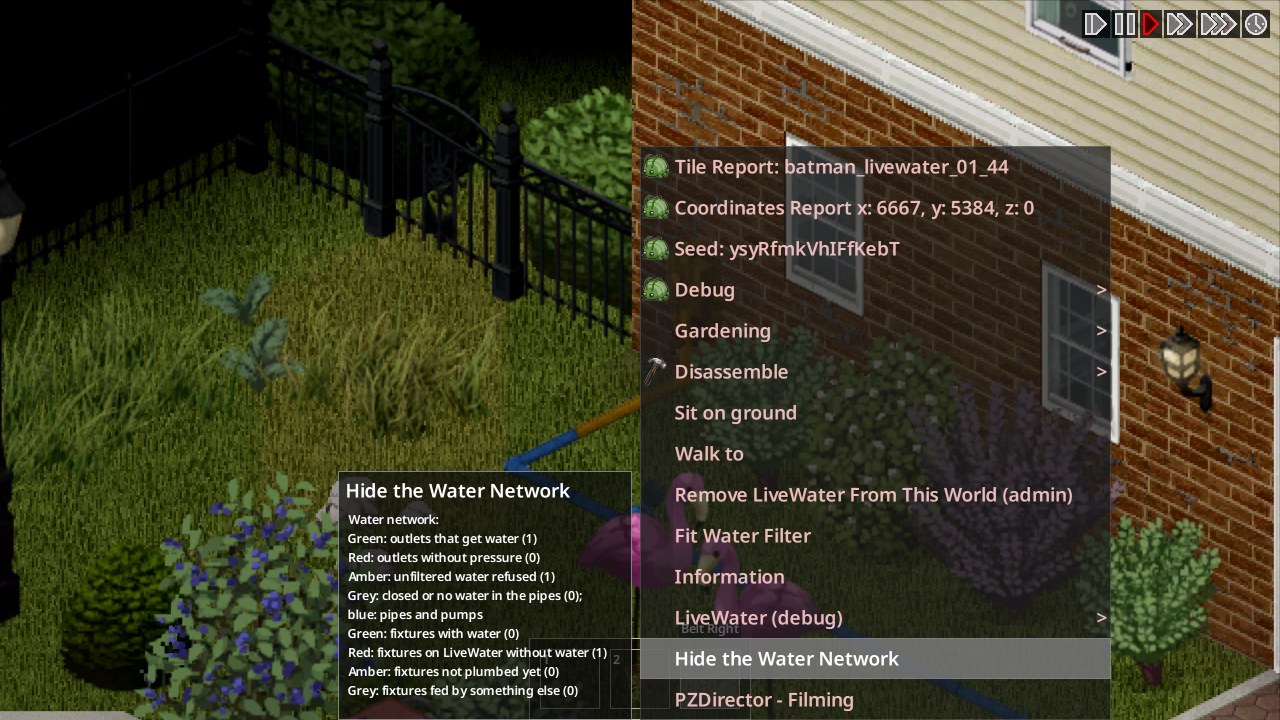
Information in the right-click menu of a part shows what it does:
- pump: a backlit LCD screen with its state, possible flow, flow of the last 10 minutes, total pumped, efficiency and source (natural water or well), and the litres of the barrel standing against it (Barrel: N L), or Pump: another liquid is in the pipes when it gives nothing for that reason;
- house inlet: filter left (or none, or worn out);
- house inlet: delivered to the house, the house tanks are full, none in the pipes, unfiltered, not enough pressure, shut off, or the pipes carry gasoline;
- sprinkler: watering, nothing to water, no water, unfiltered (sprinklers accept it), no pressure, valve closed, This is not water (gasoline in the pipes); the timer interval and whether it has power;
- fill fitting: what it is doing (filling the barrel, the barrel full or none, The trough holds feed), and the litres in the barrel;
- water meter: total since it was set down, litres in the last 10 minutes and water quality, in a meter window.
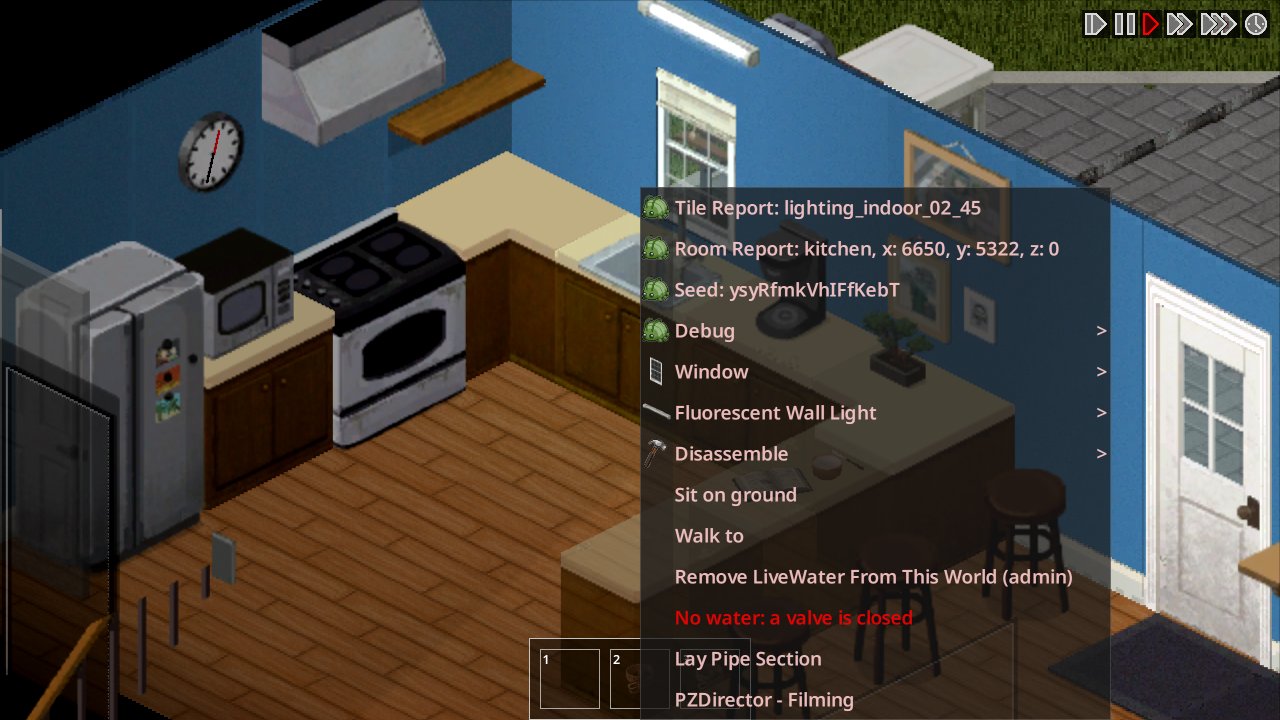
Right-click a sink, bathtub, shower, toilet or washing machine that has no water: a line No water: ... says why. A fixture fed by a house inlet that has water shows a grey line Water: 18 L / 25 L.
| Reason shown | What to do |
|---|---|
| not plumbed yet | use a pipe wrench on it (the game's Plumb action) |
| no house water inlet serves it | set an inlet on this building, or move closer (range, floors) |
| its tank belongs to something else, and it is empty | another system (a LiveWire pump) feeds it |
| the water is on its way | wait up to 10 minutes |
| the water is unfiltered: fit a filter in the house water inlet | fit or replace the filter in the house water inlet, or pump from a well |
| not enough pressure | fewer outlets on that pump, or a second pump |
| no water in the pipes | the pump is off, broken down or without power |
| no water in the pipes, and no pump on the network | set a water pump next to water or against a barrel on this network |
| a liquid other than water is in the pipes | the first pump placed on this network sets its liquid: separate the networks, or close a valve between the pumps |
| a valve is closed | open it |
| not enough pressure in the pipes (house inlet without a pump) | pipe a pump to the inlet |
Next: LiveWire