Repository navigation
Broschy 0.9.0 — Modernist refresh
Pre-release
Broschy gets a quieter, more legible native interface, a new geometric b identity, and more resilient local state recovery.
What's new
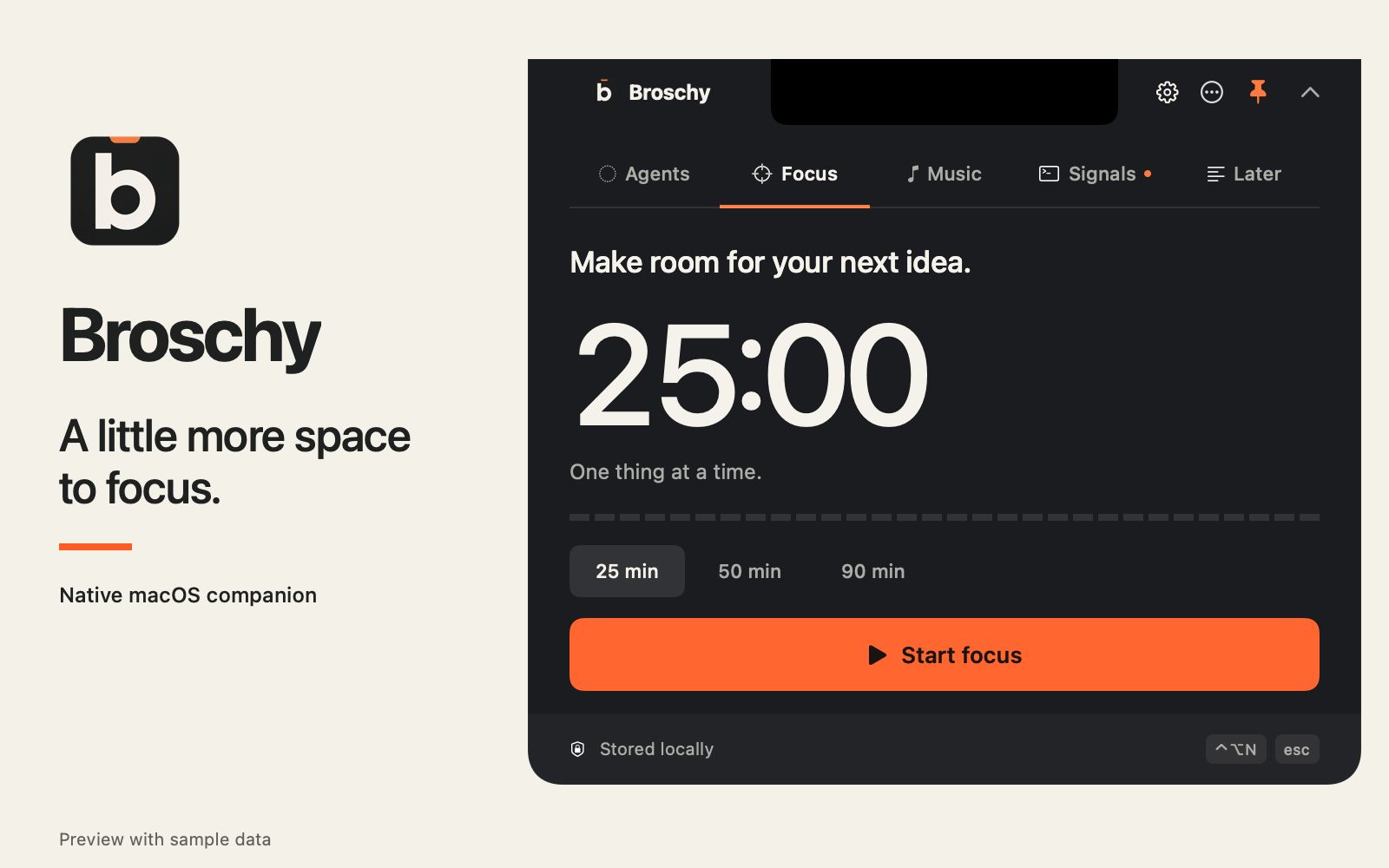
- Modernist interface: graphite and warm ivory surfaces, clearer typography, an orange primary action, simpler controls, and a segmented focus progress strip. Light and Dark follow macOS; opaque surfaces remain readable over your desktop.
- New app and menu bar icons: a geometric b, with a matching template icon that follows the menu bar appearance.
- Keyboard navigation: use Command + 1–5 to switch visible modules in their displayed order while the panel has focus.
- More reliable saved notes: Unicode-heavy notes survive relaunch, oversized text is bounded at whole-character boundaries, and readable task/note fields recover independently from a malformed timer.
- Clearer recovery feedback: history refreshes and note saves no longer hide unrelated storage errors. The original damaged state is retained as a recovery backup when the next save occurs.
Agents, Focus, Music, Signals and Later remain in one native SwiftUI/AppKit panel. Existing storage and preference identities are preserved.
Download and install
Download Broschy-0.9.0-macOS-arm64.zip below. Unzip it, quit the older copy, move Broschy.app to Applications, then open it. The ZIP includes an installation guide and the MIT license; SHA256SUMS.txt is published separately for verification.
| Build | Support |
|---|---|
| Architecture | Apple Silicon / arm64 |
| Minimum system | macOS 14 |
| Hands-on validation | macOS 26 on Apple Silicon |
| Signing | Ad hoc; no Developer ID or Apple notarization |
| Runtime | No Xcode needed for the prebuilt app |
This is a preview. If macOS blocks the app, review Apple's guidance for opening an app from an unidentified developer before deciding whether to open it.
Upgrading: quit the older app first. Your notes, timers, preferences and connections retain their storage identity. If you move the app, reconnect affected agents through Agents → Connections and restart those tools; Codex may require a /hooks review.
Optional integrations use Spotify desktop, signed-in GitHub CLI, or supported Codex CLI / Claude Code / OpenCode hooks. Agent setup needs Python 3. Codex desktop monitoring remains unverified.
Validation
The isolated Swift/Python/Node checks, release build, bundle inventory/privacy gate, strict code-signature verification and extracted-archive checks pass. Native previews were checked in Light and Dark, with sample data. Physical-notch behavior on every display configuration, older macOS hardware and live third-party integrations are not established by those checks.