Repository navigation
How it works
Status: Works today in version 0.5.0. The local gateway runs alongside the desktop host on 127.0.0.1:7424.
flowchart LR
  App["Arc Harness Desktop<br/>Sessions + C2 Console"] --> GateReq["Local Gateway<br/>127.0.0.1:7424"]
  GateReq --> Providers["Model Providers<br/>Anthropic, OpenAI, Google Vertex AI"]
  GateReq --> Cammut["Cammut Memory<br/>Recall + Retain"]
  App --> Core["Arc Kit (arc-core)<br/>Shelf + Workshop + Consent"]
  App --> HoH["HoH Engine (arc-hoh)<br/>Propose -> Freeze -> Replay Gate"]
  HoH --> Reviewer["Independent Reviewer<br/>Accept Gate + Claim Graph"]
  Reviewer --> Ledger["Hash-Chained Ledger<br/>Trace Tab + Rust Validators"]
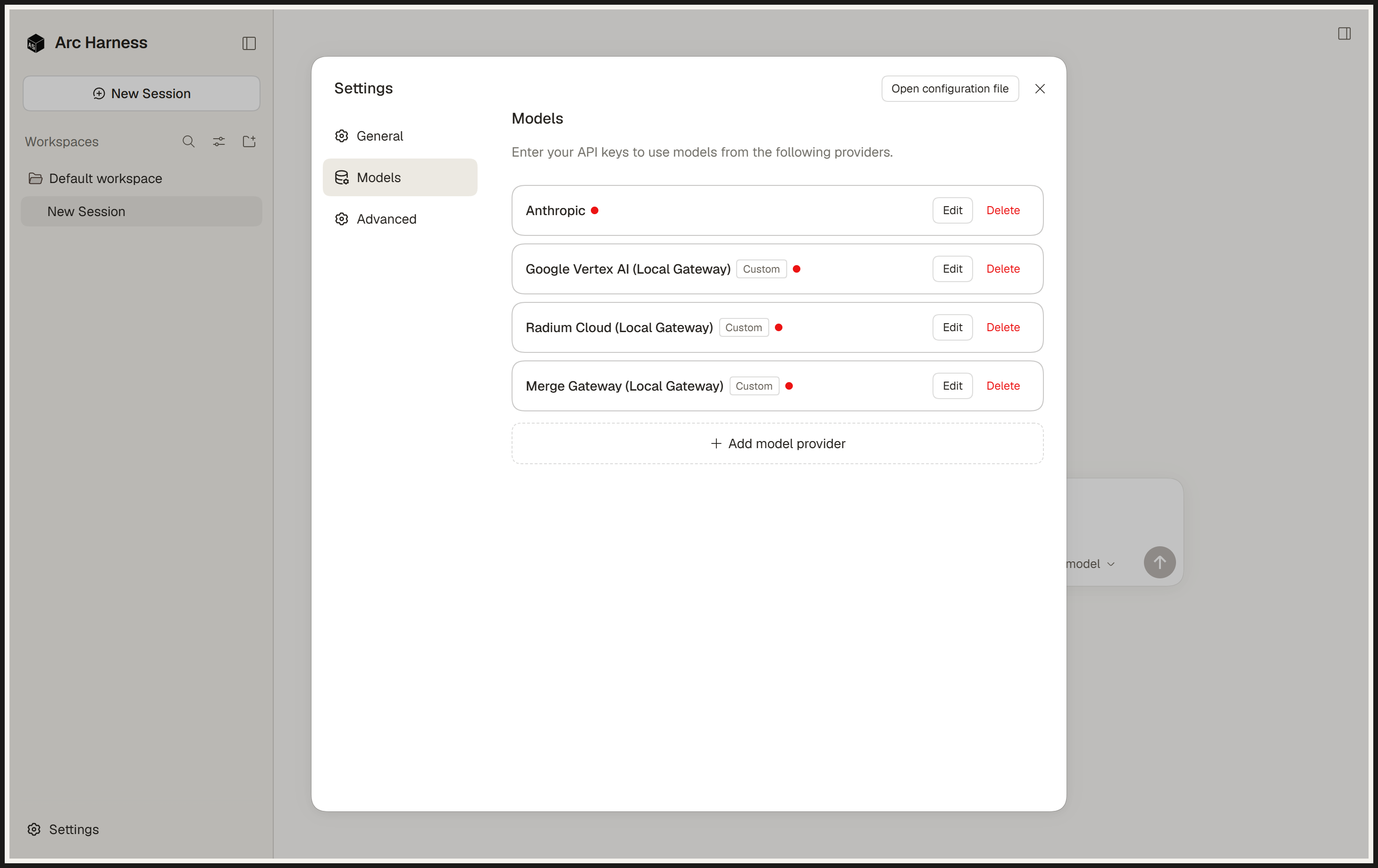
Gateway providers and shared memory pass through one local gateway at 127.0.0.1:7424. It injects provider credentials outside workspace files, preserves Google thought_signature across streamed and parallel Gemini tool calls, and refuses unauthenticated writes. Providers configured directly on the Models page connect from the desktop host.
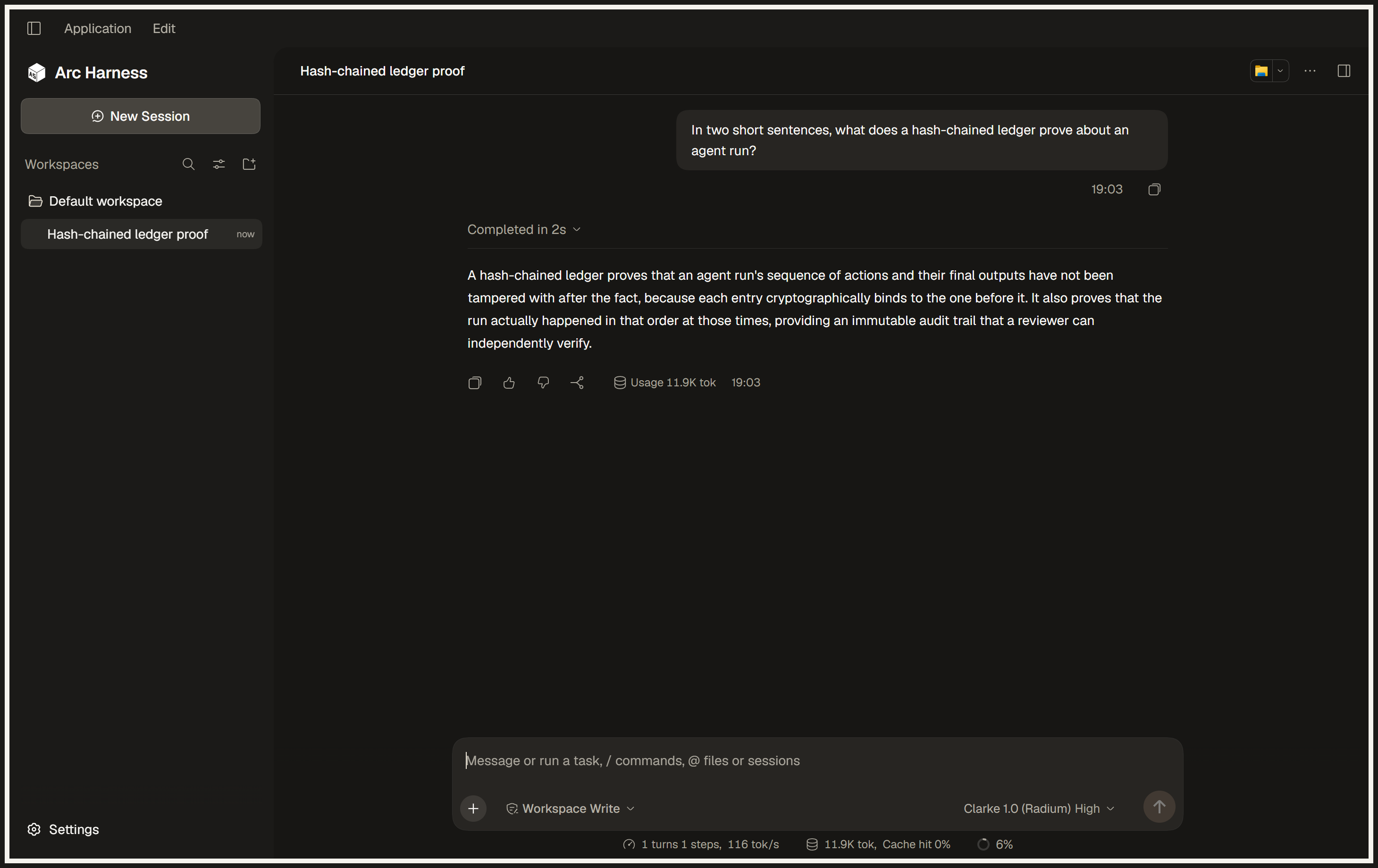
The agent proposes a task hypothesis, freezes the candidate files by SHA-256 digest, and hands the candidate to an independent reviewer at the accept gate (arc-hoh). Each step appends a linked digest to the ledger, and the Trace sidebar tab verifies the chain every 5 seconds.
node tools/build.mjs applies 19 deterministic steps to your pristine/app.asar, writes build/app.asar and build/BUILD.json, and fails immediately if any target pattern is missing. tools/package.mjs stages a standalone Arc Harness.exe build for Inno Setup.