Faceswap is a tool that utilizes deep learning to recognize and swap faces in pictures and videos.
This project is based on deepfakes/faceswap with slight modifications to work with Gradient°.
It uses a pre-trained encoder and decoder trained on pairs of image of Nicolas Cage and Donald Trump.

Be sure you have installed the Paperspace API
Install it with Node:
npm install -g paperspace-nodeor with Python
pip install paperspaceClone or download this project:
git clone https://github.com/Paperspace/GradientDeepFakes.git
cd GradientDeepFakes
There are two scripts in this repository that you can try. Both will take Trump images and attempt to convert them to the face style of Nicolas Cage using Paperspace GPU support.
paperspace jobs create --container paperspacepublic/deepfakes-gpu --machineType P5000 --command 'bash single.sh' --project 'Single Image Conversion'This means we want to create a new paperspace job using as a base container a Docker image that comes with all the deepfakes dependencies installed. We also want to use a machineType P5000 and we want to run the command bash single.sh to start the convert process. This project will be called Single Image Conversion
paperspace jobs create --container paperspacepublic/deepfakes-gpu --machineType P5000 --command 'bash multiple.sh' --project 'Mulitple Image Conversion'In both cases you should see the following log:
Uploading faceswap.zip [========================================] 8562400/bps 100% 0.0s
New jobId: jsl0hknmce9nq3
Cluster: PS Jobs
Job Pending
Waiting for job to run...
Job Running
Storage Region: East Coast (NY2)
Awaiting logs...
Output Directory: /artifacts
Input Directory: /paperspace/single
Loading Extract from Extract_Align plugin...
Using json serializer
...

-------------------------
Images found:        1
Faces detected:      1
-------------------------
Done!
The single image script should take just a couple of seconds to run. The multiple images can take a couple of minutes. In both cases, once it is done, you can download the result image by doing:
paperspace jobs artifactsGet --jobId YOUR_JOB_IDYour JOB_ID is on the second line when you run the script.
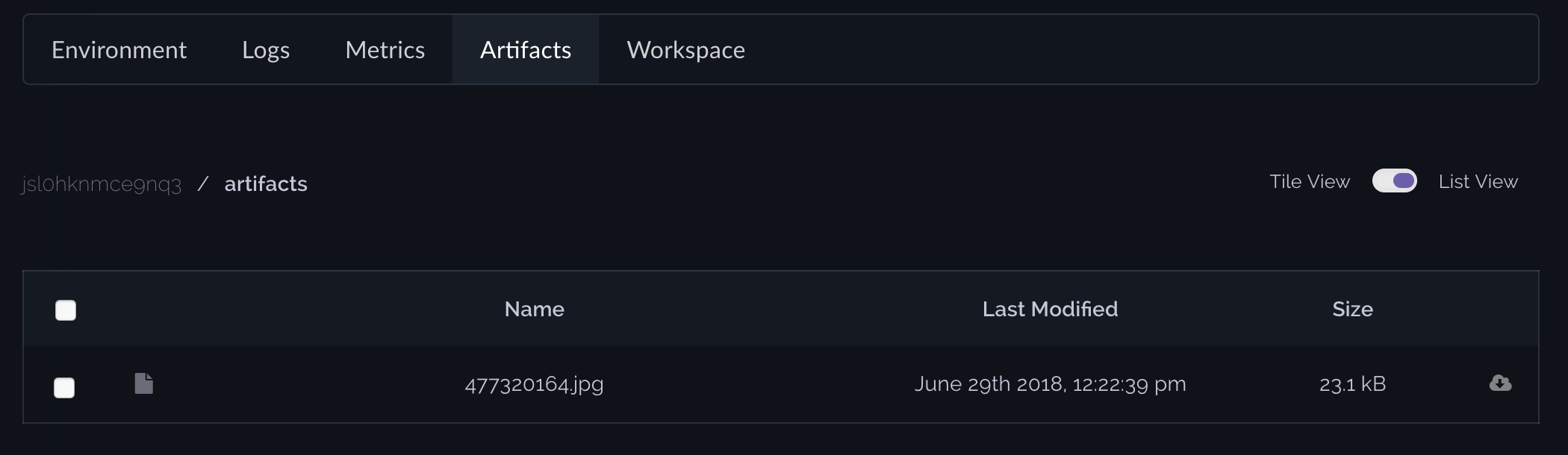
Or by going into the Paperspace web interface, under the Gradient°, select your job and then click Artifacts