Repository navigation
Sysly 0.1.0 preview
Pre-release
Sysly 0.1.0 preview
A native system monitor for Apple Silicon Macs, built with Rust and GPUI.
Install
Requires an Apple Silicon Mac running macOS 14 or later. Intel Macs are not supported. No Rust or Xcode installation is needed.
- Download and unzip
Sysly.zipfrom the assets below. - Drag
Sysly.appto Applications, then open it.
This preview is ad-hoc signed and is not notarized by Apple. If macOS blocks the first launch and you trust this release, try opening Sysly once, then go to System Settings > Privacy & Security > Open Anyway and confirm. Apple's opening instructions explain the security prompt.
Closing the window keeps CPU and memory summaries in the menu bar. Choose Quit Sysly from its menu to exit.
In this preview
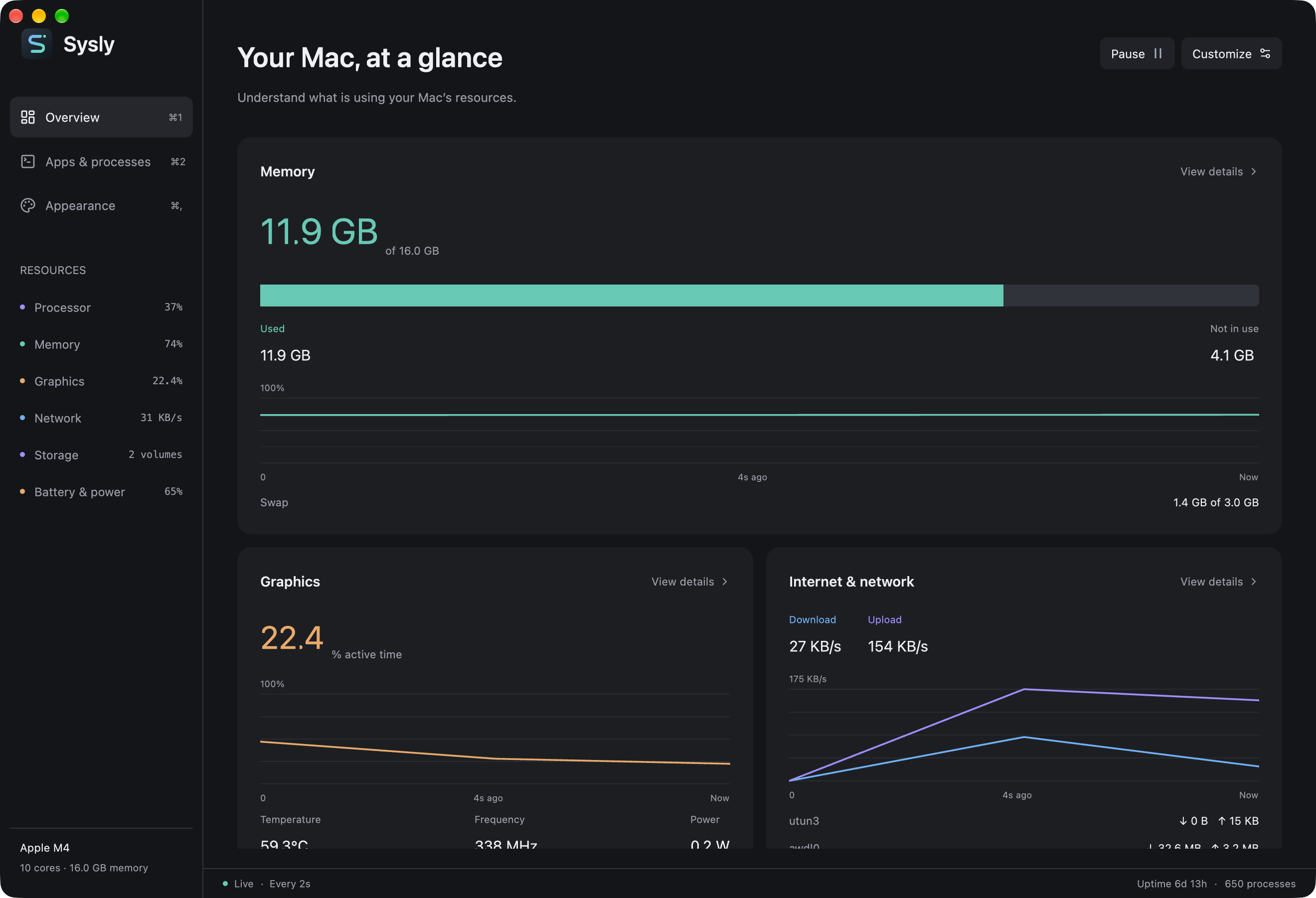
- CPU, GPU, memory, disk, network, and battery readings in a native dashboard.
- Searchable processes, a process tree, and process controls with confirmation.
- Dashboard sections you can rearrange and resize, with custom colors, fonts, and saved layouts.
- Import and export for themes and layouts.
Hardware readings vary by Mac and macOS version. Missing readings appear as unavailable. This is an early preview; support for every Apple Silicon chip and macOS version has not been verified.
To verify the download, place Sysly.zip.sha256 beside Sysly.zip and run shasum -a 256 -c Sysly.zip.sha256 in that folder.
Report a bug with your Mac model, macOS version, and steps to reproduce.