Repository navigation
Home
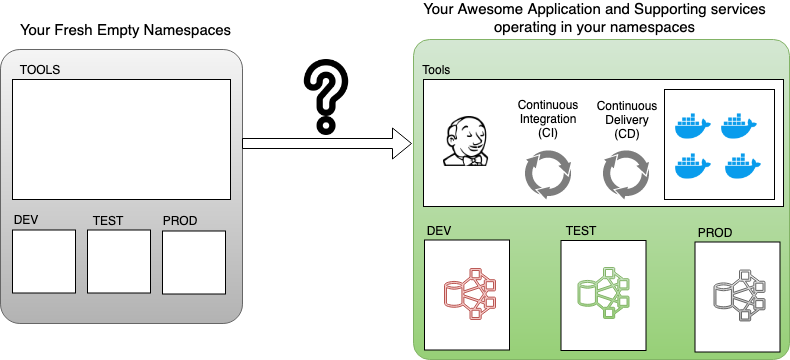
Here I will take you through a journey that starts with an empty namespace and concludes with an application deployed in OpenShift with a supporting Jenkins server that initiates builds from GitHub Pull Requests. My intention is that this helps you to understand OpenShift, the different kinds of Objects that can be managed through Yaml files, "where to start", and what a DevOps person is responsible on your team.
- How to get your app into OpenShift
- How to transform your running app, all its OpenShift objects and configurations and turn them into Templates. These templates can be re-used to quickly, easily standup other completely independent versions of your app with small variation in configuration and version.
- Things that are available to you to orchestrate the provisioning of components of your app
- Starting Point: A Basic App
- Transformation to Templates
- using the
bcdk: A Jenkins Pipline that isPRtriggered
I was asked to create a demonstration pipeline in OpenShift.
Create a demonstration App in OpenShift
- A basic application running in OpenShift - that works and can be poked at.
- A basic working pipeline triggered by a push or pull request (PR) in GitHub.
- unit test or code scanning and deployment orchestrated by Jenkins
- documentation that walks through components, setup instructions, links to other documentation.
My intention here is for this document to walk the reader through the stages and steps I went through to set this up.
- I'll start with the most basic setup of the app in OpenShift.
- Then transforming the setup to declarative artifacts
- a build config and
- a deployment config template.
- Then I'll describe creating a pipeline in OpenShift using the
bcdk.