Repository navigation
Home
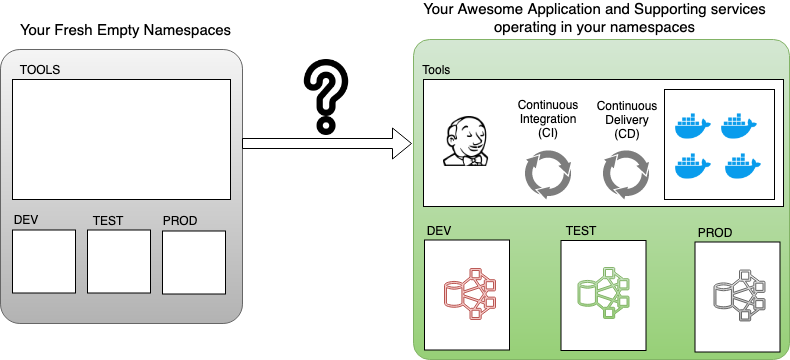
Here I will outline a hypothetical journey of a team that starts from nothing, a team who is new to the Lab, new to OpenShift, DevOps etc. Maybe the team doesn't yet understand what Jenkins is… or what Cloud Native Apps are.
- How to get your app into OpenShift
- How to transform your running app, all its OpenShift objects and configurations and turn them into Templates. These templates can be re-used to quickly, easily standup other completely independent versions of your app with small variation in configuration and version.
- Things that are available to you to orchestrate the provisioning of components of your app
- Starting Point: A Basic App
- Transformation to Templates
- using the
bcdk: A Jenkins Pipline that isPRtriggered
I was asked to create a demonstration pipeline in OpenShift.
Create a demonstration App in OpenShift
- A basic application running in OpenShift - that works and can be poked at.
- A basic working pipeline triggered by a push or pull request (PR) in GitHub.
- unit test or code scanning and deployment orchestrated by Jenkins
- documentation that walks through components, setup instructions, links to other documentation.
My intention here is for this document to walk the reader through the stages and steps I went through to set this up.
- I'll start with the most basic setup of the app in OpenShift.
- Then transforming the setup to declarative artifacts
- a build config and
- a deployment config template.
- Then I'll describe creating a pipeline in OpenShift using the
bcdk.