Repository navigation
Releases
Releases · dmitthedazed/shimmer-tab
1.3.0

New
- Effects slider: Speed, Balanced or Beauty. If a tab runs slowly, Shimmer Tab switches to Speed by itself and lets you undo it
- Simple and Advanced settings: the basics up front, the rest one tap away
- Pictures: a soft fade between them, "Never" as a change interval, a Dim picture switch, Blur as a slider
- Colors from picture: the page takes its accent colors from your wallpaper
- Undo for removing pictures, shortcuts and folders, resetting and loading a copy
- Update check is on by default when installed from the zip (store installs update themselves)
Fixes
- Search suggestions no longer flicker while you type
- Single-color icons no longer flash in color when a new tab opens; icon masks are sharper
- The remove button on a picture is centered
- Weather and Browser colors messages say what is wrong (city not found, no connection, no file access)
- Stars stop following the cursor in Speed mode
Also
- Clearer texts across the settings, animations for every appearing and disappearing element (none in Speed)
- Type errors fixed
Shimmer Tab 1.2.0
New
- Several wallpapers: add as many pictures as you like, change them each tab, hourly or daily, in random or fixed order (#6)
- Shortcut folders: drag a shortcut onto a folder to put it inside, drag it out (or Move out) to take it back
- Import from Yet Another Speed Dial: open its export file in Add shortcuts or Data → Import, folders included (#7)
- Search engine setting: Google, DuckDuckGo, Bing, Brave, Ecosia, Startpage or your own URL
- Optional suggestions while you type, from the engine you chose (asks for access to that one site)
Fixes
- Browser colors toggle no longer flips back off when the policy permission is refused; the color picked in settings is used
- Weather wallpaper no longer flickers when the window is resized
- No blink when switching from Stars to Shimmer
Also
- Settings reorganised: Chrome logo moved to Look, Add shortcuts to Shortcuts
Shimmer Tab 1.1.1
Shimmer Tab 1.1.0
What's new
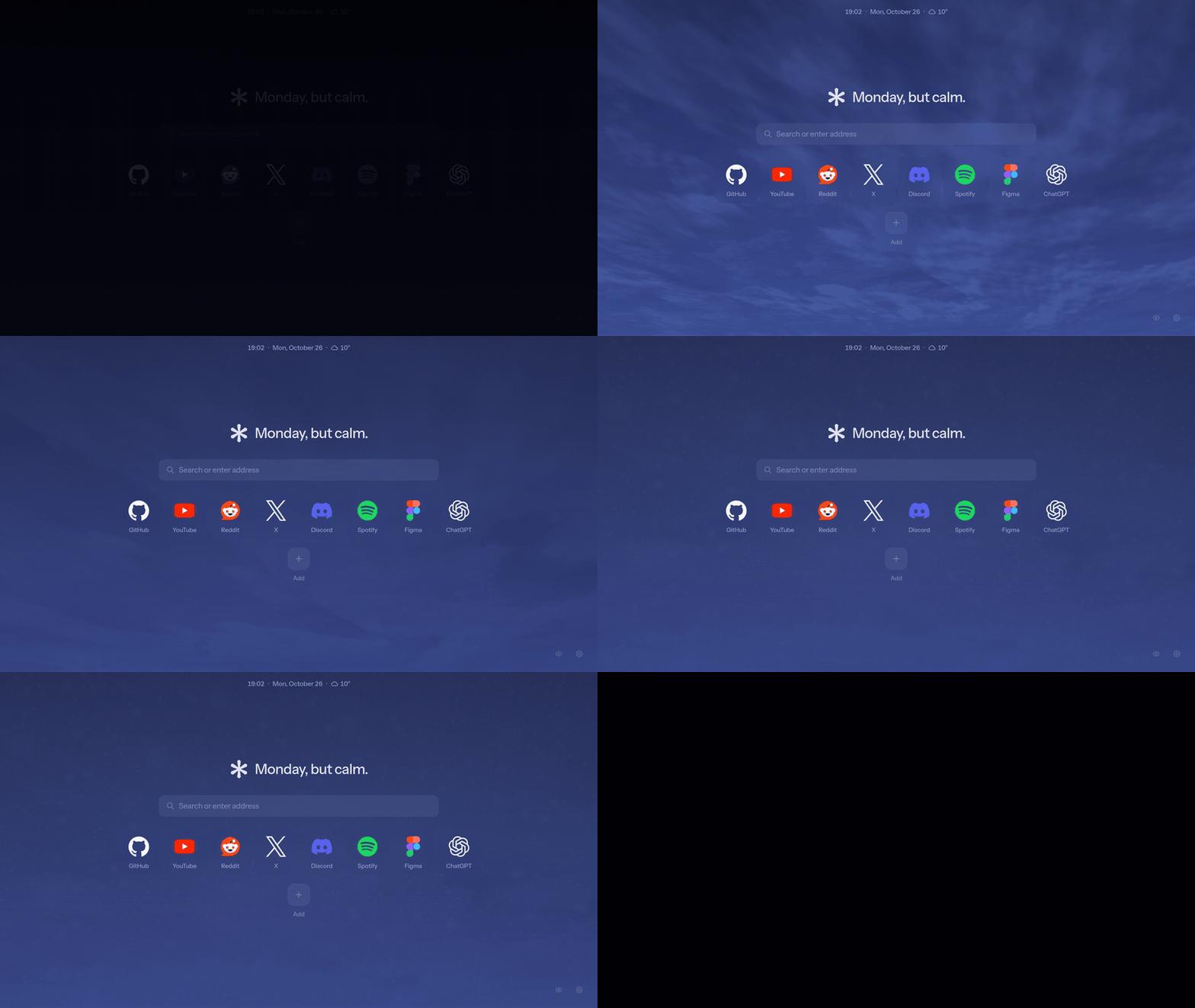
A live sky for the weather
A wallpaper that follows your city's weather and time of day: clouds, rain, snow, fog, storms and stars at night, all graded into Helium's blue.
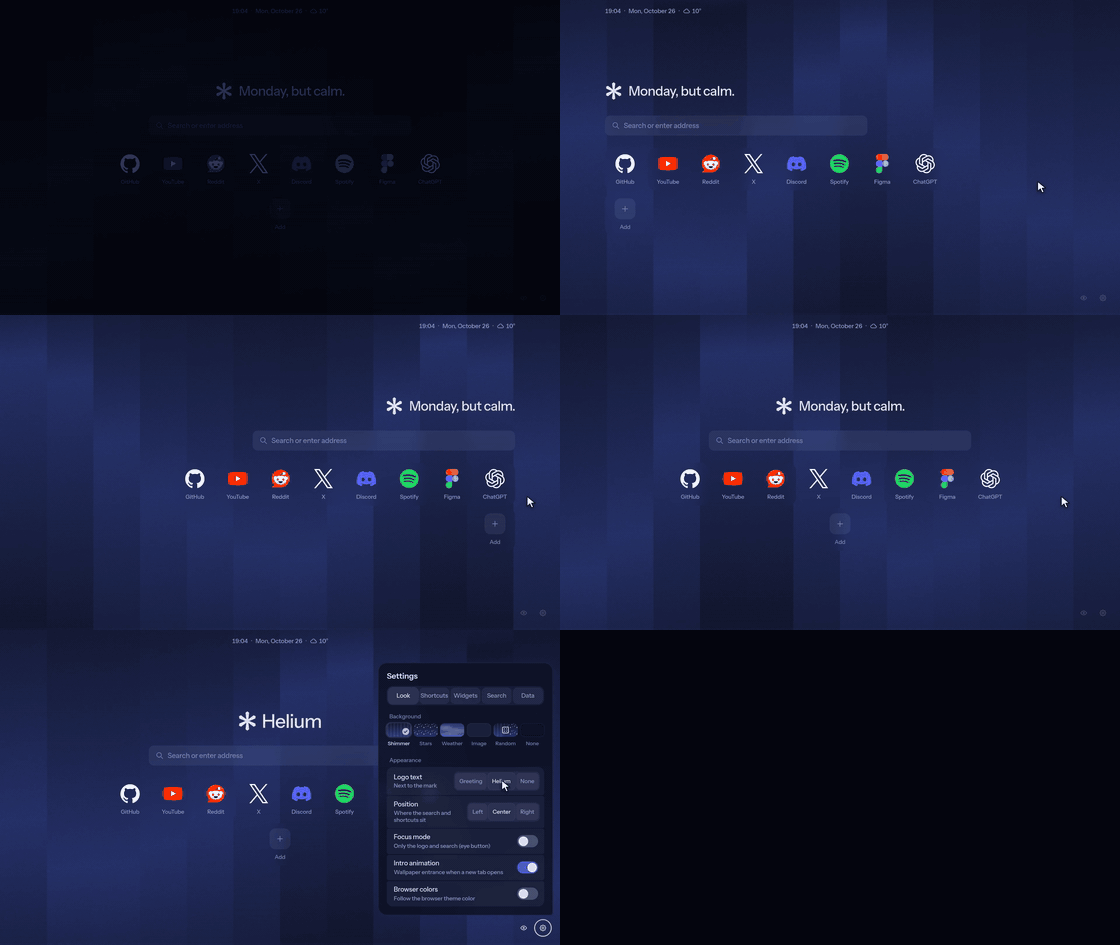
Left, center or right
The logo, search and shortcuts can sit along either edge. The logo shows a greeting for the time of day, the Helium wordmark, or just the mark.
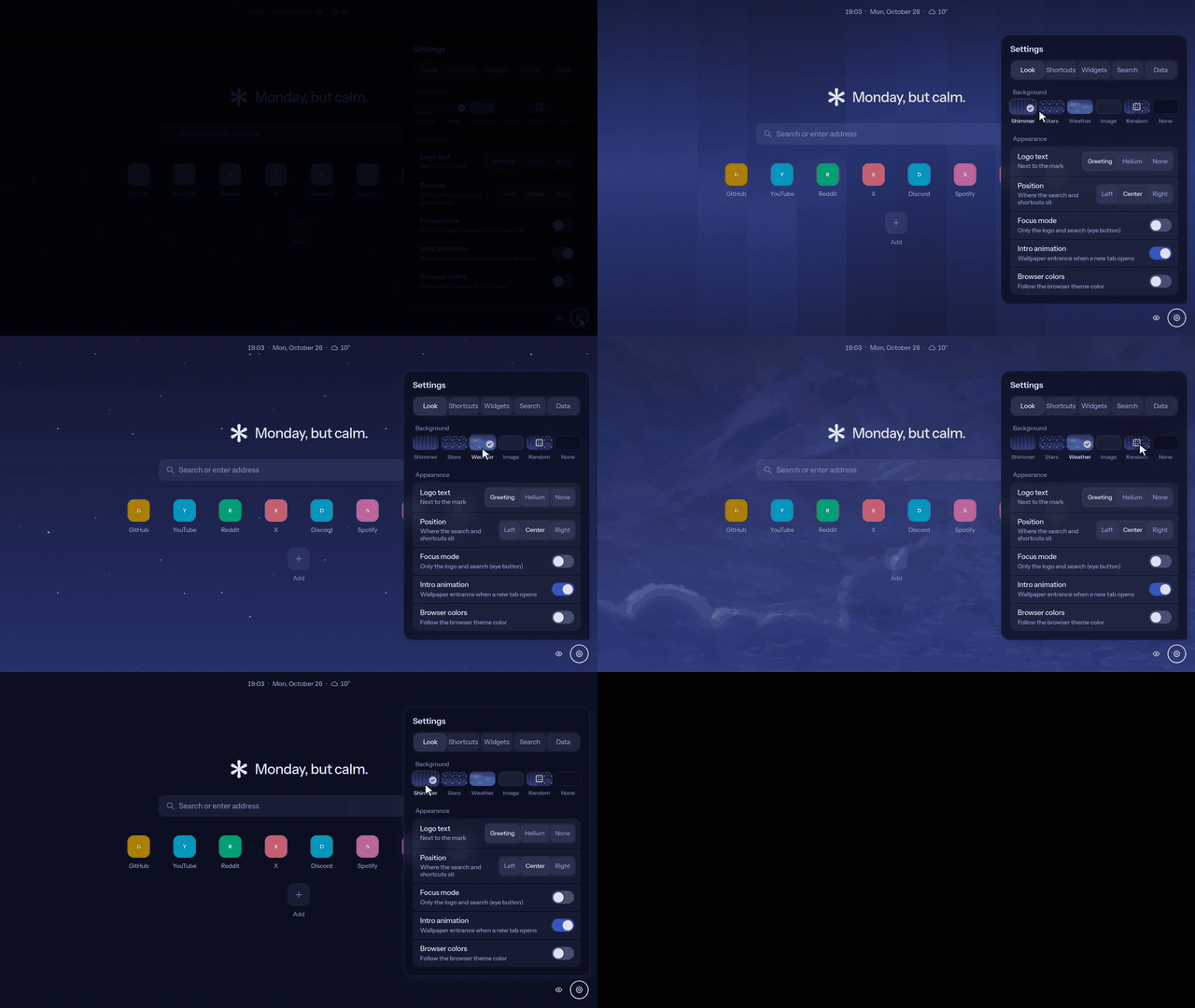
Wallpapers that flow into each other
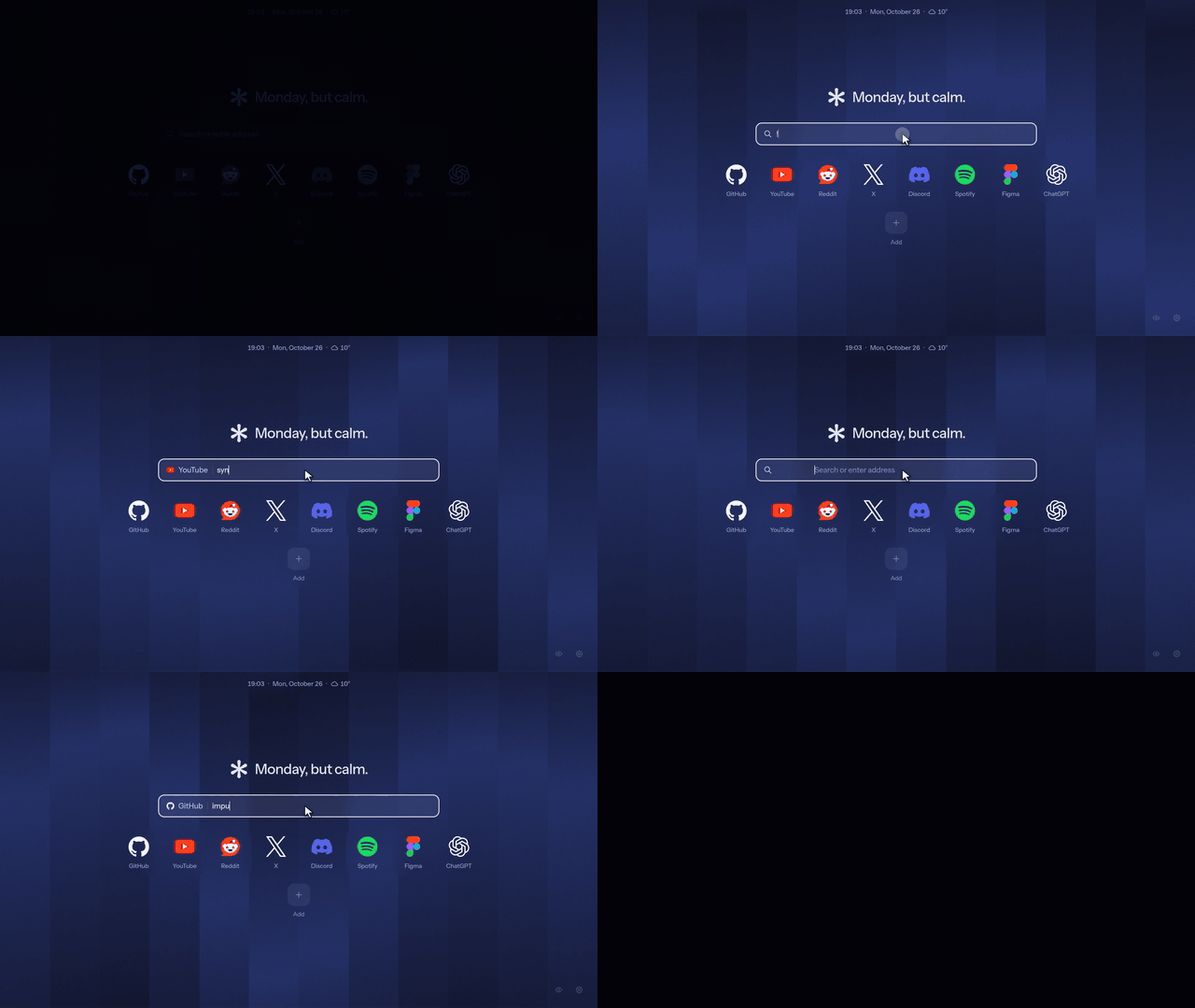
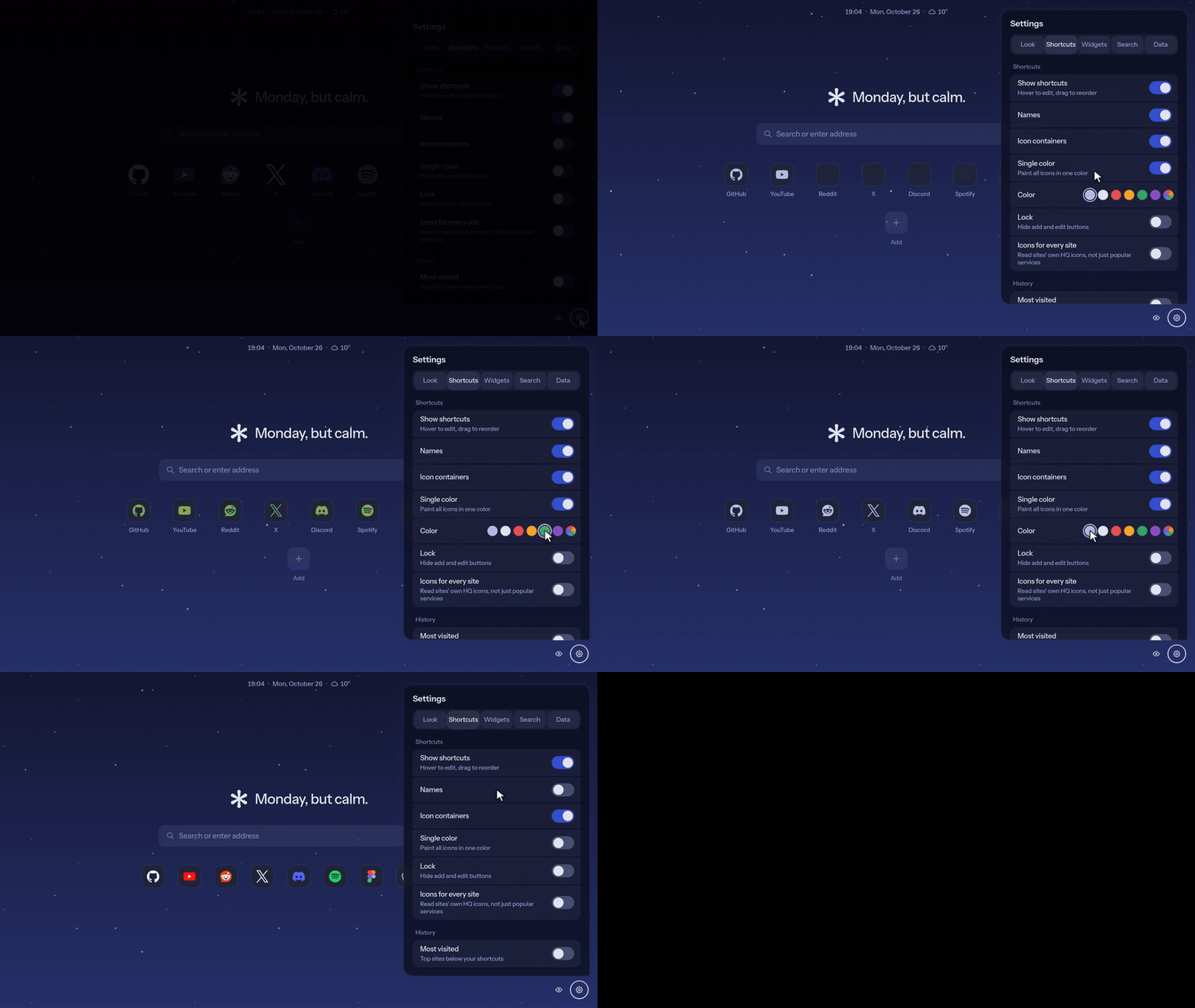
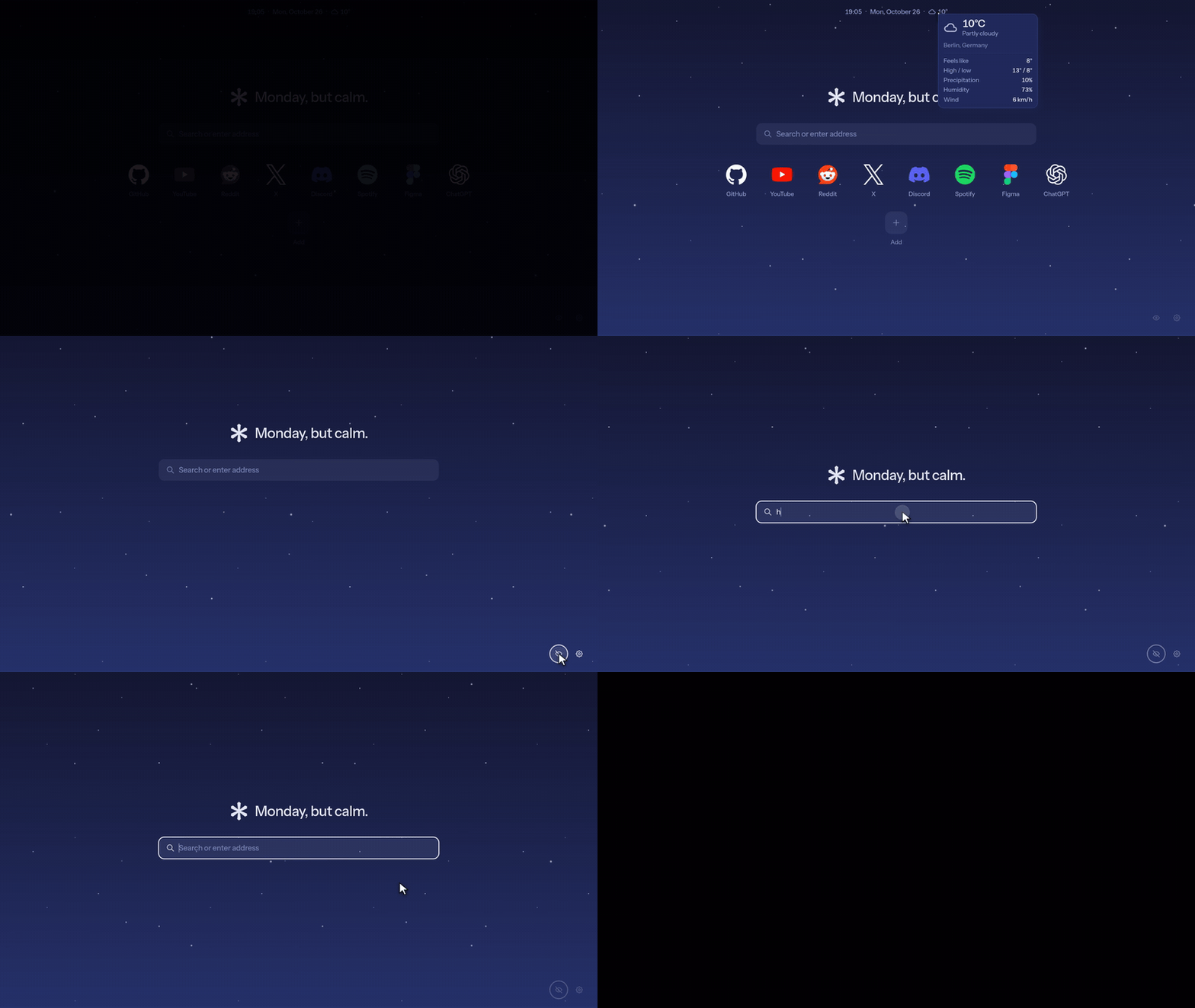
Bangs, icons, focus mode
Also
- Your own picture or GIF as the wallpaper, with optional blur
- Add many shortcuts at once from a pasted list or a file
- The opening animation can be turned off
- Browser colors work on unmanaged browsers: without a
BrowserThemeColorpolicy, pick your theme color in settings (#1) - Every string can be translated on Crowdin; the page follows the browser's language
- Web version, no extension needed: https://dmitthedazed.github.io/shimmer-tab/
Shimmer Tab 1.0.0
First release of Shimmer Tab, a new tab page for the Helium browser, built with Helium's UI kit Prism.
Highlights
- Wallpapers that flow: Helium's shimmer and a starfield with cursor parallax; switching flows one into the other, and opening a tab on the starfield drops you out of hyperspace
- Bangs from Helium's catalog with autocomplete (
!y…→ YouTube) and an omnibox-style service chip; type anywhere to search - Shortcuts with crisp vector logos for popular services, optically sized; containers, one-color tinting, names, lock, drag to reorder
- Widgets: date & time, weather with details, most visited
- Focus mode, light and dark themes, optional match with the browser's theme color, export/import of settings
Privacy
No accounts, analytics or ads. Access to websites, browsing history and files is optional and only requested when you turn on the matching option. See PRIVACY.md.
Install
- Download
shimmer-tab-1.0.0.zipbelow and unzip it - Open
helium://extensions(orchrome://extensions), turn on Developer mode - Load unpacked and pick the unzipped folder
shimmer-tab-demo.mp4 is a one-minute tour of the features.