Repository navigation
Releases
Orbilume 0.4.0

Orbilume is an independent, free and open-source JOSM plugin that helps contributors find recent available Sentinel-2 imagery, compare dates, and verify what they see before drawing in JOSM.
What's new
- Preview AOI shows a natural-color Earth Search crop with estimated cloud, cloud shadow, and valid coverage within the selected area.
- Compare dates loads two Earth Search acquisitions with the same composition and extent. Right-click the resulting layer to switch dates without moving the map.
- Sources & licenses opens the original Copernicus license, provider documentation, privacy information, and OpenStreetMap contribution guidance. The notes are also included in the JAR.
- Catalog results are limited to the configured Sentinel-2 Level-2A collections. The catalog and Earth Search crop reader report HTTP 429 rate limits without retrying automatically.
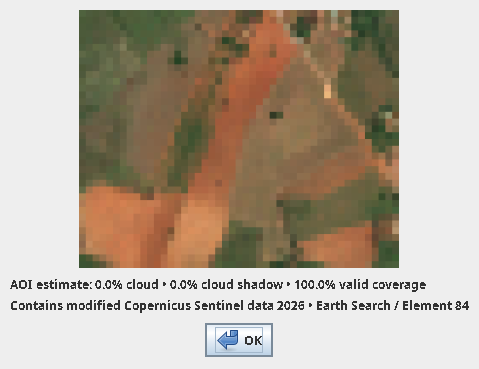
Contains modified Copernicus Sentinel data 2026, accessed through Earth Search (Element 84).
Install and use
Requires JOSM r19369 or newer and Java 17 or newer. Install or update orbilume in the JOSM plugin preferences, or use the orbilume.jar attached below. Open Imagery → Orbilume.
Orbilume displays reference imagery. JOSM users control all drawing, validation, and submission to OpenStreetMap.
User guide · Sources and licenses · Corresponding GPLv3 source and build instructions
Orbilume 0.3.1
Catalog and usability update
- Adds an original SVG icon to the JOSM plugin list and Imagery menu.
- Declares the author and Java 17 minimum in the plugin manifest.
- Links the plugin information to the English wiki and adds a screenshot of the scene search.
Requires JOSM r19369 or later and Java 17 or later. Verified with clean profiles on JOSM r19369 and r19678. Download orbilume.jar, keep its filename, and place it in the JOSM plugins directory. Enable orbilume in Preferences → Plugins, restart if prompted, and open Imagery → Orbilume.
Orbilume 0.3.0
Orbilume 0.3.0 brings Sentinel-2 Level-2A imagery into JOSM for visual interpretation.
- Search Earth Search or Copernicus EOPF Explorer using the map viewport, a selection, or a pasted bounding box.
- Filter scenes by date and scene-wide cloud cover.
- View natural color, near-infrared vegetation, or shortwave-infrared soil and vegetation in a native JOSM layer.
Requires JOSM r19369 or later and Java 17 or later. Download orbilume.jar, copy it to your JOSM plugins directory, and open Imagery → Orbilume after enabling the plugin.
Installation and source build · User guide
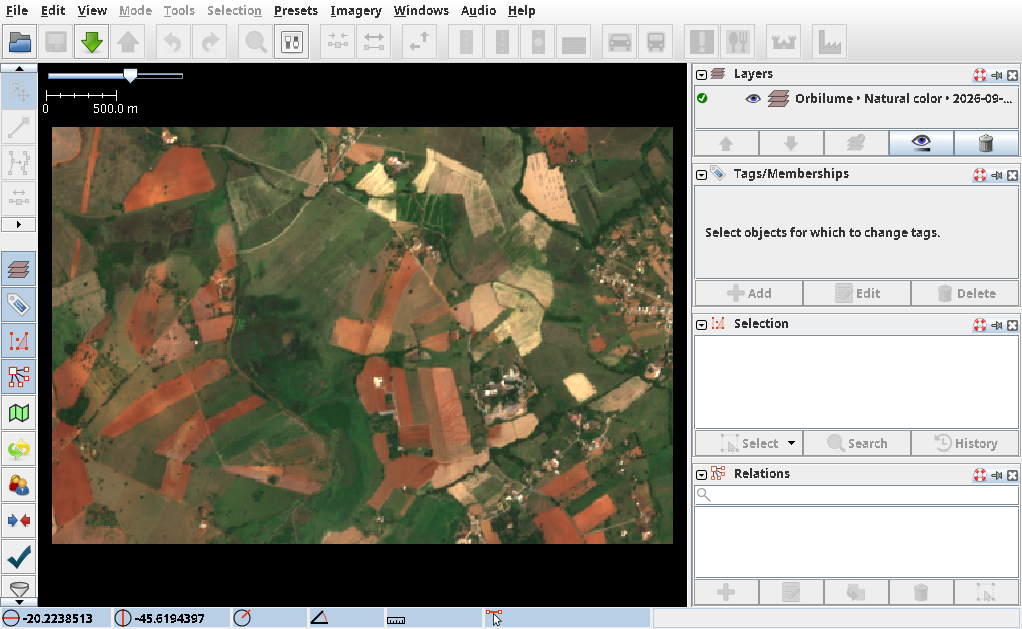
Contains modified Copernicus Sentinel data 2026, accessed through Earth Search (Element 84).