Repository navigation
Releases
ro-engineer v1.0.2: asset guardrails for the Studio MCP

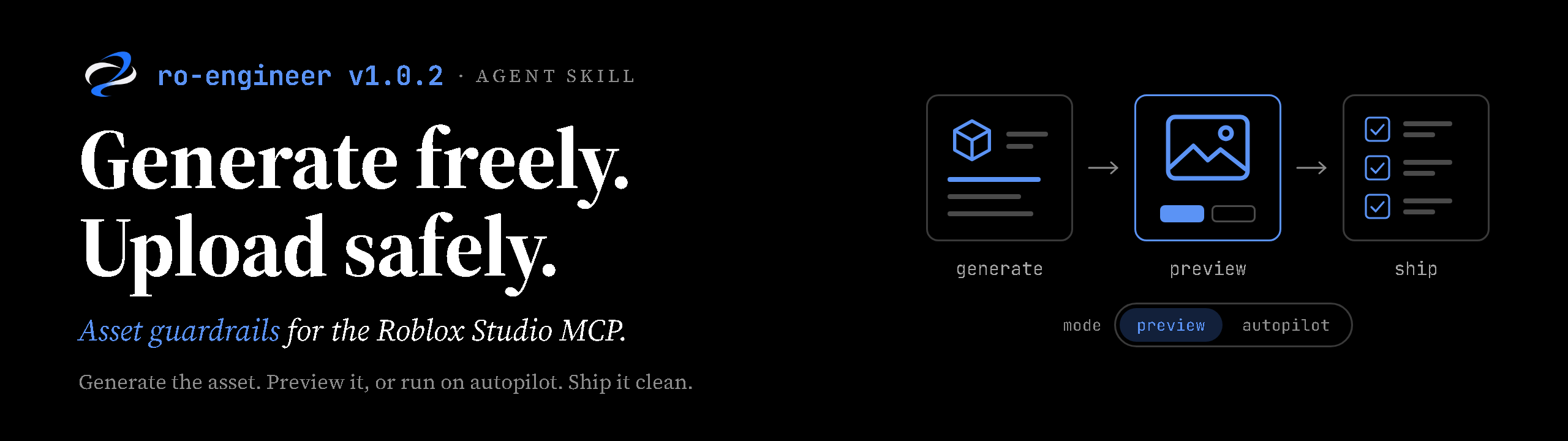
Generate freely. Upload safely. A light update that teaches ro-engineer how
to work with the asset tools in the Roblox Studio MCP server.
Why now
The Studio MCP server no longer stops at reading and editing scripts. Agents
connected to it can now generate meshes, materials, procedural models, and
animations; search and insert Creator Store assets; upload images to the
user's Roblox account; and save the place. (Exact tool names and availability
depend on the Studio version; check the
Studio MCP docs.)
That is a real speed-up. A prop pass that used to mean modelling, exporting,
uploading through the Asset Manager, and wiring everything up can now happen
inside one conversation, and new assets reach a playable build in minutes.
It also moves risk onto the account doing the uploading:
- Uploads are moderated, and enforcement can reach the account. An image is
judged on its own, not by the game it's for. One reported case: a developer
received a one-day suspension for a texture atlas of ordinary environment
materials that contained a few blood-like stains. - Generated output is unreviewed output. A prompt like "bloody floor" or "in
the style of [franchise]" can produce content that is moderated, or an IP
look-alike, without anyone looking at it closely. - Free models can carry code. Inserted assets can contain backdoors,
require(assetId)loaders, or obfuscated scripts. - Speed hides mistakes. An agent that generates, uploads, and saves in one
run can ship a problem before a person sees it.
What ro-engineer now does
A new reference, references/asset-compliance.md, loads automatically before
any MCP action that generates, inserts, uploads, or saves assets. Script-only
work is unaffected.
- Preview mode by default. Assets land in
ServerStorage/_AssetStaging
(not replicated, so they never show up in a playtest by accident). The agent
shows a short card with front, three-quarter, and close-up captures, and waits
for approve, revise, regenerate, or discard. - Autopilot when asked. Say "autopilot" or "just do it" and the agent keeps
going without per-asset approval. It runs the same checks, self-corrects
failing assets (at most two retries), moves anything still failing to
ServerStorage/_AssetQuarantine, and ends with a report. - Hard stops in every mode. The agent always asks before uploading images,
inserting scripted Creator Store assets, acting on a DO NOT UPLOAD finding,
using content with unclear rights, saving a cloud place, or deleting your
existing content. You can pre-approve one kind for a task ("you can upload the
decals too"). - Safer prompts at the source. The agent describes wear as rust, oil, or
chipped paint, keeps brands, named characters, and text out of generated
textures, and writes animations in neutral terms. - Full inspection. Every texture map, atlas region, material, particle,
animation, script, and metadata field is checked, along with how assets look
once composed in the scene. Anything it can't see properly is listed as
uninspected, not passed. - Clear results. PASS, REVISE, DO NOT UPLOAD, or NEEDS POLICY CHECK, with
the component responsible for each finding.
ro-engineer gives a pre-upload risk assessment, not a moderation verdict. It
never claims an asset will pass Roblox moderation.
Getting it
- Claude Code plugin: update through
/plugin, or reinstall with
/plugin install ro-engineer@ro-engineer. - Standalone skill / OpenAI plugin: use
ro-engineer-skill-v1.0.2.zipor
ro-engineer-openai-plugin-v1.0.2.zip(see installation).
The skill installs no MCP connection. Asset guidance applies only where the
Studio MCP server is connected and exposes those tools.
Also in this release
SKILL.mdroutes asset work to the new reference.- A packaging test no longer fails when the repository has a
promo/folder. - New README banner and skill logo.
Full list: CHANGELOG.
ro-engineer v1.0.1 — Better context. Better Roblox code.
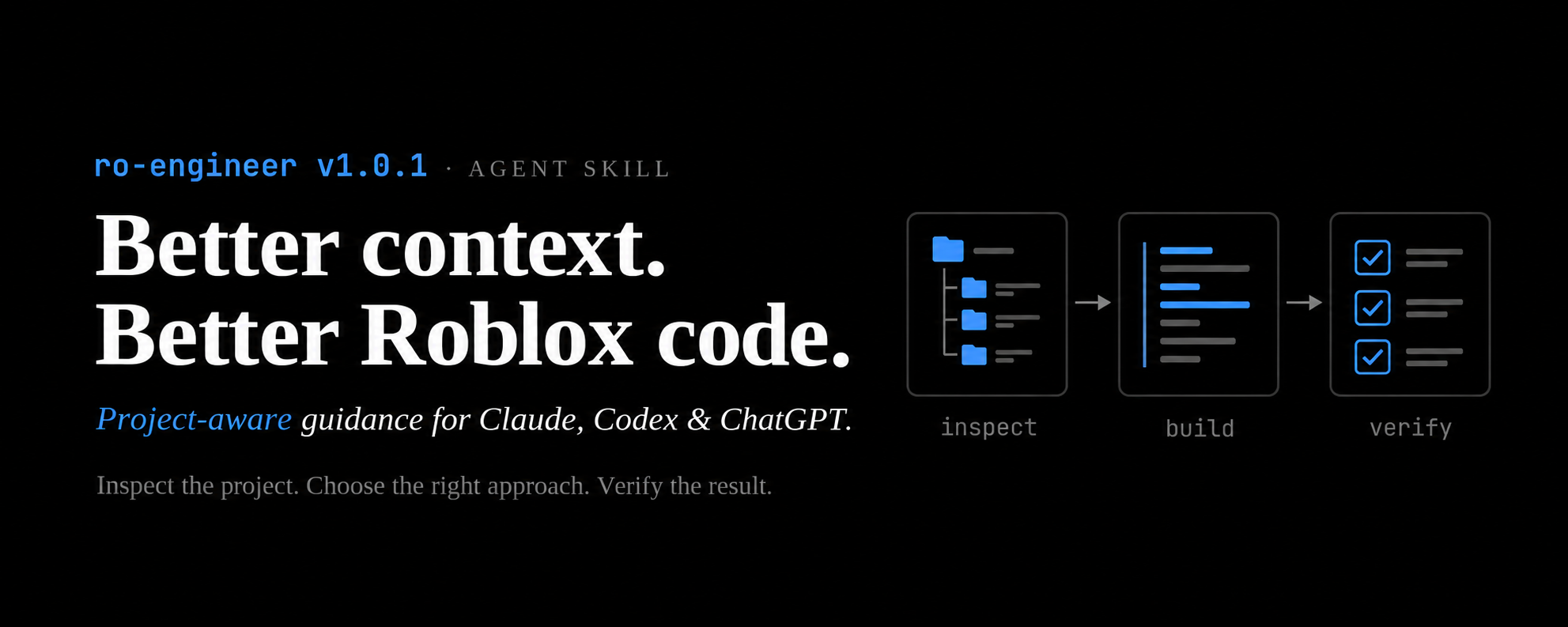
The first release spent too much space explaining general programming concepts that modern coding models already understand. It also repeated advice and imposed planning, approval, and template rules that were too rigid for everyday Roblox work. That content added overhead without enough practical value.
v1.0.1 shifts the skill toward decisions that matter: understanding the existing project, choosing an approach that fits, protecting Roblox boundaries, and checking the result. It keeps the useful Roblox-specific guidance and safeguards.
- Inspect existing modules, callers, libraries, state, and lifetimes before adding systems. Choose architecture from actual needs and evidence.
- Load references when needed. Small fixes no longer require a design document or a class-heavy template.
- Preserve server validation, durable/idempotent purchase grants, persistence, cleanup, streaming, and player-safety guidance.
- Adapt Studio, ROTEX, repository, and offline work to available capabilities. Distinguish generated code, static checks, runtime tests, and profiling.
- Document Claude, Codex, and supported ChatGPT installation, updates, and removal.
- Exclude generated
promo/**/png/folders from Git and keep promotional material out of this commit. Add a new banner focused on the broader engineering workflow.
Install
Claude Code plugin
/plugin marketplace add excaldev/ro-engineer
/plugin install ro-engineer@ro-engineer
Claude standalone / Codex: extract the standalone skill ZIP into the host's project or user skills folder. Keep all supporting files together.
ChatGPT: use the OpenAI plugin ZIP where custom plugin uploads are enabled, then enable and select ro-engineer with @. ChatGPT desktop also supports importing skills from an existing supported Claude setup through Settings > Import. Availability depends on client and workspace permissions; attaching a ZIP to an ordinary chat does not install it. Studio/ROTEX tools are connected separately.
See the installation guide for exact paths and platform limits.
Downloads and validation
ro-engineer-skill-v1.0.1.zip: standalone skill and all references.ro-engineer-openai-plugin-v1.0.1.zip: the same skill in a portable plugin.SHA256SUMS.txt: checksums to verify that downloads match these packages.
Six distribution tests pass, local metadata/reference checks pass, and Claude's strict plugin/marketplace manifest checks pass. The entrypoint is about 21% smaller and the architecture references about 60% smaller by UTF-8 byte count.
These figures do not measure model quality, total token savings, or runtime speed. Live ChatGPT import, Roblox runtime behavior, and comparative model benchmarks have not been tested for this release. A reproducible benchmark plan is included.
ro-engineer v1
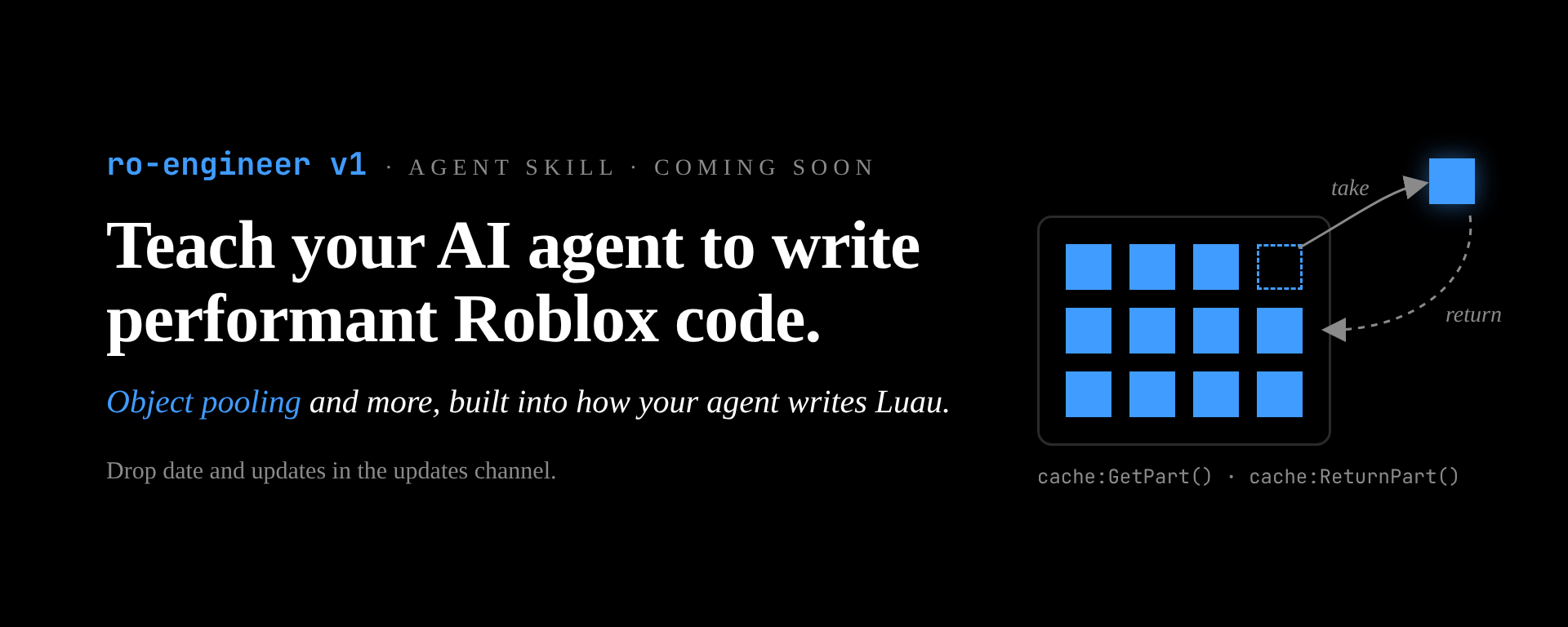
First release of ro-engineer, an agent skill that teaches Claude to plan, design and write performant Roblox games.
Install
Claude Code (plugin)
/plugin install ro-engineer --marketplace excaldev/ro-engineer
Claude Code (plain skill)
git clone https://github.com/excaldev/ro-engineer ~/.claude/skills/ro-engineerclaude.ai: download ro-engineer-v1.zip below and upload it under Settings > Capabilities > Skills.
What's included
SKILL.mdrouter withstudio/rotex/offlinemode detection- 21 references: modern Luau and strict types, pattern selection, composition, OOP, ECS, object pooling, state, networking and remote validation, cleanup, performance, testing, sharp edges, game loops (base-and-collect building blocks), market snapshot, retention psychology, incentives, economy, live ops
- 8 workflows: plan, design-game-loop, design-system, implement, code review, performance / retention / economy audits
- 4 templates: plan, game loop, design doc, strict-typed module
See CHANGELOG.md.
🤖 Generated with Claude Code