Repository navigation
Releases
v0.3.0: Ultimate Edition unlocks, capsule machine and Grind mode

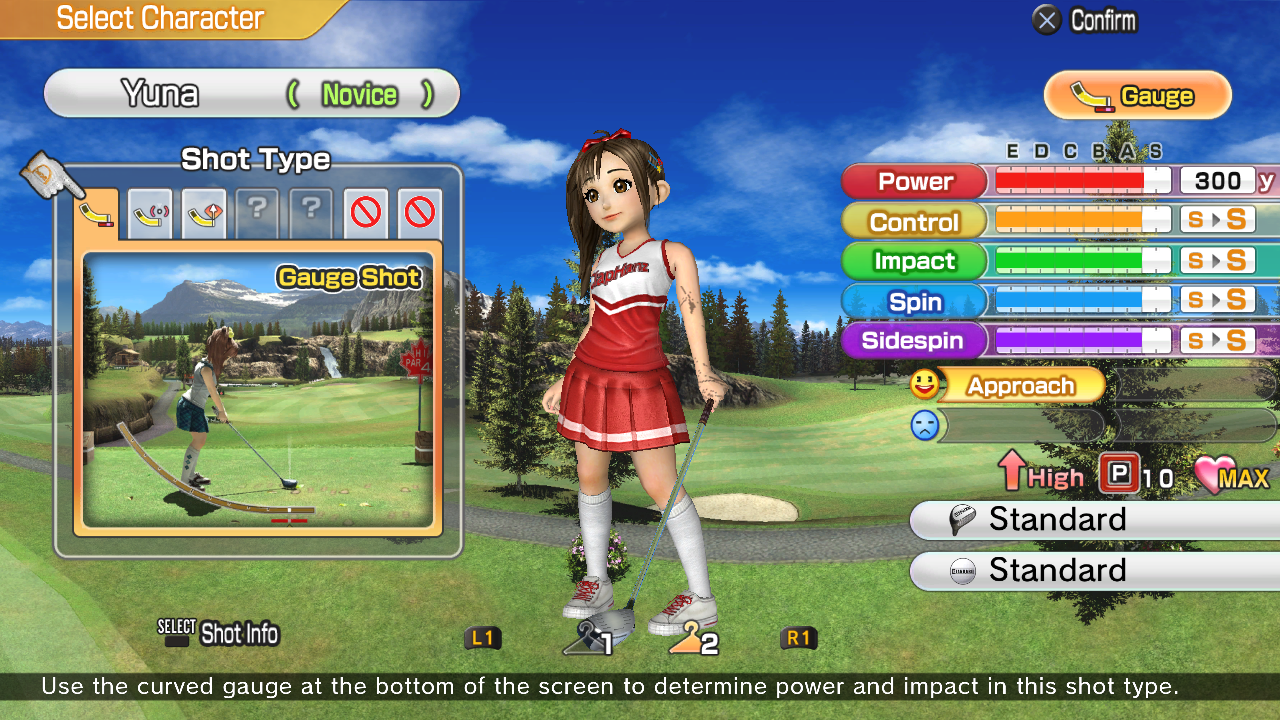
The Ultimate Edition (Japanese 1.27 with English text) gets an Unlocks setting in the launcher: Original, Grind or Unlock all. In Grind you earn capsule tickets by playing Challenge mode and spend them in the game's own capsule machine, which works offline again.
Added
- Unlocks setting for the Ultimate Edition: Original, Grind or Unlock all. Each mode keeps its own save folder.
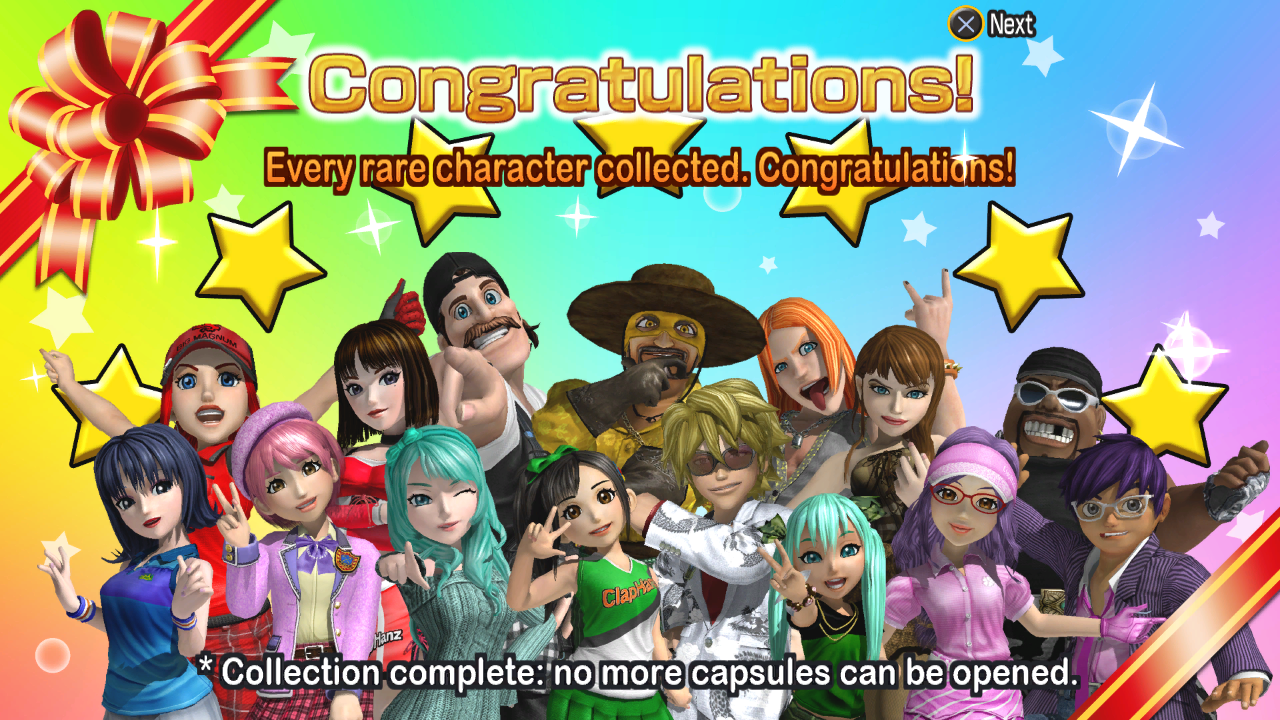
- Unlock all: the 15 rare characters at 7 stars, with their gacha outfits.
- Grind: Challenge mode pays points for your finish, first wins and under-par rounds. Events below your current tier pay less or nothing, and the same event played back to back drops to 50%, 25%, then 10%. 12 points make one ticket.
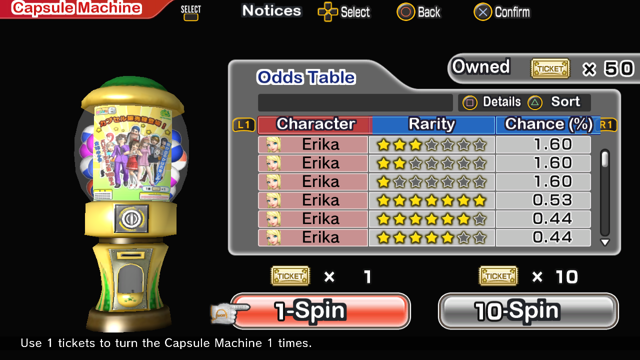
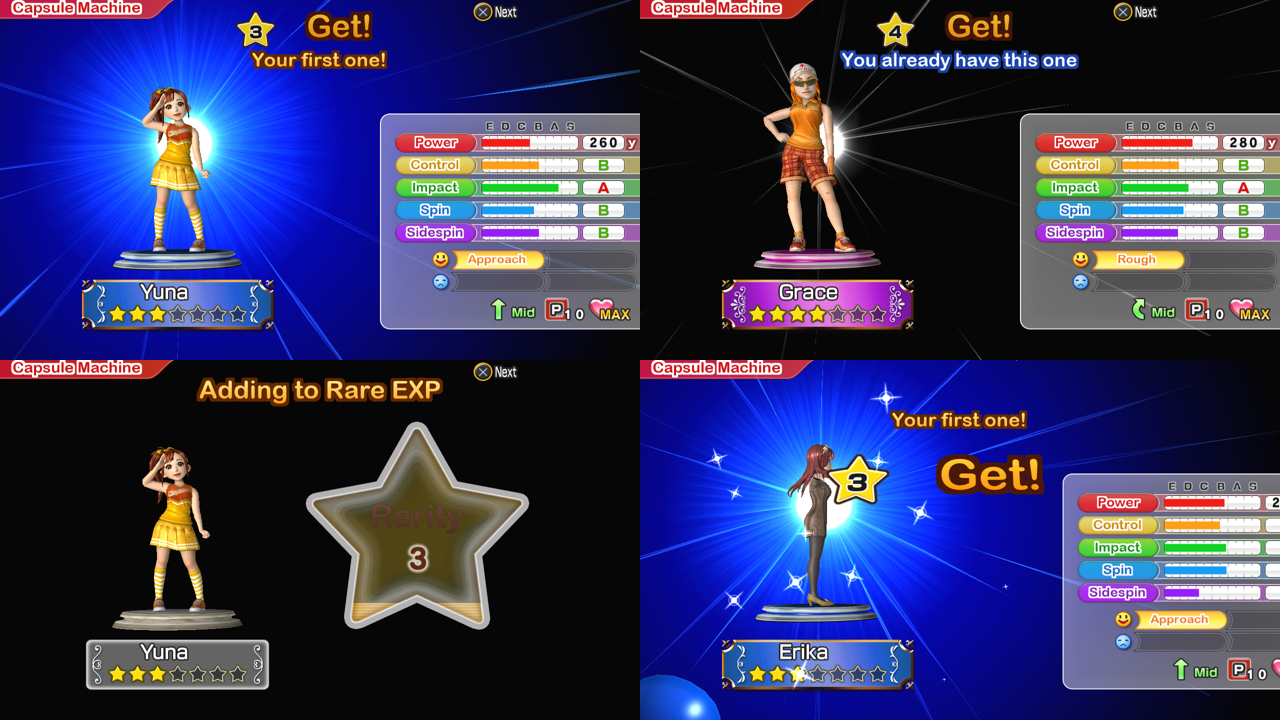
- The Japanese capsule machine, restored for offline play. Press Triangle in the Shop. Odds are 72% blue, 20% purple and 8% red, and a red is guaranteed after 25 draws without one. Duplicates fill a rarity gauge. Once every character is maxed, tickets turn into 5,000 shop points each.
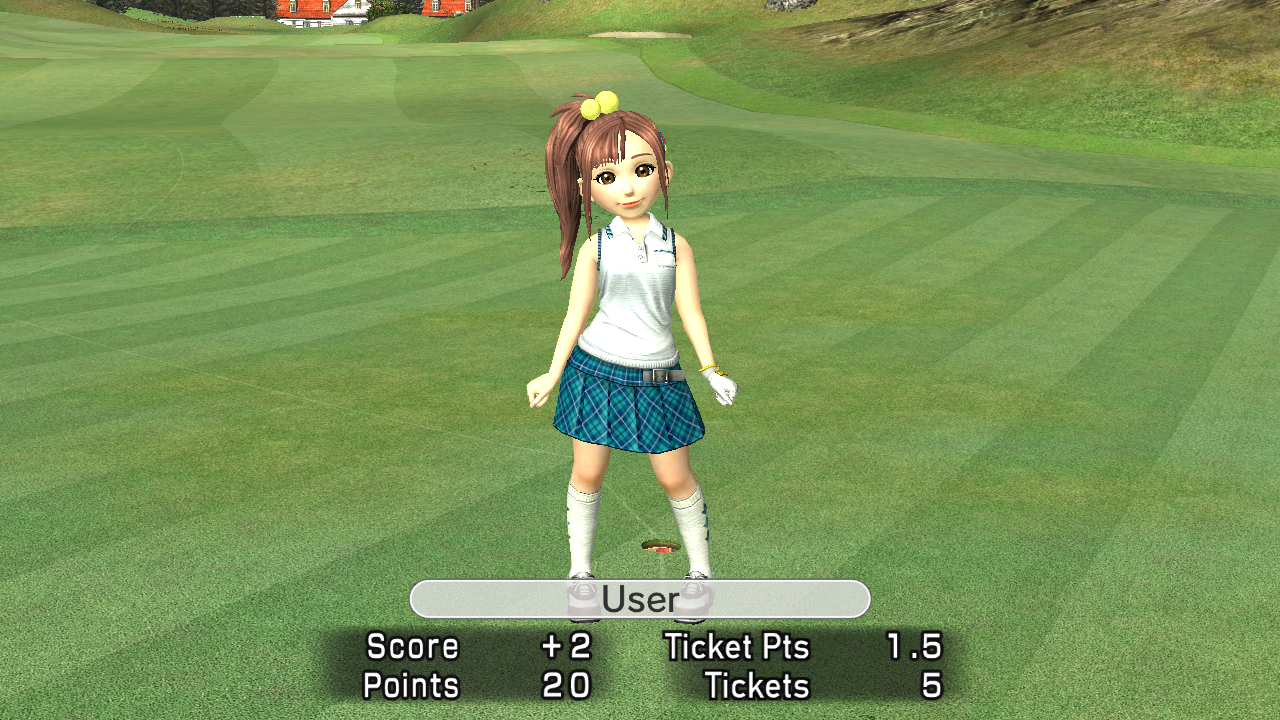
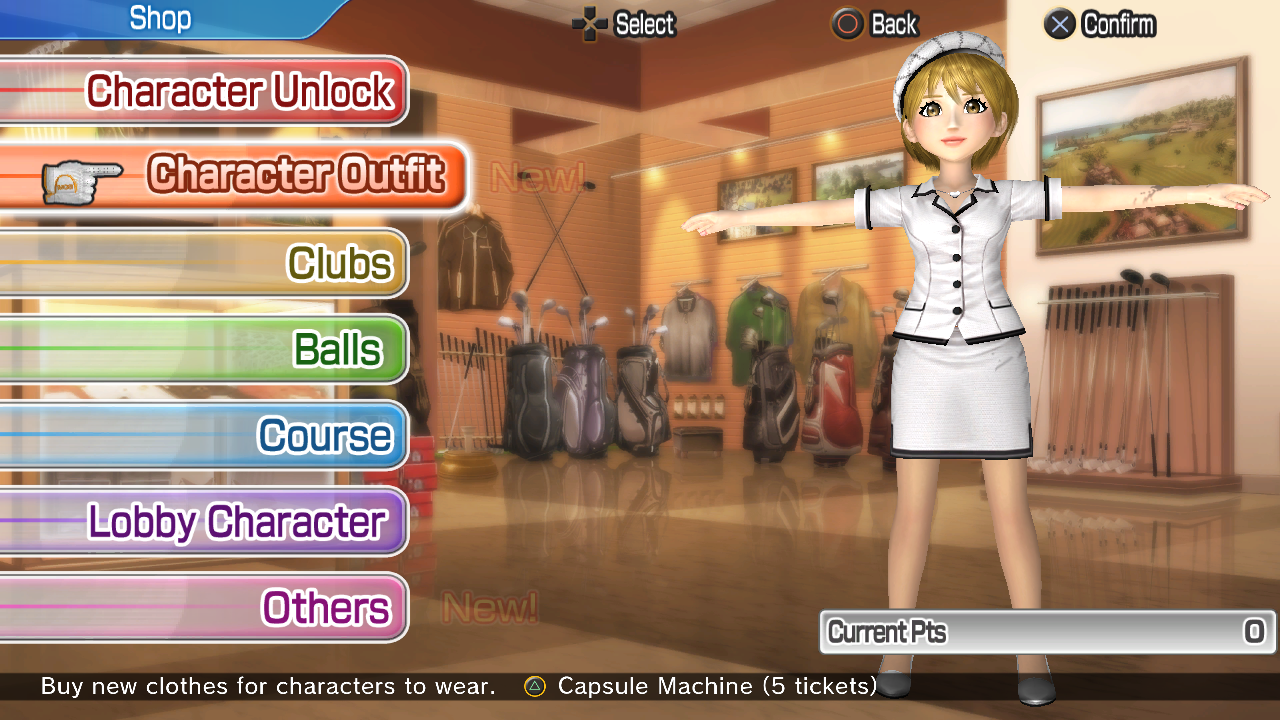
- Ticket totals use the game's own UI. After a round that pays, the results panel shows Ticket Pts and Tickets next to Score and Points. The Shop help bar shows the capsule machine button and how many tickets you hold.
- Ticket rate setting: 0.5x, 1x or 2x.
- English capsule screens, English name plates and correct 1st, 2nd and 3rd ordinals.
Upgrading from v0.2.0
Replace the files from the zip, then open Ultimate setup in the launcher and press the build button once more. That rebuild adds the capsule machine labels and the results panel rows. Your saves stay where they are.
Screenshots
Known issues
- Nobody has played a full Grind session yet. Earning was tested on short rounds and with a simulator, which puts the average at about 110 tickets to max every rare character.
- The one-time bonus for a first VS or Cosplay win was checked in code and tests, not by winning a real VS match.
- The capsule machine background is black, and its poster sign stays Japanese.
- The ticket history screen only opens from the online lobby, so it cannot be reached.
Setup
Unchanged. You must own the game and supply your own files. See PLAYING.md in the zip.
Still a prerelease.
v0.2.0: standalone launcher, Ultimate Edition, unlocked frame rates
A standalone launcher that needs no Python, the Ultimate Edition with English text, and frame rate settings from 60 to 240 FPS plus unlocked.
Added
HotShotsGolfLauncher.exe: a settings window that needs no Python. It replaceshsg_launcher.pyand the.cmdfile. It has an edition picker, resolution and window options, frame rate, an HD texture pack option and save profiles. Put it next toHotShotsGolfRecomp.exe. The Ultimate exe goes in anultimatefolder.- Ultimate Edition: the Japanese 1.27 build with English text. You supply your own decrypted JP 1.27
EBOOT.elfand the extracted JP updates 01.01 to 01.27. The launcher builds the game data from your US disc plus those updates, and can extract the update.pkgfiles first. Some online-only lobby textures stay Japanese. - Frame rates (patches 0058, 0074, 0075): 30 stock, 60, 120, 144, 165, 180, 240, Unlocked and Match monitor, plus a vsync toggle, in both editions. Game logic stays at 30 Hz; frames are interpolated. This is course only. Menus stay at 30 FPS, and the swing gauge runs at 60.
- Save profiles. Each profile gets its own save folder per edition. Your existing saves stay in the Default profile, untouched.
Known issues
- Per-step timing was verified correct at every frame rate, but sustained rates above 30 FPS have not been measured yet. The test PC was saturated by other work.
- Ultimate Edition needs your own JP 1.27
EBOOT.elfand update data, and nothing of it ships in the zip. - Some online-only lobby textures in Ultimate Edition stay Japanese, because they are not part of the English text pass.
Still a prerelease.
Screenshots

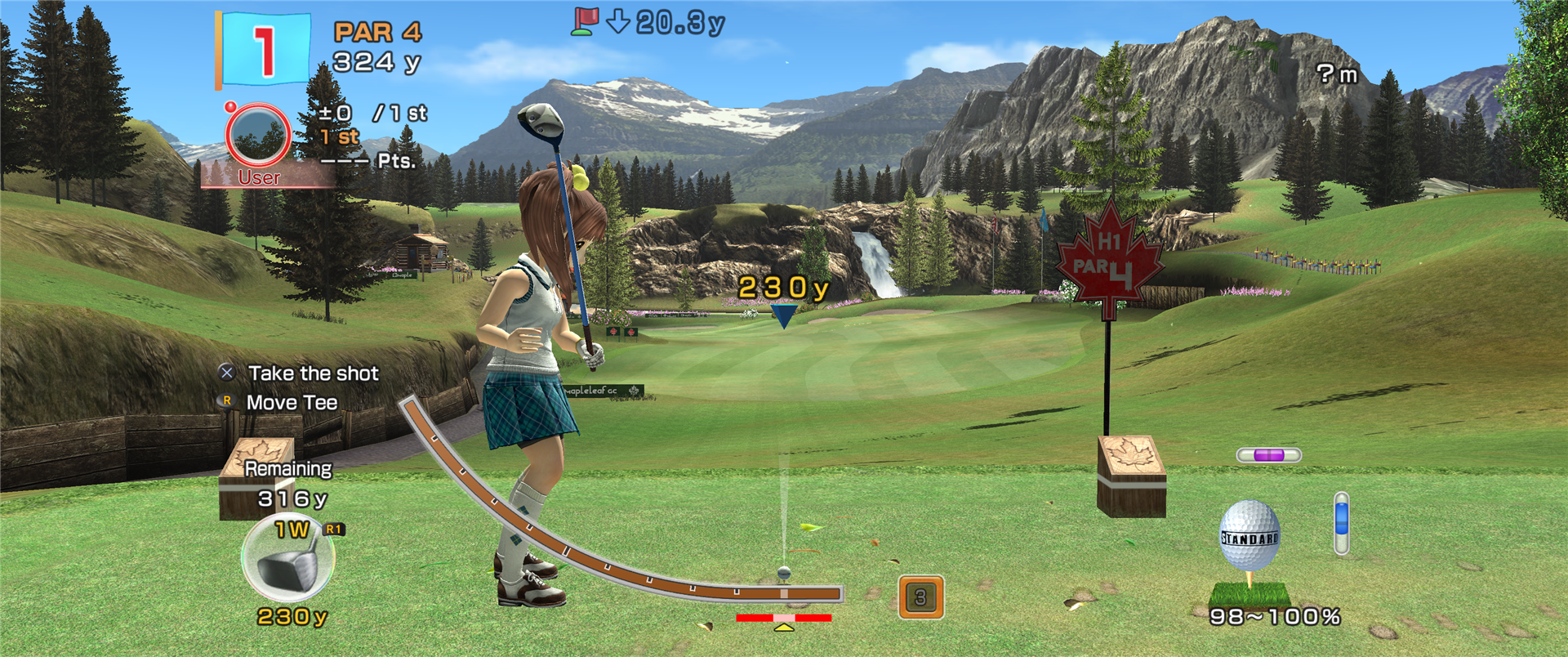
v0.1.3: movies, Toro and Kuro
Movies now play, and Toro and Kuro can be loaded.
Added
- Movie playback (patch 0071). The intro, attract and replay movies play with picture and sound. Video goes through the H.264 decoder built into Windows, so nothing extra ships. Set
HSG_MOVIES=0to skip movies as before. Windows N editions need the Media Feature Pack. - Toro and Kuro. The 1.03 update holds only the game program, and the character data sits in update 1.02, which the old setup never loaded. Copy the 1.01 and 1.02 update data into
hdd0/game/NPUA80864/USRDIR/;tools/overlay_updates.pyin the repository does it.PLAYING.mdhas the details. HSG_DLC_EARN(patch 0070): withPS3_NPDRM_STRICT=1, DLC club and ball classes 3 and 4 that you do not own are offered in the shop. Off in practice by default, and the shop listing has not been checked in game yet.
Known issues
- The first boot movie cannot be skipped. The attract replay can.
- Movie sound was decoded in tests but only checked with audio muted.
Still a prerelease: menus stay at 30 FPS even when gameplay runs faster.
Screenshots
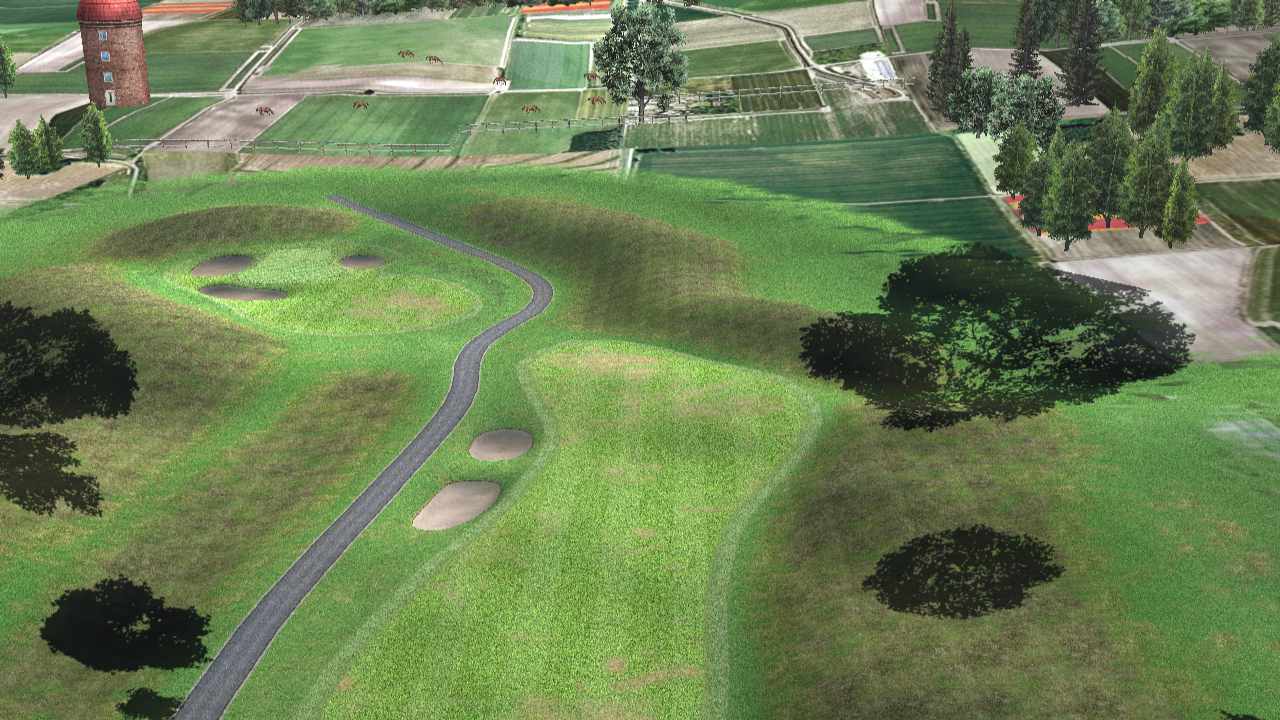
v0.1.2: menu clipping fix
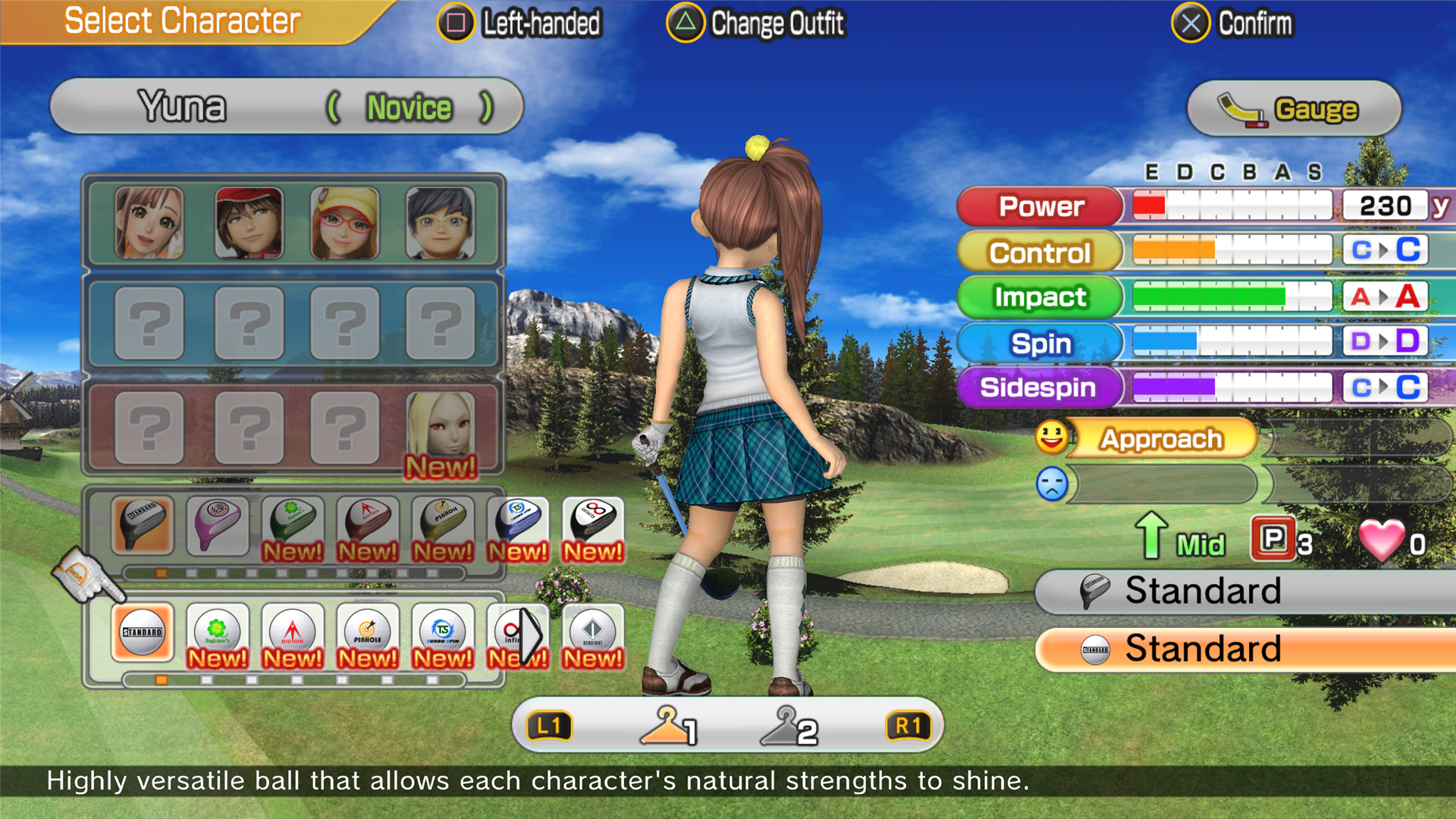
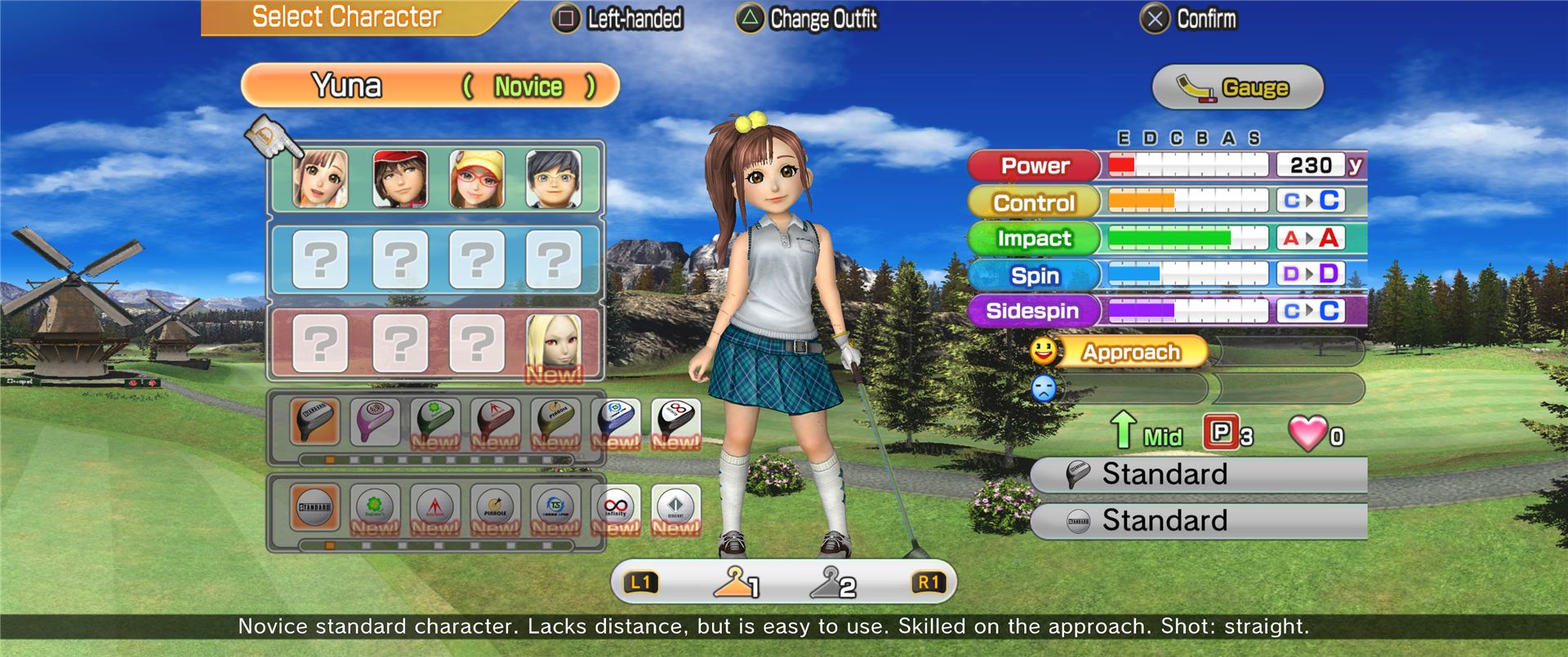
Fixes the club and ball rows on the character select screen.
Fixed
- Club and ball icons no longer draw past their panel or over the scroll arrow. The graphics backend now applies the game's own clip rectangle (patch 0069). Set
RSX_SCISSOR=0to turn it off.
Added
PS3_NPDRM_STRICT=1makes the DLC licence check honest: an item counts as owned only if its licence file is installed (patch 0068). It is off by default, so DLC items stay unlocked as in v0.1.1. With it on, a save that holds DLC items will not load unless the licence files are present.
Install
Same as v0.1.1: unzip, then run Play Hot Shots Golf.cmd. You need your own copy of the game; see PLAYING.md.
Still a prerelease: movies are skipped, and menus stay at 30 FPS even when gameplay runs faster.
Screenshots
Hot Shots Golf PC Port v0.1.1 (fewer shader pauses)
Shader pause fix on top of v0.1.0.
- Vertex shaders are rewritten into a simpler form before compiling (about 3x faster) and compile on background threads. On a fresh shader cache, pauses of 1 s or more dropped from 11 to 1 per test run, and the longest from 5.8 s to 1.5 s.
- 77 captured vertex shaders gave identical output before and after the rewrite.
RSX_VS_SLIM=0andRSX_VS_PAR=0turn the changes off.
Setup is unchanged: you must own the game and supply your own files. See PLAYING.md in the zip.
Built from commit 55d905d.
Screenshots
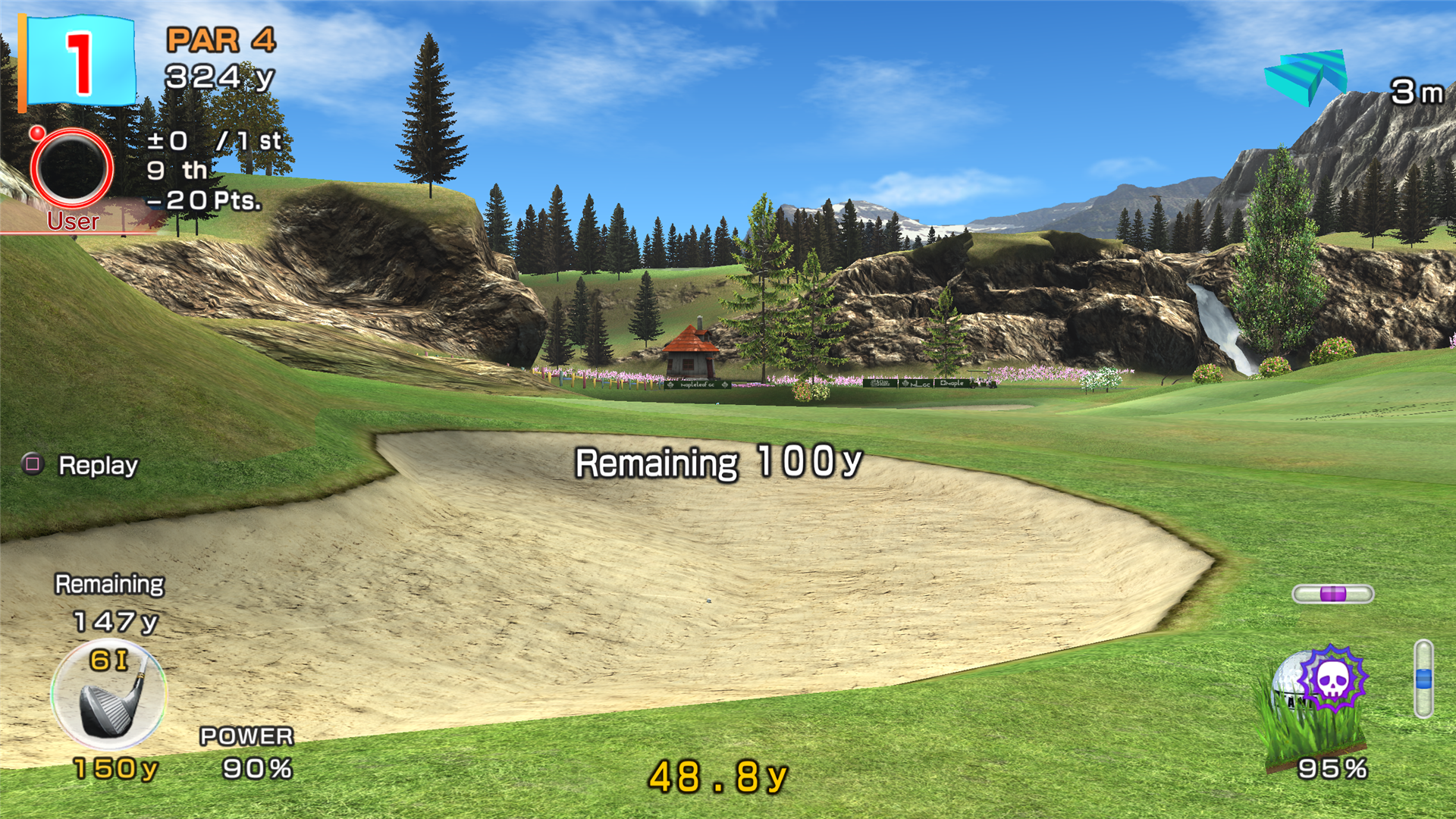
Hot Shots Golf PC Port v0.1.0 (PS3 recomp, first playable)
First playable release of the Hot Shots Golf: World Invitational PC port, a static recompilation of the PS3 game (US NPUA80864, official update 1.03) to native x86-64 Windows. No emulator.
You must own the game. This zip has no game files. You supply your own decrypted 1.03 EBOOT.elf, the extracted base game folder and a PS3 firmware dev_flash. See PLAYING.md in the zip or the README's Playing section.
What works:
- Menus and full rounds, keyboard or Xbox-style controller
- Any resolution, including 1440p, 4K and ultrawide (
--aspect expand) - HD texture packs built from your own game (
--tex-dump,--tex-replace) - Opt-in 60/90/120 FPS on the course (logic stays at 30)
- 59.94 Hz timing, faster shader compiles, no "Not Responding" freezes
- A settings launcher (needs Python 3) that logs each session to
logs/
Known gaps: intro and cutscene movies are skipped. First-time shader compiles can still pause the game on a fresh shader cache. Menus stay at 30 FPS.
Built from commit c777f17.
Screenshots