Repository navigation
Releases
MacDock v2.0

MacDock v2.0
Added
- Use original app icons toggle (Settings > Icons): show each app's own icon instead of the MacDock icon pack; per-app choice and custom icons from the right-click menu.
- Folders dropped on a dock icon are pinned instead of being opened with the app; hold Shift or Ctrl to move or copy into a folder icon.
Changed
- Smoother scrolling in Settings and Mission Control: a critically damped spring glides wheel notches together, and the page snapshot is reused instead of re-taken per notch.
- Window previews refresh when the exe changes, an entry is 10 minutes old, or a new window appears.
- Taskbar sync: owned windows (dialogs, pop-ups) are no longer shown as taskbar buttons, and UWP windows hosted by ApplicationFrameHost resolve to the real app.
- Mission Control: closing a window drops its tile and relayouts; thumbnails re-place correctly when cells move.
- Frame-time logging is off outside profiling, removing needless frame drops.
Updating
- Apple menu > Check for Updates... downloads this release's zip and swaps in the new MacDock.exe automatically.
MacDock v1.9
MacDock v1.9
Added
- Tray icons in the status bar, with a collapsible tray and an arrow toggle; sharper tray icons and fixed click routing.
- Apple menu: Auto-hide Dock and Check for Updates.
- Battery saver toggle.
- CPU and RAM status bar toggles.
- Profile picture support.
- New iOS-style Settings sidebar icons.
Changed
- Settings: fade, tidier spacing, smooth scrolling and a consistent Inter type scale.
- Dark dock icons.
- Faster startup via an icon cache.
- Smoother dock hover magnify.
- Second click closes status bar menus.
Fixed
- Idle Dynamic Island circle.
- Launchpad issue with dark icons.
- Web apps show their own icon in the running dock.
Install: extract MacDock-v1.9.zip and run Install.bat.
SHA256 (MacDock-v1.9.zip): 603C32AEA366298CE6B6B6F2571C9B4039A789B174DF57BA8842B195BB1F13B3
MacDock v1.8
MacDock v1.8
Added
- Screenshot and screen record buttons in the menu bar and as Control Center tiles (independent toggles in Settings).
- Launchpad sort by install date.
- Control Center dark mode tile; tiles can be edited, removed, added, reordered by drag and drop, and resized.
- Hide Start icon option, dock corner radius setting, and a new Recycle Bin icon.
Fixed
- Scrolling in folder fans and Settings.
- Launchpad context menu flips to stay on screen.
Install: extract MacDock-v1.8.zip and run Install.bat.
SHA256 (MacDock-v1.8.zip): 1B6C9899BFB61DE8B1B3A26FEC92266C88FA5CE064E5B2EAFDCF9EAFE7A28E72
MacDock v1.7
MacDock v1.7
Added
- Folder fan redesign: labels lean along the arc, thumbnails tilt like the macOS Dock, and an "Open in Explorer" arrow sits at the top of the fan.
- Click-to-pin folder fans: click a folder stack to open its fan and keep it open; click the folder or the chevron tile to fold it back.
- Dock tile chevron with smooth fade/scale while a fan is open.
- Emoji in Dynamic Island notifications.
- Uninstall from Launchpad finds uninstallers next to apps that don't register one.
Changed
- LocalSend: TLS 1.2 + 1.3, no Expect: 100-continue (better compatibility with newer peers).
- Icons are never blank: transparent icons fall back to a tile with the app's initial.
Install: extract MacDock-v1.7.zip and run Install.bat.
SHA256 (MacDock-v1.7.zip): E96859684573D0D7E7FCF83897B92CEB027D3F9E75DF0C3E8823EEDC51CD0C24
MacDock v1.6
Added
- Show Dynamic Island toggle in Settings (Menu Bar & Island): hide or show the Island pill live.
- Admin apps in the dock: elevated (run as administrator) apps now appear and show as running.
- Dock clamp: maximized windows no longer reach below the dock's top edge, even for apps that ignore the work area.
- Settings fade: the Settings window fades out when closed.
Changed
- Smoother icon glide when apps open or close; running-only apps keep a stable order.
- Hover previews wait for the cursor to rest, so fast sweeps across the dock stay smooth.
- Preview card sits above the icon label, with a larger red close button in its corner.
- No icon magnify, preview pop-up or auto-hide reveal while dragging or resizing a window past the dock.
- The hovered icon in a folder fan now draws on top of its neighbours.
SHA256: F70F8B1E27C1B5B1FACBFF452F5146ECCFEB74DC23A6AC27F7B55E11EC6C2B67
MacDock v1.5
MacDock v1.5
SHA256 of MacDock-v1.5.zip: 1509A8D1A70C52F1D7CA5DF835D70EEAF93941253E4FD7097E04813B1BB7895F
Install
- Download MacDock-v1.5.zip below and extract it.
- Run
Install.bat(per-user, no admin). If SmartScreen appears: More info > Run anyway. - MacDock installs to
%LOCALAPPDATA%\MacDock, adds a Start Menu shortcut and starts (it also starts at login; toggle in Settings).
Uninstall
Run Uninstall.bat (extracted folder or %LOCALAPPDATA%\MacDock\Uninstall.bat). It restores the taskbar, stops MacDock, removes autostart, the guard task, the shortcut and the install folder. If the taskbar stays hidden after a crash: MacDock.exe /restore.
Why does Windows Defender flag MacDock?
Short version: it is a false positive, but it is understandable why it happens.
- Unsigned, new, self-built. The exe is built with the C# compiler that ships with Windows and has no code-signing certificate. Unsigned executables with few downloads have no reputation, so SmartScreen and Defender's cloud heuristics treat them cautiously.
- It does the things a shell does. MacDock uses global/low-level Windows hooks (keyboard, gestures), enumerates and thumbnails other apps' windows (window enumeration, DWM), applies glass effects with
SetWindowCompositionAttribute, simulates input, hides or replaces taskbar behavior, and registers startup entries. Heuristic engines associate that combination with keyloggers and droppers, even though here it is used for the dock, menu bar and window previews. - What it does not do: MacDock has no account and no analytics or telemetry code. Its network use is limited to LocalSend transfers with devices on your LAN, the optional macosicons.com icon lookup, and fetching favicons for website pins.
You do not have to take our word for it:
- The source is fully open in this repo. Read it, or build it yourself:
mac-dock\build.bat(run it from a folder path without a#in it). - Check the zip's SHA256 (listed in each release) and upload the file to VirusTotal; a few engines may flag it heuristically.
If Defender quarantined it: Windows Security > Virus & threat protection > Protection history > select the item > Actions > Restore (or Allow on device). To stop it being re-flagged, add an exclusion: Virus & threat protection > Manage settings > Exclusions > Add or remove exclusions > Add an exclusion > Folder > %LOCALAPPDATA%\MacDock. Then re-run Install.bat.
Help us: you can report the false positive to Microsoft at https://www.microsoft.com/en-us/wdsi/filesubmission (choose "Software developer", upload the exe). Each accepted report improves detection for everyone.
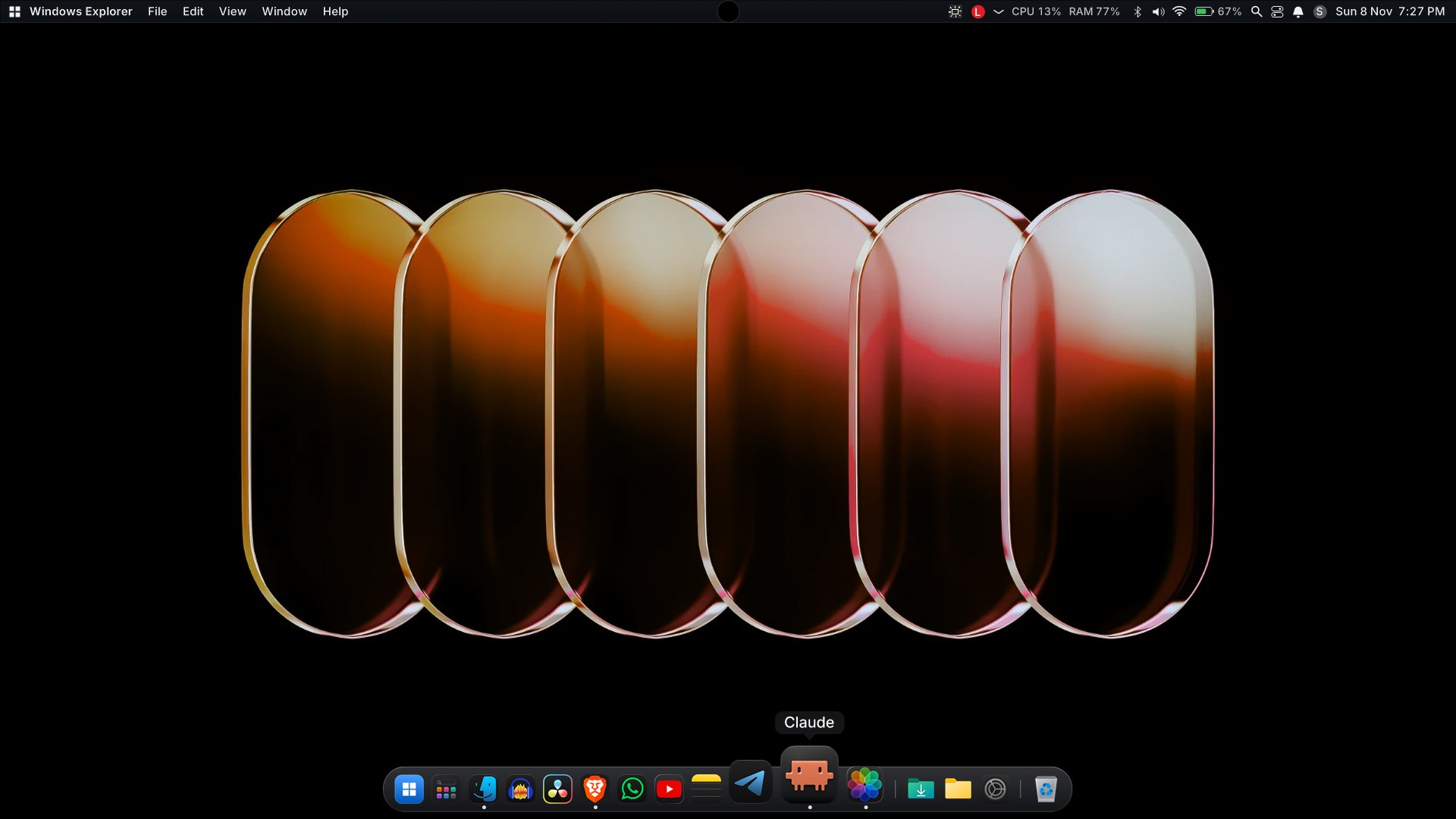
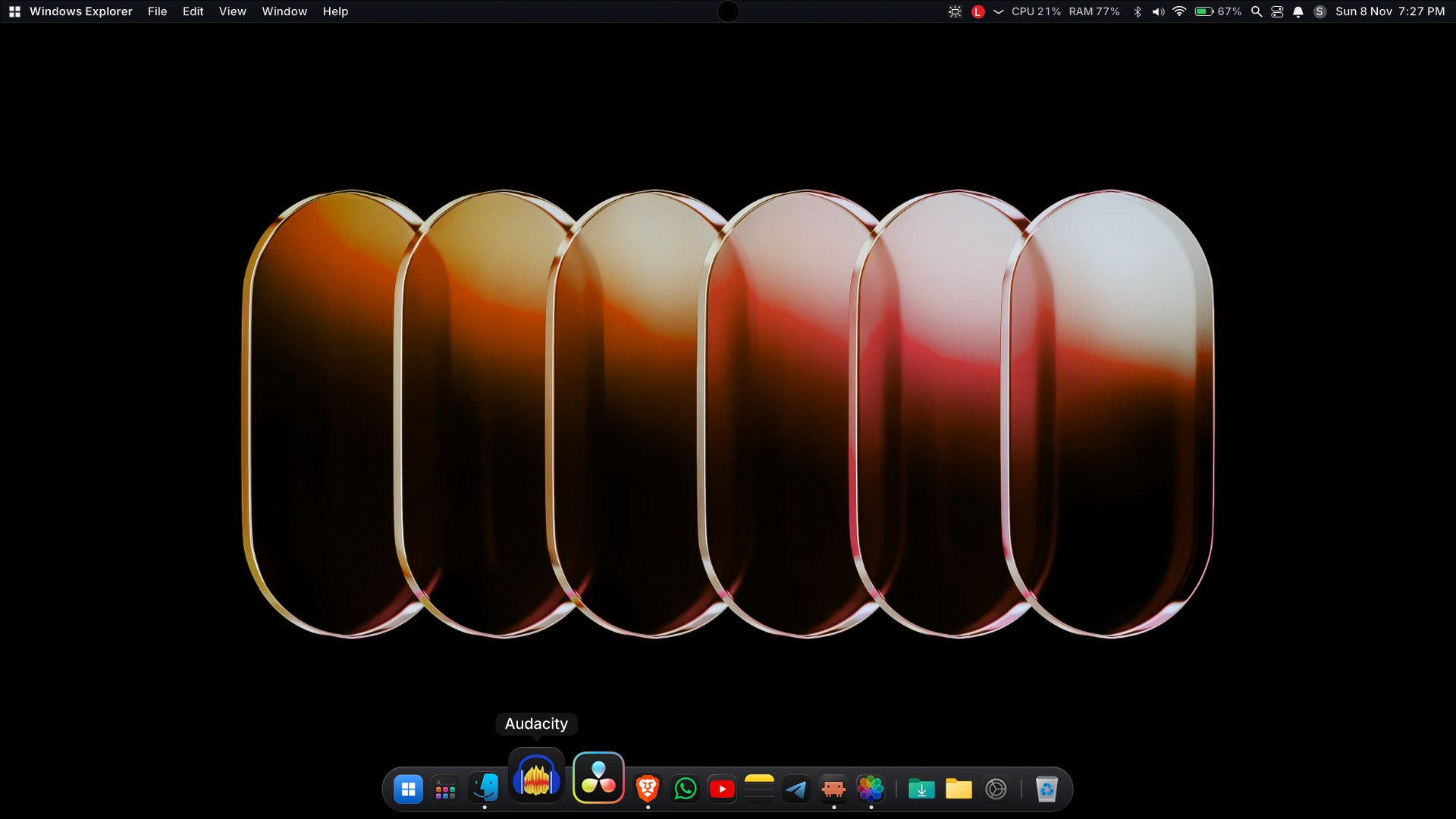
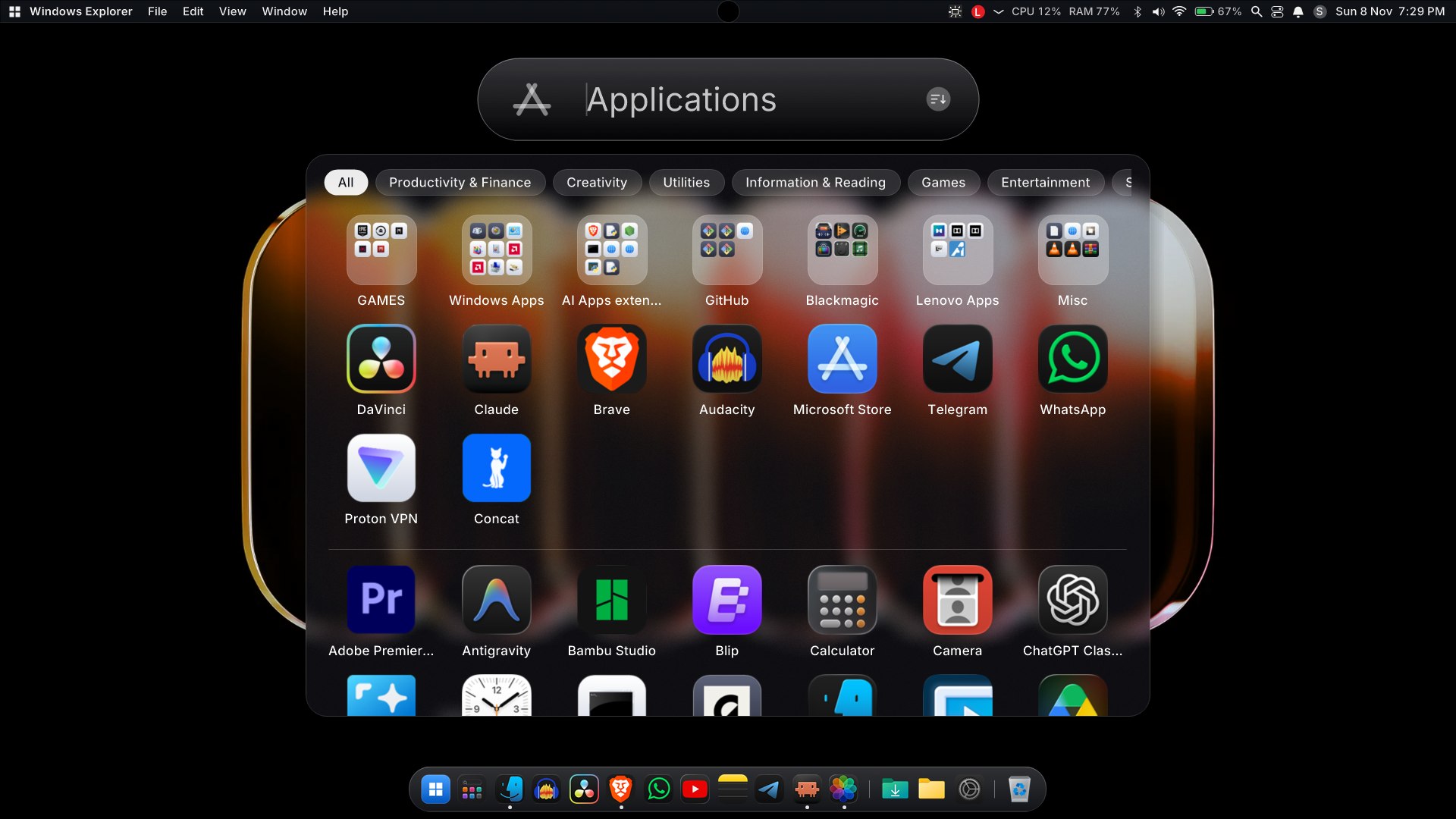
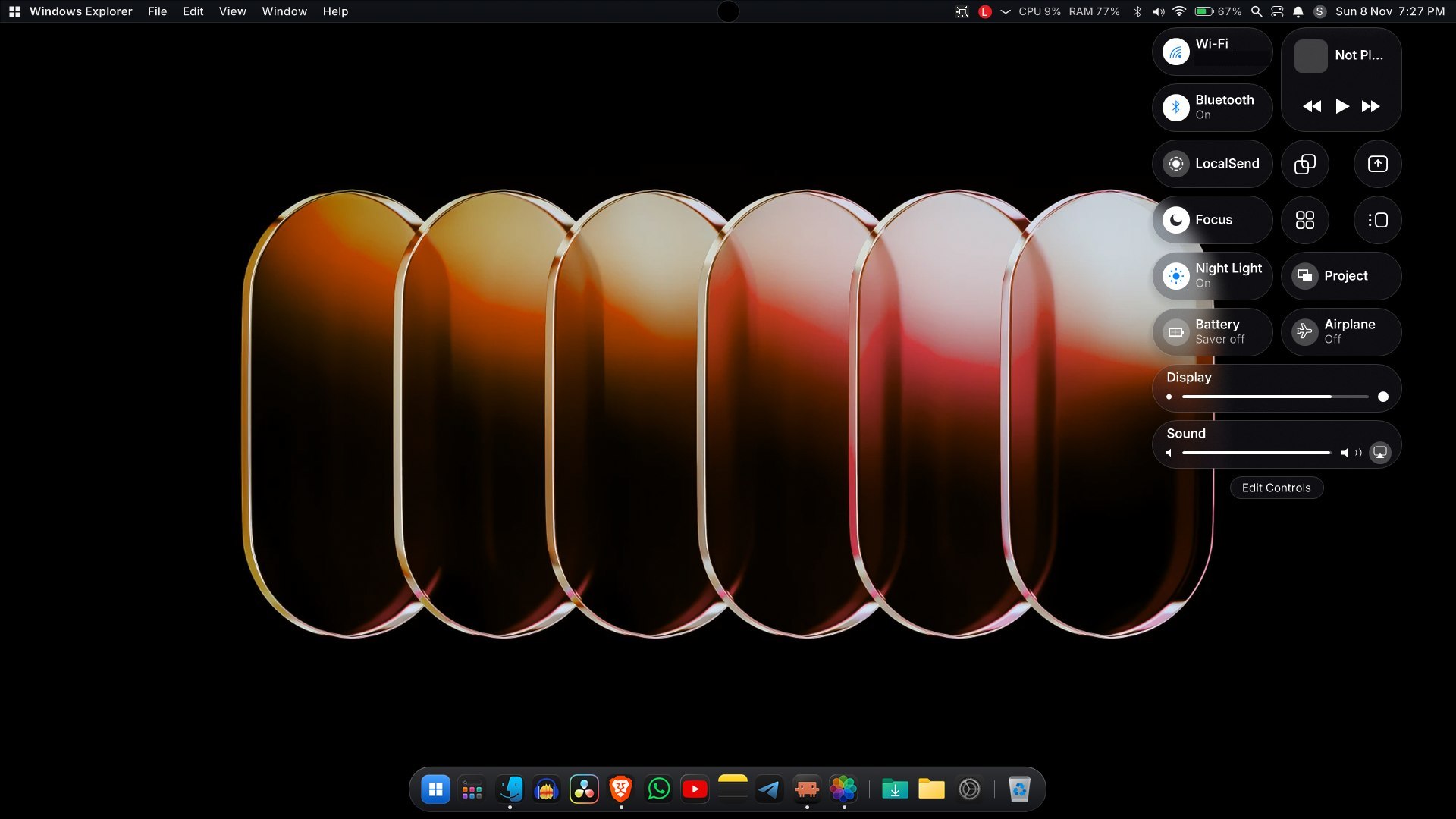
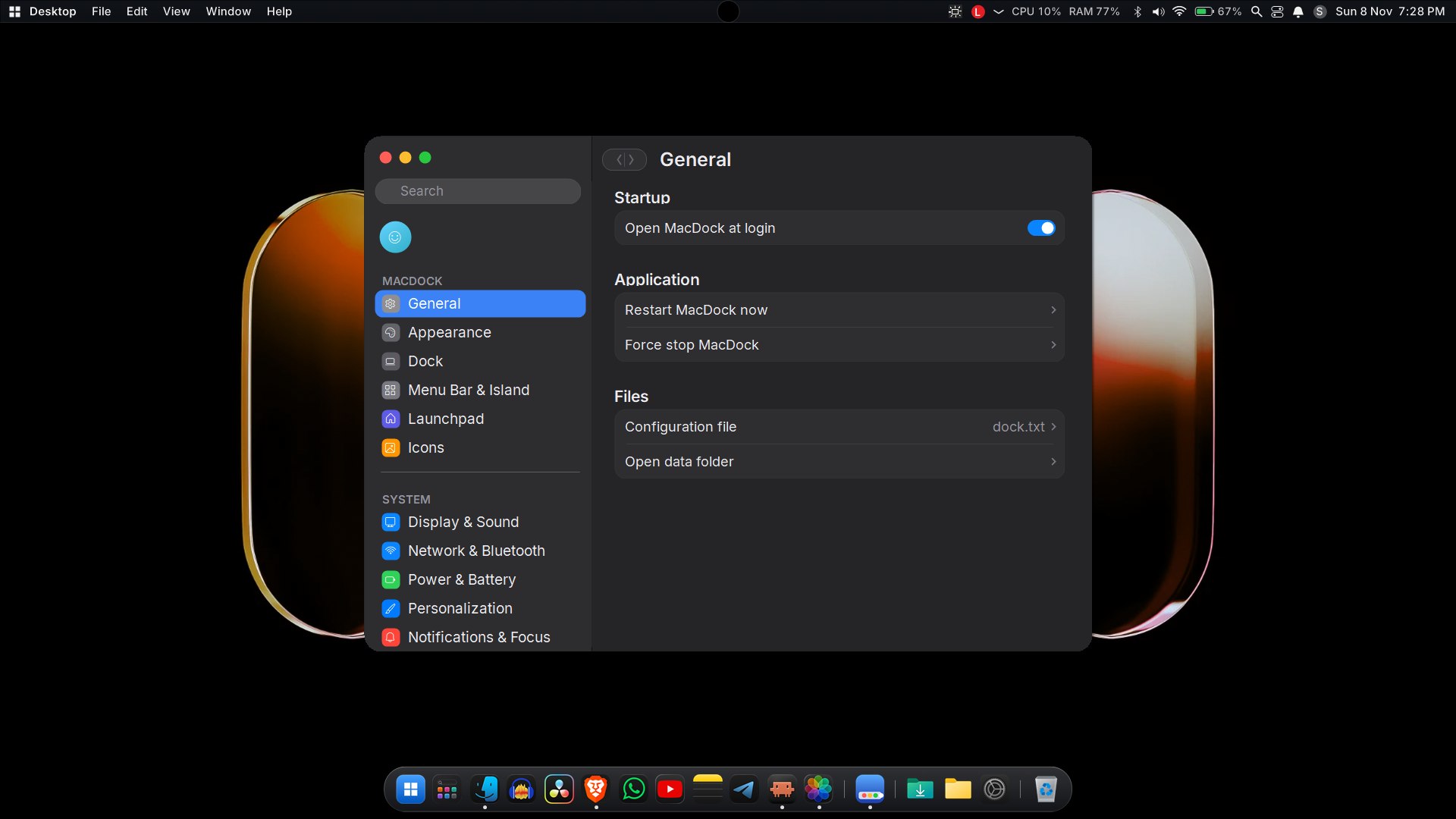
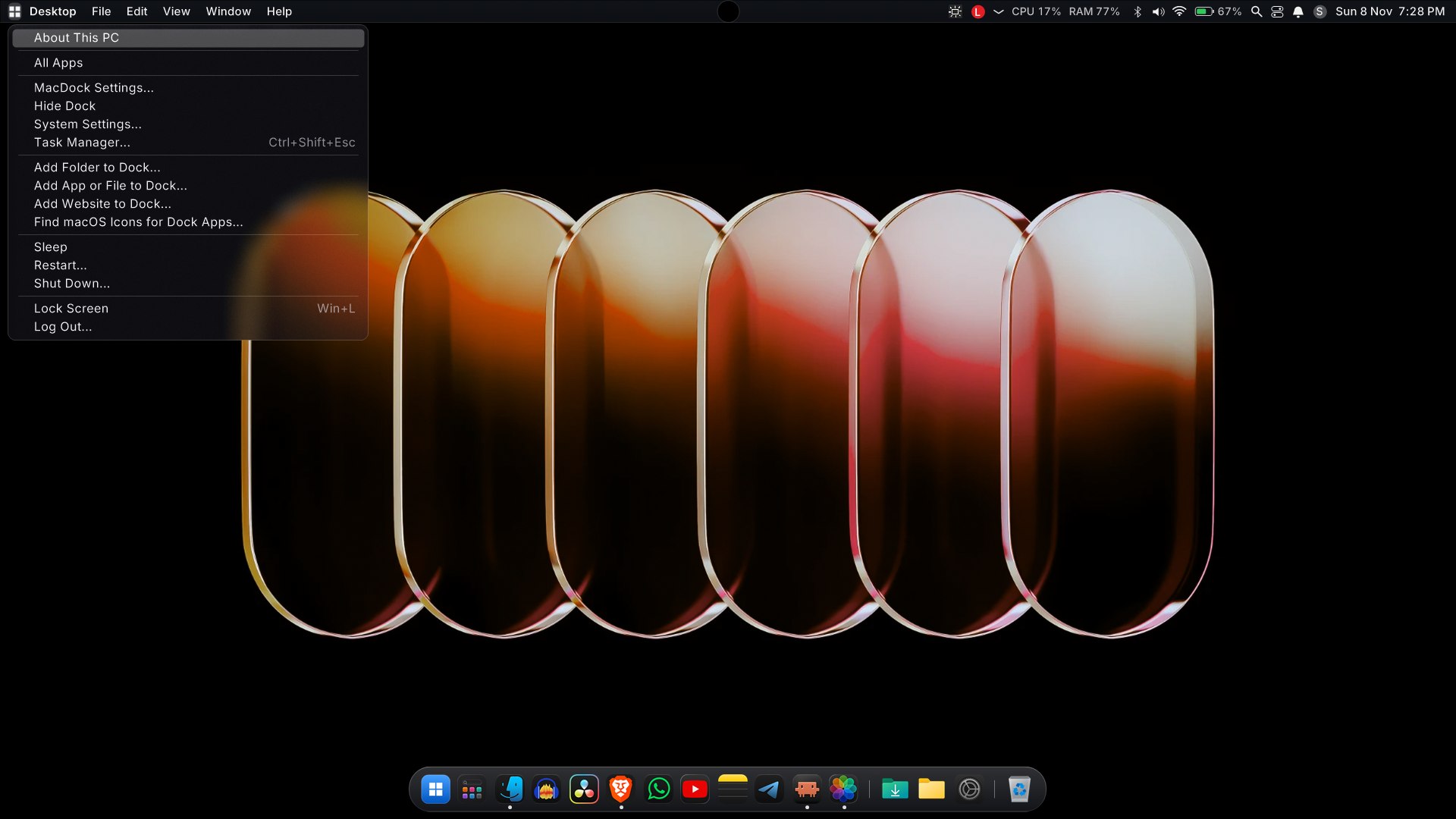
Screenshots (dark mode)
MacDock v1.4
MacDock v1.4
Added
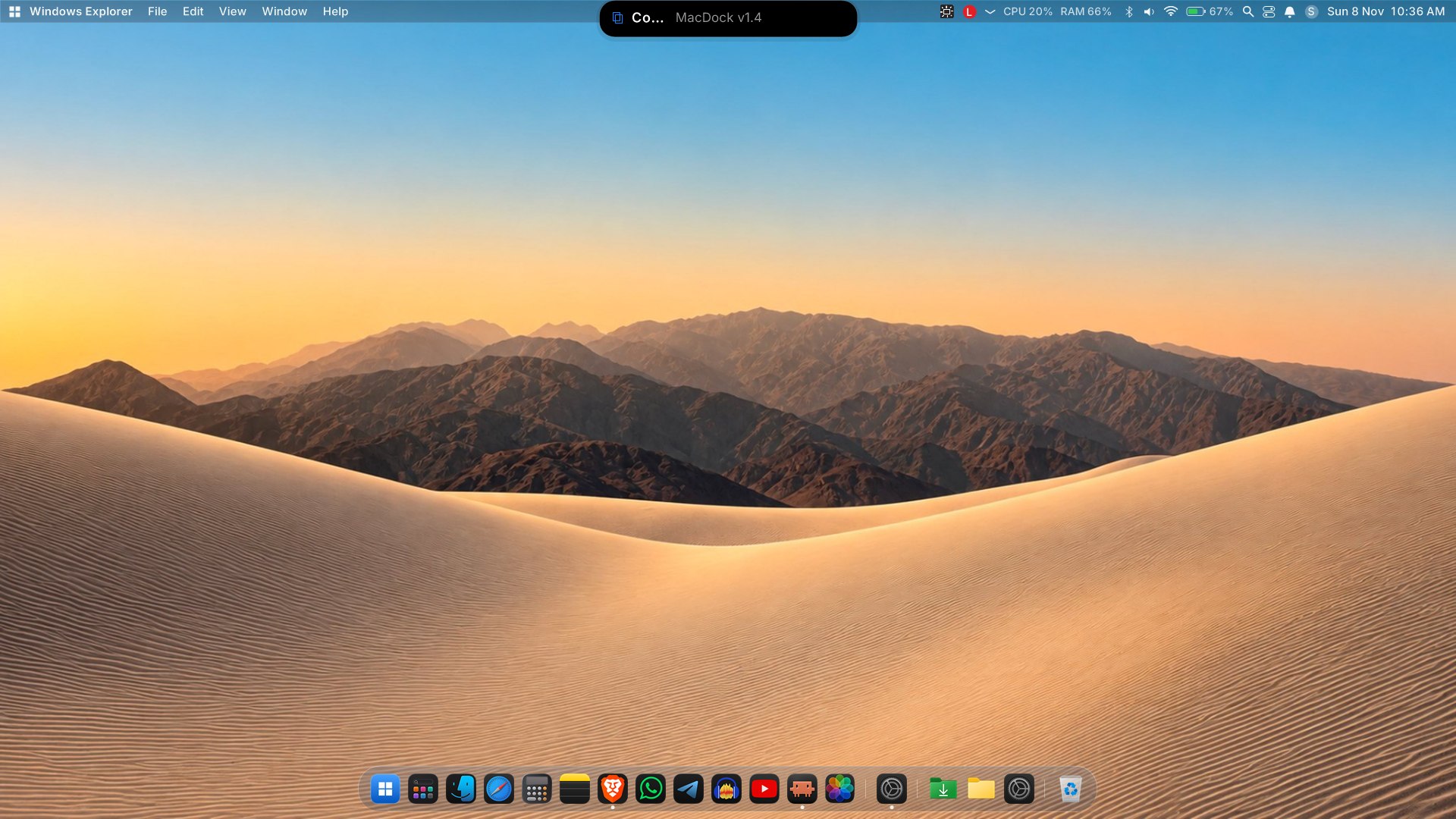
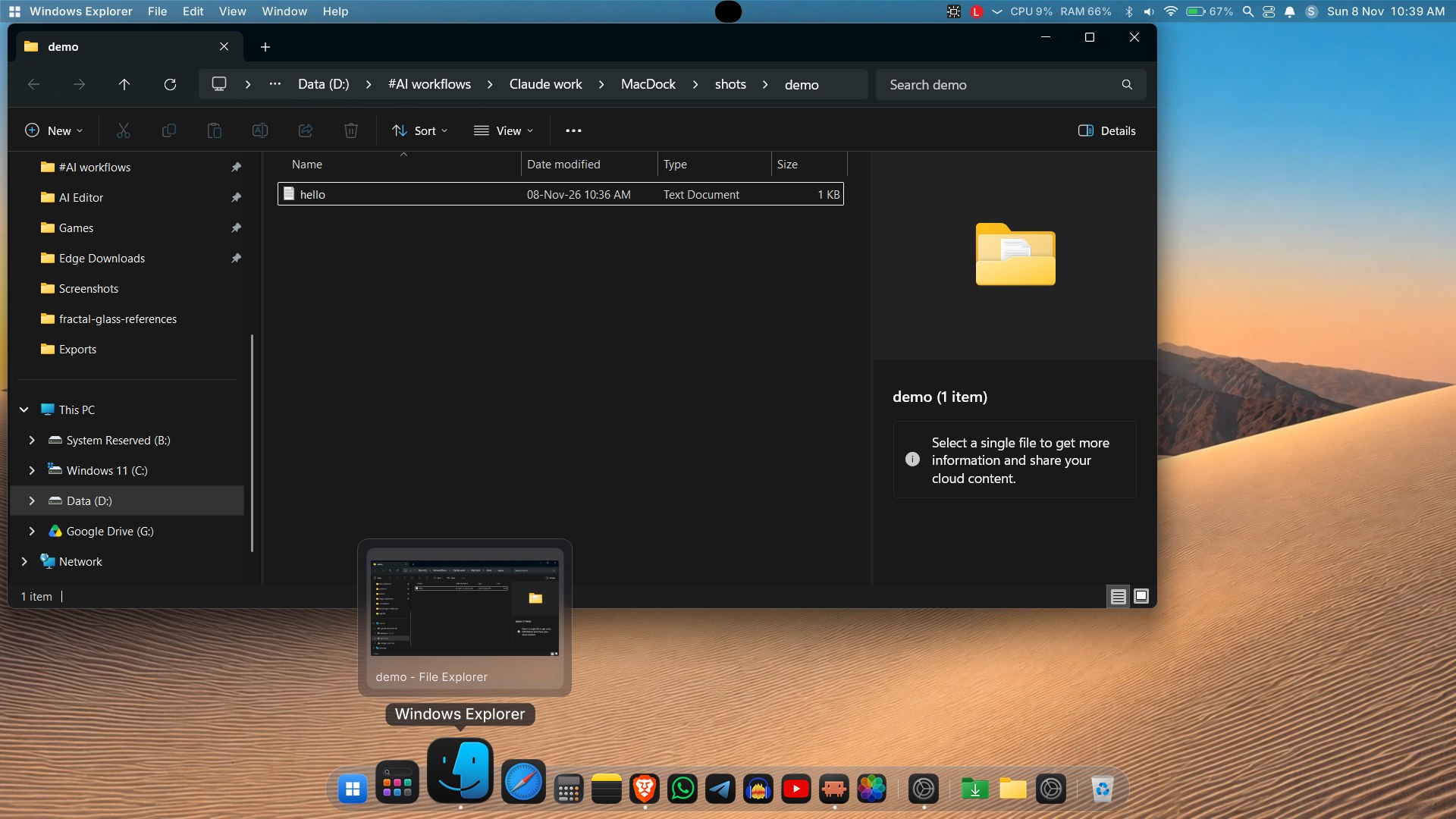
- Reworked Genie minimize: slice-based effect with a bottom-first pull, an accelerating curve and even frame pacing, so windows are sucked into (and restored from) the dock icon more smoothly.
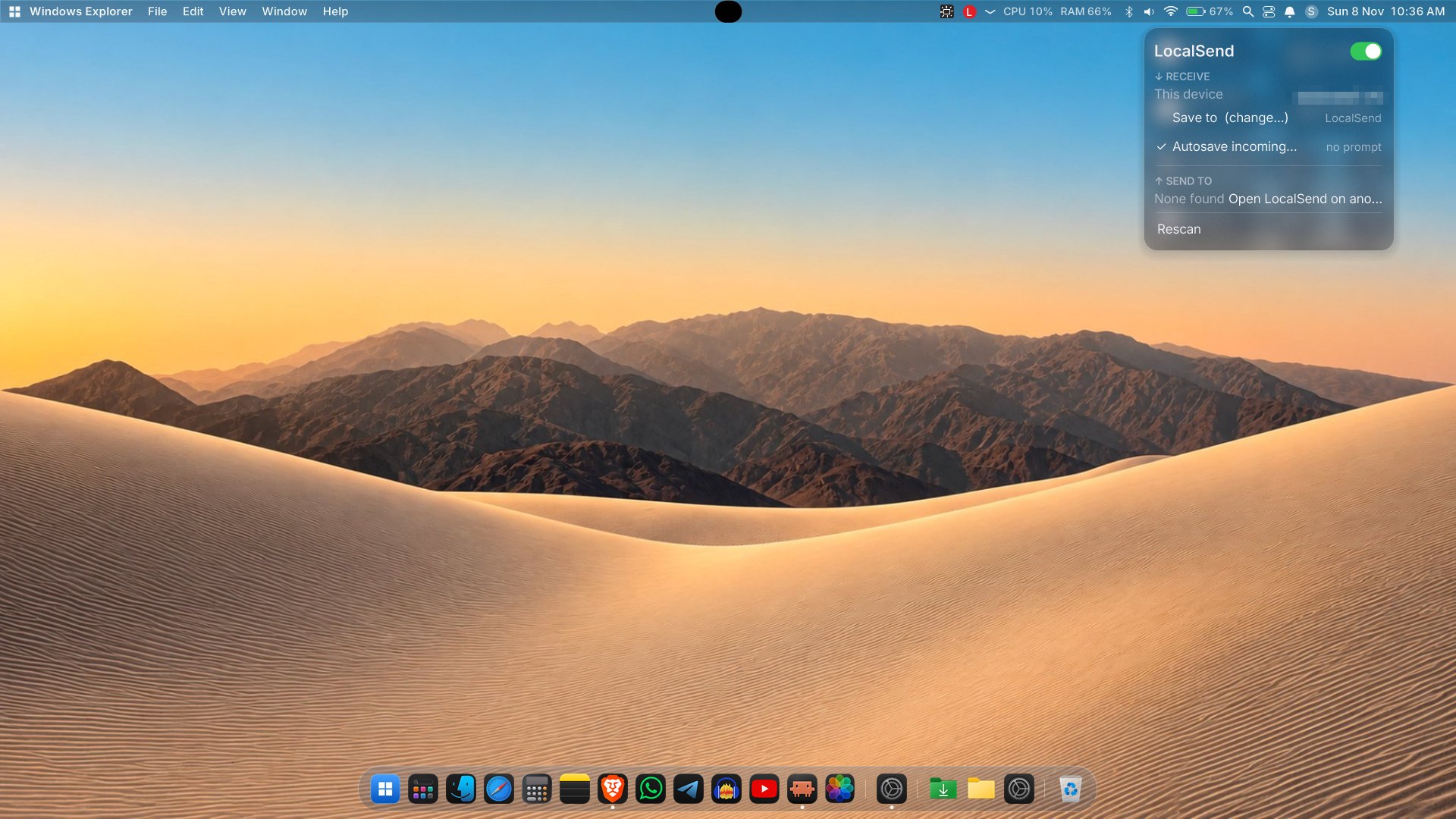
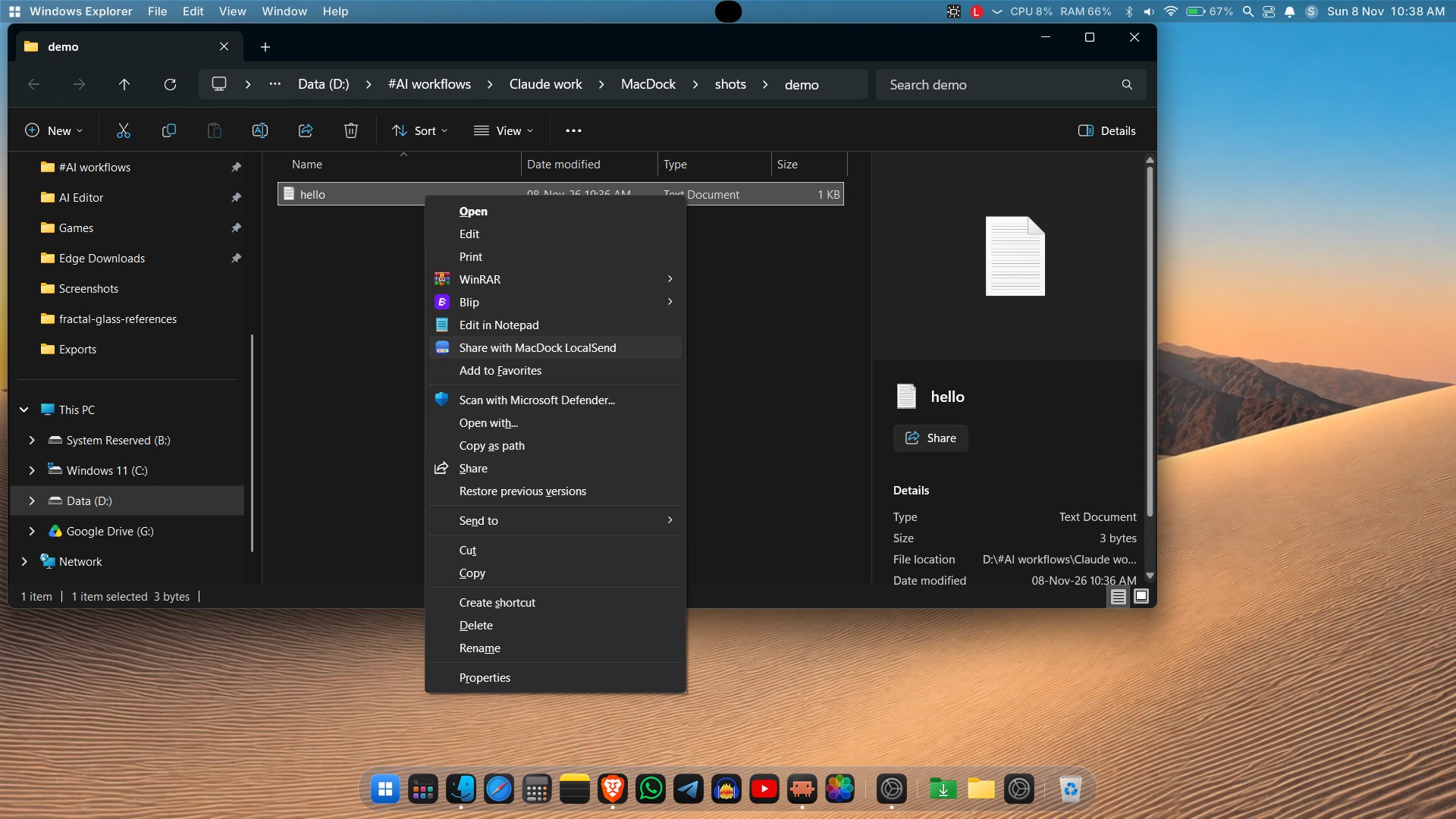
- LocalSend from Explorer: a "Send to > MacDock LocalSend" shortcut and
MacDock.exe --send <file>queue files for the LocalSend panel; optional autosave to accept incoming files without a prompt. - Keyboard access:
Ctrl+Alt+Shift+Dputs the keyboard on the dock (arrows, Home/End, Enter to open, Menu key for the context menu, Esc to leave). - Multi-monitor and DPI: choose the dock monitor (
monitor=indocksize.txt); layout and fonts follow the monitor's DPI (per-monitor DPI manifest). - Windows theme and Reduce Motion: follows the Windows colour mode and "Animation effects" switch; with animations off the bounce and open/close effects are instant.
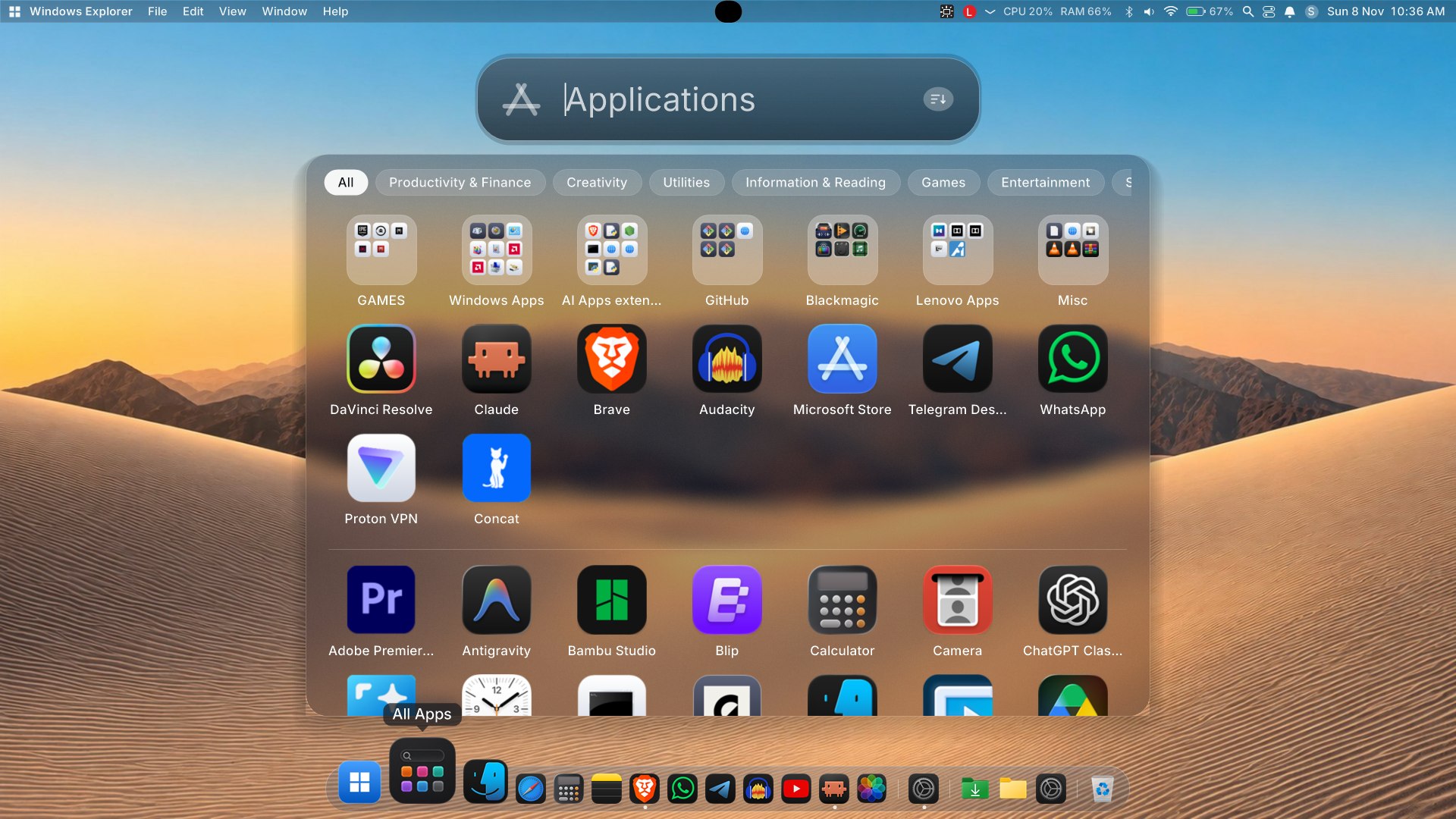
- Start-menu style Launchpad/All Apps motion: short rise-and-fade open/close, prewarmed hidden copy, background-blurred backdrop.
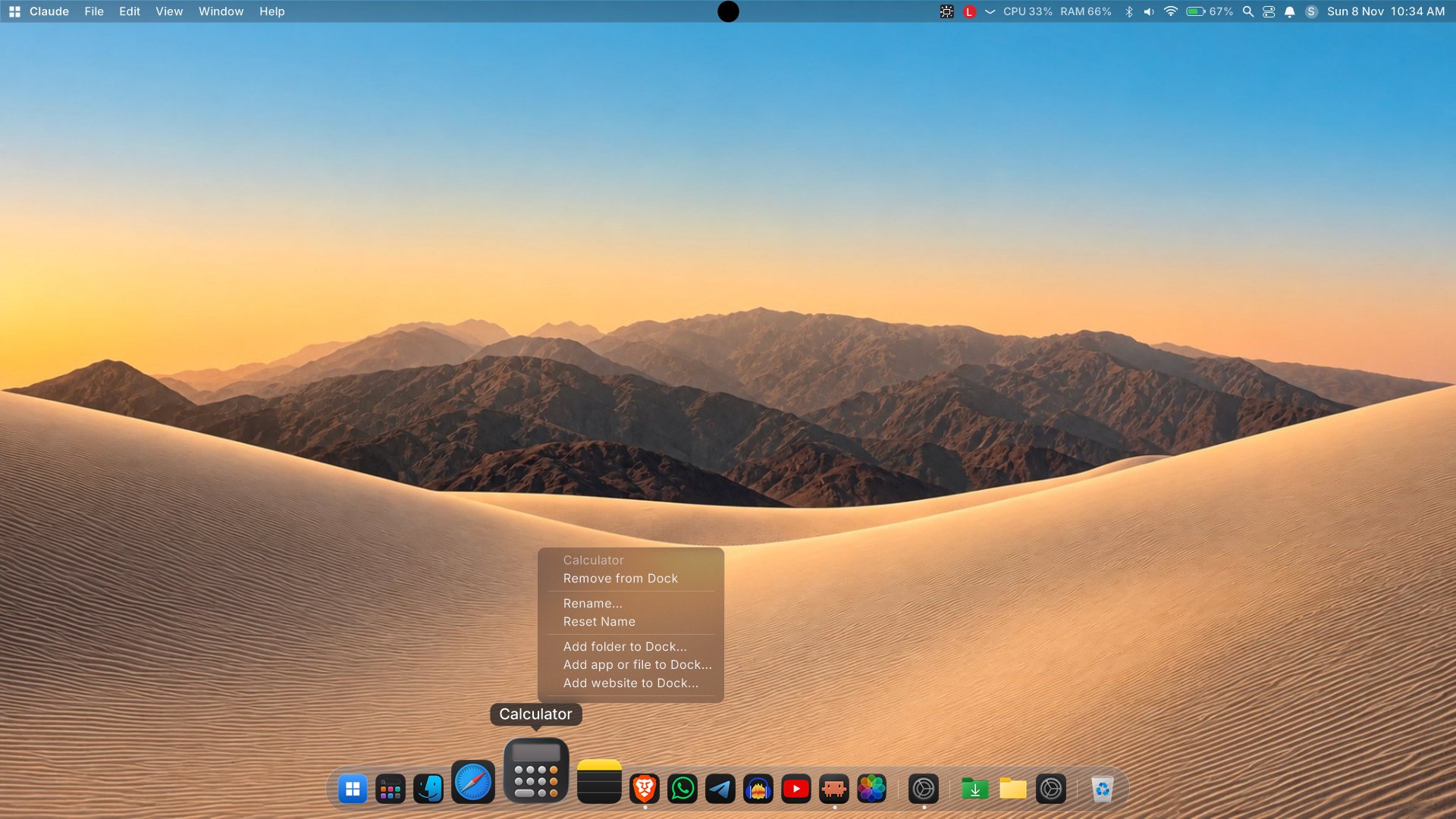
- Uninstall from Launchpad: uses the program's own uninstaller (UAC when needed) and hides leftovers of programs that no longer exist.
- Window preview close button and an updated app logo used for every MacDock window.
Changed
- Launched apps are brought to the front once their window appears; a single short bounce acknowledges a launch.
- Dragging a dock icon starts immediately (no long press).
- Settings window stays above the dock and maximizes into the area above it.
- Popup menus capture a margin around them so the glass blur is correct at the edges.
- MacDock relaunches itself through Explorer when started from a terminal or another app, so it is never tied to that process.
- Notifications and window-preview improvements, Win32 interop cleanups.
Fixed
- Window previews and focus helpers when a window is minimized or topmost.
- Stale or missing icons in Launchpad.
SHA256 of MacDock-v1.4.zip: 24C0C321E1C6179EBDC03FF829DB85D4D29F6D4AA855E322C1880EDD46382C69
Install
- Download MacDock-v1.4.zip below and extract it.
- Run
Install.bat(per-user, no admin). If SmartScreen appears: More info > Run anyway. - MacDock installs to
%LOCALAPPDATA%\MacDock, adds a Start Menu shortcut and starts. RunUninstall.batto remove it.
Full guide in the README.
Why does Windows Defender flag MacDock?
Short version: it is a false positive, but it is understandable why it happens.
- Unsigned, new, self-built. The exe is built with the C# compiler that ships with Windows and has no code-signing certificate. Unsigned executables with few downloads have no reputation, so SmartScreen and Defender's cloud heuristics treat them cautiously.
- It does the things a shell does. MacDock uses global/low-level Windows hooks (keyboard, gestures), enumerates and thumbnails other apps' windows (window enumeration, DWM), applies glass effects with
SetWindowCompositionAttribute, simulates input, hides or replaces taskbar behavior, and registers startup entries. Heuristic engines associate that combination with keyloggers and droppers, even though here it is used for the dock, menu bar and window previews. - What it does not do: MacDock has no account and no analytics or telemetry code. Its network use is limited to LocalSend transfers with devices on your LAN, the optional macosicons.com icon lookup, and fetching favicons for website pins.
You do not have to take our word for it:
- The source is fully open in this repo. Read it, or build it yourself:
mac-dock\build.bat(run it from a folder path without a#in it). - Check the zip's SHA256 (listed in each release) and upload the file to VirusTotal; a few engines may flag it heuristically.
If Defender quarantined it: Windows Security > Virus & threat protection > Protection history > select the item > Actions > Restore (or Allow on device). To stop it being re-flagged, add an exclusion: Virus & threat protection > Manage settings > Exclusions > Add or remove exclusions > Add an exclusion > Folder > %LOCALAPPDATA%\MacDock. Then re-run Install.bat.
Help us: you can report the false positive to Microsoft at https://www.microsoft.com/en-us/wdsi/filesubmission (choose "Software developer", upload the exe). Each accepted report improves detection for everyone.
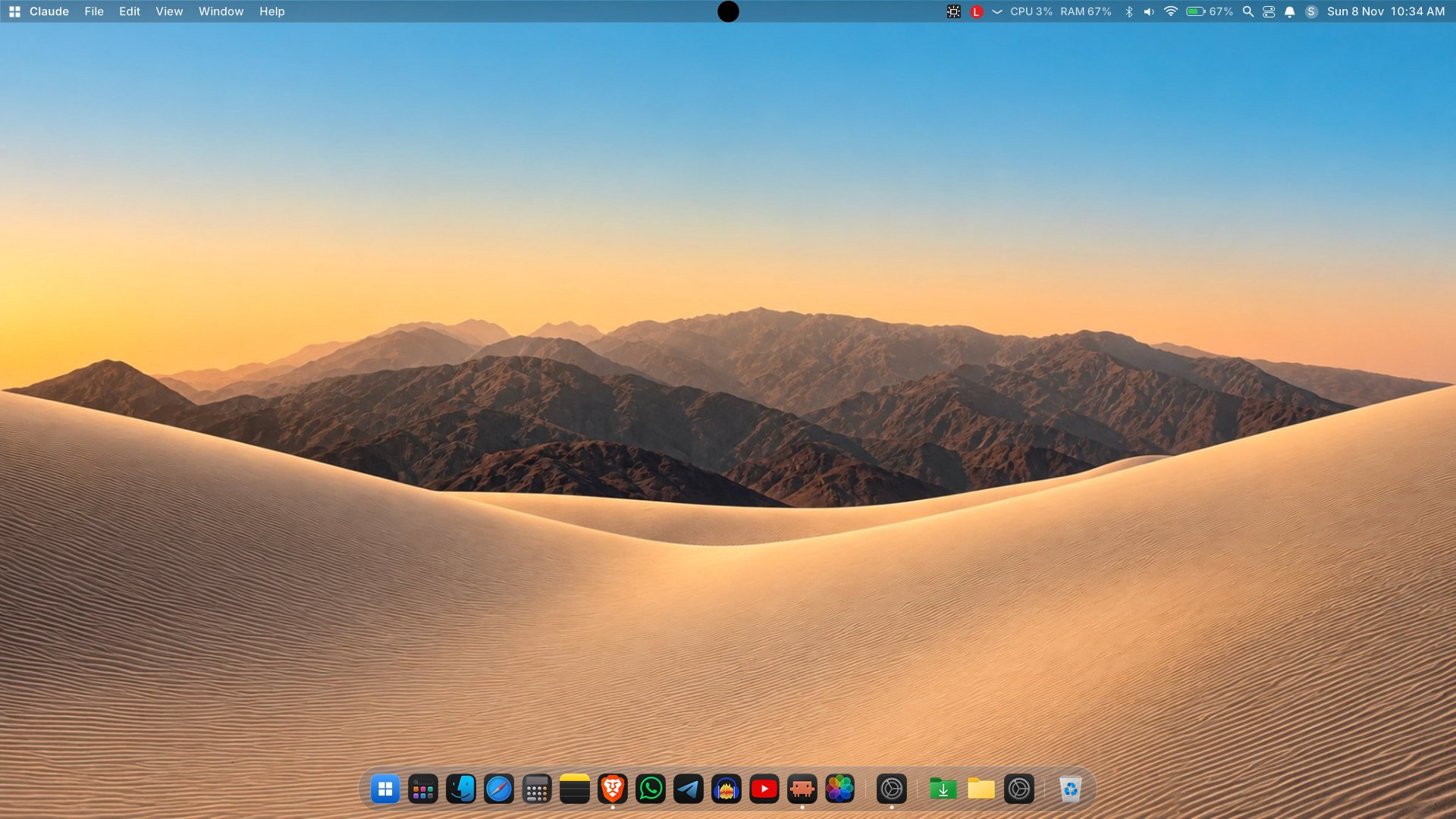
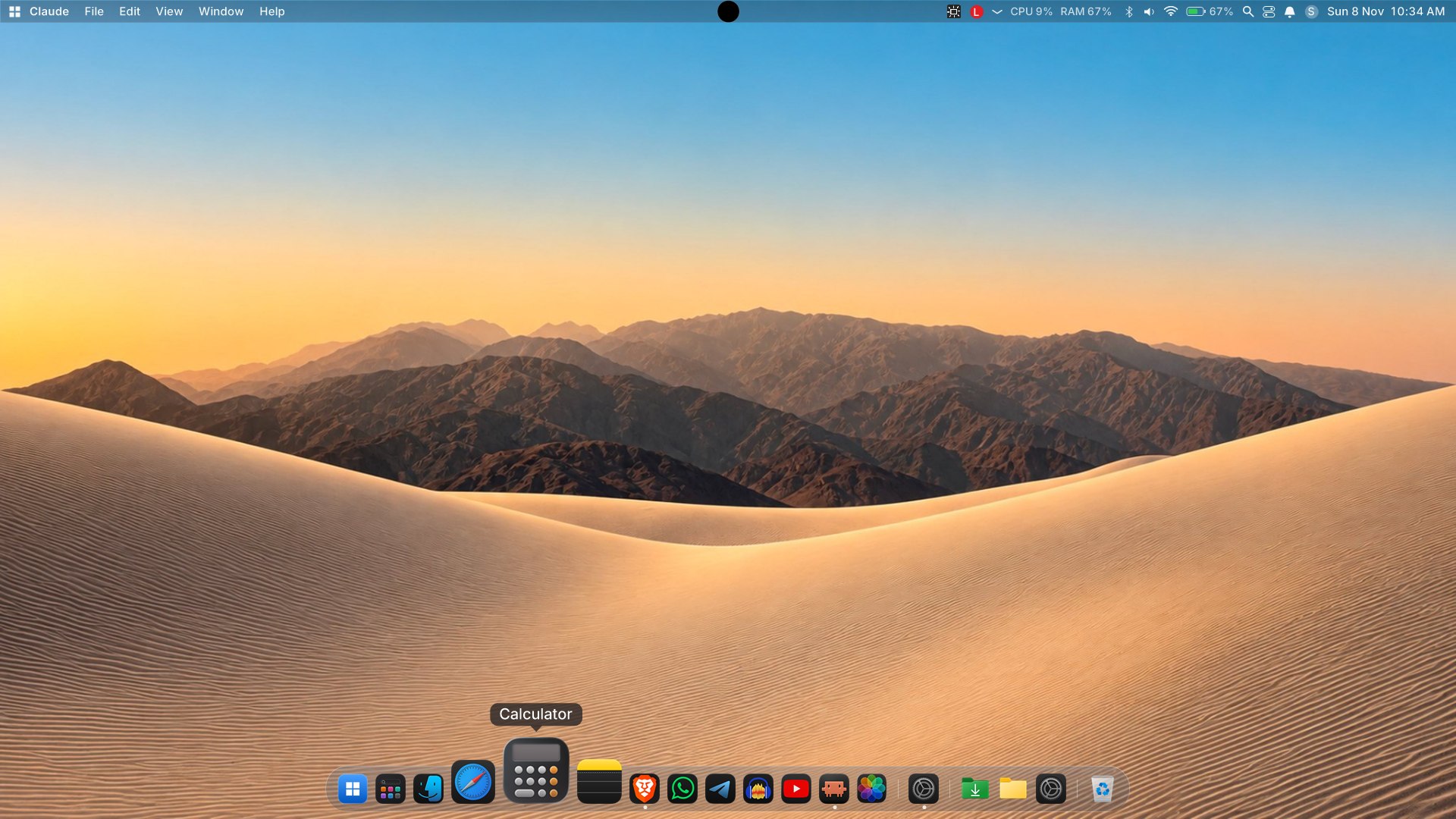
Screenshots
MacDock v1.3
MacDock v1.3
Added
- Drag and drop: drop files onto dock apps to open them with that app.
- Launchpad sort icon.
- Executable metadata (version info) and an application manifest.
Changed
- Antivirus hardening to reduce false positives: guard task is now opt-in; restarts no longer use cmd/ping; installer no longer uses PowerShell ExecutionPolicy Bypass; installer output is transparent.
- Faster folder hover.
- Win32 interop cleanups and window preview improvements.
Fixed
- Build error from missing keyboard-hook declarations.
Verify your download (SHA256)
- MacDock-v1.3.zip:
9F4AF3C27B7F3BB98E57F1D0170C63B34BCF5802DDD135595ED6E3CF3307A584 - bin\MacDock.exe:
ACC85D116813263BEE04109B15F3CD7C4853545450820BC617A8600665DF5155
The exe is unsigned, so SmartScreen or Defender heuristics may flag it. Verify the hashes above or build from source.
MacDock v1.2
v1.2
Added
- LocalSend: AirDrop-style file sharing with nearby devices (LocalSend v2 protocol), with a built-in loopback self-test (
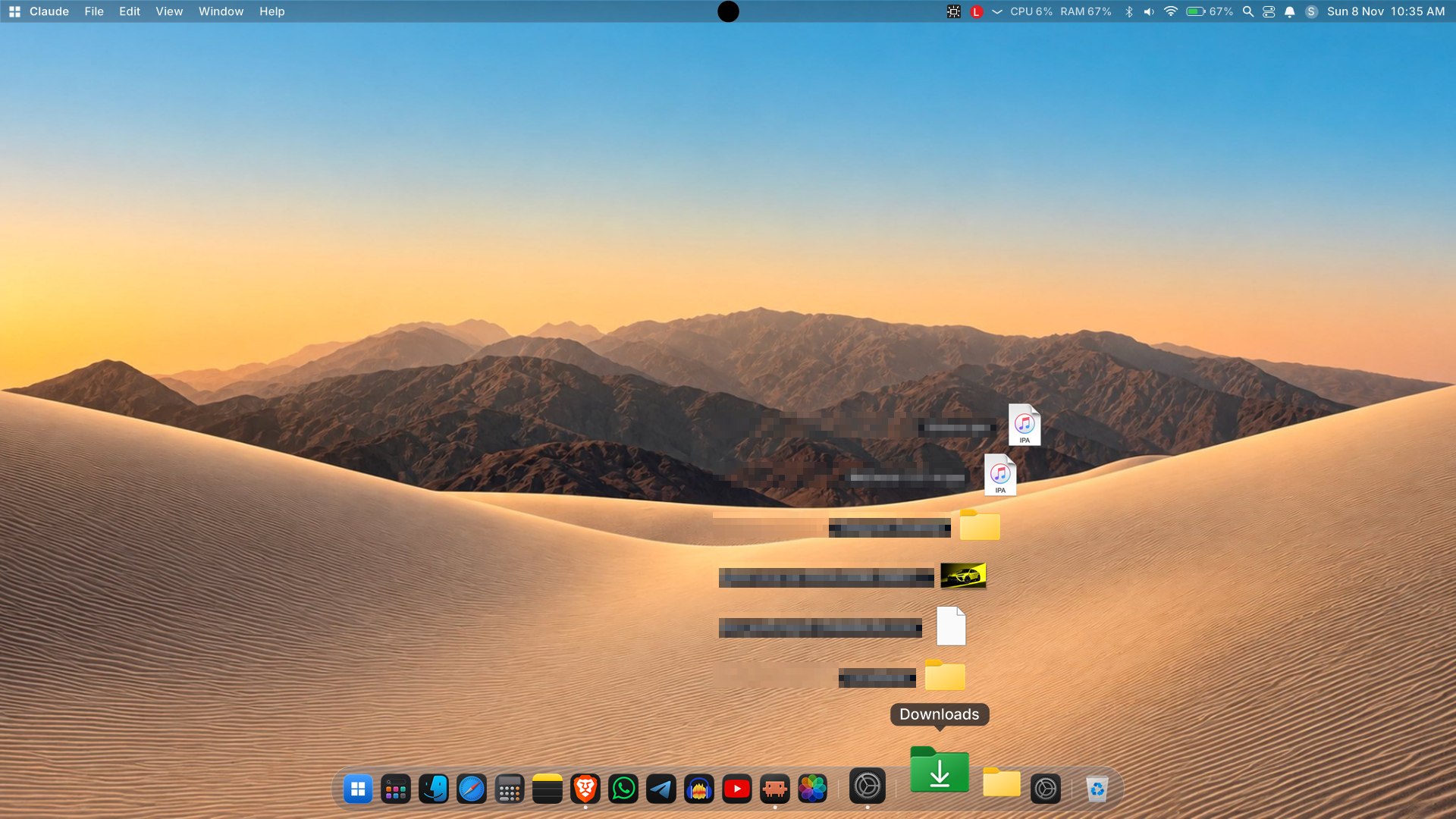
MacDock.exe --ls-selftest). - Downloads and folder fan: folders on the dock open as a Fan, Grid or List. Includes curve and grow options, hover grow, a right-click menu, and drag-to-Recycle-Bin.
- Folder colors and rename for dock folders (rename also works in Launchpad).
- Media tile in Control Center showing artwork and the current title.
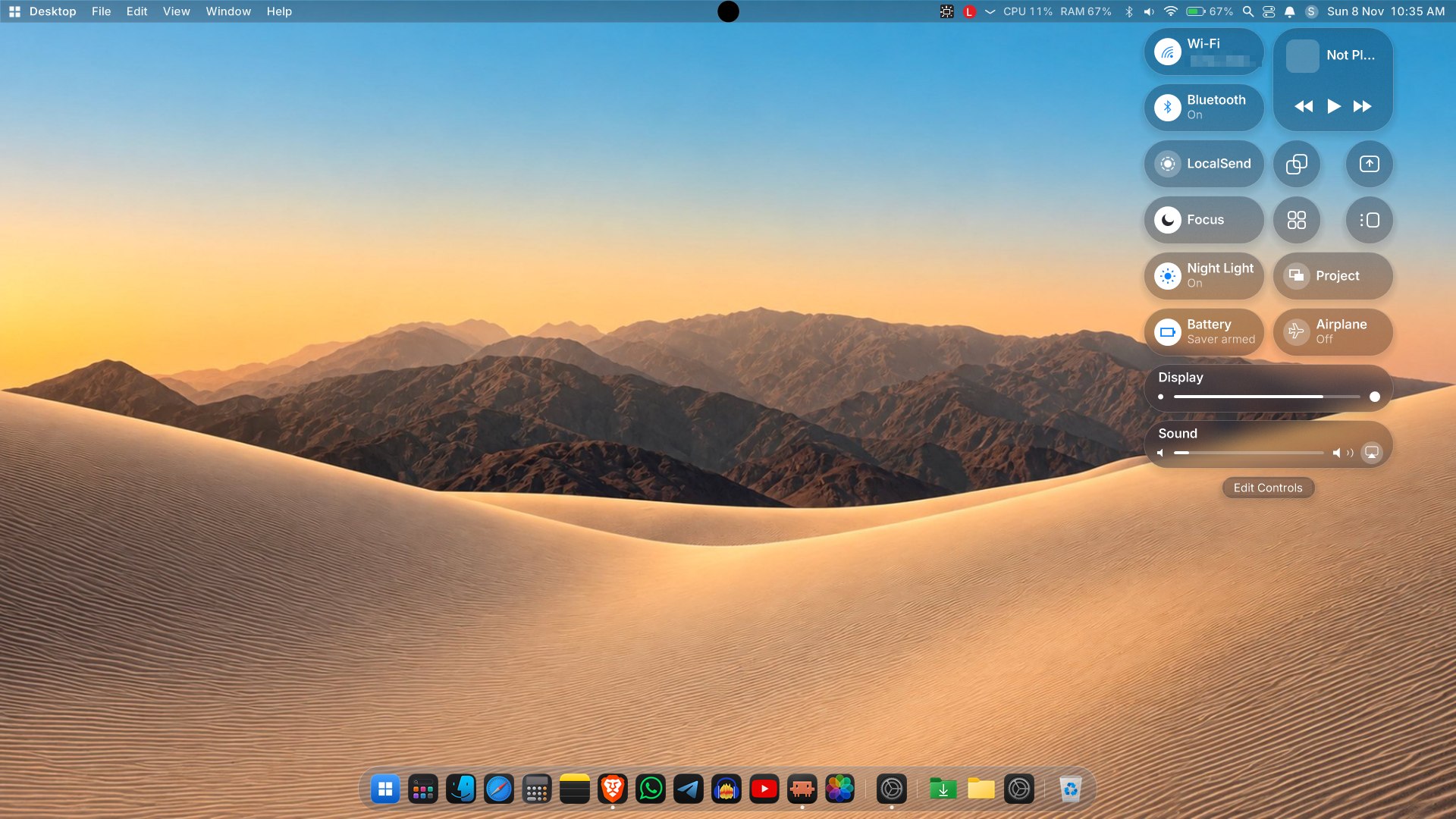
- New Control Center tiles: Night light, Project, Battery saver and Airplane mode.
- Dock size and magnification sliders in Settings > Dock.
- Fullscreen handling: the dock, top bar and Dynamic Island step aside while a fullscreen app owns the display.
- Settings open animation and hover glyphs on the traffic-light buttons.
Changed
- Menus now open above the title.
- Window preview and Win32 helper cleanups.
Fixed
- Frosted-glass background on popup menus.
- Dock, bar and island visibility after sleep, unlock and display changes.
MacDock v1.1
Adds window previews: hover any running app's dock icon to see live thumbnails and titles of its windows; click one to focus it. Unzip to %LOCALAPPDATA%\MacDock and run bin\MacDock.exe.