Repository navigation
v0.4.0

Each scene open in Godot now gets its own Neovim tab page, and switching
scenes on either side switches the other. A new start_clean setting runs
Neovim without your config, to rule it out when something misbehaves.
About godotnvim
godotnvim replaces Godot's script editor with an embedded Neovim, drawn
inside the editor. Your Neovim config, plugins and keymaps load as usual, and
the parts of Godot's script editor that matter keep working.
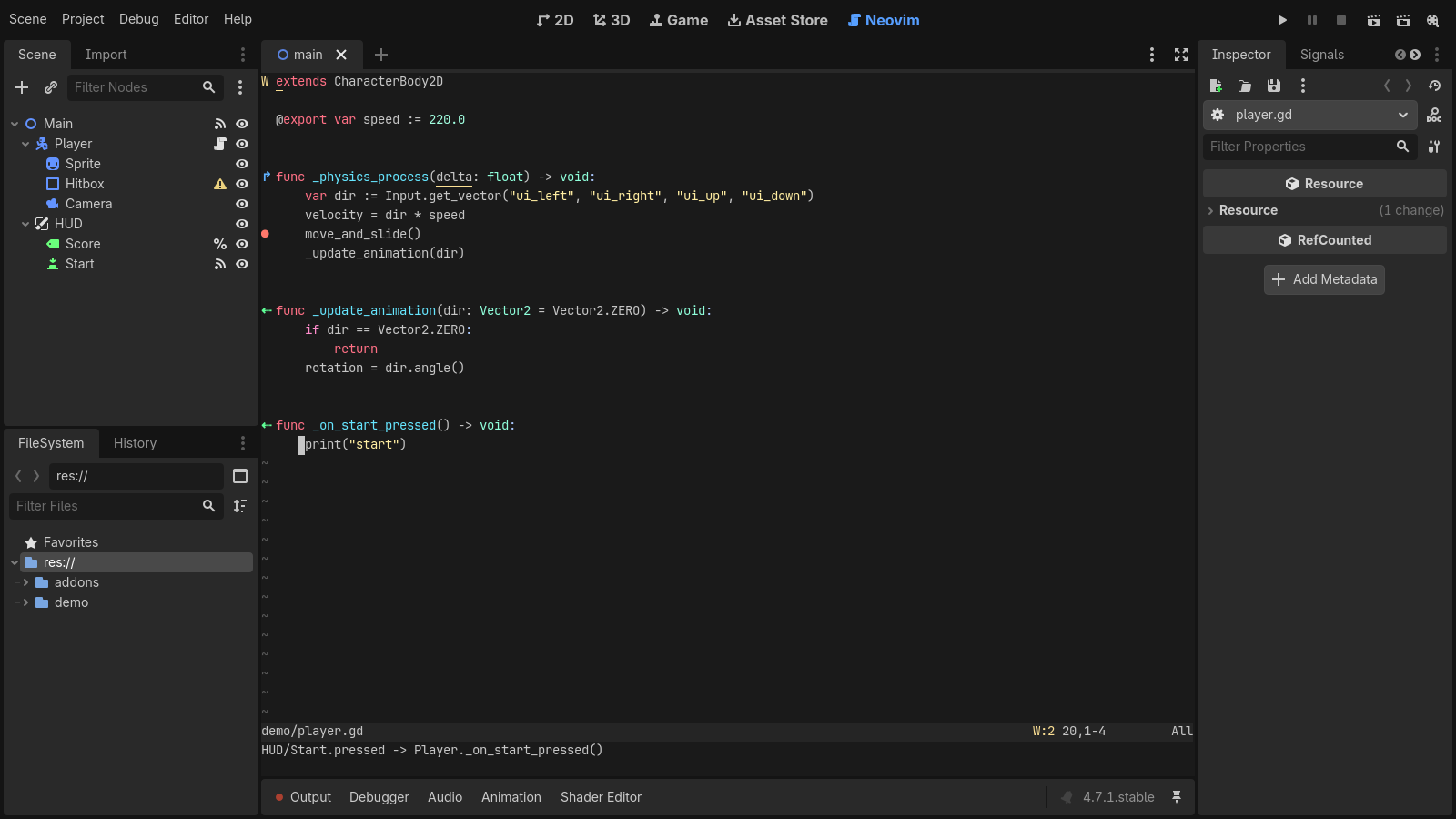
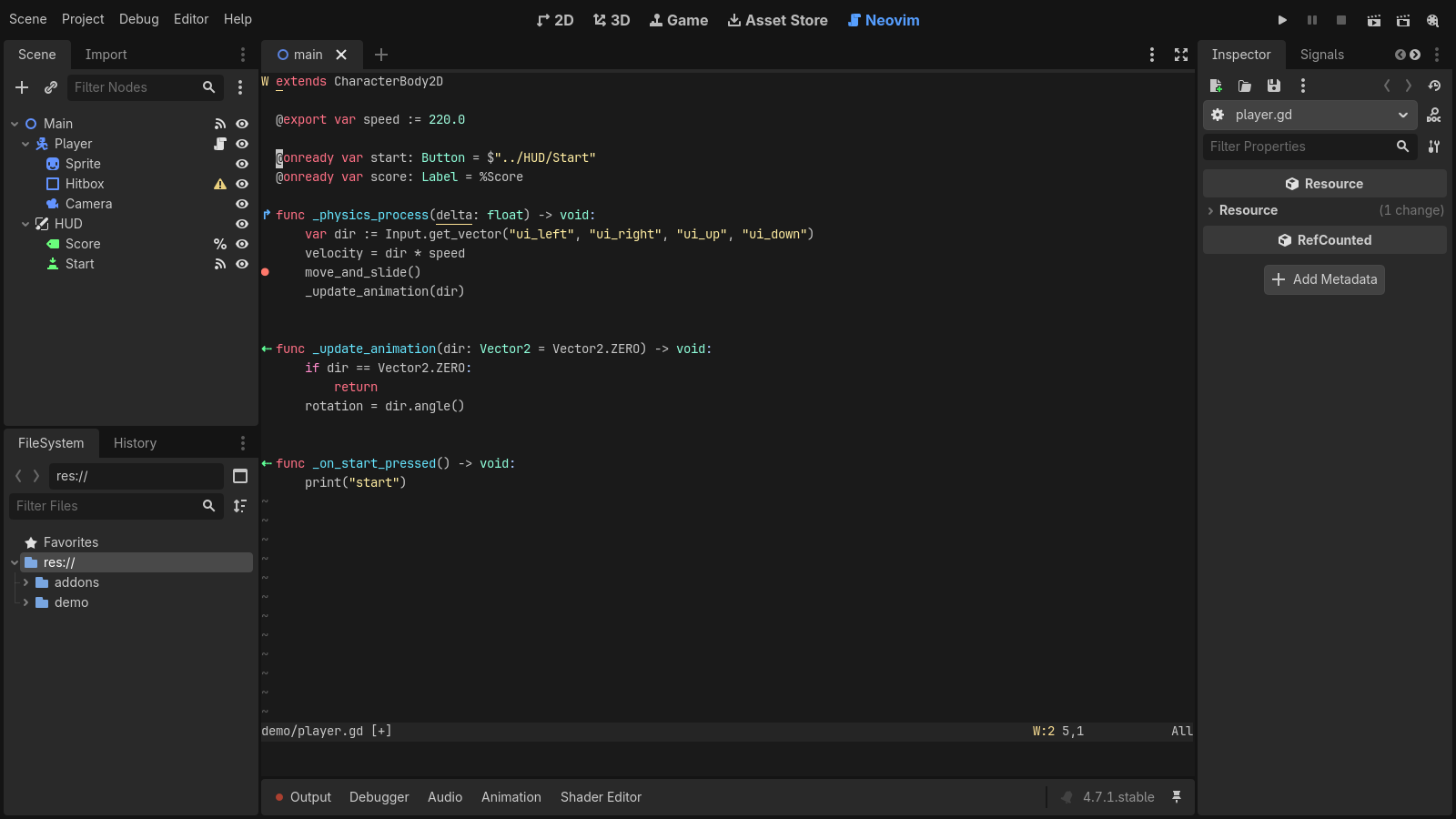
- Drag and drop: nodes, files and Inspector properties drop in as the
same text Godot inserts, with Ctrl/Cmd for@onready var,preloadand
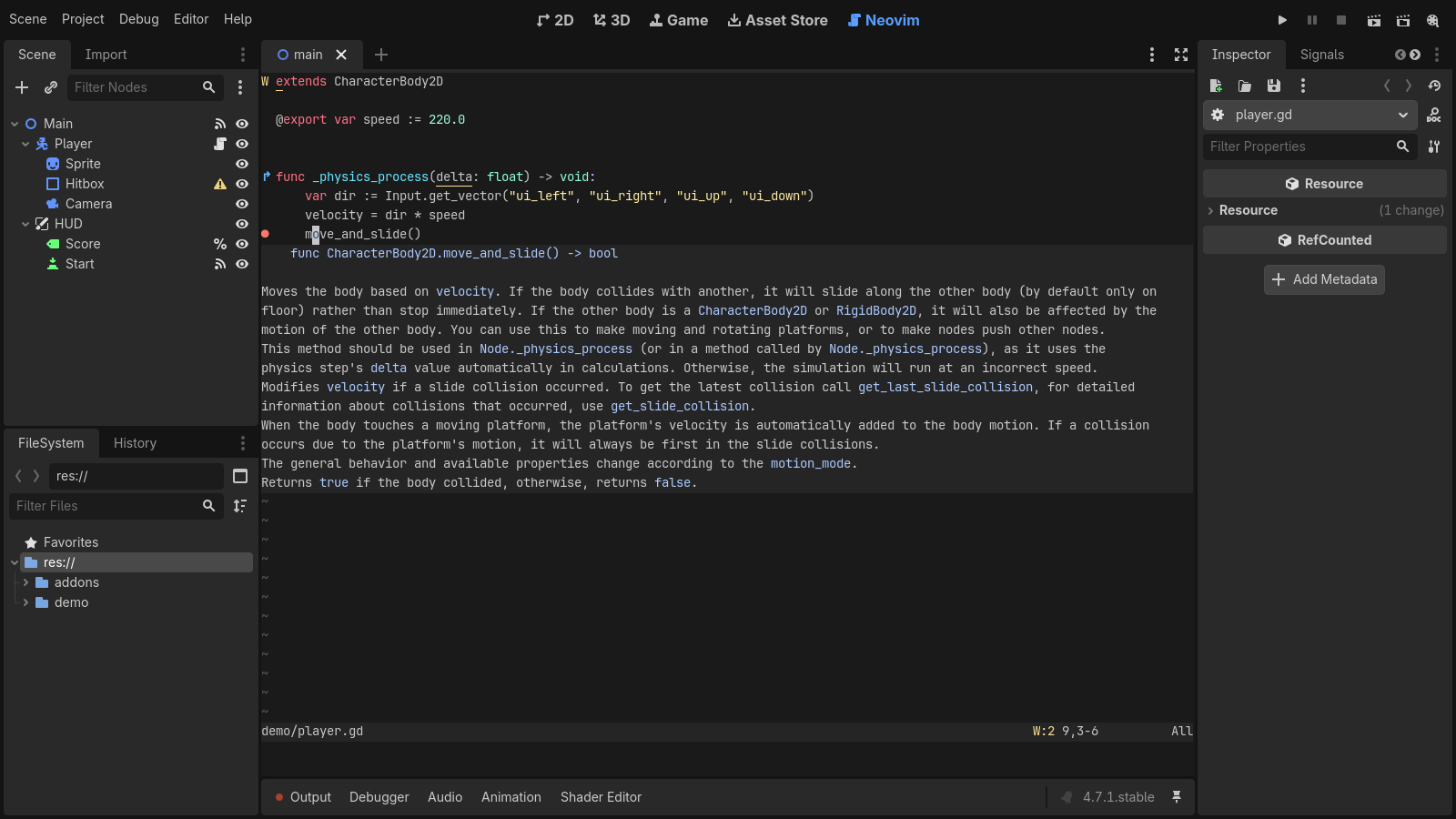
NodePath forms. - Language server: hover docs, go-to-definition, references, rename and
completion from Godot's GDScript language server, plus:GodotFuncto jump
to any function in the project. - Debugger: breakpoints show in the gutter and stay in sync with Godot's
debugger both ways. - Signs: methods that signals connect to, and methods that override a base
class, are marked as in Godot's script editor. - Running: Godot's run, pause and stop shortcuts work while you type, and
:GodotRunFileruns anEditorScript. - Format on save with
gdscript-formatterorgdformat. - Sessions and scene tabs: open files, splits and tabs come back when the
project reopens, and each open scene gets its own Neovim tab page. - Colors: Neovim takes the script editor's colors, and vim2godot (in this
release's assets) turns any Vim colorscheme into a Godot theme.
Needs Godot 4.5+ and Neovim, installed separately. To install, copy
addons/godot_nvim from godot_nvim-<version>.zip into your project's
addons/ folder and enable Neovim Script Editor under Project → Project
Settings → Plugins. See the
README for the details.
Changelog
Added
-
Editor Settings →
godot_nvim/start_clean(off by default) starts Neovim
with--clean, without your config, plugins and ShaDa, to rule them out
when something misbehaves. The plugin's own features, including the
session and format on save, keep working. Changing it restarts Neovim,
or waits for:qaif there are unsaved changes.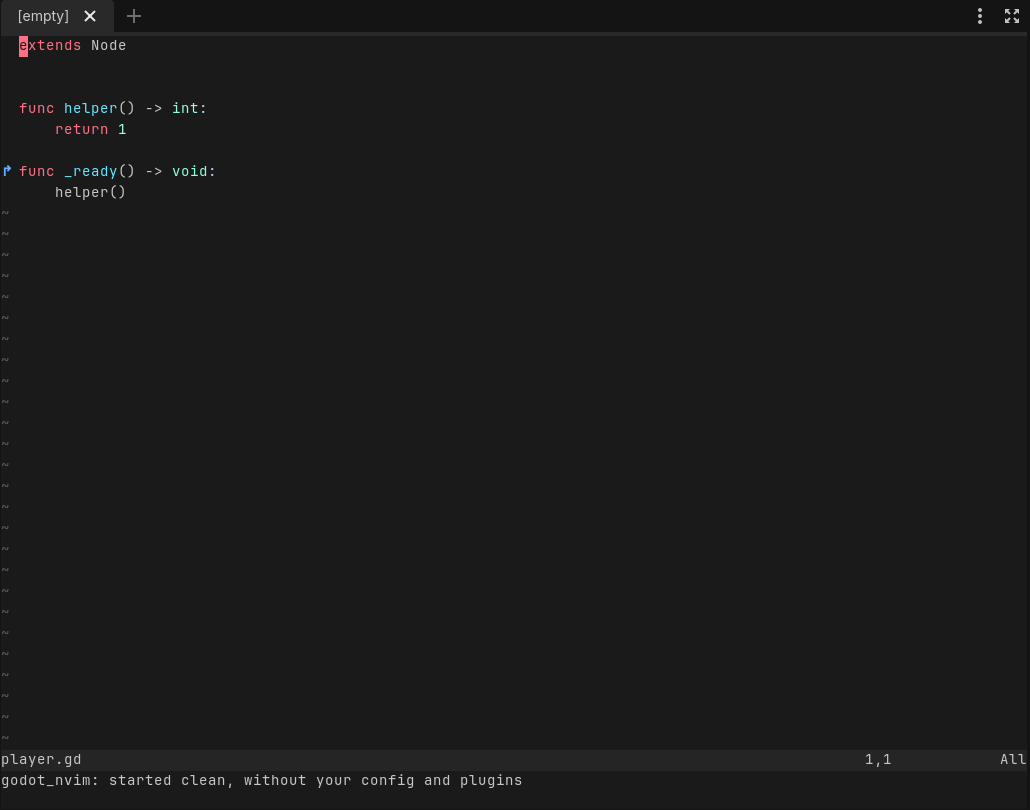
-
Each scene open in Godot gets its own Neovim tab page. Switching scenes in
Godot shows that scene's tab page, and switching tab pages in Neovim
switches Godot's scene. Opening a scene makes its tab page; closing it
closes the tab page and keeps its buffers. Scripts opened from Godot open
in the current scene's tab page. The links are saved with the session.
Editor Settings →godot_nvim/link_scene_tabsturns it off.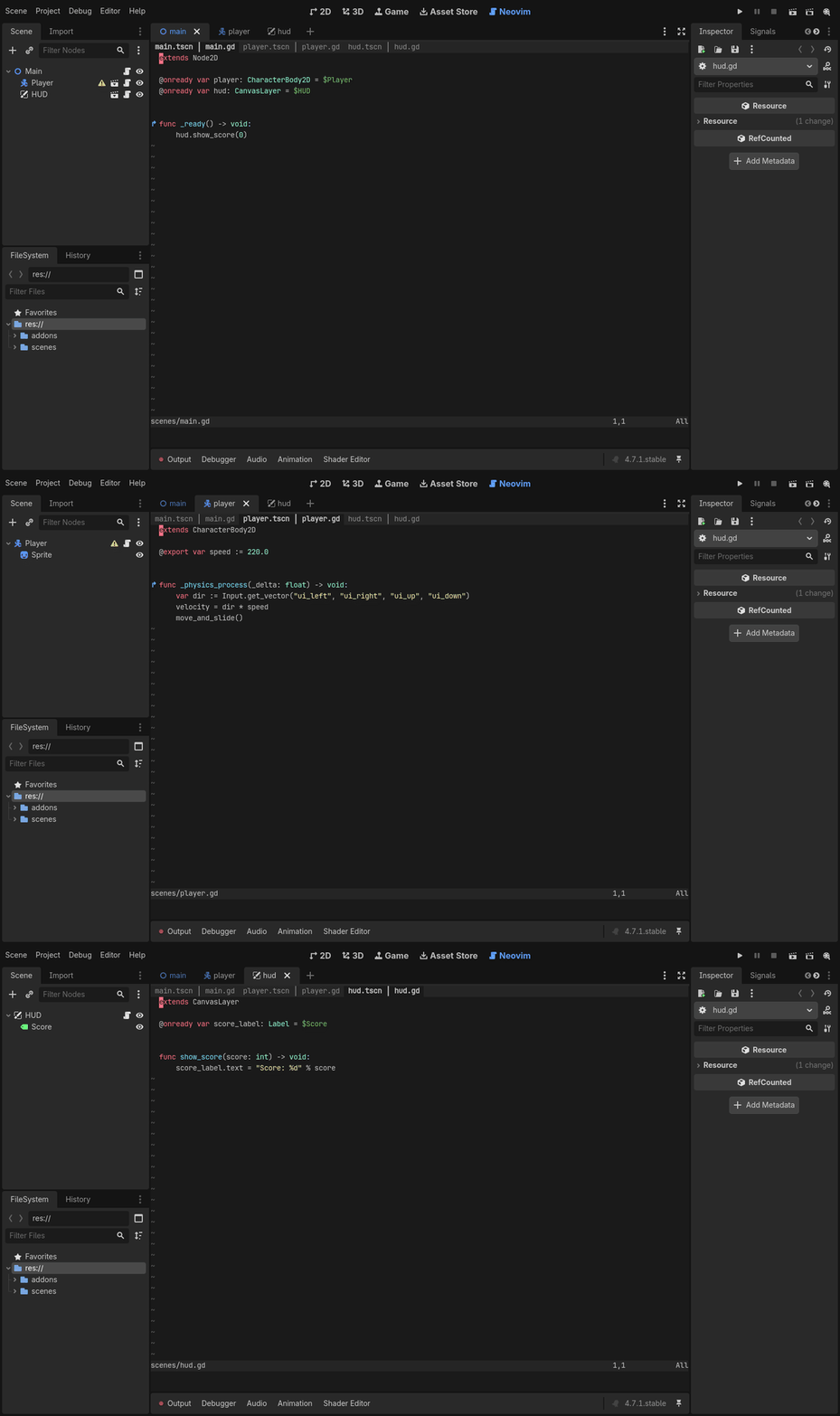
Removed
None.
Fixed
None.