Repository navigation

DRAW v2.6.0
Released 2026-11-01
New Features
-
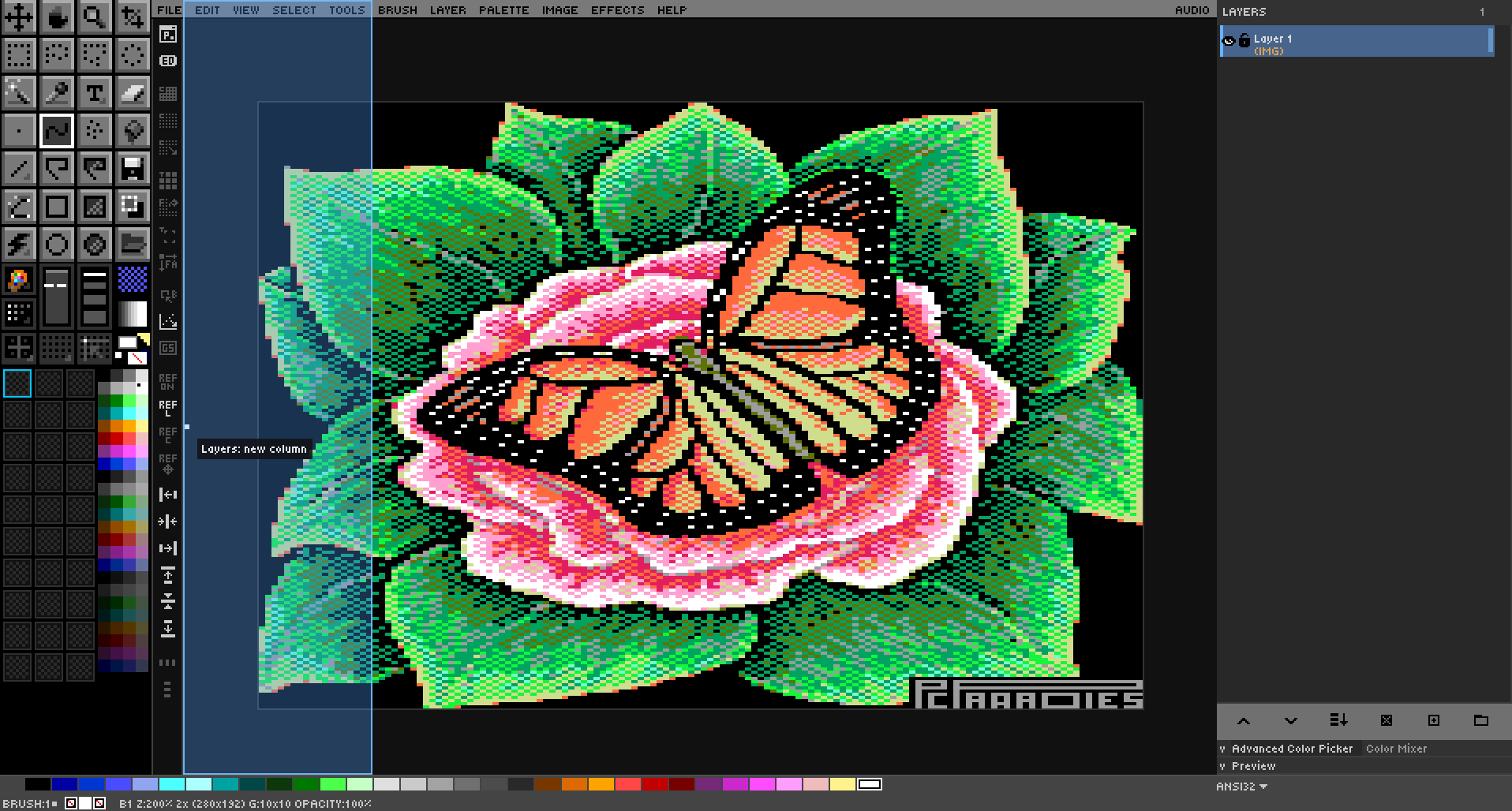
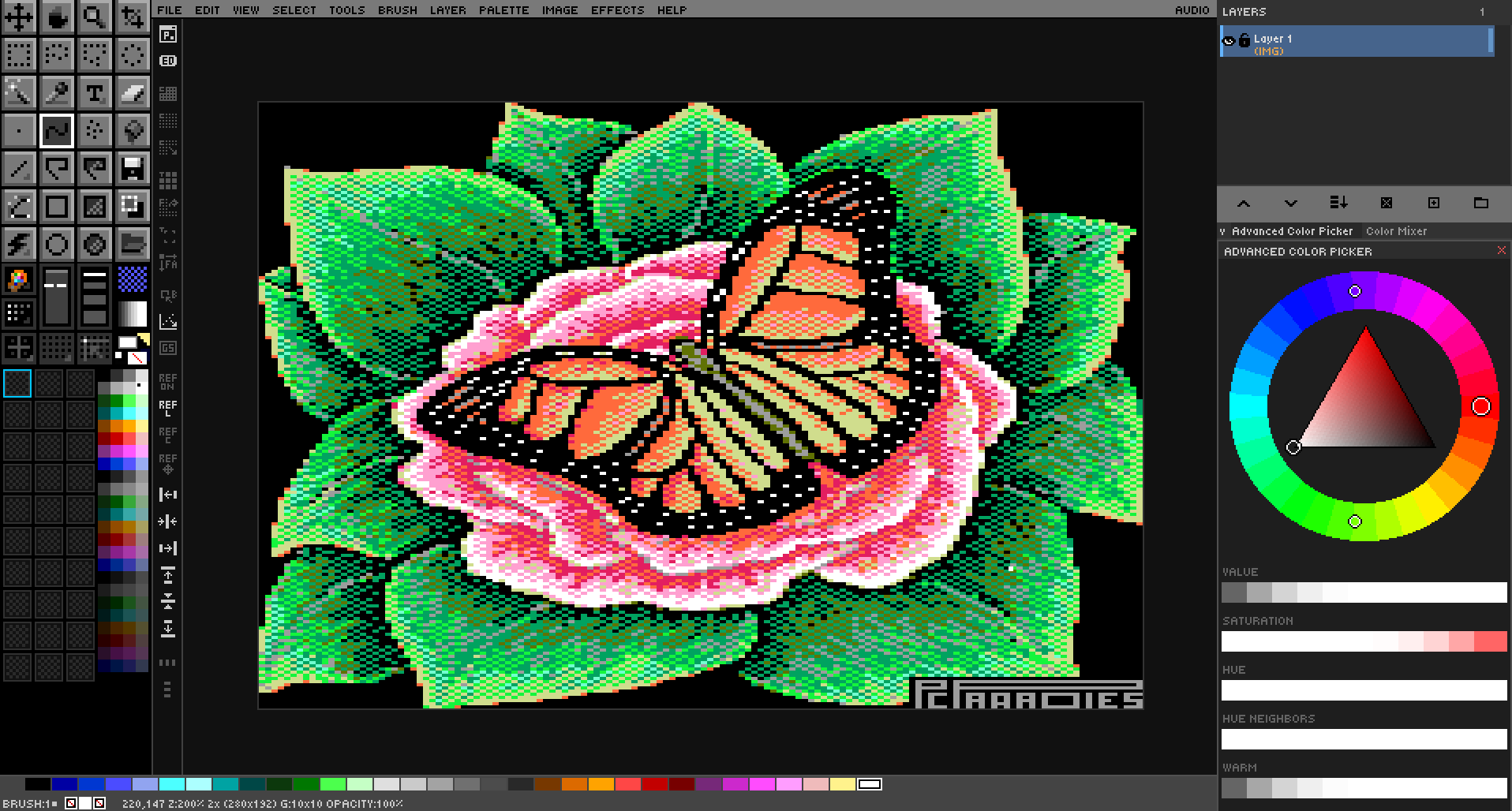
Docking. Every side panel and every floating window can be moved to its own column, stacked, tabbed, collapsed to its title, floated and docked back. Drag a panel by its handle; a blue preview shows where it will land. Drag the line between stacked panels to share the height, and drag a side panel's inner edge to resize it. The Preview, Color Mixer, Advanced Color Picker, 3D Color Space, Pen Pressure and Browser windows dock too, and the Browser can dock along the top or bottom of the canvas.
-
Lock Layout (View → Lock Layout,
Ctrl+Shift+L) freezes the arrangement so a shaky pen can't drag a panel or window by accident.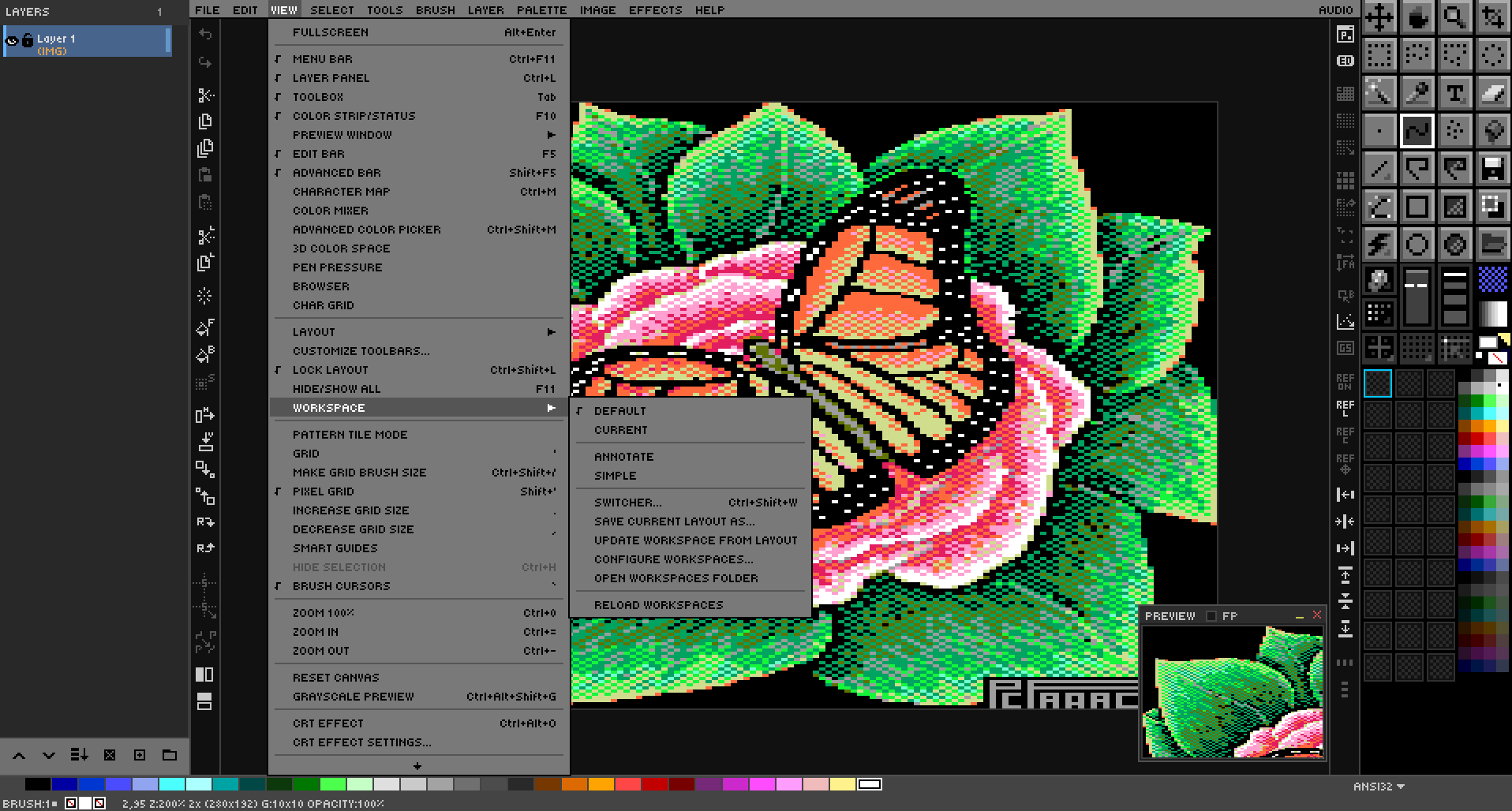
-
Workspaces: named layouts you switch into and back out of (View → Workspace,
Ctrl+Shift+W). Built in: Default, Simple, Annotate. A workspace sets panels, toolbar buttons, menus, keys, options and the starting tool. Changing the layout in Default puts it in a CURRENT workspace, and DRAW offers to keep it when you quit. -
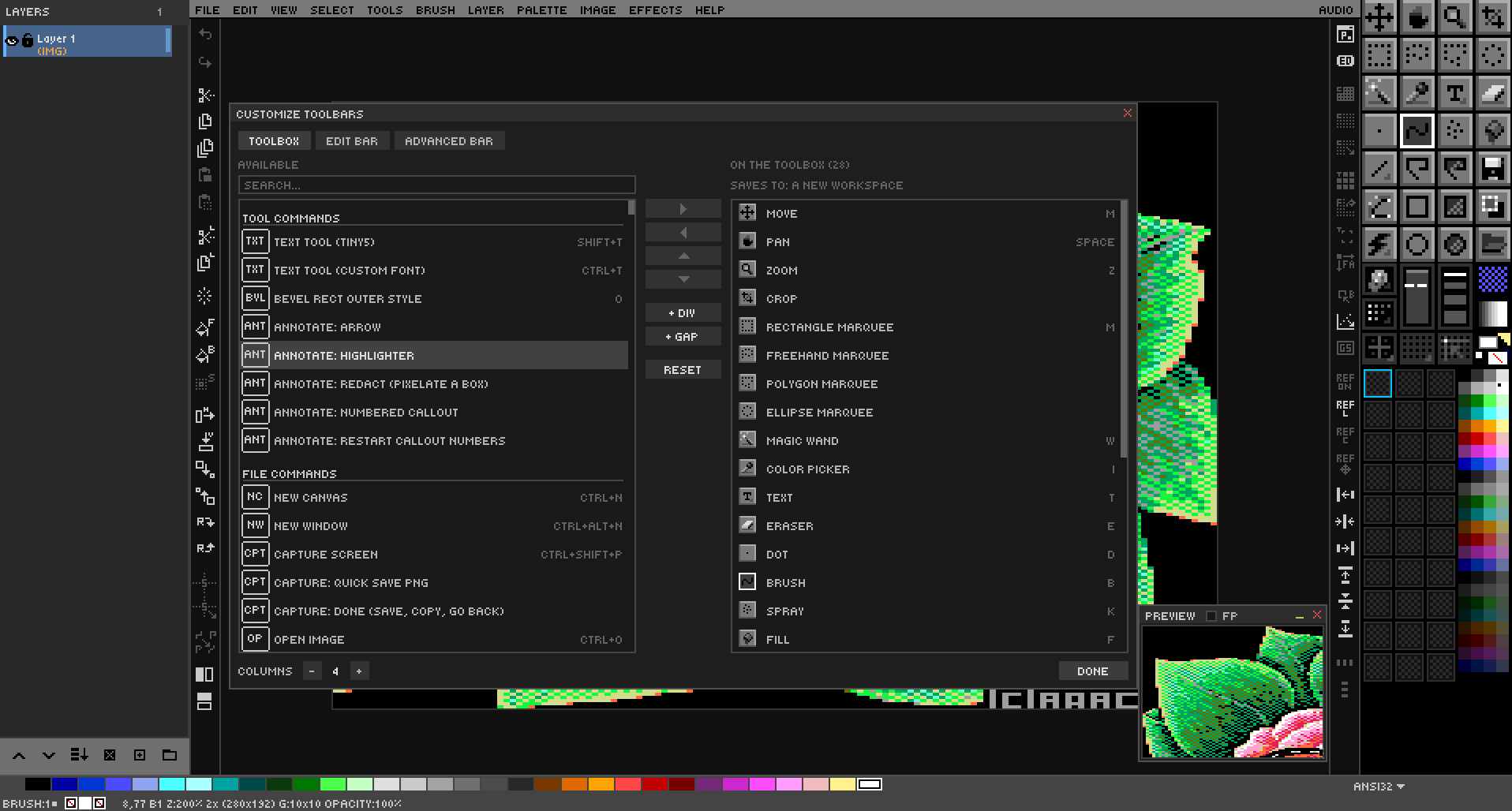
Customize Toolbars (View → Customize Toolbars…): put any tool or command on the toolbox, edit bar or advanced bar, in any order, and drag buttons on the real panels.
-
Palette color cycling, DeluxePaint/GrafX2 style: up to 16 ranges (forward, reverse, ping-pong), toggled with
Shift+Taband edited with Ctrl gestures on the palette strip. File → Color Cycling exports a runnable QB64 program, a GrafX2 GIF, an animated GIF or a DeluxePaint LBM, and opens GrafX2 GIFs and LBM/IFF files with their ranges. Example scenes are inSAMPLES/COLOR CYCLING/.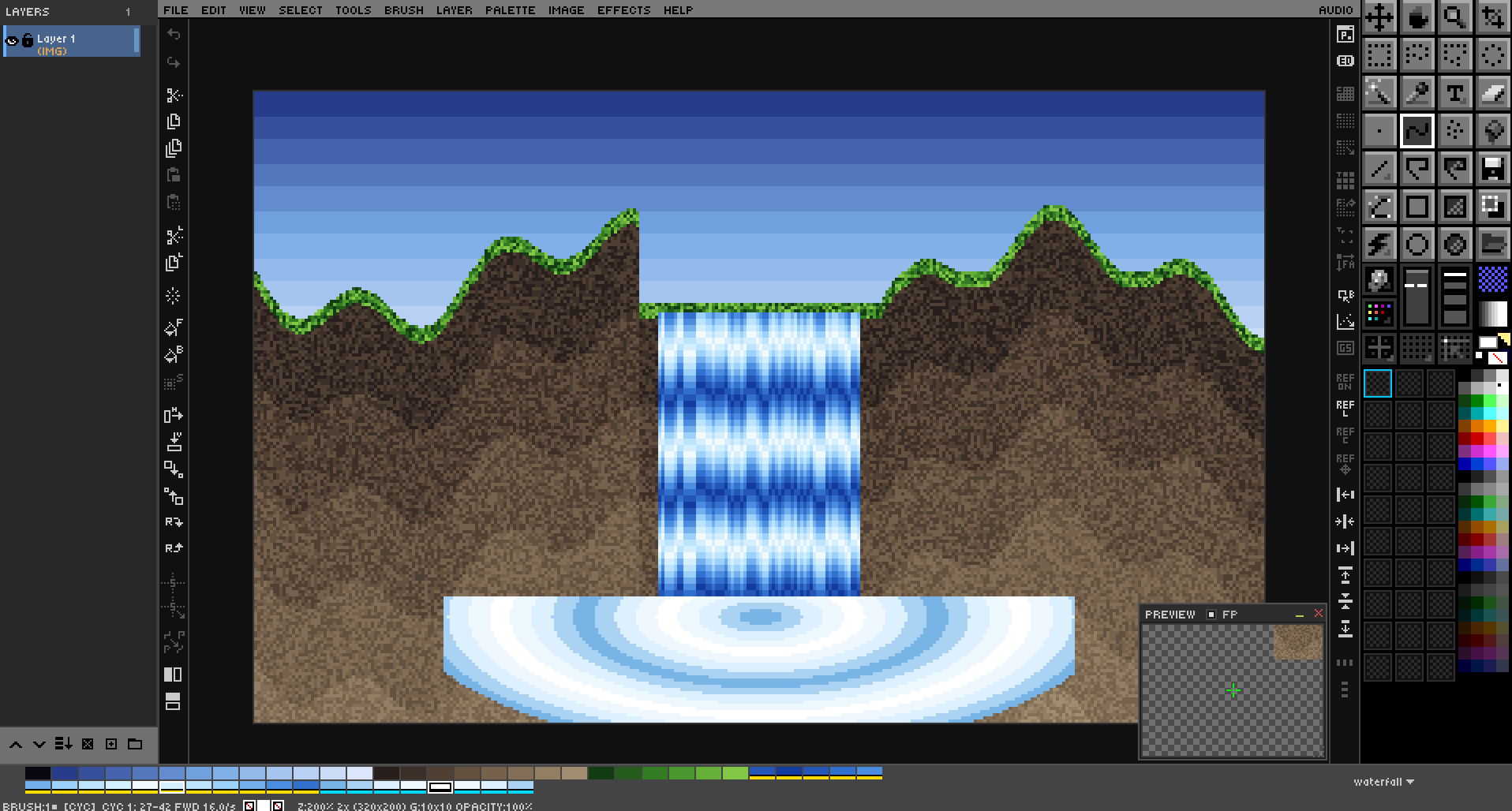
-
Capture Screen (
Ctrl+Shift+PorDRAW --capture): grab a region of the screen into the Annotate workspace, with arrow, highlighter, redact and numbered-callout tools.Ctrl+Entersaves, copies and takes you back.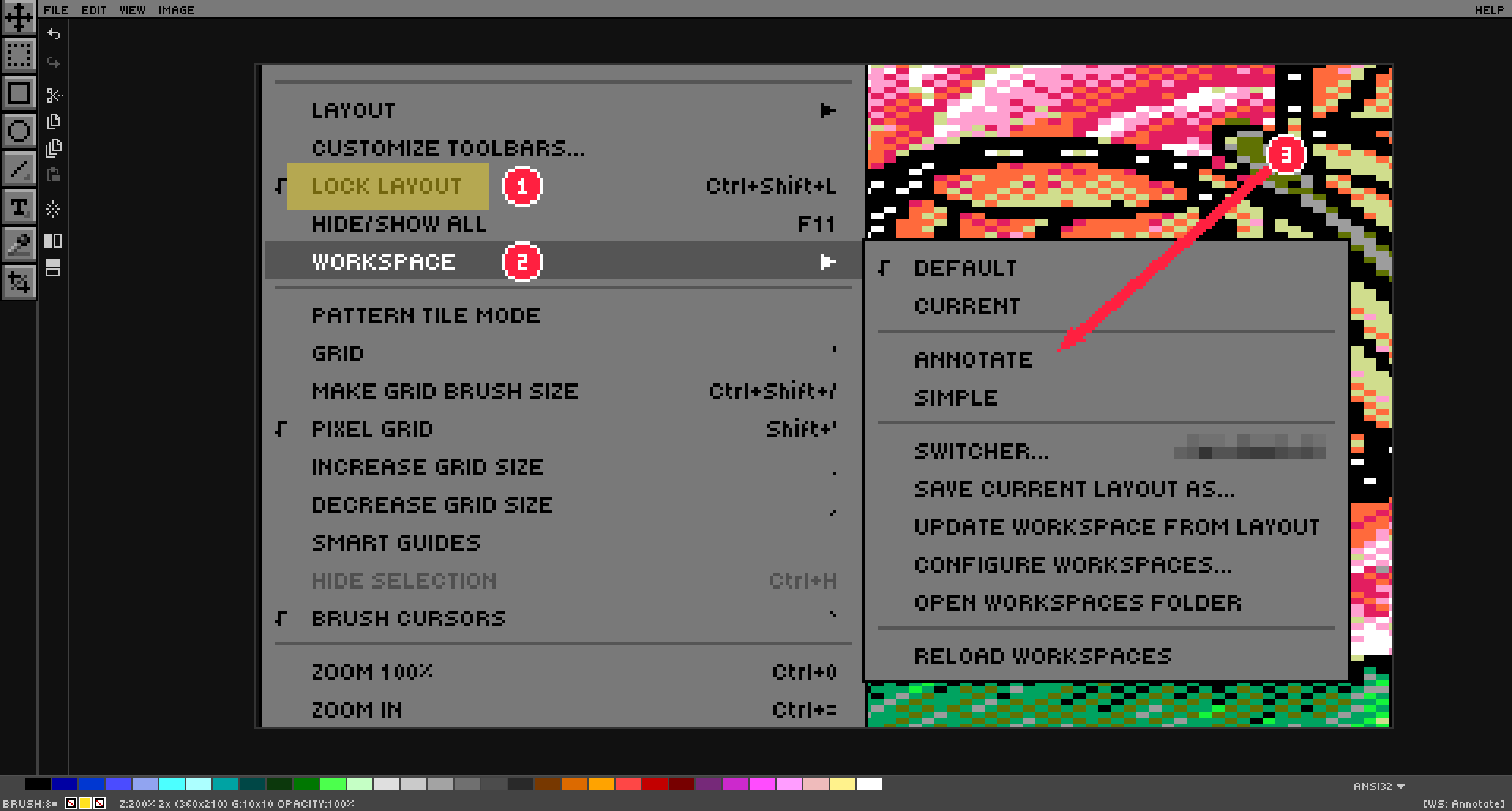
-
File → Flatten & Save (
Ctrl+Alt+Shift+S) and File → Export Again (Ctrl+Shift+E). -
Command line:
--workspace,--workspaces,--capture,--cycle,--export,--export-anim,--cfg,--dirs,--dir-NAME; colored--help.
Improvements
-
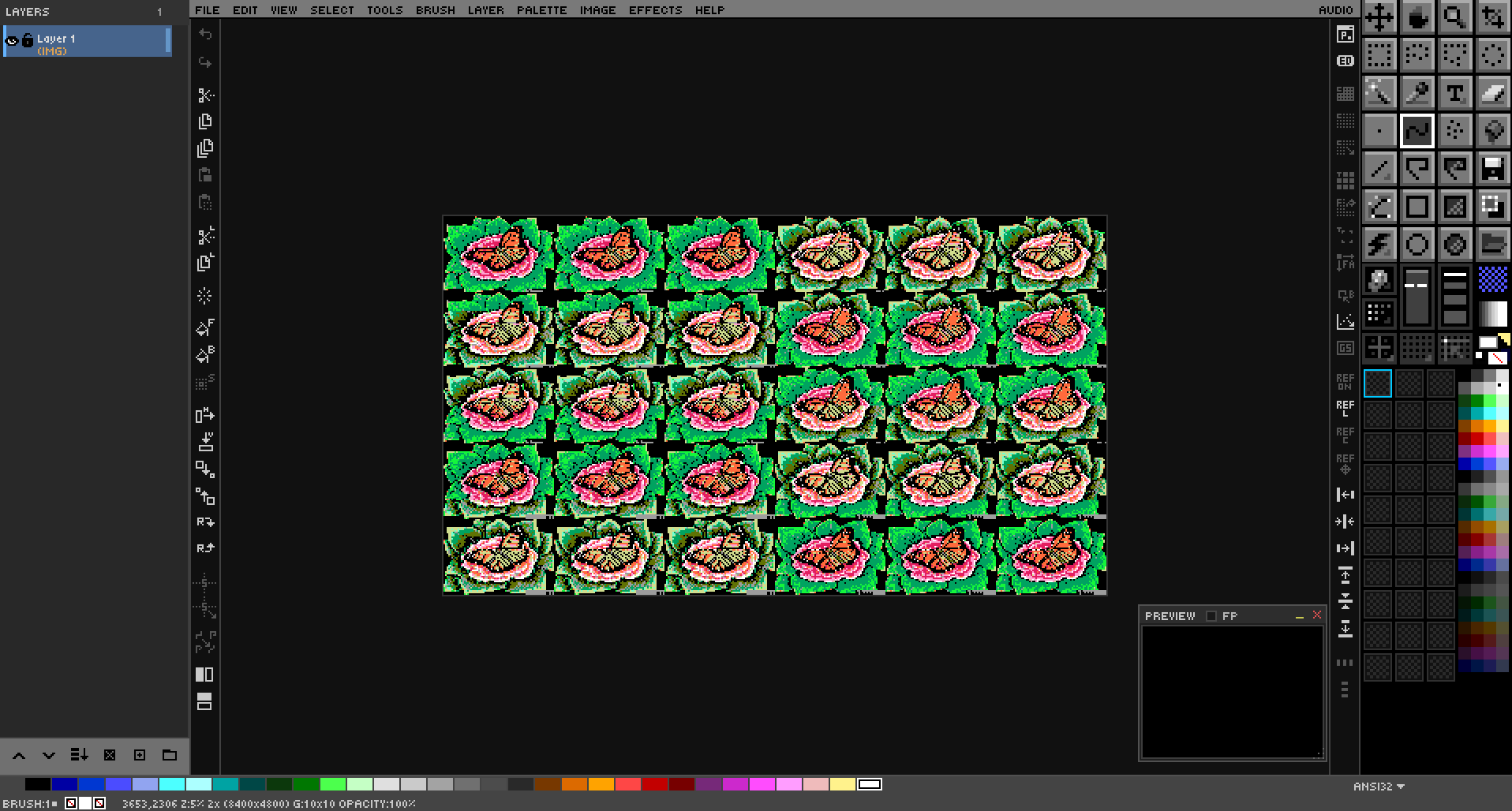
Zoom out below 25% for very large images (20, 15, 10, 7.5, 5, 3, 2, 1%). Large images open fitted to the window. Small canvases keep the 25% floor.
-
Save keeps the file you opened:
Ctrl+Son an opened PNG saves into it with the layers inside. For other flat formats, Settings → General → Saving chooses between a companion.drawand overwriting the image flattened. -
Rectangle and ellipse selections draw from the center while you hold
Ctrl. -
Windows stay visible while a menu is open, and menus draw above them.
-
Floating windows move back into view when docking changes the space around them.
-
Open, Save, Save As and Export keep your current tool.
-
Settings → Directories has OPEN buttons for each folder.
-
Menu labels can be up to 64 characters.
Bug Fixes
- On a moved, pasted or transformed layer, selections, Delete/Cut/Copy, fills, Stroke Selection, custom brush stamps and the Line tool now land where you drew.
- The arrow cursor no longer turns upside down after hovering a window's resize corner.
- The mouse wheel over the Advanced Color Picker no longer zooms the canvas.
- DRAW's cursor comes back after every dialog.
- Opening a file dialog from a menu no longer clicks inside the dialog.
- Lospec's DOWNLOAD fetches the palette you chose.
- Opening a GIF, LBM or BMP no longer makes
Ctrl+Swrite project data into it. - The Help menu is no longer cut off.
- The color picker's loupe no longer shows up underneath the Browser and other windows.
- Starting with no working display exits cleanly instead of showing a "Failed to initialize window" alert.
- [Windows] Window and desktop sizes are correct on scaled displays.
Breaking Changes
- Projects saved by 2.6.0 use
.drawformat v30. DRAW 2.5.x and older can't open them. - Export Selection moved from
Ctrl+Alt+Shift+StoCtrl+Alt+S(Ctrl+Alt+Shift+Sis now Flatten & Save). Ctrl+Son an opened PNG saves into the PNG instead of a separate.draw.- Panel layout changes made in Default go into the CURRENT workspace; Default always stays the stock layout.
- [Windows] Building needs QB64-PE with PR #786. The old
HIDPI_AWAREsetting is ignored.