Repository navigation

Local-network multiplayer works. Two devices on the same network — a normal home
router, or one phone hosting a hotspot and the other joined to it — can host and join
each other with no master server, no port forward, no account and no CD key. This is
the release where a real two-player match plays end to end.
If you have a VPN: turn it off on both devices. A VPN can carry the local traffic away from the
network the other player is on; with it off, the match is ordinary UDP on the local
subnet. Guest and hotel networks that block device-to-device traffic cannot carry a
match at all.
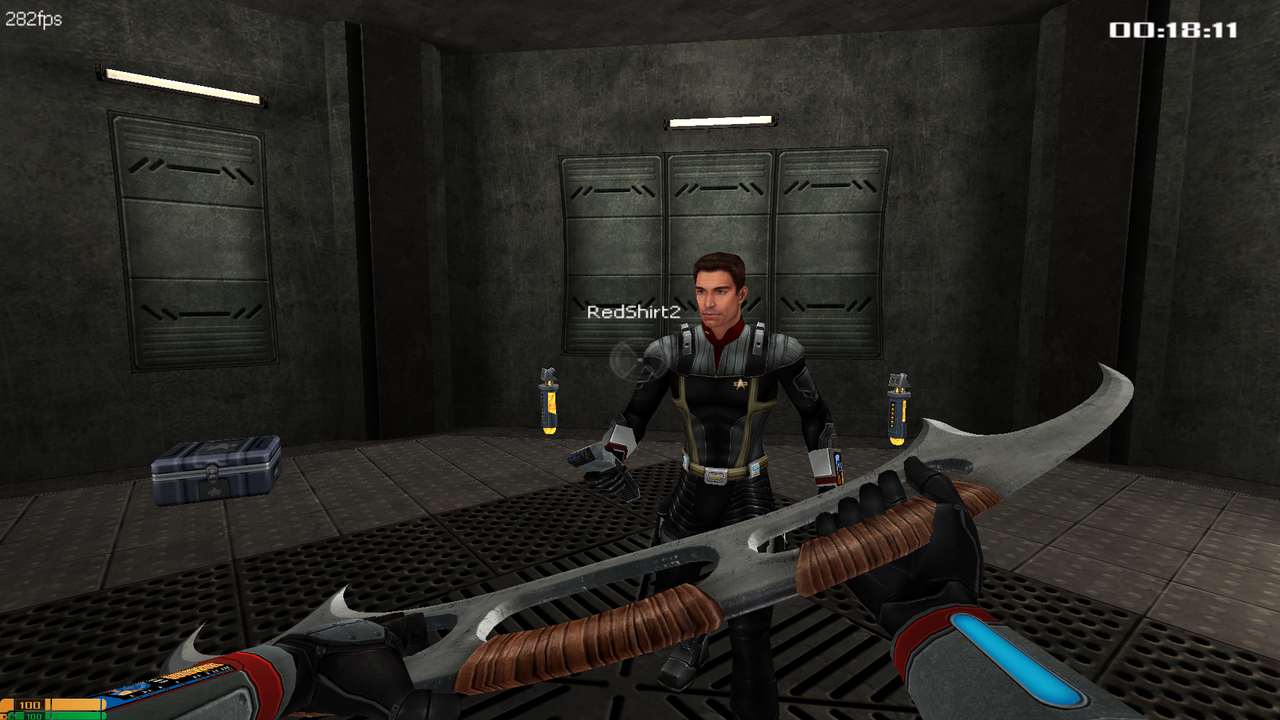
Multiplayer
- Host from the in-game Multiplayer menu (Start Server), or the console:
set sv_maxclients 8,set g_gametype 1,map aah_ctf_tartirus. - Join from the server browser's Local source; the scan covers 12203-12212 and
both the limited and the per-interface subnet broadcast. Direct connect takes the
address and port 12203. - The server answers the scan with a unicast reply, so Wi-Fi broadcast filtering
does not hide it. - Both players see each other's held weapon and its fire effects.
- The game asks only for the
INTERNETpermission; single player never opens a socket. - The engine's own notes, ports and test matrix are in
docs/LAN_MULTIPLAYER.md.
Fixed since 1.1.5
- A joining player no longer crashes the host as it spawns — the first playerstate's
change vector was written one byte short. - The other player's weapon is no longer invisible: an entity created after the map
baseline kept a zeroed baseline, so a weapon attached to the first player lost its
parent on the wire. The server now seeds every baseline with the null entity state,
as retail does. - A power-up's protection shader no longer paints your own body — head included —
across the first-person camera. The custom-shader pass now respects the
first-person model in both renderers. - Renderer: texture-handle and lighting fixes, the sprite fallback, stale lightmap
rows clamped, and the endgame viewscreen actor retired. - Release builds carry no diagnostic rows and start with no engine log; the crash
channel (the fatal backtrace andcrashlog.txt) stays.
Install
- Android 8.0+ (
arm64-v8a, Vulkan): install the APK below. On first run, pick
your retail.pk3paks and the game DLL in the file picker; for multiplayer, pick
the multiplayer map paks too (ctf_tartirus,ctf_vor2,dm_ctf_voy1,
hm_ctf_exigent). - Linux x86-64 (Vulkan): the AppImage below is built on Ubuntu 22.04 and needs
glibc 2.34 or newer. Point it at your retail installation on first run, or drop the
retailbase/directory into~/.local/share/provenanceef2/. - No game data is included. You need your own copy of Elite Force II; the retail
DLL is only a proof-of-ownership check and is never executed. - The Linux image is Vulkan only; the Android build also carries the GLES 3.2
renderer, selectable in Graphics → Renderer.
Known issues
- No stencil shadows:
cg_shadows 2draws nothing, so character shadows use the
simple set (cg_shadows 1, the default). - Multiplayer is local-network only in this release; the retail internet server list
needs a master server that this build does not configure. - Saves are one way in practice: a save written here can load oddly or crash in
retail, so finish a run in this port. - Some scripted movement threads resume here that retail cannot resume from its own
saves; this is kept on purpose. - The campaign has not been played end to end; an occasional stutter appears while a
new effect compiles.